Built with React, TypeScript, and Vite, styled with Tailwind CSS
ViteReactPortfolioCorporate Website
PersonalCard — Vite Portfolio Template
By alexanderskorokhodov
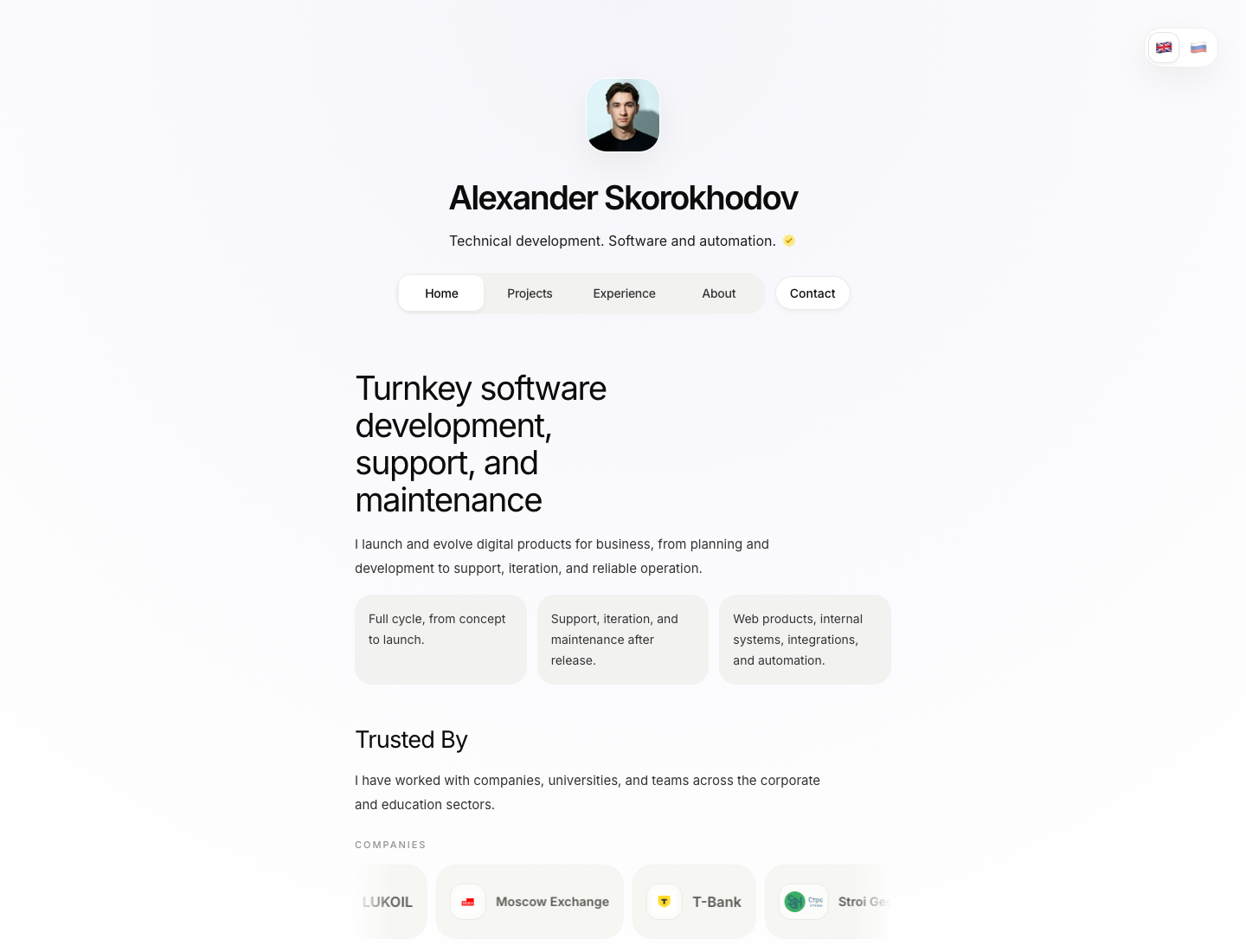
PersonalCard is a personal portfolio template built with React, TypeScript, and Vite, including home, projects, case studies, and about pages with RU/EN language switching.
Explore the design
Compare the page layouts and mobile experience. Open any screenshot for a closer look.
Author preview
Author-provided previewTop of page
Preview provided in the project README.
One original preview is available. Open the full image to inspect the design.
Screenshots show visual appearance; interactive behavior may differ.
Recorded 2026-10-02View source
What stands out
A quick read of the recorded project description.
Includes four page types: home, projects, case studies, and about, plus slug-driven detail pages
Content is centralized in TypeScript files under src/content, making it easy to replace demo data
Supports RU/EN language switching, with data configurable per language
The contact form does not go through a backend; it compiles content and redirects to Telegram for sending
The about page provides a project geographic distribution map configured by project-locations.ts
Template Details
PersonalCard is a personal card-style portfolio template for developers, freelancers, or small teams, built with React, TypeScript, and Vite, with styling based on Tailwind CSS. The repository is MIT-licensed and free to use for personal or commercial projects.
The template includes a home page, project list, case study list, about page, and slug-driven project and case study detail pages. Content is managed centrally in src/content/portfolio.ts and src/content/site-data.ts, with RU/EN language switching. The contact form does not go through a backend; instead, it compiles the entered content into a draft and redirects to Telegram for sending. The about page also includes a project geographic distribution map configured by project-locations.ts.
Before use, you need Node.js 20+ and npm or pnpm. Install dependencies with npm install, start local development with npm run dev, and generate a production build with npm run build. The project has no mandatory environment variables, and deployment is the same as a standard Vite SPA; the README uses Vercel as an example.
Note: the contact form relies on Telegram and does not send data to a server; the licenses for third-party assets such as demo images, fonts, and icons need to be checked separately and cannot be judged solely by the code's MIT license; external services such as domains and hosting may incur costs.
ViteReactPortfolioCorporate website
Is it right for your project?
Use Cases
- Developers, designers, or product people building a personal portfolio website
- Freelancers or small teams creating card-style pages to showcase projects and case studies
- Scenarios requiring a bilingual personal site in Chinese-English or Russian-English
- Personal sites that use Telegram as the primary contact channel and do not need a backend form service
Suitable For
- Frontend developers who want to quickly build a personal portfolio with React and TypeScript
- Freelancers or consultants who need to showcase projects, case studies, and personal experience
- Users who accept Telegram as the contact entry point and do not need server-side form handling
- Personal sites that need a RU/EN bilingual content structure
Getting started & customization
Use these recorded setup notes alongside the repository instructions for your chosen version.
- 1
Requires Node.js 20+ and npm or pnpm; run npm install, then use npm run dev to start local development
- 2
Modify personal data in src/content/site-data.ts, and project and case study content in src/content/portfolio.ts
- 3
The contact form's redirect target is determined by telegramUsername in src/content/site-data.ts and does not go through a server
- 4
Project map locations are configured in src/content/project-locations.ts; if not needed, clear the projectLocations array
- 5
The project has no mandatory environment variables; the build command is npm run build, and deployment is the same as a standard Vite SPA
License & source material
Usage conditions & limitations
Free to use · keep license noticeThis entry covers the free version under the MIT license in the public repository; the free scope is the code of this version and does not mean external services or third-party assets are free.
Must comply with when using
- You may freely use, modify, use commercially, and distribute the code of this version.
- When distributing copies or substantial portions of the code, retain the original author's copyright notice and the full MIT license notice.
- The code is provided as is; warranties and limitations of liability are governed by the original license and applicable law.
Additional costs & items to verify
- The contact form does not go through a backend server; it only compiles content in the browser and redirects to Telegram for sending, so it cannot be used for scenarios that require server-side receipt or storage of form data.
- The contact form relies on Telegram: telegramUsername must be configured to point to your own Telegram account, and after users click, they are redirected to Telegram to send a message; visitors who do not use Telegram cannot contact you through this form.
- The README uses Vercel as an example for deployment; external services such as domains and hosting may incur costs, which you must bear yourself.
- The licenses for third-party assets such as demo images, icons, and fonts in the repository need to be checked separately; their commercial usability cannot be judged solely by the code's MIT license.
- Demo images, fonts, icons, and other third-party assets need to be checked against their respective licenses and cannot be judged solely by the code's MIT license.
- External services such as domains, hosting, databases, payments, or AI may incur additional charges.
View Original Text Basis
Permission is hereby granted, free of charge
Original License Text
Форма на странице "Обо мне" не отправляет данные на сервер.
Original README
Чтобы форма открывала ваш Telegram, измените `telegramUsername` в `src/content/site-data.ts`.
Original README
Подключите его к Vercel.
Original README
https://github.com/alexanderskorokhodov/PersonalCard/blob/main/LICENSEhttps://github.com/alexanderskorokhodov/PersonalCard/blob/main/README.mdдемо-контент на свой
Original README
Compiled by DeepSeek based on repository license and README ·2026-10-02. Results only cover the materials read; dependencies, images, fonts, and subsequent term changes are subject to their respective original texts.
Project checks & description sources
Template Information
- Source platforms
- GitHub
- Documentation and maintenance reference score
- More documented · 88 / 100
- Technologies
- Vite · React
- Website type
- Portfolio · Corporate Website
How this score is calculated
Our heuristic uses license records (up to 30), a demo link (12), a preview (10), stars (15), recorded maintenance (15), description completeness (8), feature records (5) and classification data (5). It is not a code, security or performance test, or a Google score. A link does not establish tested functionality.
What to verify for this project
- Repository update recorded
- 2026-04-27
- Screenshot last checked
- 2026-10-02
A demo link is listed. Check it with your own content and viewport sizes; its presence does not confirm that forms, authentication or payments work.
The catalog identifies Vite as the primary stack. Check the actual dependency manifest and lockfile for versions and hosting requirements. These notes use recorded metadata, not a code audit or a deployment test.
Use a selection guide →How this description was prepared
AI-assisted description based on catalog records and repository material. Repository authors are not automatically the reviewers of this description.
Automatically checked against source and license rules; no manual editorial review.
Inspect the recorded source material
SHA-256: f9cf98064e53797bbb804db11be024fff4261677b84f0d925041ebccf452654f
2026-10-02T14:30:47.983Z
Source file / repository# Personal Card
Готовый шаблон персональной карточки-портфолио на `React + TypeScript + Vite`.
Подходит для:
- личного сайта специалиста;
- карточки фрилансера или агентства;
- портфолио разработчика, дизайнера, продакт-специалиста;
- лендинга с проектами, кейсами, контактами и картой опыта.
Сайт уже поддерживает:
- главную страницу;
- страницу проектов;
- страницу кейсов;
- страницу "Обо мне";
- детальные страницы проектов и кейсов;
- переключение `RU / EN`;
- форму связи через Telegram;
- карту с географией проектов.
## Скриншоты
Ниже быстрый визуальный обзор того, как выглядит сайт:
### Desktop

### Mobile

Полный набор скриншотов:
- [Главная, desktop](docs/screenshots/home-preview.png)
- [Проекты, desktop](docs/screenshots/projects-preview.png)
- [Кейсы, desktop](docs/screenshots/cases-preview.png)
- [Обо мне, desktop](docs/screenshots/about-preview.png)
- [Главная, mobile](docs/screenshots/home-mobile-preview.png)
- [Обо мне, mobile](docs/screenshots/about-mobile-preview.png)
## Быстрый старт
Требования:
- `Node.js 20+`
- `npm` или `pnpm`
Запуск локально:
```bash
npm install
npm run dev
```
Сборка production-версии:
```bash
npm run build
```
Предпросмотр production-сборки:
```bash
npm run preview
```
После запуска откройте адрес из терминала, обычно это `http://localhost:5173`.
## Что менять в первую очередь
Если вы хотите быстро заменить весь текущий профиль на свой, начните с этих файлов:
| Что меняется | Где менять |
| --- | --- |
| Имя, роль, аватар, email, Telegram username, ссылки на соцсети, подпись в футере | `src/content/site-data.ts` |
| Тексты главной, страницы проектов, кейсов, блока "Обо мне", карточек, формулировки CTA | `src/content/portfolio.ts` |
| Точки на карте проектов | `src/content/project-locations.ts` |
| Фото профиля | `public/square.jpeg` |
| Изображения проектов и кейсов | `public/projects/*` и `src/assets/hero.png` |
| Иконки соцсетей | `public/icons/social/*` |
## Настройка профиля
Основные личные данные находятся в `src/content/site-data.ts`.
Ищите объект `profile` для двух языков: `en` и `ru`.
Что там важно:
- `name` — имя на странице и в title вкладки.
- `role` — короткое описание под именем.
- `avatar` — путь к фото профиля.
- `email` — email в футере.
- `telegramUsername` — username для формы связи. Можно указывать с `@` или без.
- `footerLabel` и `footerNote` — нижняя строка сайта.
Соцсети лежат там же, в `aboutLinksByLocale`.
Пример:
```ts
profile: {
name: 'Ivan Petrov',
role: 'Frontend developer. Product websites and interfaces.',
avatar: '/square.jpeg',
email: '[email protected]',
telegramUsername: 'ivanpetrov',
footerLabel: 'Ivan Petrov © 2026',
footerNote: 'Open to freelance and product work.',
}
```
## Где лежит весь контент
Главный контент сайта собран в `src/content/portfolio.ts`.
Там находятся:
- тексты главной страницы;
- карточки проектов;
- карточки кейсов;
- фильтры кейсов;
- тексты страницы "Обо мне";
- workflow, домены, достижения;
- детальные страницы каждого проекта и кейса.
Это главный файл, если вы хотите заменить демо-контент на свой.
## Как заменить проекты
Для витрины проектов используйте массив `projects` в `src/content/portfolio.ts`.
У каждого проекта есть:
- `slug` — адрес страницы;
- `title` и `description` — название и описание;
- `category`, `status`, `location`;
- `ctaLabel`;
- `media` — обложка.
Чтобы проект открывался на отдельной странице, добавьте для него объект в `detailDefinitions` с `kind: 'project'`.
Минимальный порядок действий:
1. Добавьте картинку в `public/projects/`.
2. Обновите или создайте карточку в `projects`.
3. Добавьте детальную страницу в `detailDefinitions`.
4. Если проект должен быть на карте, добавьте точку в `src/content/project-locations.ts`.
## Как заменить кейсы
Для кейсов используются массивы:
- `cases` — карточки на странице кейсов;
- `selectedCaseSlugs` — кейсы, которые показываются на главной;
- `detailDefinitions` с `kind: 'case'` — полное описание кейса.
Чтобы заменить текущие примеры на свои:
1. Обновите карточку в `cases`.
2. Добавьте подробный разбор в `detailDefinitions`.
3. При необходимости включите кейс в `selectedCaseSlugs`.
4. Добавьте медиа в `public/projects/`.
## Карта проектов
Карта на странице "Обо мне" настраивается в `src/content/project-locations.ts`.
Для каждой точки можно задать:
- название;
- город;
- страну;
- год;
- тип задачи;
- ссылку;
- координаты.
Если карта не нужна, можно просто очистить массив `projectLocations`.
## Изображения и медиа
Что куда класть:
- `public/square.jpeg` — фото профиля;
- `public/projects/` — изображения для проектов и кейсов;
- `src/assets/hero.png` — запасное или общее hero-изображение;
- `public/icons/social/` — SVG-иконки соцсетей.
После добавления нового файла просто укажите путь к нему в контенте, например:
```ts
src: '/projects/my-project-cover.jpg'
```
## Два языка: RU и EN
Сайт работает на русском и английском. Во многих местах данные задаются сразу в двух версиях:
```ts
localized('English text', 'Русский текст')
```
или двумя объектами:
```ts
en: { ... }
ru: { ... }
```
Если второй язык вам пока не нужен, можно временно продублировать один и тот же текст в обе версии.
## Форма связи
Форма на странице "Обо мне" не отправляет данные на сервер.
Она:
1. собирает сообщение;
2. подставляет имя, контакт, контекст и сроки;
3. открывает Telegram с готовым черновиком сообщения.
Чтобы форма открывала ваш Telegram, измените `telegramUsername` в `src/content/site-data.ts`.
## Структура страниц
Основные маршруты сайта:
- `/` — главная;
- `/projects` — проекты;
- `/experience` — кейсы;
- `/about` — обо мне.
Детальные страницы открываются автоматически по `slug`.
Примеры:
- `/projects/jewelry-saas`
- `/experience/fitment`
## Публикация
Проект готов к деплою как обычный Vite SPA.
Самый простой вариант:
1. Соберите проект командой `npm run build`.
2. Залейте репозиторий на GitHub.
3. Подключите его к Vercel.
Также можно использовать локально установленный CLI:
```bash
npx vercel
```
## Чеклист перед публикацией
- Заменено имя, роль и фото профиля.
- Обновлены соцсети и `telegramUsername`.
- Удалены или переписаны все демо-проекты и кейсы.
- Проверены тексты на `RU` и `EN`.
- Обновлена карта проектов.
- Выполнена команда `npm run build`.
## Полезно знать
- В проекте нет обязательных `.env`-переменных.
- Если `email` пустой, в футере показывается `footerNote`.
- Title страниц теперь берется из имени профиля, поэтому достаточно сменить `profile.name`.
## Лицензия
Используйте как основу для своей персональной карточки и адаптируйте под свой стиль, стек и контент.
Explore similar templates
Compare previews and descriptions within the same stack and category.
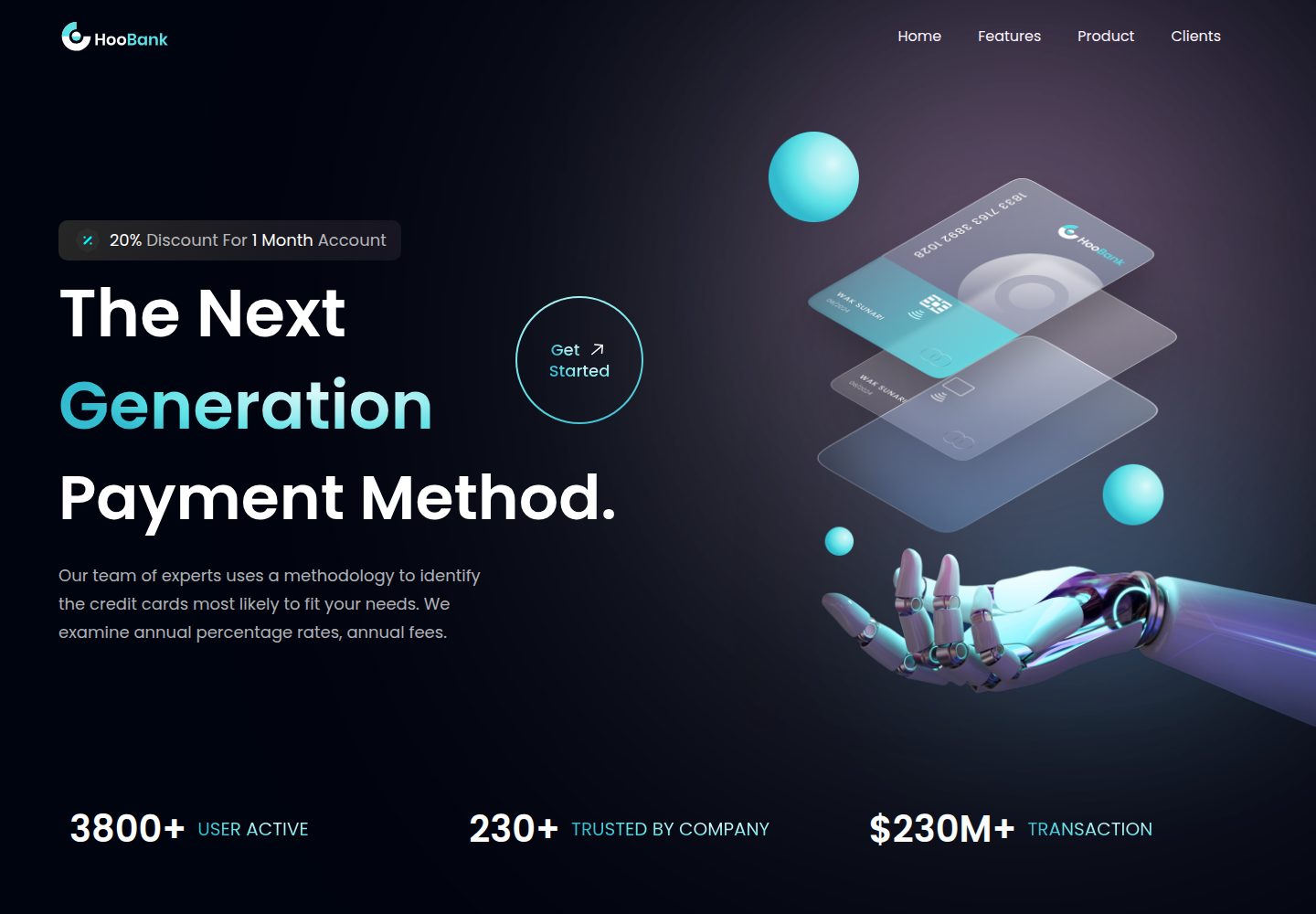
business-website-template
A React, Tailwind CSS, and Vite corporate website template with a single-page structure covering header, hero, features, billing, product showcase, testimonials, clients, call-to-action, and footer.
Vite · Corporate Website

kiaalap
Kiaalap is a free, open-source admin template from Colorlib for education, online courses, and school management.
Vite · Admin dashboard
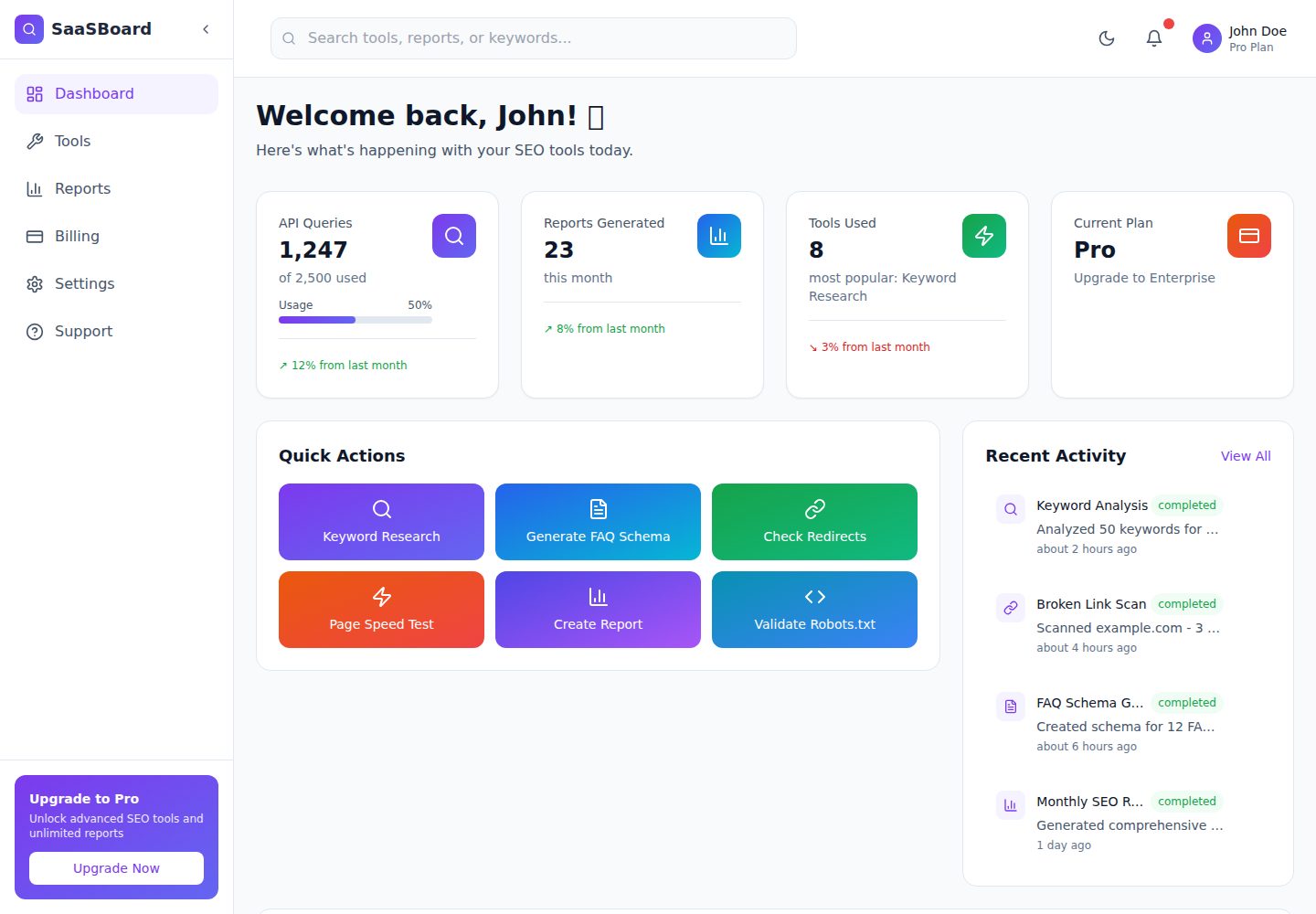
saasboard
SaaSBoard is an open-source SaaS admin dashboard template from MekuHQ, built with React, Vite, and Tailwind CSS. It provides pages for Tools, Reports, Billing, Settings, and Support, along with shared components such as Sidebar, Layout, and Topbar.
Vite · Admin dashboard
vite-react-ts-shadcn-ui
A Vite-based React + TypeScript frontend starter template with Shadcn/ui and TailwindCSS, plus ESLint, Prettier, Husky, Commitlint, Lint-staged and Playwright built in.
Vite · Corporate Website
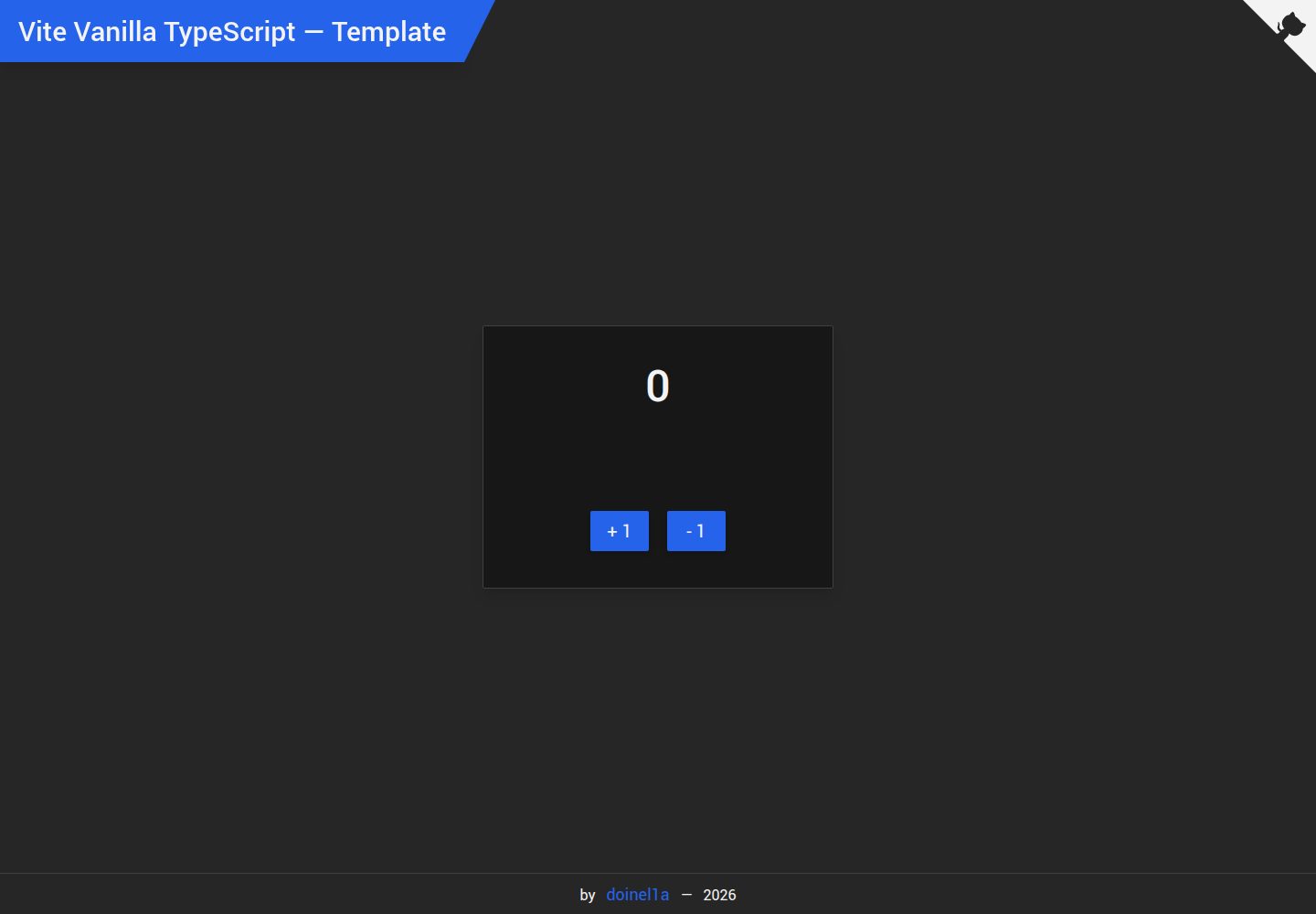
vite-vanilla-ts
A Vite-based Vanilla TypeScript starter template for native HTML and TypeScript websites, SPAs, or landing pages without a UI framework. It presets TypeScript, TailwindCSS, SASS, PostCSS, and Playwright, and integrates ESLint, Prettier, Husky, and Commitlint.
Vite · Corporate Website

Resumify
Resumify is a browser-based resume builder built with React, TypeScript, and Vite.
Vite · Portfolio