Blog theme built with Astro, with code open-sourced under the MIT license
AstroBlog
astro-blog-theme — Astro Blog Template
By babybluue
astro-blog-theme is an open-source blog theme built on Astro and released under the MIT license. The repository includes scripts for creating posts, making SVG backgrounds transparent, and generating icons.
Explore the design
Compare the page layouts and mobile experience. Open any screenshot for a closer look.
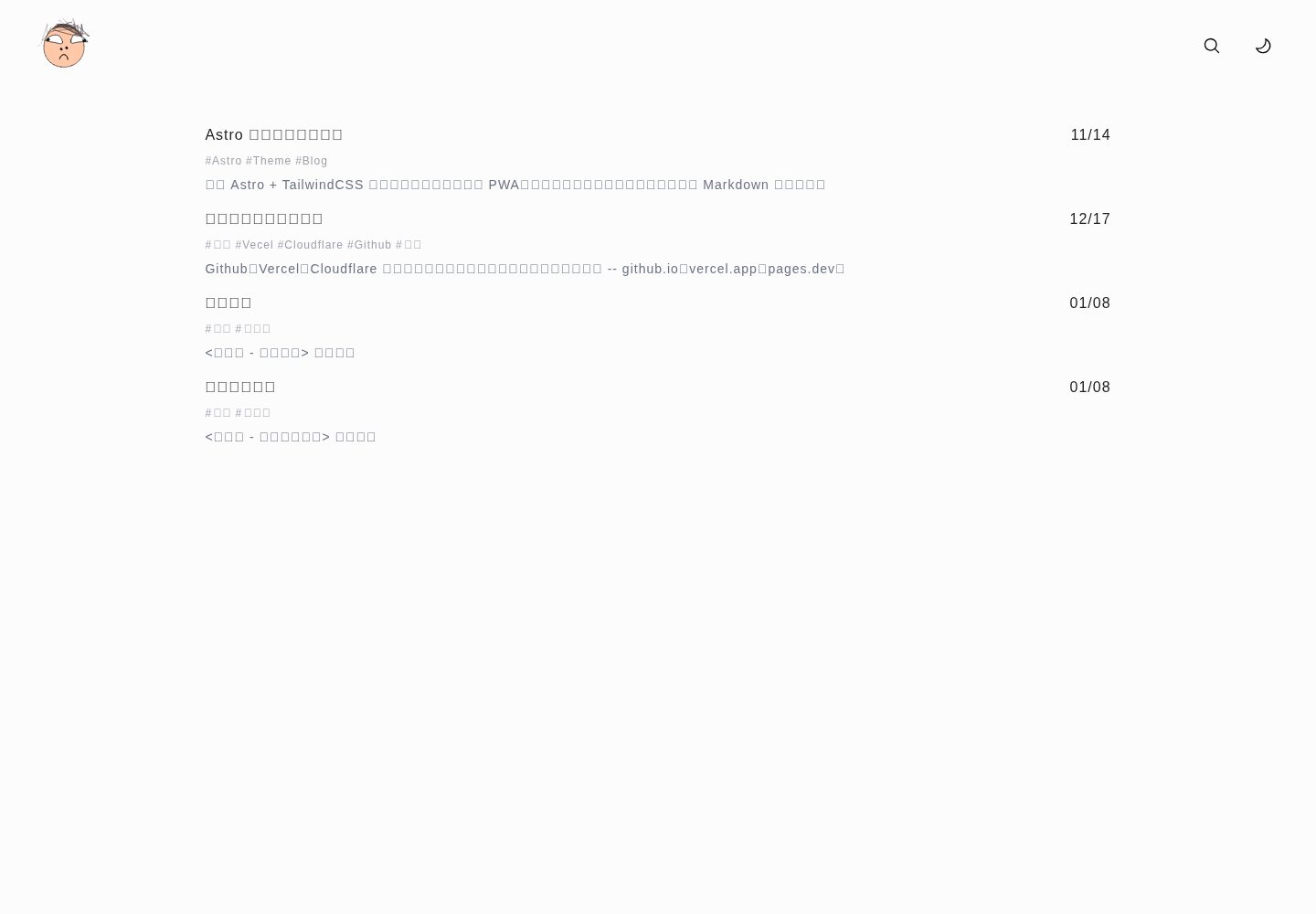
Desktop homepage1 / 3
Desktop captureTop of page
Actual screenshot captured by the server browser.
All pages & views 3
Screenshots show visual appearance; interactive behavior may differ.
Recorded 2026-10-02View source
What stands out
A quick read of the recorded project description.
Provides the create.cjs script to generate Markdown posts with abbrlink from title and directory arguments
Provides the fix-svg-transparent.mjs script to remove background rect elements from SVGs under src/assets
Provides the generate-icons.mjs script to generate multi-size PWA icons and favicon.svg in the public directory
Post data is stored centrally in the src/data directory for unified management
Has an accessible Vercel demo site and screenshots for desktop, mobile, and inner pages
Template Details
astro-blog-theme is an Astro blog theme published by babybluue on GitHub. The repository is open source under the MIT license, and the demo site is deployed on Vercel. The template targets blog use cases, with post data stored in the src/data directory and managed as Markdown files.
The repository README describes several supporting scripts: create.cjs generates a new post from title and directory arguments, with drafts as the default directory, and the generated file includes title, date, and abbrlink fields; fix-svg-transparent.mjs removes background rect elements from SVG files under src/assets; generate-icons.mjs generates PNG icons from pwa-48 to pwa-512 and favicon.svg in the public directory, and can generate icons with padding via the --padding argument.
The available information does not describe the theme's interface style, component composition, content collection configuration, SEO, RSS, or other specific capabilities, nor does it list dependencies, so the framework version and feature boundaries cannot be confirmed. Licenses for third-party assets such as demo images, fonts, and icons must be checked separately, and external services such as domains and hosting may incur additional charges.
AstroBlog
Is it right for your project?
Use Cases
- Building a personal blog with content managed as Markdown files
- Needing an Astro starter project with scripts for post creation and icon generation
- Referencing its scripts to implement post abbrlink generation or batch PWA icon output
- Modifying it under the MIT license for use on your own blog site
Suitable For
- Developers familiar with Astro and Markdown writing workflows
- Individual site owners who want to maintain blog source code and content files themselves
- Users who need a blog theme under the MIT license that can be freely modified and distributed
Getting started & customization
Use these recorded setup notes alongside the repository instructions for your chosen version.
- 1
After cloning the repository, install dependencies with the project package manager; the README example commands use pnpm
- 2
Run pnpm run new --title='title-test' to generate a new post under src/data; the default directory is drafts
- 3
Run pnpm run svg to remove background rect elements from SVG files under src/assets
- 4
Run pnpm run icons or pnpm run icons --padding to generate PWA icons and favicon.svg in the public directory
- 5
Third-party assets such as demo images, fonts, and icons must be checked against their respective licenses, and external services such as hosting may incur additional charges
License & source material
Usage conditions & limitations
Free to use · keep license noticeThis entry covers the free version in the public repository under the MIT license; the free scope is the code of that version and does not mean external services or third-party assets are free.
Must comply with when using
- The code of this version may be used, modified, used commercially, and distributed free of charge.
- When distributing copies or substantial portions of the code, retain the original author's copyright notice and the complete MIT license notice.
- The code is provided as is; warranties and limitations of liability are governed by the original license and applicable law.
Additional costs & items to verify
- Demo images, fonts, icons, and other third-party assets must be checked against their respective licenses and cannot be judged solely by the code's MIT license.
- External services such as domains, hosting, databases, payments, or AI may incur additional charges.
View Original Text Basis
https://github.com/babybluue/astro-blog-theme/blob/main/LICENSEhttps://github.com/babybluue/astro-blog-theme/blob/main/README.mdPermission is hereby granted, free of charge
Original License Text
Compiled by DeepSeek based on repository license and README ·2026-10-02. Results only cover the materials read; dependencies, images, fonts, and subsequent term changes are subject to their respective original texts.
Project checks & description sources
Template Information
- Source platforms
- GitHub
- Documentation and maintenance reference score
- More documented · 75 / 100
- Technologies
- Astro
- Website type
- Blog
How this score is calculated
Our heuristic uses license records (up to 30), a demo link (12), a preview (10), stars (15), recorded maintenance (15), description completeness (8), feature records (5) and classification data (5). It is not a code, security or performance test, or a Google score. A link does not establish tested functionality.
What to verify for this project
- Repository update recorded
- 2026-06-26
- Screenshot last checked
- 2026-10-02
A demo link is listed. Check it with your own content and viewport sizes; its presence does not confirm that forms, authentication or payments work.
The catalog identifies Astro as the primary stack. Check the actual dependency manifest and lockfile for versions and hosting requirements. These notes use recorded metadata, not a code audit or a deployment test.
Use a selection guide →How this description was prepared
AI-assisted description based on catalog records and repository material. Repository authors are not automatically the reviewers of this description.
Automatically checked against source and license rules; no manual editorial review.
Inspect the recorded source material
SHA-256: 8c6a59651a312dcff6977c6c25ce1f149e6f74de93e012b46c6308c06c15e8b3
2026-10-02T16:52:41.186Z
Source file / repository# astro blog   ## How to create a new post with abbrlink `create.cjs` file will help to create a new post with params title and dir, the dir default is drafts. ```bash pnpm run new --title='title-test' ``` The command will generate a markdown file under _src/data_ directory, and the markdown file content will look like this: ```yaml --- title: title-test date: 2024-04-18T02:50:36.418Z abbrlink: 21cdefe2 --- ``` ## How to generate transparent svg `fix-svg-transparent.mjs` file will help to generate transparent svg. ```bash pnpm run svg ``` The command will remove the background rect element from the svg file under _src/assets_ directory ## How to generate icons and favicon `generate-icons.mjs` file will help to generate icons and favicon. ```bash pnpm run icons # or pnpm run icons --padding # generate icons with padding ``` The command will generate icons under _public_ directory, including pwa-48.png, pwa-64.png, pwa-72.png, pwa-96.png, pwa-192.png, pwa-512.png and favicon.svg. ## License This project is licensed under the MIT License. See the [LICENSE](LICENSE) file for details.
Explore similar templates
Compare previews and descriptions within the same stack and category.

astrowind
AstroWind is a free, open-source Astro starter theme using Astro and Tailwind CSS, released under the MIT license.
Astro · Blog

astro-paper
AstroPaper is a minimal, responsive, accessible, and SEO-friendly Astro blog theme. Articles are stored as Markdown/MDX in src/content/posts/, with subdirectories affecting URLs.
Astro · Blog

fuwari
Fuwari is a static blog template built with Astro and Tailwind CSS for personal blogs. It manages posts as Markdown files in src/content/posts/, with frontmatter for title, date, description, cover, tags, categories, draft status, and language.
Astro · Blog

Firefly
Firefly is a clean personal blog theme forked from Astro and Fuwari, offering four background modes, single/double sidebar and list/grid layouts, Pagefind client-side full-text search, and a six-language UI.
Astro · Blog

astro-theme-cactus
Astro Cactus is an Astro-based blog and portfolio theme that uses Markdown/MDX content collections to manage posts, notes, and tags, with frontmatter type-checked by a schema.
Astro · Portfolio

astrofy
Astrofy is a free and open-source personal portfolio website template built with Astro and TailwindCSS, with built-in blog, CV timeline, project showcase, store, and RSS feed modules.
Astro · Portfolio