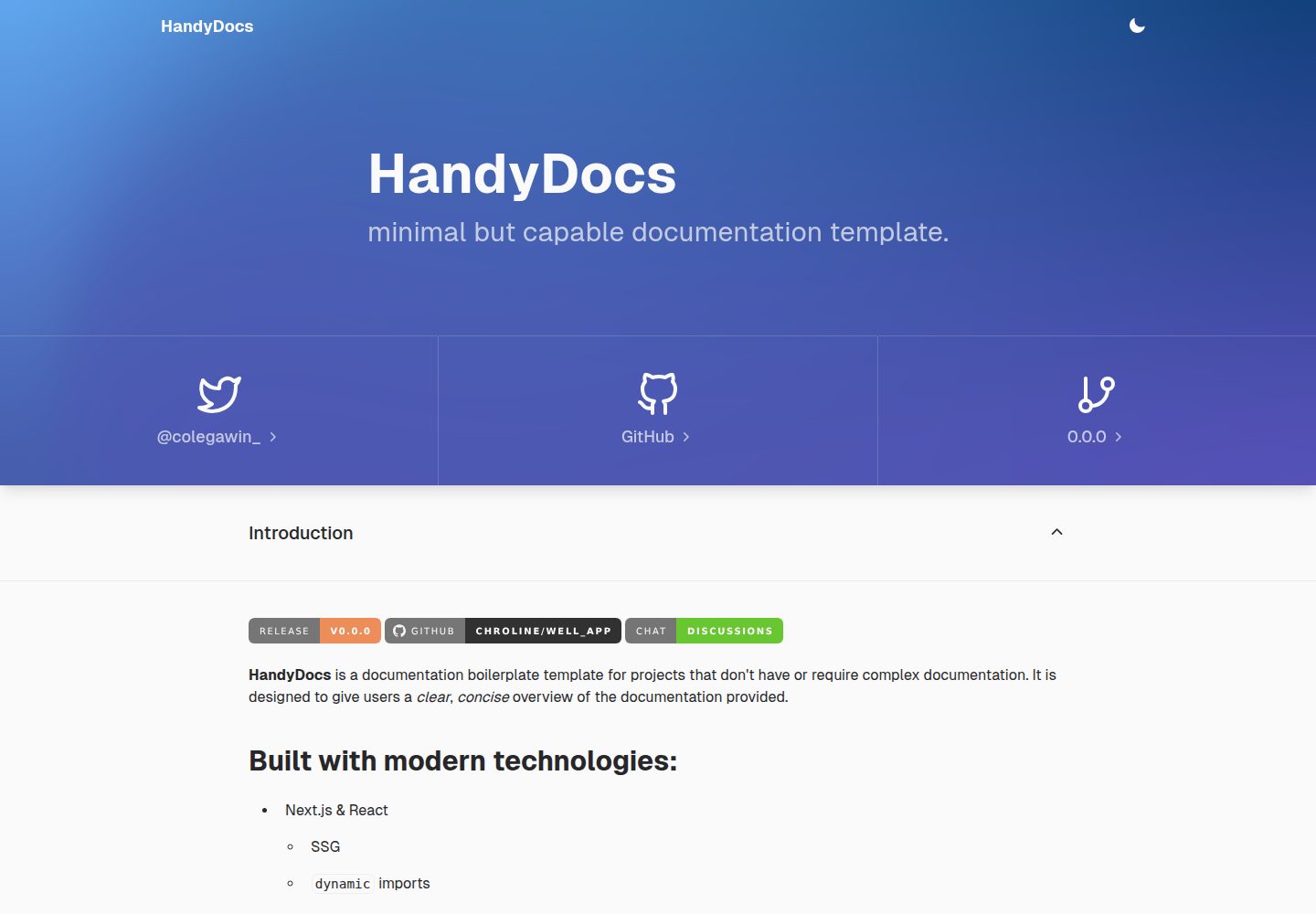
Positioned as a documentation boilerplate template for lightweight documentation needs
Next.jsReactDocumentationTool Site
handydocs — Next.js Documentation Template
By chroline
HandyDocs is a documentation site template for lightweight documentation needs, built with Next.js, React, TypeScript, MDX, and SCSS; the README describes its positioning as a "minimal but capable documentation template".
Explore the design
Compare the page layouts and mobile experience. Open any screenshot for a closer look.
Desktop homepage1 / 2
Desktop captureTop of page
Actual screenshot captured by the server browser.
All pages & views 2
Screenshots show visual appearance; interactive behavior may differ.
Recorded 2026-10-13View source
What stands out
A quick read of the recorded project description.
The README lists Next.js and React, and uses SSG and dynamic imports
Written in TypeScript
Uses MDX, which the README says comes with built-in styles and supports custom components
The styling layer uses SCSS, and UI components use chakra-ui
Provides two starting methods: forking the repository or using the degit scaffold
Template Details
HandyDocs is an open-source documentation template maintained by chroline; the README positions it as a documentation boilerplate for projects that do not need complex documentation. It aims to present documentation content to readers in a clear and concise way.
Regarding the tech stack, the README lists Next.js and React (including SSG, dynamic imports, chakra-ui), TypeScript, MDX (with built-in styles and custom components), and SCSS. The README states that with this stack, every HandyDocs instance is easy to configure and customize.
For the usage flow, the README provides a three-step Quickstart: first fork the chroline/handydocs template repository, or use degit to run the `degit chroline/handydocs` scaffold; then clone the repository locally; then customize the instance and add content. The README says that after completion, it can be deployed to serverless/static hosting platforms such as Vercel and Netlify.
The README does not provide specific dependency versions, project directory structure, a list of configuration options, theme customization details, or build commands; this information requires consulting the official documentation at https://handydocs.colegaw.in/. The README also does not describe performance or production-environment suitability.
Next.jsReactDocumentationUtility site
Is it right for your project?
Use Cases
- Setting up a documentation site for projects that do not need a complex documentation structure
- Writing documentation content with custom components using MDX
- Deploying the documentation site to static/serverless hosting platforms such as Vercel or Netlify
- Customizing your own documentation instance based on the template repository
Suitable For
- Open-source project maintainers who need a lightweight documentation site
- Developers who want to write documentation content in MDX
- Teams using the Next.js, React, and TypeScript stack
- Static site projects planning to deploy to Vercel or Netlify
Getting started & customization
Use these recorded setup notes alongside the repository instructions for your chosen version.
- 1
Fork the chroline/handydocs template repository, or run `degit chroline/handydocs` to initialize the scaffold
- 2
Clone the repository locally: `git clone *YOUR_REPO*`
- 3
Customize the instance and add content; for specific configuration methods, see the official documentation at https://handydocs.colegaw.in/
- 4
The README says it can be deployed to serverless/static hosting platforms such as Vercel or Netlify
- 5
The README does not provide dependency versions, build commands, or environment variable instructions
License & source material
Usage conditions & limitations
Free to use · keep license noticeThis entry covers the free version under the MIT license in the public repository; the free scope is the code of this version and does not mean that external services or third-party assets are free.
Must comply with when using
- Free use, modification, commercial use, and distribution of this version's code are permitted.
- When distributing copies or substantial portions of the code, retain the original author's copyright notice and the complete MIT license notice.
- The code is provided as is; warranties and limitations of liability are governed by the original license and applicable law.
Additional costs & items to verify
- Demo images, fonts, icons, and other third-party assets must be checked against their respective licenses; they cannot be judged solely by the code's MIT license.
- External services such as domains, hosting, databases, payments, or AI may incur additional charges.
View Original Text Basis
https://github.com/chroline/handydocs/blob/main/LICENSEhttps://github.com/chroline/handydocs/blob/main/README.mdPermission is hereby granted, free of charge
Original License Text
Compiled by DeepSeek based on repository license and README ·2026-10-13. Results only cover the materials read; dependencies, images, fonts, and subsequent term changes are subject to their respective original texts.
Project checks & description sources
Template Information
- Source platforms
- GitHub
- Documentation and maintenance reference score
- Partly documented · 73 / 100
- Technologies
- Next.js · React
- Website type
- Documentation · Tool Site
How this score is calculated
Our heuristic uses license records (up to 30), a demo link (12), a preview (10), stars (15), recorded maintenance (15), description completeness (8), feature records (5) and classification data (5). It is not a code, security or performance test, or a Google score. A link does not establish tested functionality.
What to verify for this project
- Repository update recorded
- 2024-06-24
- Screenshot last checked
- 2026-10-13
A demo link is listed. Check it with your own content and viewport sizes; its presence does not confirm that forms, authentication or payments work.
The catalog identifies Next.js as the primary stack. Check the actual dependency manifest and lockfile for versions and hosting requirements. These notes use recorded metadata, not a code audit or a deployment test.
Use a selection guide →How this description was prepared
AI-assisted description based on catalog records and repository material. Repository authors are not automatically the reviewers of this description.
Review declaration: codex-user-requested-batch-review-20261015 · 2026-10-15
Inspect the recorded source material
SHA-256: 82319e3b8d76dac0138ee8b856ea6e60fdd2318b5783fbeba840a0f66d7c7642
2026-10-13T12:25:56.792Z
Source file / repository<div align="center"> <br /> [](https://handydocs.vercel.app) [](https://github.com/chroline/handydocs/releases) [](https://github.com/chroline/handydocs) [](https://github.com/chroline/handydocs/discussions) **minimal but capable documentation template.** </div> <br /> # 🌟 Introduction **HandyDocs** is a documentation boilerplate template for projects that don't have or require complex documentation. It is designed to give users a _clear_, _concise_ overview of the documentation provided. ### Built with modern technologies: - Next.js & React - SSG - `dynamic` imports - chakra-ui - Typescript - MDX - batteries-included styling - custom components - SCSS With this tech stack, each HandyDocs instance is easily configurable & customizable to suite your project. # 🚀 Quickstart ### _Easy as 1, 2, 3!_ 1. Fork the [`chroline/handydocs`](https://github.com/chroline/handydocs) template repo. This will give you a blank canvas for your HandyDocs instance. (Or, use [`degit`](https://github.com/Rich-Harris/degit) to scaffold your project by running `degit chroline/handydocs`) 2. Clone your forked repo to your local machine. ```bash git clone *YOUR_REPO* ``` 3. Customize your instance and add content. **...and then you're done!** Since HandyDocs is built with JAMStack technologies, you can deploy your instance to your favorite serverless/static web host provider like [Vercel](https://vercel.com/solutions/nextjs) or [Netlify](https://www.netlify.com/with/nextjs/). # 📖 Documentation Read the official docs at **[https://handydocs.colegaw.in/](https://handydocs.colegaw.in/)** to read the full documentation on how to configure your own HandyDocs instance. # 🧑💻 Contributing Interested in contributing to the HandyDocs project? Thanks so much for your interest! We are always looking for improvements to the project and contributions from open-source developers are greatly appreciated. If you have a contribution in mind, please check out our [Contribution Guide](https://github.com/chroline/handydocs/wiki/Contribution-Guide) for information on how to do so. Also, make sure you read our [Code of Conduct](https://github.com/chroline/handydocs/wiki/Code-of-Conduct) to foster an encouraging sense of community. # 📄 License HandyDocs is free and open-source software licensed under the MIT License. [View the full license](https://github.com/chroline/handydocs/blob/main/LICENSE)
Explore similar templates
Compare previews and descriptions within the same stack and category.
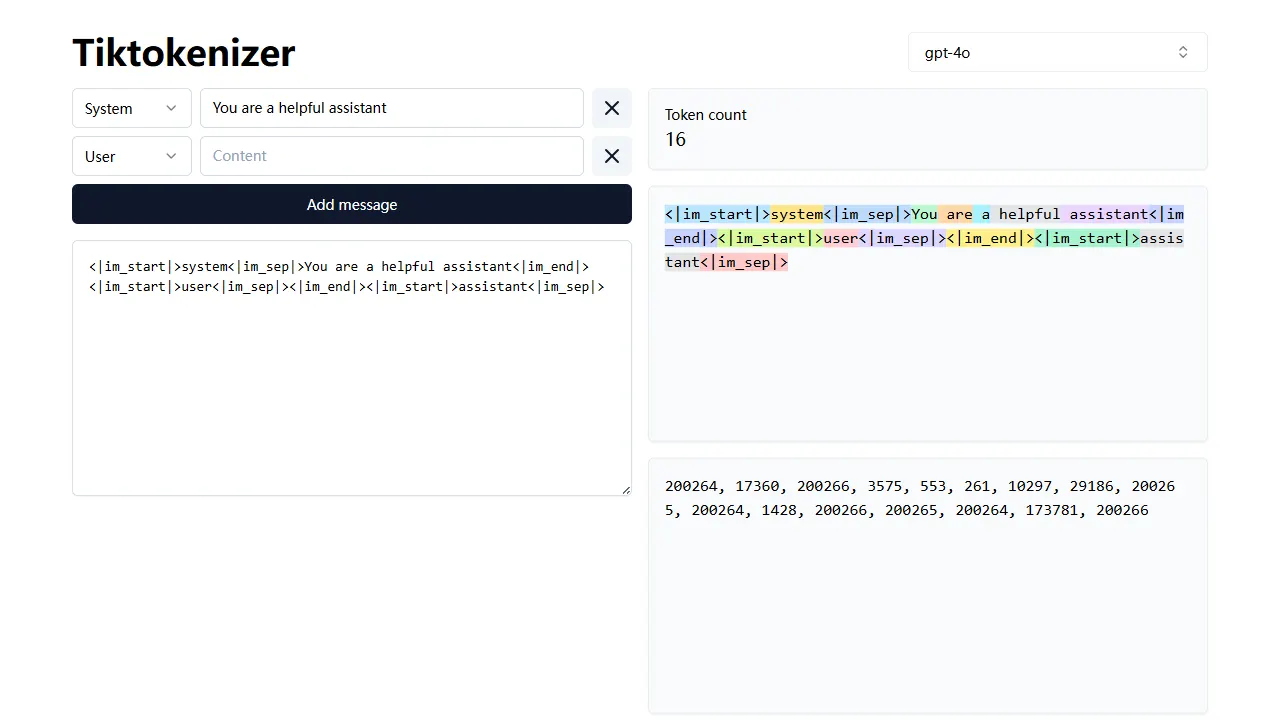
tiktokenizer
tiktokenizer is an open-source online tool site built with Next.js, TypeScript, and React that calculates token counts for text using the openai/tiktoken library.
Next.js · Tool Site
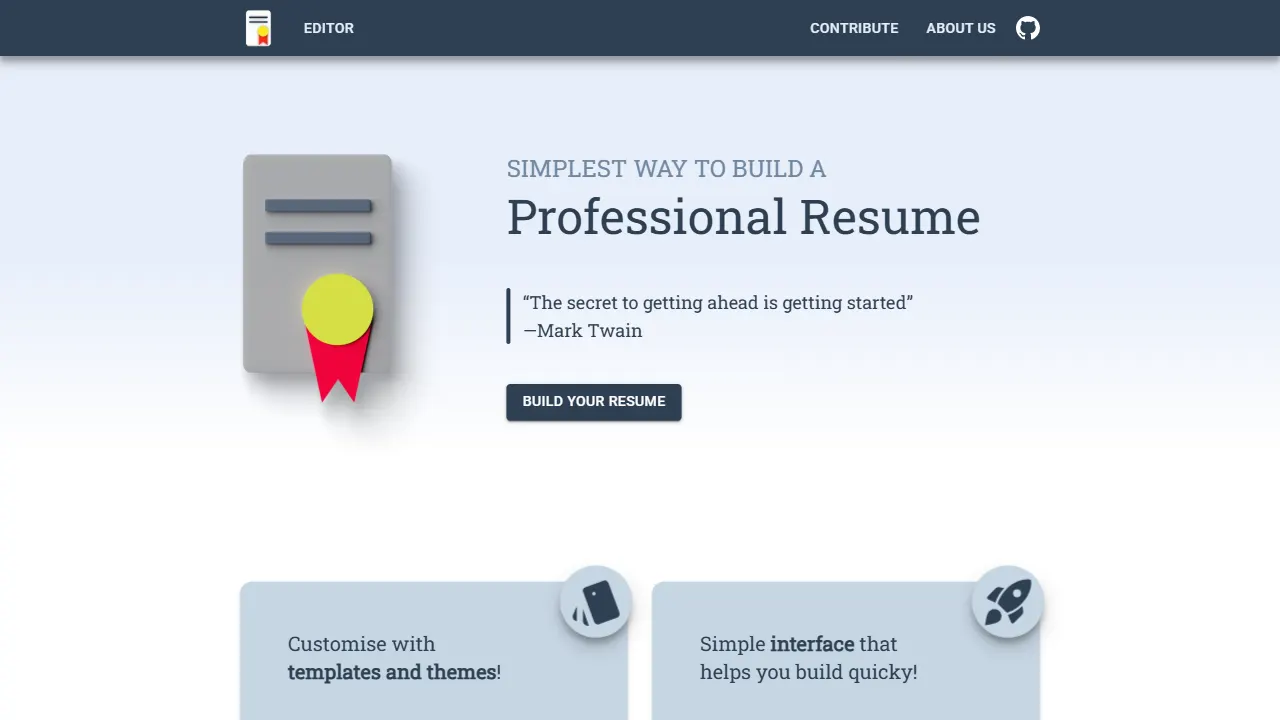
resume builder
An open-source resume builder built with Next.js, TypeScript, Material UI, and Zustand. It offers multiple templates and themes, real-time editing and preview, and requires no registration.
Next.js · Tool Site
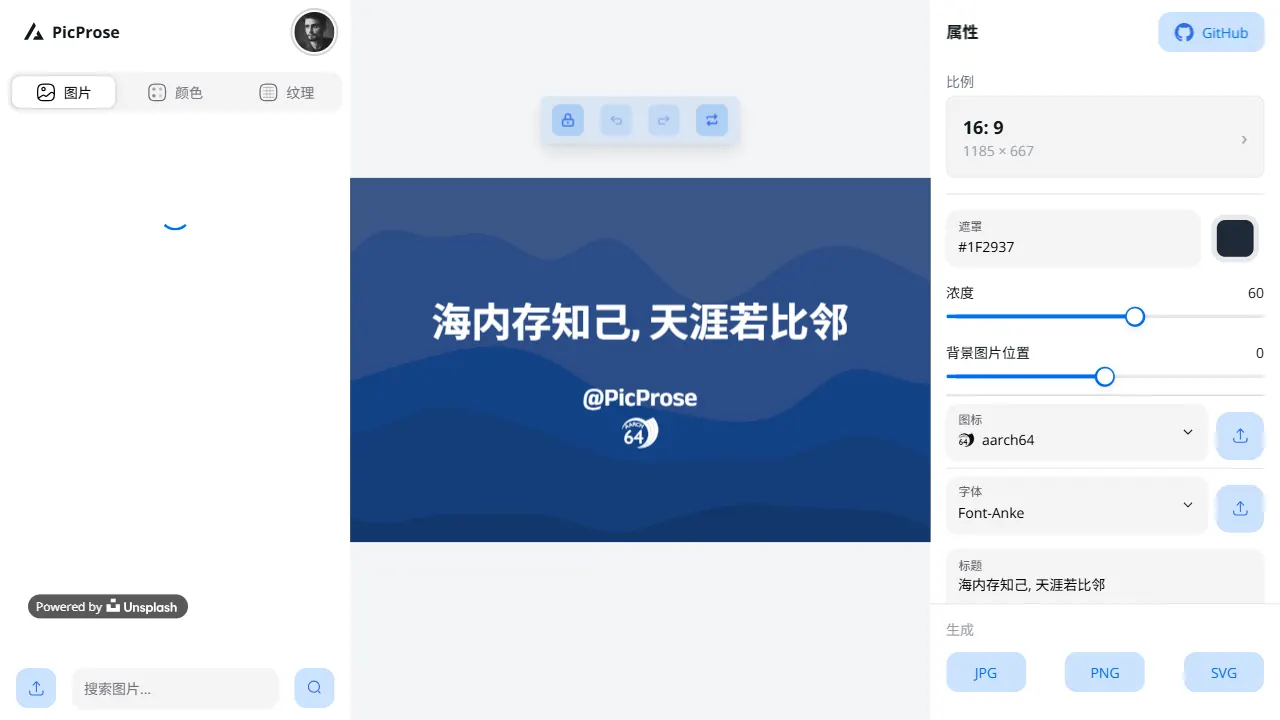
picprose
PicProse is an open-source, Next.js-based cover image generator for bloggers, content creators, and developers. It fetches images via the Unsplash API, supports custom titles, author info, fonts, colors, and transparency, offers multiple aspect ratios, and exports to JPG, PNG, and SVG.
Next.js · Tool Site

nextjs-prisma-boilerplate
A production-grade full stack starter built on Next.js 12, React 18, Prisma 4, and Postgres, with layered frontend and backend architecture, Jest and Cypress testing, next-auth authentication, Docker and Gitpod development environments, GitHub Actions CI/CD, and Traefik-based production deployment.
Next.js · Documentation
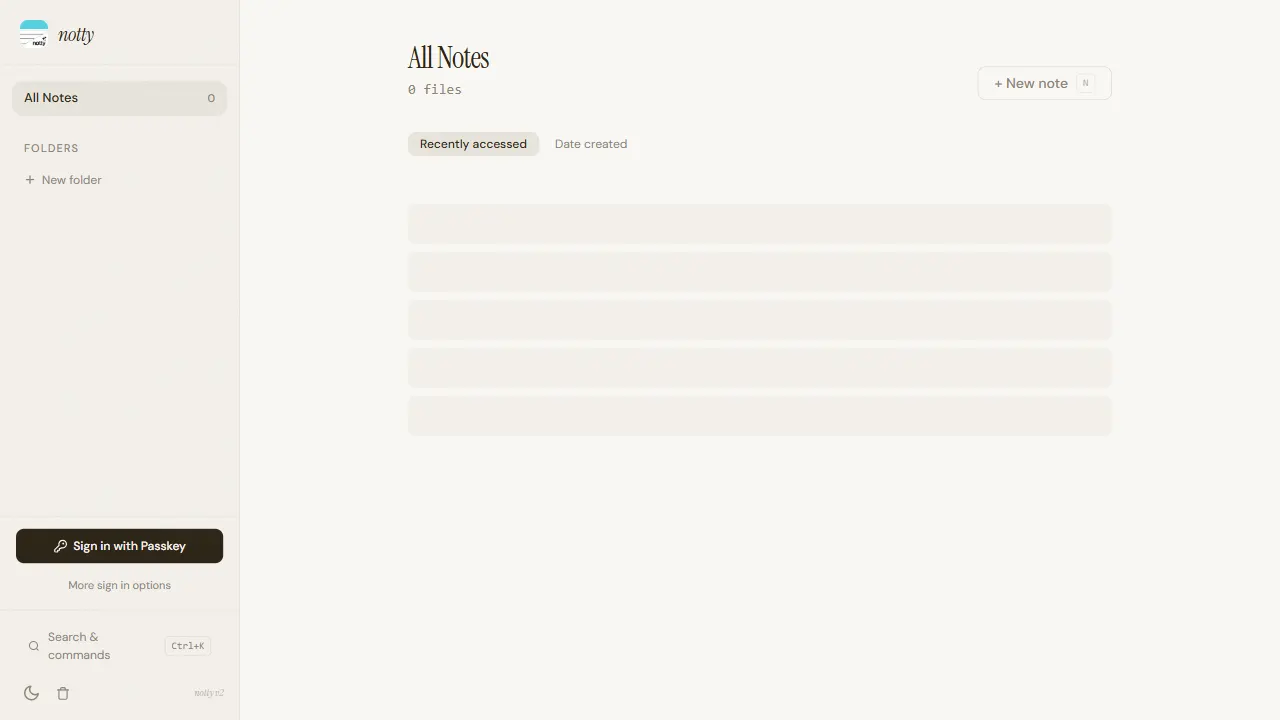
notty
Notty is an offline-first note-taking app template built with Next.js, TypeScript, React, Cloudflare Workers, and Yjs.
Next.js · Tool Site
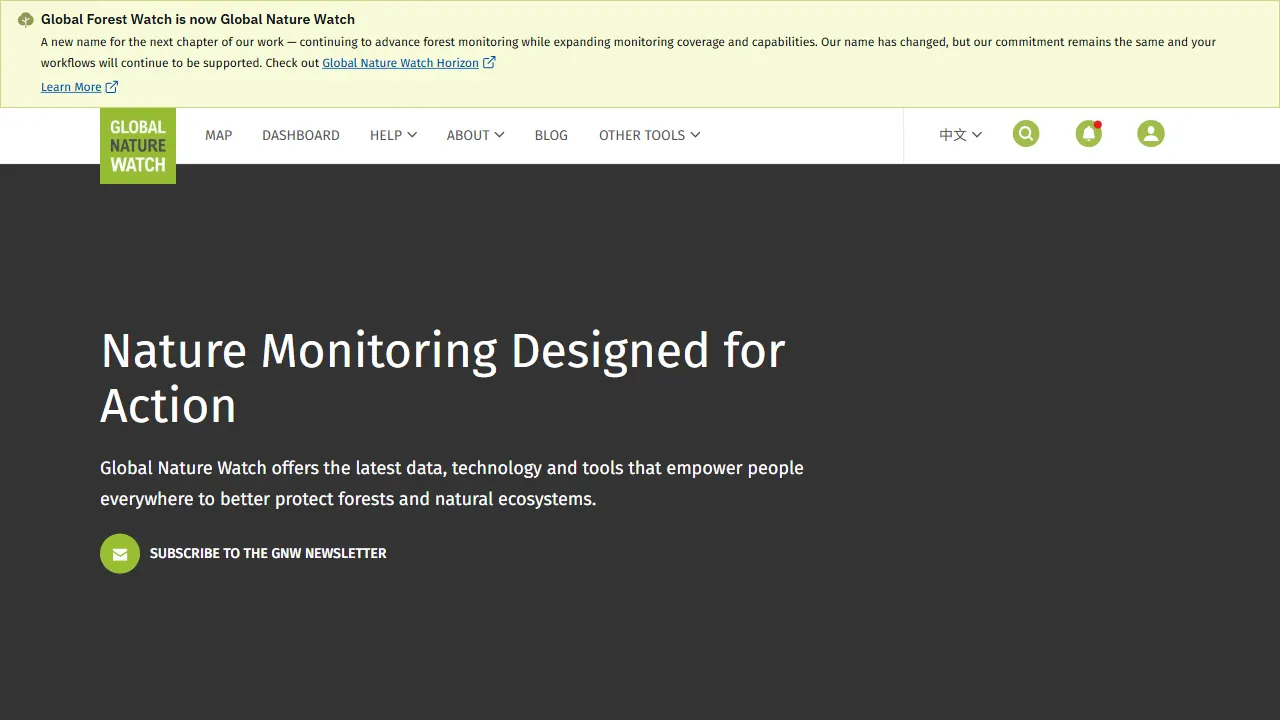
gfw
gfw is the official Global Forest Watch web application, an open-source tool site with a live online demo.
Next.js · Tool Site