
Built with React and Vite, including a layered directory structure for components, pages, styles, and Redux store
ViteReactPortfolioCorporate Website
FirstYear_portfolio — Vite Portfolio Template
By develper21
A responsive personal portfolio website template built with React and Vite, featuring a white theme and displaying skills, projects, certificates, education history, and contact information.
Explore the design
Compare the page layouts and mobile experience. Open any screenshot for a closer look.
Desktop homepage
Desktop captureTop of page
Actual screenshot captured by the server browser.
One original preview is available. Open the full image to inspect the design.
Screenshots show visual appearance; interactive behavior may differ.
Recorded 2026-10-13View source
What stands out
A quick read of the recorded project description.
Responsive layout with a white theme, with styles written separately for desktop, tablet, and mobile widths
Skills displayed by category with icons, and projects presented as cards with detailed information
Includes a certificate gallery, an education timeline, and a contact form with email sending functionality
Personal information, skills, and project data are centralized in src/store/data.js, making it easy to replace with your own content
Template Details
This template is a personal portfolio website built with React and Vite, using a modern visual style dominated by white, with page content centered around personal career presentation. According to the README, the site includes categorized skill displays, project cards, a certificate gallery, an education timeline, and a contact form with email sending functionality, with responsive styles written separately for desktop, tablet, and mobile widths.
In terms of code organization, the project separates reusable components, pages, loading animations, shared utilities, Redux store, and style directories, with data such as personal information, skills, and projects centralized in src/store/data.js for easy replacement with your own content. The README also mentions using React Router for routing, Redux Toolkit for state management, React Icons for icons, EmailJS for contact form email sending, and React Vertical Timeline for presenting the experience timeline.
Regarding usage limitations, the contact form relies on external services such as EmailJS, requiring you to configure the corresponding account and keys yourself; the licensing of third-party assets such as demo images, fonts, and icons in the repository must be verified separately and cannot be judged solely based on the code's MIT license. The startup command in the README is written as npm run sudo, which is inconsistent with the dev script of a typical Vite project; in actual use, refer to the script definitions in the repository's package.json.
ViteReactPortfolioCorporate website
Is it right for your project?
Use Cases
- Showcasing skills, projects, and educational background when applying for jobs or internships
- Students organizing coursework projects, certificates, and learning experiences and publishing them as an online homepage
- Developers using this template as a base, replacing data and assets to quickly build a personal portfolio site
Suitable For
- Individual developers or students who need to showcase skills, projects, certificates, and education history
- Users familiar with React and Vite who want to customize content by directly modifying data files
- Those who need a responsive white-background portfolio page and will deploy it themselves to a static hosting service
Getting started & customization
Use these recorded setup notes alongside the repository instructions for your chosen version.
- 1
After cloning the repository, run npm install to install dependencies, then run the development server; the npm run sudo written in the README does not match a typical Vite script, so refer to the actual scripts in package.json
- 2
Replace personal information, skill categories, and project data in src/store/data.js, and replace images in public/ and src/assets/
- 3
The contact form uses EmailJS, so you need to register and configure the corresponding service and keys yourself
- 4
The build output can be generated with npm run build and previewed locally with npm run preview
- 5
Third-party assets such as demo images, fonts, and icons need to be checked separately for their licenses; the MIT license covers only the code itself
License & source material
Usage conditions & limitations
Free to use · keep license noticeThis entry covers the free version under the MIT license in the public repository; the free scope is the code of this version and does not mean external services or third-party assets are free.
Must comply with when using
- You are allowed to freely use, modify, commercially use, and distribute the code of this version.
- When distributing copies or substantial portions of the code, retain the original author's copyright notice and the full MIT license notice.
- The code is provided as is; warranties and limitations of liability are governed by the original license and applicable law.
Additional costs & items to verify
- Demo images, fonts, icons, and other third-party assets must be checked against their respective licenses and cannot be judged solely based on the code's MIT license.
- External services such as domains, hosting, databases, payments, or AI may incur additional charges.
- The contact form's email sending relies on the external EmailJS service; users must register and configure the corresponding service and keys themselves, otherwise the contact form will not work properly.
- The development server startup command given in the README is npm run sudo, which is inconsistent with the dev script of a typical Vite project; in actual use, refer to the script definitions in the repository's package.json.
View Original Text Basis
Permission is hereby granted, free of charge
Original License Text
- **EmailJS**: Email integration
Original README
https://github.com/develper21/FirstYear_portfolio/blob/main/LICENSEhttps://github.com/develper21/FirstYear_portfolio/blob/main/README.mdnpm run sudo
Original README
Compiled by DeepSeek based on repository license and README ·2026-10-13. Results only cover the materials read; dependencies, images, fonts, and subsequent term changes are subject to their respective original texts.
Project checks & description sources
Template Information
- Source platforms
- GitHub
- Documentation and maintenance reference score
- More documented · 82 / 100
- Technologies
- Vite · React
- Website type
- Portfolio · Corporate Website
How this score is calculated
Our heuristic uses license records (up to 30), a demo link (12), a preview (10), stars (15), recorded maintenance (15), description completeness (8), feature records (5) and classification data (5). It is not a code, security or performance test, or a Google score. A link does not establish tested functionality.
What to verify for this project
- Repository update recorded
- 2025-09-30
- Screenshot last checked
- 2026-10-13
A demo link is listed. Check it with your own content and viewport sizes; its presence does not confirm that forms, authentication or payments work.
The catalog identifies Vite as the primary stack. Check the actual dependency manifest and lockfile for versions and hosting requirements. These notes use recorded metadata, not a code audit or a deployment test.
Use a selection guide →How this description was prepared
AI-assisted description based on catalog records and repository material. Repository authors are not automatically the reviewers of this description.
Review declaration: [email protected] · 2026-10-13
Inspect the recorded source material
SHA-256: 3e9c145a5bfde31323d571434f3e8e9841148aa311531d8af05d1bb6542eed83
2026-10-13T03:25:22.231Z
Source file / repository# Modern Portfolio Website  A sleek, responsive portfolio website built with React and Vite, showcasing professional skills, projects, and achievements with a modern white theme design. ## Features - **Responsive Design**: Seamlessly adapts to all device sizes - **Modern UI**: Clean white theme with professional aesthetics - **Interactive Components**: Engaging user experience with smooth transitions - **Project Showcase**: Detailed project cards with comprehensive information - **Skills Visualization**: Categorized skills display with icons - **Certificate Gallery**: Professional certifications showcase - **Contact Form**: Integrated email functionality - **Performance Optimized**: Fast loading and rendering ## Technologies ### Frontend - **React 19**: Latest React version with improved performance - **Vite**: Next-generation frontend tooling - **React Router v7**: Advanced routing capabilities - **Redux Toolkit**: State management solution - **React Icons**: Comprehensive icon library - **EmailJS**: Email integration - **React Vertical Timeline**: For experience visualization ### Development Tools - **ESLint**: Code quality and consistency - **Modern JavaScript (ES6+)**: Latest language features ## Getting Started ### Prerequisites - Node.js (v16+) - npm or yarn ### Installation ```bash # Clone the repository git clone https://github.com/yourusername/portfolio.git # Navigate to project directory cd portfolio # Install dependencies npm install # Start development server npm run sudo ``` ### Build for Production ```bash npm run build ``` ### Preview Production Build ```bash npm run preview ``` ## Project Structure ``` ├── public/ # Static assets ├── src/ # Source files │ ├── assets/ # Images and resources │ ├── Component/ # Reusable components │ ├── Loader/ # Loading animations │ ├── Pages/ # Page components │ ├── Shared/ # Shared utilities │ ├── store/ # Redux store configuration │ ├── Styles/ # CSS styles │ ├── App.jsx # Main application component │ └── main.jsx # Application entry point └── index.html # HTML template ``` ## Customization ### Personalization 1. Update personal information in `src/store/data.js` 2. Replace images in `public/` and `src/assets/` 3. Modify color scheme in CSS files under `src/Styles/` ### Adding Projects Add new projects by updating the project data in the Projects component. ### Adding Skills Customize skills by modifying the skills categories in `src/store/data.js`. ## Responsive Design The portfolio is fully responsive with dedicated styles for: - Desktop (1200px+) - Tablet (768px - 1199px) - Mobile (< 768px) ## SEO Optimization - Semantic HTML structure - Meta tags configuration - Optimized asset loading - Proper heading hierarchy ## License This project is licensed under the MIT License - see the LICENSE file for details. ## Contact For any inquiries or collaboration opportunities, please reach out through the contact form on the website or directly via email. ---
Explore similar templates
Compare previews and descriptions within the same stack and category.
business-website-template
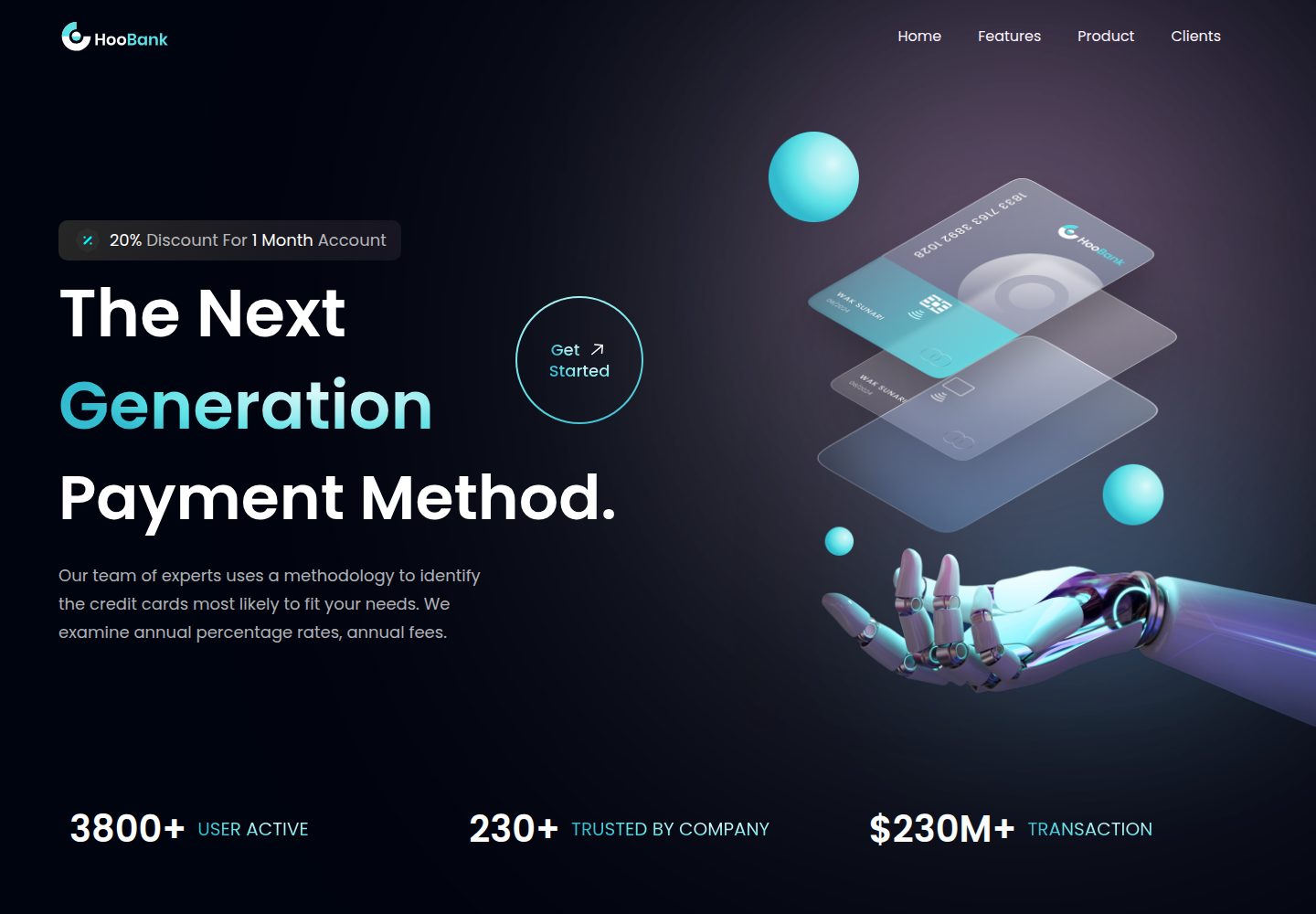
A React, Tailwind CSS, and Vite corporate website template with a single-page structure covering header, hero, features, billing, product showcase, testimonials, clients, call-to-action, and footer.
Vite · Corporate Website

kiaalap
Kiaalap is a free, open-source admin template from Colorlib for education, online courses, and school management.
Vite · Admin dashboard
saasboard
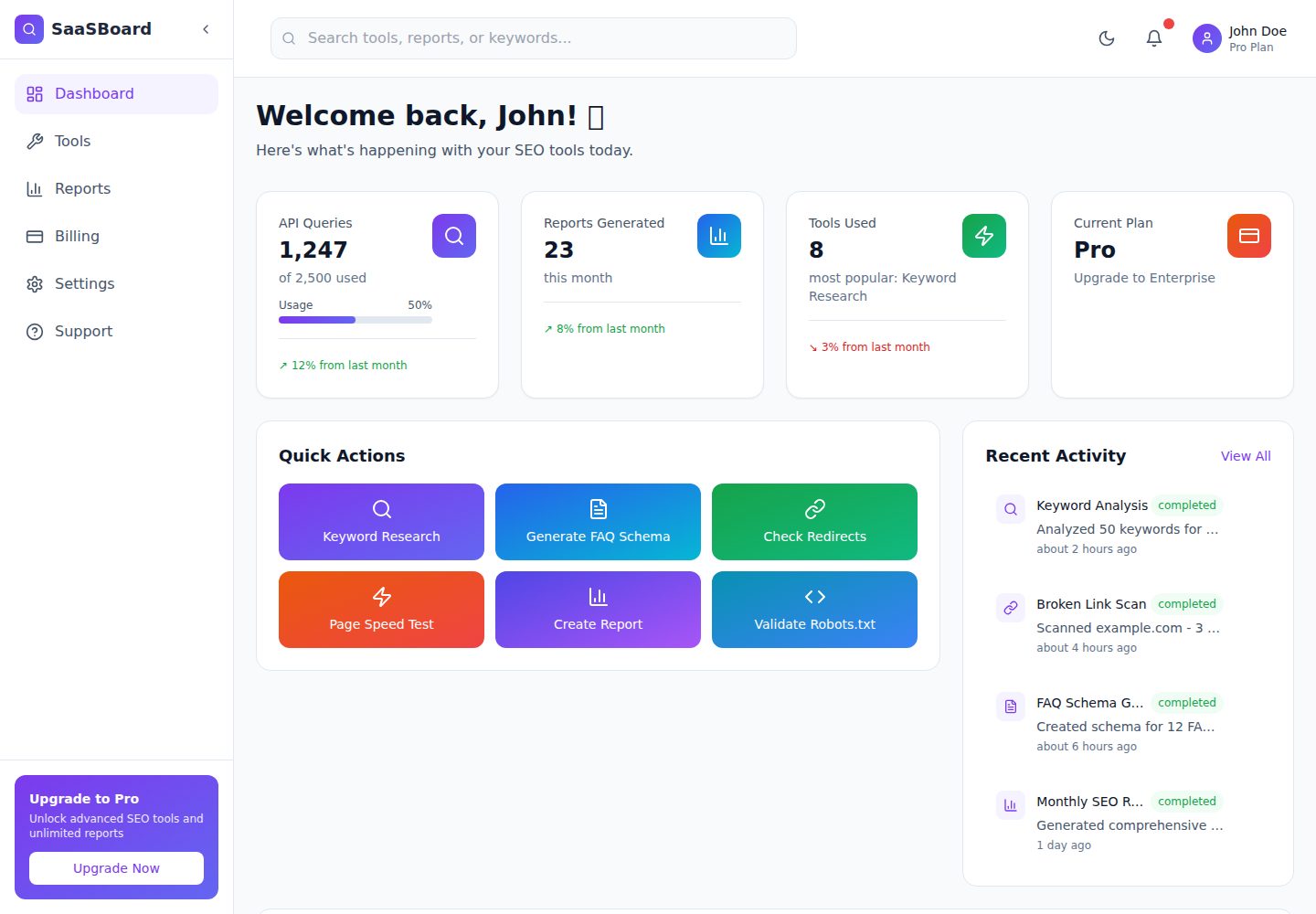
SaaSBoard is an open-source SaaS admin dashboard template from MekuHQ, built with React, Vite, and Tailwind CSS. It provides pages for Tools, Reports, Billing, Settings, and Support, along with shared components such as Sidebar, Layout, and Topbar.
Vite · Admin dashboard
vite-react-ts-shadcn-ui
A Vite-based React + TypeScript frontend starter template with Shadcn/ui and TailwindCSS, plus ESLint, Prettier, Husky, Commitlint, Lint-staged and Playwright built in.
Vite · Corporate Website
vite-vanilla-ts
A Vite-based Vanilla TypeScript starter template for native HTML and TypeScript websites, SPAs, or landing pages without a UI framework. It presets TypeScript, TailwindCSS, SASS, PostCSS, and Playwright, and integrates ESLint, Prettier, Husky, and Commitlint.
Vite · Corporate Website

Resumify
Resumify is a browser-based resume builder built with React, TypeScript, and Vite.
Vite · Portfolio