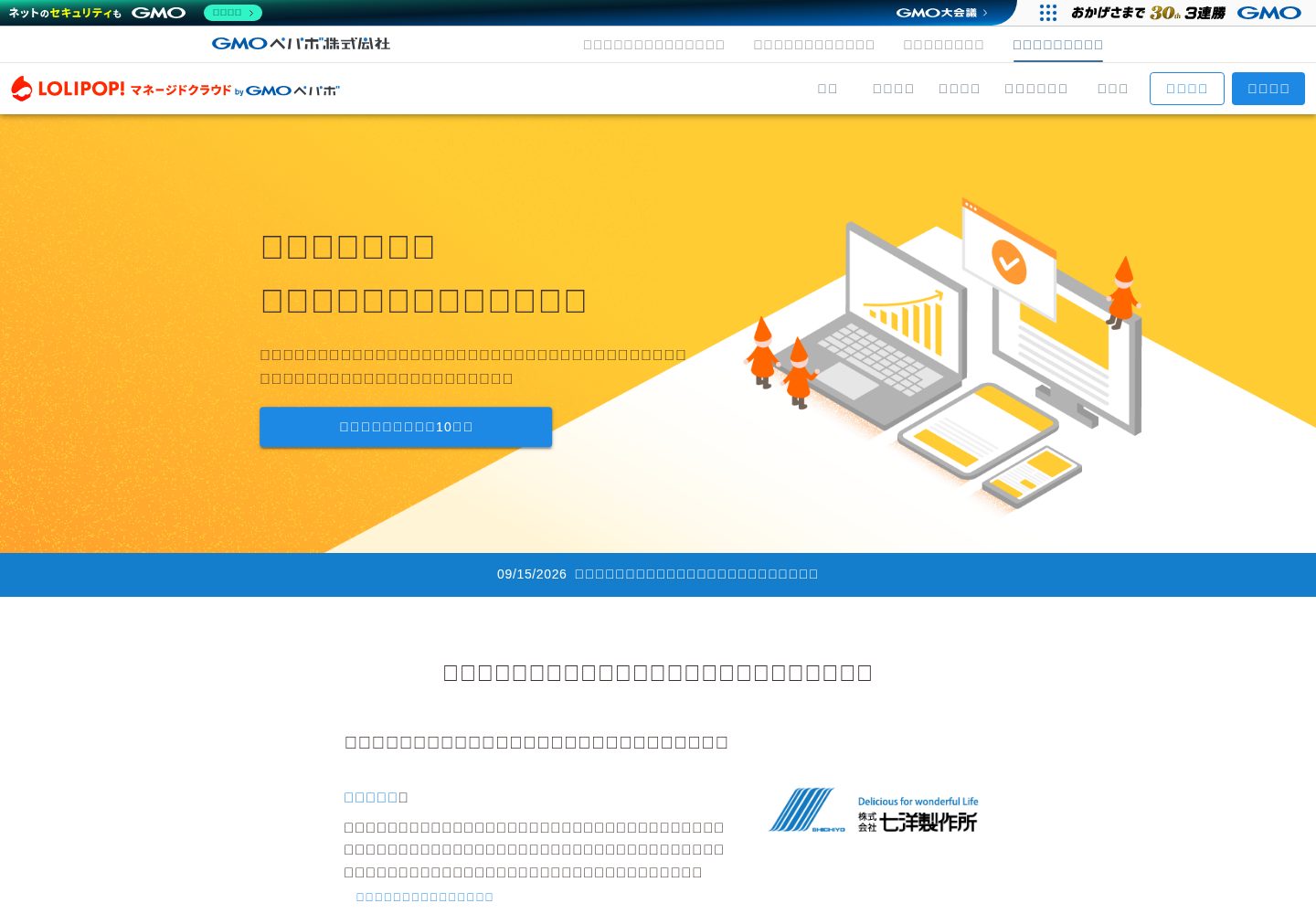
Provides step-by-step instructions for deploying a Laravel project to Lollipop! Managed Cloud
LaravelStarter
lolipop-mc-starter-laravel — Laravel Starter Template
By Fendo181
A Laravel starter for Lollipop! Managed Cloud that provides a complete workflow from cloning and configuration to Deployer deployment.
Explore the design
Compare the page layouts and mobile experience. Open any screenshot for a closer look.
Desktop homepage1 / 2
Desktop captureTop of page
Actual screenshot captured by the server browser.
All pages & views 2
Screenshots show visual appearance; interactive behavior may differ.
Recorded 2026-10-03View source
What stands out
A quick read of the recorded project description.
Includes docs/tutorial_jp.md, a Japanese tutorial covering the process from registration to launch
Integrates Deployer deployment scripts, publishing via dep deploy production
Gives examples of environment variable configuration for MySQL connections and Deployer host, user, port, etc.
Explains generating a GitHub deployment key on the server and creating a symbolic link to the document root
Template Details
This is a starter template for deploying a Laravel project to Lollipop! Managed Cloud. Through a README and docs/tutorial_jp.md, the repository explains the steps from git clone, composer install, generating .env and APP_KEY, to filling in MySQL connection information, configuring the Deployer repository/branch/SSH private key, then generating a key on the server for accessing GitHub, and finally running dep deploy production and creating a symbolic link to the document root. The template is intended for users who have already registered for Managed Cloud and can log in to the server; the Quick Start also assumes this. The repository is MIT licensed, and the code may be used, modified, commercialized, and distributed for free, but third-party assets such as demo images, fonts, and icons, as well as external services such as domains, hosting, and databases, require separate license and fee verification. The Laravel version badge appearing in the README is historical information, not verified in the dependency list, and should not be regarded as a current version commitment.
LaravelStarter
Is it right for your project?
Use Cases
- Developers who already have a Lollipop! Managed Cloud account and want to deploy a Laravel project
- Laravel projects that need reference Deployer configuration and deployment commands
- Those who want to understand the process of configuring MySQL connections and document root symbolic links on Managed Cloud
Suitable For
- Developers hosting Laravel applications on Lollipop! Managed Cloud
- Teams needing a Japanese deployment tutorial and example Deployer configuration
- Users who already have basic server login and SSH key operation skills
Getting started & customization
Use these recorded setup notes alongside the repository instructions for your chosen version.
- 1
You must first register for Lollipop! Managed Cloud and be able to log in to the server; the Quick Start assumes this
- 2
After cloning the repository, run composer install, copy .env.example to .env, and run php artisan key:generate
- 3
Copy deploy.exaple.php to deploy.php, and fill in MySQL and Deployer host, user, port, and other information according to the Managed Cloud management interface
- 4
Set the repository URL, branch name, and SSH private key path in deploy.php, and generate a key on the server for accessing GitHub
- 5
After deployment, symbolically link the files under current/public on the server to the document root, and remove existing files such as index.html
License & source material
Usage conditions & limitations
Free to use · keep license noticeThis entry covers the free version under the MIT license in the public repository; the free scope is the code of this version and does not mean external services or third-party assets are free.
Must comply with when using
- The code of this version may be used, modified, commercialized, and distributed for free.
- When distributing copies or substantial portions of the code, retain the original author's copyright notice and the full MIT license notice.
- The code is provided as is; warranties and limitations of liability are governed by the original license and applicable law.
Additional costs & items to verify
- Prerequisite: You must have registered for Lollipop! Managed Cloud and be able to log in to its server; unregistered users cannot directly use the Quick Start.
- Depends on external hosting service: You need to obtain and fill in MySQL host, database name, username, password, and other connection information from the Lollipop! Managed Cloud management interface.
- Deployment depends on external service configuration: You need to fill in Deployer connection parameters such as the hostname, username, and port on the Managed Cloud side.
- You need to generate an SSH public/private key pair on the server for accessing GitHub, involving an external code hosting account and key management.
- After deployment, you need to log in to the server to manually create symbolic links and delete existing files such as index.html and img, which is additional operational work.
- Demo images, fonts, icons, and other third-party assets must be checked under their respective licenses and cannot be judged solely by the code's MIT license.
- External services such as domains, hosting, databases, payments, or AI may incur additional charges.
View Original Text Basis
Permission is hereby granted, free of charge
Original License Text
※既に[ロリポップ!マネージドクラウド](https://mc.lolipop.jp/)に登録済みでサーバにログインできている状態の方を想定しています。
Original README
マネージドクラウドの管理画面の情報に従って環境変数を`.env`に追記する
Original README
DEPLOYER_MC_HOST: マネージドクラウド側で設定しているホスト名
Original README
サーバに入って、マネージドクラウド側でプロジェクトを`git clone`する為の公開鍵と秘密鍵を生成する
Original README
https://github.com/Fendo181/lolipop-mc-starter-laravel/blob/master/LICENSE.mdhttps://github.com/Fendo181/lolipop-mc-starter-laravel/blob/master/README.mdマネージドクラウドのサーバに入って、デプロイされたプロジェクのシンボリックリンクをサーバ側で設定しているドキュメントルート(`var/www/html`)に貼ります
Original README
Compiled by DeepSeek based on repository license and README ·2026-10-03. Results only cover the materials read; dependencies, images, fonts, and subsequent term changes are subject to their respective original texts.
Project checks & description sources
Template Information
- Source platforms
- GitHub
- Documentation and maintenance reference score
- Partly documented · 68 / 100
- Technologies
- Laravel
- Website type
- Starter
How this score is calculated
Our heuristic uses license records (up to 30), a demo link (12), a preview (10), stars (15), recorded maintenance (15), description completeness (8), feature records (5) and classification data (5). It is not a code, security or performance test, or a Google score. A link does not establish tested functionality.
What to verify for this project
- Repository update recorded
- 2023-04-30
- Screenshot last checked
- 2026-10-03
A demo link is listed. Check it with your own content and viewport sizes; its presence does not confirm that forms, authentication or payments work.
The catalog identifies Laravel as the primary stack. Check the actual dependency manifest and lockfile for versions and hosting requirements. These notes use recorded metadata, not a code audit or a deployment test.
Use a selection guide →How this description was prepared
AI-assisted description based on catalog records and repository material. Repository authors are not automatically the reviewers of this description.
Review declaration: [email protected] · 2026-10-04
Inspect the recorded source material
SHA-256: 57edc8ea7070f312eaed1843c68ad27d14dd7cf4455743b9d0529c45cb46c5eb
2026-10-03T15:19:39.061Z
Source file / repository## ロリポップ!マネージドクラウド スターター for Laravel   簡単に[ロリポップ! マネージドクラウド](https://mc.lolipop.jp/)にLaravelのプロジェクトを公開する手順を説明します。  ### Tutorial はじめて、マネージドクラウドを使ってLaravelのプロジェクトを公開をする方は[tutorial_jp.md](https://github.com/Fendo181/lolipop-mc-starter-laravel/blob/master/docs/tutorial_jp.md)を参考にしてはじめてみて下さい。 ### Quick Start >※既に[ロリポップ!マネージドクラウド](https://mc.lolipop.jp/)に登録済みでサーバにログインできている状態の方を想定しています。 すぐに始めてみたい方は、まずプロジェクトを落としてきて ```sh git clone [email protected]:Fendo181/lolipop-mc-starter-laravel.git composer install cp .env.example .env php artisan key:generate ``` 設定ファイルをコピーする ``` cp deploy.exaple.php deploy.php ``` マネージドクラウドの管理画面の情報に従って環境変数を`.env`に追記する ``` # mysql DB_CONNECTION=mysql DB_HOST=マネージドクラウドで設定しているmysqlのホスト名 DB_PORT=3306 DB_DATABASE=マネージドクラウドで設定しているmysqlのデータベース名 DB_USERNAME=マネージドクラウドで設定しているmysqlのユーザ名 DB_PASSWORD=マネージドクラウドで設定しているmysqlのパスワード # deployer MC setting DEPLOYER_MC_HOST: マネージドクラウド側で設定しているホスト名 DEPLOYER_MC_USER: マネージドクラウド側で設定しているユーザ名 DEPLOYER_MC_PORT: マネージドクラウド側で設定しているポート番号 ``` リポジトリ名とブランチ名と秘密鍵が置いてあるパスの情報を`deployer.php`に追記する ```php // [email protected]:Fendo181/lolipop-mc-starter-laravel.git set('repository', '{REPOSITORY NAME}'); // master set('branch', '{BRANCH NAME}'); // '~/.ssh/id_rsa' ->identityFile('{/path/to/id_rsa}') ``` サーバに入って、マネージドクラウド側でプロジェクトを`git clone`する為の公開鍵と秘密鍵を生成する [詳細はこちらの説明](https://github.com/Fendo181/lolipop-mc-starter-laravel/blob/master/docs/tutorial_jp.md#%E3%83%9E%E3%83%8D%E3%83%BC%E3%82%B8%E3%83%89%E3%82%AF%E3%83%A9%E3%82%A6%E3%83%89%E3%81%AE%E3%82%B5%E3%83%BC%E3%83%90%E3%81%8B%E3%82%89guthub%E3%81%A8%E5%85%AC%E9%96%8B%E9%8D%B5%E8%AA%8D%E8%A8%BC%E3%82%92%E8%A1%8C%E3%81%86%E3%82%88%E3%81%86%E3%81%AB%E8%A8%AD%E5%AE%9A%E3%81%99%E3%82%8B)をご覧下さい。 ここまで出来たら、`deployer`でLaravelのプロジェクトをデプロイします ```sh php ./vendor/bin/dep deploy production ✈︎ Deploying master on ssh-1.mc.lolipop.jp ✔ Executing task deploy:prepare ✔ Executing task deploy:lock ✔ Executing task deploy:release ✔ Executing task deploy:update_code ✔ Executing task upload:env ✔ Executing task deploy:shared ✔ Executing task deploy:vendors ✔ Executing task deploy:writable ✔ Executing task artisan:storage:link ✔ Executing task artisan:view:clear ✔ Executing task artisan:cache:clear ✔ Executing task artisan:config:cache ✔ Executing task artisan:optimize ✔ Executing task deploy:symlink ✔ Executing task deploy:unlock ✔ Executing task cleanup Successfully deployed! ``` マネージドクラウドのサーバに入って、デプロイされたプロジェクのシンボリックリンクをサーバ側で設定しているドキュメントルート(`var/www/html`)に貼ります ```sh $ cd html/ // 既存のファイルを消しておく $rm index.html $rm -r img/ // シンボリックリンクを貼る ln -s /var/www/current/public/* /var/www/html/ ``` マネージドクラウドの管理画面に戻って`プロジェクトURL`をクリックして、Laravelで作成したプロジェクトの画面が表示されている事を確認して下さい。 作業は以上になります。 お疲れ様でした。 ## License MIT ## Author [Fendo181](https://twitter.com/Fendo181)
Explore similar templates
Compare previews and descriptions within the same stack and category.

sage
Sage is a WordPress starter theme maintained by Roots, using Laravel Blade components and templates, Vite builds, Tailwind CSS, and built-in block editor support.
Laravel · Starter

wave
Wave is an open-source SaaS starter kit built on Laravel and released under the MIT license.
Laravel · SaaS

filament-starter
A Laravel TALL stack starter template maintained by Log1x, with a preconfigured Filament admin panel and plugins including Curator, Gravatar, Exceptions, Jobs Monitor, Breezy, Peek, and Logger.
Laravel · Starter

electrik
Electrik is a Laravel SaaS starter kit installed as a Composer package, with authentication, teams, Stripe subscription billing, and the Slate 3 interface under the Electrik\ namespace rather than copied into App\.
Laravel · SaaS

php-saas
php-saas is a Laravel-based SaaS starter positioned as an everything-included kit. It generates new projects via a global Composer command and includes authentication with two-factor, API tokens, Stripe and Paddle billing, and project, team, and organization management.
Laravel · SaaS

filament-jetstream
A Laravel starter kit that implements Jetstream-like authentication and account features using Filament's native panels and components. It includes login, registration, two-factor authentication, session management, user profiles, and optional teams and API tokens.
Laravel · Starter