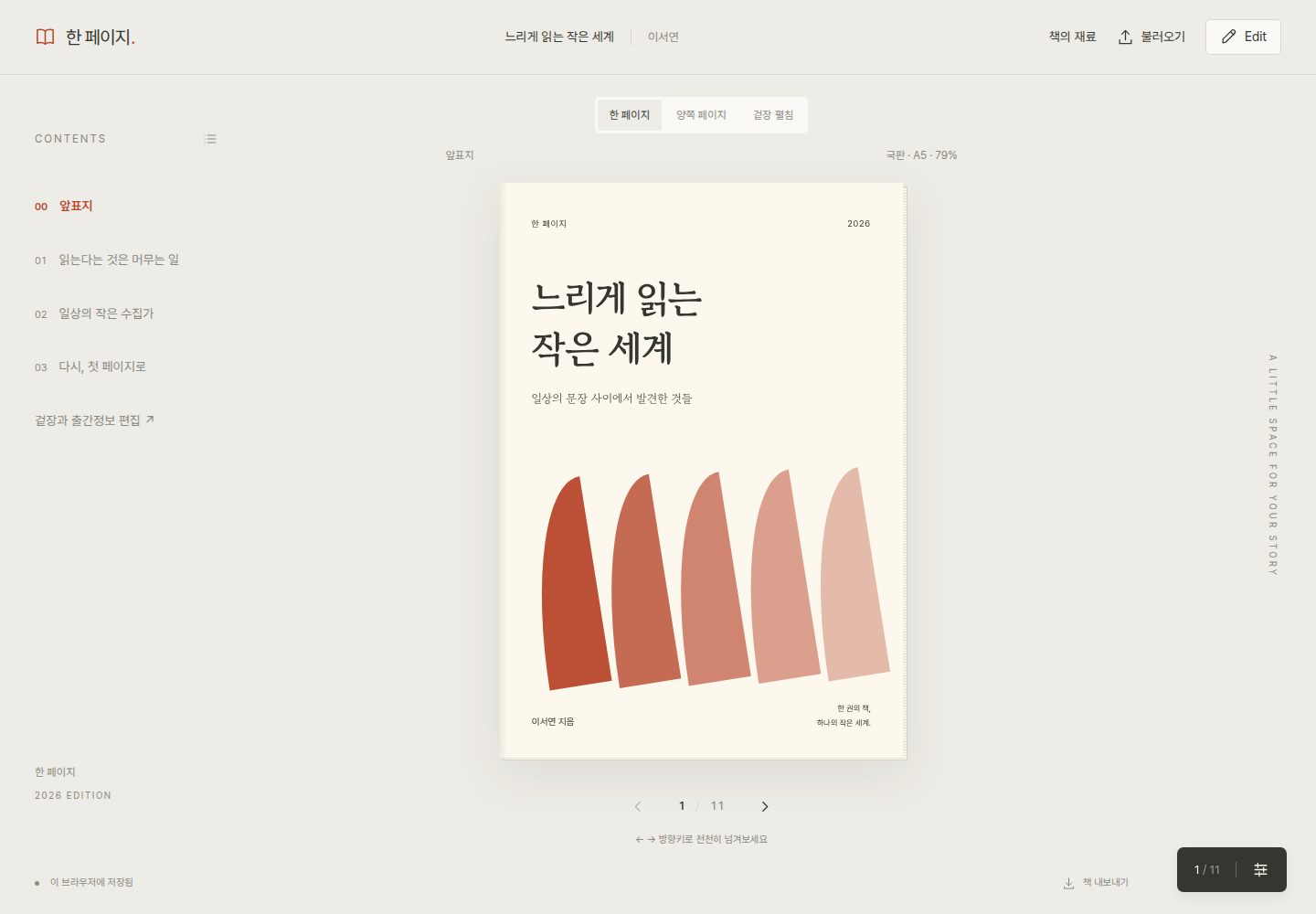
A website template that turns MD/MDX manuscripts and a cover into a single book to read
Next.jsReactDocumentation
one-page — Next.js Documentation Template
By fliklab
An open-source template that turns a single website into a single book. Add MD/MDX manuscripts and a cover, read them in a paper-book style, edit in the browser, and save changes to the repository as Git patches.
Explore the design
Compare the page layouts and mobile experience. Open any screenshot for a closer look.
Desktop homepage1 / 2
Desktop captureTop of page
Actual screenshot captured by the server browser.
All pages & views 2
Screenshots show visual appearance; interactive behavior may differ.
Recorded 2026-10-14View source
What stands out
A quick read of the recorded project description.
Single-page / facing-page / cover-spread views and trim size, font, size, line spacing, margin, and theme settings
Edit basic book information, cover, and manuscript in the Fumadocs documentation screen and check changes in the diff panel
A /sources/ screen for exploring notes, reference links, and citations via list, search, and SVG relationship graph
Generate Git-compatible .patch files targeting the single file content/book.json for manual application
Runs without a separate API key or database, with the book and materials stored in the browser's localStorage
Template Details
fliklab/one-page is an open-source template designed to let a single website be read and edited like a single book. It stores the book title, author, manuscript, style, and materials in content/book.json, and reads MD or MDX manuscripts on the book screen. The /book/ path provides book reading and Edit document editing, while the /sources/ path provides a list of notes, reference links, and citations, along with search and a relationship graph. In Edit, you modify the book information, cover, and manuscript, and when you apply, the changes are reflected in the book in the current browser and a diff panel opens. This diff can be copied or saved as a .patch file and manually applied to a Git repository. The patch target is the single file content/book.json, and patches are generated cumulatively based on the original included in the current site build. Directly applying patches to a GitHub repository is not yet implemented; only copying, saving to a file, and manual application are supported. The book and materials are stored in the browser's localStorage, with no server synchronization. A book modified by a visitor is not automatically published to other readers, so to change the shared book, you must reflect the changes in the repository and rebuild and redeploy. It runs without a separate API key or database. Paper-book style settings start from the default Kukbae A5, Nanum Myeongjo, 11pt, line spacing 175%, margins 18mm, and from the paper-book recommended settings in the settings panel at the bottom right, you can choose one of essay/miscellany, novel/humanities, small essay/poetry collection, practical book/textbook, or large print. Trim size and margins are adjusted in mm, body text size in pt, and Noto Serif KR and Noto Sans KR can also be selected. The screen is scaled so the entire paper is visible, and it is not a feature for generating print-ready PDFs. In MDX, the Chapter, Section, Callout, and Figure components can be used without import, and uploaded MDX is parsed as content; JavaScript expressions, arbitrary HTML, and external imports are not executed. The tech stack is Next.js, React, Fumadocs, unified/remark, and jsdiff, and the graph is SVG-based. Fonts are loaded from an external CDN, and if offline use is needed, you can change to self-hosting. The code and sample content are distributed under the MIT License.
Next.jsDocumentation
Is it right for your project?
Use Cases
- When composing essays, study materials, research notes, or personal manuals in book form using MD/MDX
- When creating a single book screen with front and back covers, flaps, colophon, and spine
- When testing various reading screens by changing trim size, font, size, line spacing, margins, and theme
- When you need a material screen that explores notes, reference links, and direct citations via a linked graph
- When saving browser edits as a .patch to apply to a Git repository
Suitable For
- Individual authors or editors who want to make a single book readable as a website
- Users who manage Markdown/MDX manuscripts together with a Git repository
- Users who want to adjust paper-book style trim size, font, and margins on the web
- Users who want to explore notes, links, and citations via lists and relationship graphs
- Developers who want to deploy a book as a Next.js-based static site
Getting started & customization
Use these recorded setup notes alongside the repository instructions for your chosen version.
- 1
On GitHub, use Use this template → Create a new repository to create a repository, then run npm ci and npm run dev on Node.js 22 or higher.
- 2
Replace the book title, author, manuscript, style, and materials in content/book.json with your own subject; they can also be modified in the web Edit.
- 3
In Edit, after Apply → Save .patch file, apply it in the repository of the version that built this site using git apply --check and git apply, then run npm test and npm run build.
- 4
The patch target is the single file content/book.json; applying the same patch twice or if the original file differs may cause git apply --check to fail.
- 5
The build output is a static site generated in out/, and the default configuration uses root paths such as /book/ and /sources/, so subdirectory deployment requires separate path configuration.
License & source material
Usage conditions & limitations
Free to use · keep license noticeThis entry covers the free version under the MIT license in the public repository; the free scope is the code of that version and does not mean external services or third-party materials are free.
Must comply with when using
- Free use, modification, commercial use, and distribution of this version's code are permitted.
- When distributing copies or substantial portions of the code, retain the original author's copyright notice and the full MIT license notice.
- The code is provided as-is; warranties and limitations of liability are governed by the original license and applicable law.
Additional costs & items to verify
- Demo images, fonts, icons, and other third-party materials must be checked under their respective licenses and cannot be judged solely by the code's MIT license.
- External services such as domains, hosting, databases, payments, or AI may incur additional charges.
- Node.js 22 or higher is required.
- It runs without a separate API key or database.
- The screen is scaled so the entire paper is visible, and it is not a feature for generating print-ready PDFs.
- A book modified by a visitor is not automatically published to other readers; to share it, you must reflect the changes in the repository and rebuild and redeploy.
- The patch target is the single file content/book.json; applying the same patch twice or if the original file differs may cause git apply --check to fail.
- Directly applying patches to a GitHub repository is not yet implemented; only copying, saving to a file, and manual application are supported.
- Uploaded MDX is parsed as content; JavaScript expressions, arbitrary HTML, and external imports are not executed. Component properties must be written as strings.
- The book and materials are stored in the current browser's localStorage, with no server synchronization.
- Cover images can be loaded up to 2MB each, MD/MDX manuscripts up to 4MB, and book JSON up to 32MB.
- Uploaded cover images are included as data URLs in the JSON and patch, so when reflecting them in a public repository, use images and manuscripts that can be made public.
- Even after deploying a new version, the existing edited version in the same browser is displayed with priority.
- The default configuration uses root paths such as /book/ and /sources/, and subdirectory deployment requires separate path configuration.
- Fonts are loaded from an external CDN, and if offline use is needed, you must change to self-hosting.
- The libraries and fonts used are subject to their respective licenses.
- KoPub World Batang and Dotum are options that use fonts installed on the device; font files are not redistributed, and if not installed, a substitute font and status notice are displayed.
View Original Text Basis
Permission is hereby granted, free of charge
Original License Text
2. 생성한 저장소를 내려받고 Node.js 22 이상에서 실행합니다.
Original README
별도 API 키나 데이터베이스 없이 실행됩니다.
Original README
판형과 여백은 mm, 본문 글자 크기는 pt로 조정합니다. 본명조 계열 Noto Serif KR, 본고딕 계열 Noto Sans KR도 선택할 수 있습니다. [조사 근거, 설정표와 인쇄 시 유의점](docs/print-typography.md)을 참고하세요. 화면은 종이 전체가 보이도록 축소되며 인쇄용 PDF를 생성하는 기능은 아닙니다.
Original README
화면에서 수정한 내용은 브라우저에 저장됩니다. 방문자가 수정한 책이 자동으로 다른 독자에게 공개되지는 않습니다. 공유할 책을 바꾸려면 변경을 저장소에 반영하고 다시 빌드·배포하세요.
Original README
patch의 대상은 **`content/book.json` 한 파일**입니다. 원고, 책 정보, 겉장 이미지, 설정, 재료를 함께 담습니다. diff는 마지막 버튼 클릭 시점이 아니라 **현재 사이트 빌드에 포함된 원본**을 기준으로 누적 생성됩니다. 같은 patch를 두 번 적용하거나 원본 파일이 달라지면 `git apply --check`가 실패할 수 있습니다. 이 경우 변경을 검토하고 최신 원본에서 다시 편집하세요.
Original README
GitHub 저장소에 patch를 직접 적용하는 기능은 아직 구현하지 않았습니다. 현재는 복사·파일 저장과 수동 적용을 지원합니다. [개발 계획](docs/ROADMAP.md)을 참고하세요.
Original README
이미지는 `public/` 파일의 루트 경로나 접근 가능한 웹 URL을 사용합니다. 업로드한 MDX는 콘텐츠로 파싱하며 JavaScript 표현식, 임의 HTML, 외부 import를 실행하지 않습니다. 컴포넌트 속성은 문자열로 작성합니다.
Original README
- 책과 재료는 현재 브라우저의 localStorage에 저장됩니다. 서버 동기화는 없습니다.
Original README
- 겉장 이미지는 개별 2MB, MD/MDX 원고는 4MB, 책 JSON은 32MB까지 불러올 수 있습니다.
Original README
- 업로드한 표지 이미지는 data URL로 JSON과 patch에 포함됩니다. 공개 저장소에 반영할 때는 공개할 수 있는 이미지·원고를 사용하세요.
Original README
- 새 버전을 배포해도 같은 브라우저의 기존 편집본이 우선 표시됩니다. 새 `content/book.json`을 불러오거나 새 브라우저 프로필에서 배포 원본을 확인할 수 있습니다.
Original README
빌드 결과는 `out/`에 생성되는 정적 사이트입니다. Next.js를 지원하는 호스팅 또는 정적 호스팅의 도메인 루트에 배포할 수 있습니다. 기본 구성은 `/book/`, `/sources/` 같은 루트 경로를 사용하며 서브디렉터리 배포는 별도 경로 설정이 필요합니다.
Original README
Next.js, React, Fumadocs, unified/remark, jsdiff로 만들었습니다. 그래프는 SVG 기반이며 별도 그래프 서비스가 필요하지 않습니다. 서체는 외부 CDN에서 로드하며 오프라인 사용이 필요하면 직접 호스팅하도록 바꿀 수 있습니다.
Original README
코드와 샘플 콘텐츠는 [MIT License](LICENSE)로 배포합니다. 사용한 라이브러리와 서체에는 각각의 라이선스가 적용됩니다. 기여는 [CONTRIBUTING.md](CONTRIBUTING.md)를 참고하세요.
Original README
https://github.com/fliklab/one-page/blob/main/LICENSEhttps://github.com/fliklab/one-page/blob/main/README.mdKoPub World 바탕·돋움은 기기에 설치된 서체를 사용하는 옵션입니다. 폰트 파일을 재배포하지 않으며, 미설치 시 대체 서체와 상태 안내를 표시합니다. [사용 조건과 설치 안내](docs/kopub.md)를 참고하세요.
Original README
Compiled by DeepSeek based on repository license and README ·2026-10-14. Results only cover the materials read; dependencies, images, fonts, and subsequent term changes are subject to their respective original texts.
Project checks & description sources
Template Information
- Source platforms
- GitHub
- Documentation and maintenance reference score
- More documented · 80 / 100
- Technologies
- Next.js · React
- Website type
- Documentation
How this score is calculated
Our heuristic uses license records (up to 30), a demo link (12), a preview (10), stars (15), recorded maintenance (15), description completeness (8), feature records (5) and classification data (5). It is not a code, security or performance test, or a Google score. A link does not establish tested functionality.
What to verify for this project
- Repository update recorded
- 2026-09-05
- Screenshot last checked
- 2026-10-14
A demo link is listed. Check it with your own content and viewport sizes; its presence does not confirm that forms, authentication or payments work.
The catalog identifies Next.js as the primary stack. Check the actual dependency manifest and lockfile for versions and hosting requirements. These notes use recorded metadata, not a code audit or a deployment test.
Use a selection guide →How this description was prepared
AI-assisted description based on catalog records and repository material. Repository authors are not automatically the reviewers of this description.
Review declaration: codex-user-requested-batch-review-20261017 · 2026-10-16
Inspect the recorded source material
SHA-256: 942b1881568bfb889efd3da05f64428ed62bc3c34e0d990d79c3d9d813623f07
2026-10-14T23:53:04.654Z
Source file / repository# 한 페이지 · One Page **하나의 웹사이트가 한 권의 책이 되는 오픈소스 템플릿.** 👉 [DEMO](https://one-page-book-studio.jsh852.chatgpt.site/) 표지와 Markdown/MDX 원고를 넣고, 읽는 방식까지 직접 디자인하세요. 한 페이지 또는 양쪽 페이지로 읽고, Fumadocs 문서 화면에서 편집하고, 원고의 재료를 연결 그래프로 탐색합니다. ## 내 책으로 시작하기 1. GitHub의 **Use this template → Create a new repository**를 누릅니다. 2. 생성한 저장소를 내려받고 Node.js 22 이상에서 실행합니다. ```sh npm ci npm run dev ``` 3. [로컬 책 화면](http://localhost:3000)을 엽니다. 4. `content/book.json`의 책 제목, 저자, 원고, 스타일, 재료를 자신의 주제로 바꿉니다. 웹의 **Edit**에서도 수정할 수 있습니다. 별도 API 키나 데이터베이스 없이 실행됩니다. ## 무엇을 만들 수 있나요? - MD/MDX로 쓰는 에세이, 학습 자료, 연구 노트, 개인 매뉴얼 - 앞·뒷표지, 날개, 출간정보, 책등을 갖춘 한 권의 책 - 판형·서체·크기·줄간격·여백·테마를 바꾸는 독서 화면 - 한 페이지 / 양쪽 페이지 / 겉장 펼침 - 목록과 연결 그래프로 탐색하는 노트, 참고 링크, 직접 인용 - Git 저장소에 적용할 수 있는 변경사항 `.patch` ## 화면 | 경로 | 역할 | | --- | --- | | `/`, `/book/` | 책 읽기와 Edit 문서 편집 | | `/sources/` | 노트·참고 링크·인용의 목록, 검색, 관계 그래프 | `Edit`에서는 책 기본 정보, 겉장, 원고를 수정합니다. 상단 **적용하기**를 누르면 원고가 현재 브라우저의 책에 반영되고 diff 패널이 열립니다. 패널의 **diff 복사하기** 또는 **.patch 파일 저장**으로 변경을 가져갈 수 있습니다. ## 종이책 스타일 설정 기본값은 **국판 A5 · 나눔명조 · 11pt · 줄간격 175% · 여백 18mm**입니다. 우측 하단 설정 패널의 **종이책 추천 설정**에서 에세이·수필, 소설·인문, 작은 에세이·시집, 실용서·교재, 큰 글씨 중 하나를 선택하면 판형·서체·크기·행간·여백이 함께 적용됩니다. 판형과 여백은 mm, 본문 글자 크기는 pt로 조정합니다. 본명조 계열 Noto Serif KR, 본고딕 계열 Noto Sans KR도 선택할 수 있습니다. [조사 근거, 설정표와 인쇄 시 유의점](docs/print-typography.md)을 참고하세요. 화면은 종이 전체가 보이도록 축소되며 인쇄용 PDF를 생성하는 기능은 아닙니다. ## 편집한 책을 저장소에 반영하기 Edit에서 **원문 편집**을 누르면 본문을 직접 클릭해 수정할 수 있습니다. 제목, 문단, 인용문, 박스 제목과 본문, 이미지 캡션이 각각 편집 영역이 됩니다. 별도의 원문 텍스트박스는 열리지 않습니다. **편집 마치기**로 문서 모습을 확인하고, **적용하기**로 책에 반영한 뒤 diff를 복사하거나 저장하세요. 기존 Markdown/MDX 구조와 이미지 주소는 유지됩니다. 화면에서 수정한 내용은 브라우저에 저장됩니다. 방문자가 수정한 책이 자동으로 다른 독자에게 공개되지는 않습니다. 공유할 책을 바꾸려면 변경을 저장소에 반영하고 다시 빌드·배포하세요. 1. Edit에서 **적용하기 → .patch 파일 저장**을 누릅니다. 2. 이 사이트를 빌드한 버전의 저장소에서 실행합니다. ```sh git apply --check /path/to/book-changes.patch git apply /path/to/book-changes.patch npm test npm run build git add content/book.json git commit -m "Update my book" ``` patch의 대상은 **`content/book.json` 한 파일**입니다. 원고, 책 정보, 겉장 이미지, 설정, 재료를 함께 담습니다. diff는 마지막 버튼 클릭 시점이 아니라 **현재 사이트 빌드에 포함된 원본**을 기준으로 누적 생성됩니다. 같은 patch를 두 번 적용하거나 원본 파일이 달라지면 `git apply --check`가 실패할 수 있습니다. 이 경우 변경을 검토하고 최신 원본에서 다시 편집하세요. GitHub 저장소에 patch를 직접 적용하는 기능은 아직 구현하지 않았습니다. 현재는 복사·파일 저장과 수동 적용을 지원합니다. [개발 계획](docs/ROADMAP.md)을 참고하세요. ## 책 파일 구조 ```text content/book.json # 배포할 책의 단일 원본 app/book/studio.tsx # 읽기 / Edit / 스타일·페이지 패널 app/book/content.tsx # MD/MDX 파서와 콘텐츠 컴포넌트 app/book/structure.ts # 책 구성과 양쪽 페이지 계산 app/book/parts.tsx # 표지·날개·출간정보·책등 app/book/patch.ts # 원본과 비교한 unified diff 생성 app/book/diff-panel.tsx # diff 확인·복사·파일 저장 app/sources/ # 재료 목록과 인터랙티브 그래프 public/ # 책에서 참조할 이미지 ``` `content/book.json`의 주요 키: - `version`: 현재 `1` - `book`: 제목·저자·출판사·원고·겉장 정보 - `settings`: 판형·폰트·줄간격·테마·보기 방식 - `sources`: 노트·링크·인용과 연결, 그래프 위치 `book.source`는 Markdown 또는 MDX 문자열이며 `book.format`을 `md` 또는 `mdx`로 설정합니다. `sources`를 빈 배열로 두면 빈 재료 목록에서 시작합니다. 샘플 책과 저자는 기능 설명을 위한 가상 예시이며, 예시 인용문은 이 샘플 원고의 문장입니다. ## MDX 컴포넌트 `#`는 챕터, `##`는 소챕터입니다. 일반 본문, 강조, 인용, 목록, 코드, 표, 링크와 이미지를 사용할 수 있습니다. MDX에서는 다음 컴포넌트를 import 없이 사용할 수 있습니다. ```mdx <Chapter>첫 번째 챕터</Chapter> <Section>작은 이야기</Section> 본문을 작성합니다. <Callout title="기억할 점"> 여기에 참고 내용을 작성합니다. </Callout> <Figure src="/my-photo.jpg" alt="사진 설명" caption="그림 1. 사진의 캡션" /> ``` 이미지는 `public/` 파일의 루트 경로나 접근 가능한 웹 URL을 사용합니다. 업로드한 MDX는 콘텐츠로 파싱하며 JavaScript 표현식, 임의 HTML, 외부 import를 실행하지 않습니다. 컴포넌트 속성은 문자열로 작성합니다. ## 저장과 이미지 - 책과 재료는 현재 브라우저의 localStorage에 저장됩니다. 서버 동기화는 없습니다. - **책 내보내기**로 전체 JSON을 보관하고, 다른 브라우저의 **불러오기**로 복원할 수 있습니다. - 겉장 이미지는 개별 2MB, MD/MDX 원고는 4MB, 책 JSON은 32MB까지 불러올 수 있습니다. - 이미지가 많아 브라우저 저장 한도를 넘으면 저장 오류가 표시됩니다. JSON을 내보내 보관하세요. - 업로드한 표지 이미지는 data URL로 JSON과 patch에 포함됩니다. 공개 저장소에 반영할 때는 공개할 수 있는 이미지·원고를 사용하세요. - 이전 책 JSON은 새 겉장 필드를 비워 둔 상태로 호환됩니다. - 새 버전을 배포해도 같은 브라우저의 기존 편집본이 우선 표시됩니다. 새 `content/book.json`을 불러오거나 새 브라우저 프로필에서 배포 원본을 확인할 수 있습니다. ## 검사와 배포 ```sh npm test npm run typecheck npm run build ``` 빌드 결과는 `out/`에 생성되는 정적 사이트입니다. Next.js를 지원하는 호스팅 또는 정적 호스팅의 도메인 루트에 배포할 수 있습니다. 기본 구성은 `/book/`, `/sources/` 같은 루트 경로를 사용하며 서브디렉터리 배포는 별도 경로 설정이 필요합니다. GitHub Actions는 push와 pull request에서 테스트와 프로덕션 빌드를 실행합니다. 별도 인증 토큰은 필요하지 않습니다. ## 기술과 라이선스 Next.js, React, Fumadocs, unified/remark, jsdiff로 만들었습니다. 그래프는 SVG 기반이며 별도 그래프 서비스가 필요하지 않습니다. 서체는 외부 CDN에서 로드하며 오프라인 사용이 필요하면 직접 호스팅하도록 바꿀 수 있습니다. 코드와 샘플 콘텐츠는 [MIT License](LICENSE)로 배포합니다. 사용한 라이브러리와 서체에는 각각의 라이선스가 적용됩니다. 기여는 [CONTRIBUTING.md](CONTRIBUTING.md)를 참고하세요. --- **English:** One Page is an MIT-licensed, single-book website template. Use this template, run `npm ci && npm run dev`, and replace `content/book.json` with your own book. It includes a paginated reader, facing-page and jacket views, a Fumadocs editor, a source graph, and downloadable Git-compatible patches. Browser edits are local; commit changes to the snapshot and redeploy to publish them. Direct GitHub patch application is planned, not implemented. KoPub World 바탕·돋움은 기기에 설치된 서체를 사용하는 옵션입니다. 폰트 파일을 재배포하지 않으며, 미설치 시 대체 서체와 상태 안내를 표시합니다. [사용 조건과 설치 안내](docs/kopub.md)를 참고하세요.
Explore similar templates
Compare previews and descriptions within the same stack and category.

nextjs-prisma-boilerplate
A production-grade full stack starter built on Next.js 12, React 18, Prisma 4, and Postgres, with layered frontend and backend architecture, Jest and Cypress testing, next-auth authentication, Docker and Gitpod development environments, GitHub Actions CI/CD, and Traefik-based production deployment.
Next.js · Documentation

rubix-documents
A Next.js and React documentation site starter template for product docs, technical manuals and knowledge bases.
Next.js · Documentation
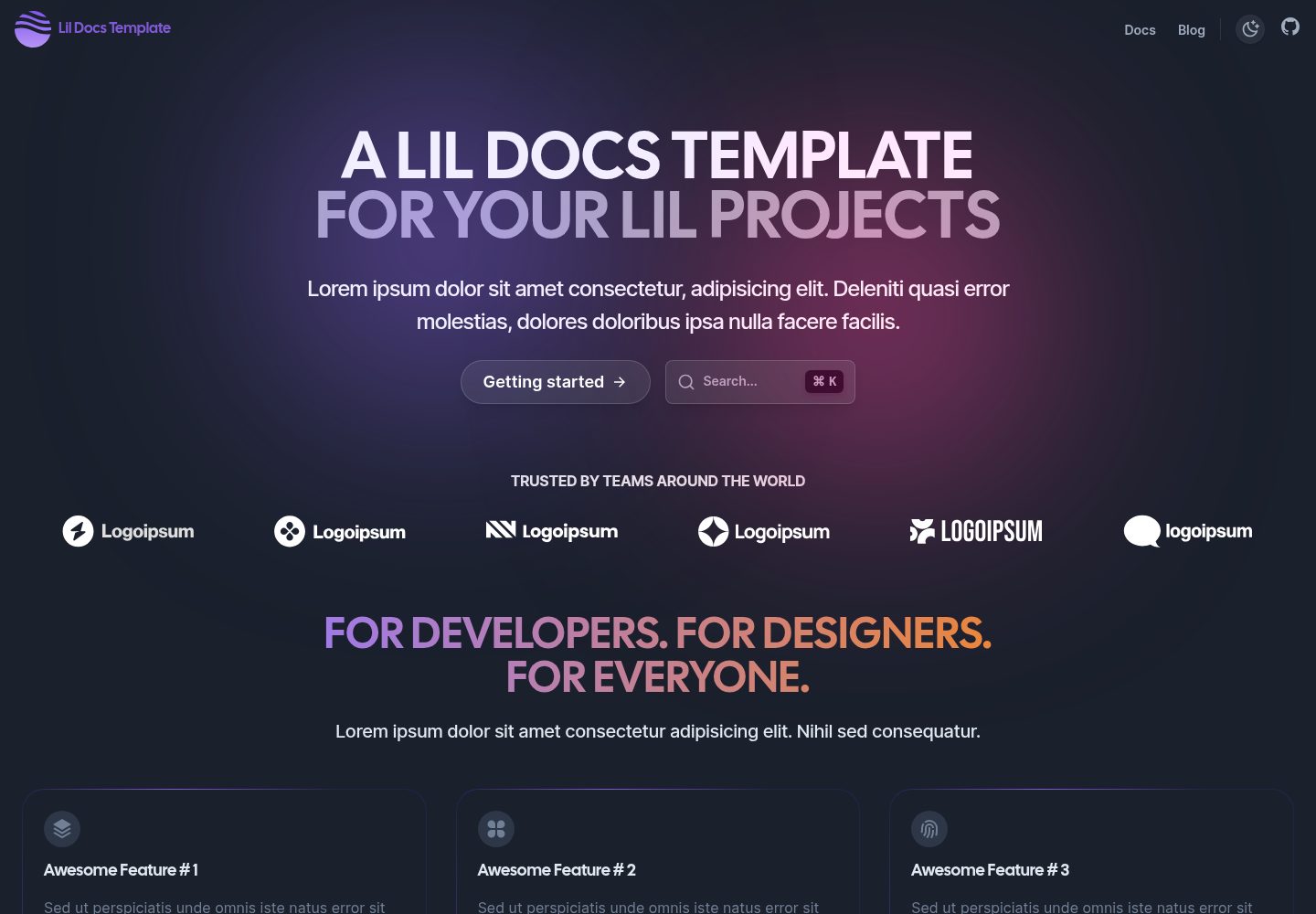
lil-docs-template
A lightweight documentation site template for small projects, built with Next.js, TypeScript, Chakra UI, and ContentLayer. It supports MDX content, light/dark mode, and SEO configuration, and offers a one-click Vercel deploy.
Next.js · Documentation
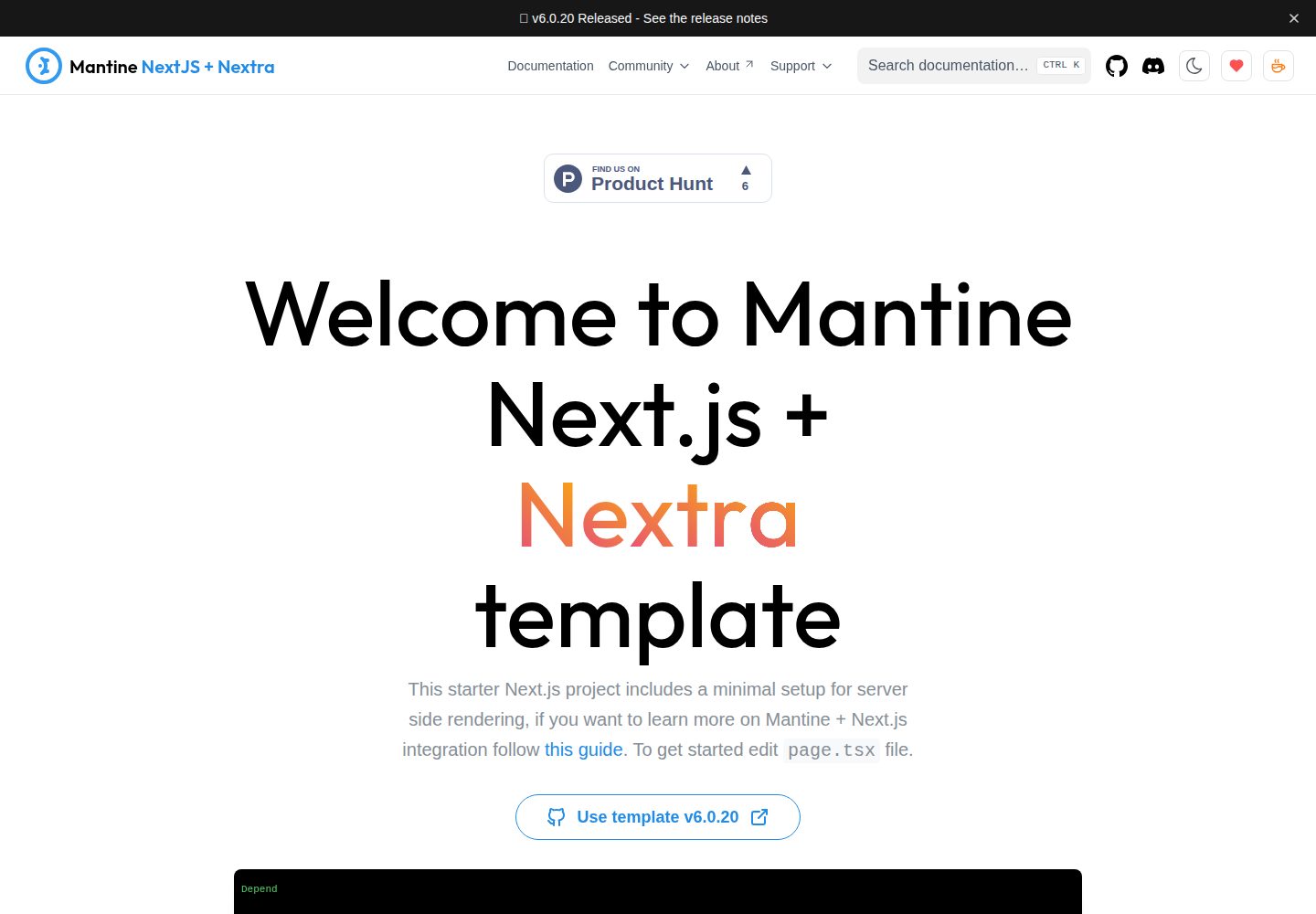
next-app-nextra-template
A documentation site template combining Next.js App Router, Mantine, and Nextra in one project, with synchronized dark mode, Pagefind search, Storybook, Jest, and GitHub Release Notes integration. Suitable for teams maintaining both a product application and its documentation.
Next.js · Documentation
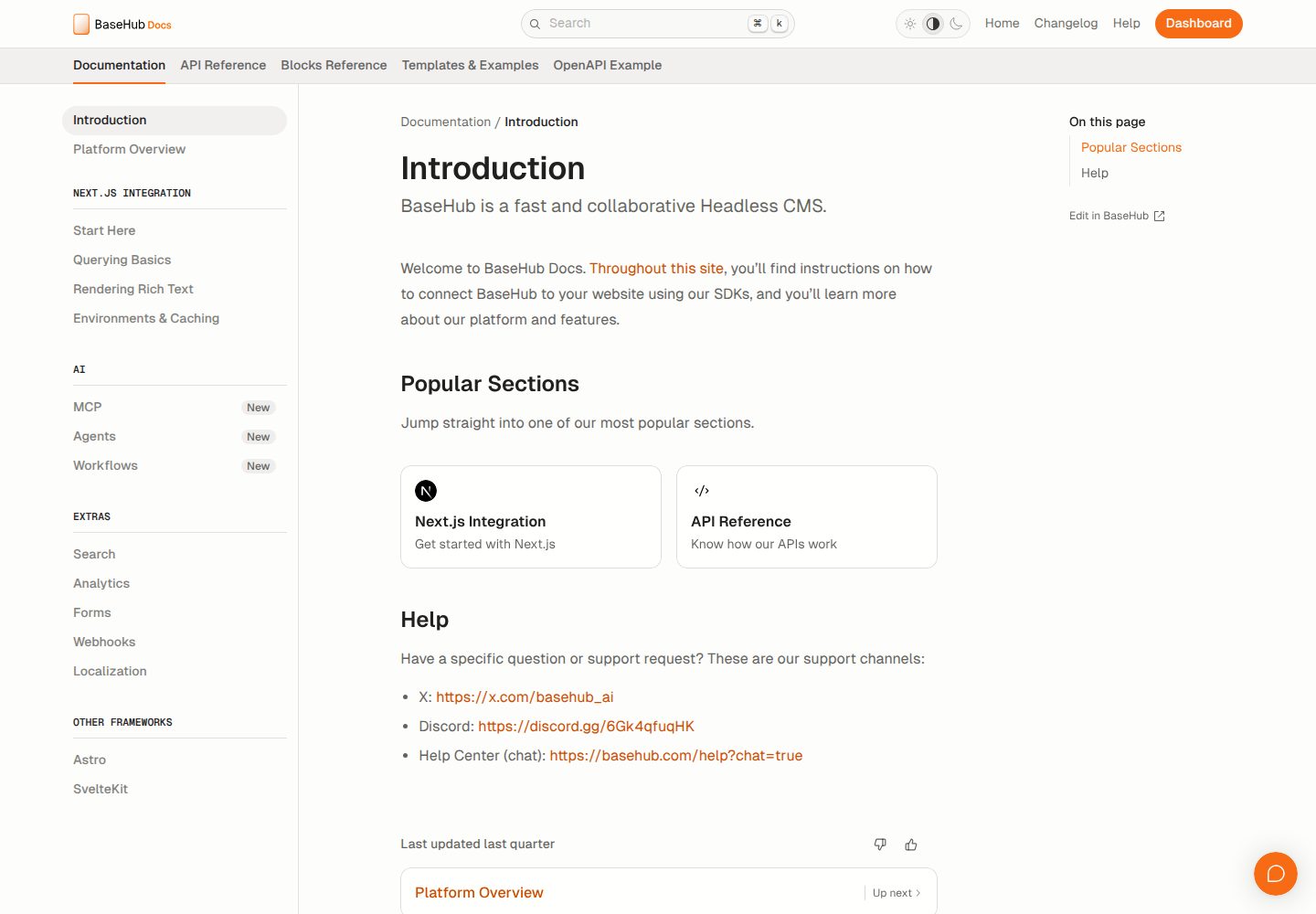
docs-template
A documentation website template built with Next.js, Radix Themes, and BaseHub. Content is edited in BaseHub, so documentation can be maintained without code changes.
Next.js · Documentation
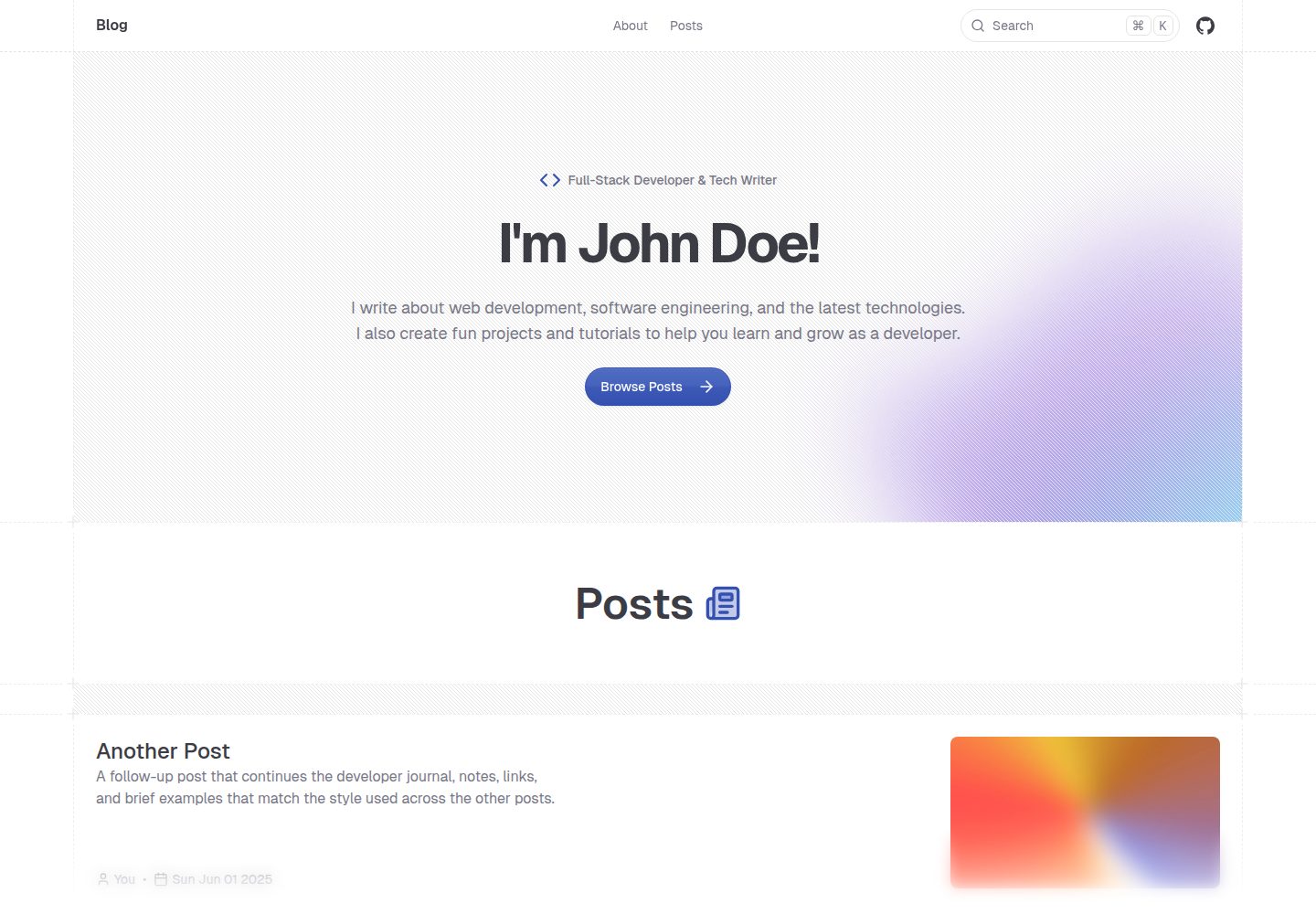
shadcn-blog
A Next.js 15 blog template that renders MDX articles from content/blog/ with Fumadocs, built on shadcn/ui and Tailwind CSS.
Next.js · Blog