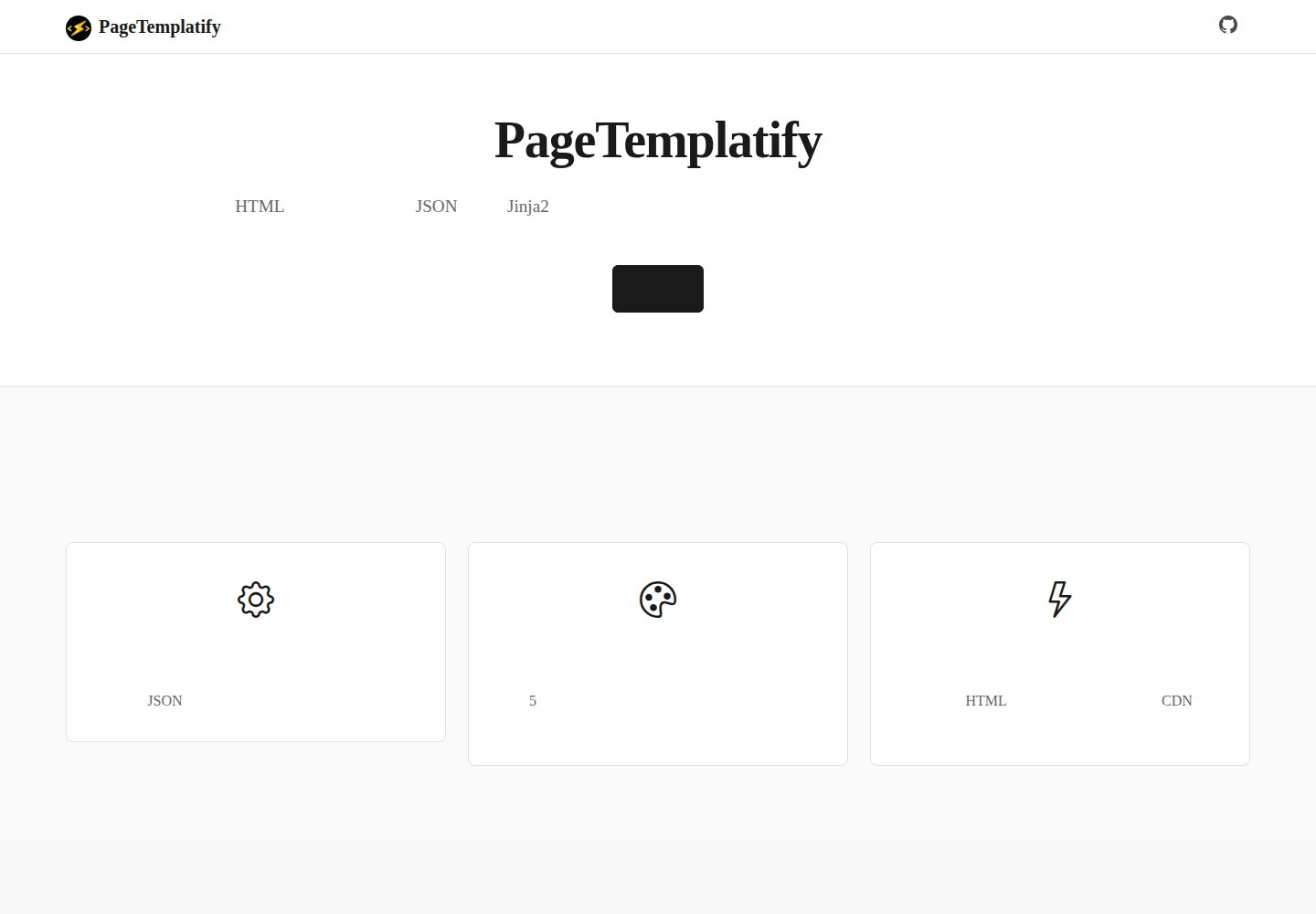
JSON configuration drives content, generating pages without writing code
HTMLTool SiteCorporate Website
PageTemplatify — HTML Tool Template
By GeekAtTeam
PageTemplatify is a static HTML page generation tool based on JSON configuration and Jinja2 templates. It includes five built-in themes: corporate website, SaaS, e-commerce, blog, and news. It is suitable for quickly building corporate websites and sites for filing purposes.
Explore the design
Compare the page layouts and mobile experience. Open any screenshot for a closer look.
Desktop homepage1 / 3
Desktop captureTop of page
Actual screenshot captured by the server browser.
All pages & views 3
Screenshots show visual appearance; interactive behavior may differ.
Recorded 2026-10-02View source
What stands out
A quick read of the recorded project description.
Five built-in theme templates: enterprise, saas, ecommerce, blog, and news
Based on Python and Jinja2, with few dependencies and cross-platform operation
Automatically packages as a zip file after build for easy deployment
Provides a preview command with local preview and hot reload support
Contact information configuration includes ICP filing number and public security filing number fields
Template Details
PageTemplatify is maintained by GeekAtTeam. It uses Python and the Jinja2 template engine, drives content through JSON configuration files, and generates pure static HTML pages. The project includes five built-in themes: enterprise, saas, ecommerce, blog, and news, corresponding to corporate website, SaaS platform, e-commerce platform, personal blog, and news website scenarios. One set of content can switch between different theme styles. The command-line tool ptfy.py provides three subcommands: list, build, and preview. It supports viewing themes, building pages, and local preview with hot reload. After the build is complete, it automatically packages the output as a zip file.
For configuration, each theme corresponds to a JSON file in the configs/ directory. Fields cover site name, main title and subtitle, carousel, about us, service list, contact information, and footer. The contact information includes fields for the ICP filing number and public security filing number, making it suitable for displaying filing information and HTTP service verification. Theme templates are located in the themes/ directory. Each theme contains template.html, uses Jinja2 syntax, and implements responsive layout based on Bootstrap 5 and Bootstrap Icons. Styles and structure can be modified as needed.
For deployment, build output is written to the dist/ directory and can be uploaded to any web server or CDN. The README provides example workflows for Nginx, Apache, and scp upload and extraction. The project uses the MIT License, allowing free use, modification, commercial use, and distribution of this version of the code. When distributing, the copyright notice and license notice must be retained. Third-party assets such as demo images, fonts, and icons must be checked separately under their respective licenses. External services such as domains and hosting may incur additional charges.
HTMLTool siteCorporate website
Is it right for your project?
Use Cases
- Quickly build a corporate website and display company profile, services, and contact information
- Generate static pages containing ICP filing and public security filing information for filing verification
- Generate static page prototypes for SaaS, e-commerce, blog, or news sites
- Deploy the generated static HTML to Nginx, Apache, or a CDN
- Customize Jinja2 templates in the themes/ directory to adjust styles and structure
Suitable For
- Developers or small teams that need to quickly produce static pages for corporate websites
- Site operators who need to display filing information and complete HTTP service verification
- Content maintainers who want to use JSON configuration instead of writing HTML by hand
- Projects in the selection stage that need multiple theme switching to compare different page styles
Getting started & customization
Use these recorded setup notes alongside the repository instructions for your chosen version.
- 1
After cloning the repository, run pip install -r requirements.txt to install dependencies
- 2
Use python ptfy.py list to view available themes
- 3
Use python ptfy.py build --theme <theme name> to generate pages; build output is located in the dist/ directory
- 4
Use python ptfy.py preview --theme <theme name> to start local preview
- 5
A custom JSON configuration file can be specified with the --config parameter
License & source material
Usage conditions & limitations
Free to use · keep license noticeThis entry covers the free version under the MIT License in the public repository; the free scope is the code of this version and does not mean that external services or third-party assets are free.
Must comply with when using
- Free use, modification, commercial use, and distribution of this version of the code are permitted.
- When distributing copies or substantial portions of the code, retain the original author's copyright notice and the complete MIT License notice.
- The code is provided as is; warranties and limitations of liability are governed by the original license and applicable law.
Additional costs & items to verify
- Demo images, fonts, icons, and other third-party assets must be checked under their respective licenses and cannot be judged solely by the code's MIT License.
- External services such as domains, hosting, databases, payments, or AI may incur additional charges.
View Original Text Basis
https://github.com/GeekAtTeam/PageTemplatify/blob/main/LICENSEhttps://github.com/GeekAtTeam/PageTemplatify/blob/main/README.mdPermission is hereby granted, free of charge
Original License Text
Compiled by DeepSeek based on repository license and README ·2026-10-02. Results only cover the materials read; dependencies, images, fonts, and subsequent term changes are subject to their respective original texts.
Project checks & description sources
Template Information
- Source platforms
- GitHub
- Documentation and maintenance reference score
- More documented · 96 / 100
- Technologies
- HTML
- Website type
- Tool Site · Corporate Website
How this score is calculated
Our heuristic uses license records (up to 30), a demo link (12), a preview (10), stars (15), recorded maintenance (15), description completeness (8), feature records (5) and classification data (5). It is not a code, security or performance test, or a Google score. A link does not establish tested functionality.
What to verify for this project
- Repository update recorded
- 2026-01-04
- Screenshot last checked
- 2026-10-02
A demo link is listed. Check it with your own content and viewport sizes; its presence does not confirm that forms, authentication or payments work.
The catalog identifies HTML as the primary stack. Check the actual dependency manifest and lockfile for versions and hosting requirements. These notes use recorded metadata, not a code audit or a deployment test.
Use a selection guide →How this description was prepared
AI-assisted description based on catalog records and repository material. Repository authors are not automatically the reviewers of this description.
Automatically checked against source and license rules; no manual editorial review.
Inspect the recorded source material
SHA-256: 35142d055c73328d417f28455e9d99f9465f8c7d3ad403aafda4b198c610ef64
2026-10-02T07:46:29.644Z
Source file / repository# PageTemplatify
✨ 简单灵活的静态 HTML 页面生成工具,基于 JSON 配置和 Jinja2 模板引擎,支持多主题多模板,适合企业官网、SaaS 平台、电商平台、个人博客、新闻网站等场景。
> Generate customizable static HTML pages using JSON configs and Jinja2 templates. Ideal for landing pages, company sites, SaaS platforms, e-commerce, blogs, and news websites.
## 🔧 项目特点
- 🧱 **配置驱动**:只需编辑 JSON 配置文件,无需编写代码;
- 🎨 **多主题风格**:内置 5 种专业模板,一套内容可切换多种风格;
- 🚀 **纯静态输出**:生成纯静态 HTML 文件,可部署于任何服务器或 CDN;
- 📦 **一键打包**:自动打包成 zip 文件,方便部署;
- 🐍 **Python + Jinja2**:依赖少,易用快速,跨平台兼容;
- 🌐 **适合备案用途**:支持展示备案信息与企业简介,适合 HTTP 服务验证;
- 💡 **易于扩展**:模板结构清晰,可自由定制样式和内容。
## 📦 安装依赖
```bash
git clone https://github.com/your-username/PageTemplatify.git
cd PageTemplatify
pip install -r requirements.txt
```
## 🚀 快速使用
### 查看支持的主题
列出所有可用的主题:
```bash
python ptfy.py list
```
### 基础用法
生成页面(使用默认配置):
```bash
python ptfy.py build --theme enterprise
```
预览页面(支持热更新):
```bash
python ptfy.py preview --theme enterprise
```
### 自定义配置
使用自定义配置文件:
```bash
python ptfy.py build --theme enterprise --config configs/my-config.json
python ptfy.py preview --theme enterprise --config configs/my-config.json
```
## 🎨 内置主题
PageTemplatify 内置了 5 种专业模板:
| 主题 | 适用场景 | 默认配置 |
|------|----------|----------|
| `enterprise` | 企业官网 | `configs/enterprise.json` |
| `saas` | SaaS 平台 | `configs/saas.json` |
| `ecommerce` | 电商平台 | `configs/ecommerce.json` |
| `blog` | 个人博客 | `configs/blog.json` |
| `news` | 新闻网站 | `configs/news.json` |
## 📁 目录结构
```bash
PageTemplatify/
├── configs/ # 内容配置文件(JSON)
│ ├── enterprise.json # 企业官网配置
│ ├── saas.json # SaaS 平台配置
│ ├── ecommerce.json # 电商平台配置
│ ├── blog.json # 个人博客配置
│ └── news.json # 新闻网站配置
├── themes/ # 主题模板(Jinja2 模板)
│ ├── enterprise/ # 企业官网模板
│ ├── saas/ # SaaS 平台模板
│ ├── ecommerce/ # 电商平台模板
│ ├── blog/ # 个人博客模板
│ └── news/ # 新闻网站模板
├── public/ # 公共资源,如 CSS、图片
├── dist/ # 输出目录(构建后 HTML)
├── ptfy.py # 生成脚本(命令行工具)
├── requirements.txt # 依赖列表
└── README.md
```
## 📄 配置示例
### 企业官网配置(configs/enterprise.json)
```json
{
"site_name": "广州极客艾特计算机系统有限公司",
"hero_title": "极客艾特 Geek@",
"hero_subtitle": "企业信息化解决方案专家",
"description": "我们为客户提供一站式 IT 服务...",
"carousel_title": "我们的服务场景",
"carousel": [
"carousel-1.webp",
"carousel-2.webp",
"carousel-3.webp"
],
"about_title": "关于我们",
"about_subtitle": "专业团队,值得信赖",
"about_us": "成立于2025年,我们是一家专注于...",
"about_features": [
{
"icon": "bi-award-fill",
"title": "专业认证",
"description": "获得多项行业认证,技术实力得到权威认可"
}
],
"services_title": "核心服务",
"services_subtitle": "为您提供全方位的技术解决方案",
"services": [
{
"name": "服务器运维",
"icon": "bi-server",
"description": "7×24小时专业运维服务,确保系统稳定运行"
}
],
"contact_title": "联系我们",
"contact_subtitle": "随时为您提供专业服务",
"contact": {
"address": "广州市小蛮腰科技园G栋101室",
"phone": "020-12345678",
"email": "[email protected]",
"work_time": "周一至周五 9:00-18:00",
"icp": "粤ICP备20250000号",
"police": "粤公网安备110105000000号"
},
"footer": {
"copyright": "© 2024 广州极客艾特计算机系统有限公司. 保留所有权利。",
"description": "专注于企业信息化解决方案,助力企业数字化转型"
}
}
```
## 🎨 主题定制
你可以在 `themes/` 目录中自定义模板:
- 每个主题目录包含 `template.html` 文件
- 使用 Jinja2 模板语法
- 支持 Bootstrap 5 和 Bootstrap Icons
- 响应式设计,移动端友好
## 📦 部署说明
### 自动打包
构建完成后会自动生成 zip 文件:
```bash
python ptfy.py build --theme enterprise
# 输出:enterprise-enterprise.zip
```
### 手动部署
1. 构建页面:`python ptfy.py build --theme enterprise`
2. 将 `dist/` 目录内容上传到服务器
3. 配置 Web 服务器(Nginx、Apache 等)
### 快速部署
```bash
# 构建并打包
python ptfy.py build --theme enterprise
# 上传到服务器
scp pagetemplatify-enterprise.zip user@server:/var/www/html/
# 在服务器上解压
ssh user@server "cd /var/www/html && unzip pagetemplatify-enterprise.zip"
```
## 📄 许可证
本项目采用 MIT 许可证,详见 [LICENSE](LICENSE) 文件。
## 🙋♂️ 作者
由 [GeekAt 团队](https://geekat.cn) 维护,欢迎交流与合作!
Explore similar templates
Compare previews and descriptions within the same stack and category.

mazer
Mazer is a free and open-source Bootstrap 5 admin dashboard and landing page template that does not depend on jQuery. It provides prebuilt releases, source builds, and CDN inclusion, and includes dark mode, perfect-scrollbar, and ApexCharts examples.
HTML · Admin dashboard

Freelancer
A bright, single-page Bootstrap portfolio template for freelancers, designers, and small studios. It includes a responsive portfolio grid with modal detail windows and an SB Forms contact form that requires an API token.
HTML · Portfolio

Creative
A single-page marketing template by Start Bootstrap for creative agencies and product services, built on Bootstrap with SCSS, featuring a portfolio grid and call-to-action sections. It includes pre-set SB Forms markers for form integration and npm build scripts for source customization.
HTML · Corporate Website

startbootstrap-agency
Agency is a one-page Bootstrap portfolio theme from Start Bootstrap, MIT licensed. It includes a responsive portfolio grid with modal details and a preconfigured SB Forms contact form that requires an API token.
HTML · Corporate Website

startbootstrap-landing-page
A general-purpose Bootstrap landing page template from Start Bootstrap, MIT licensed, with a Pug/SCSS/npm build pipeline.
HTML · Corporate Website

Landing-Page
A general-purpose landing page HTML template maintained by Tailwind Toolbox, written in pure HTML and loading the complete Tailwind CSS via CDN.
HTML · Corporate Website