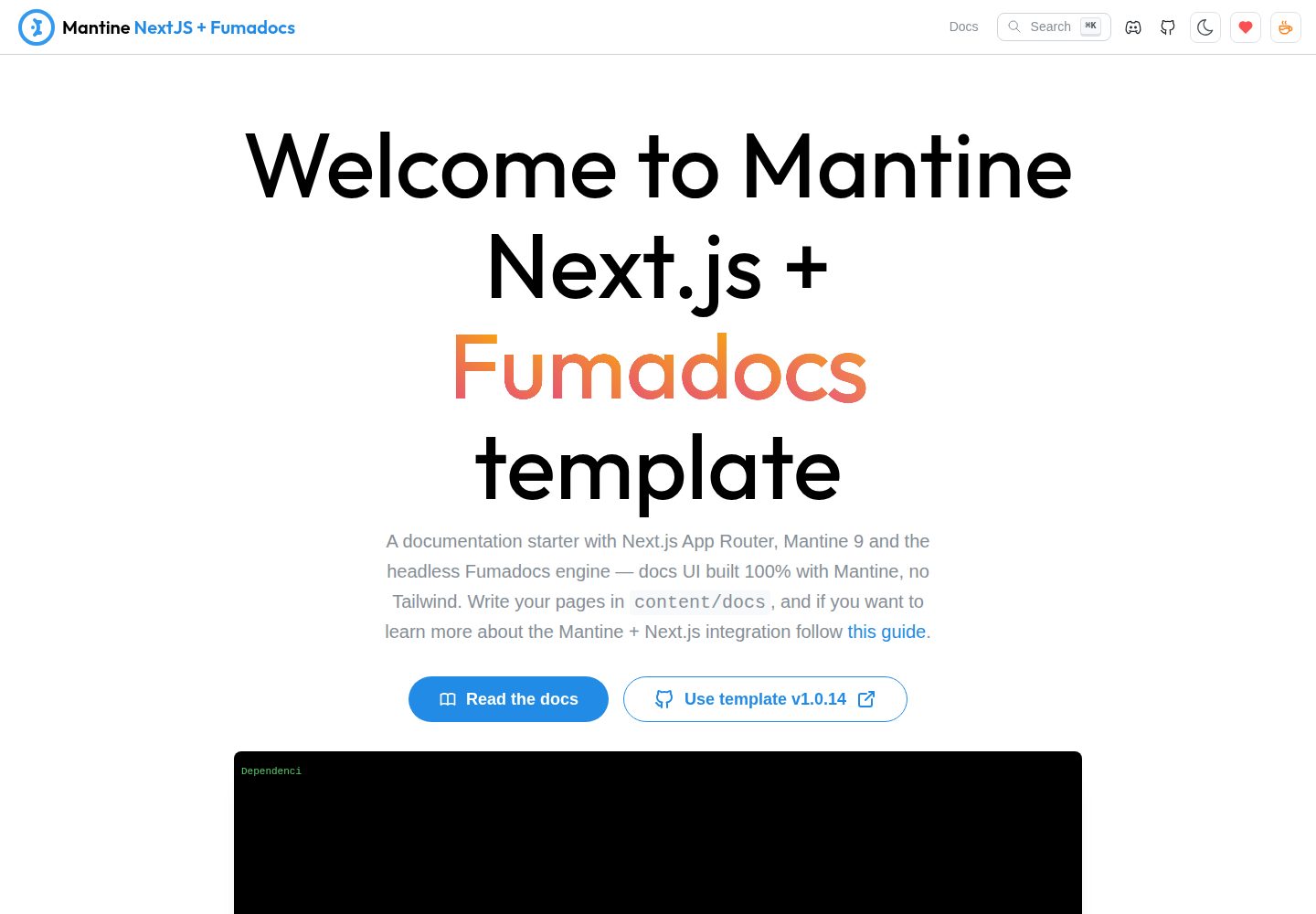
The documentation interface is built entirely with Mantine, without Tailwind and without the official Fumadocs theme
Next.jsReactDocumentation
next-app-fumadocs-template — Next.js Documentation Template
By gfazioli
A documentation site template built on the Next.js App Router, Mantine, and the Fumadocs headless core, with the entire docs interface implemented using Mantine components and no Tailwind.
Explore the design
Compare the page layouts and mobile experience. Open any screenshot for a closer look.
Desktop homepage1 / 2
Desktop captureTop of page
Actual screenshot captured by the server browser.
All pages & views 2
Screenshots show visual appearance; interactive behavior may differ.
Recorded 2026-10-02View source
What stands out
A quick read of the recorded project description.
Only the headless fumadocs-core is used to provide capabilities such as the page tree, table-of-contents positioning, breadcrumbs, and search
The sidebar supports collapsing, group labels, a collapsible table of contents with a rail, and a mobile drawer
The search dialog is based on Mantine Spotlight and useDocsSearch, with the ⌘K shortcut
Build-time Shiki syntax highlighting, including code titles, line highlighting, and line numbers, plus support for GitHub alert syntax
Provides two deployment paths: static export for GitHub Pages and Vercel/Node
Template Details
This is a documentation site template combining the Next.js App Router, the Mantine component library, and the Fumadocs headless core (fumadocs-core + fumadocs-mdx). Unlike common practice, it does not use the official Fumadocs theme fumadocs-ui; instead it consumes only the unstyled core capabilities (page tree, table-of-contents scroll positioning, breadcrumbs, search) and then draws the entire documentation interface with Mantine. As a result, the site has only one styling system and does not need to handle cascade conflicts between Tailwind and Mantine.
The template ships with a complete documentation interface implementation: a collapsible sidebar (with a search box, group labels, a collapsible table of contents with a rail, and a mobile drawer), SVG table-of-contents lines that follow heading levels, a search dialog based on Mantine Spotlight (⌘K), breadcrumbs and previous/next page navigation, as well as build-time Shiki syntax highlighting, GitHub alert syntax (> [!NOTE]), and MDX components such as Callout, Steps, and FileTree. Changing primaryColor in theme.ts applies the theme color globally, and dark mode is managed uniformly by Mantine's color scheme manager.
Content lives in .mdx files under content/docs, and the sidebar order is controlled by meta.json in the same directory. The documentation included with the template is itself a feature demo, containing sections such as Getting Started, MDX component showcase, UI customization, and search. Search uses Orama and is served through /api/search.
For deployment, the repository provides a static export option for GitHub Pages (yarn build:static generates a pre-rendered search index, with a GitHub Actions workflow included); in this case, release notes are requested directly from the GitHub API by the browser. When deployed to Vercel or a Node environment, the search endpoint becomes dynamic and GitHub release information goes through a built-in proxy. Before use, note the following: Node.js ≥ 24 and Yarn 4 are required (Yarn is bundled with the repository, and npm or pnpm are explicitly not recommended). The repository is MIT licensed, but third-party assets such as demo images, fonts, and icons require separate license verification.
Next.jsReactDocumentation
Is it right for your project?
Use Cases
- Building a documentation site with MDX-authored content for a product
- Wanting the documentation site to share the Mantine design system with the main application and avoid introducing Tailwind
- Needing to freely modify the documentation interface as ordinary React + Mantine code within the repository
- Publishing documentation via static hosting on GitHub Pages while retaining full-text search
Suitable For
- Frontend teams using the Next.js App Router and Mantine
- Projects that need a headless documentation core and want to control the interface styling themselves
- Developers who accept the Node.js ≥ 24 and Yarn 4 toolchain constraints
Getting started & customization
Use these recorded setup notes alongside the repository instructions for your chosen version.
- 1
After cloning the repository, run yarn install and yarn dev; the default address is http://localhost:3000, with the homepage at / and documentation at /docs
- 2
Requires Node.js ≥ 24 and Yarn 4; Yarn is bundled with the repository, and the README explicitly does not recommend npm or pnpm
- 3
Add new pages under content/docs and adjust the sidebar order in content/docs/meta.json
- 4
Change the theme color via primaryColor in theme.ts; dark mode is managed by Mantine's color scheme manager
- 5
For static publishing, use yarn build:static; the repository includes a GitHub Pages deployment workflow
License & source material
Usage conditions & limitations
Free to use · keep license noticeThis entry covers the free version under the MIT license in the public repository; the free scope is the code of this version and does not mean that external services or third-party assets are free.
Must comply with when using
- Free use, modification, commercial use, and distribution of this version's code are permitted.
- When distributing copies or substantial portions of the code, retain the original author's copyright notice and the complete MIT license notice.
- The code is provided as is; warranties and limitations of liability are governed by the original license and applicable law.
Additional costs & items to verify
- Using this template requires a Node.js ≥ 24 and Yarn 4 environment; the README explicitly requires using the Yarn bundled with the repository and does not recommend the npm or pnpm package managers.
- With static deployment on GitHub Pages, release notes are fetched by the browser directly from the GitHub API, depending on an external service and potentially subject to GitHub API rate limits.
- When deployed to Vercel/Node, GitHub release information is fetched through a built-in proxy, with an optional token configuration; without a token, it may be subject to GitHub API unauthenticated rate limits.
- Demo images, fonts, icons, and other third-party assets must be checked against their respective licenses and cannot be judged solely by the code's MIT license.
- External services such as domains, hosting, databases, payments, or AI may incur additional charges.
View Original Text Basis
Permission is hereby granted, free of charge
Original License Text
**Requirements**: Node.js ≥ 24, Yarn 4 (bundled — do not use npm or pnpm).
Original README
Release notes are fetched by the browser directly from the GitHub API.
Original README
https://github.com/gfazioli/next-app-fumadocs-template/blob/main/LICENCEhttps://github.com/gfazioli/next-app-fumadocs-template/blob/main/README.mdthe GitHub releases go through the bundled proxy with optional token.
Original README
Compiled by DeepSeek based on repository license and README ·2026-10-02. Results only cover the materials read; dependencies, images, fonts, and subsequent term changes are subject to their respective original texts.
Project checks & description sources
Template Information
- Source platforms
- GitHub
- Documentation and maintenance reference score
- More documented · 88 / 100
- Technologies
- Next.js · React
- Website type
- Documentation
How this score is calculated
Our heuristic uses license records (up to 30), a demo link (12), a preview (10), stars (15), recorded maintenance (15), description completeness (8), feature records (5) and classification data (5). It is not a code, security or performance test, or a Google score. A link does not establish tested functionality.
What to verify for this project
- Repository update recorded
- 2026-10-02
- Screenshot last checked
- 2026-10-02
A demo link is listed. Check it with your own content and viewport sizes; its presence does not confirm that forms, authentication or payments work.
The catalog identifies Next.js as the primary stack. Check the actual dependency manifest and lockfile for versions and hosting requirements. These notes use recorded metadata, not a code audit or a deployment test.
Use a selection guide →How this description was prepared
AI-assisted description based on catalog records and repository material. Repository authors are not automatically the reviewers of this description.
Automatically checked against source and license rules; no manual editorial review.
Inspect the recorded source material
SHA-256: 7f7f9d05101a2dfc6a56a05c5a55e44036987700fe32e3928f7930672b9ee479
2026-10-02T16:38:31.106Z
Source file / repository# Mantine Next.js + Fumadocs template <div align="center"> [<kbd> <br/> ❤️ If this component has been useful to you or your team, please consider becoming a sponsor <br/> </kbd>](https://github.com/sponsors/gfazioli?o=esc) </div> This is a template for a [Next.js](https://nextjs.org/) App Router + [Mantine](https://mantine.dev/) + [Fumadocs](https://www.fumadocs.dev/) documentation site. The docs UI is built **100% with Mantine** on top of the headless `fumadocs-core` — no Tailwind, no third-party docs theme, a single styling system for the whole app. Change `primaryColor` in `theme.ts` and the entire docs UI follows. > Looking for the [Nextra](https://nextra.site/) flavor? Check out the sibling template [next-app-nextra-template](https://github.com/gfazioli/next-app-nextra-template). ## Quick start ```bash git clone https://github.com/gfazioli/next-app-fumadocs-template my-docs cd my-docs yarn install yarn dev ``` Open [http://localhost:3000](http://localhost:3000) — the landing page lives at `/`, the documentation at `/docs`. Add pages in `content/docs` and order them in `content/docs/meta.json`. **Requirements**: Node.js ≥ 24, Yarn 4 (bundled — do not use npm or pnpm). ## Features This template comes with the following features: - [Next.js 16](https://nextjs.org/) with App Router and Turbopack - [Mantine 9](https://mantine.dev/) UI component library - [Fumadocs](https://www.fumadocs.dev/) headless documentation engine (`fumadocs-core` + `fumadocs-mdx`) - [PostCSS](https://postcss.org/) with [mantine-postcss-preset](https://mantine.dev/styles/postcss-preset) - [TypeScript 6](https://www.typescriptlang.org/) - [Storybook](https://storybook.js.org/) - [Jest](https://jestjs.io/) setup with [React Testing Library](https://testing-library.com/docs/react-testing-library/intro) - [oxlint](https://oxc.rs/docs/guide/usage/linter) for linting - [oxfmt](https://oxc.rs/docs/guide/usage/formatter) for formatting - [Orama](https://oramasearch.com/) full-text search served by `/api/search` - Turbopack inline SVG loader [turbopack-inline-svg-loader](https://github.com/vitalets/turbopack-inline-svg-loader) ## Fumadocs + Mantine Features - Docs UI entirely built with Mantine: **collapsible sidebar** with built-in search box, section labels, collapsible folders with guide rail, mobile drawer - **Clerk-style table of contents**: an SVG thread following the heading depth with smooth curves, and a primary-colored indicator sliding along it to the visible headings - Search dialog with [Mantine Spotlight](https://mantine.dev/x/spotlight/) (`⌘K`), fed by the headless `useDocsSearch` hook, highlighted matches rendered with Mantine Mark - Per-page chrome: breadcrumbs, previous/next navigation, divider-separated header - Build-time syntax highlighting (Shiki) with light/dark themes following the Mantine color scheme, code titles, line highlighting and line numbers - GitHub alert syntax (`> [!NOTE]`) rendered with Mantine Alert - Mantine-native MDX components: Callout, Steps, FileTree, fully-styled tables — all customizable in `components/mdx` - Single source of truth for dark mode: Mantine color scheme manager (no `next-themes`) - GitHub Release Notes integration via API ## Folder structure - `app` – Next.js App Router pages, layouts, and API routes - `components` – shared components, including `components/docs` (docs shell) and `components/mdx` (MDX map) - `content/docs` – documentation content (`.mdx` files and `meta.json` for sidebar order; `guides/` shows the folder convention) - `config` – centralized site configuration (metadata, GitHub API, search) - `lib/source.ts` – the fumadocs content source (loader) - `source.config.ts` – fumadocs-mdx collections and schemas The shipped documentation doubles as a feature tour: Getting Started, MDX Components showcase, Customize UI and Search guides. ## Deploy - **GitHub Pages** (fully static — this is how the live demo is hosted): `yarn build:static` produces a static export with a pre-rendered Orama search index; the bundled `.github/workflows/deploy-pages.yml` workflow publishes it on every push to `main`. Release notes are fetched by the browser directly from the GitHub API. **Live demo: [gfazioli.github.io/next-app-fumadocs-template](https://gfazioli.github.io/next-app-fumadocs-template/)** - **Vercel / Node**: import the repo and deploy — the search API turns dynamic (the client stays lightweight) and the GitHub releases go through the bundled proxy with optional token. ## Why headless (no Tailwind)? `fumadocs-ui` — the official theme — is built on Tailwind CSS v4. Pairing it with Mantine means maintaining two styling systems and reconciling their cascade layers. This template instead consumes only the headless `fumadocs-core` (page tree, TOC scroll-spy, breadcrumbs, search — zero styling opinions) and paints everything with Mantine. One design system, one theme, no conflicts — and the docs UI lives in your repo as plain React + Mantine code you can freely edit. ## npm scripts ### Build and dev scripts - `dev` – start dev server - `build` – bundle application for production - `analyze` – analyzes application bundle with [@next/bundle-analyzer](https://www.npmjs.com/package/@next/bundle-analyzer) ### Testing scripts - `typecheck` – checks TypeScript types - `lint` – runs oxlint and Stylelint - `format:test` – checks files with oxfmt - `jest` – runs jest tests - `jest:watch` – starts jest watch - `test` – runs `format:test`, `lint`, `typecheck` and `jest` scripts ### Other scripts - `storybook` – starts storybook dev server - `storybook:build` – build production storybook bundle to `storybook-static` - `format:write` – formats all files with oxfmt ## Sponsor <div align="center"> [<kbd> <br/> ❤️ If this component has been useful to you or your team, please consider becoming a sponsor <br/> </kbd>](https://github.com/sponsors/gfazioli?o=esc) </div> Your support helps me: - Keep the project actively maintained with timely bug fixes and security updates - Add new features, improve performance, and refine the developer experience - Expand test coverage and documentation for smoother adoption - Ensure long‑term sustainability without relying on ad hoc free time - Prioritize community requests and roadmap items that matter most Open source thrives when those who benefit can give back—even a small monthly contribution makes a real difference. Sponsorships help cover maintenance time, infrastructure, and the countless invisible tasks that keep a project healthy. Your help truly matters. 💚 [Become a sponsor](https://github.com/sponsors/gfazioli?o=esc) today and help me keep this project reliable, up‑to‑date, and growing for everyone.
Explore similar templates
Compare previews and descriptions within the same stack and category.

nextjs-prisma-boilerplate
A production-grade full stack starter built on Next.js 12, React 18, Prisma 4, and Postgres, with layered frontend and backend architecture, Jest and Cypress testing, next-auth authentication, Docker and Gitpod development environments, GitHub Actions CI/CD, and Traefik-based production deployment.
Next.js · Documentation

rubix-documents
A Next.js and React documentation site starter template for product docs, technical manuals and knowledge bases.
Next.js · Documentation
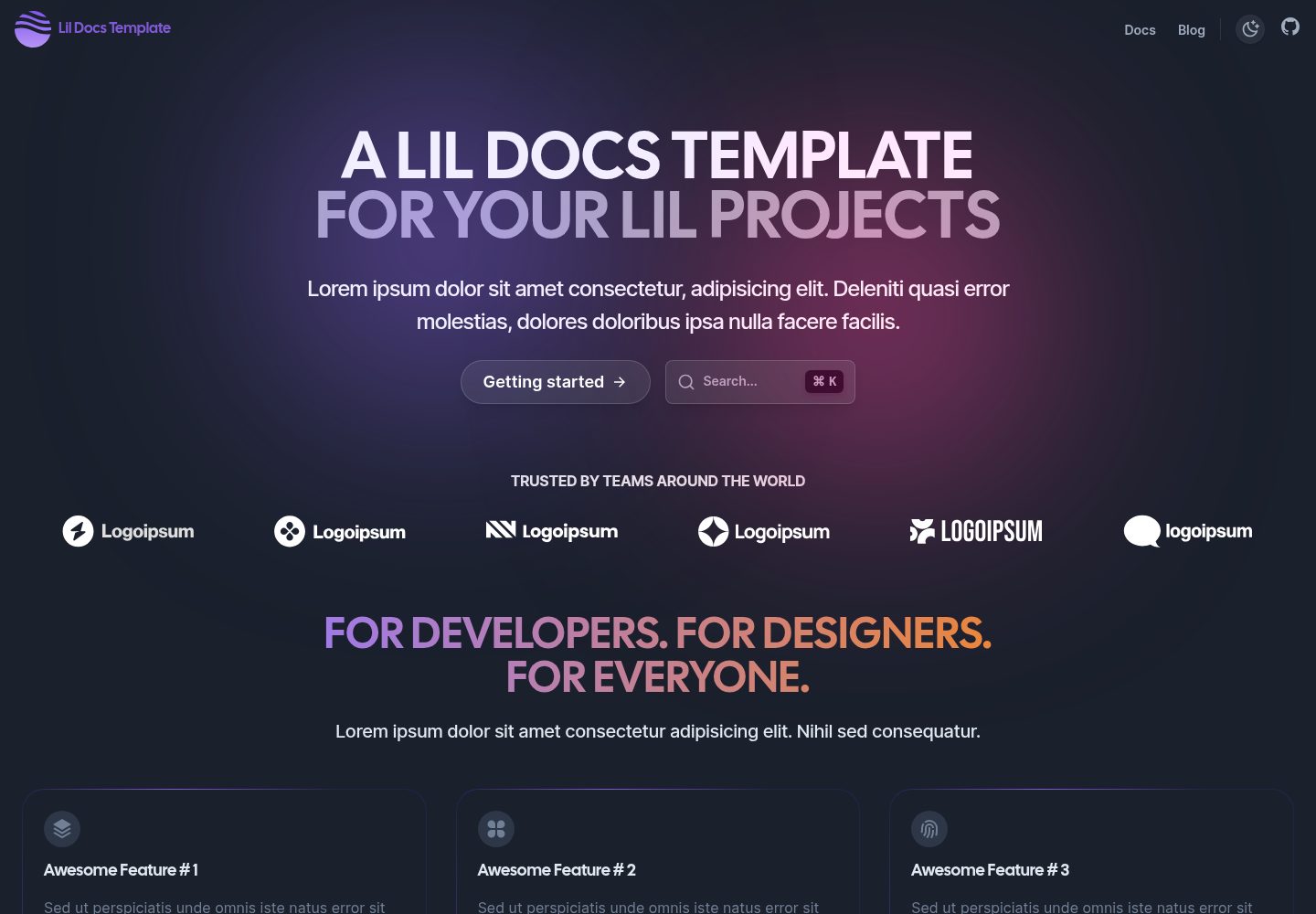
lil-docs-template
A lightweight documentation site template for small projects, built with Next.js, TypeScript, Chakra UI, and ContentLayer. It supports MDX content, light/dark mode, and SEO configuration, and offers a one-click Vercel deploy.
Next.js · Documentation
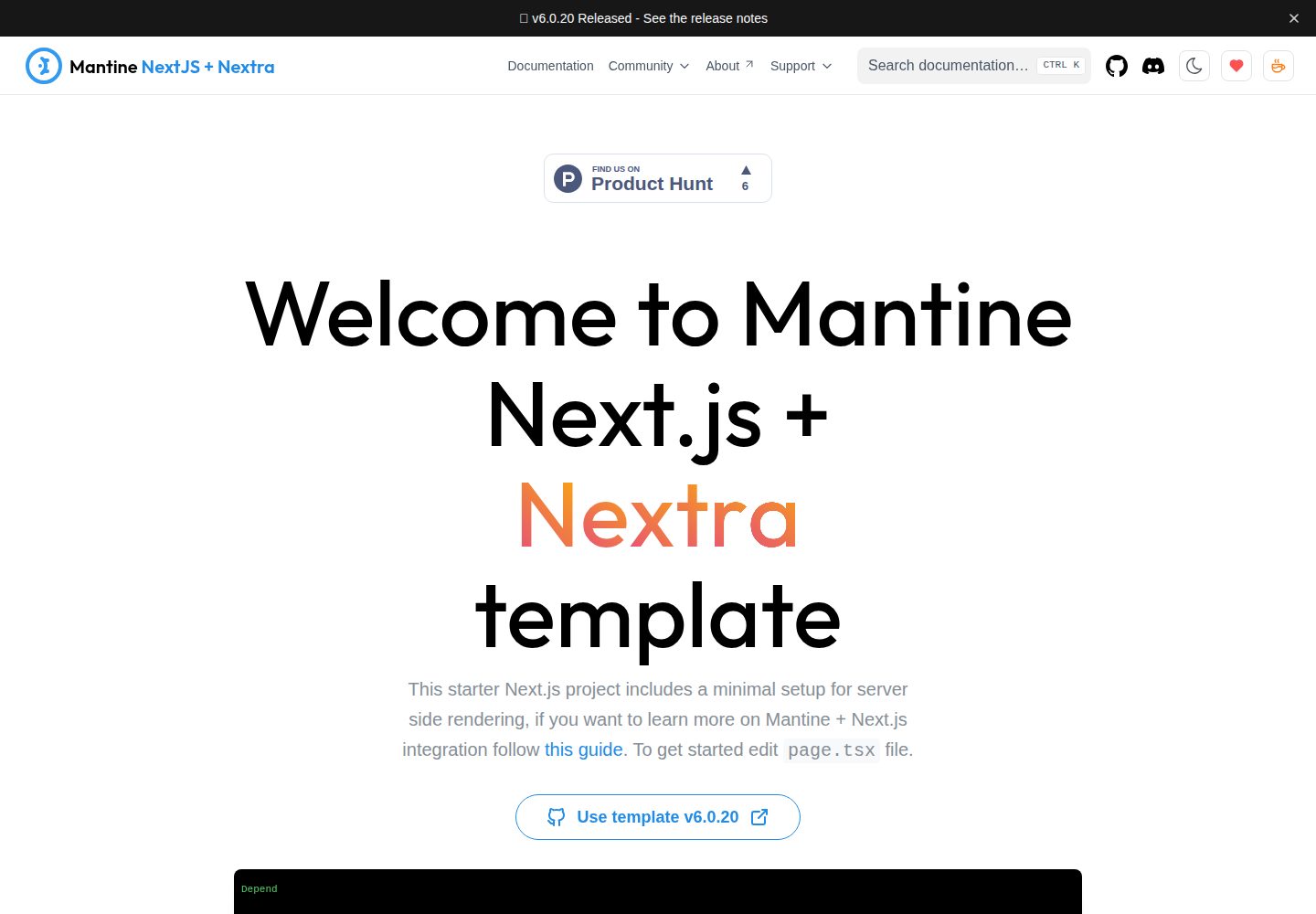
next-app-nextra-template
A documentation site template combining Next.js App Router, Mantine, and Nextra in one project, with synchronized dark mode, Pagefind search, Storybook, Jest, and GitHub Release Notes integration. Suitable for teams maintaining both a product application and its documentation.
Next.js · Documentation
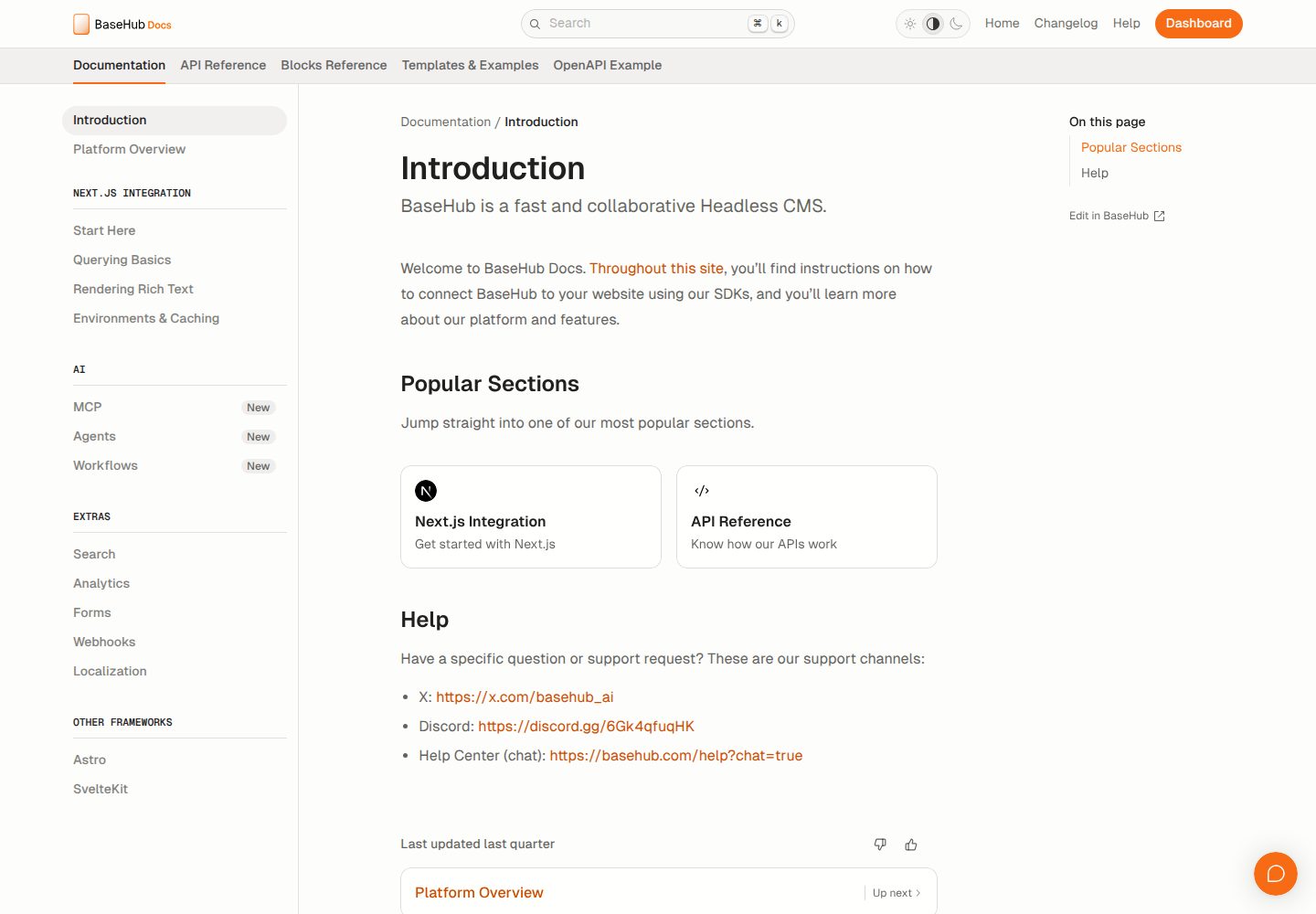
docs-template
A documentation website template built with Next.js, Radix Themes, and BaseHub. Content is edited in BaseHub, so documentation can be maintained without code changes.
Next.js · Documentation
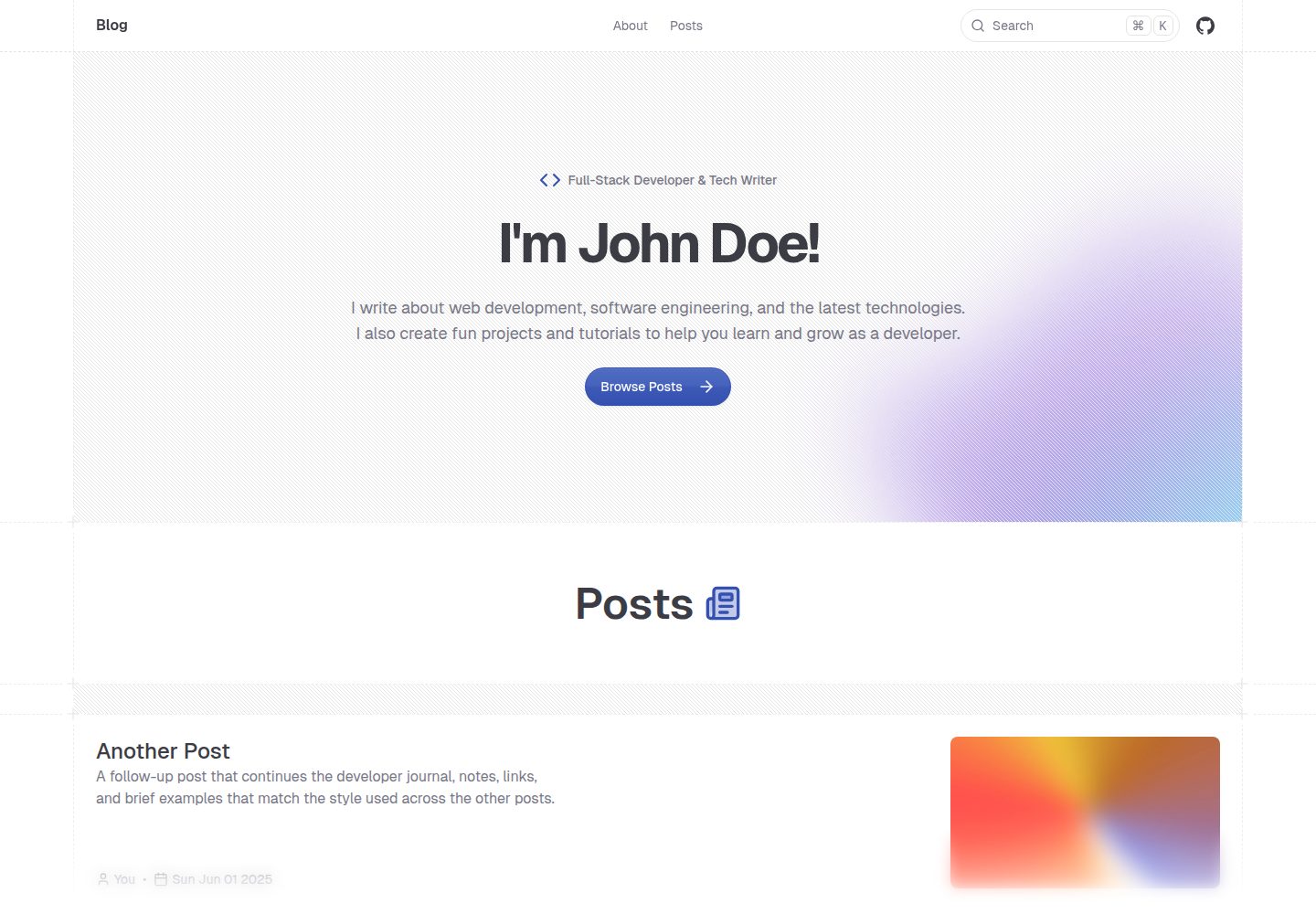
shadcn-blog
A Next.js 15 blog template that renders MDX articles from content/blog/ with Fumadocs, built on shadcn/ui and Tailwind CSS.
Next.js · Blog