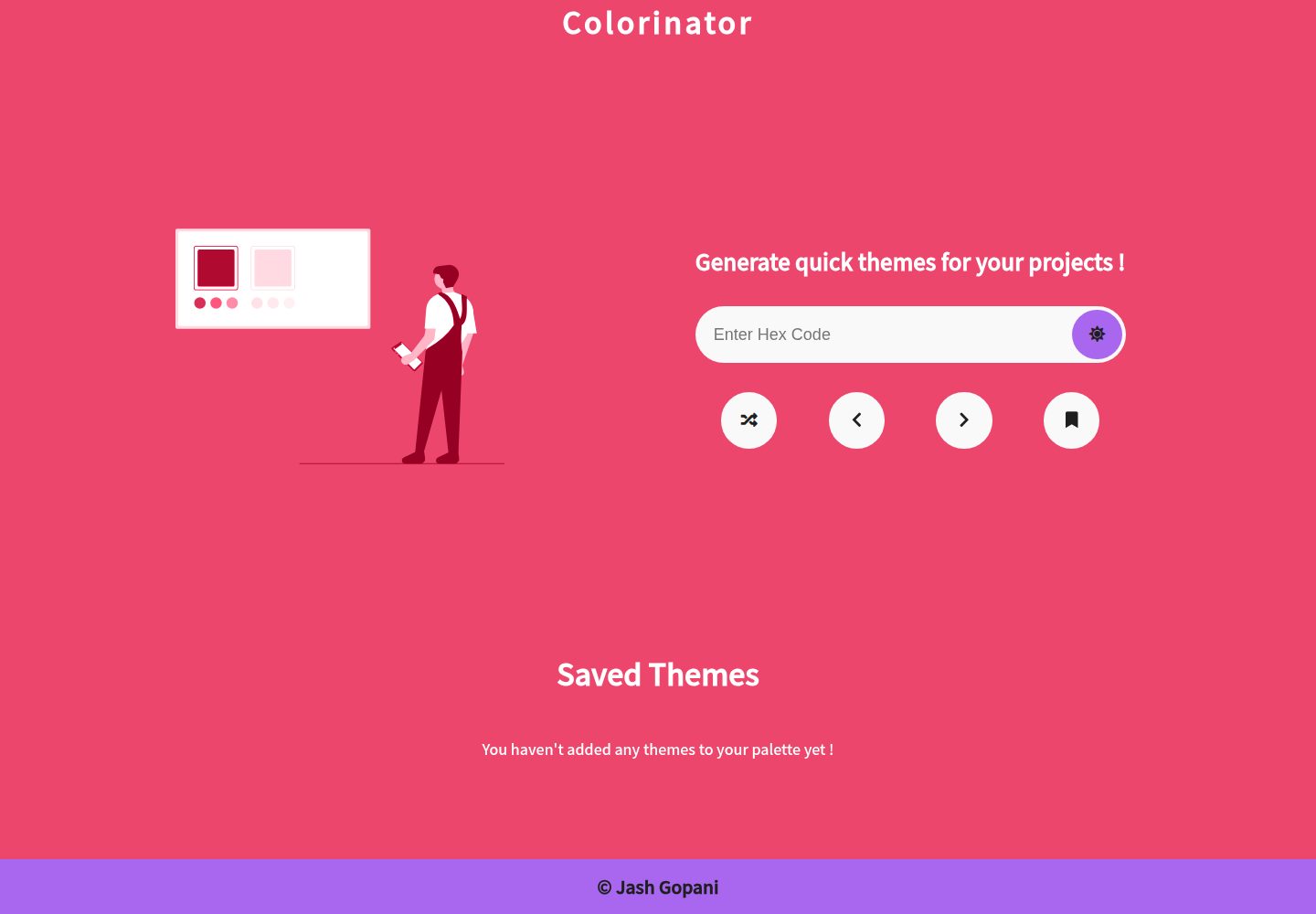
Generates a three-color combination of primary, secondary, and accent colors according to the 60-30-10 rule
ReactTool Site
colorinator — React Tool Template
By jashgopani
Colorinator is a React palette generator based on the 60-30-10 color rule. Enter a primary color to get a combination of primary, secondary, and accent colors, with a live preview of the entire site.
Explore the design
Compare the page layouts and mobile experience. Open any screenshot for a closer look.
Desktop homepage1 / 2
Desktop captureTop of page
Actual screenshot captured by the server browser.
All pages & views 2
Screenshots show visual appearance; interactive behavior may differ.
Recorded 2026-10-11View source
What stands out
A quick read of the recorded project description.
Colors are derived from contrast differences rather than randomly; text colors are calculated based on contrast with the background
Enter a hexadecimal primary color or click SHUFFLE to get a primary color, with the entire site interface applying the palette in real time
INVERT THEME swaps primary and secondary colors to preview the reversed 30-60-10 effect
Browse historical palettes with the < and > buttons; SAVE stores the theme in browser local storage
Template Details
Colorinator is a palette generation tool written in React, built around the 60-30-10 color rule in UI design. The user enters the desired primary color as a hexadecimal value, or clicks the SHUFFLE button to get a random primary color. The page then generates corresponding secondary and accent colors and applies the entire palette to the website's own interface, creating a dynamic preview.
Colors are not generated randomly; the README states they are derived from contrast differences. Text colors are also calculated based on contrast with the background color. The tool provides an INVERT THEME button to swap the primary and secondary colors, giving a direct feel for the reversed 30-60-10 effect.
Generated records can be browsed back and forth through history using the < and > buttons, and the SAVE button stores the theme in the browser's local storage. The README's Future Releases section lists plans not yet implemented: adding copy buttons to saved palettes to copy individual hexadecimal color values, and importing/exporting palettes for cross-device synchronization.
The project is released under the MIT license. The repository includes a demo GIF aside from build artifacts, and the demo site is hosted on GitHub Pages. The README does not specify tech stack versions, build methods, or testing, nor does it provide production deployment instructions.
ReactTool site
Is it right for your project?
Use Cases
- Quickly determine a set of primary, secondary, and accent colors for interface design
- Visually check how a color scheme looks when applied to a page in the browser
- Save several color schemes for reference or reuse in later projects
Suitable For
- Front-end and UI designers who need to quickly pick colors according to the 60-30-10 rule
- Developers who want to enter a primary color and get matching secondary and accent colors
- Web designers who want to visually compare the effect of inverting a color scheme
Getting started & customization
Use these recorded setup notes alongside the repository instructions for your chosen version.
- 1
The code is released under the MIT license and can be used, modified, commercialized, and distributed for free; when distributing, the copyright notice and the full MIT license notice must be retained
- 2
Third-party assets such as demo images, fonts, and icons must be checked separately under their respective licenses
- 3
The README does not provide installation and build steps; before use, check the repository structure to confirm how to run it
- 4
The project is hosted on GitHub Pages; external services such as domains and hosting may incur additional costs
License & source material
Usage conditions & limitations
Free to use · keep license noticeThis entry covers the free version under the MIT license in the public repository; the free scope applies to that version's code and does not mean external services or third-party assets are free.
Must comply with when using
- The code of this version may be used, modified, commercialized, and distributed for free.
- When distributing copies or substantial portions of the code, retain the original author's copyright notice and the full MIT license notice.
- The code is provided as is; warranties and limitations of liability are governed by the original license and applicable law.
Additional costs & items to verify
- Demo images, fonts, icons, and other third-party assets must be checked under their respective licenses and cannot be judged solely by the code's MIT license.
- External services such as domains, hosting, databases, payments, or AI may incur separate charges.
View Original Text Basis
https://github.com/jashgopani/colorinator/blob/master/LICENSEhttps://github.com/jashgopani/colorinator/blob/master/README.mdPermission is hereby granted, free of charge
Original License Text
Compiled by DeepSeek based on repository license and README ·2026-10-11. Results only cover the materials read; dependencies, images, fonts, and subsequent term changes are subject to their respective original texts.
Project checks & description sources
Template Information
- Source platforms
- GitHub
- Documentation and maintenance reference score
- Partly documented · 68 / 100
- Technologies
- React
- Website type
- Tool Site
How this score is calculated
Our heuristic uses license records (up to 30), a demo link (12), a preview (10), stars (15), recorded maintenance (15), description completeness (8), feature records (5) and classification data (5). It is not a code, security or performance test, or a Google score. A link does not establish tested functionality.
What to verify for this project
- Repository update recorded
- 2021-06-24
- Screenshot last checked
- 2026-10-11
A demo link is listed. Check it with your own content and viewport sizes; its presence does not confirm that forms, authentication or payments work.
The catalog identifies React as the primary stack. Check the actual dependency manifest and lockfile for versions and hosting requirements. These notes use recorded metadata, not a code audit or a deployment test.
Use a selection guide →How this description was prepared
AI-assisted description based on catalog records and repository material. Repository authors are not automatically the reviewers of this description.
Review declaration: [email protected] · 2026-10-13
Inspect the recorded source material
SHA-256: 95eeab820e7580149cbddd92995b36503fa110a6e333f996dbea99309c2ec213
2026-10-11T21:41:28.466Z
Source file / repository# Colorinator A quick color palette generator based on the 60-30-10 rule of UI design. [](https://github.com/jashgopani/colorinator) [](https://github.com/jashgopani/colorinator/stargazers) [](https://github.com/jashgopani/colorinator/issues) [](https://github.com/jashgopani/colorinator/network)  ## Features - Primary, Secondary and Accent colors are generated - Colors generated are **NOT RANDOM** ; they are derived using difference of contrast ratio - Font colors used are calculated based on contrast ratio with background color - Live preview of invert theme (swapping primary and secondary color) - Save themes to local storage for future use - Dynamic look of website makes it easy for you to visualize the look and feel of color palette - Navigate through the history of color palette ## How to use ? - Simply paste the hex code which you want for your primary color, or click on the **SHUFFLE** button to fetch a primary color for you. - The website then generates you the complementary secondary and accent colors and applies to the whole website. - Use the **<** and **>** buttons to traverse through the history of colors generated. - Use the **SAVE** button to save the theme locally. - The **INVERT THEME** button swaps the primary and secondary color to give you a feel of 30-60-10 effect. ## Future Releases 1. Copy button on saved theme palettes, to individually copy the hex code to clipboard 2. Import and Export palettes to sync between devices ## Demand a feture / Report a bug Raise an issue [here](https://github.com/jashgopani/colorinator/issues) and I'll act upon it based on its feasibilty 🙃
Explore similar templates
Compare previews and descriptions within the same stack and category.
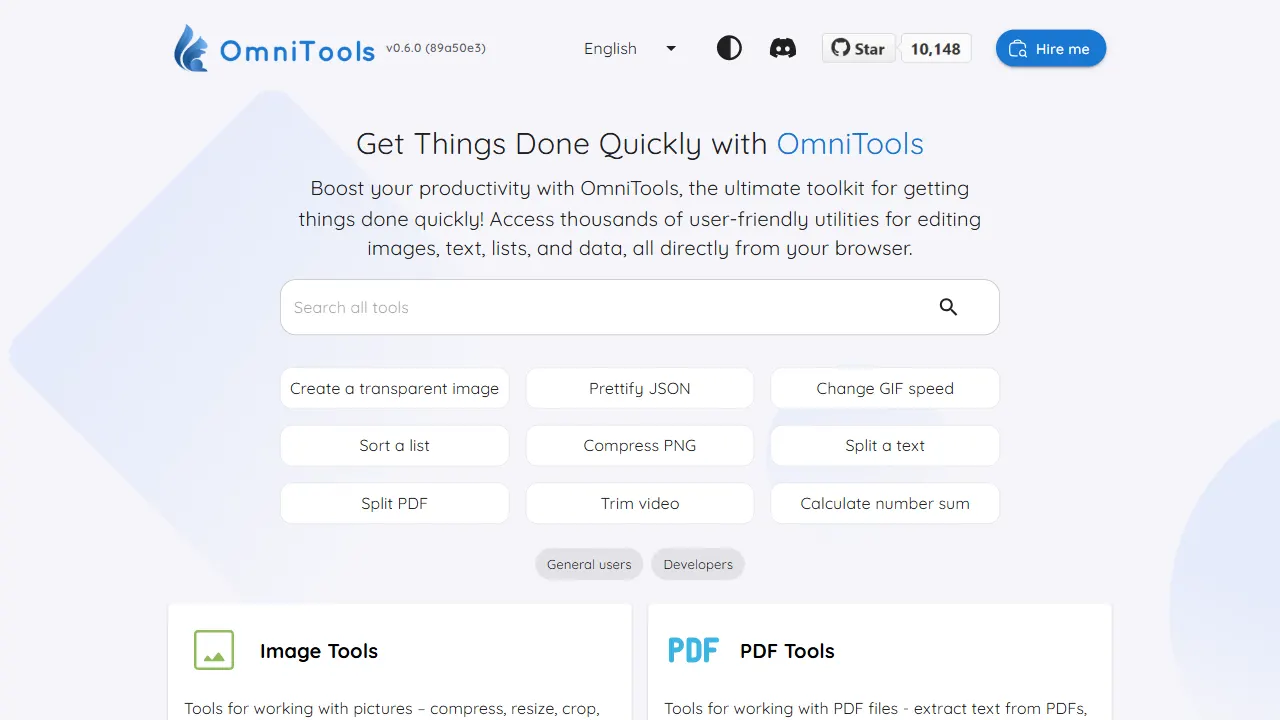
OmniTools
A self-hosted React and TypeScript tool site that runs image, video, PDF, text, date, math, and data utilities entirely in the browser.
React · Tool Site
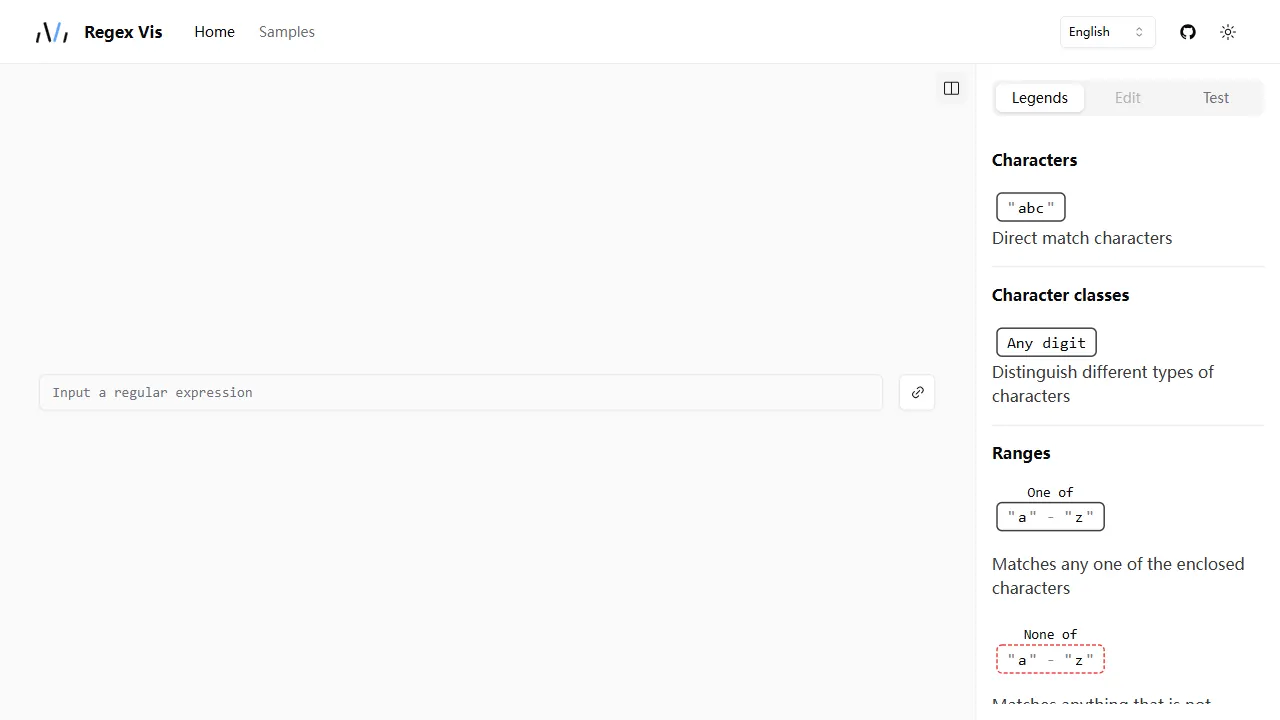
regex vis
Regex Vis is an open-source regular expression visualization and editor built with React and TypeScript, offering a live online demo for visual display, editing, and testing.
React · Tool Site
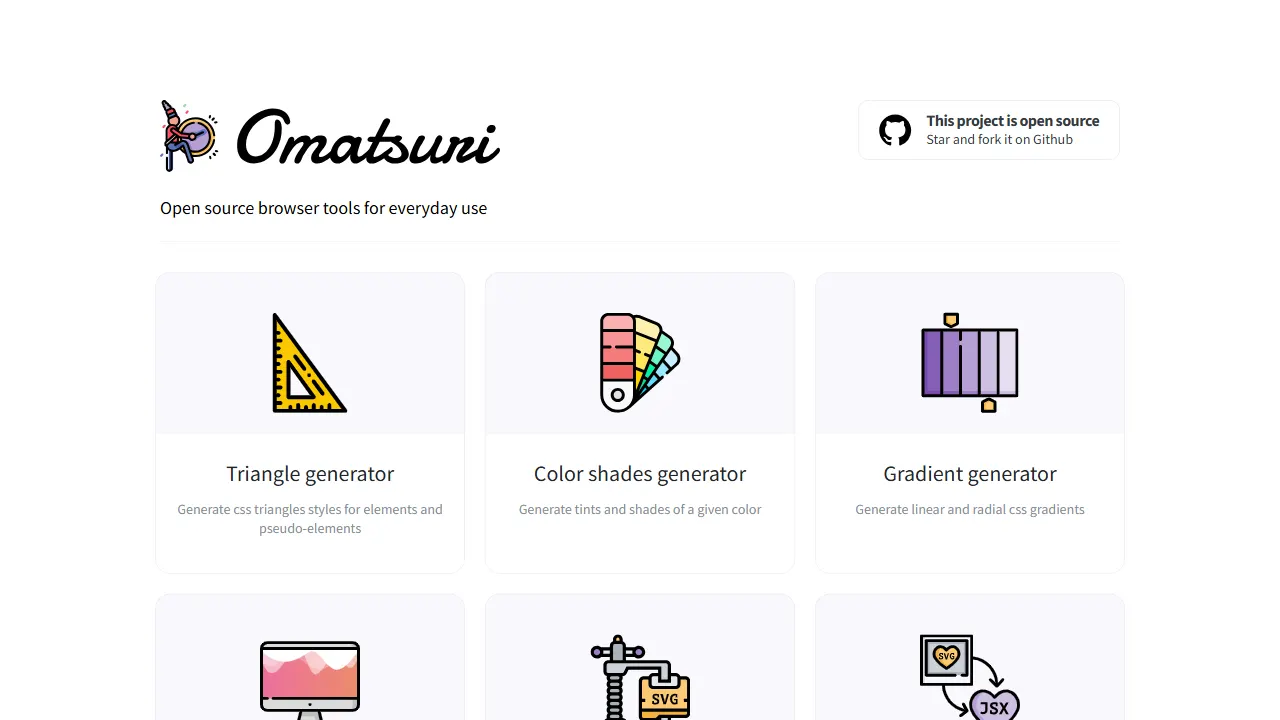
Omatsuri
Omatsuri is an open-source PWA that bundles 12 front-end visual and coding tools, including CSS triangle, gradient, and shadow generators, color scales, page dividers, SVG compression and SVG-to-JSX conversion, Base64 encoding, fake data, HTML/CSS symbols, Lorem Ipsum, CSS cursor reference, and JavaScript…
React · Tool Site
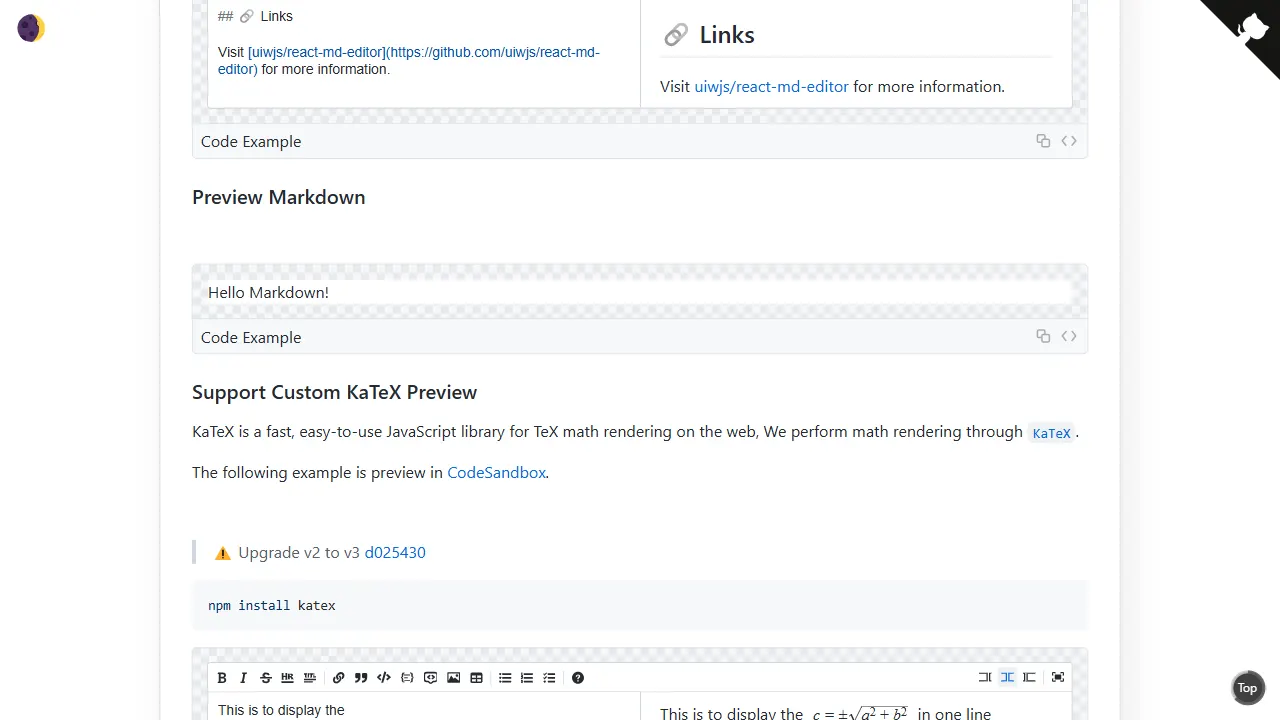
react md editor
A lightweight React Markdown editor component built on textarea, with GitHub-flavored Markdown preview, dark mode, and headless mode. It supports Tab indentation, automatic lists, line duplication and movement, and HTML-comment-based style customization or content ignoring.
React · Tool Site
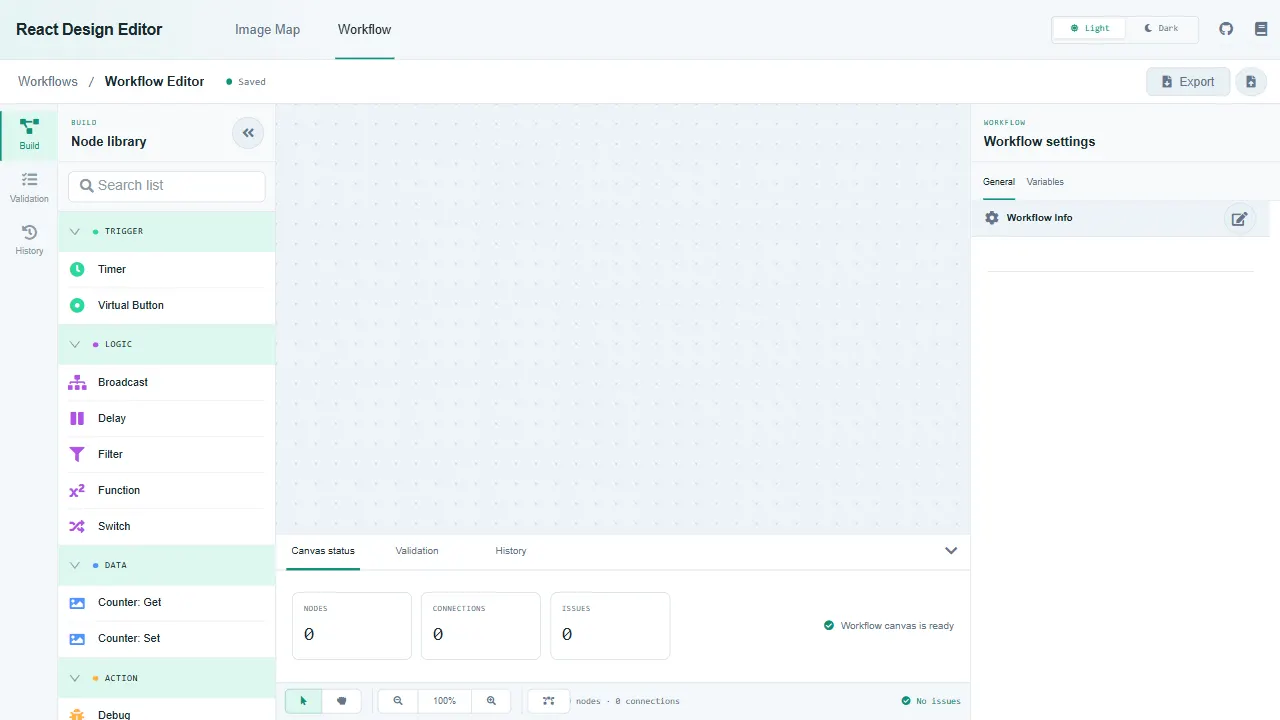
react design editor
React Design Editor is a React component library built on Fabric.js and Ant Design that provides image editing and BPM workflow design.
React · Tool Site
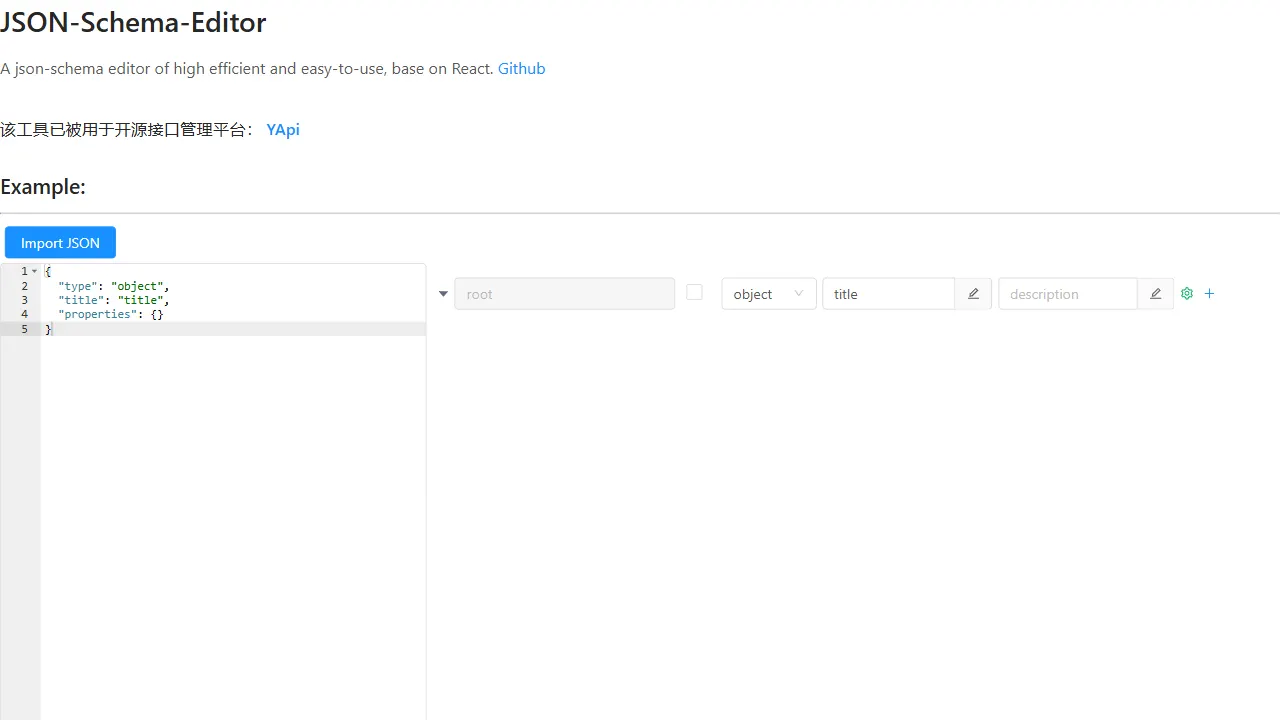
json schema editor visual
A React-based JSON Schema visual editor component with a live online demo, supporting English and Chinese interfaces (en_US/zh_CN). It provides an embeddable editor UI with concise props (data, onChange, showEditor) and is built on antd.
React · Tool Site