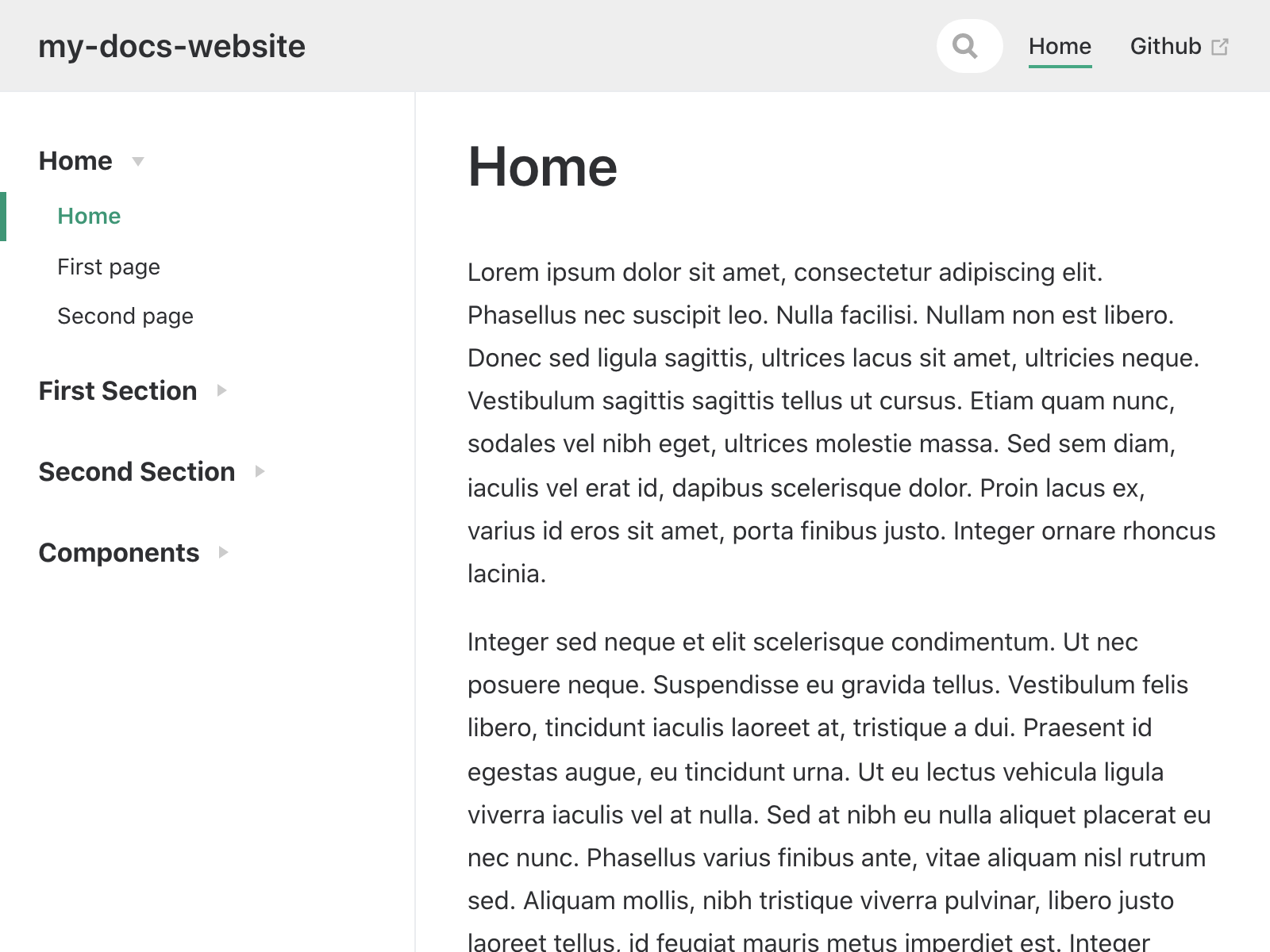
Markdown-driven content with sidebars generated automatically from the nested folder structure
VueDocumentation
my-docs-website — Vue Documentation Template
By johnbeech
A VuePress-based Markdown documentation site template that supports embedding Vue components in Markdown, automatically generates sidebars from the folder structure, and deploys to GitHub Pages via GitHub Actions.
Explore the design
Compare the page layouts and mobile experience. Open any screenshot for a closer look.
Author preview
Author-provided previewTop of page
Preview provided in the project README.
One original preview is available. Open the full image to inspect the design.
Screenshots show visual appearance; interactive behavior may differ.
Recorded 2026-10-02View source
What stands out
A quick read of the recorded project description.
Vue components can be developed anywhere in the site root and embedded in Markdown
Automatic deployment to GitHub Pages via GitHub Actions
Built-in Mocha tests, code linting, and tests run on PRs
Hot reload during development provided by VuePress
Template Details
This is a self-hosted documentation site template built on VuePress, described in the repository notes as a copy of the vuesite template. Site content is Markdown-driven, while interactive Vue components are treated as first-class citizens: components can be developed anywhere in the site root and then embedded in Markdown. The sidebar is generated automatically from the nested folder structure, so navigation requires no manual maintenance.
For hosting, the template is designed to be published via GitHub Pages and deployed automatically by GitHub Actions; when configured correctly as described, the site is accessible at johnbeech.github.io/my-docs-website/. Development support includes hot reload provided by VuePress, a built-in Mocha test framework, code linting as part of testing, and tests run on PRs via GitHub Actions.
Before use, Node LTS must be installed locally; the repository is copied via GitHub's template generation feature, checked out, then npm install and node first-time-setup.js are run, and publishing from the gh-pages branch is enabled in the repository's Pages settings. The repository uses the ISC license, permitting free use, copying, modification, and distribution for any purpose, including commercial use, provided the copyright and license notices are retained; dependencies bundled with the site such as Font Awesome, VuePress-related packages, axios, and time-until, as well as build toolchain items such as md2json, capture-website-cli, the eslint series, and mocha, are each subject to their own terms. The repository provides no statements about styling, performance, or production readiness.
VueDocumentation
Is it right for your project?
Use Cases
- Building a documentation site with automatic sidebars for an open-source project
- Embedding interactive Vue component examples in documentation pages
- Hosting and automatically publishing documentation with GitHub Pages and GitHub Actions
Suitable For
- Developers familiar with Vue and Markdown who want to self-host a documentation site
- Projects that need to present documentation mixed with interactive components
- Teams using GitHub repositories and publishing sites via Actions
Getting started & customization
Use these recorded setup notes alongside the repository instructions for your chosen version.
- 1
Install Node LTS locally
- 2
Generate the repository from the template on GitHub and check out the code
- 3
Run npm install and then node first-time-setup.js
- 4
In the repository's Settings > Pages, enable publishing from the gh-pages branch
- 5
Third-party dependencies and assets must be checked separately under their own licenses
License & source material
Usage conditions & limitations
Free to use · keep license noticeThis listing covers the free version under the ISC license in the public repository; the free scope applies to that version's code and does not mean external services or third-party assets are free.
Must comply with when using
- Free use, copying, modification, and distribution for any purpose, including commercial use, are permitted.
- The original copyright notice and license notice must be retained on all copies.
- The code is provided as is; warranties and limitations of liability are governed by the original license and applicable law.
Additional costs & items to verify
- Runtime dependencies bundled with the site such as Font Awesome, VuePress-related packages, axios, and time-until, as well as build toolchain items such as md2json, capture-website-cli, the eslint series, and mocha, are each subject to their own license terms and must be checked separately; they are not granted together with this repository's ISC license.
- Publishing the site requires a GitHub account and manually enabling publishing from the gh-pages branch in the repository's Settings > Pages, which are external platform account and configuration requirements.
- Hosting and automatic deployment rely on GitHub Pages and GitHub Actions, two external services that must be used on GitHub.
- Demo images, fonts, icons, and other third-party assets must be checked under their own licenses and cannot be judged solely by the code's ISC license.
- External services such as domains, hosting, databases, payments, or AI may incur additional charges.
View Original Text Basis
for any purpose with or without fee is hereby granted
Original License Text
Which come with their own terms and conditions.
Original README
Go to [Github > Settings > Pages](https://github.com/johnbeech/my-docs-website/settings/pages) and enable publishing from the `gh-pages` branch
Original README
https://github.com/johnbeech/my-docs-website/blob/main/LICENSE.mdhttps://github.com/johnbeech/my-docs-website/blob/main/README.mdHosted via GitHub pages - Deployed automatically via GitHub Actions
Original README
Compiled by DeepSeek based on repository license and README ·2026-10-02. Results only cover the materials read; dependencies, images, fonts, and subsequent term changes are subject to their respective original texts.
Project checks & description sources
Template Information
- Source platforms
- GitHub
- Documentation and maintenance reference score
- Less documented · 53 / 100
- Technologies
- Vue
- Website type
- Documentation
How this score is calculated
Our heuristic uses license records (up to 30), a demo link (12), a preview (10), stars (15), recorded maintenance (15), description completeness (8), feature records (5) and classification data (5). It is not a code, security or performance test, or a Google score. A link does not establish tested functionality.
What to verify for this project
- Repository update recorded
- 2022-01-28
- Screenshot last checked
- 2026-10-02
No demo link is recorded. Use the repository instructions to evaluate the project locally; the screenshot alone cannot establish interactive behavior.
The catalog identifies Vue as the primary stack. Check the actual dependency manifest and lockfile for versions and hosting requirements. These notes use recorded metadata, not a code audit or a deployment test.
Use a selection guide →How this description was prepared
AI-assisted description based on catalog records and repository material. Repository authors are not automatically the reviewers of this description.
Automatically checked against source and license rules; no manual editorial review.
Inspect the recorded source material
SHA-256: db7578ea63eb0f6903494be7a8bf2054b7f9a7c6c1bce0cdf5f99c42c71ccda7
2026-10-02T08:54:56.586Z
Source file / repository# Your new Vuesite! A self hosted toolset for building interactive websites on top of Vuepress.  ## Features - Markdown driven website - Interactive Vue components as first class citizen - Auto-generated sidebar based on nested folder structure - New components can be developed anywhere in the site root; and embedded into Markdown ## Hosting - Hosted via GitHub pages - Deployed automatically via GitHub Actions If setup correctly (see below); you should be able to access this site on: - https://johnbeech.github.io/my-docs-website/ ## Development Support - Hot-reloading provided by Vuepress - Mocha test framework included - Linting included as part of tests - Testing on PRs via Github Actions ## How to get started - Make sure you have the latest version [Node LTS](https://nodejs.org/en/) installed - Copy [this template in GitHub](https://github.com/johnbeech/my-docs-website/generate) - Check out the code locally - Run: `npm install` - Run: `node first-time-setup.js` - Go to [Github > Settings > Pages](https://github.com/johnbeech/my-docs-website/settings/pages) and enable publishing from the `gh-pages` branch ## Licenses See: [LICENSE.md](./LICENSE.md) The hosted vuesite packages together: - @fortawesome/fontawesome-svg-core - @fortawesome/free-solid-svg-icons - @fortawesome/vue-fontawesome - @vuepress/plugin-register-components - @vuepress/theme-default - axios - time-until - vuepress Whilst the build tools require: - @connected-web/md2json - capture-website-cli - chai - eslint - eslint-plugin-html - eslint-plugin-mocha - eslint-plugin-vue - mocha - node-localstorage - promise-path - standard Which come with their own terms and conditions.
Explore similar templates
Compare previews and descriptions within the same stack and category.
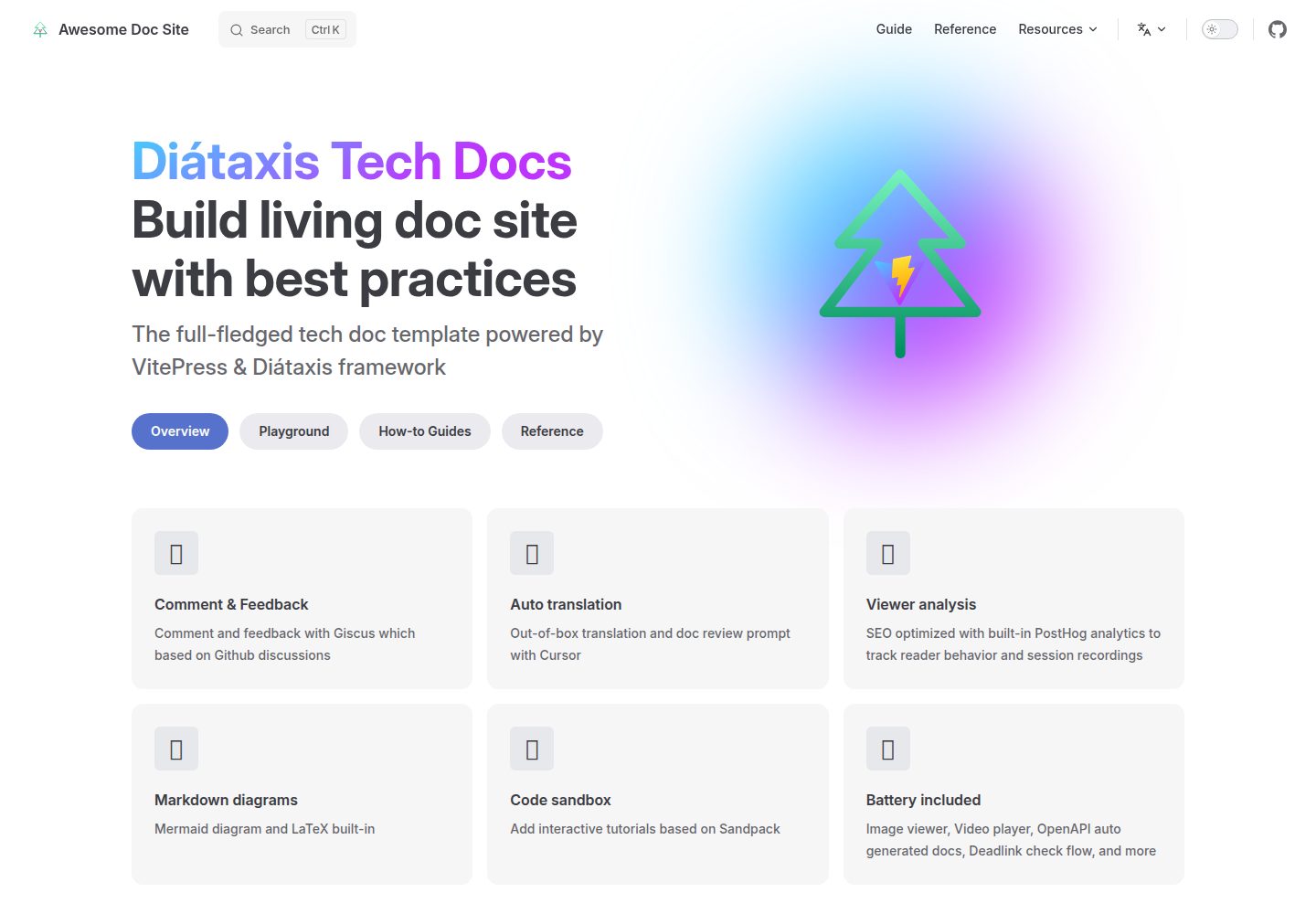
vitepress-diataxis-template
A VitePress-based technical documentation template that organizes tutorials, how-to guides, reference, and explanation content using the Diátaxis framework.
Vue · Documentation
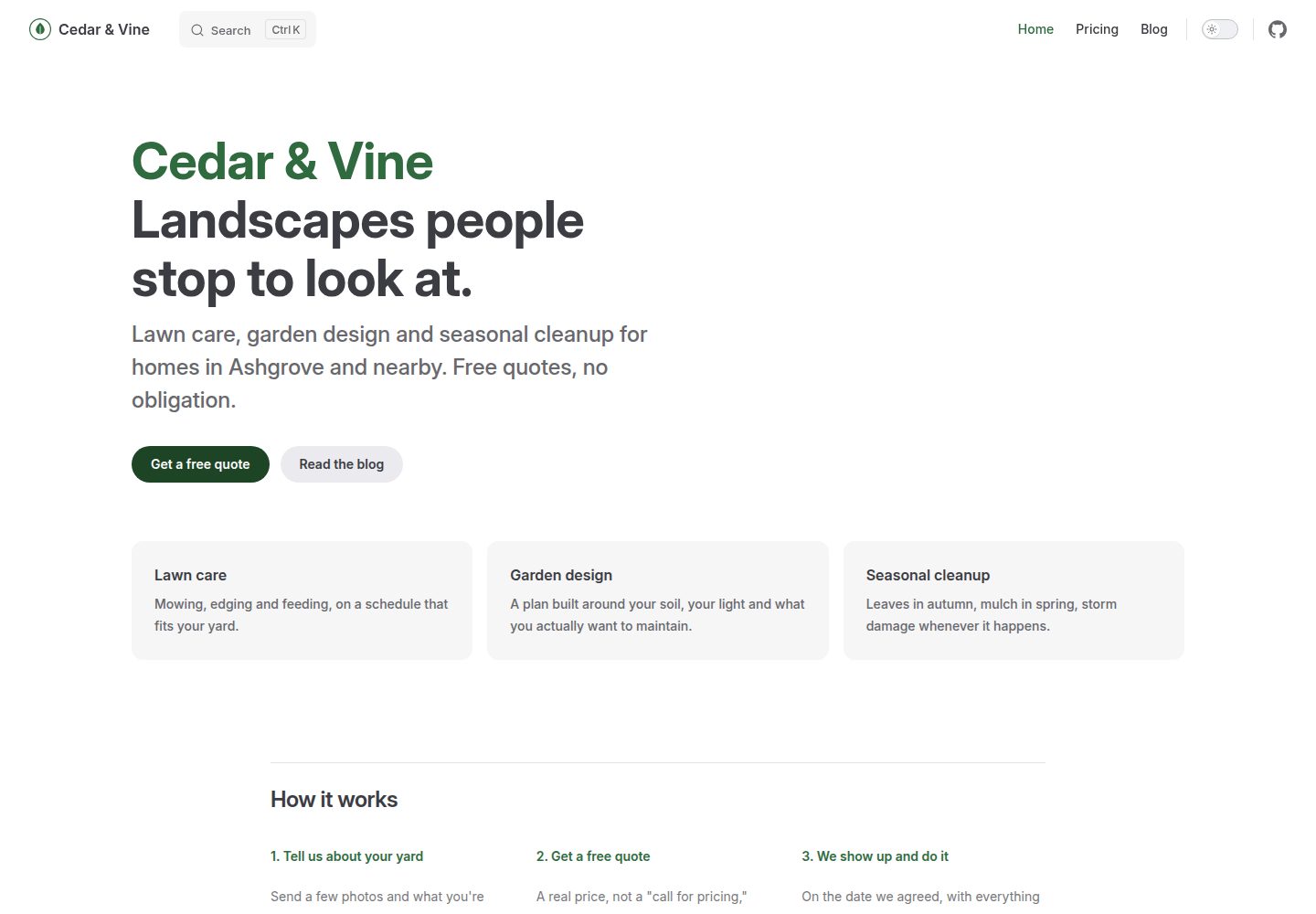
vitepress-marketing
A VitePress-based multi-page marketing site template with a home page, blog, and submittable contact form, deployed automatically to GitHub Pages via GitHub Actions.
Vue · Blog
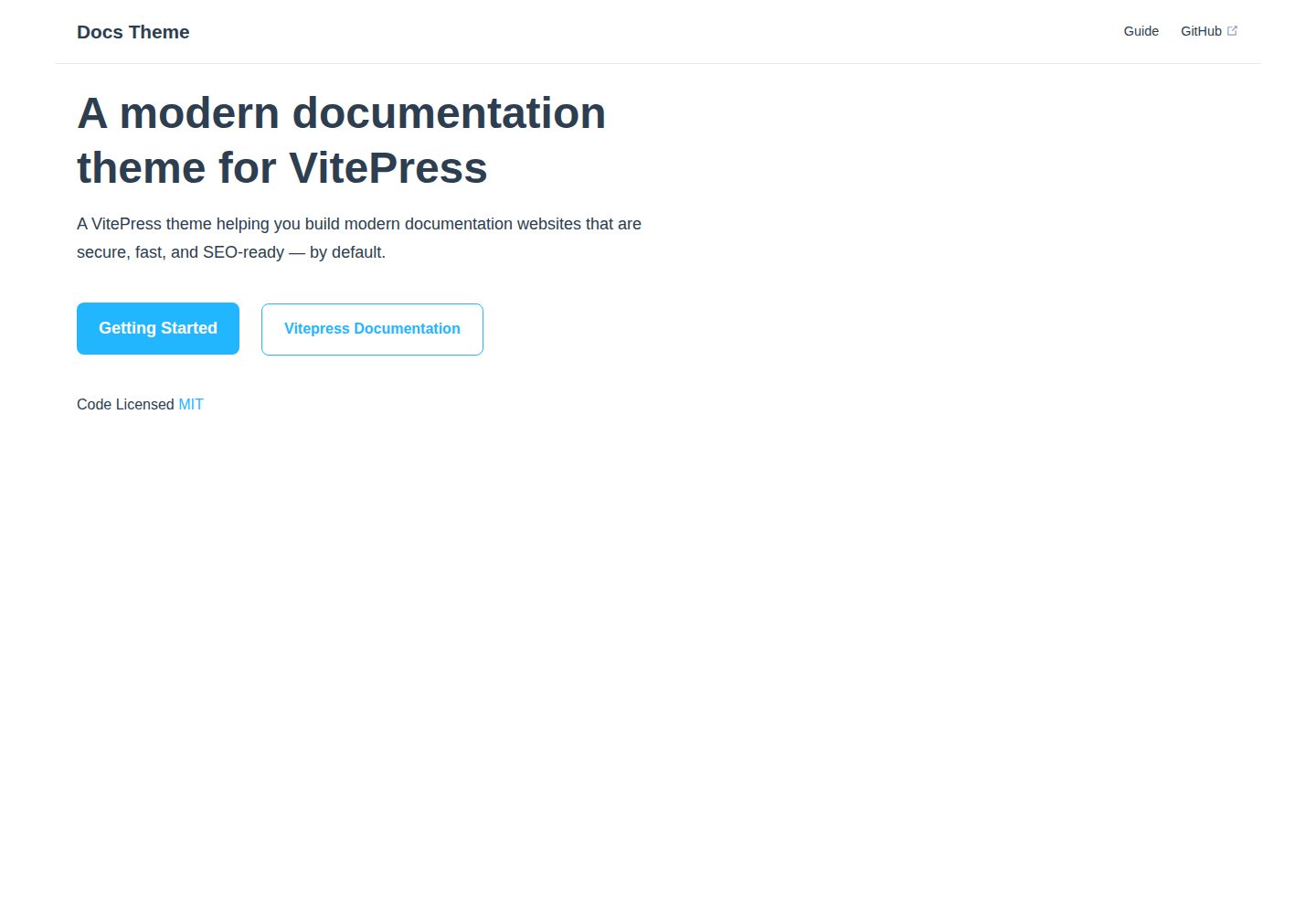
docs-theme
A VitePress documentation theme built with Vue, published by valmisson on GitHub under the MIT license, with an online demo and desktop/mobile screenshots. The README is brief and points to Getting Started; no feature list, configuration options, or dependency versions are provided.
Vue · Documentation
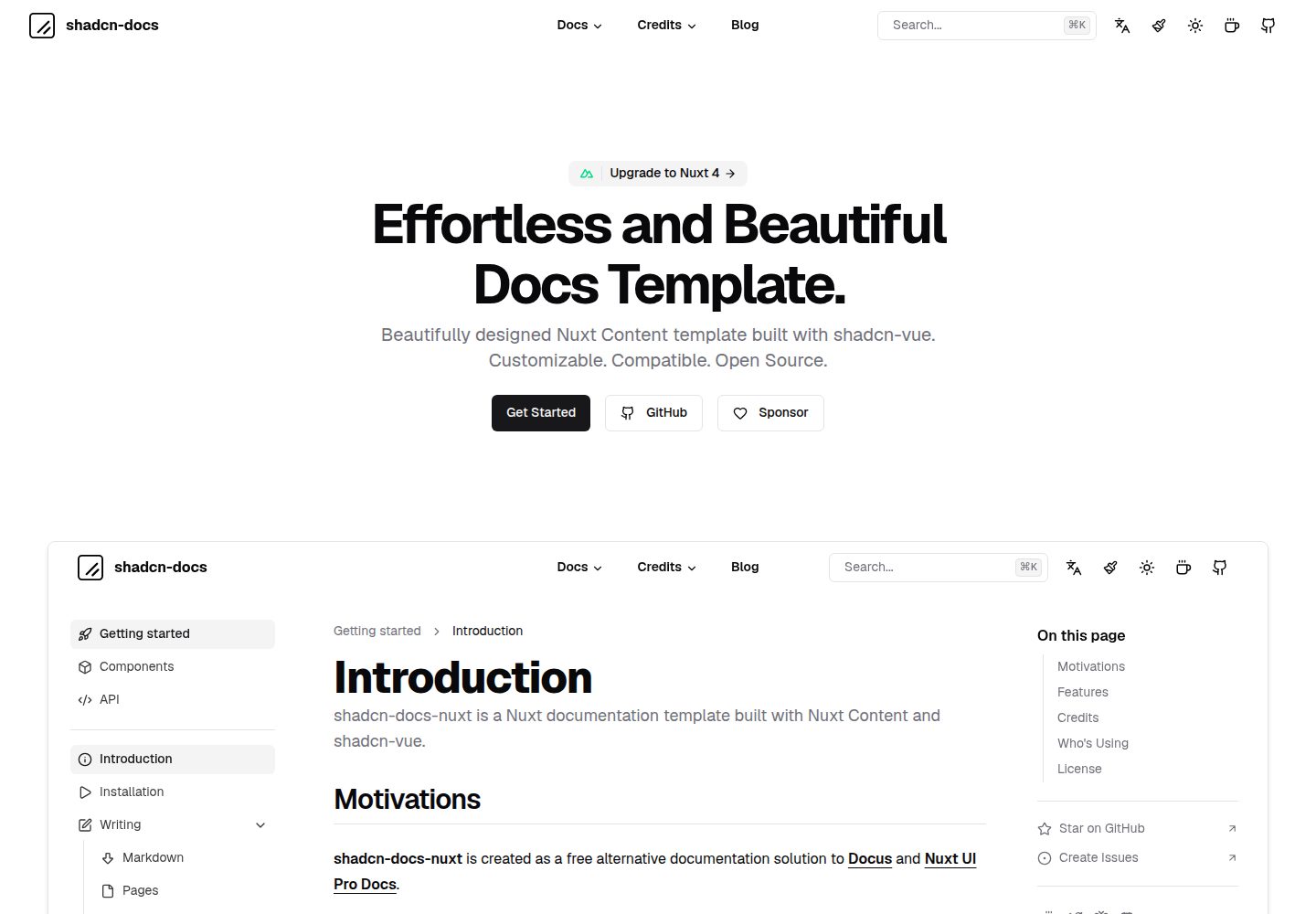
shadcn-docs-nuxt
A documentation site template built with Nuxt Content and shadcn-vue, offering a companion starter template and online demo. It is suitable for Vue or Nuxt projects to build product documentation, API docs, or technical content sites, and supports customizing components and styles.
Nuxt · Documentation
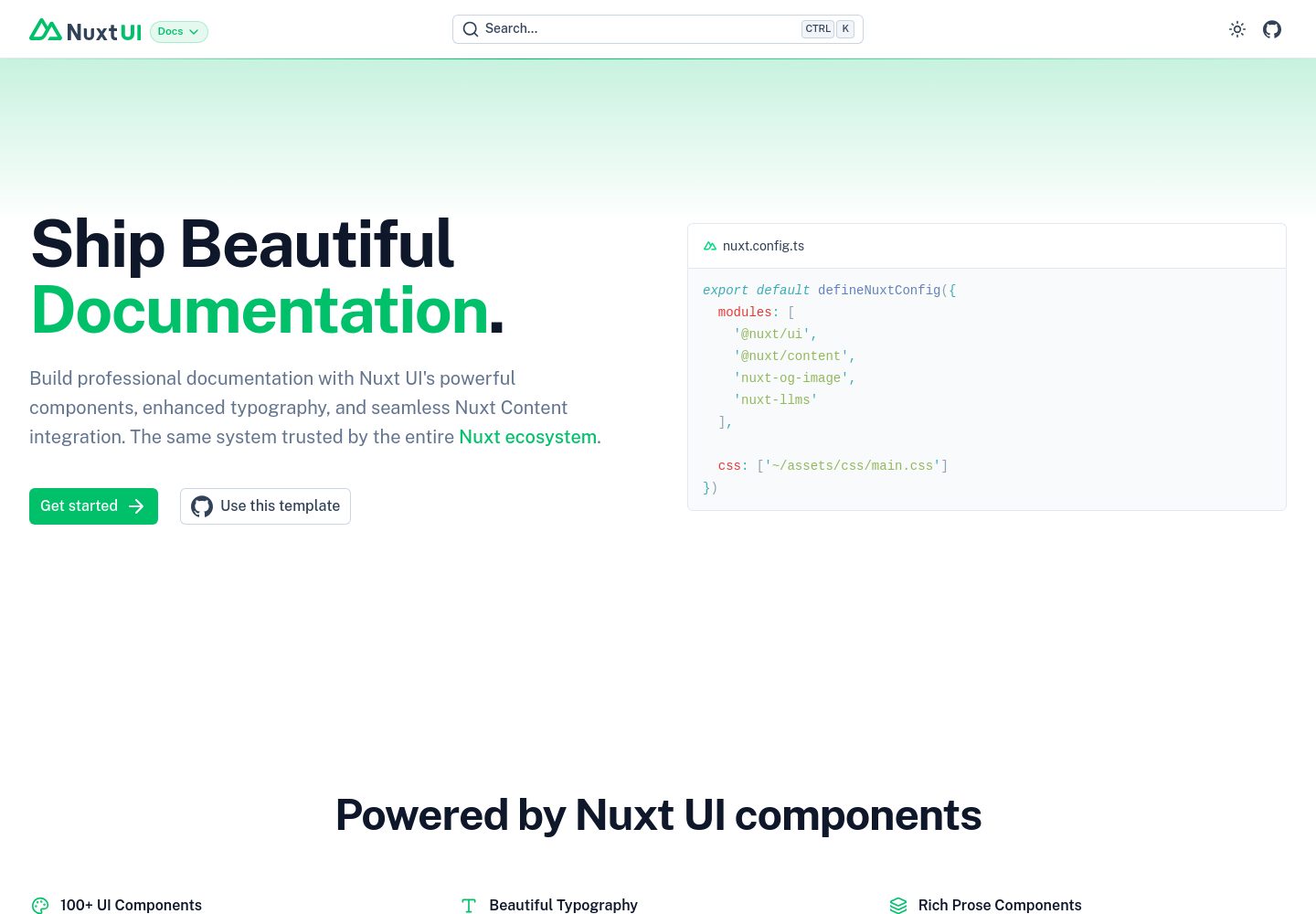
docs
A documentation site template built with Nuxt UI and Nuxt Content, maintained by nuxt-ui-templates.
Nuxt · Documentation
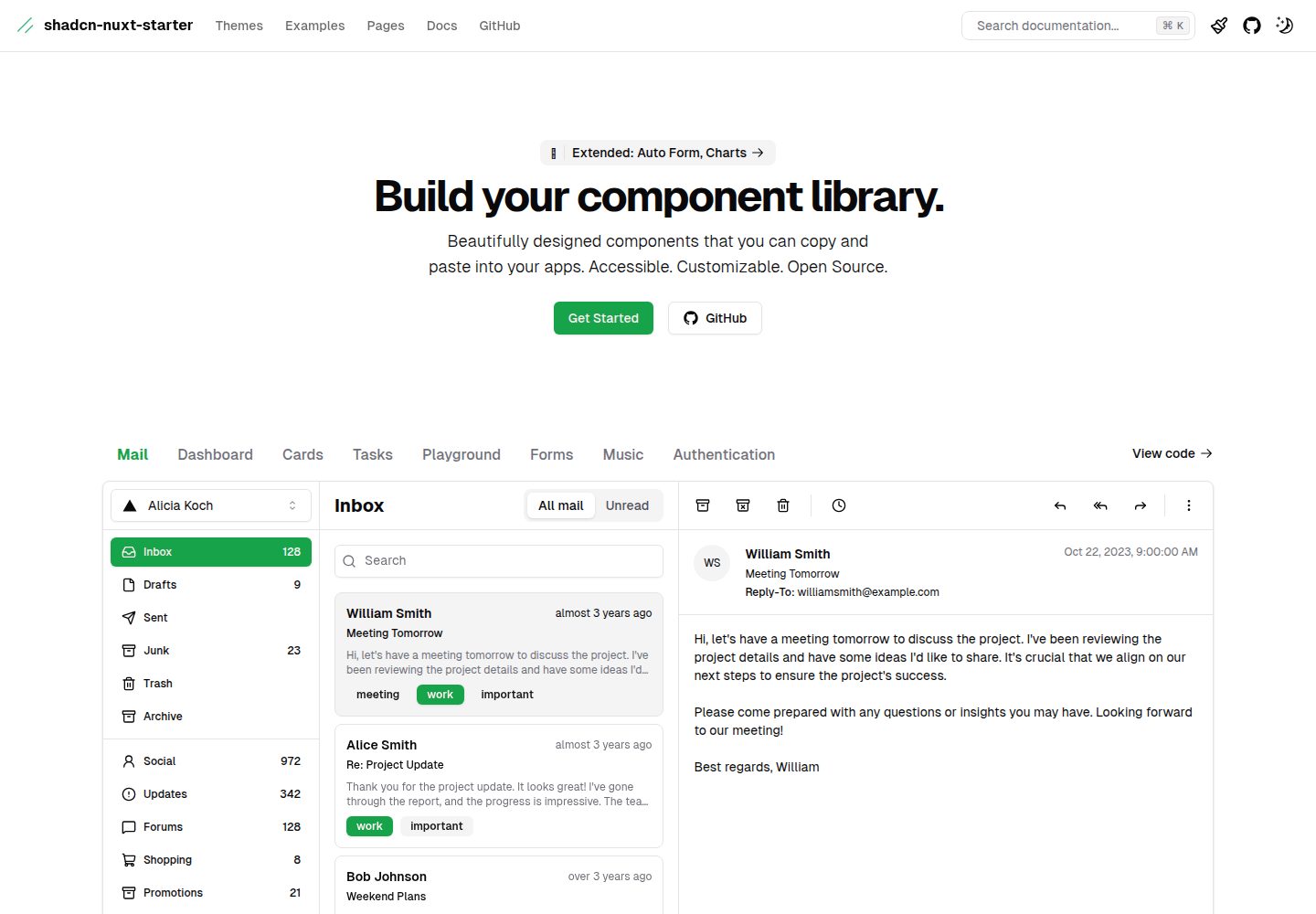
shadcn-nuxt-starter
A Nuxt 3 starter template using Shadcn-vue, UnoCSS, and TypeScript, with Vite as the build tool. It supports three rendering modes from one codebase: SSR for SaaS, SSG for documentation, and CSR for admin dashboards.
Nuxt · Admin dashboard