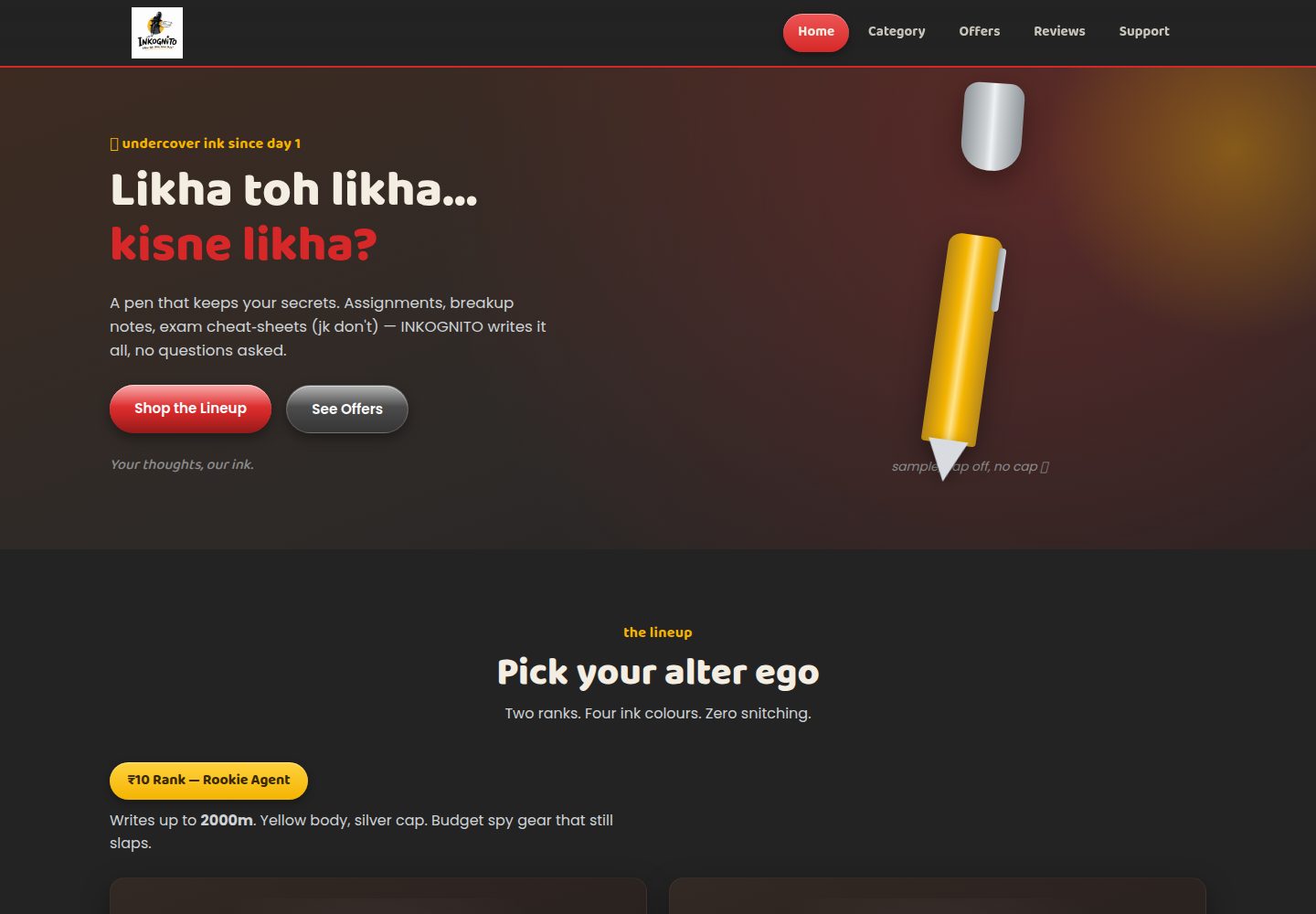
Implemented in pure HTML/CSS/JS, with no build tools or dependencies, and can be opened directly in a browser
HTMLE-commerce
inkognito-pen.com — HTML Ecommerce Template
By kaifgit-code
INKOGNITO is a Gen-Z styled e-commerce showcase website for a pen brand, written in pure HTML/CSS/JS and ready to deploy on GitHub Pages.
Explore the design
Compare the page layouts and mobile experience. Open any screenshot for a closer look.
Desktop homepage1 / 2
Desktop captureTop of page
Actual screenshot captured by the server browser.
All pages & views 2
Screenshots show visual appearance; interactive behavior may differ.
Recorded 2026-10-13View source
What stands out
A quick read of the recorded project description.
Single-page structure covering sections such as home, categories, offers, reviews, and support
Product images are drawn in pure CSS, requiring no external image resources except the logo
script.js provides the mobile menu, scroll-linked tabs, and the Buy Now prompt
The README gives complete steps for free deployment on GitHub Pages
Template Details
This project is a static e-commerce showcase site for the pen brand INKOGNITO, with a theme aimed at younger users and the slogan "Likha toh likha, kisne likha?". The page content is concentrated in a single index.html, covering sections such as home, categories, offers, reviews, and support; style.css handles the theme, layout, glossy buttons, and animations; script.js implements the mobile menu, scroll-based active tab switching, and the "Buy Now" prompt. The project does not rely on build tools or third-party packages. You can preview it locally by double-clicking index.html or by running python3 -m http.server, and you can also follow the README steps to upload it to a GitHub repository and publish it from the main branch root directory via Settings → Pages. All product images are drawn in pure CSS, so no external image files are needed except the brand logo; fonts are loaded from Google Fonts. Note that the "Buy Now" button currently only pops up a confirmation prompt for adding to cart and is not connected to a real cart or payment flow; the README suggests integrating payment services such as Razorpay or Instamojo later. The repository uses the MIT license, and the free scope is limited to this version of the code; third-party assets such as demo images, fonts, and icons need to be checked against their respective licenses.
HTMLE-commerce
Is it right for your project?
Use Cases
- As a student front-end practice project to learn static page structure and interaction scripts
- As a starting point for a showcase website for a pen or stationery brand
- To demonstrate static hosting and deployment workflow with GitHub Pages
- As a visual and interaction reference for an e-commerce page prototype
Suitable For
- Front-end beginners who want to learn how to organize pure HTML/CSS/JS
- Individuals or small teams who need to quickly build a brand showcase page
- Developers preparing to host a static site with GitHub Pages
Getting started & customization
Use these recorded setup notes alongside the repository instructions for your chosen version.
- 1
For local preview, you can double-click index.html directly, or run python3 -m http.server 8000 in the directory and then visit http://localhost:8000
- 2
To deploy, upload index.html, style.css, script.js, and assets/ to the repository root, then in Settings → Pages select the main branch /(root) to publish
- 3
The Buy Now button only shows an add-to-cart prompt; before actual sales, you need to integrate a cart and payment service yourself
- 4
Fonts are loaded from Google Fonts and may not display properly offline or in restricted network environments
- 5
Demo assets other than the logo need to be checked against their respective licenses; the MIT license covers only the code itself
License & source material
Usage conditions & limitations
Free to use · keep license noticeThis entry covers the free version under the MIT license in a public repository; the free scope is this version of the code and does not mean that external services or third-party assets are free.
Must comply with when using
- You are allowed to use, modify, commercialize, and distribute this version of the code for free.
- When distributing copies or substantial portions of the code, retain the original author's copyright notice and the full MIT license notice.
- The code is provided as is; warranties and limitations of liability are governed by the original license and applicable law.
Additional costs & items to verify
- Demo images, fonts, icons, and other third-party assets need to be checked against their respective licenses and cannot be judged solely by the code's MIT license.
- External services such as domains, hosting, databases, payments, or AI may incur additional charges.
- The "Buy Now" button currently only shows a confirmation prompt for adding to cart and is not connected to a real cart or payment flow; if actual sales are needed, you must integrate payment services such as Razorpay or Instamojo yourself.
- Fonts are loaded from Google Fonts, which is an external service dependency; they may not display properly offline or in restricted network environments.
- Except for the brand logo, product images are drawn in pure CSS and do not rely on external image files; the logo must be provided by you.
View Original Text Basis
Permission is hereby granted, free of charge
Original License Text
"Buy Now" buttons currently just show an "added to cart" confirmation — hook them up to a real cart/payment provider (e.g. Razorpay, Instamojo) when you're ready to actually sell.
Original README
Fonts (`Baloo 2`, `Poppins`) load free from Google Fonts.
Original README
https://github.com/kaifgit-code/inkognito-pen.com/blob/main/LICENSEhttps://github.com/kaifgit-code/inkognito-pen.com/blob/main/README.mdAll product images are drawn with pure CSS (no external image files needed except the logo) so the site loads fast.
Original README
Compiled by DeepSeek based on repository license and README ·2026-10-13. Results only cover the materials read; dependencies, images, fonts, and subsequent term changes are subject to their respective original texts.
Project checks & description sources
Template Information
- Source platforms
- GitHub
- Documentation and maintenance reference score
- More documented · 80 / 100
- Technologies
- HTML
- Website type
- E-commerce
How this score is calculated
Our heuristic uses license records (up to 30), a demo link (12), a preview (10), stars (15), recorded maintenance (15), description completeness (8), feature records (5) and classification data (5). It is not a code, security or performance test, or a Google score. A link does not establish tested functionality.
What to verify for this project
- Repository update recorded
- 2026-08-17
- Screenshot last checked
- 2026-10-13
A demo link is listed. Check it with your own content and viewport sizes; its presence does not confirm that forms, authentication or payments work.
The catalog identifies HTML as the primary stack. Check the actual dependency manifest and lockfile for versions and hosting requirements. These notes use recorded metadata, not a code audit or a deployment test.
Use a selection guide →How this description was prepared
AI-assisted description based on catalog records and repository material. Repository authors are not automatically the reviewers of this description.
Review declaration: [email protected] · 2026-10-13
Inspect the recorded source material
SHA-256: 400906e5c36af9c6dcc726839de221a8a9a3927c7246d7628422c2b451a8c99a
2026-10-13T09:22:53.795Z
Source file / repository# INKOGNITO — Likha toh likha, kisne likha?
A fun, Gen-Z themed website for the INKOGNITO pen brand. Pure HTML/CSS/JS — no build tools, no dependencies. Free to host on GitHub Pages.
## Files
- `index.html` — all page content (Home, Category, Offers, Reviews, Support)
- `style.css` — theme, layout, glossy buttons, animations
- `script.js` — mobile menu, scroll-based active tab, "Buy Now" toast
- `assets/logo.png` — brand logo (used as navbar logo, favicon, footer logo)
## How to run locally
Just double-click `index.html`, or in a terminal:
```
cd inkognito
python3 -m http.server 8000
```
Then open `http://localhost:8000`.
## How to deploy on GitHub Pages (free)
1. **Create a new GitHub repo** (e.g. `inkognito-website`) — public.
2. **Upload these files** to the repo root: `index.html`, `style.css`, `script.js`, and the `assets/` folder (with `logo.png` inside).
- Easiest way: on the repo page, click **Add file → Upload files**, drag all files/folders in, and commit.
- Or via git:
```
git init
git add .
git commit -m "Initial commit - INKOGNITO website"
git branch -M main
git remote add origin https://github.com/<your-username>/inkognito-website.git
git push -u origin main
```
3. Go to your repo **Settings → Pages**.
4. Under **Build and deployment → Source**, choose **Deploy from a branch**.
5. Under **Branch**, select `main` and folder `/ (root)`, then **Save**.
6. Wait 1–2 minutes. Your site will be live at:
```
https://<your-username>.github.io/inkognito-website/
```
That's it — 100% free hosting, no server needed.
## Notes
- All product images are drawn with pure CSS (no external image files needed except the logo) so the site loads fast.
- Fonts (`Baloo 2`, `Poppins`) load free from Google Fonts.
- "Buy Now" buttons currently just show an "added to cart" confirmation — hook them up to a real cart/payment provider (e.g. Razorpay, Instamojo) when you're ready to actually sell.
Explore similar templates
Compare previews and descriptions within the same stack and category.
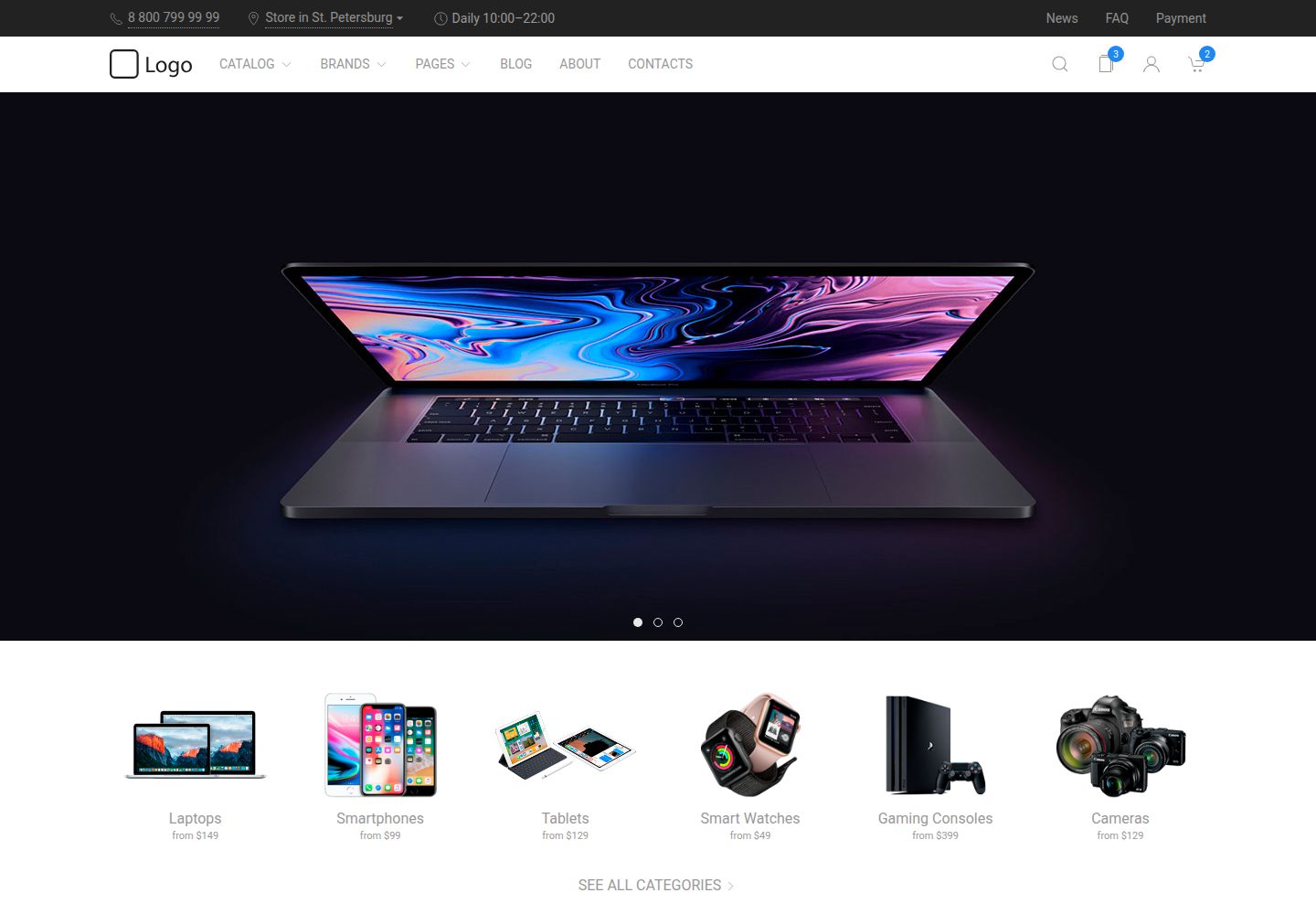
uikit-ecommerce-template
A responsive e-commerce front-end template built with UIkit, covering product catalog, filtering, product detail pages, and shopping cart. Written in Pug and Less, built with Gulp.
HTML · E-commerce
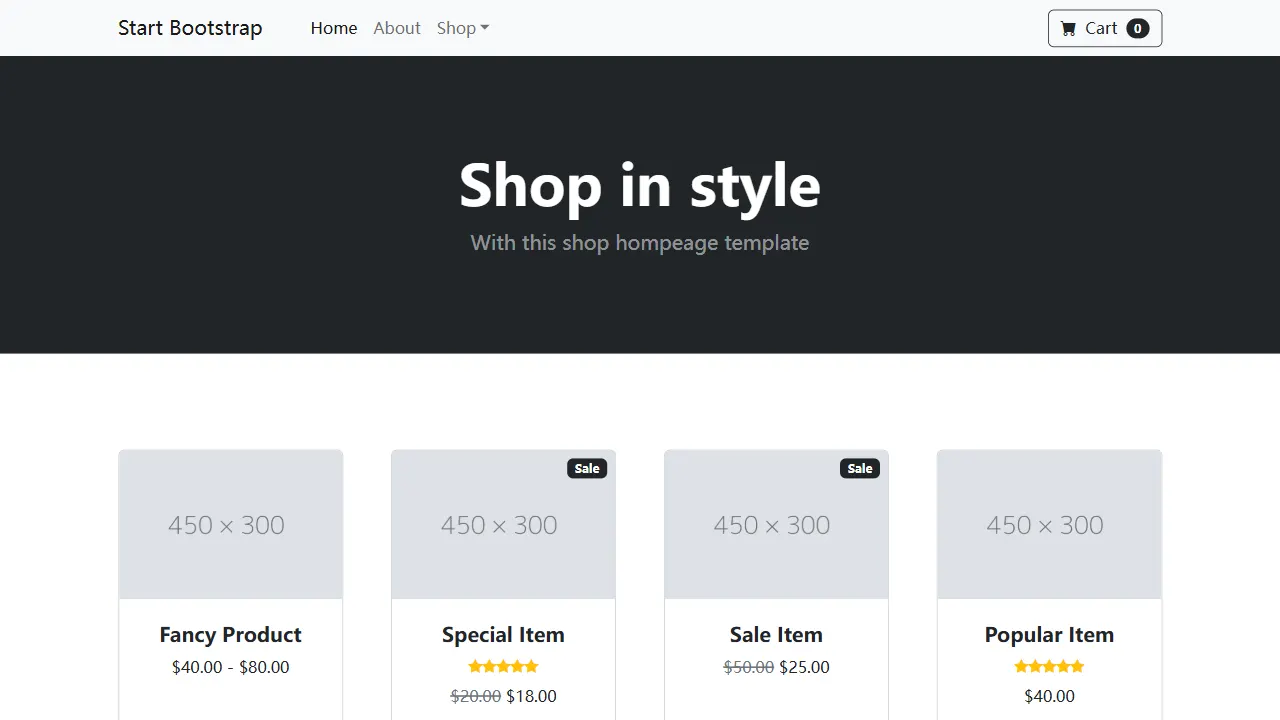
Shop Homepage
A clean Bootstrap store homepage skeleton for product listings, category displays, and small online store prototypes. It uses a responsive product grid, ships with a directly editable dist directory, and includes Pug and SCSS source with npm build and live preview support.
HTML · E-commerce
ludus-free-premium-ecommerce-template
Ludus is a pure HTML multipurpose e-commerce template under the MIT license, with 40+ pages including 3 homepages, 12 dashboard pages, 7 shop pages, and 5 blog pages, plus 3 header styles, a boxed layout, and 10 color schemes.
HTML · Admin dashboard
shoe_store
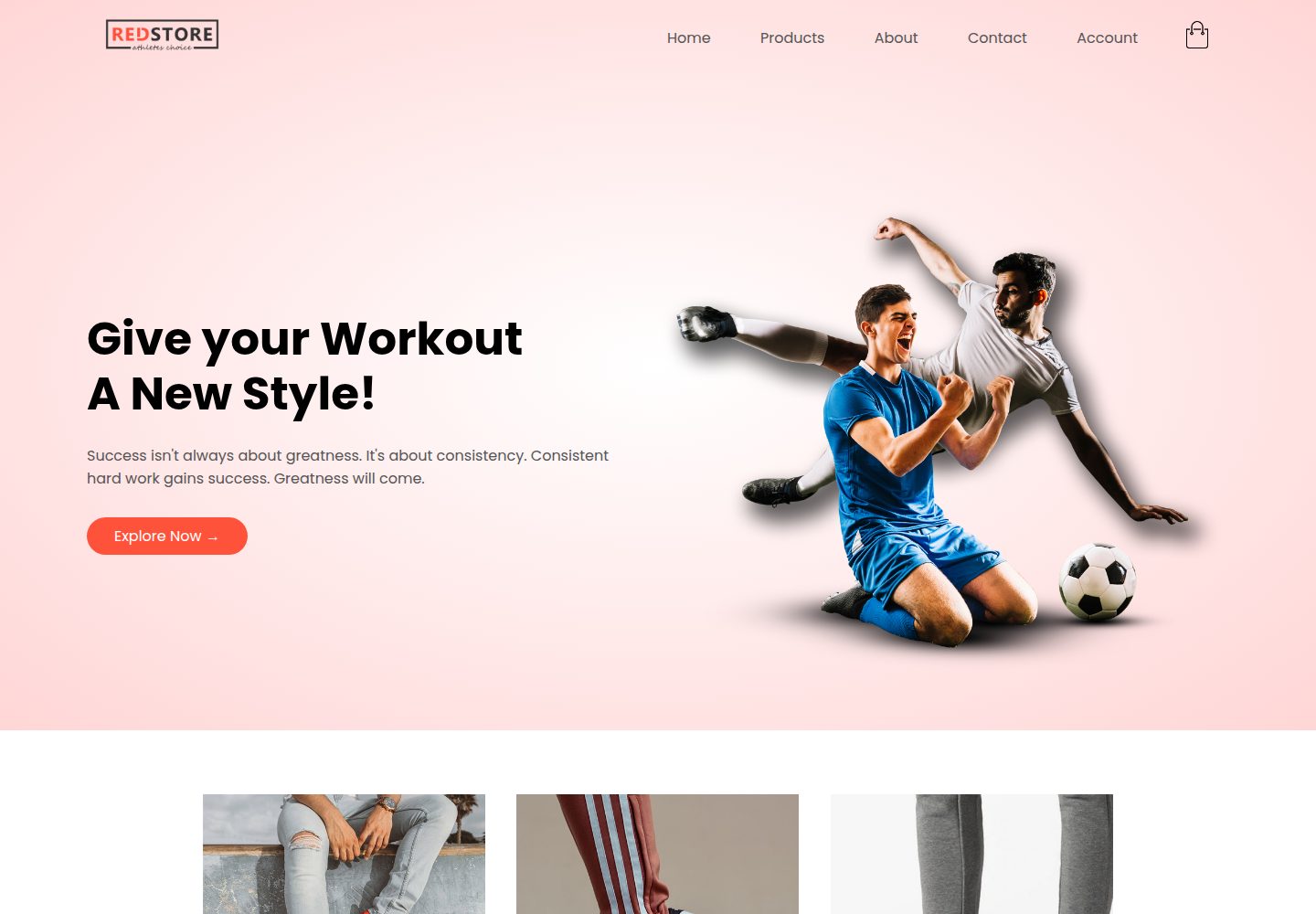
A shoe eCommerce website template built with HTML, CSS, and JavaScript, featuring a home page with banner, featured categories, and rated products, plus all-products, product detail, cart, and account pages.
HTML · E-commerce

LeatherHoard
LeatherHoard is a static e-commerce front-end template for leather goods, built with HTML, CSS, JavaScript, and Bootstrap.
HTML · E-commerce
vex-bootstrap
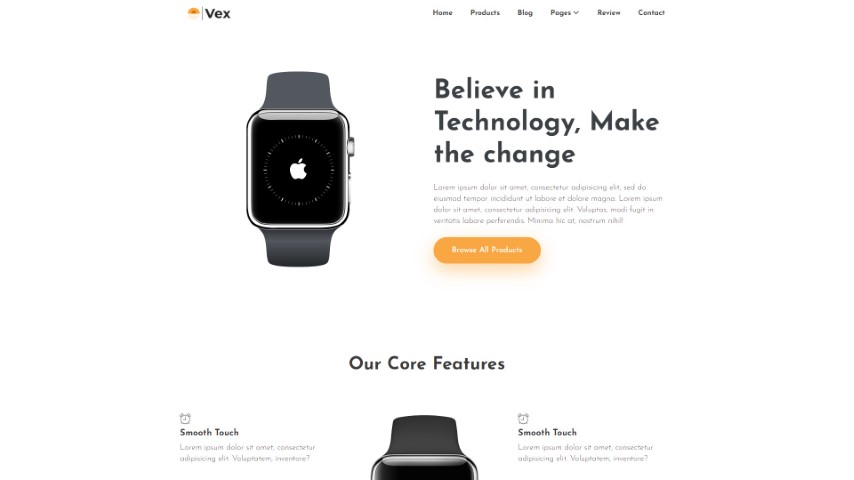
Vex is a clean, multipurpose e-commerce HTML template based on Bootstrap 4.5 and jQuery, released by Themefisher.
HTML · E-commerce