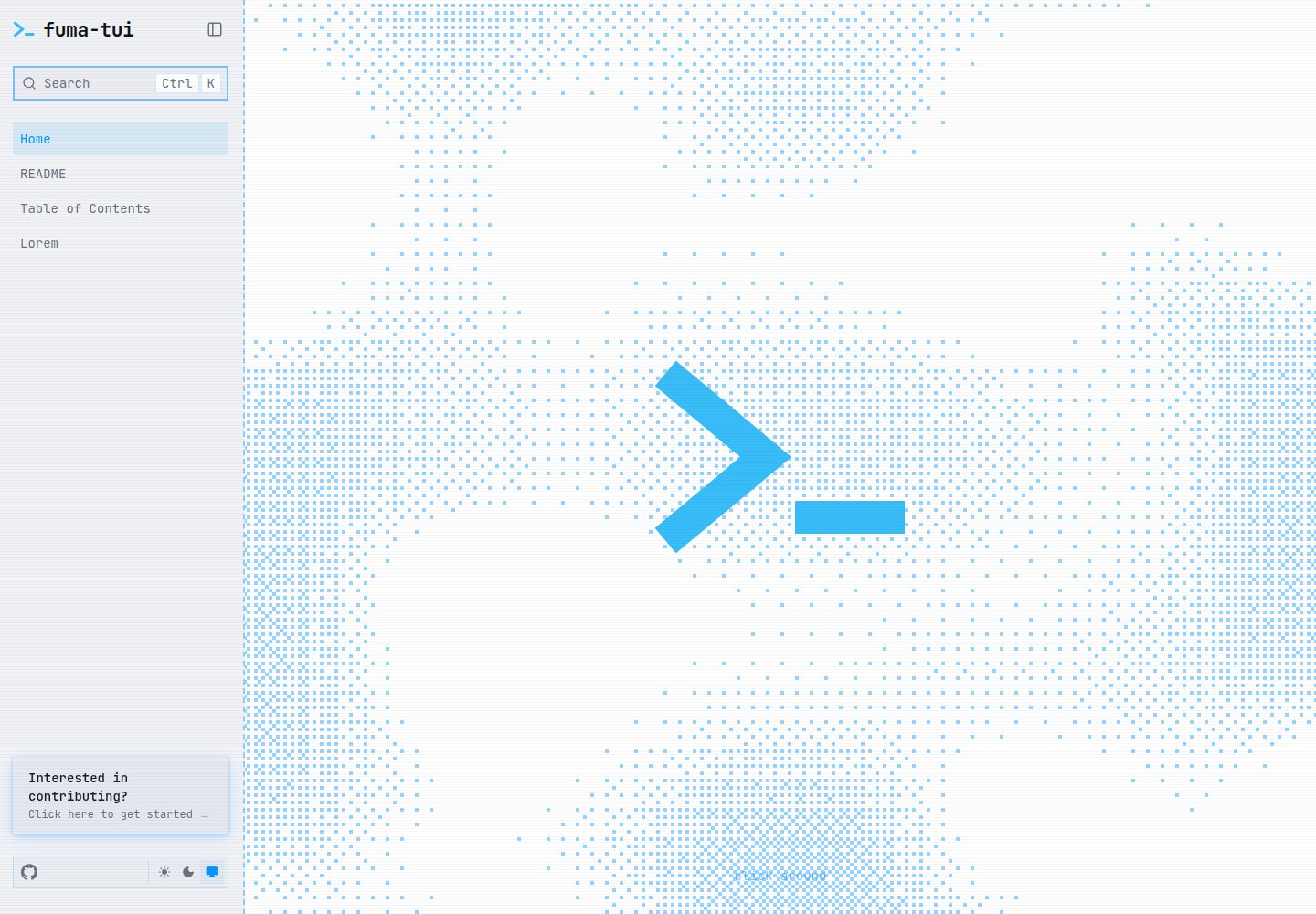
Place an Obsidian vault in public/vault/ to generate a documentation site
Next.jsReactDocumentation
fuma-tui — Next.js Documentation Template
By Lee-Si-Yoon
A documentation template built on Fumadocs and Next.js that turns an Obsidian vault into a terminal-style site and provides llms endpoints for AI agents.
Explore the design
Compare the page layouts and mobile experience. Open any screenshot for a closer look.
Desktop homepage
Desktop captureTop of page
Actual screenshot captured by the server browser.
One original preview is available. Open the full image to inspect the design.
Screenshots show visual appearance; interactive behavior may differ.
Recorded 2026-10-03View source
What stands out
A quick read of the recorded project description.
Terminal/TUI visual style: VT323 font, CRT scanlines, zero-radius corners, Utopia fluid scaling
Wikilink relationship graph based on d3-force with a minimap
Provides llms.txt, llms-full.txt, and llms.mdx endpoints for AI agents to read
A single site.config.ts file controls the site name, accent color, logo, favicon, and OG brand text
Built-in Biome, rumdl, Vale, a custom linter, and a git pre-commit hook
Template Details
fuma-tui is a documentation website template aimed at users who already have an Obsidian note vault. It is built on Fumadocs and Next.js: place the Obsidian vault in the public/vault/ directory to generate a documentation site, which can be deployed directly to Vercel.
Visually it adopts a terminal/TUI style: the VT323 font, CRT scanline effects, zero-radius borders, and Utopia fluid scaling. The template provides a wikilink relationship graph based on a d3-force simulation with a minimap, for browsing the link structure between notes.
The AI-facing side is reflected in the llms.txt, llms-full.txt, and llms.mdx endpoints, which make it easy for AI agents to read the site content. The project also includes team collaboration configuration such as Biome, rumdl, Vale, a custom linter, and a git pre-commit hook, with each component accompanied by a SPEC.md specification file.
Brand customization is centralized in site.config.ts at the root, where you can set the site name, description, GitHub repository link, accent color, logo, favicon, and OG brand text; the accent color is derived into the various theme elements. The template states that it can be deployed without environment variables and includes ZBSearch full-text search.
Before use, note the following: the repository uses the MIT license, but third-party assets such as demo images, fonts, and icons need to be checked separately for their licenses; external services such as domains and hosting may incur separate charges. The template itself does not promise production readiness, and specific capabilities are subject to the repository documentation and specification files.
Next.jsDocumentation
Is it right for your project?
Use Cases
- Publishing a personal Obsidian note vault as a publicly accessible documentation site
- Building a terminal-style browsing interface for a team's internal knowledge base
- Scenarios where AI agents need to read documentation content through llms endpoints
- Projects that want to display the link structure between notes with a wikilink relationship graph
Suitable For
- Users who already have an Obsidian vault and want to quickly launch a documentation site
- Developers who prefer a terminal/TUI visual style over conventional documentation themes
- Teams that need to deploy a documentation site on Vercel with zero environment variables
- Project maintainers focused on AI agent readability who need llms endpoints
Getting started & customization
Use these recorded setup notes alongside the repository instructions for your chosen version.
- 1
Install dependencies and run the initialization script: pnpm install, bash scripts/setup.sh, pnpm dev
- 2
Place the Obsidian vault content in the public/vault/ directory
- 3
Modify the site name, description, repository link, accent color, logo, and OG brand text in site.config.ts at the root
- 4
See TEMPLATE_SETUP.md for full configuration instructions, CONTRIBUTING.md for writing conventions, and the specs/ directory for component specifications
- 5
Third-party assets such as demo images, fonts, and icons need to be checked separately under their respective licenses; do not judge based solely on the code's MIT license
License & source material
Usage conditions & limitations
Free to use · keep license noticeThis entry covers the free version in the public repository under the MIT license; the free scope is the code of that version and does not mean that external services or third-party assets are free.
Must comply with when using
- Permits free use, modification, commercial use, and distribution of that version's code.
- When distributing copies or substantial portions of the code, retain the original author's copyright notice and the full MIT license notice.
- The code is provided as is; warranties and limitations of liability are governed by the original license and applicable law.
Additional costs & items to verify
- The prerequisite is an existing Obsidian note vault: vault content must be placed in the public/vault/ directory; the template itself does not provide content and is only responsible for rendering that directory as a documentation site.
- The template depends on the two upstream frameworks Fumadocs and Next.js; their use and upgrades must follow their respective licenses and version requirements, which are not covered by this repository's MIT authorization.
- The deployment path points to a one-click clone on Vercel; actual hosting depends on the external Vercel service and may involve account registration and fees, which you must assess yourself.
- The README states that it can be deployed without environment variables, but that statement applies only to the Vercel deployment process; if you switch to another host or integrate external services, you may still need to configure keys and accounts yourself.
- Team collaboration capabilities depend on external toolchains such as Biome, rumdl, and Vale, which must be installed and configured locally or in CI; the template does not provide these tools on your behalf.
- Specification files are development conventions and do not constitute a guarantee of functionality or quality; the README does not declare production readiness, and actual usability must be verified by yourself.
- Demo images, fonts, icons, and other third-party assets need to be checked under their respective licenses; do not judge based solely on the code's MIT license.
- External services such as domains, hosting, databases, payments, or AI may incur separate charges.
View Original Text Basis
Permission is hereby granted, free of charge
Original License Text
Drop your Obsidian vault into `public/vault/` → ship to Vercel.
Original README
Built on [Fumadocs](https://fumadocs.dev) + Next.js.
Original README
[](https://vercel.com/new/clone?repository-url=https%3A%2F%2Fgithub.com%2FLee-Si-Yoon%2Ffuma-tui)
Original README
- ⚡ **Zero env vars** — deploy to Vercel as-is
Original README
- ✅ **Team-ready** — Biome, rumdl, Vale, custom linters, git pre-commit hooks
Original README
https://github.com/Lee-Si-Yoon/fuma-tui/blob/main/LICENSEhttps://github.com/Lee-Si-Yoon/fuma-tui/blob/main/README.md- 📋 **Spec-driven** — every component has a `SPEC.md`; AI agents develop against specs, not assumptions
Original README
Compiled by DeepSeek based on repository license and README ·2026-10-03. Results only cover the materials read; dependencies, images, fonts, and subsequent term changes are subject to their respective original texts.
Project checks & description sources
Template Information
- Source platforms
- GitHub
- Documentation and maintenance reference score
- More documented · 87 / 100
- Technologies
- Next.js · React
- Website type
- Documentation
How this score is calculated
Our heuristic uses license records (up to 30), a demo link (12), a preview (10), stars (15), recorded maintenance (15), description completeness (8), feature records (5) and classification data (5). It is not a code, security or performance test, or a Google score. A link does not establish tested functionality.
What to verify for this project
- Repository update recorded
- 2026-08-21
- Screenshot last checked
- 2026-10-03
A demo link is listed. Check it with your own content and viewport sizes; its presence does not confirm that forms, authentication or payments work.
The catalog identifies Next.js as the primary stack. Check the actual dependency manifest and lockfile for versions and hosting requirements. These notes use recorded metadata, not a code audit or a deployment test.
Use a selection guide →How this description was prepared
AI-assisted description based on catalog records and repository material. Repository authors are not automatically the reviewers of this description.
Review declaration: [email protected] · 2026-10-04
Inspect the recorded source material
SHA-256: cf6a7920b1d83dfa50349b26effa5e79fa6bcb20877667f2f906f000163a8566
2026-10-03T17:01:47.697Z
Source file / repository<a target="_blank" rel="noopener noreferrer" href="https://github.com/Lee-Si-Yoon/fuma-tui/blob/main/public/fuma-tui-social-dark.png"> <img src="https://github.com/Lee-Si-Yoon/fuma-tui/raw/main/public/fuma-tui-social-dark.png" alt="fuma-tui banner" style="max-width: 100%;"> </a> > The TUI-styled documentation template for your Obsidian vault. Built on [Fumadocs](https://fumadocs.dev) + Next.js. Styled like a terminal. Read by AI agents. [](https://vercel.com/new/clone?repository-url=https%3A%2F%2Fgithub.com%2FLee-Si-Yoon%2Ffuma-tui) ## What you get Drop your Obsidian vault into `public/vault/` → ship to Vercel. - 🔗 **Wikilink graph** — d3-force simulation + minimap - 🤖 **AI-friendly** — `llms.txt` / `llms-full.txt` / `llms.mdx` endpoints - 🖥️ **Terminal aesthetic** — VT323, CRT scanlines, zero border-radius, Utopia fluid scale - ✅ **Team-ready** — Biome, rumdl, Vale, custom linters, git pre-commit hooks - 🎨 **One-config rebrand** — `site.config.ts` → accent, logos, OG, scrollbars auto-derived - ⚡ **Zero env vars** — deploy to Vercel as-is - 📋 **Spec-driven** — every component has a `SPEC.md`; AI agents develop against specs, not assumptions ## Quickstart ```bash pnpm install bash scripts/setup.sh pnpm dev ``` ## Rebranding Edit `site.config.ts` at the repo root. One file controls everything: - Site name, description, GitHub repo link - Accent color → every themed element derived automatically - Logos, favicon, OG brand text See [TEMPLATE_SETUP.md](TEMPLATE_SETUP.md) for the full guide. For writing entries, see [CONTRIBUTING.md](CONTRIBUTING.md). ## Specs Root: [SPEC.md](SPEC.md) — master spec (stack, layout, scripts, frontmatter, constraints). Per-component specs in `specs/`: - [CONTENT](specs/CONTENT/SPEC.md) — Obsidian vault, source configuration, math rendering - [STYLING](specs/STYLING/SPEC.md) — Terminal/TUI theme - [GRAPH](specs/GRAPH/SPEC.md) — Interactive wikilink graph + minimap - [DEPLOYMENT](specs/DEPLOYMENT/SPEC.md) — Vercel, dependencies, LLM endpoints - [SEARCH](specs/SEARCH/SPEC.md) — ZBSearch full-text search (no env vars required) - [OG](specs/OG/SPEC.md) — OG image generation (next/og, dark TUI style) - [SKILLS](specs/SKILLS/SPEC.md) — Agent skills registry --- <a target="_blank" rel="noopener noreferrer" href="https://github.com/fuma-nama/fumadocs"> <img src="https://github.com/fuma-nama/fumadocs/raw/dev/documents/logo.png" alt="Fumadocs sticker" style="max-width: 100%;"> </a>
Explore similar templates
Compare previews and descriptions within the same stack and category.

nextjs-prisma-boilerplate
A production-grade full stack starter built on Next.js 12, React 18, Prisma 4, and Postgres, with layered frontend and backend architecture, Jest and Cypress testing, next-auth authentication, Docker and Gitpod development environments, GitHub Actions CI/CD, and Traefik-based production deployment.
Next.js · Documentation

rubix-documents
A Next.js and React documentation site starter template for product docs, technical manuals and knowledge bases.
Next.js · Documentation
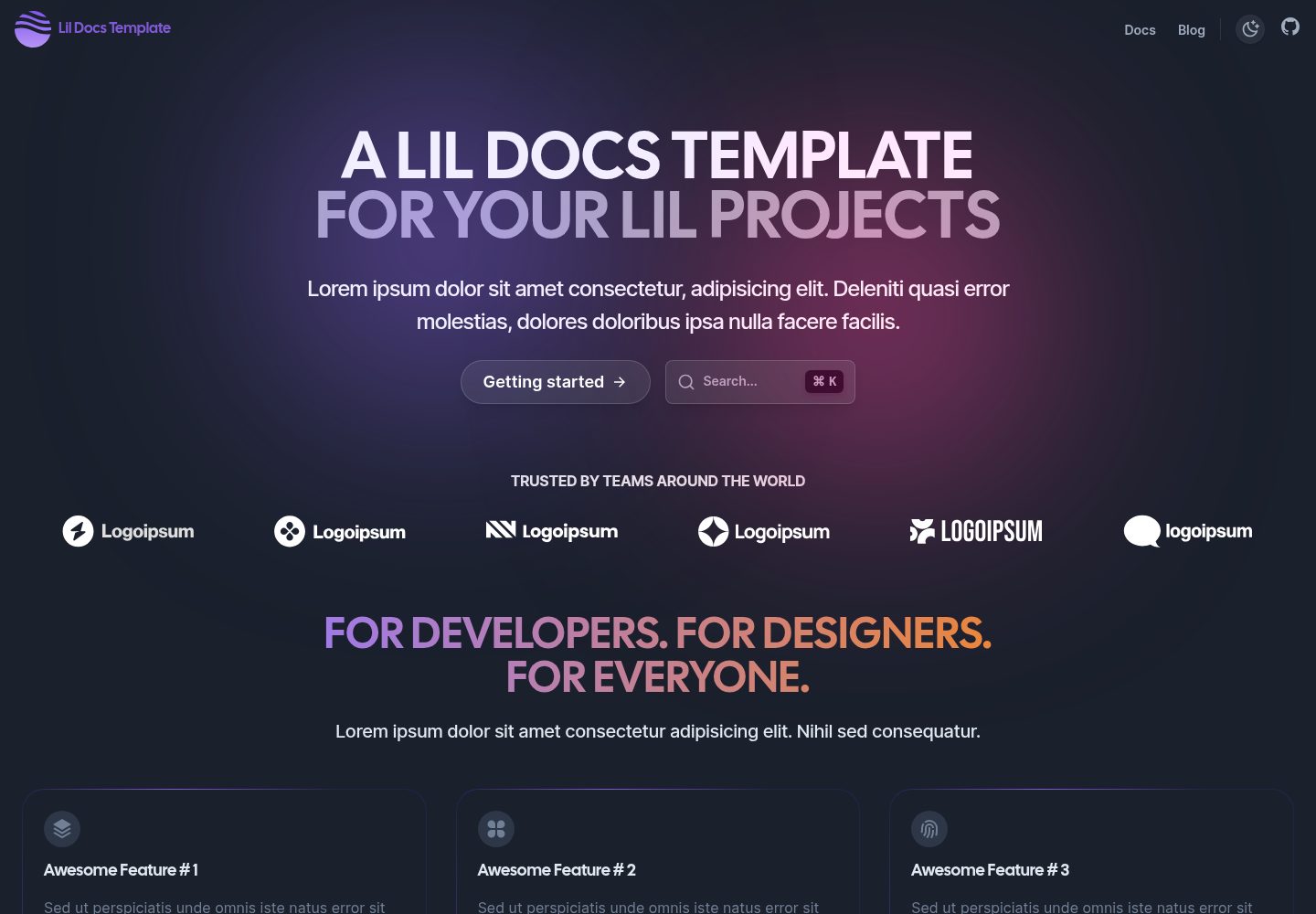
lil-docs-template
A lightweight documentation site template for small projects, built with Next.js, TypeScript, Chakra UI, and ContentLayer. It supports MDX content, light/dark mode, and SEO configuration, and offers a one-click Vercel deploy.
Next.js · Documentation
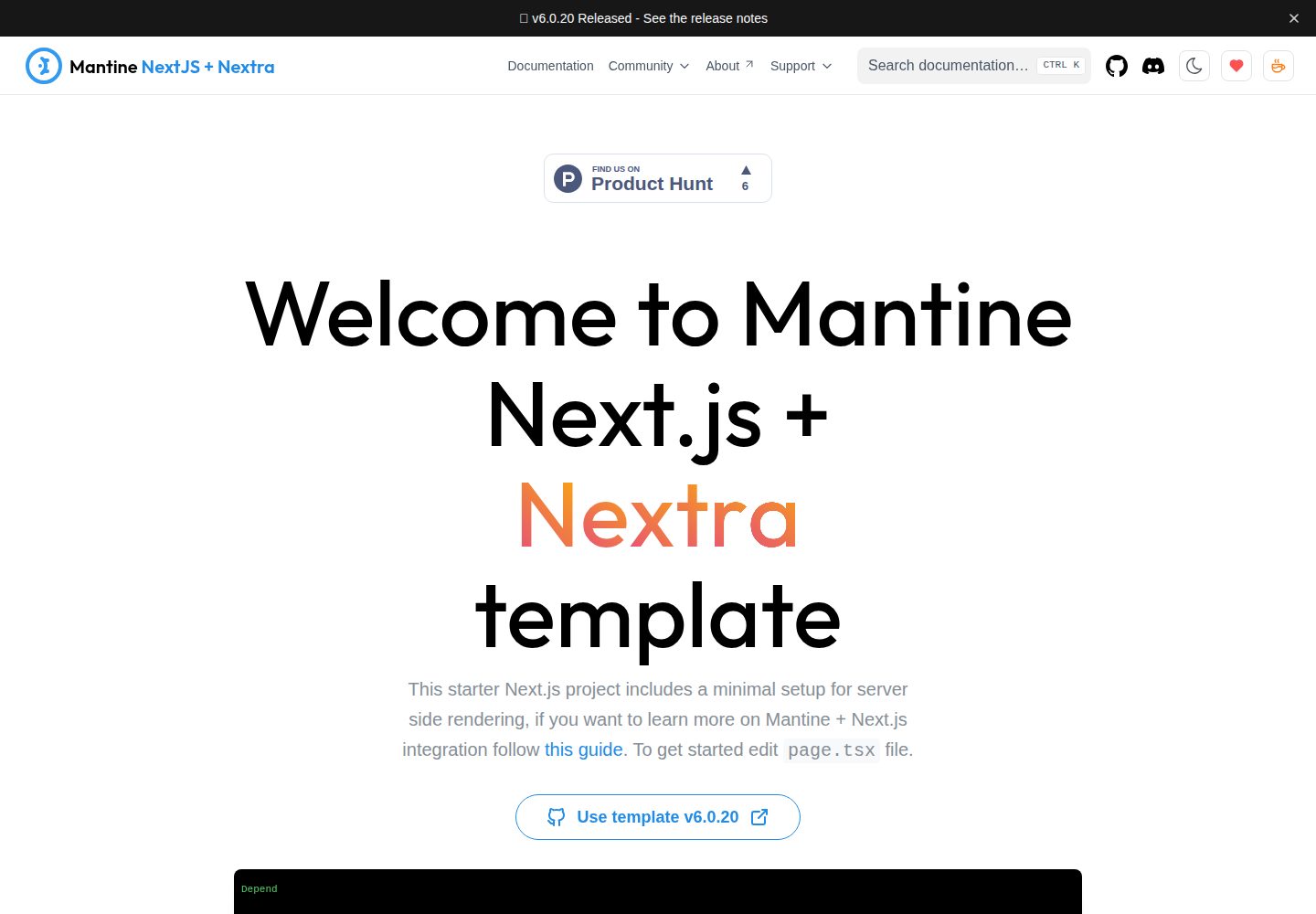
next-app-nextra-template
A documentation site template combining Next.js App Router, Mantine, and Nextra in one project, with synchronized dark mode, Pagefind search, Storybook, Jest, and GitHub Release Notes integration. Suitable for teams maintaining both a product application and its documentation.
Next.js · Documentation
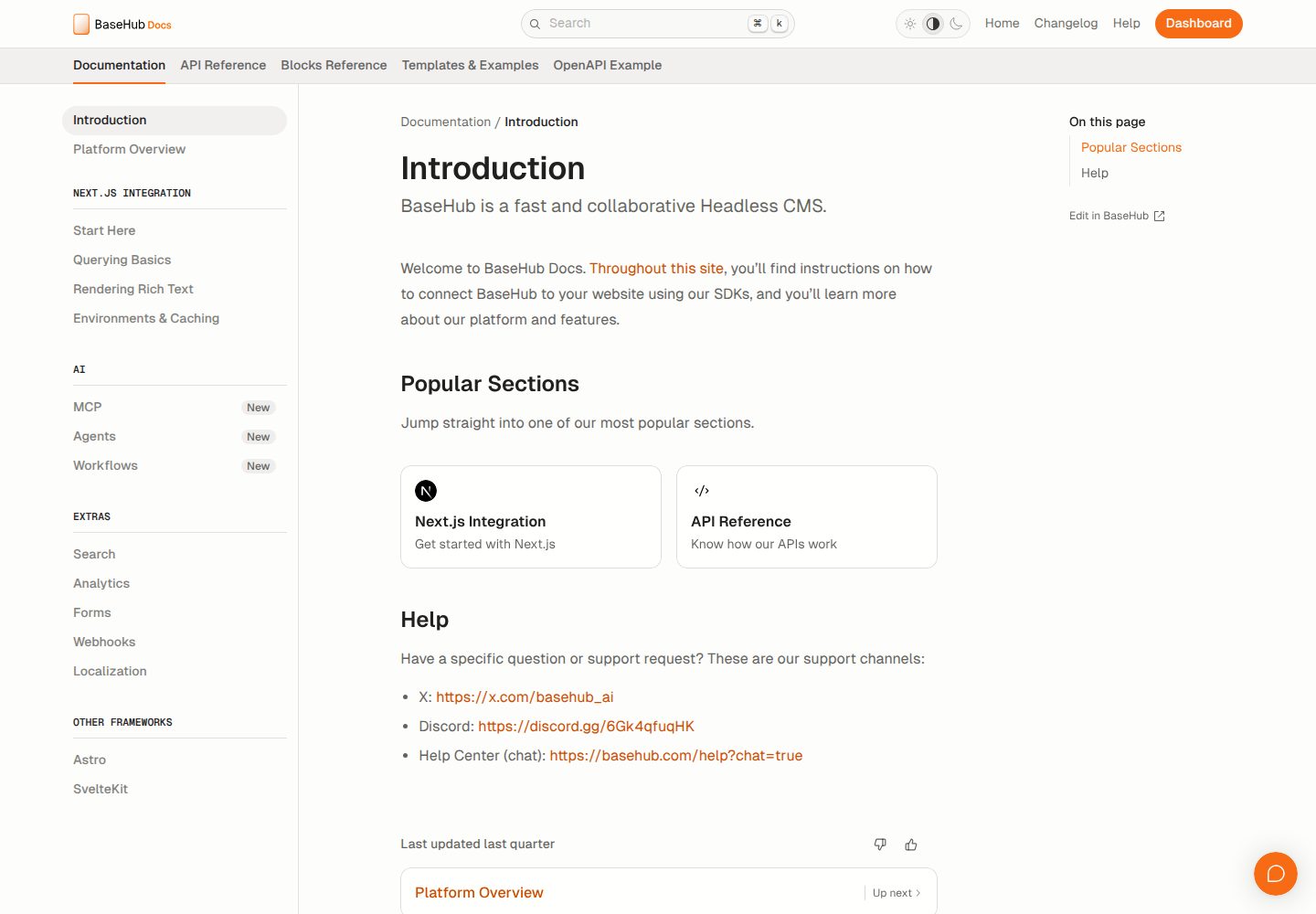
docs-template
A documentation website template built with Next.js, Radix Themes, and BaseHub. Content is edited in BaseHub, so documentation can be maintained without code changes.
Next.js · Documentation
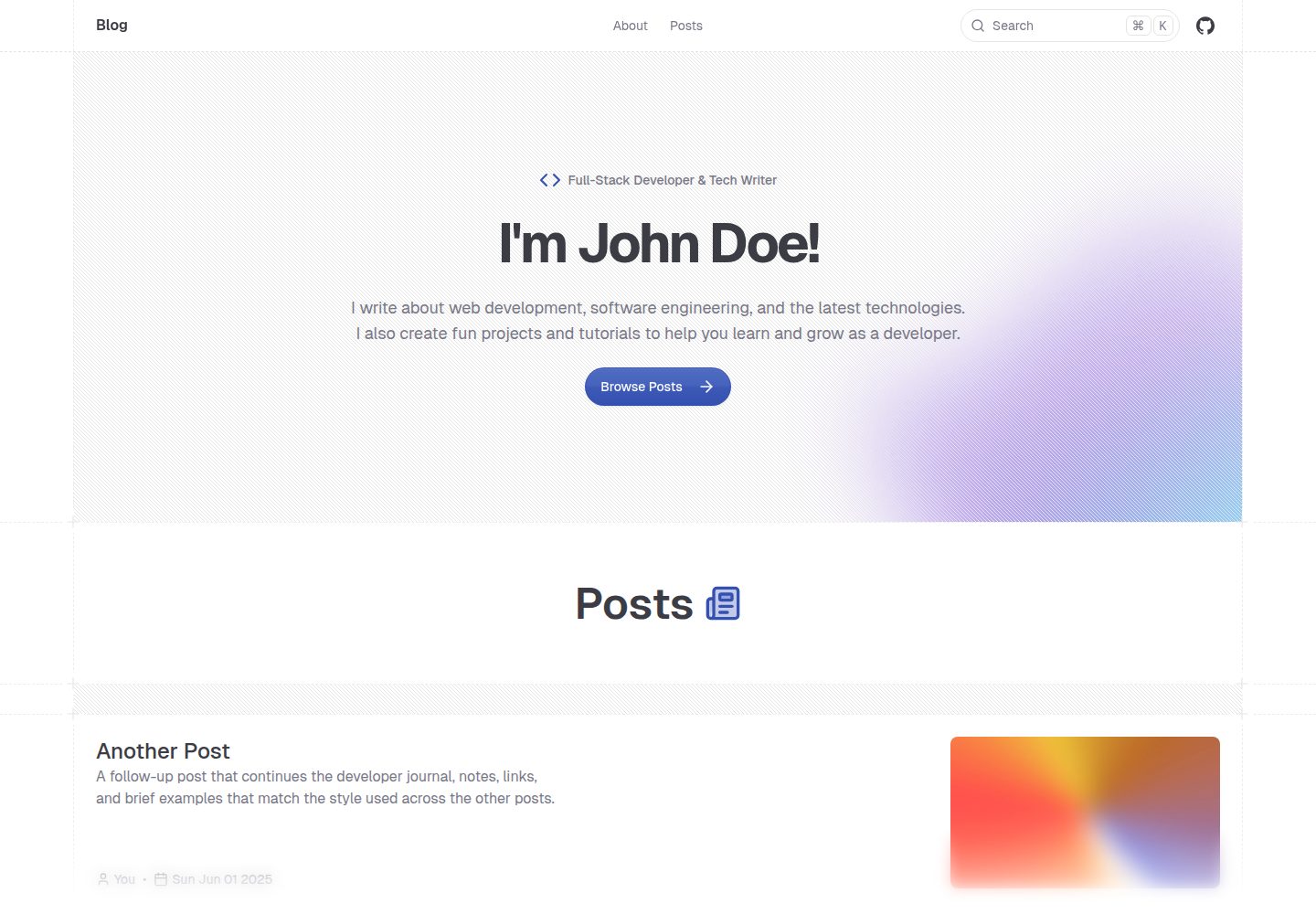
shadcn-blog
A Next.js 15 blog template that renders MDX articles from content/blog/ with Fumadocs, built on shadcn/ui and Tailwind CSS.
Next.js · Blog