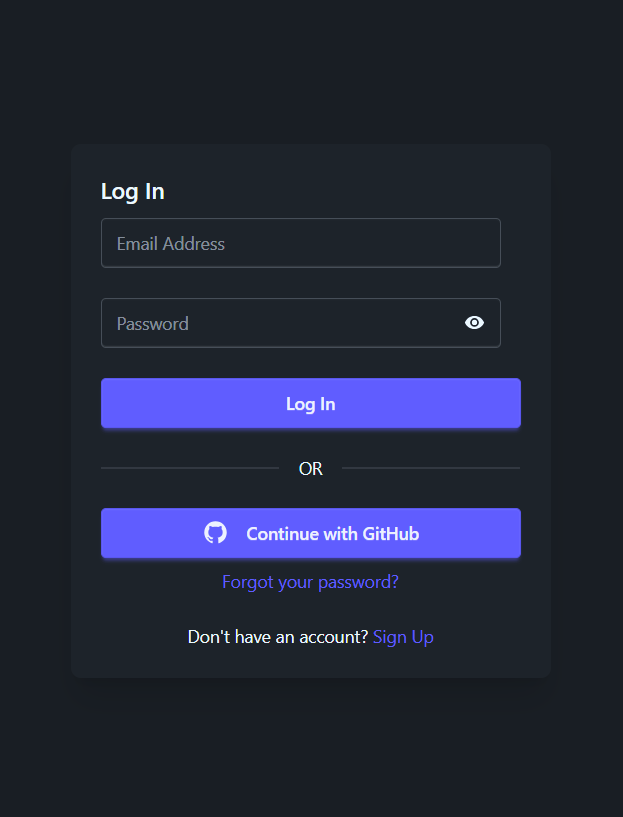
SvelteKit static adapter + SSR disabled, focused on client-rendered SPA
SvelteStarter
minimal-sveltekit-pocketbase — Svelte Starter Template
By LucaLetizia
A minimal starter template built on SvelteKit and PocketBase, using pure client-side rendering, with built-in authentication, theme switching, and user settings pages.
Explore the design
Compare the page layouts and mobile experience. Open any screenshot for a closer look.
Author preview
Author-provided previewTop of page
Preview provided in the project README.
One original preview is available. Open the full image to inspect the design.
Screenshots show visual appearance; interactive behavior may differ.
Recorded 2026-10-02View source
What stands out
A quick read of the recorded project description.
Written in Svelte 5 Runes mode
Integrates PocketBase as the backend, with the host address configured via environment variables
Built-in authentication flows including registration, login, forgot password, and logout
User settings support changing email, changing password, and deleting the account
Provides light/dark theme switching and example notifications and create pages
Template Details
This is a mobile-first minimal starter template for building web applications based on Svelte 5 (Runes mode) and PocketBase. The project is positioned as a fully client-rendered single-page application (SPA): it uses SvelteKit's static adapter with server-side rendering (SSR) disabled, so it contains no server-side logic and data interactions go directly to PocketBase.
The feature scope centers on account and interface basics: registration (email/password or auth providers), login, forgot password, logout, and user settings for changing email, changing password, and deleting the account; it also provides light/dark theme switching, along with example pages such as a notifications page and a create page placeholder. The tech stack also includes Zod, Tailwind CSS, DaisyUI, and Unplugin Icons.
Before use, you need to deploy and configure a PocketBase instance yourself according to the PocketBase documentation, and set PUBLIC_POCKETBASE_HOST in .env; the template itself does not provide a backend service and does not include a business data model.
SvelteStarter
Is it right for your project?
Use Cases
- Starting a project that needs a pure frontend SPA skeleton and connects to PocketBase on its own
- Quickly building a mobile-first interface with email/password authentication and account settings
- Adding a SvelteKit frontend shell to an existing PocketBase instance
Suitable For
- Developers familiar with SvelteKit and PocketBase
- Projects that need a client-rendered SPA rather than SSR
- Individuals or teams who want to start from MIT-licensed code
Getting started & customization
Use these recorded setup notes alongside the repository instructions for your chosen version.
- 1
First deploy and run a PocketBase instance according to the official PocketBase documentation
- 2
After cloning the repository, run npm install to install dependencies
- 3
Copy .env.example to .env and set PUBLIC_POCKETBASE_HOST to your PocketBase address
- 4
Use npm run dev to start the local development server
License & source material
Usage conditions & limitations
Free to use · keep license noticeThis entry covers the free version under the MIT license in the public repository; the free scope is the code of that version and does not mean external services or third-party assets are free.
Must comply with when using
- Free use, modification, commercial use, and distribution of that version's code are permitted.
- When distributing copies or substantial portions of the code, retain the original author's copyright notice and the complete MIT license notice.
- The code is provided as is; warranties and limitations of liability are governed by the original license and applicable law.
Additional costs & items to verify
- Demo images, fonts, icons, and other third-party assets must be checked against their respective licenses and cannot be judged solely by the code's MIT license.
- External services such as domains, hosting, databases, payments, or AI may incur additional charges.
- Before use, you must deploy and run a PocketBase instance yourself according to the official PocketBase documentation; the template itself does not provide a backend service.
- You must set PUBLIC_POCKETBASE_HOST in .env to your own PocketBase host address, otherwise the backend cannot be connected.
View Original Text Basis
Permission is hereby granted, free of charge
Original License Text
- Ensure you have set up PocketBase according to the [PocketBase documentation](https://pocketbase.io/docs/).
Original README
https://github.com/LucaLetizia/minimal-sveltekit-pocketbase/blob/main/LICENSEhttps://github.com/LucaLetizia/minimal-sveltekit-pocketbase/blob/main/README.md- Edit `.env` and set the `PUBLIC_POCKETBASE_HOST` variable with your PocketBase host.
Original README
Compiled by DeepSeek based on repository license and README ·2026-10-04. Results only cover the materials read; dependencies, images, fonts, and subsequent term changes are subject to their respective original texts.
Project checks & description sources
Template Information
- Source platforms
- GitHub
- Documentation and maintenance reference score
- More documented · 75 / 100
- Technologies
- Svelte
- Website type
- Starter
How this score is calculated
Our heuristic uses license records (up to 30), a demo link (12), a preview (10), stars (15), recorded maintenance (15), description completeness (8), feature records (5) and classification data (5). It is not a code, security or performance test, or a Google score. A link does not establish tested functionality.
What to verify for this project
- Repository update recorded
- 2026-05-02
- Screenshot last checked
- 2026-10-04
No demo link is recorded. Use the repository instructions to evaluate the project locally; the screenshot alone cannot establish interactive behavior.
The catalog identifies Svelte as the primary stack. Check the actual dependency manifest and lockfile for versions and hosting requirements. These notes use recorded metadata, not a code audit or a deployment test.
Use a selection guide →How this description was prepared
AI-assisted description based on catalog records and repository material. Repository authors are not automatically the reviewers of this description.
Review declaration: [email protected] · 2026-10-05
Inspect the recorded source material
SHA-256: 7cd5e2a7555bf22a0f7e4e7163aae8a660f21c389b8fb2f5b646a04cf634ec93
2026-10-04T18:25:23.838Z
Source file / repository# Minimal SvelteKit PocketBase ## Overview Mobile-first, minimalistic starter template for web applications built with Svelte 5 (Runes mode) and PocketBase designed for fully client-rendered single-page applications (SPAs). This template uses SvelteKit's static adapter and disables server-side rendering (SSR) to focus on client-side rendering (CSR) only. It’s designed to give you a simple foundation for your web applications with essential features and modern UI components. ## Features - User Authentication: - Sign up with email and password or auth providers - Log in - Forgot password - Log out - User Settings: - Change email - Change password - Delete account - Theme Switcher: light and dark modes supported - Sample Pages: - Notifications page - Create page placeholder ## Screenshots <img src="static/screenshots/login.png" alt="Login" width="30%"/><br> <img src="static/screenshots/home.png" alt="Home" width="30%"/><br> <img src="static/screenshots/notifications.png" alt="Notifications" width="30%"/><br> <img src="static/screenshots/settings.png" alt="Settings" width="30%"/><br> <img src="static/screenshots/delete-account.png" alt="Settings" width="30%"/> ## Tech Stack - [SvelteKit](https://kit.svelte.dev/) - [Svelte 5](https://svelte-5-preview.vercel.app/docs/introduction) - [PocketBase](https://pocketbase.io/) - [Zod](https://zod.dev/) - [Tailwind CSS](https://tailwindcss.com/) - [DaisyUI](https://daisyui.com/) - [Unplugin Icons](https://github.com/unplugin/unplugin-icons) ## Setup Instructions To get started with this template, follow these steps: ### 1. Refer to the PocketBase Documentation - Ensure you have set up PocketBase according to the [PocketBase documentation](https://pocketbase.io/docs/). ### 2. Clone the Project: ``` git clone https://github.com/LucaLetizia/minimal-sveltekit-pocketbase.git cd minimal-sveltekit-pocketbase ``` ### 3. Configure Environment Variables: - Copy the `.env.example` file to `.env`: ``` cp .env.example .env ``` - Edit `.env` and set the `PUBLIC_POCKETBASE_HOST` variable with your PocketBase host. ### 4. Install Dependencies: ``` npm install ``` ### 5. Run the Application Locally: ``` npm run dev ``` ## License This project is licensed under the MIT License. See the [LICENSE](./LICENSE) file for details.
Explore similar templates
Compare previews and descriptions within the same stack and category.

CMSaasStarter
CMSaasStarter is an MIT-licensed SaaS starter template built with SvelteKit, TailwindCSS, DaisyUI, and Supabase, with Stripe Checkout and Stripe Portal for payments.
Svelte · Admin dashboard
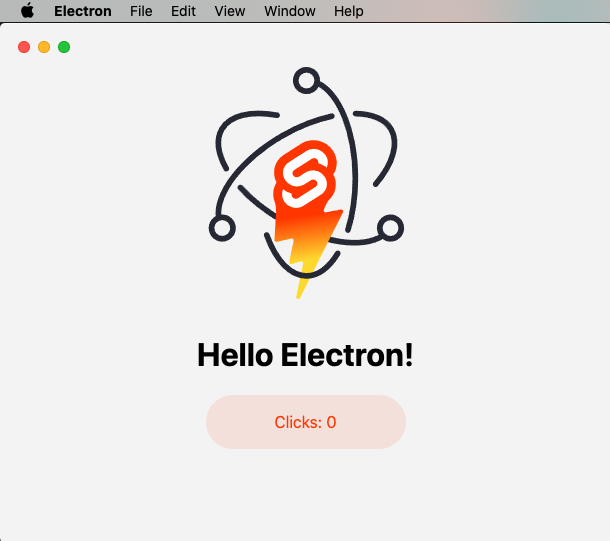
sveltekit-electron
A minimal SvelteKit + Electron starter template for cross-platform desktop applications. It provides clone, install, development, and build commands, with build targets adjustable in package.json and defaulting to Mac, Windows, and Linux.
Svelte · Starter
tauri-sveltekit
A minimal Tauri 2 and SvelteKit desktop starter template that builds the frontend as a static SPA via @sveltejs/adapter-static and loads it in Tauri's WebView.
Svelte · Starter
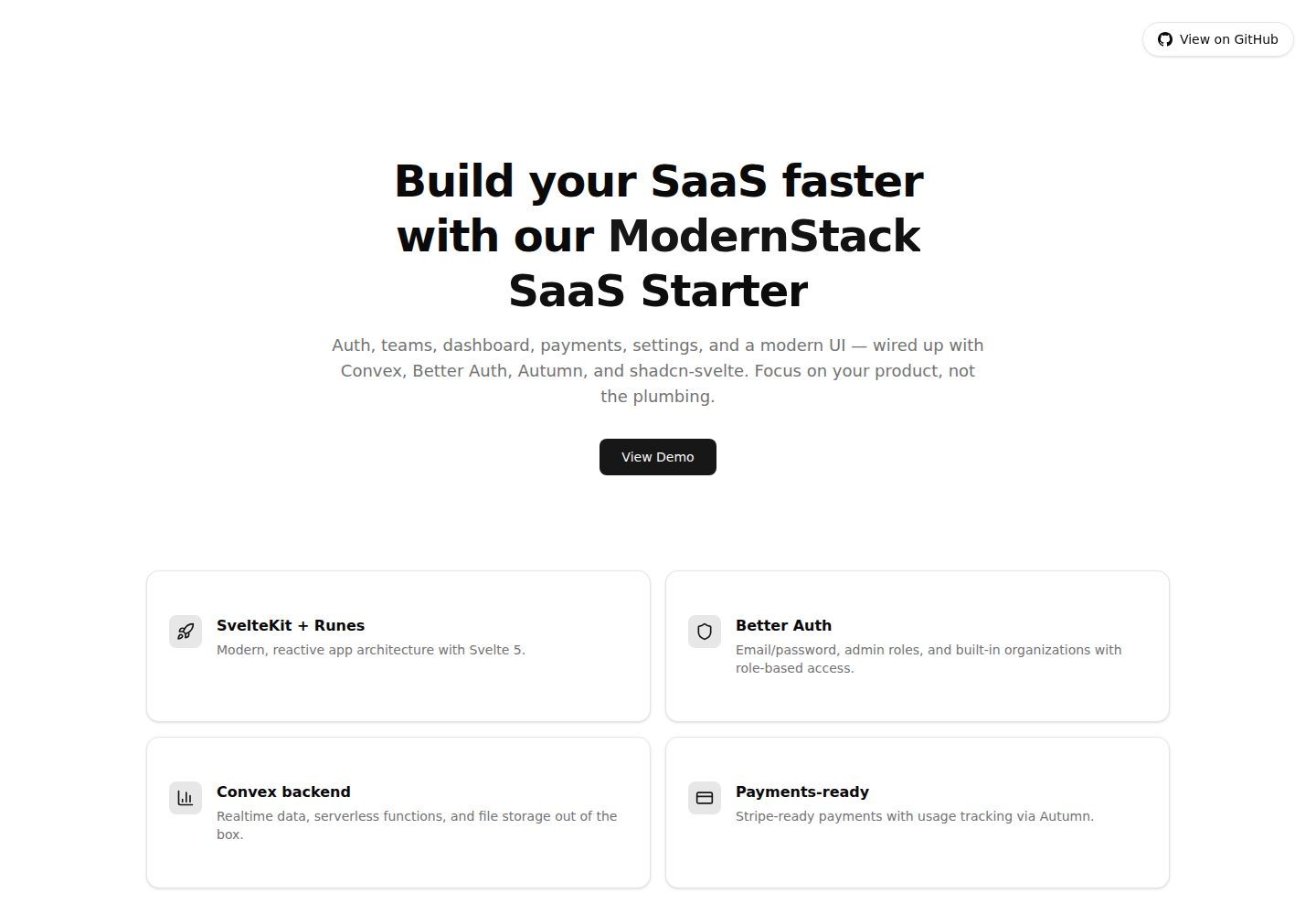
modernstack-saas
A SaaS starter template built with SvelteKit, Convex, Better Auth, and shadcn-svelte. It includes subscription billing via Autumn/Stripe, user and admin dashboards, user settings, organization multi-tenancy with roles and invitations, and a waitlist mode that can disable public registration.
Svelte · Admin dashboard

sveltekit-mdsvex-blog-template
A SvelteKit and MDsveX blog starter for Markdown writing with embedded Svelte components, Tailwind CSS typography, tags, dark mode, SEO metadata, and Cloudflare Workers deployment configuration. Requires Node.js 22.12+ and pnpm 11.17.0; third-party demo assets need separate license verification.
Svelte · Portfolio
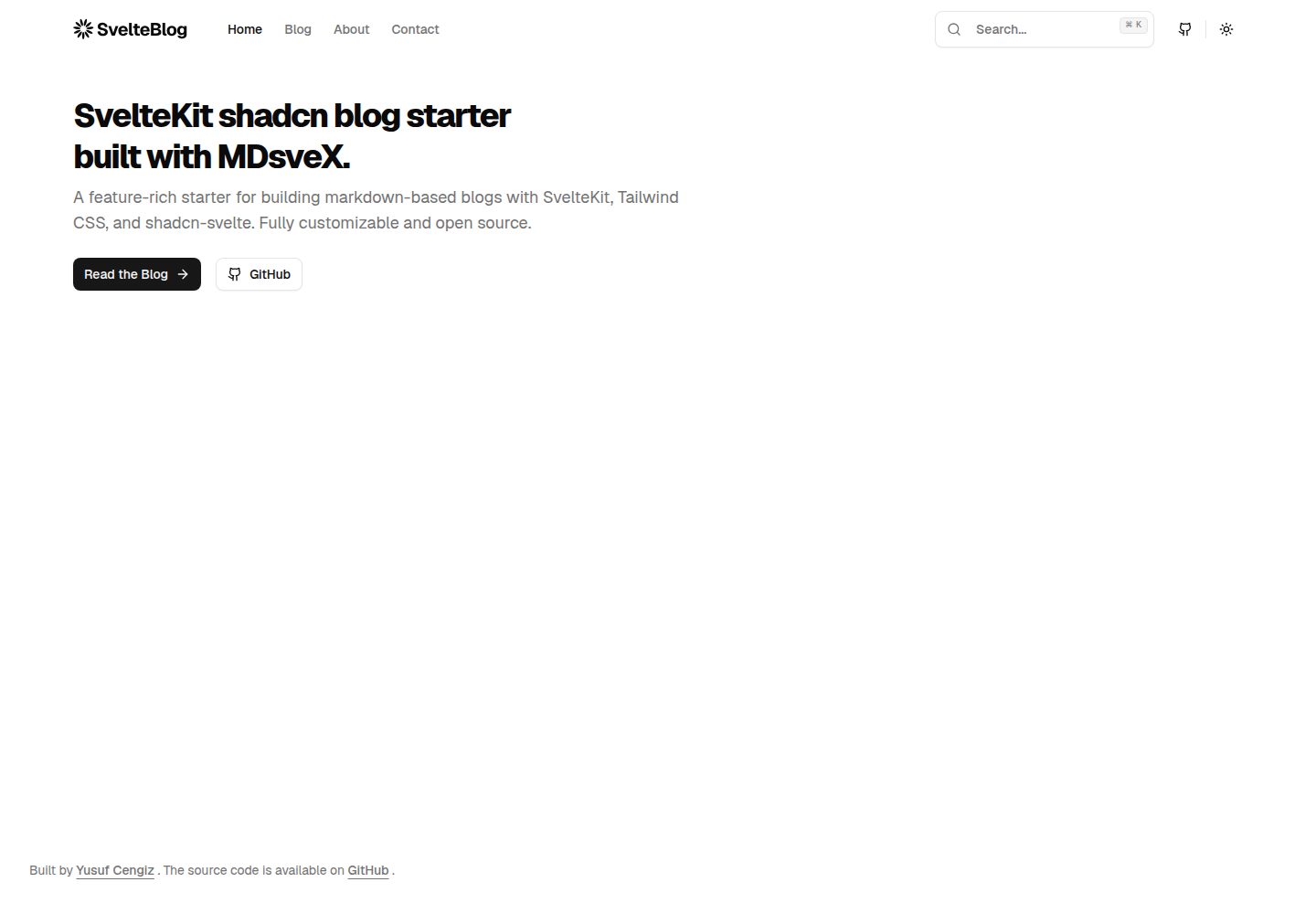
sveltekit-shadcn-blog-starter
A SvelteKit blog starter that combines shadcn-svelte, Tailwind CSS, MDsveX, and TypeScript, offering multi-author support, tag archives, built-in search, light/dark themes, and automatic sitemap and RSS generation.
Svelte · Blog