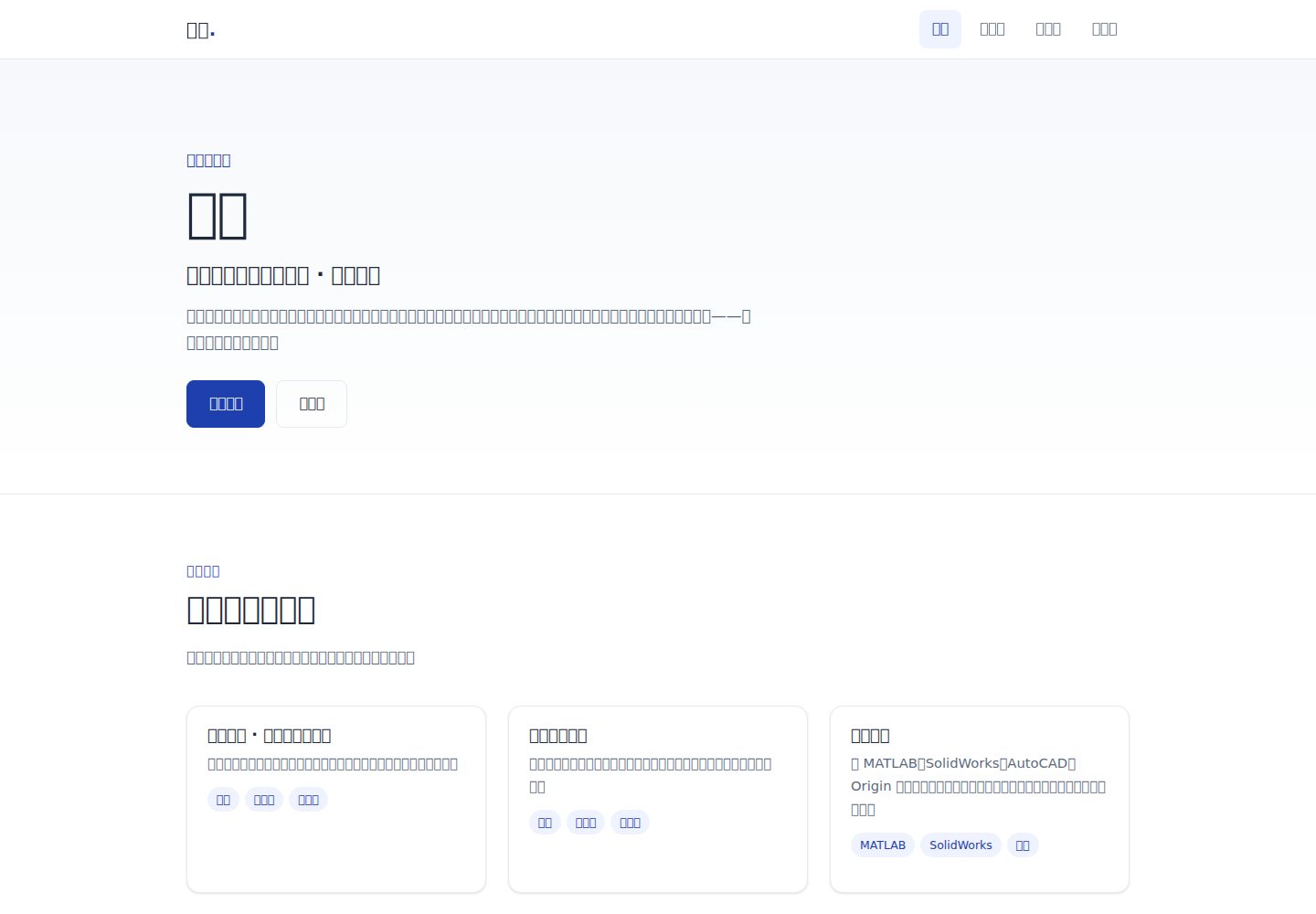
Pure HTML/CSS/JS static site with no framework and no build step, deployable directly to any static hosting platform
HTMLBlog
Personal-Blog-Website-Template — HTML Blog Template
By LunarCry233
A pure HTML/CSS/JS static personal blog template with five pages: Home, About Me, Portfolio, Contact Me, and 404. It uses a new energy materials and devices major student as sample content and can be deployed directly to static hosting platforms.
Explore the design
Compare the page layouts and mobile experience. Open any screenshot for a closer look.
Desktop homepage1 / 3
Desktop captureTop of page
Actual screenshot captured by the server browser.
All pages & views 3
Screenshots show visual appearance; interactive behavior may differ.
Recorded 2026-10-02View source
What stands out
A quick read of the recorded project description.
Includes five pages: Home, About Me, Portfolio, Contact Me, and 404, with complete navigation and footer structure
CSS variables centrally manage colors and spacing, Flexbox/Grid layout, with mobile navigation and responsive adaptation
JavaScript only handles footer year, mobile navigation toggle, anchor smooth scrolling, scroll fade-in, and form submission
Contact form uses Formspree to forward emails, submitted via AJAX without page reload, with success/failure prompts
README provides local preview commands, Vercel deployment instructions, version branch workflow, and a pre-launch testing checklist
Template Details
This is a static personal website template with no framework and no build step. The source consists of HTML, CSS, and a small amount of vanilla JavaScript. The page structure includes Home (Hero, recent goals, introduction, skill highlights), About Me (introduction, school information, growth path, skills list), Portfolio (currently study and competition plans, replaceable with project cards), Contact Me (email, Formspree form, social links), and a 404 page. Styles are centralized in css/style.css, with colors and spacing managed through CSS variables. Layout uses Flexbox and Grid, and includes mobile navigation, smooth scrolling, scroll fade-in, and form submission interactions. The template content is filled in according to the sample positioning of a sophomore majoring in New Energy Materials and Devices at the School of Materials and Energy, Guangdong University of Technology. It involves a skills list including MATLAB, SolidWorks, AutoCAD, Origin, Office, VS Code, Codex, and LaTeX, as well as competition plans such as mathematical modeling, the National Talent Cup, and the Blue Bridge Cup. The README clearly lists content that still needs to be added: the real name currently placeholder as Zhang San throughout the site, an optional WeChat ID, the Formspree form ID, and the resume file at assets/files/resume.pdf. The contact form relies on the third-party Formspree service to forward emails; you need to register yourself and replace the placeholder ID in the form action. If the message feature is not needed, you can delete the form and keep only the email link. The template does not include a backend, database, or content management system; article and portfolio content must be edited directly in the HTML files.
HTMLBlog
Is it right for your project?
Use Cases
- Students or early-career professionals building a personal introduction static website to showcase study experience, skills, and competition plans
- As an HTML/CSS practice project to learn multi-page static site structure, CSS variables, and responsive layout
- Needs a lightweight personal homepage with no backend that can be hosted directly on Vercel, Netlify, or GitHub Pages
- Uses new energy materials and devices and other STEM majors as sample content, quickly replaceable with personal sites for other majors
Suitable For
- Users who want to publish a personal homepage using pure static files without introducing frameworks or build tools
- Those who need a multi-page structure (Home/About/Portfolio/Contact) with built-in mobile adaptation
- Content maintainers who can edit HTML text themselves and replace placeholder names and resume files
- Deployers willing to register for Formspree or switch to Netlify Forms to enable the message form
Getting started & customization
Use these recorded setup notes alongside the repository instructions for your chosen version.
- 1
For local preview, run python -m http.server 8080 in the project root, then visit http://localhost:8080
- 2
The contact form requires registering at formspree.io and obtaining an address like https://formspree.io/f/abcdwxyz, replacing YOUR_FORM_ID in the action in contact.html
- 3
Before launch, replace the placeholder Zhang San throughout the site with the real name, add an optional WeChat ID, and replace assets/files/resume.pdf with a real file
- 4
Deploying to Vercel can be done automatically by importing a GitHub repository; if switching to Netlify, the form can be changed to Netlify Forms (data-netlify="true")
- 5
The testing checklist in the README should be checked item by item: pages accessible with no dead links, layout normal at 375px and 1440px, form submittable, title and favicon correct
License & source material
Usage conditions & limitations
Free to use · keep license noticeThis entry covers the free version in a public repository under the Apache-2.0 license; the free scope is the code of that version and does not mean external services or third-party assets are free.
Must comply with when using
- Free use, modification, commercial use, and distribution are permitted; the Apache-2.0 license must be included when distributing.
- Modified files must prominently indicate changes and retain relevant copyright, patent, trademark, and attribution notices.
- If the original project includes a NOTICE file, applicable attribution notices in it must be retained when distributing derivative works.
- The license includes an applicable contributor patent grant; initiating patent litigation as described in the license terminates that patent grant, and no trademark use rights are granted.
- The code is provided as is; warranties and limitations of liability are governed by the original license and applicable law.
Additional costs & items to verify
- The contact form relies on the third-party Formspree service to forward emails; you must register an account yourself and obtain a form ID to replace the placeholder. The free tier allows 50 submissions per month; exceeding this requires payment or switching to another solution.
- Enabling the message form feature requires registering a Formspree account and creating a form, which is an external service dependency; if you do not register, you must delete the form and keep only the email link.
- The deployment process described in the README relies on the Vercel platform and a GitHub repository; using this deployment method requires having accounts on the respective platforms. The template itself is pure static files and can also be deployed to other static hosting platforms.
- The template content is placeholder sample content; before launch, you must replace the real name, resume file, and other placeholder content, otherwise the site will display sample information.
- The README mentions the Formspree form service; actual submission requires configuring a service endpoint, and its usage quotas and fees must be checked separately.
- Demo images, fonts, icons, and other third-party assets must be checked under their respective licenses and cannot be judged solely by the code's Apache-2.0 license.
- External services such as domains, hosting, databases, payments, or AI may incur additional charges.
View Original Text Basis
no-charge, royalty-free, irrevocable copyright license
Original License Text
表单使用 **Formspree**(免费,每月 50 条)
Original README
注册 [formspree.io](https://formspree.io),新建一个表单,拿到形如 `https://formspree.io/f/abcdwxyz` 的地址。
Original README
项目已在 [vercel.com](https://vercel.com) 导入 GitHub 仓库
Original README
https://github.com/LunarCry233/Personal-Blog-Website-Template/blob/main/LICENSEhttps://github.com/LunarCry233/Personal-Blog-Website-Template/blob/main/README.md全站目前用「张三」占位(`TODO` 注释标注)
Original README
Compiled by DeepSeek based on repository license and README ·2026-10-02. Results only cover the materials read; dependencies, images, fonts, and subsequent term changes are subject to their respective original texts.
Project checks & description sources
Template Information
- Source platforms
- GitHub
- Documentation and maintenance reference score
- More documented · 75 / 100
- Technologies
- HTML
- Website type
- Blog
How this score is calculated
Our heuristic uses license records (up to 30), a demo link (12), a preview (10), stars (15), recorded maintenance (15), description completeness (8), feature records (5) and classification data (5). It is not a code, security or performance test, or a Google score. A link does not establish tested functionality.
What to verify for this project
- Repository update recorded
- 2026-08-13
- Screenshot last checked
- 2026-10-02
A demo link is listed. Check it with your own content and viewport sizes; its presence does not confirm that forms, authentication or payments work.
The catalog identifies HTML as the primary stack. Check the actual dependency manifest and lockfile for versions and hosting requirements. These notes use recorded metadata, not a code audit or a deployment test.
Use a selection guide →How this description was prepared
AI-assisted description based on catalog records and repository material. Repository authors are not automatically the reviewers of this description.
Automatically checked against source and license rules; no manual editorial review.
Inspect the recorded source material
SHA-256: 7949c201ab34be519226dedb8e66ebed43376f8aa057c56cb6d5ca3819268391
2026-10-02T08:14:27.012Z
Source file / repository# 个人网站(新能源材料与器件 · 学生模板)
一个纯 HTML / CSS / JS 的静态个人网站,包含主页、关于我、作品集、联系我四个页面。设计风格:简洁、专业、深蓝强调色,移动端适配。部署平台:**Vercel**(GitHub 导入,自动部署)。
**站点定位**:广东工业大学(GDUT)材料与能源学院 · 新能源材料与器件专业大二学生。内容围绕学习成长、软件技能、竞赛规划与深圳大学新材料半导体方向升学目标展开。
**当前版本**:v0.2 —— 新能源材料与器件学生模板(GitHub 对应标签 / Release:`v0.2`)
## 项目结构
```
├── index.html # 主页(Hero、近期目标、简介、技能亮点)
├── about.html # 关于我(简介、院校信息、成长路线、技能清单)
├── portfolio.html # 作品集(当前为学习/竞赛规划,有真实作品后替换为作品卡片)
├── contact.html # 联系我(邮箱、Formspree 表单、社交链接)
├── 404.html # 404 页面
├── css/style.css # 全局样式(CSS 变量 + 响应式)
├── js/main.js # 移动端导航、平滑滚动、滚动渐入、表单提交
├── favicon.svg # 站点图标
└── assets/
└── files/
└── resume.pdf # 简历(占位,待替换)
```
> 注:`assets/images/` 目前未被页面引用(头像已按需移除;有真实作品后可在 `portfolio.html` 中添加封面图)。`内容清单.md` 是本地工作文档(已 gitignore,不上传、不部署)。
## 本地预览
```bash
python -m http.server 8080 # 在项目根目录执行
# 浏览器打开 http://localhost:8080
```
## 剩余待补充内容
大部分模板内容已按学生情况填好,还剩:
1. **真实姓名**:全站目前用「张三」占位(`TODO` 注释标注)。
2. **微信**(可选):`contact.html` 中当前为「待补充」。
3. **Formspree 表单 ID**:见下方「联系表单配置」。
4. **简历**:替换 `assets/files/resume.pdf`。
## 联系表单配置(Formspree)
静态网站没有后端,表单提交需要第三方服务转发到邮箱。表单使用 **Formspree**(免费,每月 50 条):
1. 注册 [formspree.io](https://formspree.io),新建一个表单,拿到形如 `https://formspree.io/f/abcdwxyz` 的地址。
2. 打开 `contact.html`,把表单 `action` 中的 `YOUR_FORM_ID` 替换为真实 ID。
配置完成后,访客提交留言会发送到你的邮箱;表单通过 AJAX 提交,不跳转页面,成功/失败有提示。若不需要留言表单,可删除表单、只保留邮箱链接。
## 版本迭代工作流
### 本地 git(推荐习惯)
- **main = 稳定可部署版**,改动先开功能分支,完成后再合并回 main 并打 tag:
```bash
git switch -c feature/v0.3-主题 # 1. 开分支
# …改文件…
git add .
git commit -m "v0.3: 说明"
git switch main # 2. 回 main
git merge --no-ff feature/v0.3-主题 # 3. 合并(保留合并记录)
git tag v0.3 # 4. 打版本标签
git branch -d feature/v0.3-主题 # 5. 清理分支
```
- 查看/回退:`git log --oneline`、`git revert <commit>`。
### GitHub 网页操作(当前上传方式)
1. **开分支**:仓库页左上角分支下拉框 → 输入新分支名 → Create branch。
2. **传文件**:确认下拉框选中新分支 → Add file → Upload files → Commit。
3. **发 PR**:顶部黄条 **Compare & pull request** → Create pull request。
4. **合并**:PR 页 **Merge pull request**(选 Create a merge commit,对应本地 `--no-ff`)→ Delete branch。
5. **打标签**:仓库右侧 **Releases → Draft a new release** → 输入 tag(如 v0.3)→ Publish release。
### Vercel 联动
- 上传/推送到 **main** → Vercel 自动**正式部署**(production)。
- 往**分支**上传或发 PR → Vercel 自动生成**预览地址**(在 PR 页查看),可先看效果再合并上线。
## 部署到 Vercel
1. 项目已在 [vercel.com](https://vercel.com) 导入 GitHub 仓库 `LunarCry233/-vibe-coding`。
2. 之后更新:把改动的 HTML/CSS/JS 上传到 GitHub 仓库(main 或按上文流程走分支+PR),Vercel 自动重新部署。
3. 如需 `git push` 直接部署,可配置 SSH 走 443 端口(`ssh.github.com:443`,绕过本机对 github.com 的封锁)。
## 测试清单(上线前)
- [ ] 4 个页面可访问,导航跳转正确,无 404 死链
- [ ] 手机宽度(375px)下布局正常,文字不溢出,导航菜单可展开/收起
- [ ] 桌面宽度(1440px)下排版正常,卡片 hover 效果正常
- [ ] 联系表单配置后能提交成功并收到邮件
- [ ] 页面标题与 favicon 正确显示
## 更新日志
### v0.2 — 新能源材料与器件学生模板(2026-08)
- 重构内容定位为新能源材料与器件专业大二学生(广东工业大学材料与能源学院)
- 新增升学目标:深圳大学新材料半导体方向
- 新增技能清单(MATLAB、SolidWorks、AutoCAD、Origin、Office、VS Code、Codex、LaTeX)与竞赛规划(数模 / 国才杯 / 蓝桥杯)
- 作品集改为「规划 + 未来作品」形态
- 更新联系方式;移除头像显示
- 待补充:真实姓名、Formspree 表单、简历 PDF
### v0.1 — 初始版本(2026-08)
- 搭建四页面 + 404 静态站骨架(主页 / 关于我 / 作品集 / 联系我)
- 建立全局样式、响应式布局与移动端导航
## 技术说明
- 无框架、无构建步骤,纯静态文件,部署到任意静态托管平台均可(Vercel / Netlify / GitHub Pages 等)。
- 样式使用 CSS 变量统一管理颜色与间距;布局使用 Flexbox / Grid。
- JavaScript 仅用于:页脚年份、移动端导航开关、站内锚点平滑滚动、滚动渐入(尊重系统「减少动效」设置)、联系表单提交。
- 若改用 Netlify:把表单换成 Netlify Forms(`data-netlify="true"`),其余代码无需改动。
Explore similar templates
Compare previews and descriptions within the same stack and category.

Casper
Casper is Ghost's official classic blog theme, long used as the default and still maintained.
HTML · Magazine
startbootstrap-clean-blog
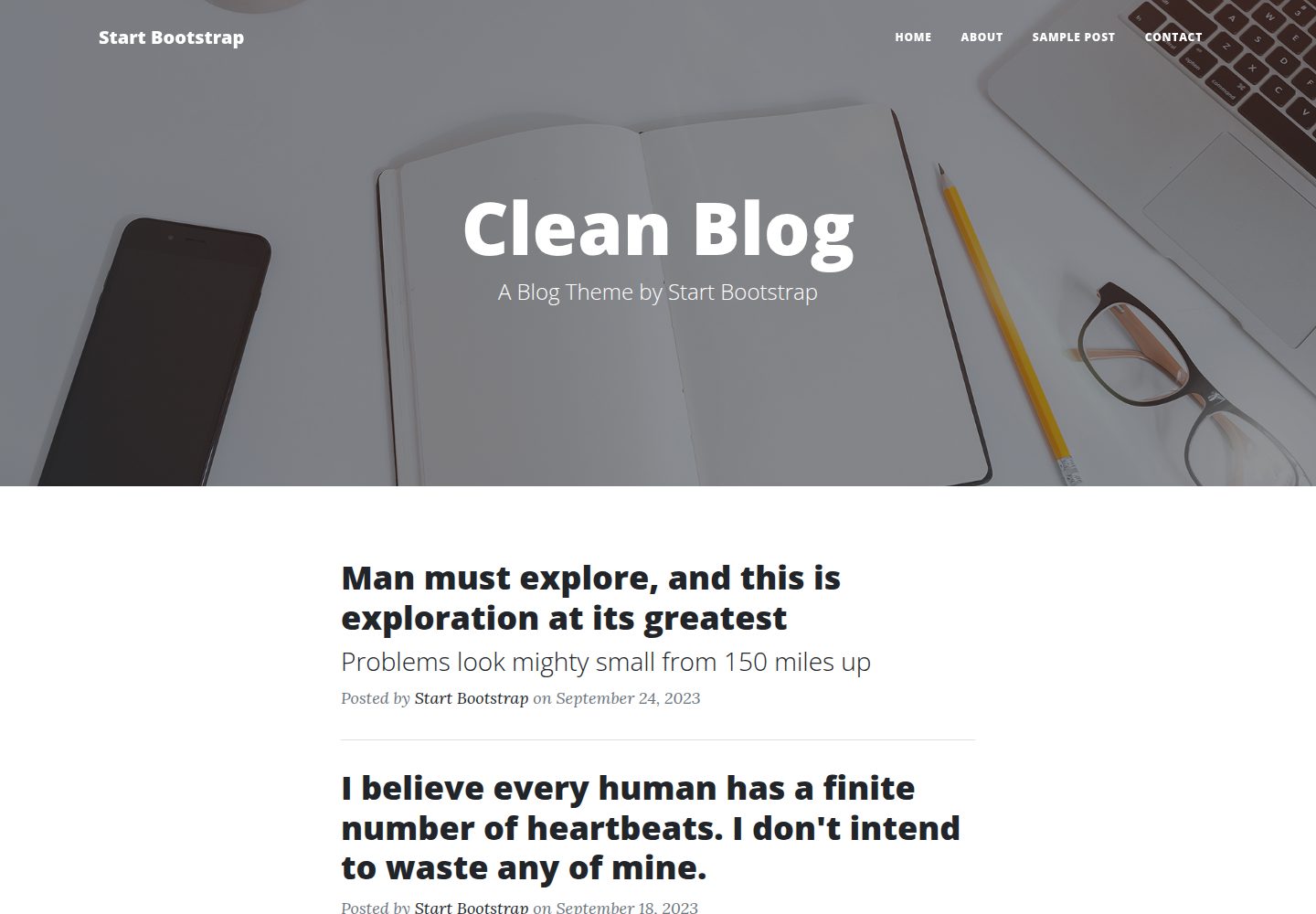
Clean Blog by Start Bootstrap is a responsive Bootstrap blog theme with a home page, about page, contact page, and sample post page, plus a working PHP contact form preconfigured for SB Forms.
HTML · Blog
halo-theme-sakura
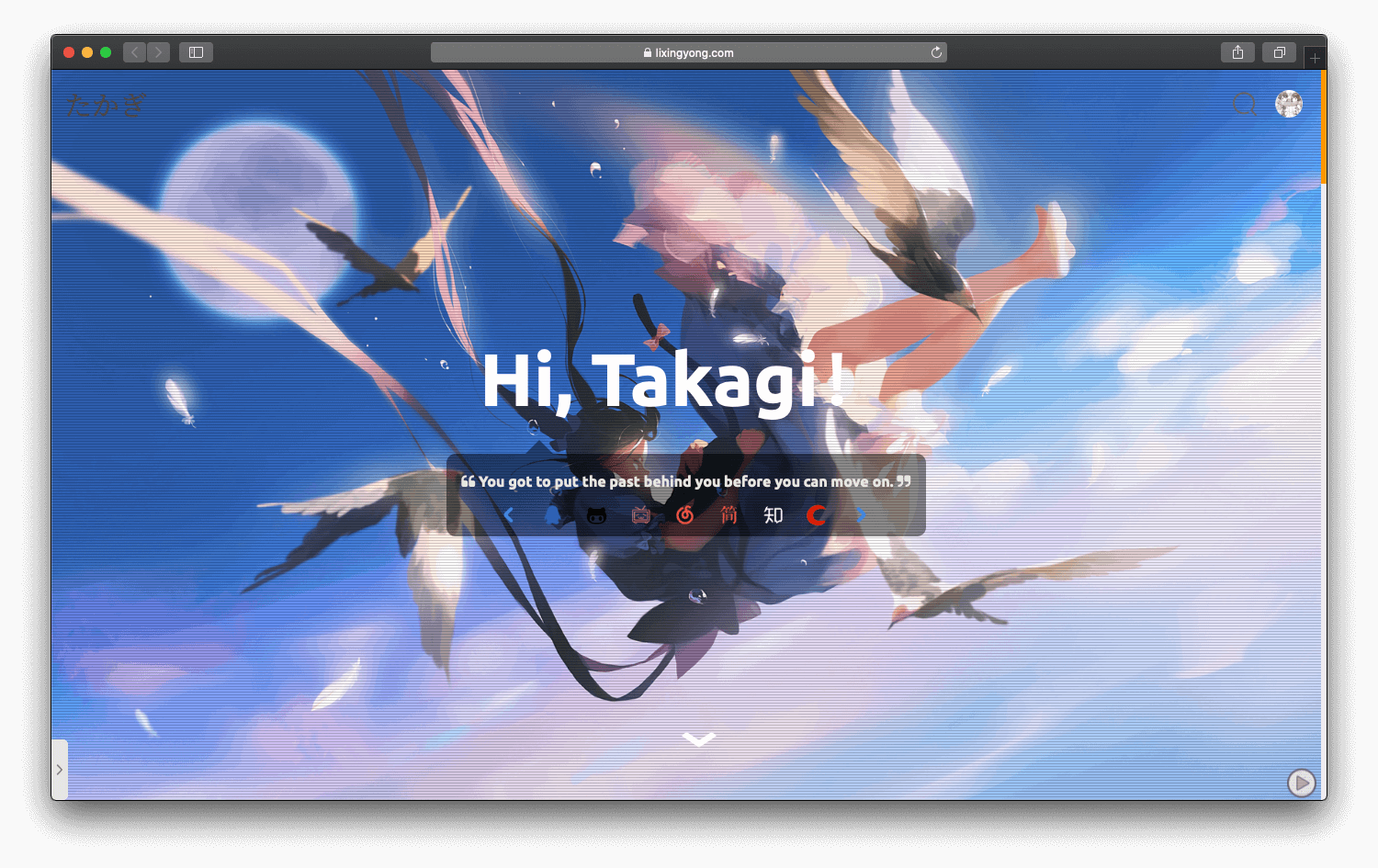
A Sakura-style blog theme for Halo 2.x, rebuilt after 2.0.0 for improved performance with asynchronous and deferred resource loading.
HTML · Blog
bleak
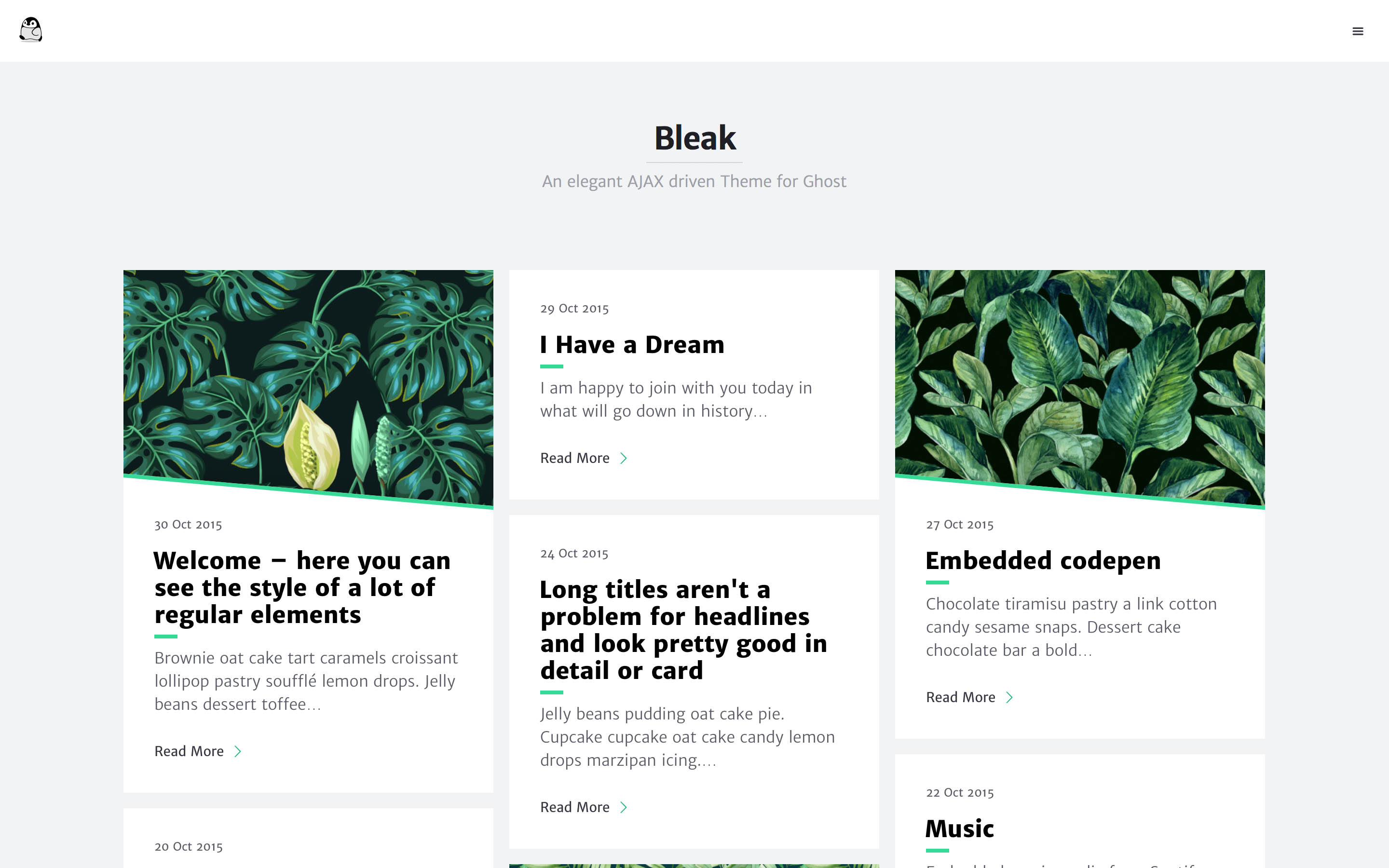
Bleak is an AJAX-driven Ghost blog theme with a clean, reading-focused layout. It offers responsive design, built-in code syntax highlighting with line numbers, customizable primary color via Code injection, Disqus comments, and an optional fixed navigation bar.
HTML · Blog
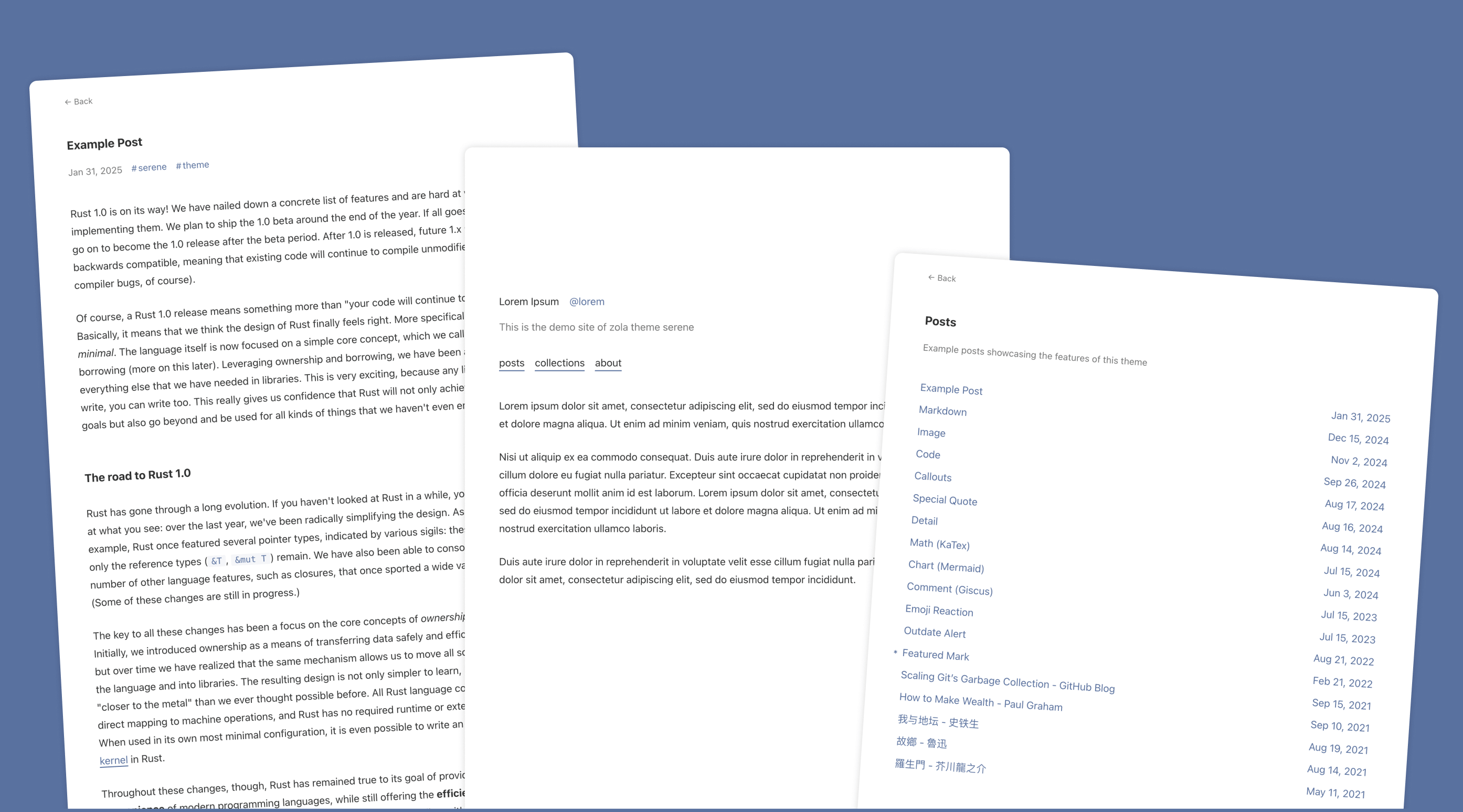
serene
Serene is a minimal blog theme for Zola, focused on typography and reading experience. Built on Zola's template system with HTML and CSS, it has no front-end framework dependencies and loads lightly.
HTML · Blog
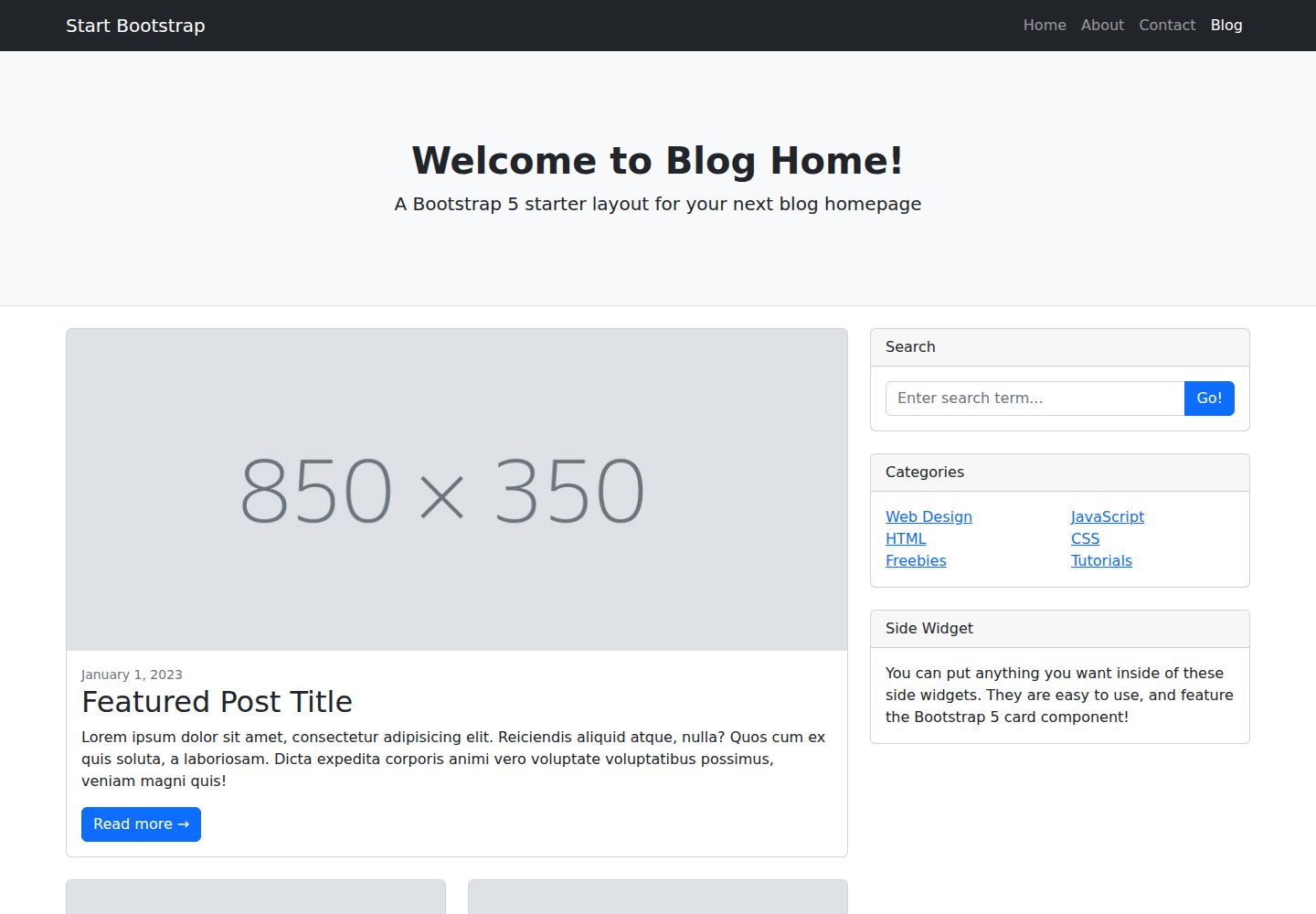
startbootstrap-blog-home
A Bootstrap blog homepage HTML starter template by Start Bootstrap, with post lists, sidebars, and pagination. Edit HTML/CSS in dist directly, or build from Pug, SCSS, and JS via npm scripts with local preview and live refresh.
HTML · Blog