Built with React and Vite, styled with Tailwind CSS, and using icons from Lucide React
ViteReactPortfolioCorporate Website
NOVA-WEB — Vite Portfolio Template
By Madz-21
A web development agency website template built with React and Vite, with pages for services, portfolio, team, and a contact form.
Explore the design
Compare the page layouts and mobile experience. Open any screenshot for a closer look.
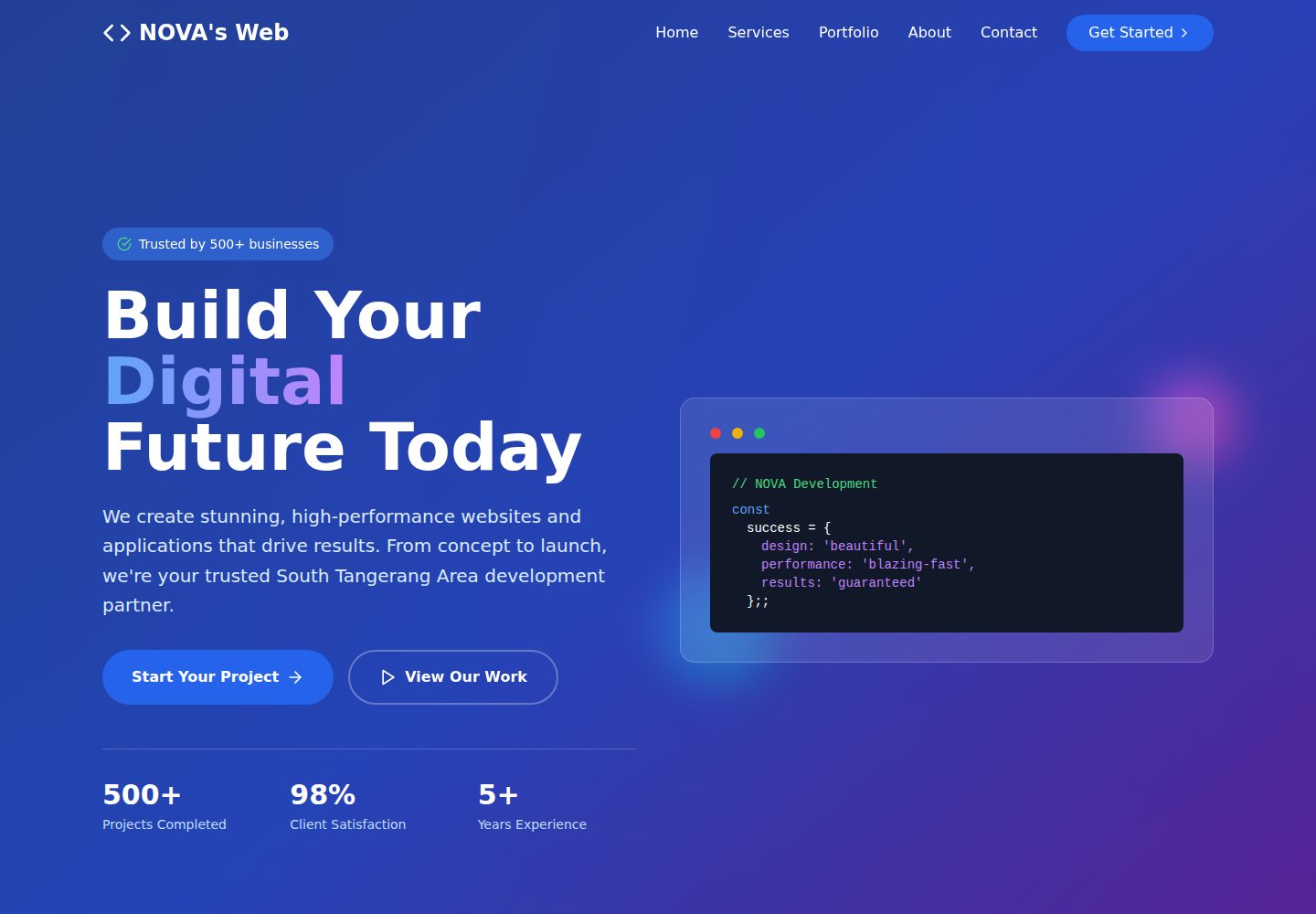
Desktop homepage1 / 2
Desktop captureTop of page
Actual screenshot captured by the server browser.
All pages & views 2
Screenshots show visual appearance; interactive behavior may differ.
Recorded 2026-10-03View source
What stands out
A quick read of the recorded project description.
Multi-page navigation structure with five pages: Home, Services, Portfolio, About, and Contact
Components split into Header, Hero, Services, Portfolio, About, Contact, and Footer
Portfolio displays projects as cards with technology stack tags and hover effects
Contact form includes input validation, and the footer contains quick links and contact information
The repository provides an MIT license file, permitting free use, modification, commercial use, and distribution of this version of the code
Template Details
NOVA-WEB is a corporate website and portfolio template for web development agencies, built with React and Vite, styled with Tailwind CSS, and using Lucide React for icons. The repository README describes five pages: Home, Services, Portfolio, About, and Contact. The home page has a hero section with a gradient background and animated code snippets, statistics, and featured services. The services page lists web development, mobile apps, e-commerce, performance optimization, security, and analytics. The portfolio presents projects as cards with technology stack labels. The about page includes company information, values, team members, and statistics. The contact page provides a validated form, business information, location, and business hours.
Components are split by function under src/components (About, Contact, Footer, Header, Hero, Portfolio, Services). The entry point is main.tsx, App.tsx organizes the pages, and there are global styles in index.css plus configuration files such as tailwind.config.js, tsconfig.json, and vite.config.ts. The README states that the layout adapts to desktop, tablet, and mobile widths and provides deployment instructions for Vercel and Netlify.
Limitations to note: the Node.js version requirement, deployment steps, and page content in the repository README are the project's own statements and were not individually verified in this material. The demo site screenshots were captured by a server browser and only reflect how the home page appears on desktop and mobile. Team names, project names, statistics, and contact details in the template are sample content and must be replaced before production use. The code is MIT licensed, but third-party assets such as demo images, fonts, and icons require separate license checks.
ViteReactPortfolioCorporate website
Is it right for your project?
Use Cases
- Web development or digital agencies building a public-facing website
- Freelance developers using it as a personal portfolio and client acquisition landing page
- Starting from the existing page structure, replacing copy and project content for a quick redesign
- As a learning and secondary development reference for a React + Vite + Tailwind multi-page site
Suitable For
- Agencies or teams that need service descriptions, case studies, and a contact form
- Front-end developers who want to modify the React component structure themselves
- Users who accept that sample content must be replaced and will verify third-party asset licenses
Getting started & customization
Use these recorded setup notes alongside the repository instructions for your chosen version.
- 1
After cloning the repository, run npm install or yarn install to install dependencies
- 2
Start the development server with npm run dev or yarn dev; the README gives the local address as http://localhost:5173
- 3
Run npm run build to generate the dist directory, and npm run preview to preview the production build
- 4
The README recommends deploying to Vercel (connect the repository and Vite is detected automatically) or Netlify (upload the dist directory)
- 5
The README requires Node.js 14 or higher; check the dependency manifest for the actual version. Sample team information, projects, and statistics must be replaced
License & source material
Usage conditions & limitations
Free to use · keep license noticeThis entry covers the free version in the public repository under the MIT license; the free scope applies to this version of the code, not to external services or third-party assets.
Must comply with when using
- Free use, modification, commercial use, and distribution of this version of the code are permitted.
- When distributing copies or substantial portions of the code, retain the original author's copyright notice and the full MIT license notice.
- The code is provided as is; warranties and limitations of liability are governed by the original license and applicable law.
Additional costs & items to verify
- Demo images, fonts, icons, and other third-party assets must be checked against their own licenses and cannot be judged solely by the code's MIT license.
- External services such as domains, hosting, databases, payments, or AI may incur separate charges.
View Original Text Basis
https://github.com/Madz-21/NOVA-WEB/blob/main/LICENSEhttps://github.com/Madz-21/NOVA-WEB/blob/main/README.mdPermission is hereby granted, free of charge
Original License Text
Compiled by DeepSeek based on repository license and README ·2026-10-03. Results only cover the materials read; dependencies, images, fonts, and subsequent term changes are subject to their respective original texts.
Project checks & description sources
Template Information
- Source platforms
- GitHub
- Documentation and maintenance reference score
- More documented · 82 / 100
- Technologies
- Vite · React
- Website type
- Portfolio · Corporate Website
How this score is calculated
Our heuristic uses license records (up to 30), a demo link (12), a preview (10), stars (15), recorded maintenance (15), description completeness (8), feature records (5) and classification data (5). It is not a code, security or performance test, or a Google score. A link does not establish tested functionality.
What to verify for this project
- Repository update recorded
- 2025-09-27
- Screenshot last checked
- 2026-10-03
A demo link is listed. Check it with your own content and viewport sizes; its presence does not confirm that forms, authentication or payments work.
The catalog identifies Vite as the primary stack. Check the actual dependency manifest and lockfile for versions and hosting requirements. These notes use recorded metadata, not a code audit or a deployment test.
Use a selection guide →How this description was prepared
AI-assisted description based on catalog records and repository material. Repository authors are not automatically the reviewers of this description.
Automatically checked against source and license rules; no manual editorial review.
Inspect the recorded source material
SHA-256: 023baf303d8a4976b39e7738ccda911e30ed520a0e1b8cfc7e04aee61369630a
2026-10-03T08:02:17.073Z
Source file / repository# NOVA's Web 🚀 A modern, professional web development agency website built with React and Vite. This project showcases a clean, responsive design with smooth animations and contemporary UI elements. ## 🌟 Features - **Modern Design**: Clean, professional layout with a beautiful blue gradient theme - **Responsive Layout**: Fully responsive design that works on all devices - **Interactive Components**: Smooth hover effects and animations - **Service Showcase**: Comprehensive display of web development services - **Portfolio Section**: Project gallery with technology stack indicators - **Team Profiles**: Meet the team section with member details - **Contact Form**: Functional contact form with validation - **Multi-page Navigation**: Home, Services, Portfolio, About, and Contact pages ## 🛠️ Tech Stack - **Frontend Framework**: React 18 - **Build Tool**: Vite - **Styling**: Tailwind CSS - **Icons**: Lucide React - **Development**: TypeScript/JavaScript - **Package Manager**: npm/yarn ## 📦 Project Structure ``` nova-web/ ├── dist/ # Production build files ├── src/ │ ├── assets/ # Static assets (images, icons) │ ├── components/ # React components │ │ ├── About.tsx │ │ ├── Contact.tsx │ │ ├── Footer.tsx │ │ ├── Header.tsx │ │ ├── Hero.tsx │ │ ├── Portfolio.tsx │ │ └── Services.tsx │ ├── App.tsx # Main App component │ ├── index.css # Global styles │ └── main.tsx # Entry point ├── index.html # HTML template ├── package.json # Dependencies and scripts ├── tailwind.config.js # Tailwind configuration ├── tsconfig.json # TypeScript configuration └── vite.config.ts # Vite configuration ``` ## 🚀 Getting Started ### Prerequisites Make sure you have the following installed: - **Node.js** (version 14 or higher) - **npm** or **yarn** ### Installation 1. **Clone the repository** ```bash git clone https://github.com/Madz-21/NOVA-WEB.git cd nova-web ``` 2. **Install dependencies** ```bash npm install # or yarn install ``` 3. **Start development server** ```bash npm run dev # or yarn dev ``` 4. **Open your browser** Navigate to `http://localhost:5173` to view the application. ### Build for Production ```bash npm run build # or yarn build ``` The production files will be generated in the `dist/` directory. ### Preview Production Build ```bash npm run preview # or yarn preview ``` ## 🎨 Design Highlights - **Hero Section**: Eye-catching gradient background with animated code snippet - **Services Grid**: Clean card layout showcasing different service offerings - **Portfolio Gallery**: Project showcase with technology tags and hover effects - **Team Section**: Professional team member cards with skills display - **Contact Form**: Modern form design with proper validation - **Footer**: Comprehensive footer with quick links and contact information ## 📱 Responsive Design The website is fully responsive and optimized for: - Desktop (1024px+) - Tablet (768px - 1023px) - Mobile (320px - 767px) ## 🌐 Sections Overview ### Home Page - Hero section with compelling call-to-action - Trust indicators and statistics - Featured services preview ### Services - Web Development - Mobile Apps - E-Commerce - Performance Optimization - Security - Analytics ### Portfolio - TechFlow SaaS Platform - EcoShop E-commerce - FitTracker Mobile App - And more projects... ### About - Company overview - Core values and principles - Team member profiles - Company statistics ### Contact - Contact form - Business information - Location details - Business hours ## 🚀 Deployment ### Deploy to Vercel 1. Push your code to GitHub 2. Connect your repository to Vercel 3. Vercel will automatically detect Vite and deploy ### Deploy to Netlify 1. Build the project: `npm run build` 2. Upload the `dist/` folder to Netlify 3. Configure build settings if needed ## 🤝 Contributing 1. Fork the repository 2. Create a feature branch (`git checkout -b feature/amazing-feature`) 3. Commit your changes (`git commit -m 'Add amazing feature'`) 4. Push to the branch (`git push origin feature/amazing-feature`) 5. Open a Pull Request ## 📄 License This project is licensed under the MIT License - see the [LICENSE](LICENSE) file for details. ## 👥 Team - **Ahmad SP** - CEO & Full Stack Developer - **Alex Chen** - Lead Developer - **Sarah Johnson** - Design Director - **Marcus Rodriguez** - Full-Stack Developer - **Emily Zhang** - Mobile Developer --- **© 2025 AHMADSP. All rights reserved.** Built with ❤️ using React and Vite
Explore similar templates
Compare previews and descriptions within the same stack and category.
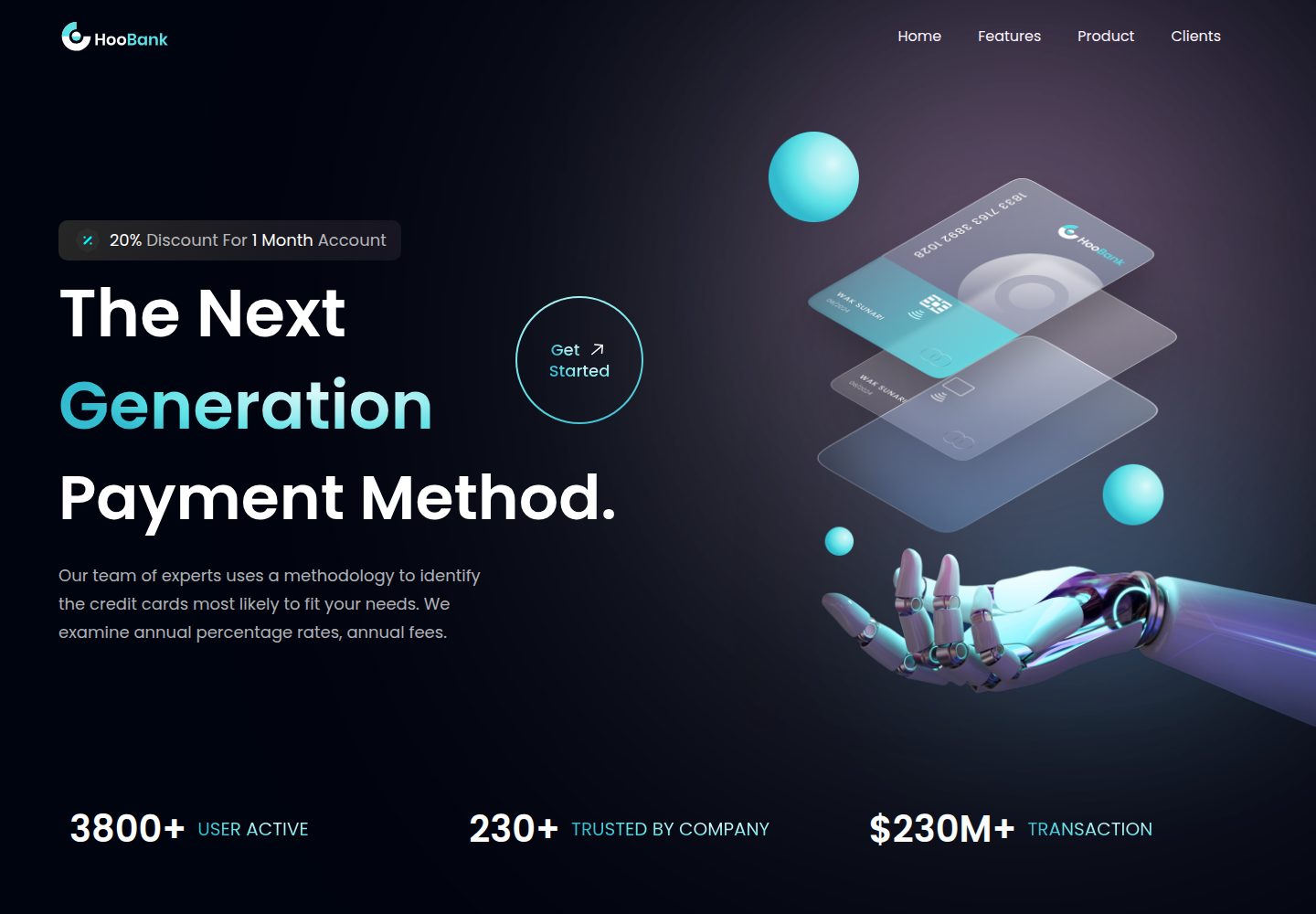
business-website-template
A React, Tailwind CSS, and Vite corporate website template with a single-page structure covering header, hero, features, billing, product showcase, testimonials, clients, call-to-action, and footer.
Vite · Corporate Website

kiaalap
Kiaalap is a free, open-source admin template from Colorlib for education, online courses, and school management.
Vite · Admin dashboard
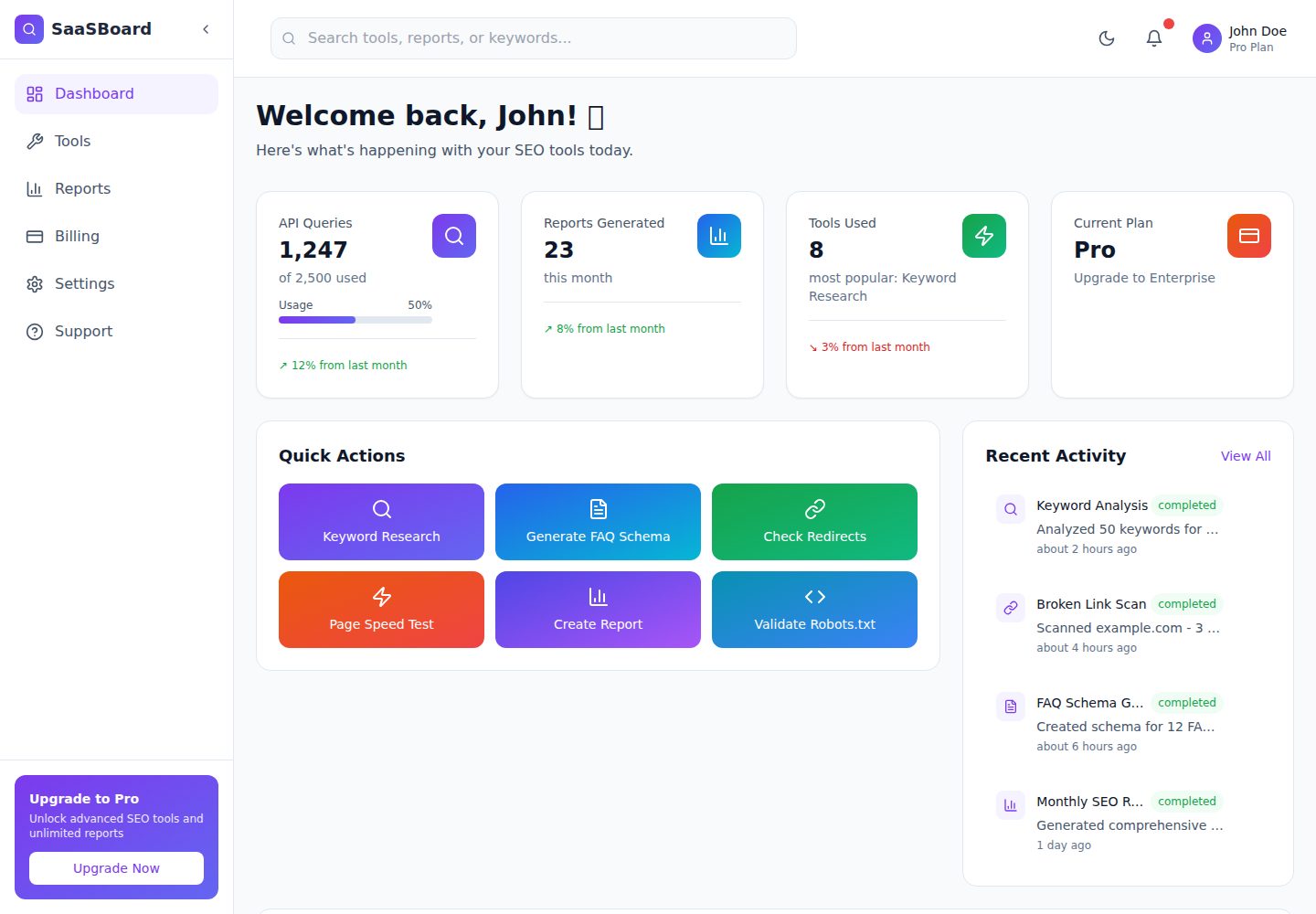
saasboard
SaaSBoard is an open-source SaaS admin dashboard template from MekuHQ, built with React, Vite, and Tailwind CSS. It provides pages for Tools, Reports, Billing, Settings, and Support, along with shared components such as Sidebar, Layout, and Topbar.
Vite · Admin dashboard
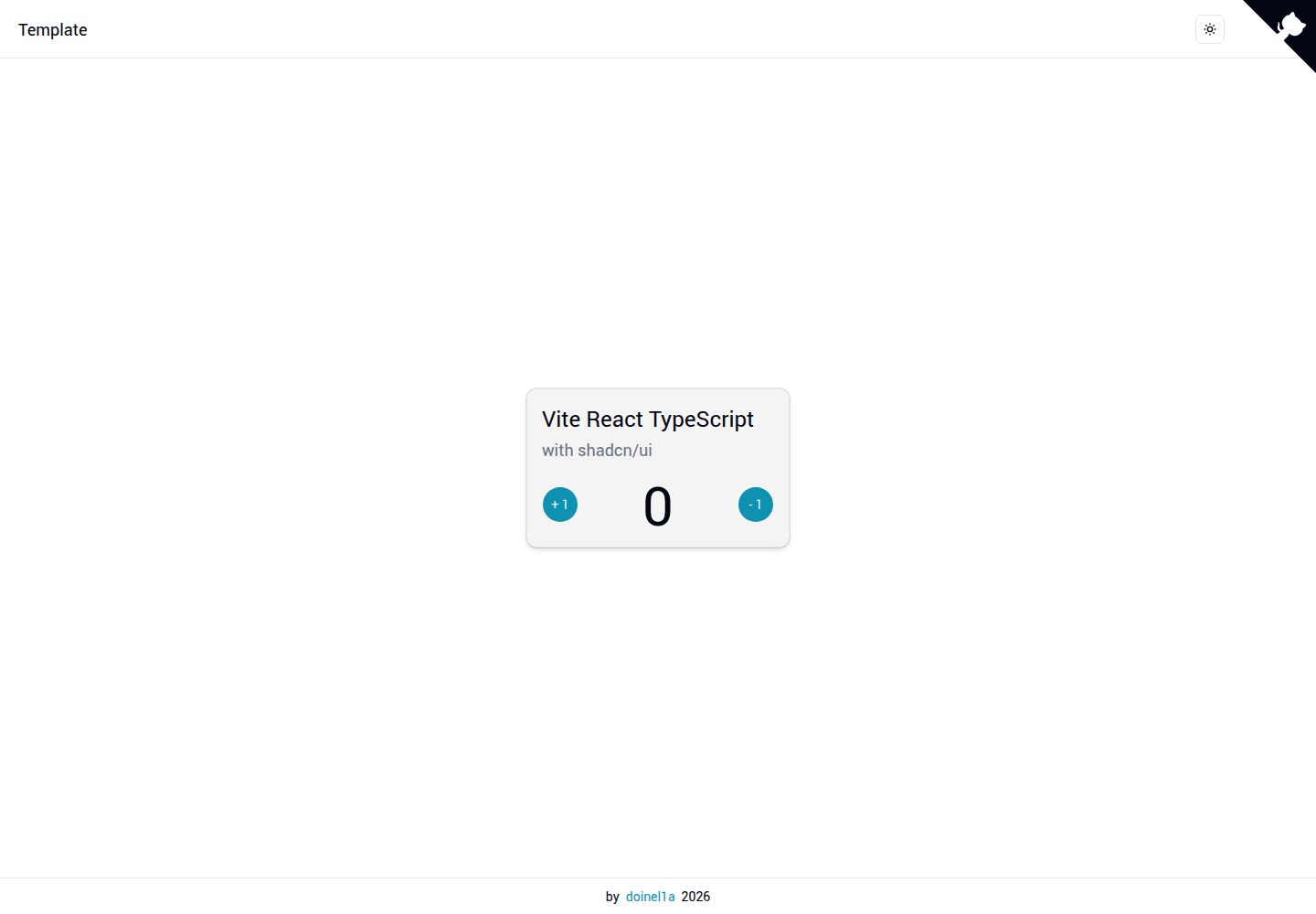
vite-react-ts-shadcn-ui
A Vite-based React + TypeScript frontend starter template with Shadcn/ui and TailwindCSS, plus ESLint, Prettier, Husky, Commitlint, Lint-staged and Playwright built in.
Vite · Corporate Website
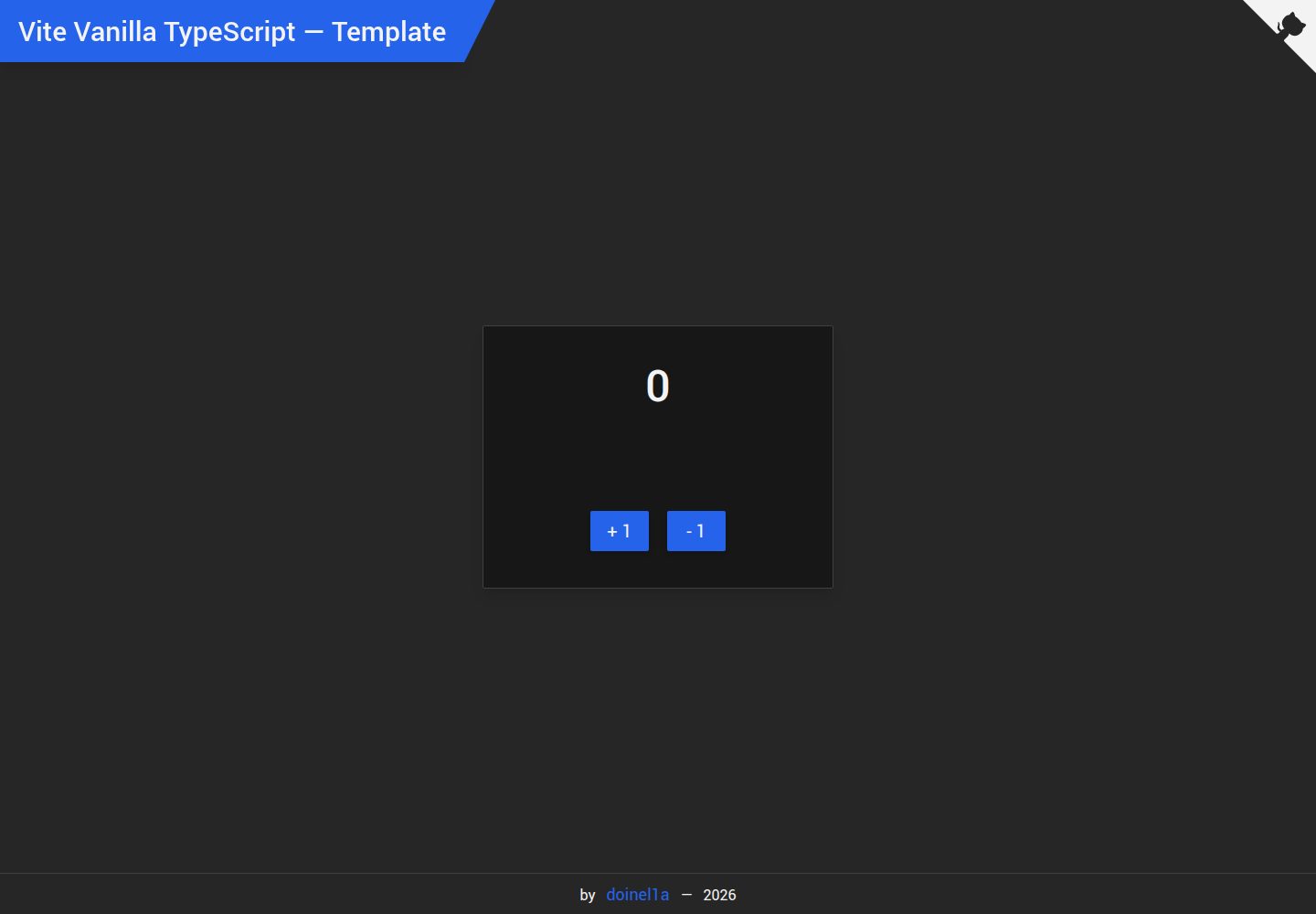
vite-vanilla-ts
A Vite-based Vanilla TypeScript starter template for native HTML and TypeScript websites, SPAs, or landing pages without a UI framework. It presets TypeScript, TailwindCSS, SASS, PostCSS, and Playwright, and integrates ESLint, Prettier, Husky, and Commitlint.
Vite · Corporate Website

Resumify
Resumify is a browser-based resume builder built with React, TypeScript, and Vite.
Vite · Portfolio