
Generated based on Shopify Skeleton 2.0.0
HTMLE-commerce
nosmallplan — HTML Ecommerce Template
By MaryOleksiuk
No Small Plan is a Shopify theme development scaffold based on Shopify Skeleton 2.0.0, built with Gulp 4, providing npm scripts for compilation, upload, packaging, and deployment.
Explore the design
Compare the page layouts and mobile experience. Open any screenshot for a closer look.
Desktop homepage1 / 3
Desktop captureTop of page
Actual screenshot captured by the server browser.
All pages & views 3
Screenshots show visual appearance; interactive behavior may differ.
Recorded 2026-10-11View source
What stands out
A quick read of the recorded project description.
Built with Gulp 4
Supports JavaScript with Browserify and ES6
Separates vendor and app code (JS and CSS)
Includes an SVG system and Sourcemaps
Provides Browser Sync live reload
Template Details
No Small Plan is a Shopify theme development scaffold generated by Shopify Skeleton 2.0.0. The README states that its build process is based on Gulp 4, including JavaScript processing with Browserify and ES6, separation of vendor and app code (JS and CSS), an SVG system, Sourcemaps, Browser Sync live reload, and consideration for Shopify Plus checkout layout. The project provides four npm scripts: `npm run code` compiles and automatically uploads to Shopify; `npm run build` packages and uploads in production mode; `npm run deploy` is for full deployment, suitable for CI or first upload; `npm run kill-theme` deletes theme files and must be used with caution. The README specifically notes that unless Shopify API variables are provided in `.env`, the code cannot compile, and these variables will not be committed or shared. The README does not specify the exact framework version number, dependency list, theme feature details, or production readiness.
HTMLE-commerce
Is it right for your project?
Use Cases
- Developing a Shopify theme and needing automatic upload to the store
- Performing full deployment in a CI environment
- Cleaning up theme files before the first theme upload
- Needing a build process with separation of vendor and app code
Suitable For
- Shopify theme developers familiar with npm and Gulp
- Teams needing Shopify Plus checkout layout support
- Projects that want to deploy themes via CI
Getting started & customization
Use these recorded setup notes alongside the repository instructions for your chosen version.
- 1
Shopify API variables must be provided in the .env file, otherwise the code cannot compile
- 2
Run npm run code to compile and automatically upload to Shopify
- 3
Run npm run build to package and upload in production mode
- 4
Run npm run deploy for full deployment, suitable for CI or first upload
- 5
Run npm run kill-theme will delete theme files, must be used with caution
License & source material
Usage conditions & limitations
Free to use · keep license noticeThis entry covers the free version under the MIT license in the public repository; the free scope is the code of this version and does not mean that external services or third-party assets are free.
Must comply with when using
- Allows free use, modification, commercial use, and distribution of this version of the code.
- When distributing copies or substantial portions of the code, retain the original author's copyright notice and the complete MIT license notice.
- The code is provided as is; warranties and limitations of liability are governed by the original license and applicable law.
Additional costs & items to verify
- Demo images, fonts, icons, and other third-party assets must be checked against their respective licenses and cannot be judged solely by the code's MIT license.
- External services such as domains, hosting, databases, payments, or AI may incur additional charges.
- Shopify API variables must be provided, otherwise the code cannot compile; this is a prerequisite for using this scaffold for building and deployment.
- Shopify API variables need to be written into the .env file and will not be committed or shared for security reasons.
- npm run kill-theme will delete theme files, must be used with caution, and is recommended only for the first upload.
View Original Text Basis
Permission is hereby granted, free of charge
Original License Text
Your code will *not* compile unless you provide your Shopify API variables for the deploy task.
Original README
Add them in the `.env` they will not be commited or shared this is for security reasons.
Original README
https://github.com/MaryOleksiuk/nosmallplan/blob/master/LICENSEhttps://github.com/MaryOleksiuk/nosmallplan/blob/master/readme.mdDelete Theme Files. Use with care!! (Good during first time upload)
Original README
Compiled by DeepSeek based on repository license and README ·2026-10-11. Results only cover the materials read; dependencies, images, fonts, and subsequent term changes are subject to their respective original texts.
Project checks & description sources
Template Information
- Source platforms
- GitHub
- Documentation and maintenance reference score
- Partly documented · 65 / 100
- Technologies
- HTML
- Website type
- E-commerce
How this score is calculated
Our heuristic uses license records (up to 30), a demo link (12), a preview (10), stars (15), recorded maintenance (15), description completeness (8), feature records (5) and classification data (5). It is not a code, security or performance test, or a Google score. A link does not establish tested functionality.
What to verify for this project
- Repository update recorded
- 2017-11-20
- Screenshot last checked
- 2026-10-11
A demo link is listed. Check it with your own content and viewport sizes; its presence does not confirm that forms, authentication or payments work.
The catalog identifies HTML as the primary stack. Check the actual dependency manifest and lockfile for versions and hosting requirements. These notes use recorded metadata, not a code audit or a deployment test.
Use a selection guide →How this description was prepared
AI-assisted description based on catalog records and repository material. Repository authors are not automatically the reviewers of this description.
Review declaration: codex-user-requested-batch-review-20261015 · 2026-10-15
Inspect the recorded source material
SHA-256: 2a9546dfa639de28e1e0ffa72ca6a43c0fc56d4c75818cd72b36c42d6f7e14f2
2026-10-11T21:02:48.871Z
Source file / repository# No Small Plan ## Scaffolded by Shopify Skeleton Version 2.0.0 Easy Shopify Development 💅 ## Important Your code will *not* compile unless you provide your Shopify API variables for the deploy task. Add them in the `.env` they will not be commited or shared this is for security reasons. ## Quick Start Compile things and auto upload to shopify ```bash $ npm run code ``` Zip everything and code in production mode ```bash $ npm run build ``` Full Deployment (useful with CI or during first time upload) ```bash $ npm run deploy ``` Delete Theme Files. Use with care!! (Good during first time upload) ```bash $ npm run kill-theme ``` ## Features - Sourcemaps - JS with Browserify and ES6 (Just require your problems away) - Split vendor and app code (both JS and CSS) - SVG System - Shopify Plus in mind (Checkout layouts) - Sensible starting points (all in blank but already wired up) - Based of Gulp 4 - Live reloading with Browser Sync - Zip everything in the end
Explore similar templates
Compare previews and descriptions within the same stack and category.
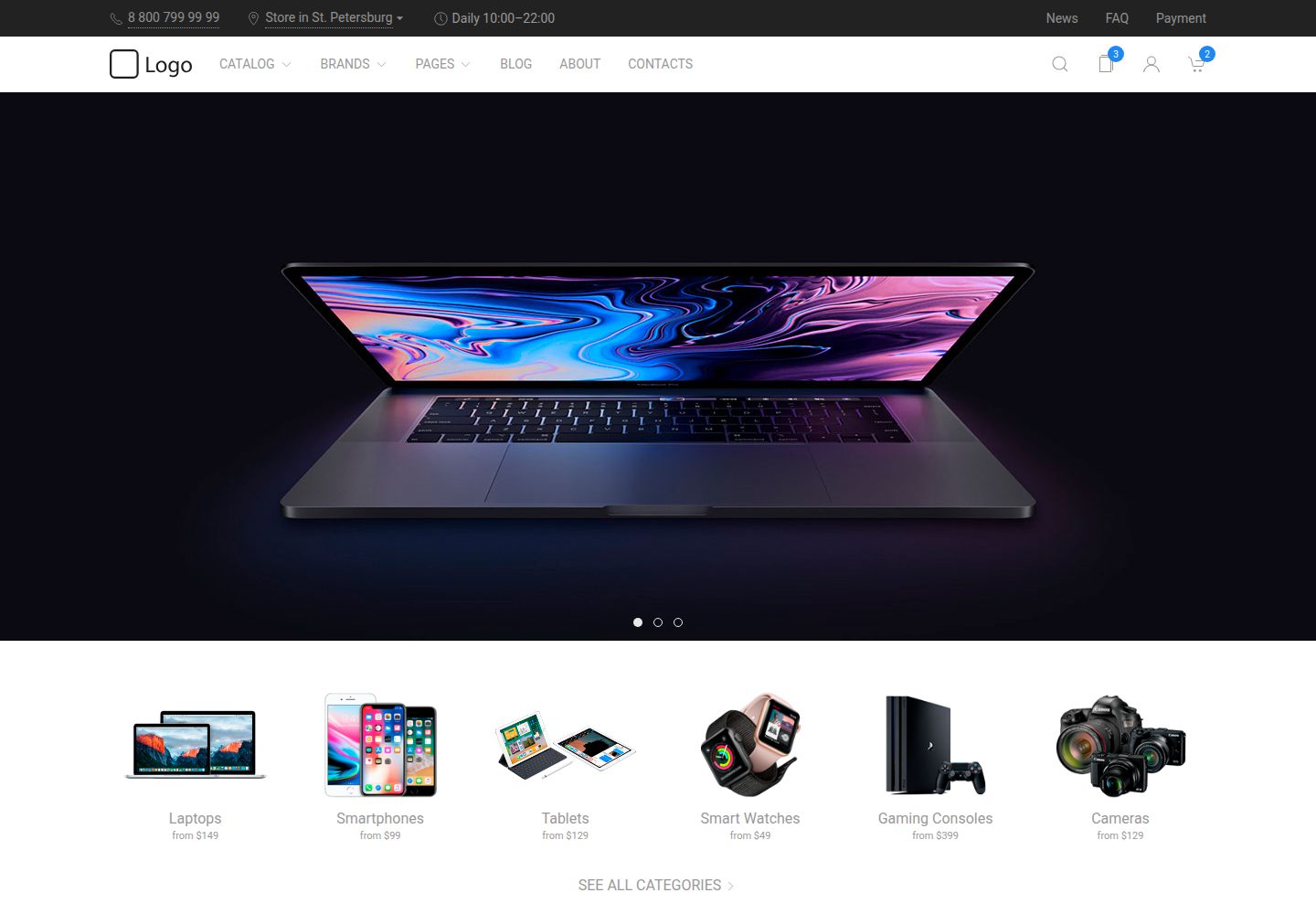
uikit-ecommerce-template
A responsive e-commerce front-end template built with UIkit, covering product catalog, filtering, product detail pages, and shopping cart. Written in Pug and Less, built with Gulp.
HTML · E-commerce
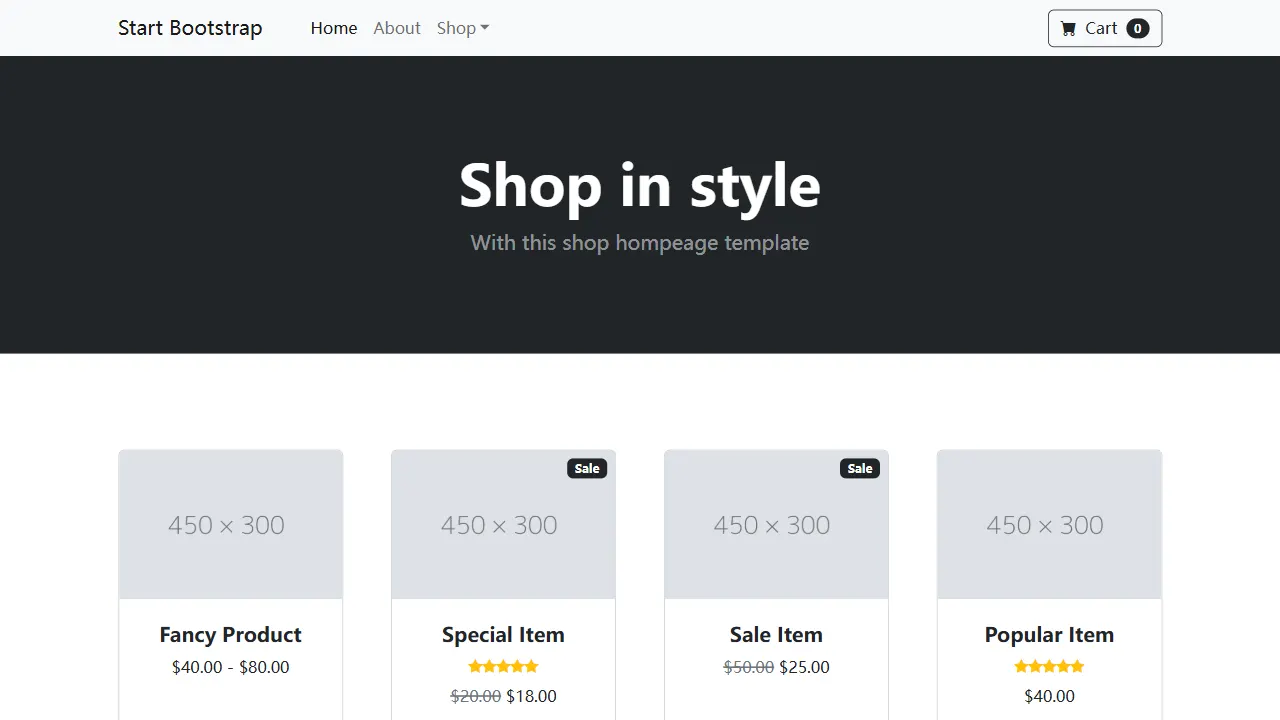
Shop Homepage
A clean Bootstrap store homepage skeleton for product listings, category displays, and small online store prototypes. It uses a responsive product grid, ships with a directly editable dist directory, and includes Pug and SCSS source with npm build and live preview support.
HTML · E-commerce
ludus-free-premium-ecommerce-template
Ludus is a pure HTML multipurpose e-commerce template under the MIT license, with 40+ pages including 3 homepages, 12 dashboard pages, 7 shop pages, and 5 blog pages, plus 3 header styles, a boxed layout, and 10 color schemes.
HTML · Admin dashboard
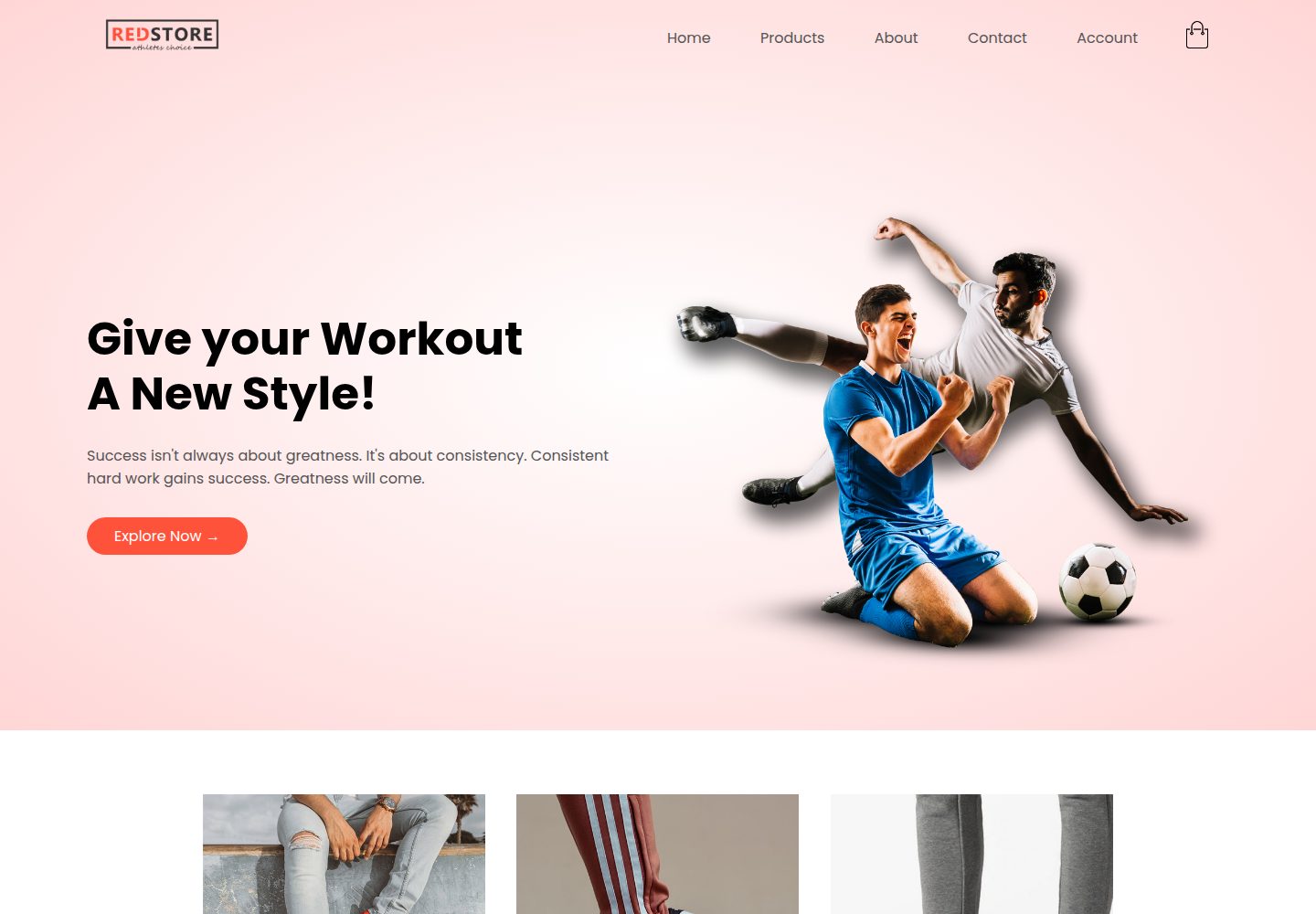
shoe_store
A shoe eCommerce website template built with HTML, CSS, and JavaScript, featuring a home page with banner, featured categories, and rated products, plus all-products, product detail, cart, and account pages.
HTML · E-commerce

LeatherHoard
LeatherHoard is a static e-commerce front-end template for leather goods, built with HTML, CSS, JavaScript, and Bootstrap.
HTML · E-commerce
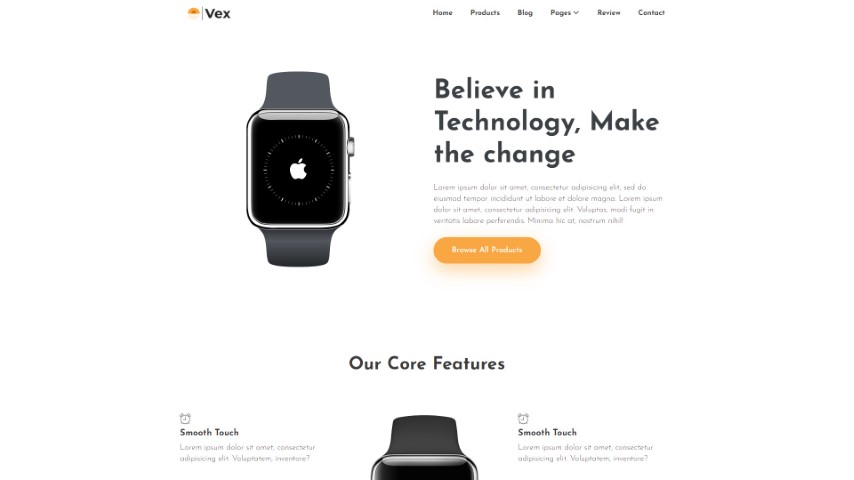
vex-bootstrap
Vex is a clean, multipurpose e-commerce HTML template based on Bootstrap 4.5 and jQuery, released by Themefisher.
HTML · E-commerce