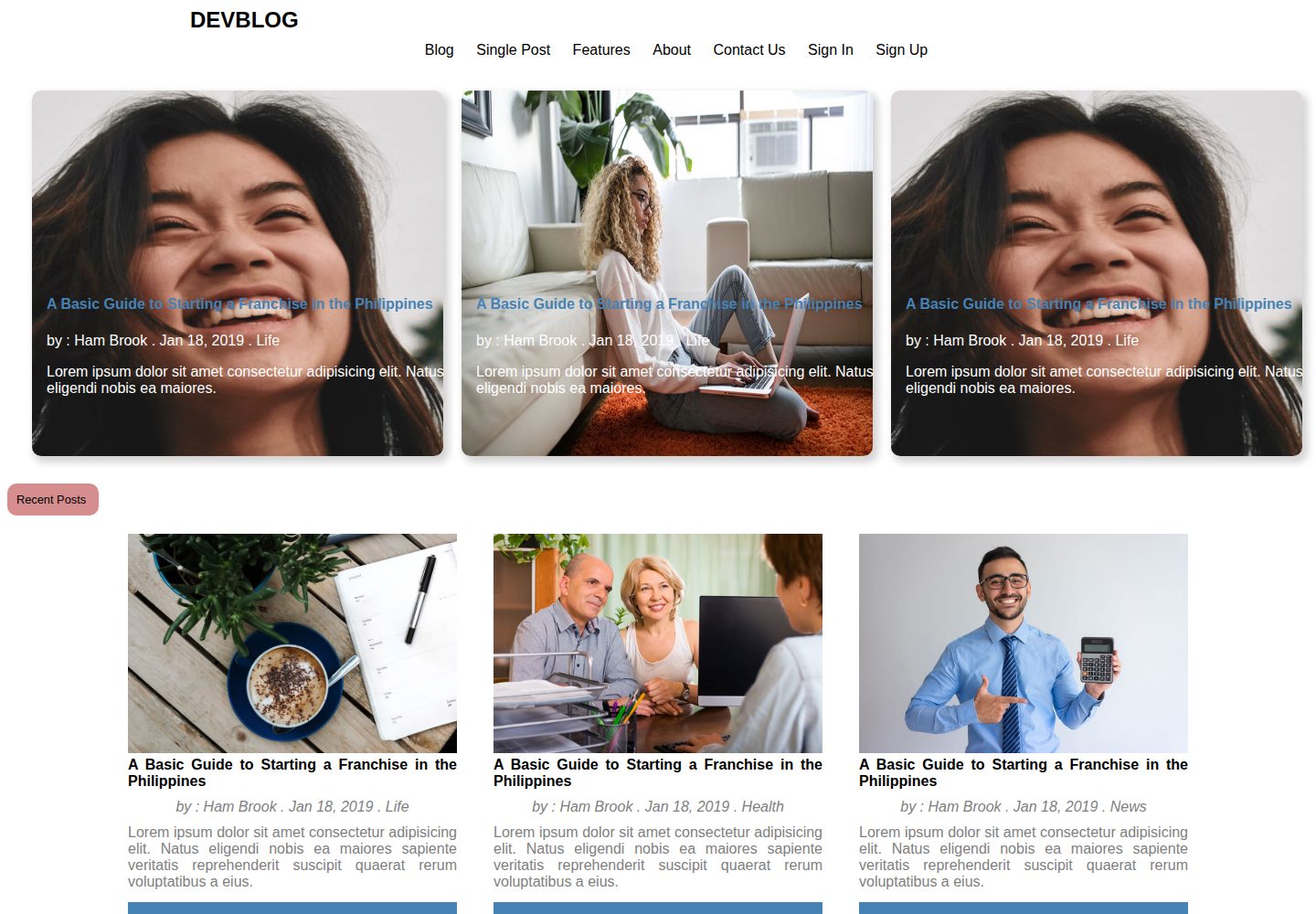
Written using HTML5, CSS3, and JavaScript, and positioned by the README as a blog website template
HTMLBlog
DEVBLOG — HTML Blog Template
By meetmarvelous
DEVBLOG is a blog website template written in HTML5, CSS3, and JavaScript, intended to provide an interface foundation that can be used directly in blog projects and reduce the time spent building a blog interface.
Explore the design
Compare the page layouts and mobile experience. Open any screenshot for a closer look.
Desktop homepage1 / 3
Desktop captureTop of page
Actual screenshot captured by the server browser.
All pages & views 3
Screenshots show visual appearance; interactive behavior may differ.
Recorded 2026-10-17View source
What stands out
A quick read of the recorded project description.
The goal is to provide a reusable blog interface and reduce the time users spend building a blog UI
The README provides a complete contribution workflow from creating an Issue and forking to cloning and submitting a PR
It explains the synchronization steps for pulling and merging updates from the original repository via the upstream remote
The repository contains page preview screenshots at both desktop and mobile sizes
Template Details
DEVBLOG is a blog website template, and the README states that it is created using HTML5, CSS3, and JavaScript. The starting point of the template is to let users apply a ready-made blog interface to their own projects, thereby reducing the time spent building the user interface for a blog site.
The README does not provide specific feature descriptions such as page structure, article lists or detail pages, navigation, responsive behavior, or theme customization methods, nor does it give a dependency list, build process, or deployment steps. The desktop and mobile preview screenshots in the repository only prove that page screenshots at these two sizes exist; they cannot be used to infer that the template has corresponding features.
The main content of the README is the contribution workflow: create an Issue, fork the repository, clone the branch, modify the source code, commit and push, open a PR, and sync updates from the original repository via the upstream remote. These steps are aimed at contributors who want to participate in improving the template, not at serving as a deployment guide for using the template to build a blog.
HTMLBlog
Is it right for your project?
Use Cases
- Front-end learners who want to reference or reuse an existing blog interface structure
- Developers preparing to build a blog page prototype based on HTML, CSS, and JavaScript
- Open-source contributors who want to submit improvements or new features to this template repository
Suitable For
- Front-end developers who need a starting template for a blog interface
- People willing to participate in open-source collaboration following the contribution workflow in the README
- Learners practicing static pages using HTML, CSS, and JavaScript
Getting started & customization
Use these recorded setup notes alongside the repository instructions for your chosen version.
- 1
The README does not provide installation, build, or local run commands for the template
- 2
The README does not document the dependency list, technical framework versions, or deployment steps
- 3
The git commands in the README are part of the contribution workflow, not a deployment guide for using the template
- 4
To contribute, you can follow the README to create an Issue, fork, clone, create a branch, commit and push, and then open a PR
- 5
When syncing updates from the original repository, the README suggests adding an upstream remote and running fetch and merge
License & source material
Usage conditions & limitations
Free to use · keep license noticeThis entry covers the free version under the MIT license in the public repository; the free scope is the code of this version and does not mean that external services or third-party assets are free.
Must comply with when using
- Free use, modification, commercial use, and distribution of this version's code are permitted.
- When distributing copies or substantial portions of the code, retain the original author's copyright notice and the complete MIT license notice.
- The code is provided as is; warranties and limitations of liability are governed by the original license and applicable law.
Additional costs & items to verify
- Demo images, fonts, icons, and other third-party assets must be checked against their respective licenses and cannot be judged solely by the code's MIT license.
- External services such as domains, hosting, databases, payments, or AI may incur separate charges.
View Original Text Basis
https://github.com/meetmarvelous/DEVBLOG/blob/main/LICENSEhttps://github.com/meetmarvelous/DEVBLOG/blob/main/README.mdPermission is hereby granted, free of charge
Original License Text
Compiled by DeepSeek based on repository license and README ·2026-10-17. Results only cover the materials read; dependencies, images, fonts, and subsequent term changes are subject to their respective original texts.
Project checks & description sources
Template Information
- Source platforms
- GitHub
- Documentation and maintenance reference score
- Partly documented · 68 / 100
- Technologies
- HTML
- Website type
- Blog
How this score is calculated
Our heuristic uses license records (up to 30), a demo link (12), a preview (10), stars (15), recorded maintenance (15), description completeness (8), feature records (5) and classification data (5). It is not a code, security or performance test, or a Google score. A link does not establish tested functionality.
What to verify for this project
- Repository update recorded
- 2022-10-27
- Screenshot last checked
- 2026-10-17
A demo link is listed. Check it with your own content and viewport sizes; its presence does not confirm that forms, authentication or payments work.
The catalog identifies HTML as the primary stack. Check the actual dependency manifest and lockfile for versions and hosting requirements. These notes use recorded metadata, not a code audit or a deployment test.
Use a selection guide →How this description was prepared
AI-assisted description based on catalog records and repository material. Repository authors are not automatically the reviewers of this description.
Review declaration: codex-user-requested-batch-review-20261018 · 2026-10-18
Inspect the recorded source material
SHA-256: 339316ced783aca69210862db2360a7d564790975337cd4e397793c92b420c68
2026-10-17T09:23:46.752Z
Source file / repository# DEVBLOG
DEVBLOG is a blog website template created using HTML5, CSS3, and JavaScript. Based on the thought of producing templates for folks to apply later in their projects in order to lessen the amount of time spent building user interface for their blog site
# Contributor Rules
Are we lacking any of your favorite features, which you believe you can add If yes, We welcome you to aid to this project and make it better. To start donating, follow the steps mentioned below:
1. Create Issues.
2. Fork this repository.
2. Clone your forked copy of the project: <br>
git clone https://github.com/YourGithubUsername/DEVBLOG.git
3. Navigate to the project directory: <br>
cd DEVBLOG
4. Create a new branch: <br>
git checkout -b YourBranchName
5. Make changes in source code: <br>
6. Stage your changes and commit: <br>
git add . <br>
git commit -m "<your_commit_message>"
7. Push your local commits to the remote repo: <br>
git push origin YourBranchName
8. Create a PR
9. If someone will contribute to this repository, then those modifications will not be reflected in your local # repository. For correcting that:
10. Setup a reference(remote) to the original repository to obtain all the changes from the remote: <br>
git remote add upstream https://github.com/meetmarvelous/DEVBLOG.git
11. Check the remotes for this repository : <br>
git remote -v
12. Fetching from the remote repository will bring in its branches and their relevant commits: <br>
git fetch upstream
13. Make sure that you're on your master branch: <br>
git checkout main
14. Now that we have downloaded the upstream repository, we want to integrate its modifications into our local branch. This will bring that branch into sync with the source, without losing our local modifications : <br >
git merge upstream/main
Explore similar templates
Compare previews and descriptions within the same stack and category.

Casper
Casper is Ghost's official classic blog theme, long used as the default and still maintained.
HTML · Magazine
startbootstrap-clean-blog
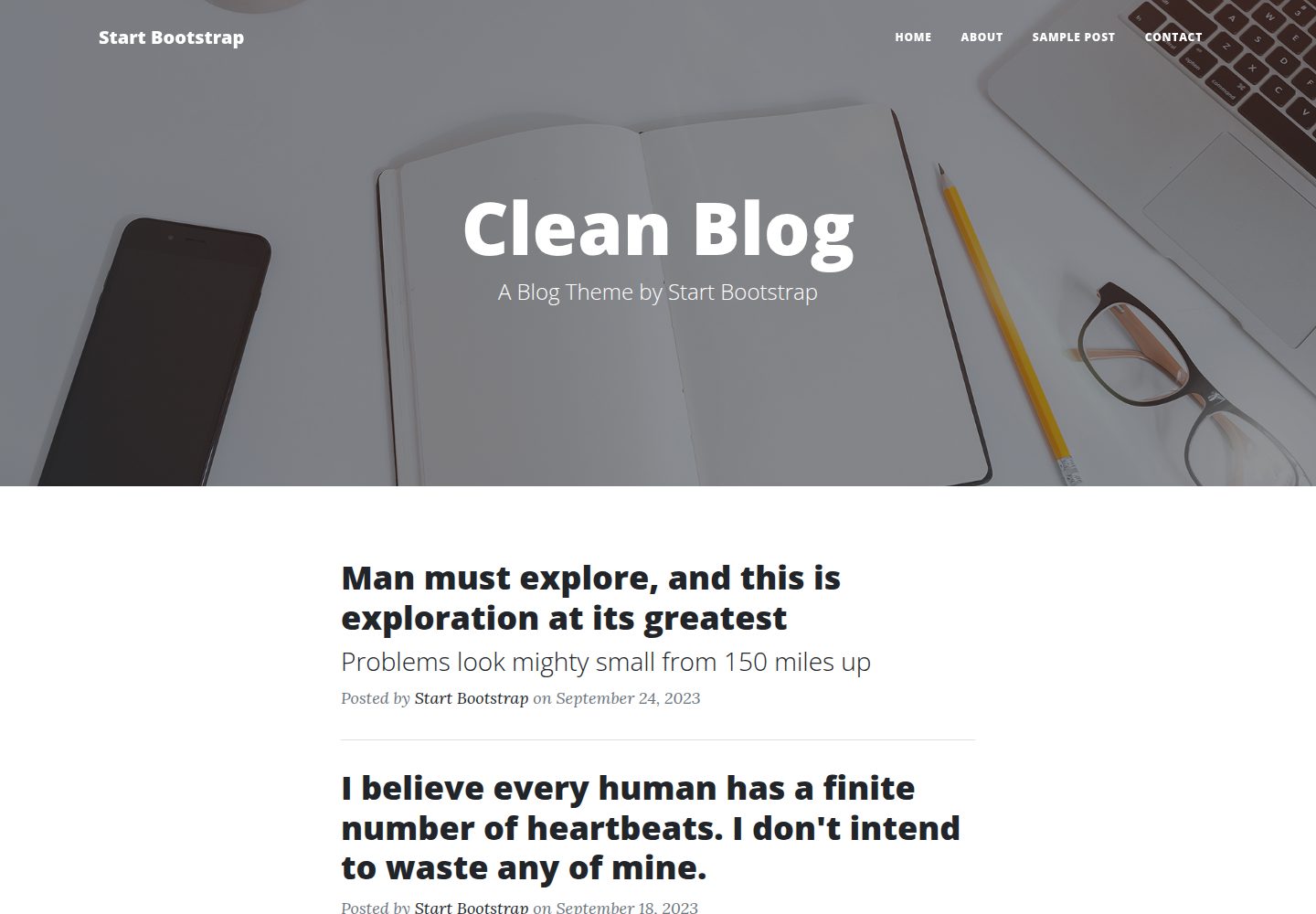
Clean Blog by Start Bootstrap is a responsive Bootstrap blog theme with a home page, about page, contact page, and sample post page, plus a working PHP contact form preconfigured for SB Forms.
HTML · Blog
halo-theme-sakura
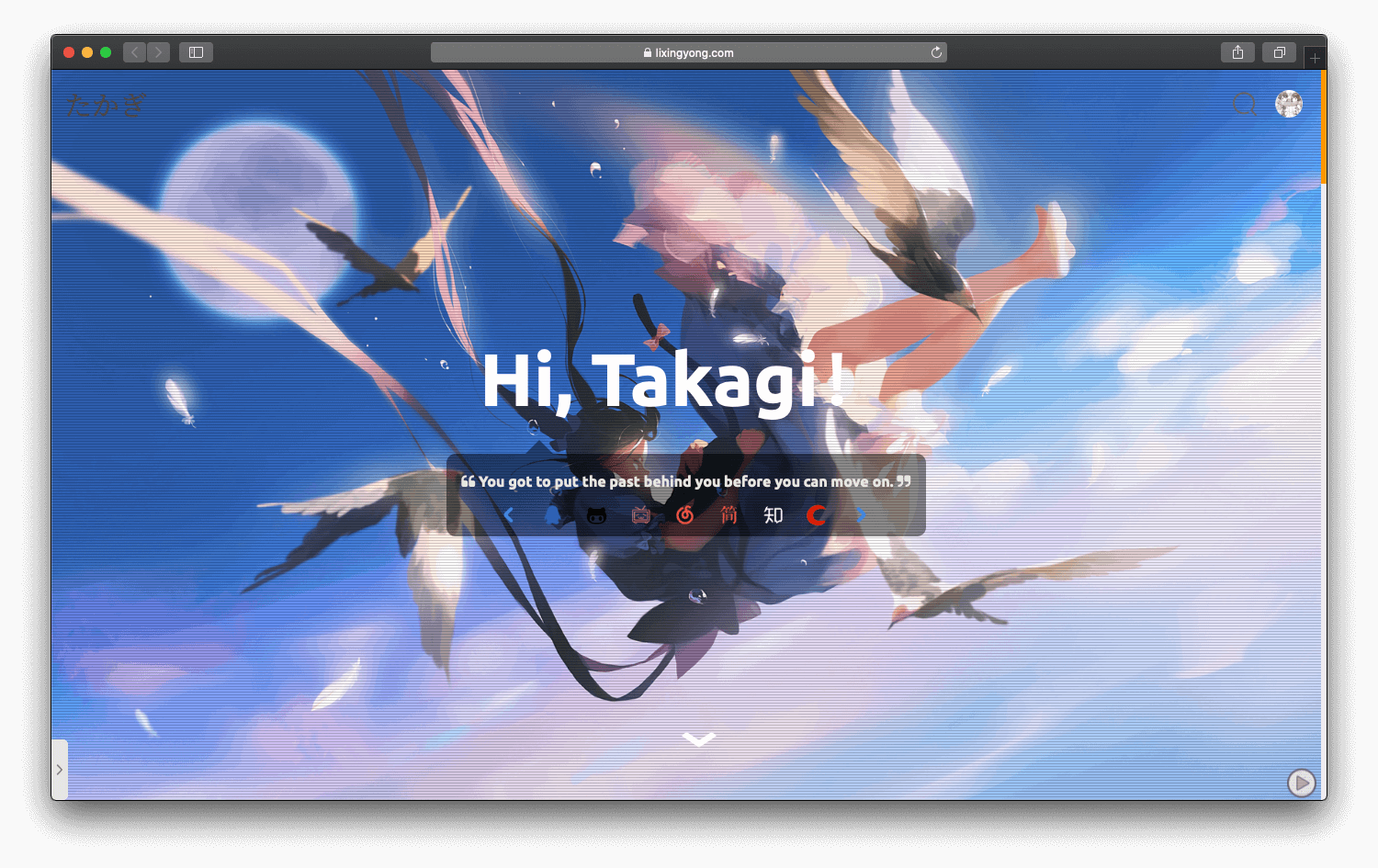
A Sakura-style blog theme for Halo 2.x, rebuilt after 2.0.0 for improved performance with asynchronous and deferred resource loading.
HTML · Blog
bleak
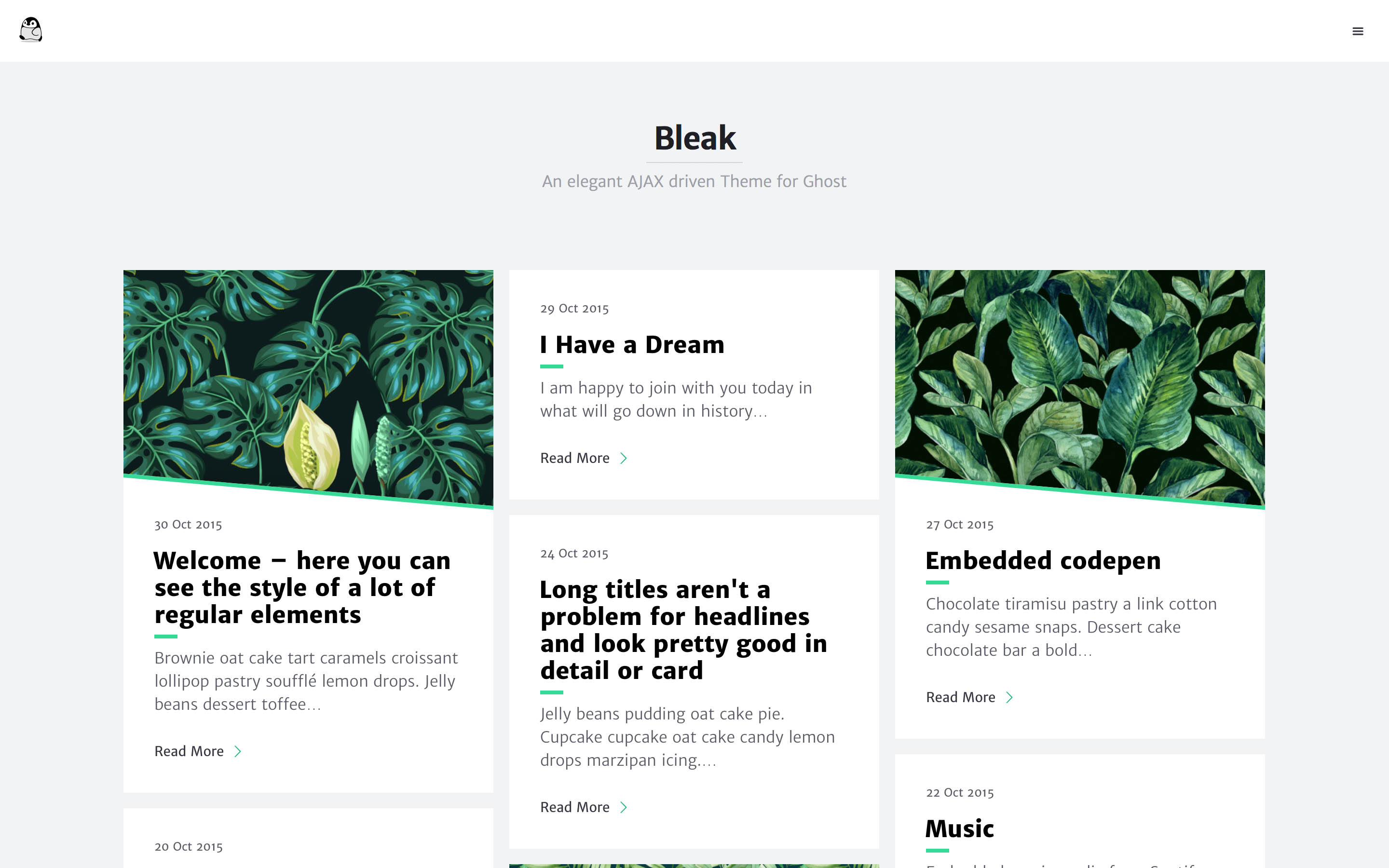
Bleak is an AJAX-driven Ghost blog theme with a clean, reading-focused layout. It offers responsive design, built-in code syntax highlighting with line numbers, customizable primary color via Code injection, Disqus comments, and an optional fixed navigation bar.
HTML · Blog
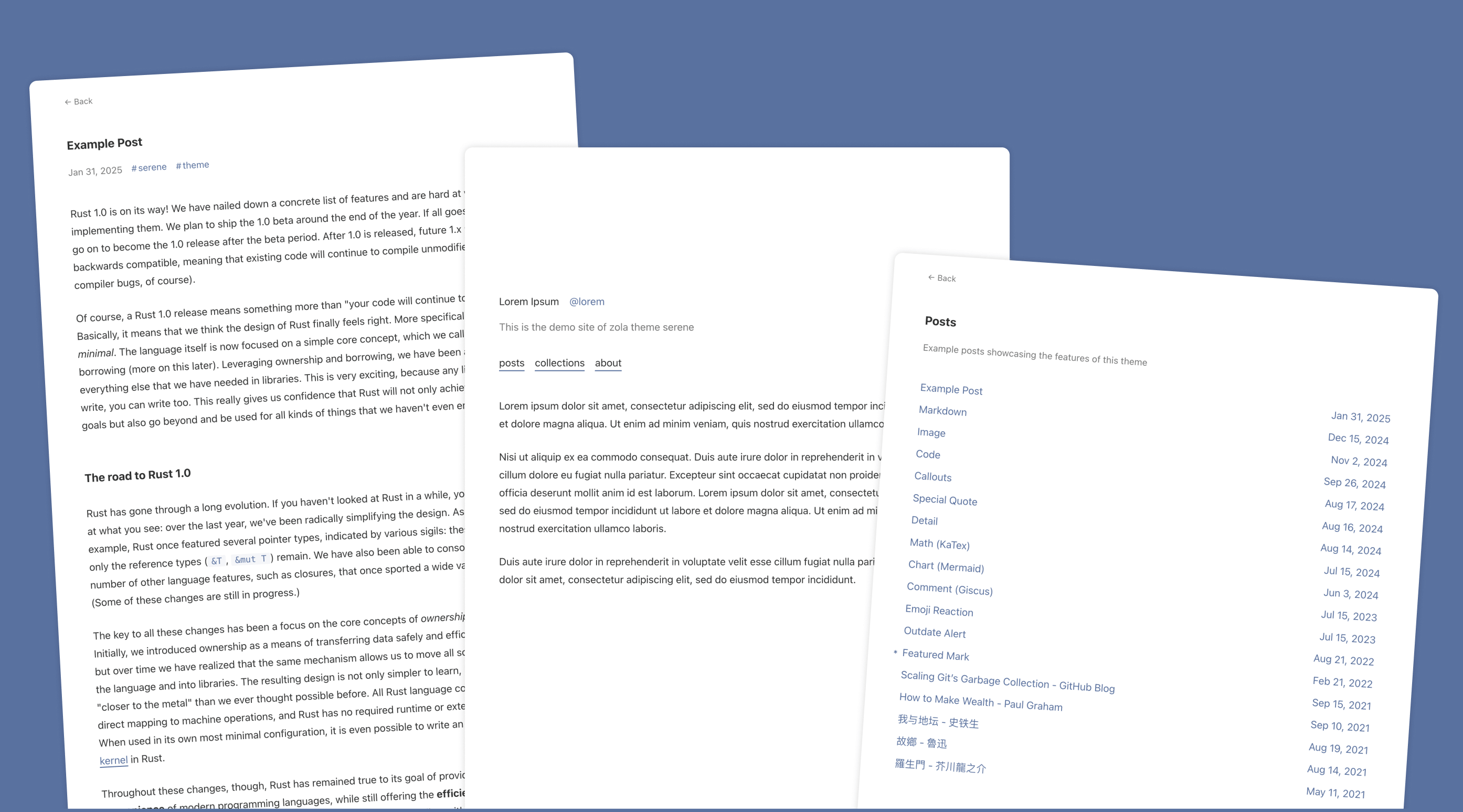
serene
Serene is a minimal blog theme for Zola, focused on typography and reading experience. Built on Zola's template system with HTML and CSS, it has no front-end framework dependencies and loads lightly.
HTML · Blog
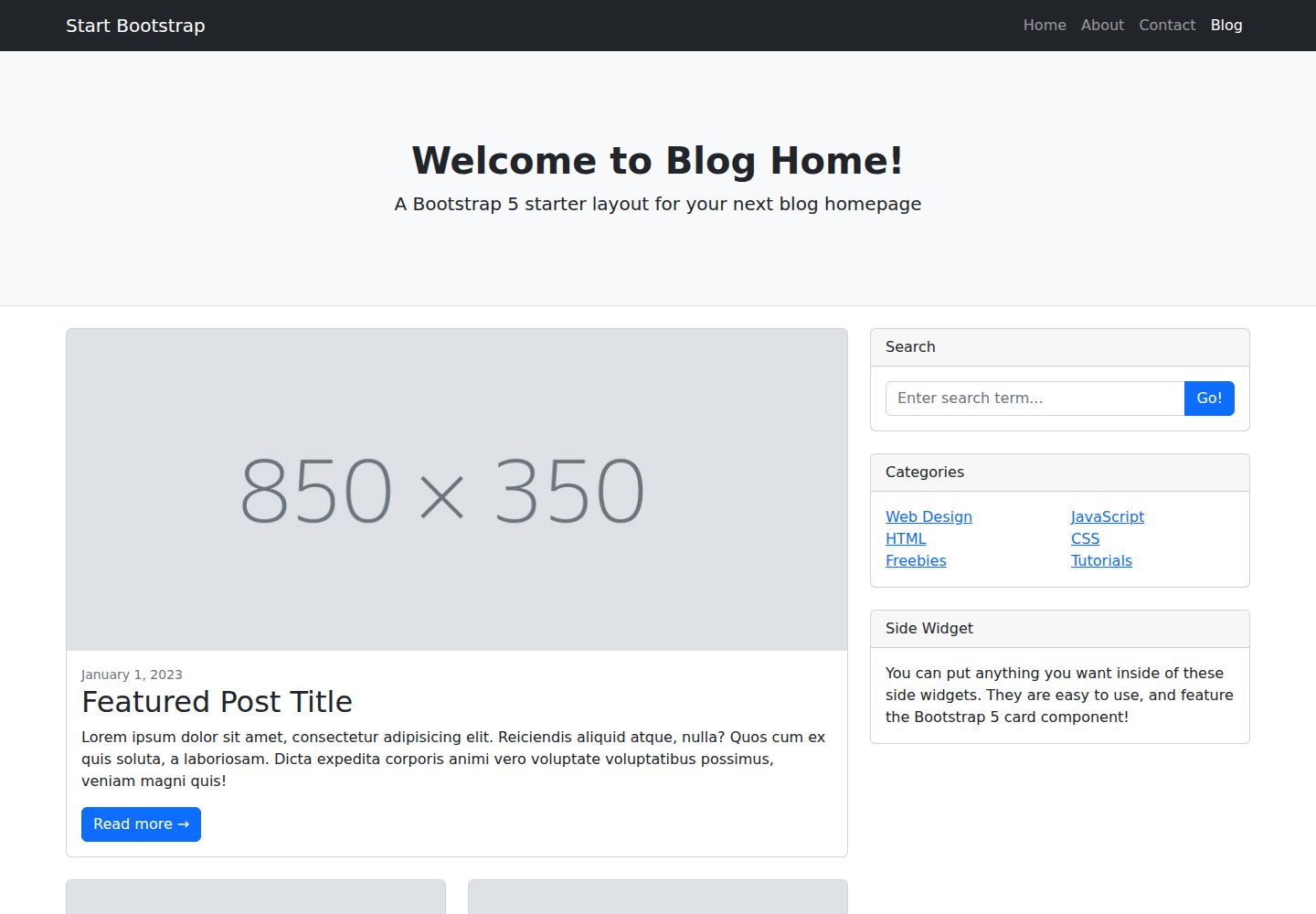
startbootstrap-blog-home
A Bootstrap blog homepage HTML starter template by Start Bootstrap, with post lists, sidebars, and pagination. Edit HTML/CSS in dist directly, or build from Pug, SCSS, and JS via npm scripts with local preview and live refresh.
HTML · Blog