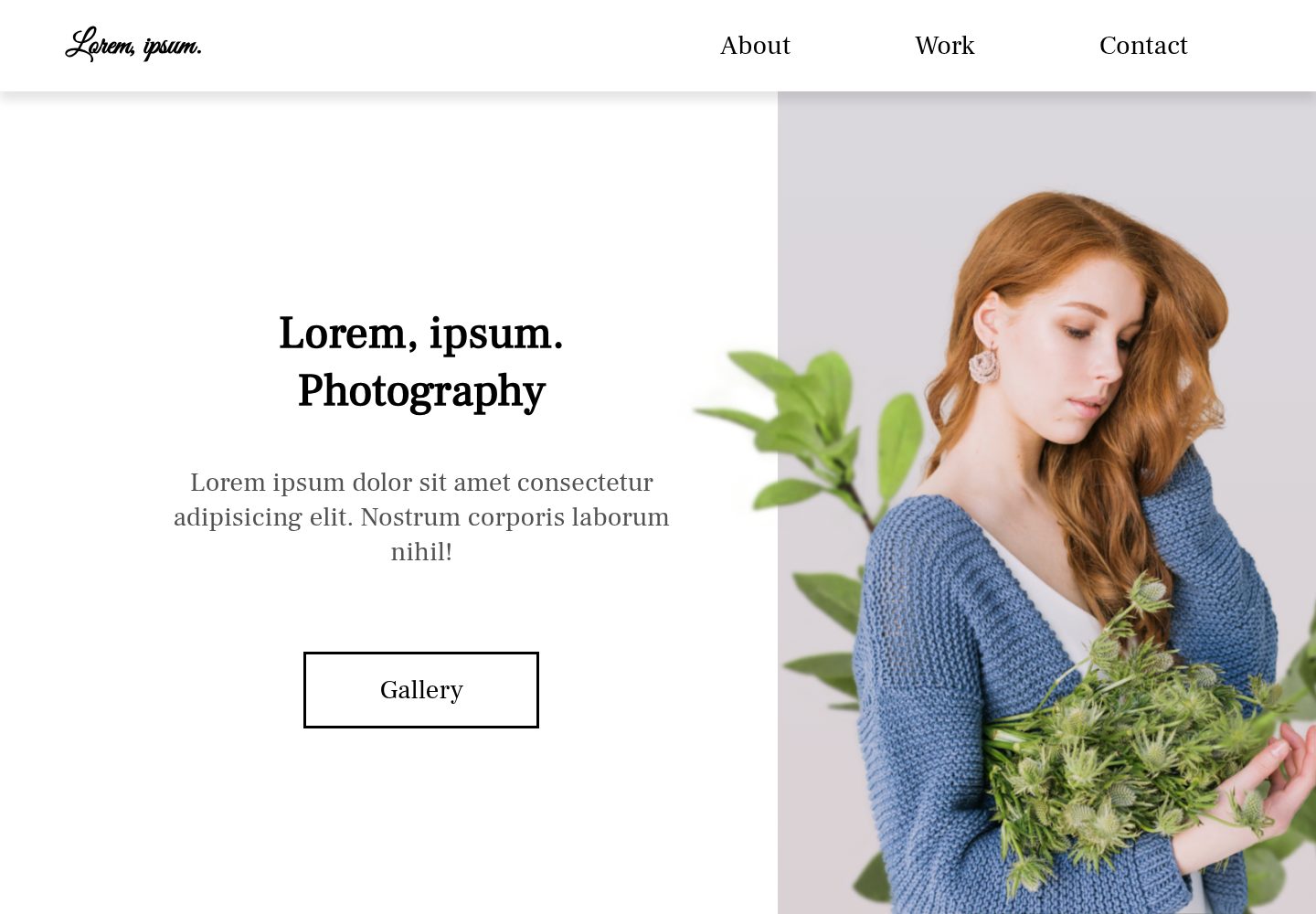
Photography-themed landing page built with React and HTML/CSS
ReactHTMLPortfolioCorporate Website
ref-landingpage-photography — React Portfolio Template
By mehradi-github
A photography-themed landing page template built with React and HTML/CSS (Sass). The repository is MIT-licensed and includes GitHub Pages deployment instructions.
Explore the design
Compare the page layouts and mobile experience. Open any screenshot for a closer look.
Desktop homepage1 / 2
Desktop captureTop of page
Actual screenshot captured by the server browser.
All pages & views 2
Screenshots show visual appearance; interactive behavior may differ.
Recorded 2026-10-03View source
What stands out
A quick read of the recorded project description.
Styling supports Sass; per the README, rename App.css to App.scss and install sass
README provides complete configuration steps for deploying to GitHub Pages via gh-pages
Includes instructions for previewing the build output locally with serve
The repository is MIT-licensed, permitting use, modification, commercial use, and distribution of this version of the code
Template Details
This template is a photography-themed landing page. The repository describes it as "The landing page for photography" and categorizes it under portfolio and corporate website directions. The tech stack is primarily React, with styling using CSS3 and Sass. The README explains that you can rename src/App.css to src/App.scss and install the sass dependency to enable Sass compilation.
The repository README mainly provides engineering and deployment guidance: how to publish the React build output to GitHub Pages using gh-pages (configure the homepage field in package.json, add predeploy and deploy scripts, run npm run deploy), and how to preview the build directory locally via serve. It also covers Emmet syntax examples, Browserslist browser compatibility configuration, and the command to initialize a project using create-react-app's TypeScript template.
Note that the README does not describe the page's specific section composition, content structure, or design style. The template's visual and section information should be based on the online demo and repository source code. The repository is MIT-licensed; the free scope is limited to this version of the code itself. Third-party assets such as demo images, fonts, and icons must be checked separately under their respective licenses.
ReactHTMLPortfolioCorporate website
Is it right for your project?
Use Cases
- Building a showcase landing page for a photography studio or photographer
- Using it as a starting scaffold for a React landing page project for further development
- Practicing the process of publishing a React project to GitHub Pages via gh-pages
Suitable For
- Front-end developers who need base code for a photography-themed landing page
- Individuals or small teams who want to start with React and adjust page content themselves
- Users who need MIT-licensed code for modification and distribution
Getting started & customization
Use these recorded setup notes alongside the repository instructions for your chosen version.
- 1
The README recommends initializing the project with create-react-app's TypeScript template: npx create-react-app ref-landingpage-photography --template typescript
- 2
To enable Sass, run npm install sass, rename src/App.css to src/App.scss, and update the import path in src/App.js
- 3
To deploy to GitHub Pages, install gh-pages (npm i -D gh-pages), set the homepage field in package.json, and add predeploy and deploy scripts
- 4
For local preview, run serve -s build -l 4000
- 5
Licenses for third-party assets such as demo images, fonts, and icons must be checked separately; they cannot be determined solely based on the code's MIT license
License & source material
Usage conditions & limitations
Free to use · keep license noticeThis entry covers the free version of a public repository under the MIT license; the free scope is this version of the code and does not imply that external services or third-party assets are free.
Must comply with when using
- You may use, modify, commercially use, and distribute this version of the code for free.
- When distributing copies or substantial portions of the code, retain the original author's copyright notice and the full MIT license notice.
- The code is provided as-is; warranties and liability limitations are governed by the original license and applicable law.
Additional costs & items to verify
- Demo images, fonts, icons, and other third-party assets must be checked under their respective licenses; they cannot be determined solely based on the code's MIT license.
- External services such as domains, hosting, databases, payments, or AI may incur additional charges.
View Original Text Basis
Compiled by DeepSeek based on repository license and README ·2026-10-03. Results only cover the materials read; dependencies, images, fonts, and subsequent term changes are subject to their respective original texts.
Project checks & description sources
Template Information
- Source platforms
- GitHub
- Documentation and maintenance reference score
- Partly documented · 70 / 100
- Technologies
- React · HTML
- Website type
- Portfolio · Corporate Website
How this score is calculated
Our heuristic uses license records (up to 30), a demo link (12), a preview (10), stars (15), recorded maintenance (15), description completeness (8), feature records (5) and classification data (5). It is not a code, security or performance test, or a Google score. A link does not establish tested functionality.
What to verify for this project
- Repository update recorded
- 2023-02-26
- Screenshot last checked
- 2026-10-03
A demo link is listed. Check it with your own content and viewport sizes; its presence does not confirm that forms, authentication or payments work.
The catalog identifies React as the primary stack. Check the actual dependency manifest and lockfile for versions and hosting requirements. These notes use recorded metadata, not a code audit or a deployment test.
Use a selection guide →How this description was prepared
AI-assisted description based on catalog records and repository material. Repository authors are not automatically the reviewers of this description.
Automatically checked against source and license rules; no manual editorial review.
Inspect the recorded source material
SHA-256: 51e5f7332d206ebe390bf73569cef258a9acc1e076cef9c0d97ca7492c5a71fe
2026-10-03T08:05:04.676Z
Source file / repository
# The LandingPage Photography
The LandingPage Photography is built with CSS3 (Sass) and Html5.
- [The LandingPage Photography](#the-landingpage-photography)
  - [Deploy React to Github Pages](#deploy-react-to-github-pages)
  - [Emmet — the essential toolkit for web-developers](#emmet--the-essential-toolkit-for-web-developers)
  - [Browserslist](#browserslist)
  - [Installing Requirements](#installing-requirements)

## Deploy React to Github Pages

```bash
npm i -D gh-pages
```
```json
// package.json
{
  "homepage":"https://username.github.io/repo-name",
  "scripts": {
      "predeploy":"npm run build",
      "deploy":"gh-pages -d build"
    }
}
```
```bash
npm run deploy
# local
serve -h
serve -s build -l 4000
```
## Emmet — the essential toolkit for web-developers
[Emmet](https://github.com/emmetio/emmet) is a plugin for many popular text editors which greatly improves HTML & CSS workflow:
```
  div.class1.class2>ul#nav>li.item$$$@3*5>a{Item $}+p{lorem4}^^input[value="Hello world!"]
```
```html
  <div className="class1 class2">
        <ul id="nav">
          <li className="item003">
            <a href="">Item 1</a>
            <p>lorem4</p>
          </li>
          <li className="item004">
            <a href="">Item 2</a>
            <p>lorem4</p>
          </li>
          <li className="item005">
            <a href="">Item 3</a>
            <p>lorem4</p>
          </li>
          <li className="item006">
            <a href="">Item 4</a>
            <p>lorem4</p>
          </li>
          <li className="item007">
            <a href="">Item 5</a>
            <p>lorem4</p>
          </li>
        </ul>
        <input type="text" value="Hello world!" />
      </div>
```

## Browserslist
[Browserslist](https://browsersl.ist/) helps you keep the right balance between browser compatibility and bundle size. With Browserslist, you will cover wider audience and have smaller bundle size.
Shared browser compatibility config for popular JavaScript tools like Autoprefixer, Babel, ESLint, PostCSS, and Webpack

## Installing Requirements

```bash
# TypeScript template
npx create-react-app ref-landingpage-photography --template typescript
```

[Adding a Sass Stylesheet](https://create-react-app.dev/docs/adding-a-sass-stylesheet/) : you can rename src/App.css to src/App.scss and update src/App.js to import src/App.scss. This file and any other file will be automatically compiled if imported with the extension .scss or .sass.
```bash
 npm install sass
```
Explore similar templates
Compare previews and descriptions within the same stack and category.

shadcn-landing-page
A free React landing page template built with TypeScript, Tailwind and Shadcn/UI, offering 16 ready-to-use sections such as Navbar, Hero, Pricing, FAQ and Footer, with responsive layout, dark mode and meta tags.
React · Corporate Website

react-saas-template
A React and Material-UI template for SaaS or admin websites, offering dashboard, chart, blog, payment, and file upload components. It uses Create-React-App, React-Router, Recharts, React-Stripe-js, React-Dropzone, and React-Cropper, with theme colors centralized in src/theme.js.
React · Admin dashboard
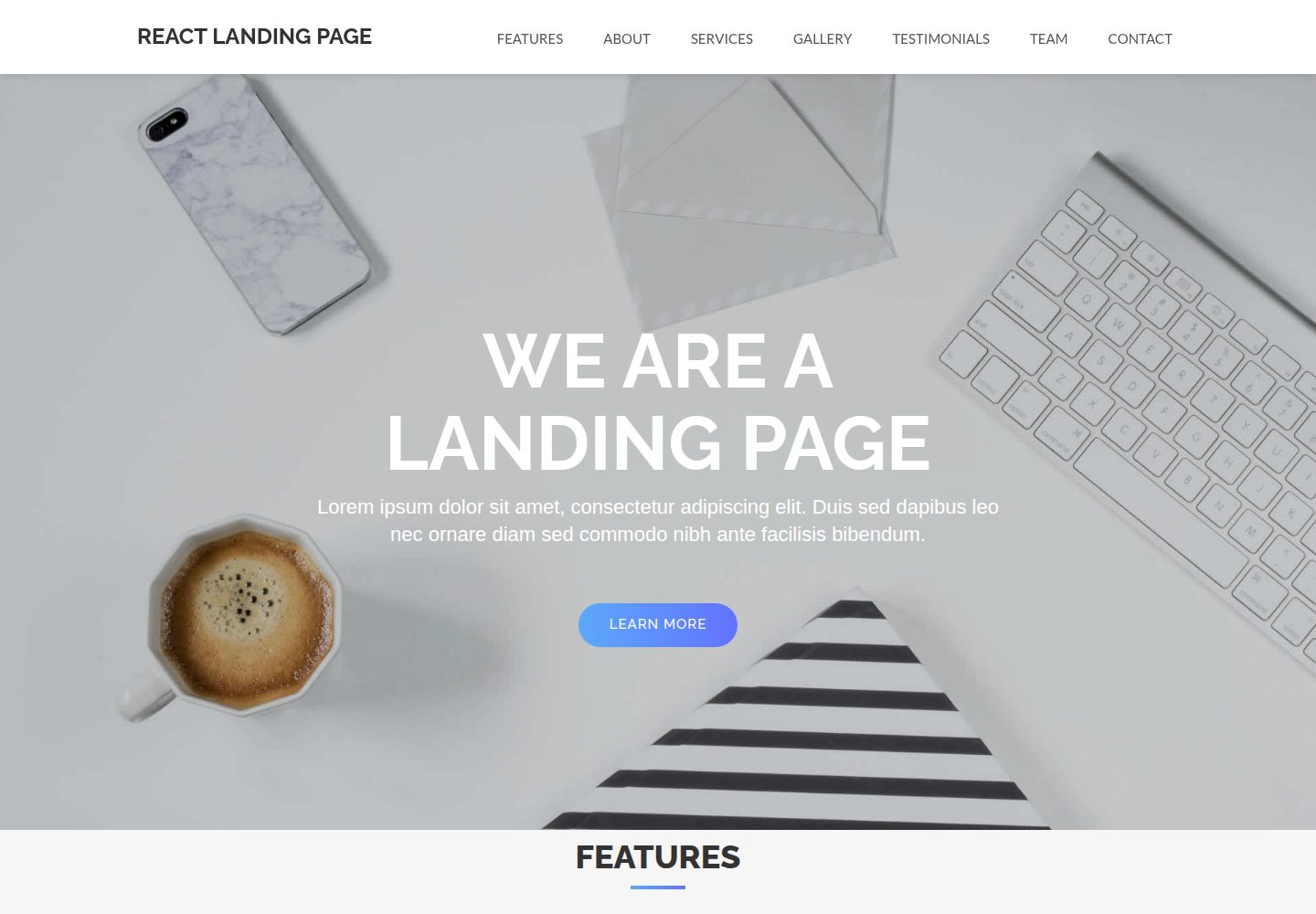
React-Landing-Page-Template
A React single-page landing page template for startups and service businesses, with copy and image references centralized in data.json, assets in public/img/, styles in public/css/, and a contact form that requires your own EmailJS service ID, template ID, and Public Key.
React · Corporate Website
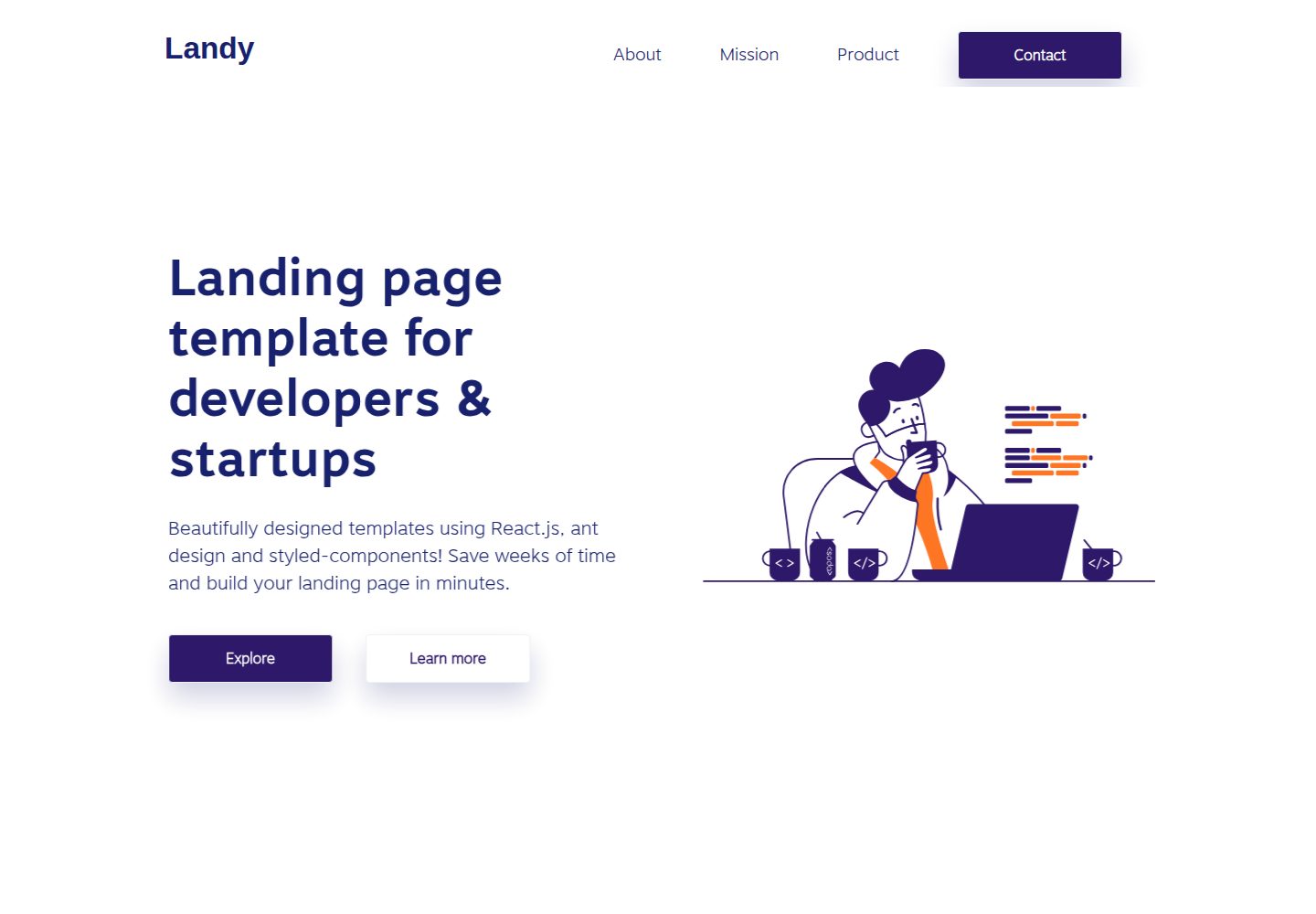
landy-react-template
Landy is an open-source React single-page landing page template written in TypeScript, aimed at developers and startup teams.
React · Corporate Website

react-portfolio-template
A React-based developer portfolio template for showcasing projects, work history, and skills. It offers a multi-component layout, dark and light modes, and responsive mobile adaptation, with text and images editable in src/components.
React · Portfolio

personal-website-react
A single-page developer portfolio template built with React and Material-UI, driven by a JSON Resume-compliant resume.json. It offers light/dark theme switching with localStorage persistence, a clean responsive layout, and Create React App tooling for simple builds and static deployment.
React · Portfolio