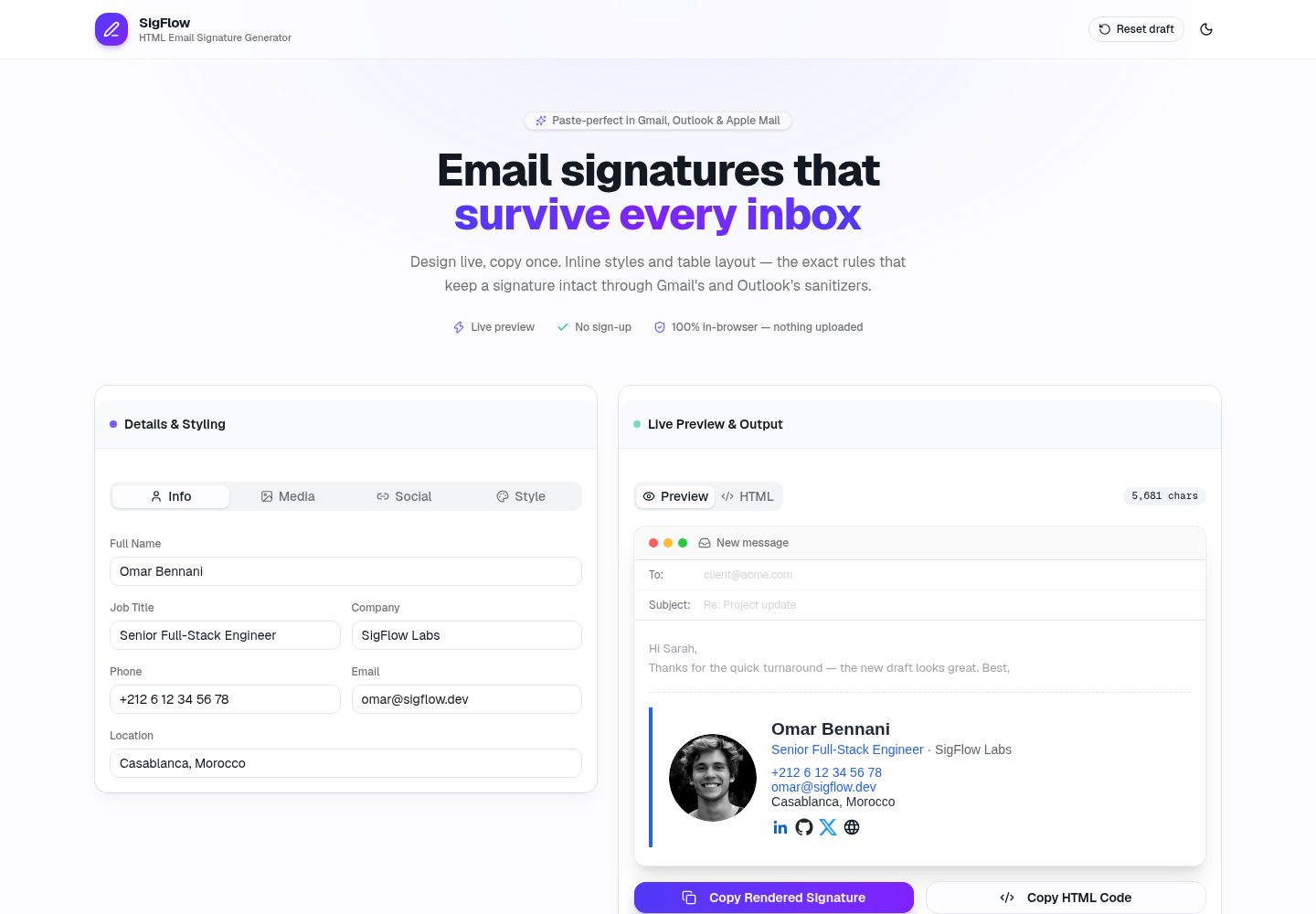
Split-screen editor with live signature refresh as the form changes
Next.jsReactHTMLTool Site
SigFlow — Next.js Tool Template
By o-sharaf5
SigFlow is a purely client-side HTML email signature generator that uses a split-screen editor to produce paste-ready signature HTML for Gmail, Outlook, and Apple Mail.
Explore the design
Compare the page layouts and mobile experience. Open any screenshot for a closer look.
Desktop homepage1 / 2
Desktop captureTop of page
Actual screenshot captured by the server browser.
All pages & views 2
Screenshots show visual appearance; interactive behavior may differ.
Recorded 2026-10-12View source
What stands out
A quick read of the recorded project description.
4 built-in signature templates, output as inline styles and nested table layouts
User text is HTML-escaped before insertion, so injected markup does not execute when the preview uses dangerouslySetInnerHTML
Copy writes both rich text text/html and plain text, with paste instructions for Gmail, Outlook, and Apple Mail
Drafts are saved to localStorage with debouncing, and dark mode switching is supported
Can be statically pre-rendered, with no API routes or backend dependencies
Template Details
SigFlow is an HTML email signature generation tool that runs in the browser, aimed at users who need to configure signatures for Gmail, Outlook, and Apple Mail. The page uses a left-right split layout: the left form is grouped into Info, Media, Social, and Style sections for entering name, contact details, images, and social links, while the right side shows a live preview of the signature and provides an HTML code tab with a copy button.
The generation logic is handled by a pure function generateSignatureHtml(data), with 4 built-in templates. For compatibility with email clients, the output uses only inline styles, nested table layouts, and width/height attributes on images; user-entered text is HTML-escaped before insertion to prevent injected markup from executing in the preview area. The copy function writes both rich text text/html and plain text to the clipboard, and includes paste instructions for each client.
The project is built on Next.js App Router with TypeScript, Tailwind CSS, and shadcn/ui components. Drafts are persisted to localStorage with debouncing, and theme switching is provided by next-themes. The entire app can be statically pre-rendered, has no API routes, and requires no backend; the README mentions an optional Supabase approach for saving named templates, but the current repository does not include that implementation.
Next.jsReactHTMLTool Site
Is it right for your project?
Use Cases
- Generate an email signature with name, job title, and social links for a Gmail account
- Configure signature HTML for Outlook using table layouts compatible with the Word rendering engine
- Prepare a rich-text signature that can be pasted directly into Apple Mail
- Repeatedly adjust signature styles in a local browser and view the effect in real time
Suitable For
- Individual users who need to generate signatures for multiple email clients
- Developers who want to reference a pure front-end signature generation implementation
- Those who need a backend-free, statically deployable Next.js example project
Getting started & customization
Use these recorded setup notes alongside the repository instructions for your chosen version.
- 1
Run npm install to install dependencies, and npm run dev to start the local development server
- 2
The Clipboard API requires a secure context; localhost is considered secure, and production requires HTTPS
- 3
npm run build statically pre-renders the homepage and does not generate API routes
- 4
The Supabase template saving mentioned in the README is an optional extension and is not implemented in the current repository
License & source material
Usage conditions & limitations
Free to use · keep license noticeThis entry covers the free version under the MIT license in the public repository; the free scope is the code of that version and does not mean external services or third-party assets are free.
Must comply with when using
- You may use, modify, commercially use, and distribute the code of this version for free.
- When distributing copies or substantial portions of the code, retain the original author's copyright notice and the full MIT license notice.
- The code is provided as is; warranties and limitations of liability are governed by the original license and applicable law.
Additional costs & items to verify
- Demo images, fonts, icons, and other third-party assets must be checked against their respective licenses and cannot be judged solely by the code's MIT license.
- External services such as domains, hosting, databases, payments, or AI may incur separate charges.
- The README describes the license as 'portfolio use', implying the project is positioned as a personal portfolio showcase rather than a production-ready general-purpose tool; users should be aware of its portfolio nature.
- Saving named templates requires integrating external services such as Supabase (or Clerk/Supabase Auth) and creating a templates table; the current repository does not include this implementation, and it is an optional extension rather than an out-of-the-box feature.
- The copy function relies on the Clipboard API and must run in a secure context (HTTPS or localhost); copying is unavailable in non-secure contexts.
View Original Text Basis
Permission is hereby granted, free of charge
Original License Text
MIT — portfolio use.
Original README
Optional next step: Supabase
Original README
https://github.com/o-sharaf5/SigFlow/blob/main/LICENSEhttps://github.com/o-sharaf5/SigFlow/blob/main/README.mdThe Clipboard API requires a **secure context**.
Original README
Compiled by DeepSeek based on repository license and README ·2026-10-12. Results only cover the materials read; dependencies, images, fonts, and subsequent term changes are subject to their respective original texts.
Project checks & description sources
Template Information
- Source platforms
- GitHub
- Documentation and maintenance reference score
- More documented · 85 / 100
- Technologies
- Next.js · React · HTML
- Website type
- Tool Site
How this score is calculated
Our heuristic uses license records (up to 30), a demo link (12), a preview (10), stars (15), recorded maintenance (15), description completeness (8), feature records (5) and classification data (5). It is not a code, security or performance test, or a Google score. A link does not establish tested functionality.
What to verify for this project
- Repository update recorded
- 2026-10-12
- Screenshot last checked
- 2026-10-12
A demo link is listed. Check it with your own content and viewport sizes; its presence does not confirm that forms, authentication or payments work.
The catalog identifies Next.js as the primary stack. Check the actual dependency manifest and lockfile for versions and hosting requirements. These notes use recorded metadata, not a code audit or a deployment test.
Use a selection guide →How this description was prepared
AI-assisted description based on catalog records and repository material. Repository authors are not automatically the reviewers of this description.
Review declaration: [email protected] · 2026-10-13
Inspect the recorded source material
SHA-256: c1bfabdd691008c5c4a0dfc7c1510016b9e332d94cdeeb34877dee4819d05a9f
2026-10-12T13:41:03.231Z
Source file / repository# SigFlow — HTML Email Signature Generator A lightweight, fully client-side SaaS-style tool: a live split-screen editor that generates **paste-safe HTML email signatures** for Gmail, Outlook and Apple Mail. Built as a portfolio project. **Live demo: https://sigflow-henna.vercel.app** **Stack:** Next.js 16 (App Router) · TypeScript · Tailwind CSS v4 · shadcn/ui (Base UI primitives) · Lucide React · next-themes · localStorage drafts. No backend required — the whole app prerenders as static HTML, so Vercel deploys are instant and free-tier friendly. ## Quick start ```bash npm install npm run dev # http://localhost:3000 npm run build # static prerender of / — zero API routes ``` > The Clipboard API requires a **secure context**. `localhost` counts as secure, > so copy works in dev; production on Vercel is HTTPS automatically. ## Folder structure ``` sigflow/ ├── src/ │ ├── app/ │ │ ├── layout.tsx # Root layout: fonts, metadata, ThemeProvider │ │ ├── page.tsx # Split-screen editor (client component) │ │ └── globals.css # Tailwind v4 + shadcn theme tokens (.dark) │ ├── components/ │ │ ├── signature-form.tsx # Left panel: Info / Media / Social / Style tabs │ │ ├── signature-preview.tsx # Right panel: live preview + HTML tab + copy buttons │ │ ├── site-header.tsx # Logo, Reset, dark-mode toggle │ │ ├── theme-provider.tsx # next-themes wrapper (SSR-safe) │ │ └── ui/ # shadcn primitives (button, tabs, select, slider…) │ └── lib/ │ ├── signature-types.ts # Data model, defaults, social provider metadata │ ├── signature-generator.ts # ★ Pure HTML-string generator (4 templates) │ ├── clipboard.ts # ★ Rich-text + plain-text clipboard APIs │ ├── use-local-draft.ts # Debounced localStorage persistence hook │ ├── use-hydrated.ts # useSyncExternalStore-based hydration gate │ └── utils.ts # cn() helper ├── next.config.ts └── package.json ``` ## Architecture in one paragraph State lives in one `SignatureData` object (`useLocalDraft`). The form mutates it immutably; the preview calls the **pure** `generateSignatureHtml(data)` inside a `useMemo`, so every keystroke re-renders the signature for free. The generator enforces the three rules of email-client survival: inline styles only, nested `<table>` layout (Outlook's Word engine ignores flex/grid), and width/height attributes on images. User text is HTML-escaped before insertion, so the `dangerouslySetInnerHTML` preview can never execute injected markup. ## Optional next step: Supabase To save named templates per user, add a `templates` table (`id, user_id, name, data jsonb, created_at`) and reuse `SignatureData` as the `jsonb` shape verbatim — the model is already serializable. Clerk or Supabase Auth both fit; the app needs no schema changes until then. ## 2-day build & deploy plan (how this repo was made) ### Day 1 — Core editor - **Morning:** scaffold `create-next-app` (TS + Tailwind + App Router), `shadcn init`, add primitives. Define `SignatureData` + defaults. - **Afternoon:** write `signature-generator.ts` first (pure functions are testable without a UI), then the form tabs, then the preview panel. - **Evening:** localStorage draft hook, dark mode, responsive grid, XSS-escaping pass. ### Day 2 — Polish & ship - **Morning:** clipboard (rich `text/html` + fallback), HTML code tab with highlighting, per-client paste instructions. - **Afternoon:** a11y (labels, focus rings, keyboard nav), favicon/OG metadata, `npm run build` clean. - **Evening:** push to GitHub → import in Vercel → deploy (framework preset auto-detected; no env vars needed). Verify clipboard on the HTTPS domain. ### Stretch (Day 3+) Supabase auth + saved templates, signature QR code, .eml download, analytics. ## License MIT — portfolio use.
Explore similar templates
Compare previews and descriptions within the same stack and category.
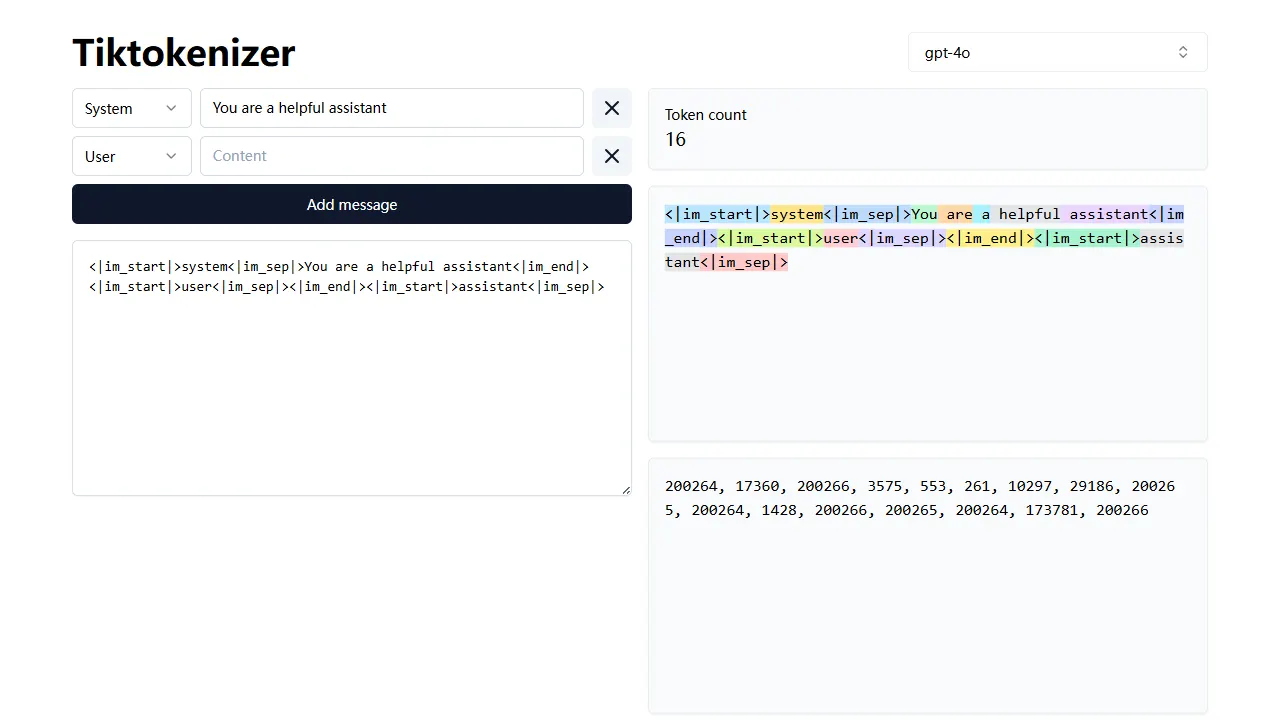
tiktokenizer
tiktokenizer is an open-source online tool site built with Next.js, TypeScript, and React that calculates token counts for text using the openai/tiktoken library.
Next.js · Tool Site
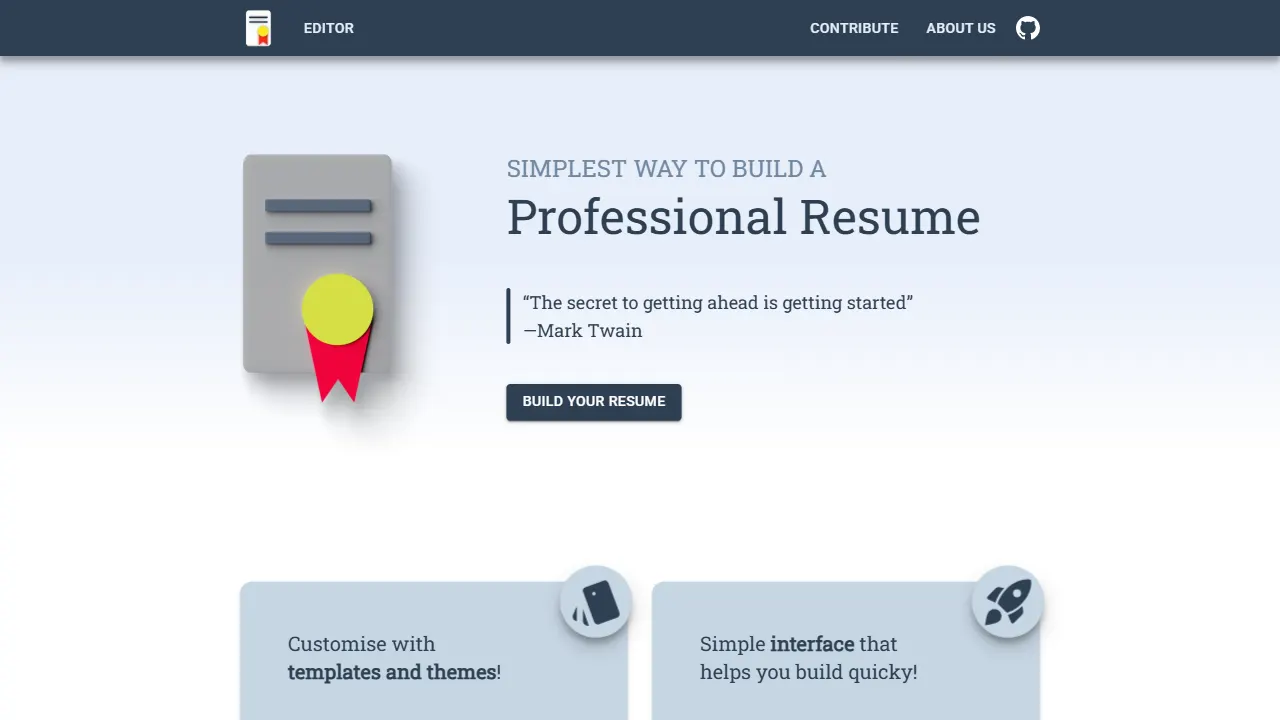
resume builder
An open-source resume builder built with Next.js, TypeScript, Material UI, and Zustand. It offers multiple templates and themes, real-time editing and preview, and requires no registration.
Next.js · Tool Site
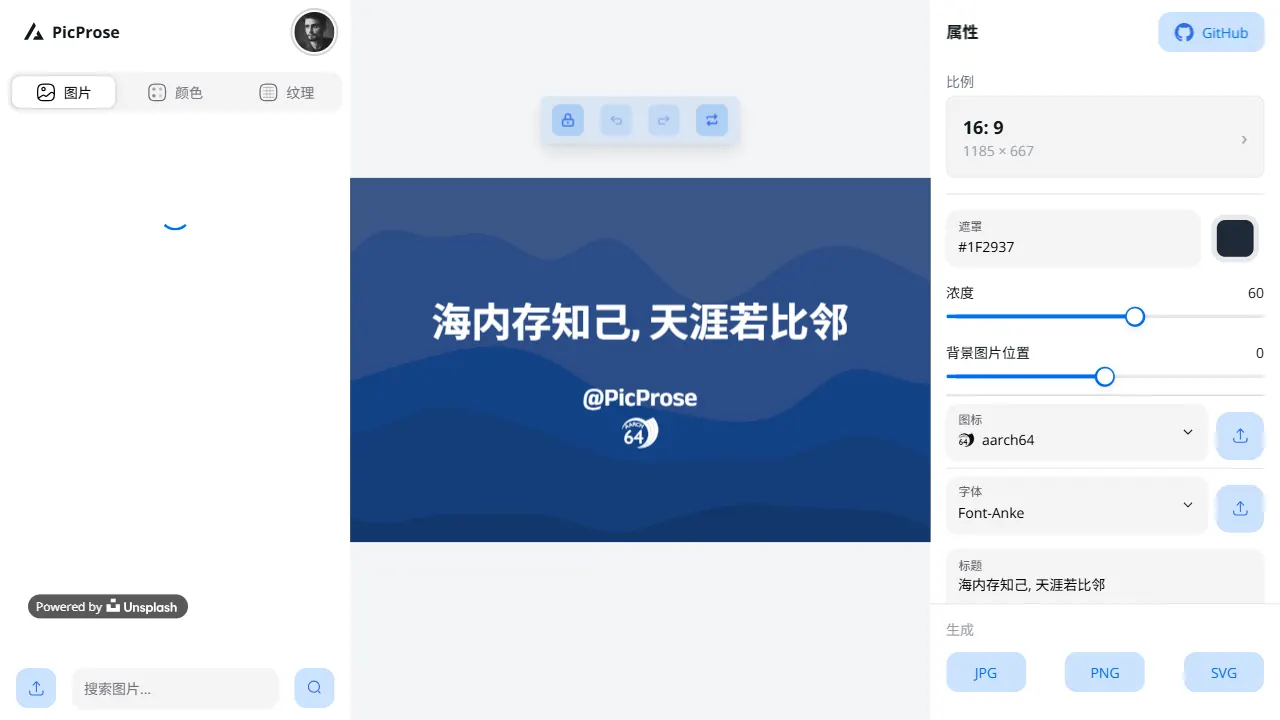
picprose
PicProse is an open-source, Next.js-based cover image generator for bloggers, content creators, and developers. It fetches images via the Unsplash API, supports custom titles, author info, fonts, colors, and transparency, offers multiple aspect ratios, and exports to JPG, PNG, and SVG.
Next.js · Tool Site
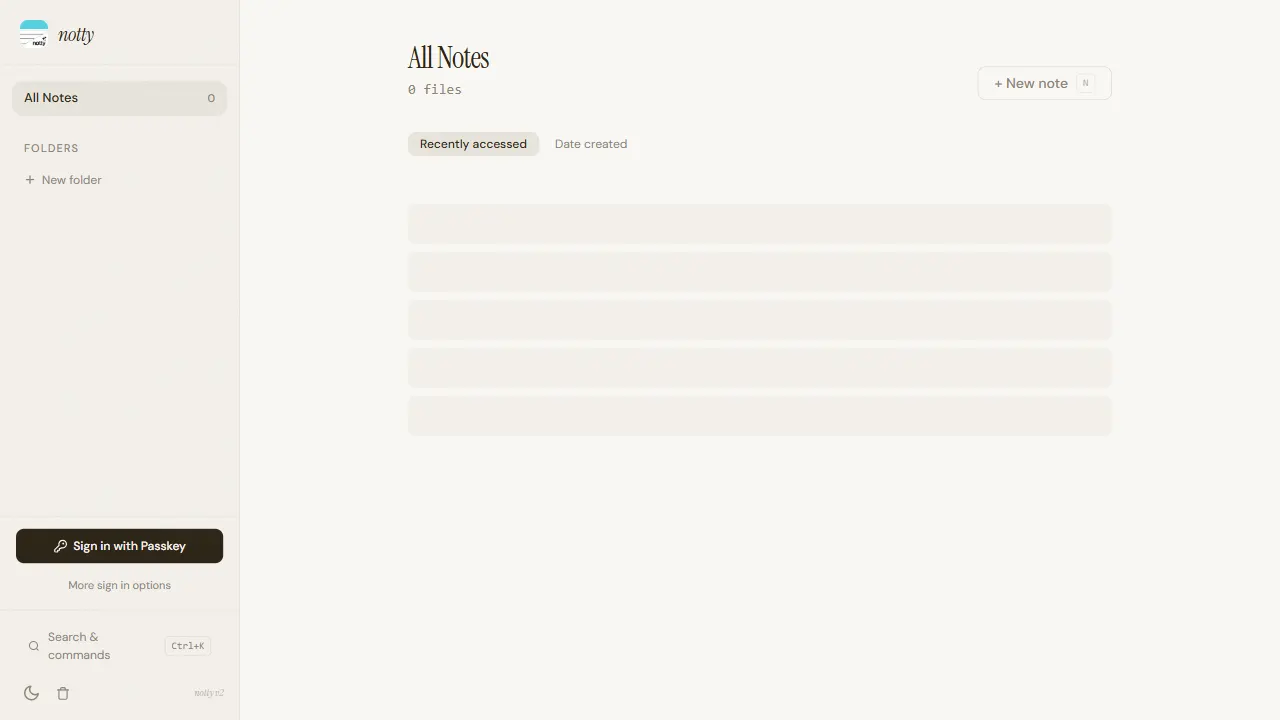
notty
Notty is an offline-first note-taking app template built with Next.js, TypeScript, React, Cloudflare Workers, and Yjs.
Next.js · Tool Site
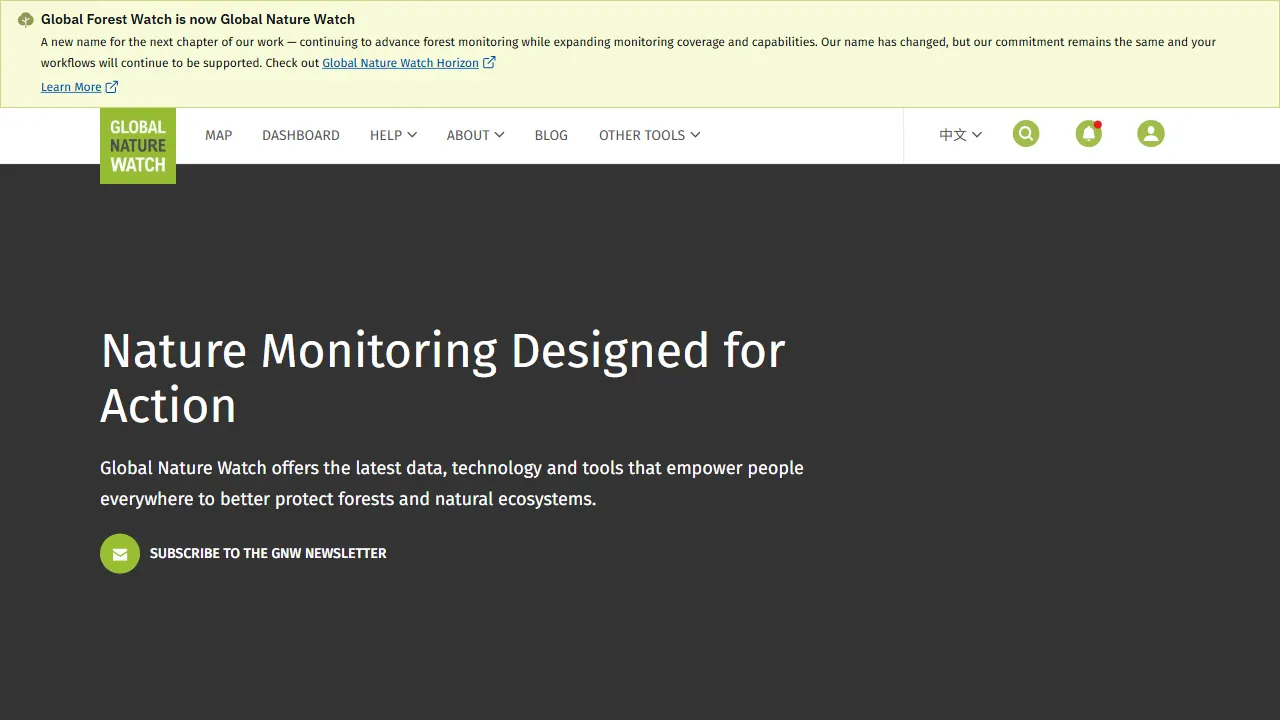
gfw
gfw is the official Global Forest Watch web application, an open-source tool site with a live online demo.
Next.js · Tool Site
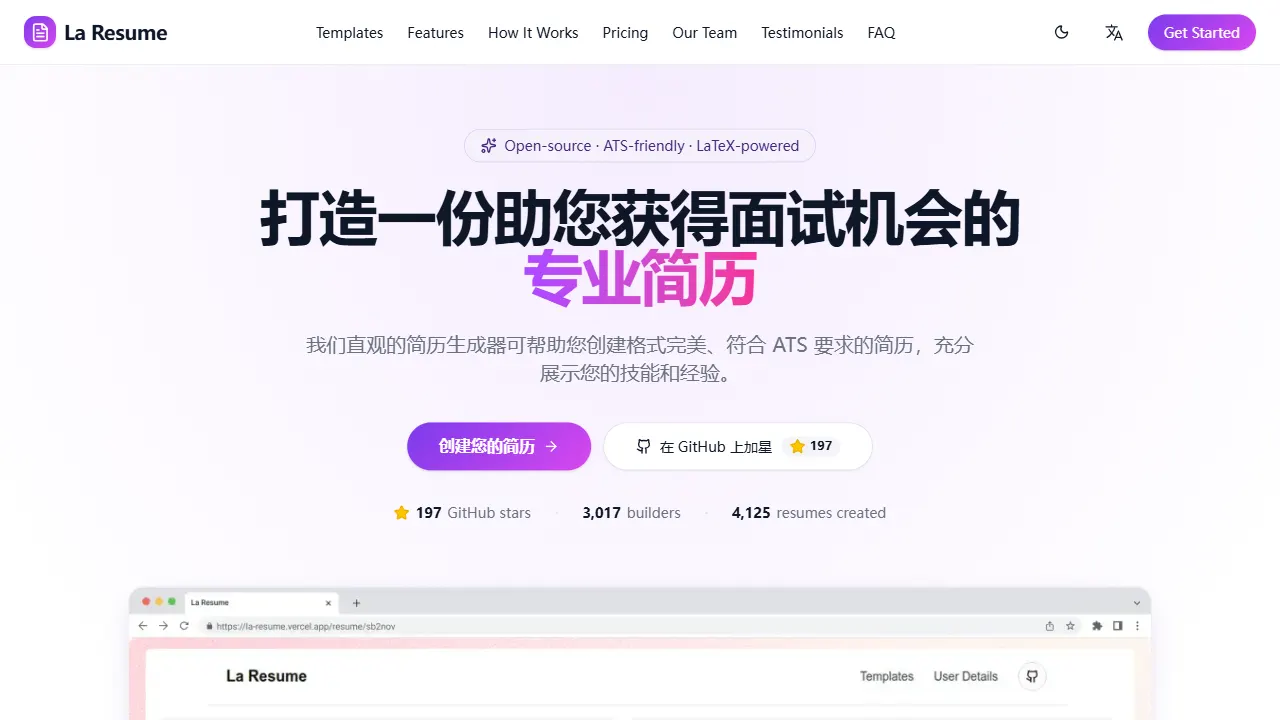
la resume
la resume is an open-source online resume builder built with Next.js, TypeScript, and React. It provides ATS-optimized templates, one-click PDF/LaTeX export, requires no registration, and supports PWA installation.
Next.js · Tool Site