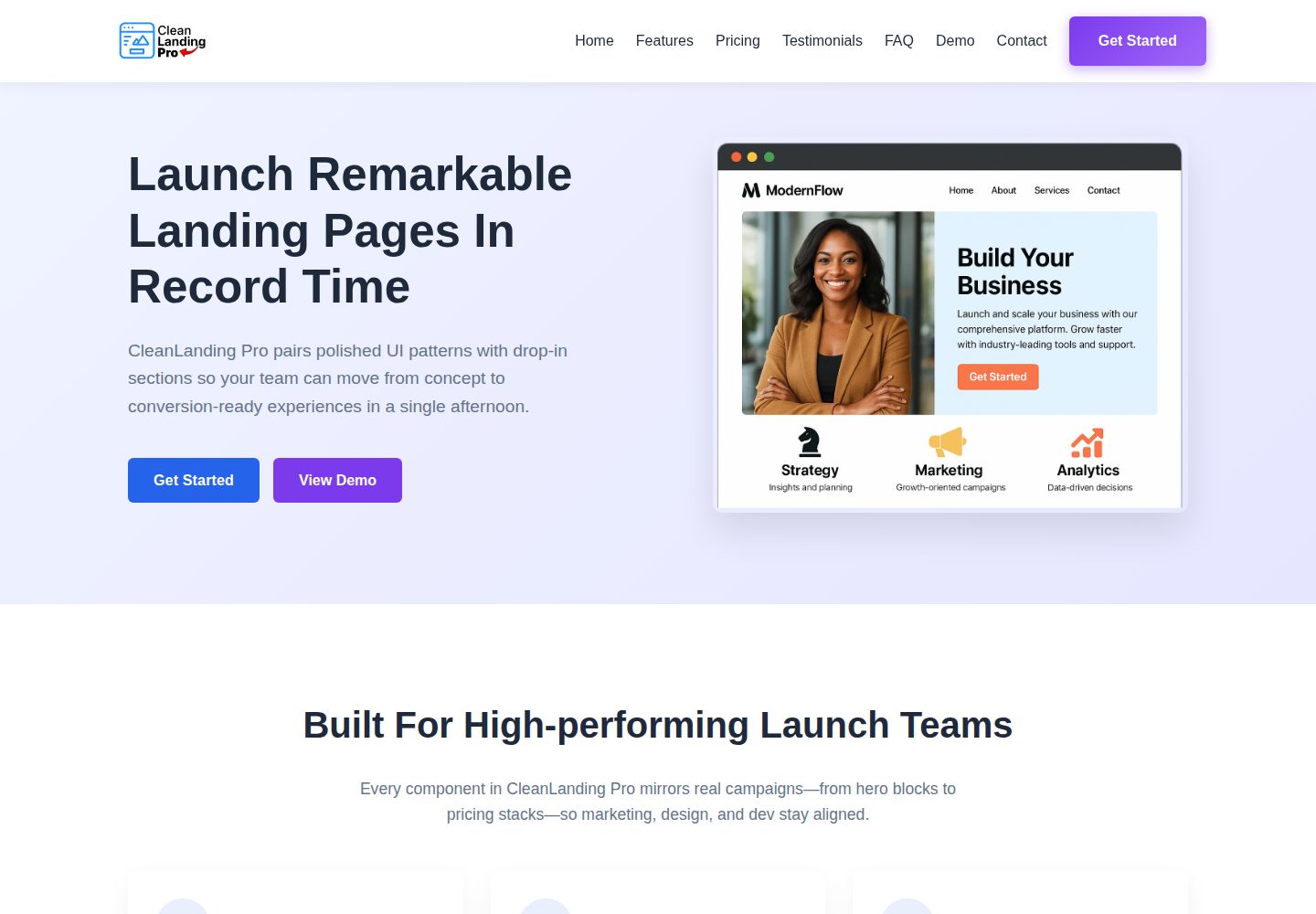
React + Vite frontend, with styles organized using CSS modules
ViteReactCorporate Website
CleanLandingPro-react-template — Vite Business Template
By OluochBen
CleanLanding Pro is a React + Vite marketing landing page template that includes hero, pricing, testimonials, FAQ, affiliate promotion, metrics, and contact form sections, with an optional Flask/PostgreSQL backend for collecting leads.
Explore the design
Compare the page layouts and mobile experience. Open any screenshot for a closer look.
Desktop homepage1 / 2
Desktop captureTop of page
Actual screenshot captured by the server browser.
All pages & views 2
Screenshots show visual appearance; interactive behavior may differ.
Recorded 2026-10-16View source
What stands out
A quick read of the recorded project description.
Includes marketing sections such as hero, pricing, testimonials, FAQ, affiliate promotion, metrics, and contact
Responsive demo area can switch between different device mocks
Optional Flask + SQLAlchemy + PostgreSQL backend; POST /api/contact returns a ticket ID
Provides Vitest + Testing Library tests and a GitHub Actions CI workflow
Customization via CSS variables, component arrays, and public/images assets
Template Details
CleanLanding Pro is a marketing landing page starter kit based on React and Vite. The README describes sections including hero, demo preview, pricing, user testimonials, FAQ accordion, affiliate promotion highlights, performance metrics, and contact, and provides a responsive demo area that can switch between different device mocks. The frontend uses CSS modules and offers modular customization entry points such as color tokens, copy arrays, and assets.
The template includes an optional Flask + SQLAlchemy + PostgreSQL backend for receiving contact form submissions and returning a ticket ID; the backend provides two routes, POST /api/contact and GET /api/health, with CORS origins and database connection configured via environment variables. The frontend points to the backend address via VITE_API_URL.
The project includes ESLint, Vitest + Testing Library tests, and a GitHub Actions workflow. The README states that existing tests cover DemoPreview's device tabs and theme switching, as well as ContactForm's client-side validation and fetch call. For deployment, the frontend build output can be deployed to static hosting such as Netlify, while the backend must be deployed separately with a database and secrets configured. The README does not provide specific framework version numbers, performance data, or production environment validation results.
ViteReactCorporate website
Is it right for your project?
Use Cases
- Quickly build a product marketing landing page and replace branding and copy
- Connect a contact form to the landing page and store leads in PostgreSQL
- Reference its section structure and test configuration in an existing React project
- Deploy the frontend static build to Netlify, and deploy the backend separately to platforms such as Render or Railway
Suitable For
- Developers who need a React marketing landing page starting structure
- Teams that want the frontend to work with an optional Flask backend to collect form leads
- Projects that need Vitest tests and a GitHub Actions CI configuration reference
Getting started & customization
Use these recorded setup notes alongside the repository instructions for your chosen version.
- 1
Frontend: enter the frontend directory, install dependencies with pnpm/npm/yarn, then run pnpm run dev; the default address is http://localhost:5173
- 2
Backend (optional): enter the backend directory, create a virtual environment, install requirements.txt, copy .env.example to .env and configure DATABASE_URL, SECRET_KEY, CORS_ORIGINS, then run flask --app app run
- 3
The frontend needs to set VITE_API_URL in .env to point to the backend address; the default example is http://localhost:5000
- 4
The repository includes package-lock.json; if switching to pnpm or yarn, the README recommends removing the existing lockfile first
- 5
The frontend build uses pnpm run build; the output is located in frontend/dist/ and can be deployed to static hosting such as Netlify
License & source material
Usage conditions & limitations
Free to use · keep license noticeThis entry covers the free version under the MIT license in the public repository; the free scope is the code of this version and does not mean that external services or third-party assets are free.
Must comply with when using
- Free use, modification, commercial use, and distribution of this version's code are permitted.
- When distributing copies or substantial portions of the code, retain the original author's copyright notice and the complete MIT license notice.
- The code is provided as is; warranties and limitations of liability are governed by the original license and applicable law.
Additional costs & items to verify
- Demo images, fonts, icons, and other third-party assets must be checked against their respective licenses and cannot be judged solely by the code's MIT license.
- External services such as domains, hosting, databases, payments, or AI may incur separate charges.
- The backend is an optional component; if server-side persistence and contact form submission are needed, an additional Flask/PostgreSQL backend must be deployed and the database and secrets configured.
- Before using the backend, copy .env.example to .env and configure the database connection and secret key.
- The frontend must point VITE_API_URL to the backend address (default http://localhost:5000) to connect to the contact API.
- Backend deployment requires setting environment variables such as DATABASE_URL and SECRET_KEY.
- The default database URL expects a local cleanlanding database; deploying to Render, Railway, Fly.io, etc. requires updating DATABASE_URL.
- Cross-origin access is controlled by CORS_ORIGINS in .env and must be configured according to the allowed frontend origins.
- The backend must be deployed separately, and the frontend VITE_API_URL must point to the deployed API address.
- Copy each of the frontend and backend .env.example files to .env and adjust the values for local and production environments.
- Backend hosting requires configuring DATABASE_URL, SECRET_KEY, and CORS_ORIGINS.
- VITE_API_URL must be exposed in the frontend environment so that the contact form points to the correct API.
View Original Text Basis
Permission is hereby granted, free of charge
Original License Text
**Quick start with backend (optional)**
Original README
cp .env.example .env # configure DB + secret key
Original README
This exposes the contact API at http://localhost:5000; ensure `frontend/.env` points `VITE_API_URL` to that address.
Original README
cp .env.example .env # set DATABASE_URL, SECRET_KEY, etc.
Original README
- **Database** – default URL expects `cleanlanding` database locally. Update `DATABASE_URL` for Render, Railway, Fly.io, etc.
Original README
- **CORS** – `CORS_ORIGINS` in `.env` controls allowed frontends.
Original README
Deploy the backend separately and set `VITE_API_URL` (frontend) to the deployed API URL.
Original README
Backend `.env.example` includes `DATABASE_URL`, `SECRET_KEY`, `CORS_ORIGINS`, and `PORT`. Copy each `.env.example` to `.env`, then adjust values for local development and production (Netlify, Render, etc.).
Original README
- Configure `DATABASE_URL`, `SECRET_KEY`, `CORS_ORIGINS`.
Original README
https://github.com/OluochBen/CleanLandingPro-react-template/blob/main/LICENSEhttps://github.com/OluochBen/CleanLandingPro-react-template/blob/main/README.md- Expose `VITE_API_URL` in the frontend environment so the contact form points to the right API.
Original README
Compiled by DeepSeek based on repository license and README ·2026-10-16. Results only cover the materials read; dependencies, images, fonts, and subsequent term changes are subject to their respective original texts.
Project checks & description sources
Template Information
- Source platforms
- GitHub
- Documentation and maintenance reference score
- More documented · 85 / 100
- Technologies
- Vite · React
- Website type
- Corporate Website
How this score is calculated
Our heuristic uses license records (up to 30), a demo link (12), a preview (10), stars (15), recorded maintenance (15), description completeness (8), feature records (5) and classification data (5). It is not a code, security or performance test, or a Google score. A link does not establish tested functionality.
What to verify for this project
- Repository update recorded
- 2025-11-28
- Screenshot last checked
- 2026-10-16
A demo link is listed. Check it with your own content and viewport sizes; its presence does not confirm that forms, authentication or payments work.
The catalog identifies Vite as the primary stack. Check the actual dependency manifest and lockfile for versions and hosting requirements. These notes use recorded metadata, not a code audit or a deployment test.
Use a selection guide →How this description was prepared
AI-assisted description based on catalog records and repository material. Repository authors are not automatically the reviewers of this description.
Review declaration: codex-user-requested-batch-review-20261017 · 2026-10-16
Inspect the recorded source material
SHA-256: e0c20b7462df70391ff385a4cf577a22c7b5001c6447772d8635b79ea0848b28
2026-10-16T14:37:34.929Z
Source file / repository# CleanLanding Pro
CleanLanding Pro is a React + Vite launch kit with a polished marketing site and optional Flask/PostgreSQL backend for capturing leads. It ships with production-ready sections (hero, demo preview, pricing, testimonials, FAQ, affiliate highlights, metrics, and contact) plus a responsive playground to showcase device-specific mocks.
---
## Overview
- **Responsive by default** – carefully tuned layouts for desktop, tablet, and mobile, including a hero sandbox that scales between mock devices.
- **Real-world sections** – pricing tiers, testimonials, FAQ accordions, affiliate highlights, performance metrics, and more.
- **Live contact flow** – React form posts to a Flask API (SQLAlchemy + Postgres) and returns a ticket ID for follow-up.
- **Customization-first** – color tokens, copy arrays, and assets are modular so you can swap branding in minutes.
- **Testing & CI** – Vitest + Testing Library cover key flows; GitHub Actions runs lint, tests, and build on every push.
---
## Tech Stack
| Layer | Stack |
| ---------- | ---------------------------------------------------------------------------- |
| Frontend | React 19, Vite, CSS modules |
| Backend | Flask, SQLAlchemy, PostgreSQL, python-dotenv |
| Tooling | ESLint, Vitest, React Testing Library, jsdom, GitHub Actions, Netlify-ready |
---
## Getting Started
```bash
cd frontend
# Install deps (pnpm, npm, or yarn)
pnpm install
# Launch development server
pnpm run dev
```
The app runs at http://localhost:5173. You can hot reload each React component as you customize copy or styles.
**Quick start with backend (optional)**
```bash
cd backend
python -m venv .venv && source .venv/bin/activate
pip install -r requirements.txt
cp .env.example .env # configure DB + secret key
flask --app app run
```
This exposes the contact API at http://localhost:5000; ensure `frontend/.env` points `VITE_API_URL` to that address.
---
## Scripts
| Command | Description |
| ---------------------- | -------------------------------------------- |
| `pnpm run dev` | Start Vite with hot module reload. |
| `pnpm run build` | Produce the optimized bundle in `dist/`. |
| `pnpm run preview` | Preview the production build locally. |
| `pnpm run lint` | ESLint (`eslint.config.js`). |
| `pnpm run test` | Vitest suite (jsdom + Testing Library). |
| `pnpm run test:watch` | Watch mode for Vitest. |
| `pnpm run test:coverage` | Generate coverage via V8. |
> The repo ships with `package-lock.json`. If you use pnpm or yarn, remove the existing lockfile before installing.
---
## Project Structure
```
CleanLandingPro/
├── backend/
│ ├── app.py
│ ├── config.py
│ ├── database.py
│ ├── models.py
│ ├── routes/
│ ├── requirements.txt
│ └── .env.example
├── frontend/
│ ├── src/
│ ├── public/
│ ├── package.json
│ ├── package-lock.json
│ ├── vite.config.js
│ ├── eslint.config.js
│ ├── .env.example
│ └── index.html
├── netlify.toml
├── README.md
├── USABILITY_TEST.md
└── LICENSE
```
---

---
## Backend API
The backend is optional but ready if you need server-side persistence.
```bash
cd backend
python -m venv .venv
source .venv/bin/activate # Windows: .venv\Scripts\activate
pip install -r requirements.txt
cp .env.example .env # set DATABASE_URL, SECRET_KEY, etc.
flask --app app run # http://localhost:5000
```
- **Routes**
- `POST /api/contact` – validates `{name, email, message}` (plus optional fields), stores them in Postgres, and returns `{message, ticketId}`.
- `GET /api/health` – simple heartbeat for uptime monitors.
- **Database** – default URL expects `cleanlanding` database locally. Update `DATABASE_URL` for Render, Railway, Fly.io, etc.
- **CORS** – `CORS_ORIGINS` in `.env` controls allowed frontends.
Deploy the backend separately and set `VITE_API_URL` (frontend) to the deployed API URL.
---
## Environment Variables
Front-end `.env.example` (under `frontend/`):
```
VITE_API_URL=http://localhost:5000
```
Backend `.env.example` includes `DATABASE_URL`, `SECRET_KEY`, `CORS_ORIGINS`, and `PORT`. Copy each `.env.example` to `.env`, then adjust values for local development and production (Netlify, Render, etc.).
---
## Customization Guide
| Area | How to customize |
| ------------------- | ------------------------------------------------------------------ |
| Branding / Tokens | Update CSS variables in `src/index.css`. |
| Copy / Content | Edit component arrays (e.g., testimonials, pricing) in `src/components/`. |
| Demo Preview | Adjust `devicePresets` in `src/components/DemoPreview.jsx`. |
| Affiliate Logos | Drop assets in `public/images` and update `src/components/Affiliate.jsx`. |
| Analytics | Replace `trackEvent` in `src/utils/analytics.js` with your provider. |
| Hero / imagery | Swap PNG/SVGs under `public/images` and update components. |
After tweaking copy or assets, run `pnpm run dev` to preview changes instantly.
---
## Testing
Vitest + Testing Library keep core flows verified.
```bash
pnpm run test # single run
pnpm run test:watch # watch mode
pnpm run test:coverage
```
Current suites cover:
- **DemoPreview** – ensures device tab and theme toggles update state.
- **ContactForm** – validates client-side errors clear and fetch calls fire.
Add new specs under `src/components/__tests__/` for any new section or interaction.
---
## Deployment
### Frontend
1. `cd frontend && pnpm run build`
2. Deploy `frontend/dist/` (Netlify, Vercel, S3/CloudFront, etc.).
Netlify-specific settings:
- Base directory: `frontend`
- Build command: `npm run build`
- Publish directory: `dist`
- `_redirects` already ensures SPA routing + FAQ deep links.
- `netlify.toml` locks Node 20 and adds `VITE_APP_ENV`.
### Backend
- Host Flask (Render, Railway, Fly.io, ECS, etc.).
- Configure `DATABASE_URL`, `SECRET_KEY`, `CORS_ORIGINS`.
- Expose `VITE_API_URL` in the frontend environment so the contact form points to the right API.
### CI
`.github/workflows/ci.yml` runs lint, tests, and build on pushes/PRs to `main` and `release/**`. Extend it with Lighthouse, preview deploys, or additional checks as needed.
---
## Contribution Guide
1. **Fork and branch**
```bash
git checkout -b feature/my-update
```
2. **Coding standards**
- Follow ESLint (`npm run lint`).
- Prefer functional components and hooks.
- Keep styles mobile-first.
3. **Testing**
- Update or add Vitest suites for new behavior.
- Ensure `npm run test` passes before committing.
4. **Commit style**
- Use clear, descriptive commit messages (e.g., `feat: add scroll spy to nav`).
- Avoid bundling unrelated changes.
5. **Pull requests**
- Describe the change, include screenshots or Looms for UI updates.
- Note any backend/env changes so reviewers can test properly.
6. **Code review**
- Respond promptly, rebase if requested, and keep history tidy.
Bug reports and feature requests are welcome via GitHub Issues. Please include reproduction steps or a short Loom demo when possible.
---
## License
MIT © CleanLanding Pro. Use it freely for personal or commercial projects. Attribution appreciated but not required.
Explore similar templates
Compare previews and descriptions within the same stack and category.
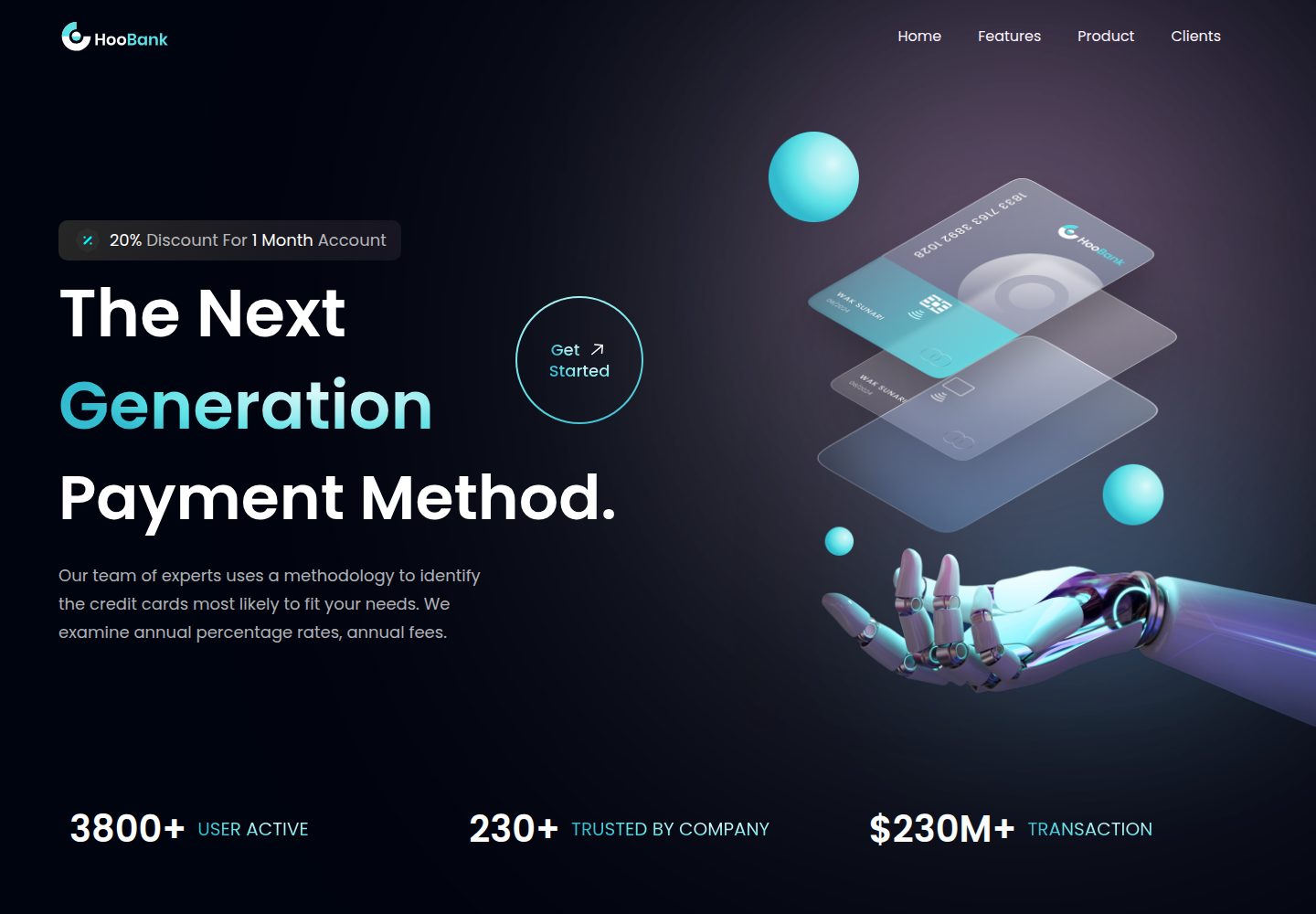
business-website-template
A React, Tailwind CSS, and Vite corporate website template with a single-page structure covering header, hero, features, billing, product showcase, testimonials, clients, call-to-action, and footer.
Vite · Corporate Website

kiaalap
Kiaalap is a free, open-source admin template from Colorlib for education, online courses, and school management.
Vite · Admin dashboard
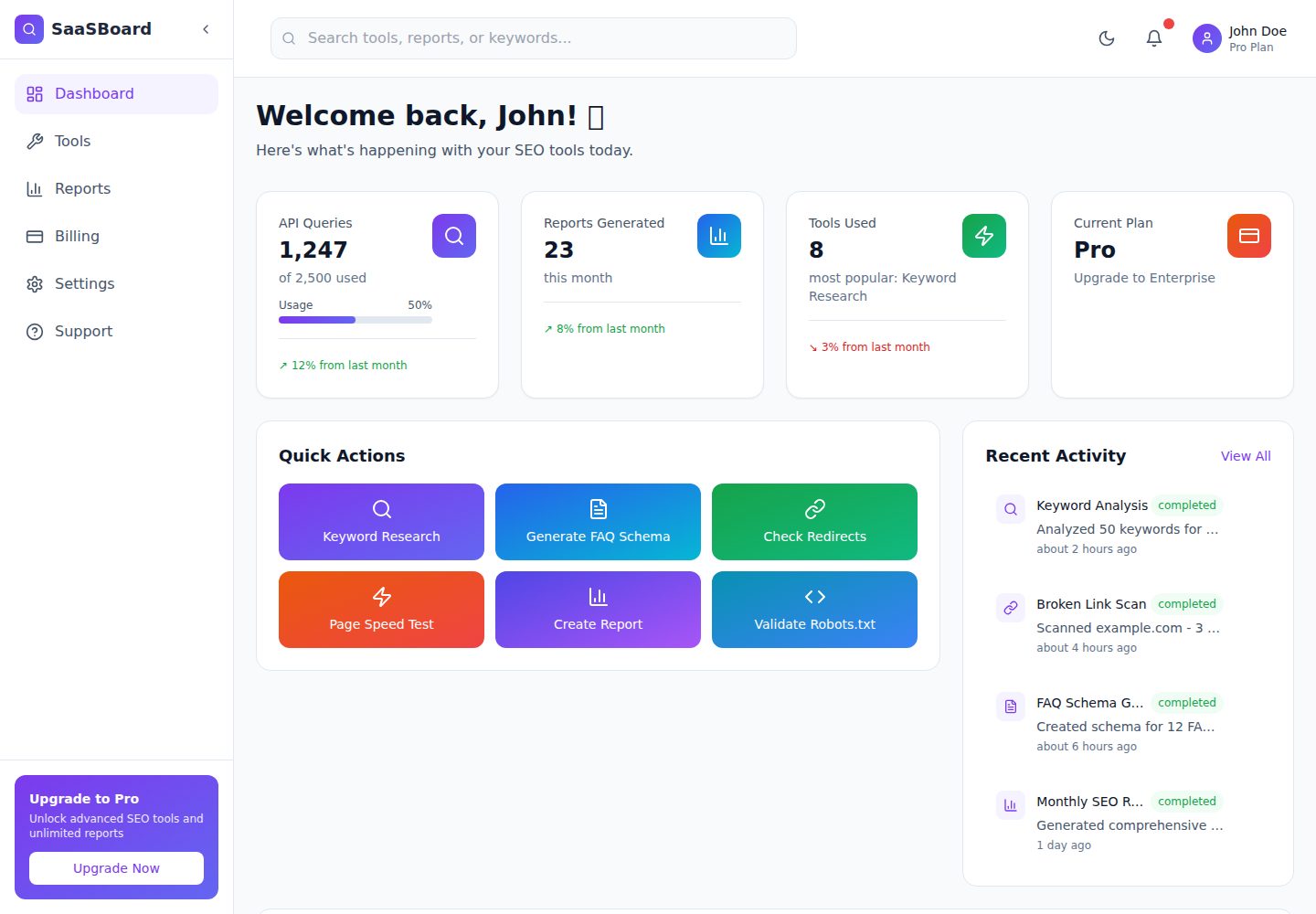
saasboard
SaaSBoard is an open-source SaaS admin dashboard template from MekuHQ, built with React, Vite, and Tailwind CSS. It provides pages for Tools, Reports, Billing, Settings, and Support, along with shared components such as Sidebar, Layout, and Topbar.
Vite · Admin dashboard

crowdup
CrowdUp is a self-hostable crowdfunding platform template built on React Router, Supabase and Stripe Connect.
Vite · Corporate Website
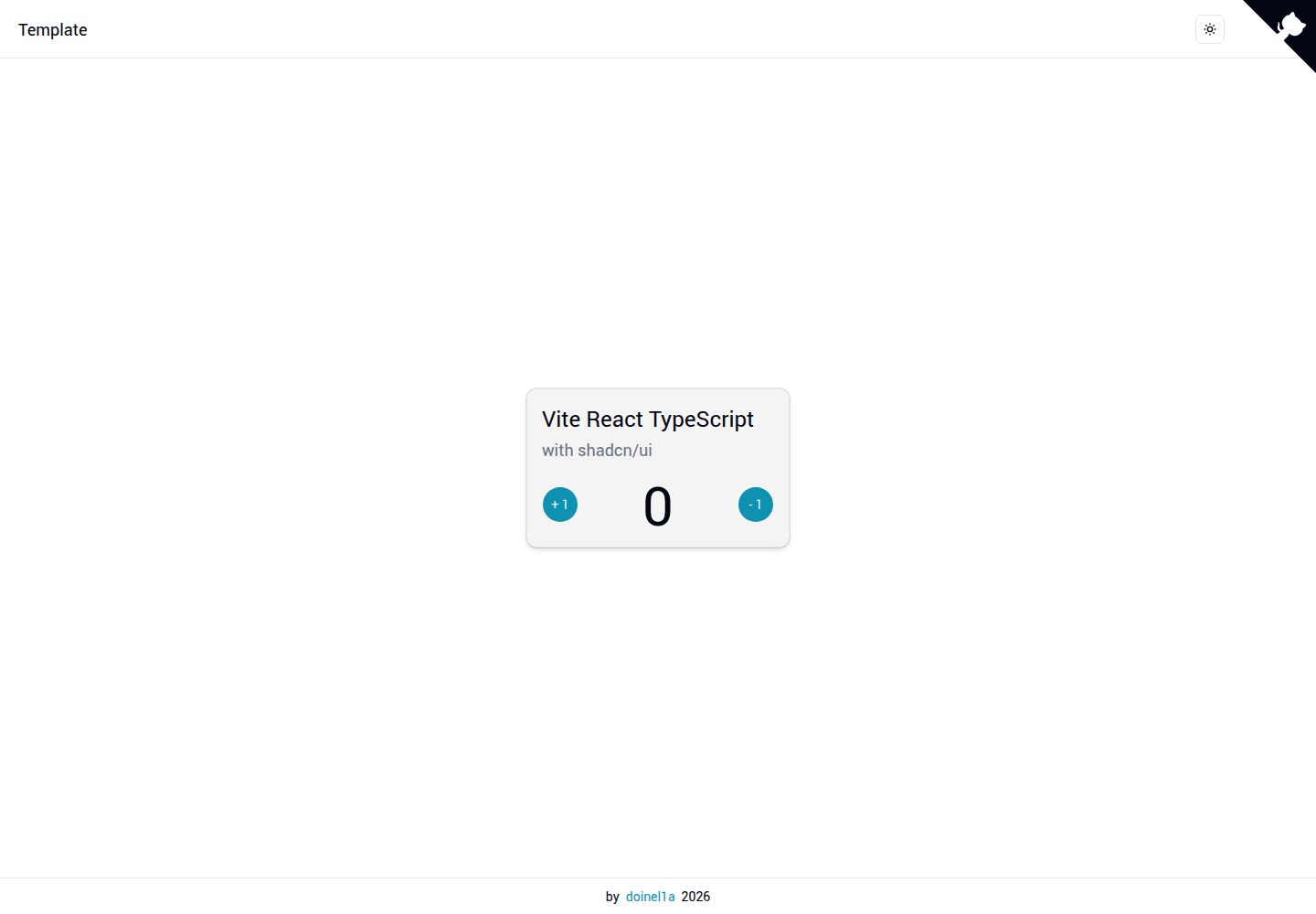
vite-react-ts-shadcn-ui
A Vite-based React + TypeScript frontend starter template with Shadcn/ui and TailwindCSS, plus ESLint, Prettier, Husky, Commitlint, Lint-staged and Playwright built in.
Vite · Corporate Website
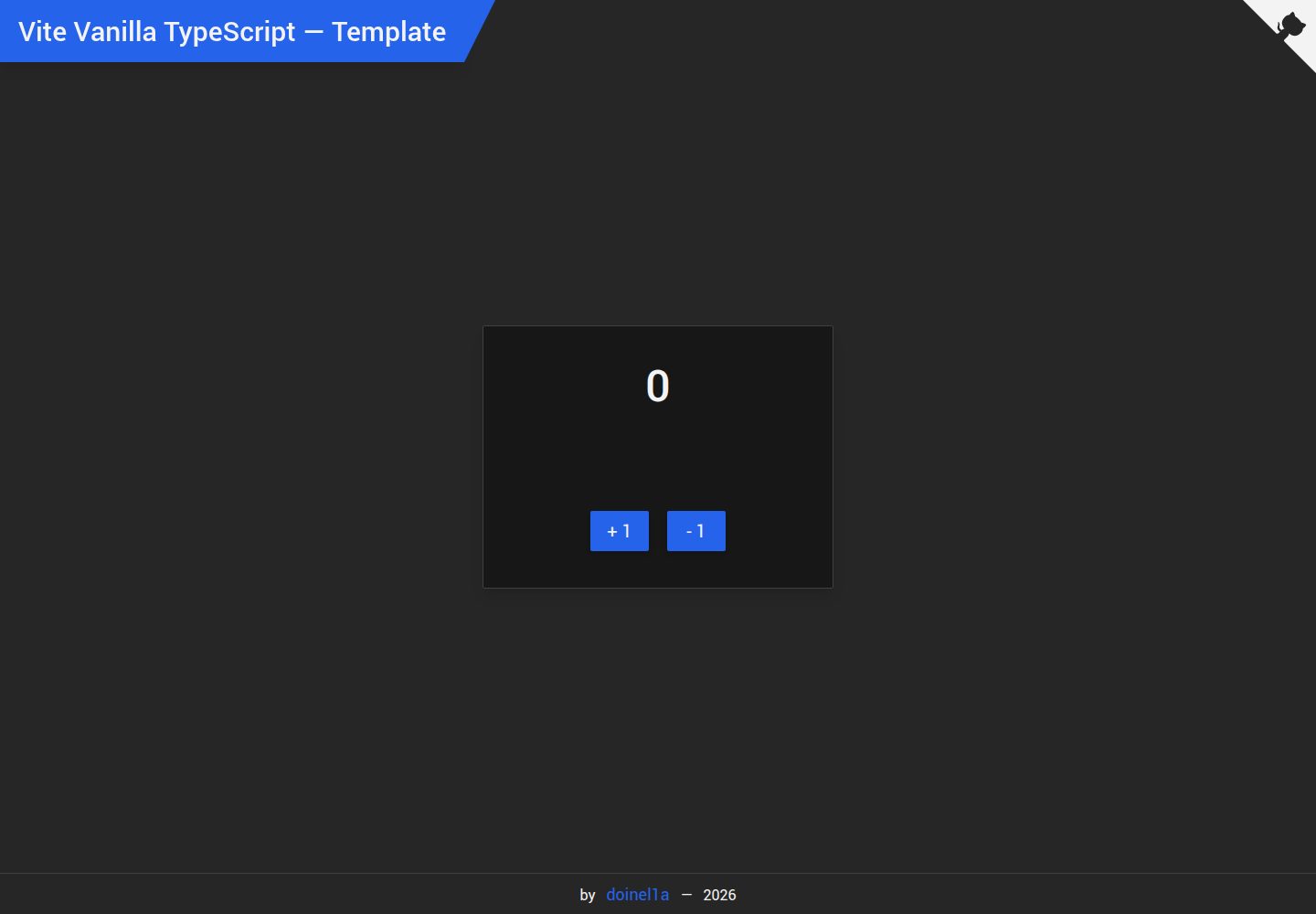
vite-vanilla-ts
A Vite-based Vanilla TypeScript starter template for native HTML and TypeScript websites, SPAs, or landing pages without a UI framework. It presets TypeScript, TailwindCSS, SASS, PostCSS, and Playwright, and integrates ESLint, Prettier, Husky, and Commitlint.
Vite · Corporate Website