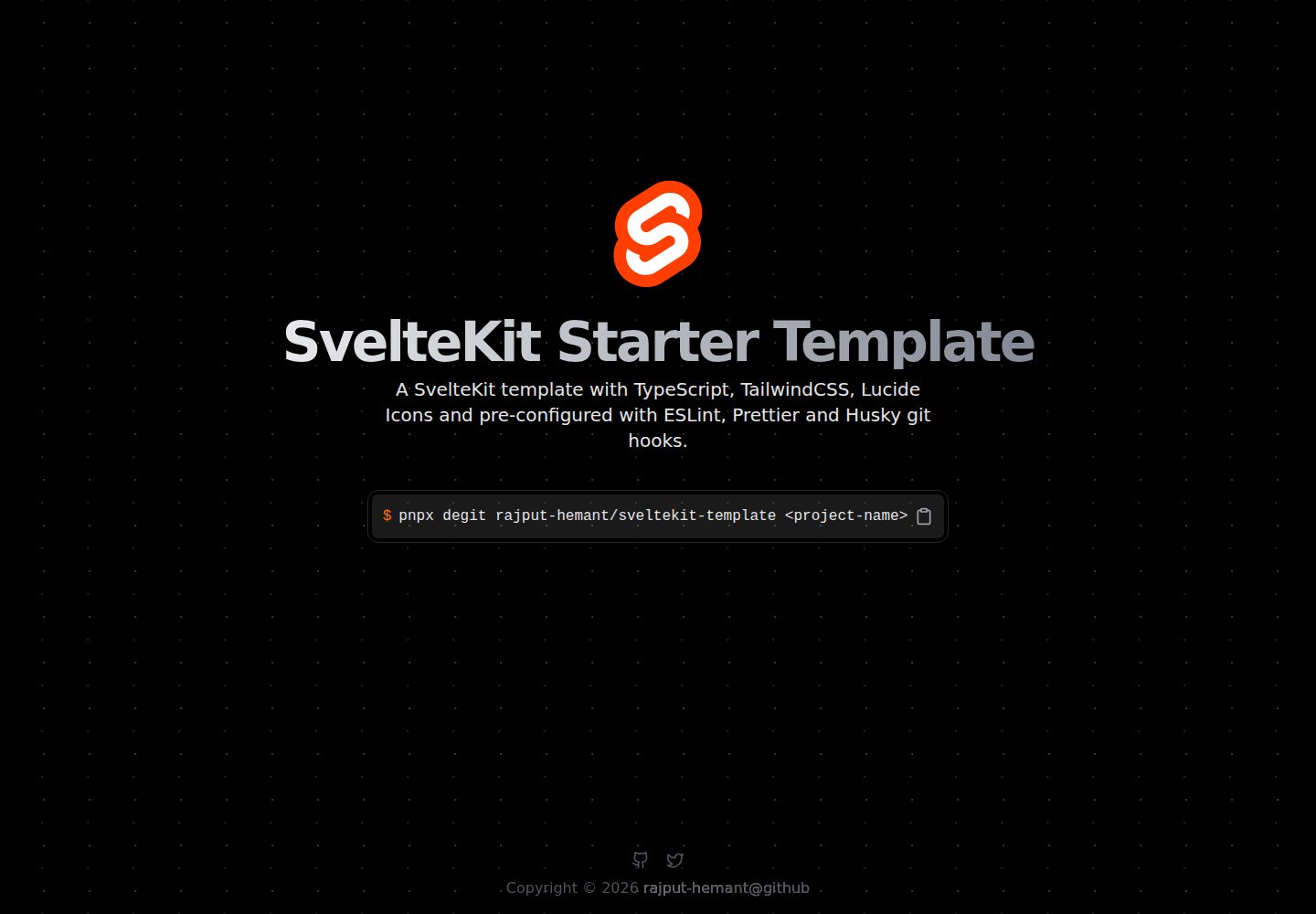
Minimal SvelteKit starter template with TypeScript and Tailwind CSS
SvelteStarter
sveltekit-template — Svelte Starter Template
By rajput-hemant
A minimal SvelteKit starter template integrating TypeScript and Tailwind CSS, with pre-configured ESLint, Prettier, Husky, lint-staged, and commitlint.
Explore the design
Compare the page layouts and mobile experience. Open any screenshot for a closer look.
Desktop homepage1 / 2
Desktop captureTop of page
Actual screenshot captured by the server browser.
All pages & views 2
Screenshots show visual appearance; interactive behavior may differ.
Recorded 2026-09-30View source
What stands out
A quick read of the recorded project description.
Pre-configured ESLint, Prettier, Husky, lint-staged, and commitlint
Uses bun as the default package manager, with instructions to switch to pnpm, npm, or yarn
Provides npm scripts for dev, build, preview, lint, check, and fmt
Lean directory structure with base directories such as components, lib, routes, and types
MIT licensed, allowing free use, modification, commercial use, and distribution
Template Details
This is a minimal starter template for SvelteKit projects, maintained by rajput-hemant and licensed under MIT. The template builds on SvelteKit by adding TypeScript and Tailwind CSS, and pre-configures ESLint, Prettier, Husky, lint-staged, and commitlint to standardize code linting, formatting, and commit message conventions. The default package manager is bun, with instructions for switching to pnpm, npm, or yarn.
The directory structure is kept lean: public holds the favicon; src contains components (tailwind-indicator.svelte), lib (utils.ts), routes (+layout.svelte and +page.svelte), types (reset.d.ts), as well as app.css, app.d.ts, and app.html; the root includes configuration files such as svelte.config.js, tailwind.config.js, tsconfig.json, vite.config.ts, postcss.config.js, and renovate.json.
Usage involves pulling the template from the repository into a local project directory via degit, then installing dependencies. The README documents scripts for dev, build, start, preview, lint, check, check:watch, fmt:check, fmt:write, and prepare, and lists items to update after installation: package.json, README.md, and LICENSE. The template itself contains no business pages or backend services; it serves as a project scaffolding starting point.
SvelteStarter
Is it right for your project?
Use Cases
- As an initial scaffold when starting a new SvelteKit project
- Starting frontend projects that need a combination of TypeScript and Tailwind CSS
- Teams wanting to standardize code linting, formatting, and Git commit message conventions
- SvelteKit development workflows using bun or a switchable package manager
Suitable For
- Developers familiar with SvelteKit who want to start new projects quickly
- Frontend projects needing preset TypeScript and Tailwind CSS configurations
- Teams wanting built-in ESLint, Prettier, and commit hooks
- Users who accept copying the template via degit rather than generating a project with a CLI
Getting started & customization
Use these recorded setup notes alongside the repository instructions for your chosen version.
- 1
Install degit globally first, then run degit rajput-hemant/sveltekit-template <project-name> to pull the template
- 2
Dependencies are installed with bun by default; to use pnpm, npm, or yarn, delete bun.lockb first and then generate the corresponding lockfile
- 3
After installation, update project information in package.json, README.md, and LICENSE according to the README checklist
- 4
Third-party assets such as demo images, fonts, and icons require separate license verification; the MIT license covers only the code itself
License & source material
Usage conditions & limitations
Free to use · keep license noticeThis entry covers the free version in the public repository under the MIT license; the free scope is the code of this version and does not imply that external services or third-party assets are free.
Must comply with when using
- Free use, modification, commercial use, and distribution of this version's code are permitted.
- When distributing copies or substantial portions of the code, retain the original author's copyright notice and the full MIT license notice.
- The code is provided as is; warranties and limitations of liability are governed by the original license and applicable law.
Additional costs & items to verify
- The template uses bun as the default package manager; to switch to pnpm, npm, or yarn, delete the bun.lockb file first, then run the corresponding command to generate a lockfile.
- Before using the template, install the degit tool globally, then pull the repository contents into a local project directory via the degit command.
- After installation, update the name and year in LICENSE, as well as project information in package.json and README.md, according to the checklist.
- Demo images, fonts, icons, and other third-party assets must be checked against their respective licenses; the MIT license for the code alone is not sufficient.
- External services such as domains, hosting, databases, payments, or AI may incur additional charges.
View Original Text Basis
Permission is hereby granted, free of charge
Original License Text
This template uses [bun](https://bun.sh/docs/cli/install) as the default package manager. If you want to use `pnpm`, `npm` or `yarn`, you need to remove the `bun.lockb` file and run `pnpm i`, `npm i` or `yarn` to generate the lock file for the respective package manager.
Original README
**Install `degit` globally**
Original README
https://github.com/rajput-hemant/sveltekit-template/blob/master/LICENSEhttps://github.com/rajput-hemant/sveltekit-template/blob/master/README.md- [ ] Update `LICENSE` with your name and year.
Original README
Compiled by DeepSeek based on repository license and README ·2026-10-01. Results only cover the materials read; dependencies, images, fonts, and subsequent term changes are subject to their respective original texts.
Project checks & description sources
Template Information
- Source platforms
- GitHub
- Documentation and maintenance reference score
- More documented · 83 / 100
- Technologies
- Svelte
- Website type
- Starter
How this score is calculated
Our heuristic uses license records (up to 30), a demo link (12), a preview (10), stars (15), recorded maintenance (15), description completeness (8), feature records (5) and classification data (5). It is not a code, security or performance test, or a Google score. A link does not establish tested functionality.
What to verify for this project
- Repository update recorded
- 2026-09-28
- Screenshot last checked
- 2026-10-01
A demo link is listed. Check it with your own content and viewport sizes; its presence does not confirm that forms, authentication or payments work.
The catalog identifies Svelte as the primary stack. Check the actual dependency manifest and lockfile for versions and hosting requirements. These notes use recorded metadata, not a code audit or a deployment test.
Use a selection guide →How this description was prepared
AI-assisted description based on catalog records and repository material. Repository authors are not automatically the reviewers of this description.
Automatically checked against source and license rules; no manual editorial review.
Inspect the recorded source material
SHA-256: 0959f20d1f8964371223c4b8e71f5d73f0b98cae1b1078fe67508a5a0e0b9bb4
2026-10-01T13:25:49.026Z
Source file / repository<div align=center>
![views] ![stars] ![forks] ![issues] ![license] ![repo-size]

# SvelteKit Starter Template
### A Minimal SvelteKit Starter Template with TypeScript, Tailwind CSS, and pre-configured with ESLint, Prettier, and Husky.
</div>
## Features
- ⚡ **[SvelteKit](https://kit.svelte.dev/)** - Cybernetically enhanced web apps
- 🎨 **[Tailwind CSS](https://tailwindcss.com/)** - A Utility-First CSS Framework for Rapid UI Development
- 📦 **[TypeScript](https://www.typescriptlang.org/)** - A typed superset of JavaScript that compiles to plain JavaScript
- 📝 **[ESLint](https://eslint.org/)** - The pluggable linting utility for JavaScript and JSX
- 🛠 **[Prettier](https://prettier.io/)** - An opinionated code formatter
- 🐶 **[Husky](https://typicode.github.io/husky/#/)** - A tool that makes Git hooks easy
- 🚫 **[lint-staged](https://github.com/okonet/lint-staged)** - Run linters against staged git files
- 📄 **[commitlint](https://commitlint.js.org/#/)** - Lint commit messages
- 📦 **[bun](https://bun.sh)** - A JavaScript runtime w/ Fast, disk space efficient package manager
## Getting Started
**Install `degit` globally**
```bash
bun i -g degit || pnpm i -g degit || yarn global add degit || npm i -g degit
```
**Create a new project from this template**
```bash
degit rajput-hemant/sveltekit-template <project-name>
cd <project-name>
```
**Install dependencies**
```bash
bun i || pnpm i || yarn || npm i
```
**Initialize a new git repository _(Optional)_:**
```bash
git init
git add .
git commit --no-verify -m "init"
```
## Available Scripts
In the project directory, you can run:
| **Script** | **Description** |
| ------------- | ------------------------------------------------- |
| `dev` | Runs the app in the development mode. |
| `build` | Builds the app for production. |
| `start` | Runs the built app in the production mode. |
| `preview` | Builds and serves the app in the production mode. |
| `lint` | Runs next lint on the project. |
| `check` | Runs SvelteKit checks. |
| `check:watch` | Runs SvelteKit checks in watch mode. |
| `fmt:check` | Checks if the code is formatted with Prettier. |
| `fmt:write` | Formats the code with Prettier. |
| `prepare` | Installs husky git hooks. |
## Folder Structure
```bash
.
├── public
│ └── favicon.png
├── src
│ ├── components
│ │ └── tailwind-indicator.svelte
│ ├── lib
│ │ └── utils.ts
│ ├── routes
│ │ ├── +layout.svelte
│ │ └── +page.svelte
│ ├── types
│ │ └── reset.d.ts
│ ├── app.css
│ ├── app.d.ts
│ └── app.html
├── bun.lockb
├── LICENSE
├── package.json
├── postcss.config.js
├── README.md
├── renovate.json
├── svelte.config.js
├── tailwind.config.js
├── tsconfig.json
└── vite.config.ts
```
## After Installation Checklist
- [ ] Update `package.json` with your project details.
- [ ] Update `README.md` with your project details.
- [ ] Update `LICENSE` with your name and year.
## Switching Package Manager
This template uses [bun](https://bun.sh/docs/cli/install) as the default package manager. If you want to use `pnpm`, `npm` or `yarn`, you need to remove the `bun.lockb` file and run `pnpm i`, `npm i` or `yarn` to generate the lock file for the respective package manager.
## License
This project is licensed under the MIT License - see the [LICENSE](LICENSE) file for details.
## Contributors:
<div align=center>
[![][contributors]][contributors-graph]
_Note: It may take up to 24h for the [contrib.rocks][contrib-rocks] plugin to update because it's refreshed once a day._
</div>
<!----------------------------------{ Labels }--------------------------------->
[views]: https://komarev.com/ghpvc/?username=sveltekit-template&label=view%20counter&color=red&style=flat
[repo-size]: https://img.shields.io/github/repo-size/rajput-hemant/sveltekit-template
[issues]: https://img.shields.io/github/issues-raw/rajput-hemant/sveltekit-template
[license]: https://img.shields.io/github/license/rajput-hemant/sveltekit-template
[forks]: https://img.shields.io/github/forks/rajput-hemant/sveltekit-template?style=flat
[stars]: https://img.shields.io/github/stars/rajput-hemant/sveltekit-template
[contributors]: https://contrib.rocks/image?repo=rajput-hemant/sveltekit-template&max=500
[contributors-graph]: https://github.com/rajput-hemant/sveltekit-template/graphs/contributors
[contrib-rocks]: https://contrib.rocks/preview?repo=rajput-hemant%sveltekit-template
Explore similar templates
Compare previews and descriptions within the same stack and category.

CMSaasStarter
CMSaasStarter is an MIT-licensed SaaS starter template built with SvelteKit, TailwindCSS, DaisyUI, and Supabase, with Stripe Checkout and Stripe Portal for payments.
Svelte · Admin dashboard
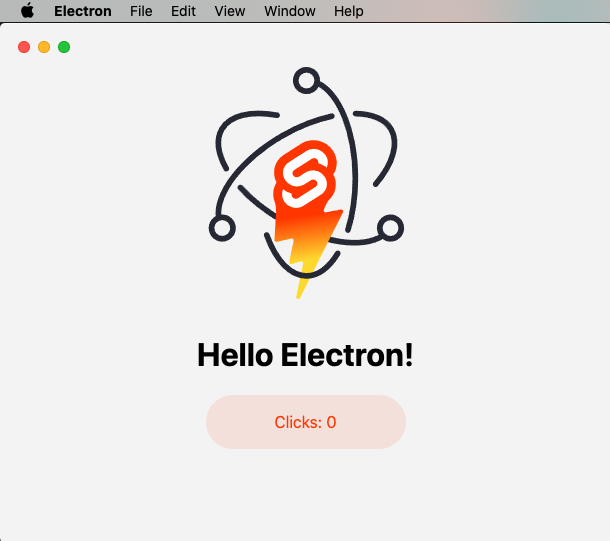
sveltekit-electron
A minimal SvelteKit + Electron starter template for cross-platform desktop applications. It provides clone, install, development, and build commands, with build targets adjustable in package.json and defaulting to Mac, Windows, and Linux.
Svelte · Starter
tauri-sveltekit
A minimal Tauri 2 and SvelteKit desktop starter template that builds the frontend as a static SPA via @sveltejs/adapter-static and loads it in Tauri's WebView.
Svelte · Starter
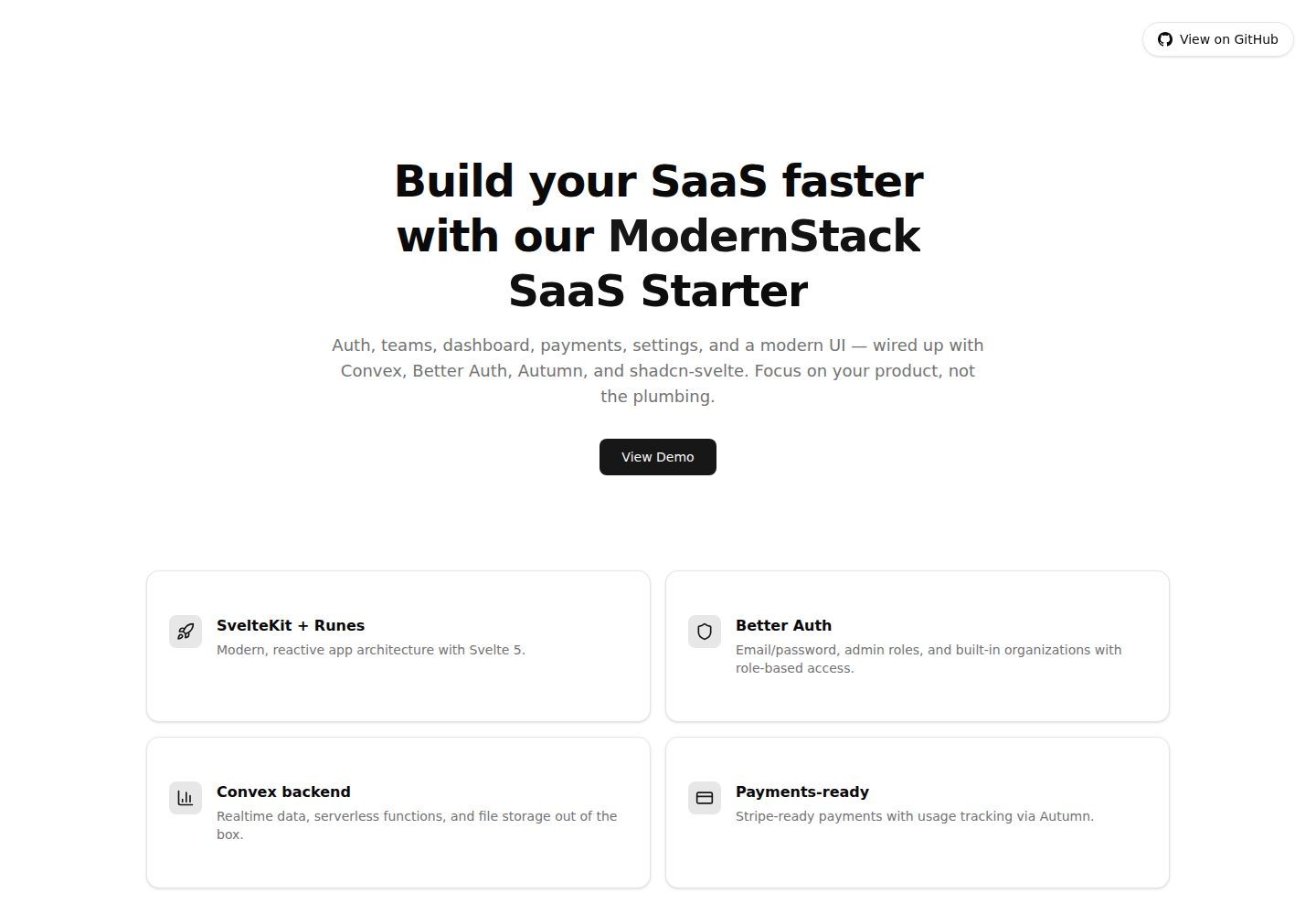
modernstack-saas
A SaaS starter template built with SvelteKit, Convex, Better Auth, and shadcn-svelte. It includes subscription billing via Autumn/Stripe, user and admin dashboards, user settings, organization multi-tenancy with roles and invitations, and a waitlist mode that can disable public registration.
Svelte · Admin dashboard

sveltekit-mdsvex-blog-template
A SvelteKit and MDsveX blog starter for Markdown writing with embedded Svelte components, Tailwind CSS typography, tags, dark mode, SEO metadata, and Cloudflare Workers deployment configuration. Requires Node.js 22.12+ and pnpm 11.17.0; third-party demo assets need separate license verification.
Svelte · Portfolio
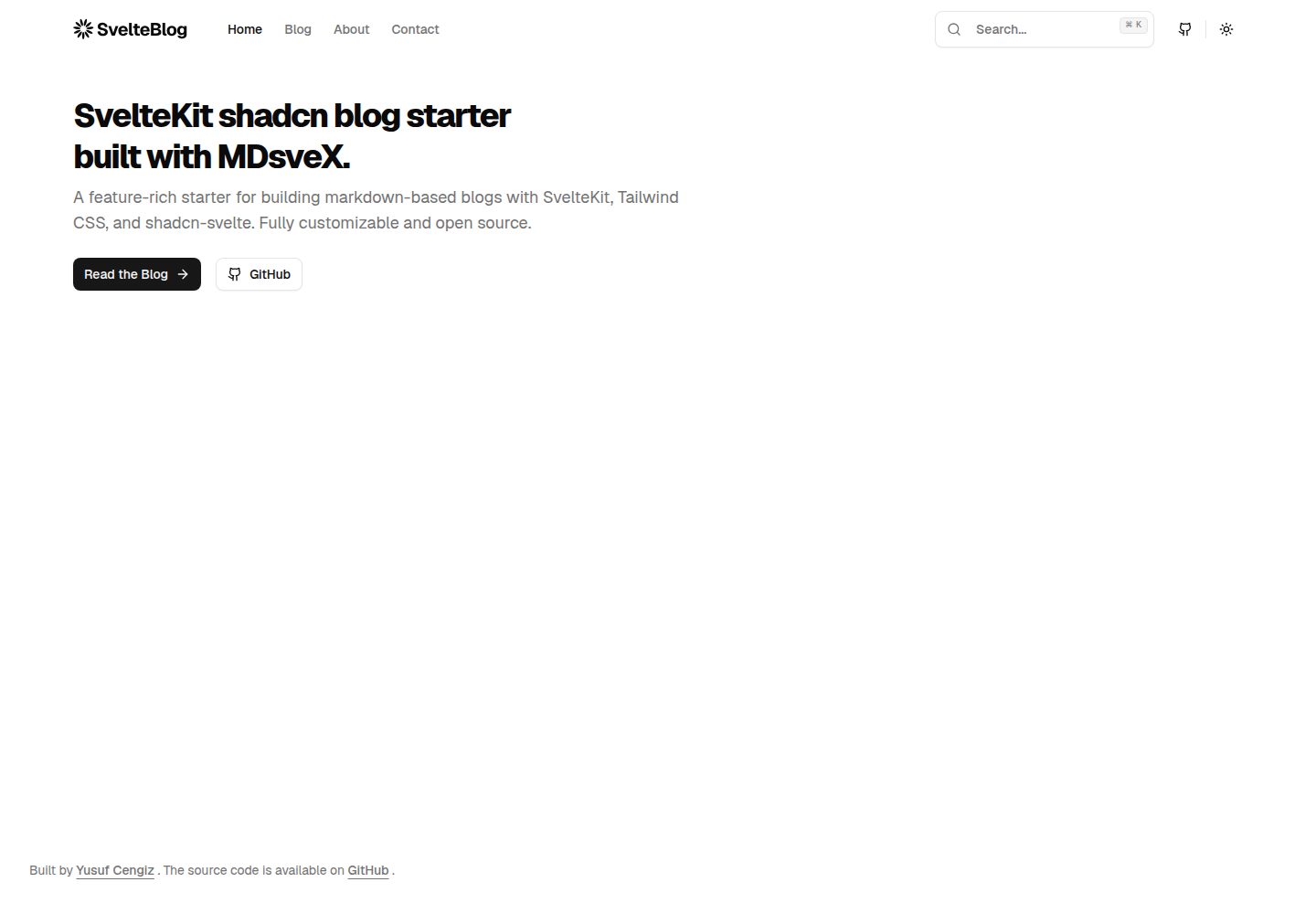
sveltekit-shadcn-blog-starter
A SvelteKit blog starter that combines shadcn-svelte, Tailwind CSS, MDsveX, and TypeScript, offering multi-author support, tag archives, built-in search, light/dark themes, and automatic sitemap and RSS generation.
Svelte · Blog