
Personal portfolio pages built with React and MUI
ReactPortfolio
portfolio (rodrigo-arenas) — React Portfolio Template
By rodrigo-arenas
A data scientist personal portfolio template built with React and MUI, with content centrally managed through configuration files in the assets directory.
Explore the design
Compare the page layouts and mobile experience. Open any screenshot for a closer look.
Desktop homepage1 / 2
Desktop captureTop of page
Actual screenshot captured by the server browser.
All pages & views 2
Screenshots show visual appearance; interactive behavior may differ.
Recorded 2026-10-02View source
What stands out
A quick read of the recorded project description.
Text, icons, links, and other content centrally managed in configuration files in the assets directory
Each page or major component corresponds to an independent configuration file, making module-based modifications easy
Project images support local files in assets/images or external image URLs
Optional Google Analytics tracking configuration provided
MIT license, allowing free use, modification, commercial use, and distribution
Template Details
This is a data scientist personal portfolio website template, which the author uses to showcase their work experience and projects. The pages are primarily built with React and MUI, and reference open-source components. The repository is released under the MIT license, allowing free use, modification, commercial use, and distribution of this version of the code, provided that the copyright and license notice are retained when distributing.
The template's content organization is relatively clear: text, icons, links, etc. are centralized in the assets directory, with each page or major component corresponding to a configuration file (for example, footerConfig.js controls footer icons and hyperlinks, projectsConfig.js manages the project list). When modifying, keep the key names, structure, and className unchanged; you can also add new entries in list-type configurations. Images are also placed in assets/images; project images can use local files or any valid image URL.
The usage process is: Fork the repository, clone your fork, run npm install to install dependencies, and npm start to launch. The README also mentions optional Google Analytics configuration: copy .env.example, fill in the tracking ID as REACT_APP_TRACKING_ID, and rename the file to .env. If an unexpected token ">" error occurs during deployment, try removing the homepage field from package.json.
Limitations: The repository does not provide specific dependency version information beyond React and MUI, nor does it specify build artifacts, deployment methods, or browser compatibility ranges; third-party assets such as demo images, fonts, and icons need to be checked separately under their respective licenses and cannot be judged solely based on the MIT license of the code.
ReactPortfolio
Is it right for your project?
Use Cases
- Data scientists or data analysts building a personal portfolio website
- Personal sites that need to centrally maintain page copy and links via configuration files
- Showcasing personal projects and work experience on GitHub Pages
- Secondary customization as a React portfolio template
Suitable For
- Developers familiar with basic React operations who can modify configuration files
- Professionals who want to quickly organize personal portfolio content using an existing template
- Users who need code that can be freely modified and distributed under the MIT license
Getting started & customization
Use these recorded setup notes alongside the repository instructions for your chosen version.
- 1
First fork the repository and clone your fork, then run npm install to install dependencies
- 2
Use npm start to launch the local development environment
- 3
Modify content in the configuration files corresponding to pages or components in the assets directory, keeping key names, structure, and className unchanged
- 4
If you need visit statistics, copy .env.example, fill in REACT_APP_TRACKING_ID, and rename it to .env
- 5
If an unexpected token ">" error occurs during deployment, try removing the homepage field from package.json
License & source material
Usage conditions & limitations
Free to use · keep license noticeThis entry covers the free version under the MIT license from a public repository; the free scope is the code of this version and does not imply that external services or third-party assets are free.
Must comply with when using
- Free use, modification, commercial use, and distribution of this version of the code are allowed.
- When distributing copies or substantial portions of the code, retain the original author's copyright notice and the full MIT license notice.
- The code is provided as is; warranties and limitations of liability are governed by the original license and applicable law.
Additional costs & items to verify
- The README requests a small attribution acknowledgment by linking back to the project when using this project as a template; this is an attribution request from the author, not a mandatory clause of the MIT license.
- Google Analytics tracking is an optional feature that requires you to provide REACT_APP_TRACKING_ID and configure the .env file; it is an external service, and whether to use it is up to the user.
- Demo images, fonts, icons, and other third-party assets need to be checked under their respective licenses and cannot be judged solely based on the MIT license of the code.
- External services such as domains, hosting, databases, payments, or AI may incur additional charges.
View Original Text Basis
Permission is hereby granted, free of charge
Original License Text
please give a small credit by linking back to this project
Original README
https://github.com/rodrigo-arenas/portfolio/blob/main/LICENSEhttps://github.com/rodrigo-arenas/portfolio/blob/main/README.mdSet Google Analytics track (Optional)
Original README
Compiled by DeepSeek based on repository license and README ·2026-10-02. Results only cover the materials read; dependencies, images, fonts, and subsequent term changes are subject to their respective original texts.
Project checks & description sources
Template Information
- Source platforms
- GitHub
- Documentation and maintenance reference score
- More documented · 85 / 100
- Technologies
- React
- Website type
- Portfolio
How this score is calculated
Our heuristic uses license records (up to 30), a demo link (12), a preview (10), stars (15), recorded maintenance (15), description completeness (8), feature records (5) and classification data (5). It is not a code, security or performance test, or a Google score. A link does not establish tested functionality.
What to verify for this project
- Repository update recorded
- 2025-08-15
- Screenshot last checked
- 2026-10-02
A demo link is listed. Check it with your own content and viewport sizes; its presence does not confirm that forms, authentication or payments work.
The catalog identifies React as the primary stack. Check the actual dependency manifest and lockfile for versions and hosting requirements. These notes use recorded metadata, not a code audit or a deployment test.
Use a selection guide →How this description was prepared
AI-assisted description based on catalog records and repository material. Repository authors are not automatically the reviewers of this description.
Automatically checked against source and license rules; no manual editorial review.
Inspect the recorded source material
SHA-256: ceb0a6db67da705568bff0bd58f9a6c916602a58e5254a2e23a421efd1c2a76d
2026-10-02T07:48:55.364Z
Source file / repository
<h2>
Personal Portfolio
<a href="https://rodrigo-arenas.github.io/portfolio" target="_blank">Website</a>
</h2>
This is my website to resume my work as a data scientist.
The page mainly uses React and MUI and is inspired by open-source components.
Feel free to use this project as a template, and please give a small credit by linking back to this project.
If you found this project helpful, consider giving it a
[star](https://github.com/rodrigo-arenas/portfolio/stargazers) [⭐](https://github.com/rodrigo-arenas/portfolio/stargazers)
**[Live Demo](https://rodrigo-arenas.github.io/portfolio/)**
<img src="./src/assets/images/website.gif" alt="demo">
## Installation Guide
* Fork the project
```
https://github.com/rodrigo-arenas/portfolio/fork
```
* Clone your fork
```
git clone https://github.com/{yourusername}/portfolio.git
```
* Install the packages
```
npm install
```
* Start the project
```
npm start
```
## Customize your information
All the content (text, icons, links, etc.) are configured in the `assets` folders,
it has two kinds:
### Configs:
There is one configuration file per page or main component, for example, if you want
to modify the footer icons and hyperlinks, go to the footerConfig.js file

Here, you can modify all the values but keep the key's names, structure, and className the same;
you can also add new values to the configs containing a list.
### Images:
This folder keeps images displayed over some routes, like blogs and projects.
For example, inside the projectsConfig.js file, the list of projects has a property called "image":

You can set any valid href for the `<a/>` tag as an image URL or, like in the above image,
an image from the `assets/images` folder.

### Set Google Analytics track (Optional):
Take the `.env.example` file, put your tracking ID in the
variable `REACT_APP_TRACKING_ID`, and rename the file to `.env`
## Troubleshooting
If you see any error of unexpected token ">" while deploying, try to remove the following from the `package.json` file:
```
"homepage": "https://rodrigo-arenas.github.io/portfolio",
```
Explore similar templates
Compare previews and descriptions within the same stack and category.

react-portfolio-template
A React-based developer portfolio template for showcasing projects, work history, and skills. It offers a multi-component layout, dark and light modes, and responsive mobile adaptation, with text and images editable in src/components.
React · Portfolio

personal-website-react
A single-page developer portfolio template built with React and Material-UI, driven by a JSON Resume-compliant resume.json. It offers light/dark theme switching with localStorage persistence, a clean responsive layout, and Create React App tooling for simple builds and static deployment.
React · Portfolio

karngyan.com
A personal website and blog template for developers, built with TanStack Start, React 19, Tailwind CSS v4, and shadcn/ui. It uses MDX for articles with Shiki highlighting and GFM tables, and automatically generates RSS, sitemap, robots.txt, llms.txt, and OG images.
React · Portfolio

react-portfolio-template
A React portfolio template by Ryan Balieiro with a fixed sidebar and page-turn transitions on desktop, bottom navigation on mobile, multilingual support, light/dark themes, and content components for experience, education, skills, projects, and testimonials.
React · Portfolio

react-portfolio
A React 16 and Material-UI developer portfolio template that centralizes personal information in a JSON Resume-compliant resume.json, with light/dark theme switching saved to local storage. It currently provides portfolio display only; resume page templates and structured data enhancements are still planned.
React · Portfolio
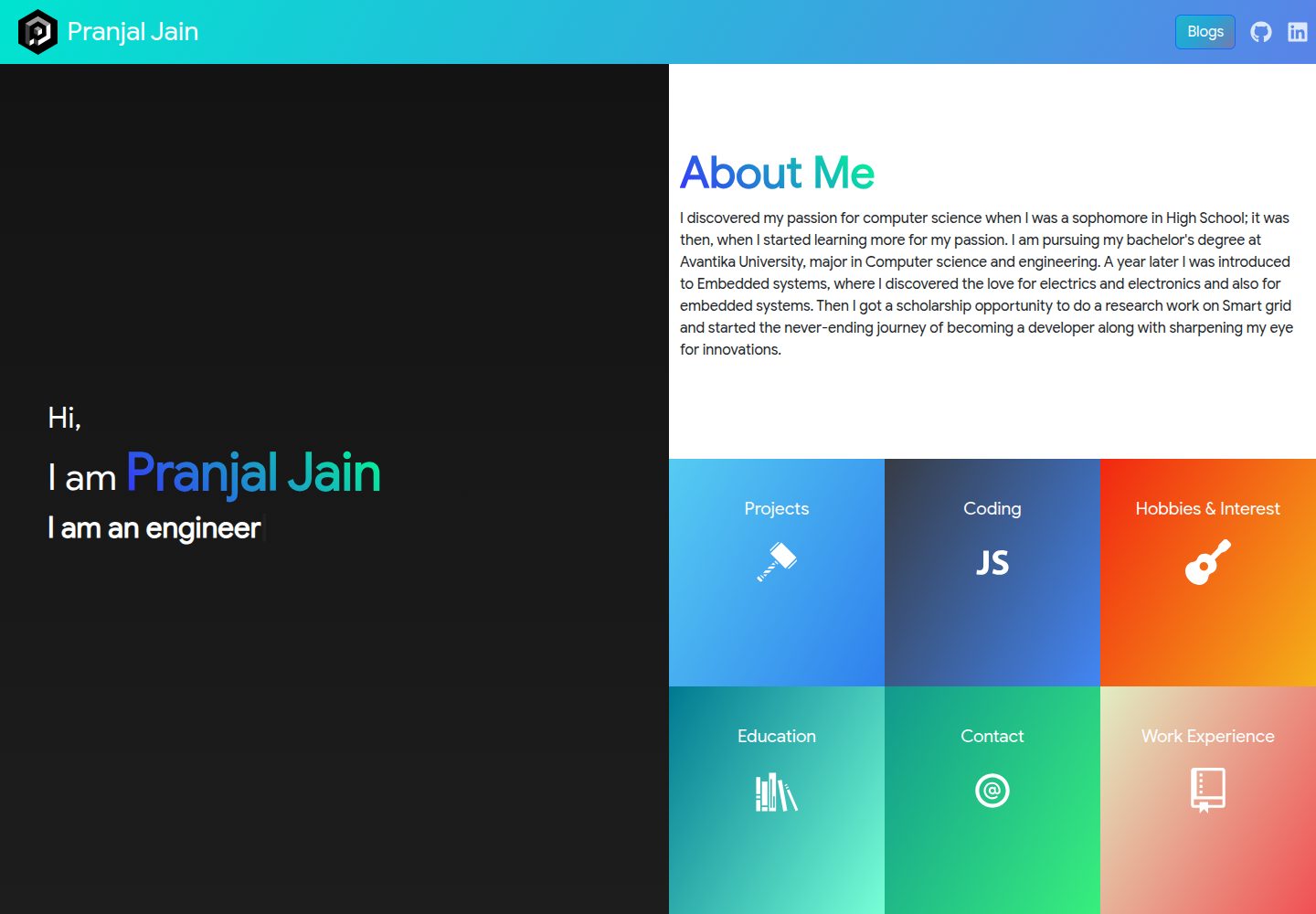
portfolio-react
A React-based personal portfolio website template with Home, About, Projects, and Contact pages, released under the MIT license.
React · Portfolio