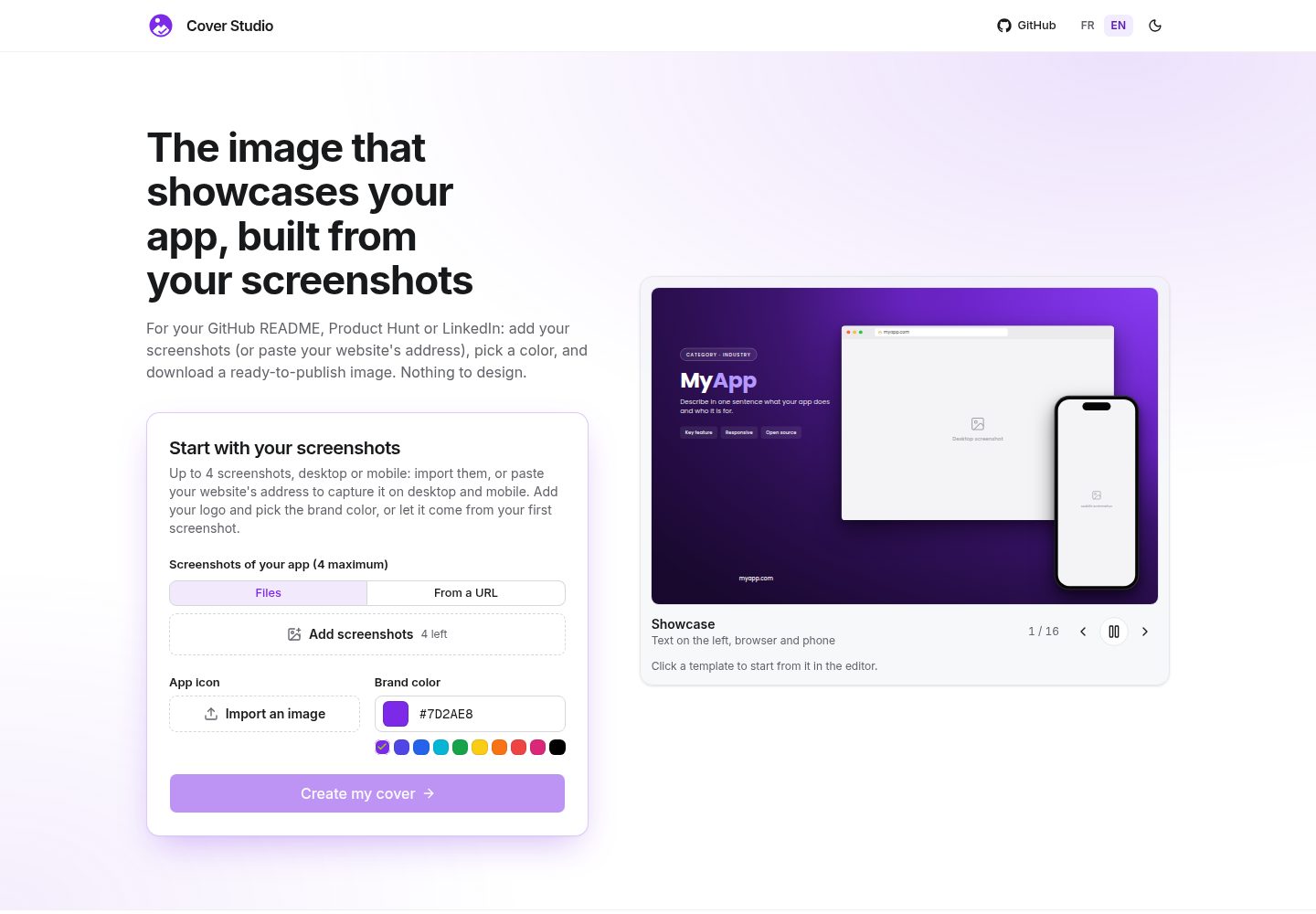
16 cover templates, covering styles such as showcase, spotlight, bento, perspective, mobile-trio, aurora, editorial, terminal, etc.
Next.jsReactTool Site
cover-studio — Next.js Tool Template
By roosveltkn
Cover Studio is an open-source app cover generator that supports importing screenshots or capturing pages from a URL, selecting a template and brand color, and exporting a PNG for scenarios such as GitHub README and Product Hunt.
Explore the design
Compare the page layouts and mobile experience. Open any screenshot for a closer look.
Desktop homepage1 / 2
Desktop captureTop of page
Actual screenshot captured by the server browser.
All pages & views 2
Screenshots show visual appearance; interactive behavior may differ.
Recorded 2026-10-13View source
What stands out
A quick read of the recorded project description.
Supports up to 4 screenshots, with order adjustable by drag and drop
Optional URL capture service: analyzes the site, lets you select a page, and captures on desktop and mobile
A single brand color drives the entire palette, and text, icons, fonts, and dimensions are adjustable
Exports high-resolution PNG, supporting cover, Open Graph, GitHub, X, Product Hunt, and square formats
Runs 100% client-side, images are not uploaded, and no account is required; the interface supports English and French, with light and dark themes
Template Details
Cover Studio is a free, open-source cover generation tool aimed at developers who need to create share images for their apps. It offers 16 templates (such as showcase, spotlight, bento, perspective, mobile-trio, aurora, editorial, terminal, etc.), supports up to 4 screenshots, and allows reordering by drag and drop. Users can upload screenshots manually, or use an optional URL capture service: after entering a URL, the service analyzes the site, the user selects a page, and then captures it on desktop and mobile. Only one brand color needs to be specified, and the entire palette is derived from it. Text, app icon, fonts, and dimensions are all adjustable. Export is a high-resolution PNG, with support for multiple formats (cover, Open Graph, GitHub, X, Product Hunt, square). The interface is available in English and French, with light and dark themes.
The project runs 100% client-side, images are not uploaded, and no account is required; the only exception is when using URL capture, where the entered address is sent to the capture service. The tech stack is based on Next.js (App Router, static export), React 19, TypeScript, Tailwind CSS 4, shadcn/ui (Base UI), Zustand, modern-screenshot, and dnd-kit. The optional capture service uses headless Chromium (puppeteer-core and @sparticuz/chromium) and is deployed on Vercel Functions.
The README provides quick start steps, a script list, project structure, and contribution guidelines, but it does not describe the complete production deployment process, performance metrics, or browser compatibility details.
Next.jsReactTool site
Is it right for your project?
Use Cases
- Generate a project cover image for a GitHub README
- Create a share preview image for Product Hunt or LinkedIn
- Prepare an app showcase image for a personal portfolio
- Capture a page from an existing website URL and quickly generate a cover
- Batch export images in sizes adapted for different platforms (Open Graph, X, square)
Suitable For
- Developers who need to create README cover images for open-source projects
- Indie developers or small teams who need to prepare multi-platform share images for an app launch
- Designers who want to quickly generate brand-consistent covers based on templates
- Privacy-sensitive users who need to run locally without uploading images
Getting started & customization
Use these recorded setup notes alongside the repository instructions for your chosen version.
- 1
Requires Node.js 20 or higher, and pnpm 10
- 2
After cloning the repository, run pnpm install, then run pnpm dev to start the development server, with the default address at http://localhost:3000
- 3
Production build uses pnpm build, which statically exports to the out/ directory
- 4
The URL capture service is an optional feature and must be deployed separately; for local development, you can use pnpm capture:dev (depends on vercel dev)
- 5
Other scripts include pnpm lint, pnpm typecheck, pnpm format, pnpm i18n:check, pnpm test, and pnpm test:e2e
License & source material
Usage conditions & limitations
Free to use · keep license noticeThis listing covers the free version under the MIT license in the public repository; the free scope is the code of that version and does not mean that external services or third-party assets are free.
Must comply with when using
- Allows free use, modification, commercial use, and distribution of that version's code.
- When distributing copies or substantial portions of the code, retain the original author's copyright notice and the complete MIT license notice.
- The code is provided as is; warranties and limitations of liability are governed by the original license and applicable law.
Additional costs & items to verify
- Demo images, fonts, icons, and other third-party assets must be checked against their respective licenses and cannot be judged solely by the code's MIT license.
- External services such as domains, hosting, databases, payments, or AI may incur separate charges.
- The URL capture feature is an optional service that must be deployed separately, and when used, the entered URL is sent to the capture service.
- When using the URL capture feature, the entered address is sent to the capture service; this is the only data that leaves the client.
- Running the capture service locally requires a vercel dev environment.
- The optional capture service relies on headless Chromium (puppeteer-core and @sparticuz/chromium) and is deployed on Vercel Functions.
View Original Text Basis
Permission is hereby granted, free of charge
Original License Text
and mobile (optional service, see [docs/CAPTURE.md](./docs/CAPTURE.md))
Original README
exception: capturing from a URL sends the address you type to the capture service
Original README
| `pnpm capture:dev` | local capture service (`vercel dev`) |
Original README
https://github.com/roosveltkn/cover-studio/blob/main/LICENSEhttps://github.com/roosveltkn/cover-studio/blob/main/README.mdThe optional capture service runs headless Chromium (`puppeteer-core` and `@sparticuz/chromium`)
Original README
Compiled by DeepSeek based on repository license and README ·2026-10-13. Results only cover the materials read; dependencies, images, fonts, and subsequent term changes are subject to their respective original texts.
Project checks & description sources
Template Information
- Source platforms
- GitHub
- Documentation and maintenance reference score
- More documented · 88 / 100
- Technologies
- Next.js · React
- Website type
- Tool Site
How this score is calculated
Our heuristic uses license records (up to 30), a demo link (12), a preview (10), stars (15), recorded maintenance (15), description completeness (8), feature records (5) and classification data (5). It is not a code, security or performance test, or a Google score. A link does not establish tested functionality.
What to verify for this project
- Repository update recorded
- 2026-10-13
- Screenshot last checked
- 2026-10-13
A demo link is listed. Check it with your own content and viewport sizes; its presence does not confirm that forms, authentication or payments work.
The catalog identifies Next.js as the primary stack. Check the actual dependency manifest and lockfile for versions and hosting requirements. These notes use recorded metadata, not a code audit or a deployment test.
Use a selection guide →How this description was prepared
AI-assisted description based on catalog records and repository material. Repository authors are not automatically the reviewers of this description.
Review declaration: codex-user-requested-batch-review-20261015 · 2026-10-15
Inspect the recorded source material
SHA-256: f28907442d429fb0f7d860c804149293b243a959269d646dc8338a14970336f4
2026-10-13T13:34:03.644Z
Source file / repository# Cover Studio
A free, open-source cover generator for your app: drop in your screenshots (or let Cover Studio
capture your site from its URL), pick a template and a brand colour, and export a PNG ready to
share on a GitHub README, Product Hunt, LinkedIn or your portfolio.
[](./LICENSE)
[](https://github.com/roosveltkn/cover-studio/actions/workflows/ci.yml)
## Features
- 16 templates (showcase, spotlight, bento, perspective, mobile-trio, aurora, editorial, terminal…)
- Up to 4 screenshots, reordered by drag and drop
- Capture from a URL: the site is analysed, you pick the pages, and they are captured on desktop
and mobile (optional service, see [docs/CAPTURE.md](./docs/CAPTURE.md))
- One brand colour: the whole palette is derived from it
- Adjustable texts, app icon, typography and sizes
- PNG export in several formats (cover, Open Graph, GitHub, X, Product Hunt, square), in high
resolution
- Interface in English and French, light and dark themes
- **100% client-side**: no image is ever uploaded and no account is needed. The one optional
exception: capturing from a URL sends the address you type to the capture service
## Quick start
Requirements: [Node.js](https://nodejs.org) 20 or later and [pnpm](https://pnpm.io) 10.
```bash
git clone https://github.com/roosveltkn/cover-studio.git
cd cover-studio
pnpm install
pnpm dev
```
Open <http://localhost:3000>.
## Scripts
| Command | Purpose |
| ------------------------ | ------------------------------------------------------------- |
| `pnpm dev` | development server |
| `pnpm build` | production build (static export to `out/`) |
| `pnpm lint` | ESLint |
| `pnpm typecheck` | TypeScript check |
| `pnpm format` | Prettier formatting |
| `pnpm i18n:check` | translation consistency (keys, variables, hard-coded text) |
| `pnpm test` | unit tests (Vitest) |
| `pnpm test:e2e` | build, then end-to-end tests (Playwright) |
| `pnpm capture:dev` | local capture service (`vercel dev`) |
| `pnpm capture:test` | capture service tests |
| `pnpm capture:typecheck` | capture service TypeScript check |
## Stack
[Next.js](https://nextjs.org) (App Router, static export) · React 19 · TypeScript ·
Tailwind CSS 4 · shadcn/ui (Base UI) · Zustand · modern-screenshot · dnd-kit.
The optional capture service runs headless Chromium (`puppeteer-core` and `@sparticuz/chromium`)
on Vercel Functions.
## Project structure
```
app/ pages (landing, editor) and SEO metadata
components/ editor, landing and UI components
templates/ one folder per cover template, plus the registry (registry.ts)
mockups/ browser and phone frames (SVG / CSS)
stores/ editor state (Zustand)
lib/ pure logic: colours, images, export, capture client
i18n/ home-made translator; texts live in messages/{fr,en}.json
capture/ URL capture service (separate Vercel project, headless Chrome)
docs/ specification (SPECS.md), internationalisation (I18N.md), capture (CAPTURE.md)
tests/ unit tests (tests/unit) and end-to-end tests (tests/e2e)
```
## Contributing
Contributions are welcome: new templates, export formats, languages, fixes. Read
[CONTRIBUTING.md](./CONTRIBUTING.md), especially [Adding a template](./CONTRIBUTING.md#adding-a-template),
and the [code of conduct](./CODE_OF_CONDUCT.md).
Found a security issue? See [SECURITY.md](./SECURITY.md).
## License
[MIT](./LICENSE) © Roosvelt Kenne
Explore similar templates
Compare previews and descriptions within the same stack and category.
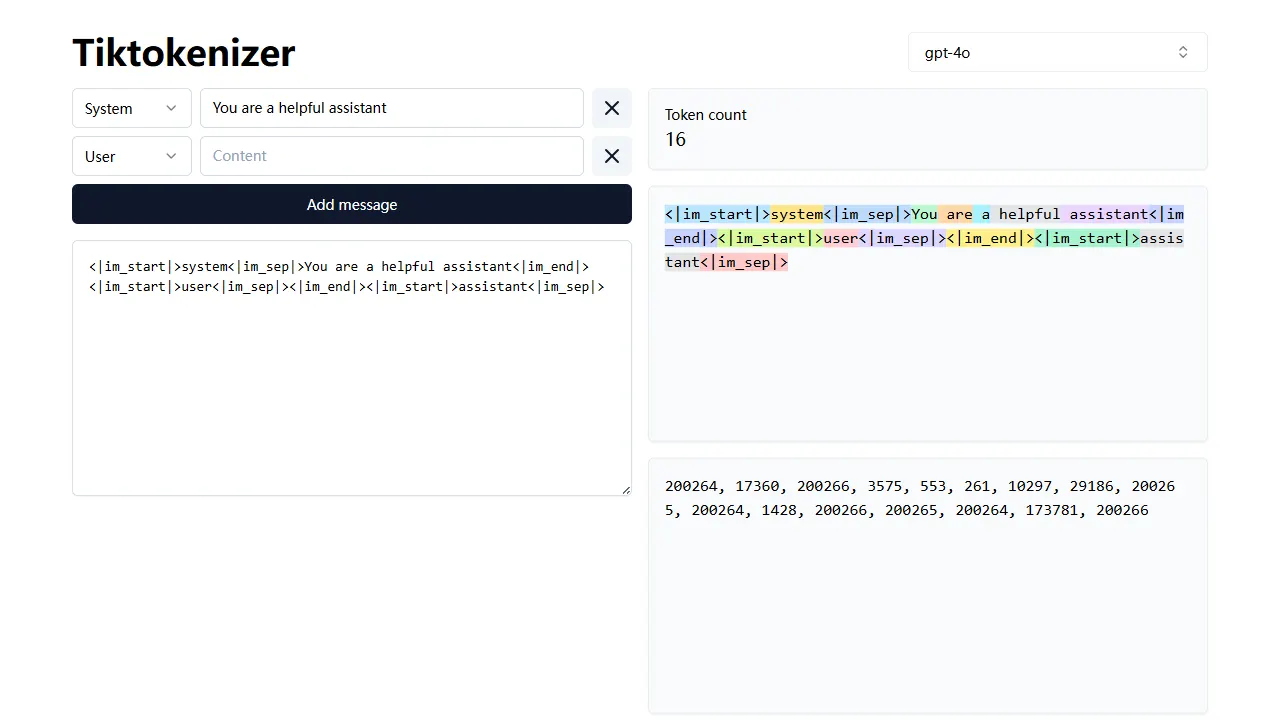
tiktokenizer
tiktokenizer is an open-source online tool site built with Next.js, TypeScript, and React that calculates token counts for text using the openai/tiktoken library.
Next.js · Tool Site
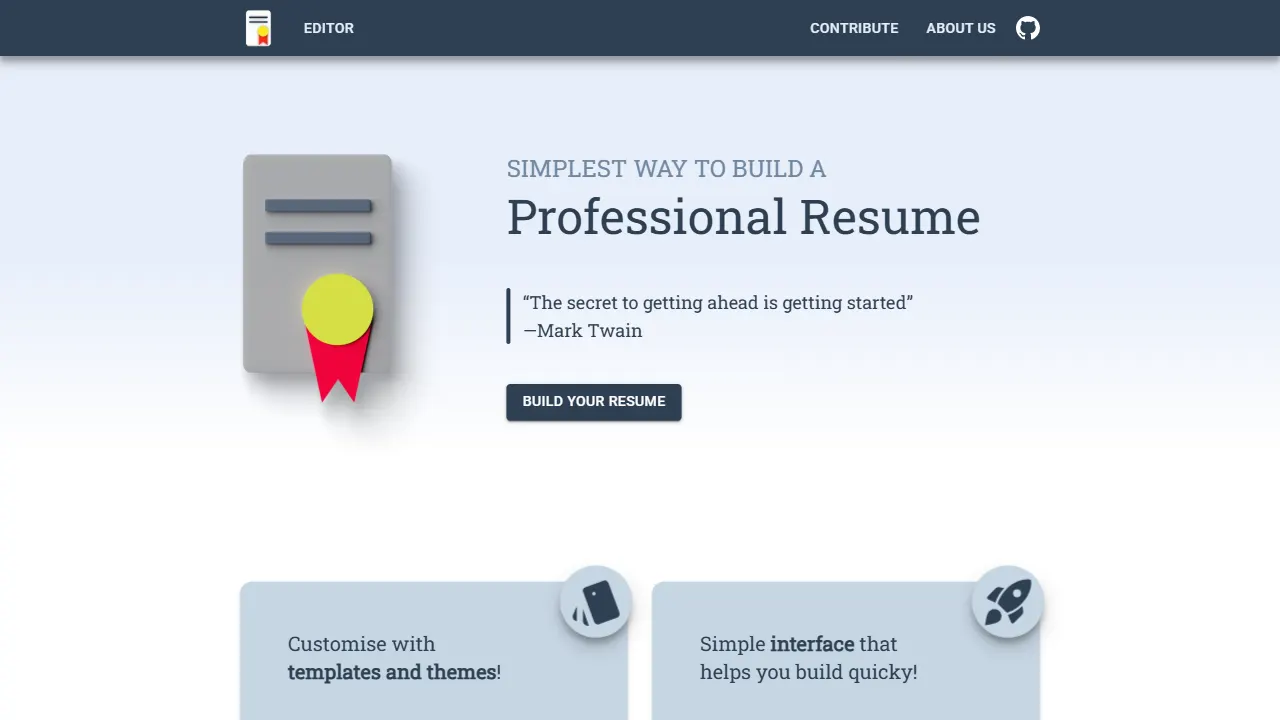
resume builder
An open-source resume builder built with Next.js, TypeScript, Material UI, and Zustand. It offers multiple templates and themes, real-time editing and preview, and requires no registration.
Next.js · Tool Site
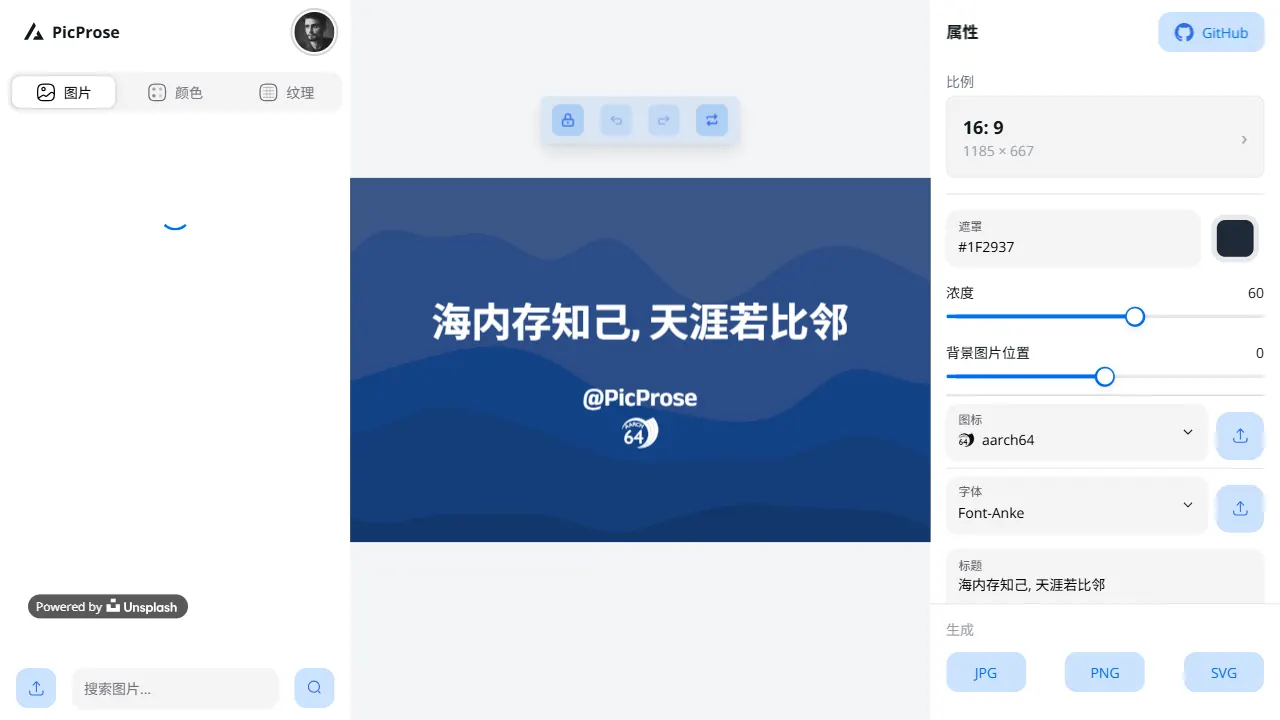
picprose
PicProse is an open-source, Next.js-based cover image generator for bloggers, content creators, and developers. It fetches images via the Unsplash API, supports custom titles, author info, fonts, colors, and transparency, offers multiple aspect ratios, and exports to JPG, PNG, and SVG.
Next.js · Tool Site
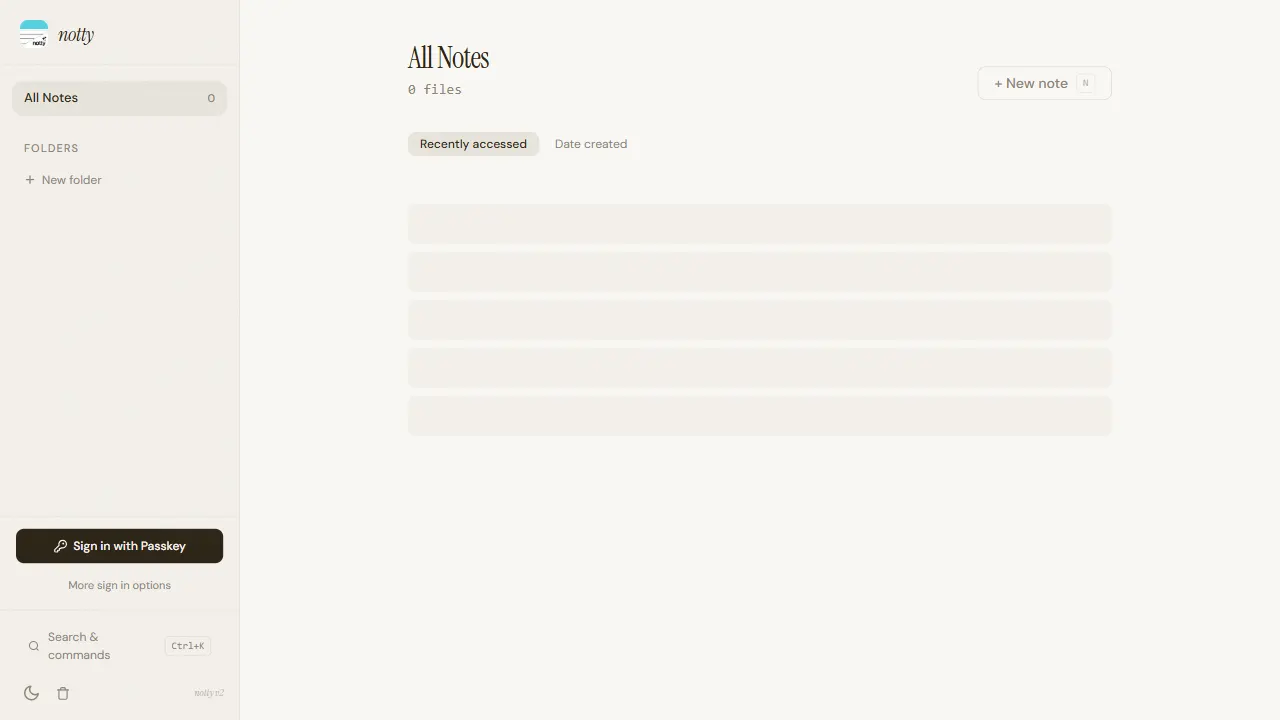
notty
Notty is an offline-first note-taking app template built with Next.js, TypeScript, React, Cloudflare Workers, and Yjs.
Next.js · Tool Site
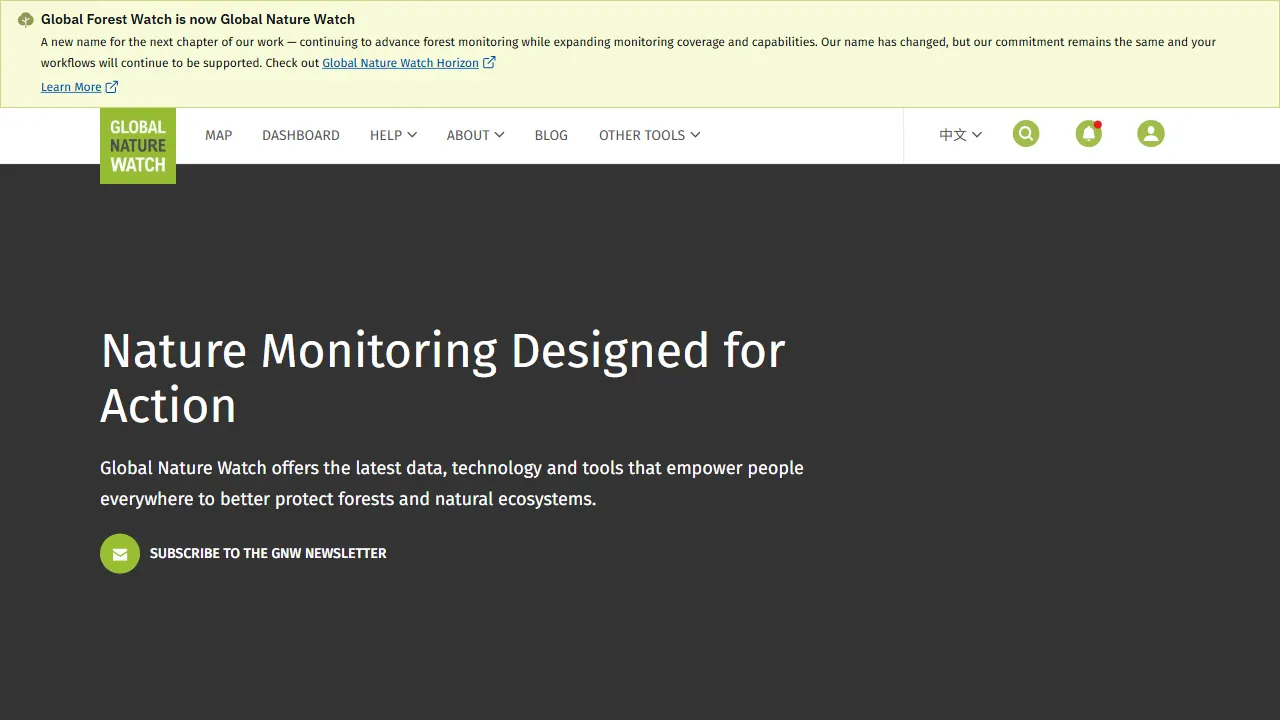
gfw
gfw is the official Global Forest Watch web application, an open-source tool site with a live online demo.
Next.js · Tool Site
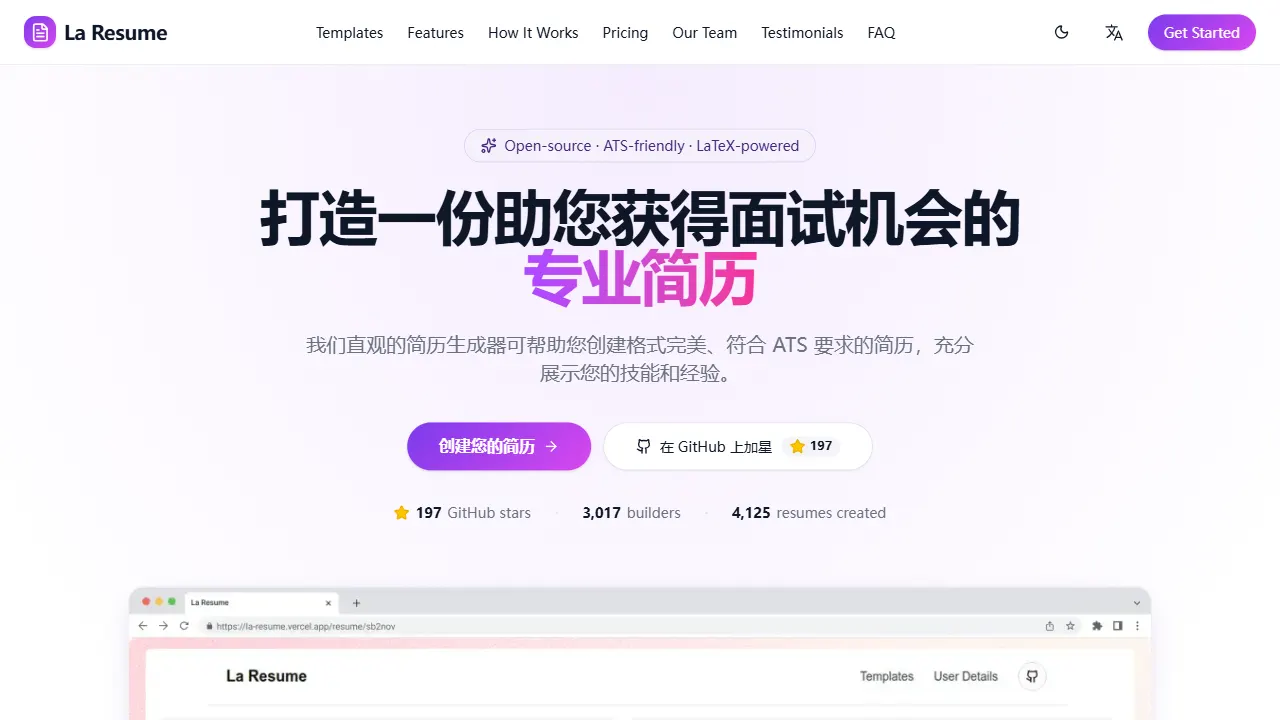
la resume
la resume is an open-source online resume builder built with Next.js, TypeScript, and React. It provides ATS-optimized templates, one-click PDF/LaTeX export, requires no registration, and supports PWA installation.
Next.js · Tool Site