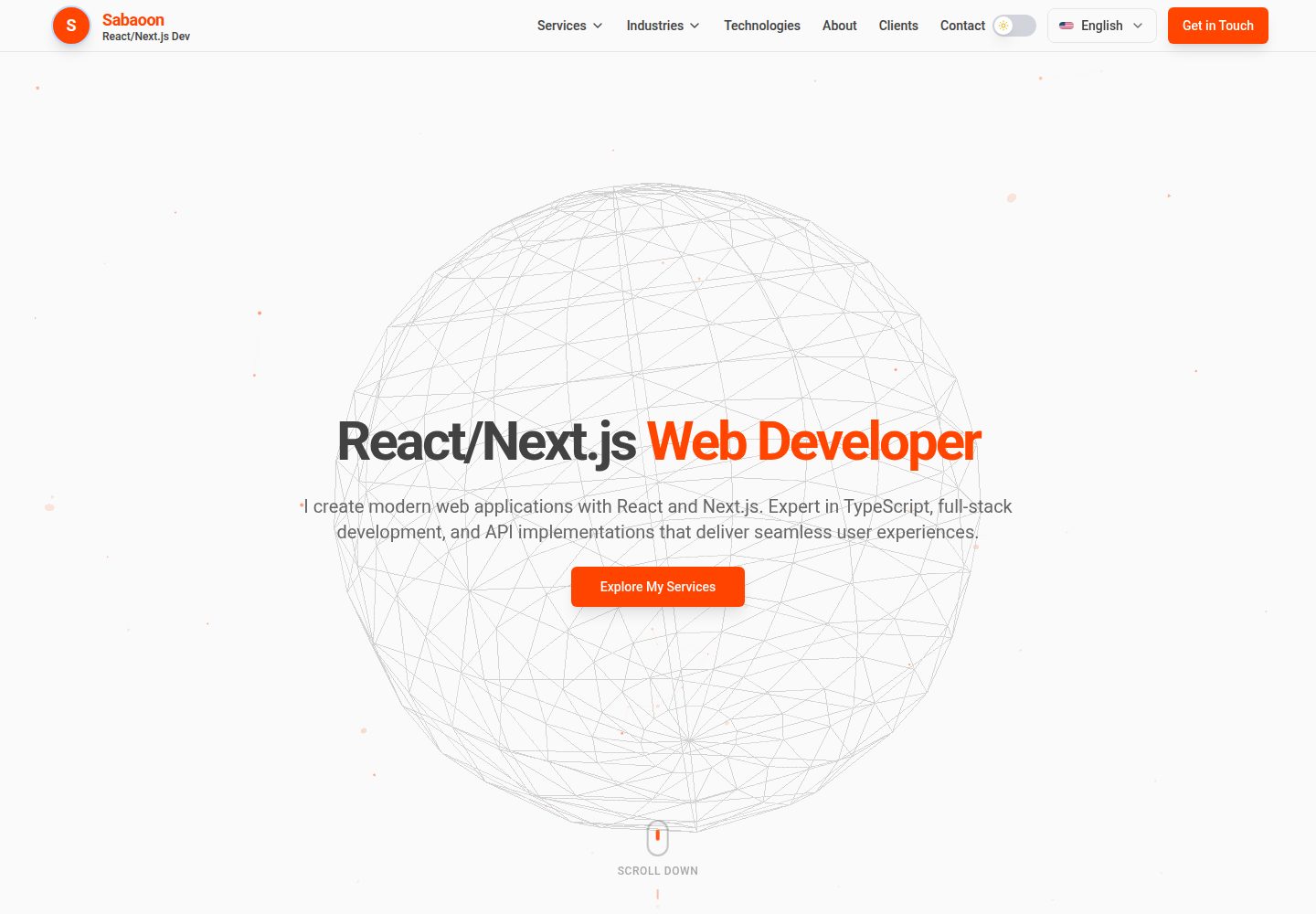
3D animated backgrounds implemented with Three.js and React Three Fiber
ViteReactAdmin dashboardPortfolio
Animated-Portfolio-React — Vite Admin dashboard Template
By sabaoongfx
A portfolio template built on Vite and React, featuring Three.js 3D backgrounds, Framer Motion page transitions, dark/light themes, 9 languages, a contact form, and an /admin management panel. The backend relies on Vercel Serverless Functions, Postgres, and Blob storage.
Explore the design
Compare the page layouts and mobile experience. Open any screenshot for a closer look.
Desktop homepage1 / 2
Desktop captureTop of page
Actual screenshot captured by the server browser.
All pages & views 2
Screenshots show visual appearance; interactive behavior may differ.
Recorded 2026-10-03View source
What stands out
A quick read of the recorded project description.
Page transition animations powered by Framer Motion
Dark/light theme switching that remembers user preference
Built-in support for 9 languages with automatic detection based on browser preference
Contact form writes to a database and provides an /admin management panel
File uploads integrated with Vercel Blob storage
Template Details
This is a React template for showcasing personal work. The frontend is built with Vite and includes 3D backgrounds powered by Three.js / React Three Fiber, Framer Motion page transitions, dark/light theme switching, and i18n support for 9 languages (English, German, Arabic, Japanese, Chinese, Indonesian, Spanish, French, Russian), with automatic language detection based on browser preferences. Page components include Hero, Header, Services, and others. Styling uses Tailwind CSS, icons come from Lucide React, and routing is handled by React Router.
The template also provides backend capabilities: a contact form with validation that writes to a database, an admin panel under the /admin path for viewing submissions, and file uploads integrated with Vercel Blob storage. The backend is implemented with Vercel Serverless Functions and Express, and the database uses Vercel Postgres. The repository includes a Selenium language-switching test.
Before use, you need to prepare environment variables yourself, including the Postgres connection string, admin panel login email and password, and Blob read/write token; the deployment target is Vercel. The code is released under the MIT license, allowing free use, modification, and commercial use, but third-party assets such as demo images, fonts, and icons require separate license verification, and external services such as domains, hosting, and databases may incur costs.
ViteReactAdmin panelPortfolio
Is it right for your project?
Use Cases
- Developers, designers, or creative professionals building a personal portfolio site
- Showcase pages that need 3D backgrounds and page transition animations
- Personal sites that need multilingual switching and a contact form to collect visitor information
- Projects intended for deployment on Vercel using a combination of Serverless, Postgres, and Blob
Suitable For
- Frontend developers familiar with React and TypeScript who want to quickly start a portfolio
- Individual site owners who need to manage contact form submissions
- Users planning to deploy on Vercel and accept its Postgres and Blob services
Getting started & customization
Use these recorded setup notes alongside the repository instructions for your chosen version.
- 1
Requires Node.js 18+ and npm or yarn; clone the repository and run npm install
- 2
Copy .env.example to .env and configure POSTGRES_URL, POSTGRES_URL_NON_POOLING, ADMIN_EMAIL, ADMIN_SECRET, and BLOB_READ_WRITE_TOKEN
- 3
Run npm run dev to start the development server, npm run build to build the production version, and npm run preview to preview the build output
- 4
The Selenium language test requires Chrome and a matching version of ChromeDriver installed locally, and the development server must be started first
- 5
When deploying to Vercel, configure the above environment variables in the console
License & source material
Usage conditions & limitations
Free to use · keep license noticeThis entry covers the free version under the MIT license in the public repository; the free scope applies to that version's code and does not imply that external services or third-party assets are free.
Must comply with when using
- The code of this version may be used, modified, used commercially, and distributed free of charge.
- When distributing copies or substantial portions of the code, retain the original author's copyright notice and the full MIT license notice.
- The code is provided as is; warranties and limitations of liability are governed by the original license and applicable law.
Additional costs & items to verify
- You must configure environment variables yourself before use (Postgres connection string, admin email and password, Blob token); otherwise the contact form, admin panel, and file upload features will not work.
- The contact form and admin panel depend on a Vercel Postgres database, so you need to provide your own Postgres connection string, which may incur external service costs.
- The file upload feature depends on a Vercel Blob storage token, which requires enabling that service on Vercel and may incur costs.
- The project is configured for Vercel deployment and uses Vercel Serverless Functions for the backend; deploying to other platforms requires your own modifications.
- Running the Selenium language test requires Chrome and a version-matched ChromeDriver installed locally.
- Demo images, fonts, icons, and other third-party assets must be checked against their respective licenses; the code's MIT license alone is not sufficient to determine this.
- External services such as domains, hosting, databases, payments, or AI may incur additional charges.
View Original Text Basis
Permission is hereby granted, free of charge
Original License Text
Configure your environment variables in `.env`
Original README
| `POSTGRES_URL` | Vercel Postgres connection URL |
Original README
| `BLOB_READ_WRITE_TOKEN` | Vercel Blob storage token (auto-configured on Vercel) |
Original README
This project is configured for deployment on Vercel:
Original README
https://github.com/sabaoongfx/Animated-Portfolio-React/blob/main/LICENSEhttps://github.com/sabaoongfx/Animated-Portfolio-React/blob/main/README.md- Chrome browser installed - ChromeDriver matching your Chrome version
Original README
Compiled by DeepSeek based on repository license and README ·2026-10-03. Results only cover the materials read; dependencies, images, fonts, and subsequent term changes are subject to their respective original texts.
Project checks & description sources
Template Information
- Source platforms
- GitHub
- Documentation and maintenance reference score
- More documented · 88 / 100
- Technologies
- Vite · React
- Website type
- Admin dashboard · Portfolio
How this score is calculated
Our heuristic uses license records (up to 30), a demo link (12), a preview (10), stars (15), recorded maintenance (15), description completeness (8), feature records (5) and classification data (5). It is not a code, security or performance test, or a Google score. A link does not establish tested functionality.
What to verify for this project
- Repository update recorded
- 2026-02-10
- Screenshot last checked
- 2026-10-03
A demo link is listed. Check it with your own content and viewport sizes; its presence does not confirm that forms, authentication or payments work.
The catalog identifies Vite as the primary stack. Check the actual dependency manifest and lockfile for versions and hosting requirements. These notes use recorded metadata, not a code audit or a deployment test.
Use a selection guide →How this description was prepared
AI-assisted description based on catalog records and repository material. Repository authors are not automatically the reviewers of this description.
Automatically checked against source and license rules; no manual editorial review.
Inspect the recorded source material
SHA-256: ab904cb6bd992d01cf76c1512ba180c501a220e91203ba4ed8a07d5df09a8e48
2026-10-03T00:51:06.454Z
Source file / repository# Animated Portfolio An open-source, production-ready portfolio template featuring 3D animations, smooth page transitions, and a modern tech stack. Built with React 19, TypeScript, and Three.js. Perfect for developers, designers, and creatives who want a stunning portfolio with minimal setup.  ### Demo  *3D animations, theme toggle, and multi-language support in action* ## Features - **3D Animations** - Stunning WebGL backgrounds with Three.js and React Three Fiber - **Smooth Transitions** - Page animations powered by Framer Motion - **Dark/Light Theme** - Toggle between themes with preference persistence - **9 Languages** - Full i18n support (English, German, Arabic, Japanese, Chinese, Indonesian, Spanish, French, Russian) - **Contact Form** - Database-backed contact form with validation - **Admin Panel** - Manage contact submissions at `/admin` - **Responsive Design** - Mobile-first, works on all devices - **File Upload** - Vercel Blob storage integration - **Production-Ready** - Optimized for Vercel deployment - **Type-Safe** - Full TypeScript implementation - **Modern Styling** - Tailwind CSS for easy customization ## Supported Languages | Language | Code | Flag | |----------|------|------| | English | en | US | | German | de | DE | | Arabic | ar | AR | | Japanese | ja | JP | | Chinese | zh | CN | | Indonesian | id | ID | | Spanish | es | ES | | French | fr | FR | | Russian | ru | RU | Languages are auto-detected from browser preferences and can be changed via the language selector. ## Tech Stack - **Frontend**: React 19, TypeScript, Tailwind CSS, React Router - **3D Graphics**: Three.js, React Three Fiber, @react-three/drei - **Animations**: Framer Motion - **Backend**: Vercel Serverless Functions, Express 5 - **Database**: Vercel Postgres - **Storage**: Vercel Blob - **Build Tool**: Vite 7 - **Testing**: Selenium WebDriver - **Icons**: Lucide React ## Project Structure ``` src/ ├── components/ # React components (Hero, Header, Services, etc.) ├── config/ # Color configuration ├── contexts/ # Theme context provider ├── i18n/ # Language translations (9 languages) ├── utils/ # Performance utilities ├── App.tsx # Main routing └── main.tsx # Entry point api/ # Vercel serverless functions ├── contact.js # Contact form API ├── admin/ # Admin endpoints └── lib/ # Database utilities tests/ # Selenium tests └── selenium/ # Language verification tests ``` ## Getting Started ### Prerequisites - Node.js 18+ - npm or yarn ### Installation 1. Clone the repository: ```bash git clone https://github.com/sabaoongfx/Animated-Portfolio-React.git cd Animated-Portfolio-React ``` 2. Install dependencies: ```bash npm install ``` 3. Create a `.env` file based on `.env.example`: ```bash cp .env.example .env ``` 4. Configure your environment variables in `.env` 5. Start the development server: ```bash npm run dev ``` ## Environment Variables Copy `.env.example` to `.env` and configure the following: | Variable | Description | |----------|-------------| | `POSTGRES_URL` | Vercel Postgres connection URL | | `POSTGRES_URL_NON_POOLING` | Vercel Postgres non-pooling URL | | `ADMIN_EMAIL` | Admin panel login email | | `ADMIN_SECRET` | Admin panel login password | | `BLOB_READ_WRITE_TOKEN` | Vercel Blob storage token (auto-configured on Vercel) | ## Scripts | Command | Description | |---------|-------------| | `npm run dev` | Start development server | | `npm run build` | Build for production | | `npm run preview` | Preview production build | | `npm run lint` | Run ESLint | | `npm test` | Run Selenium language tests | | `npm run test:headless` | Run tests in headless mode | ## Testing Selenium tests are included to verify language switching functionality. ### Prerequisites - Chrome browser installed - ChromeDriver matching your Chrome version ### Running Tests ```bash # Start dev server first npm run dev # In another terminal, run tests npm test # Or run in headless mode npm run test:headless ``` See [tests/README.md](tests/README.md) for more details. ## Deployment This project is configured for deployment on Vercel: 1. Push your code to GitHub 2. Import the repository in Vercel 3. Configure environment variables in Vercel dashboard 4. Deploy ## License MIT License - see [LICENSE](LICENSE) for details. ## Contributing Contributions are welcome! Please feel free to submit a Pull Request.
Explore similar templates
Compare previews and descriptions within the same stack and category.

kiaalap
Kiaalap is a free, open-source admin template from Colorlib for education, online courses, and school management.
Vite · Admin dashboard

react-vite-admin
A backend management starter built on Vite and React, integrating Recoil, React Query, TypeScript, and Axios, with Ant Design-style interface screenshots. Suitable as a starting point for management-side projects, licensed under MIT, with Chinese documentation and common scripts.
Vite · Admin dashboard
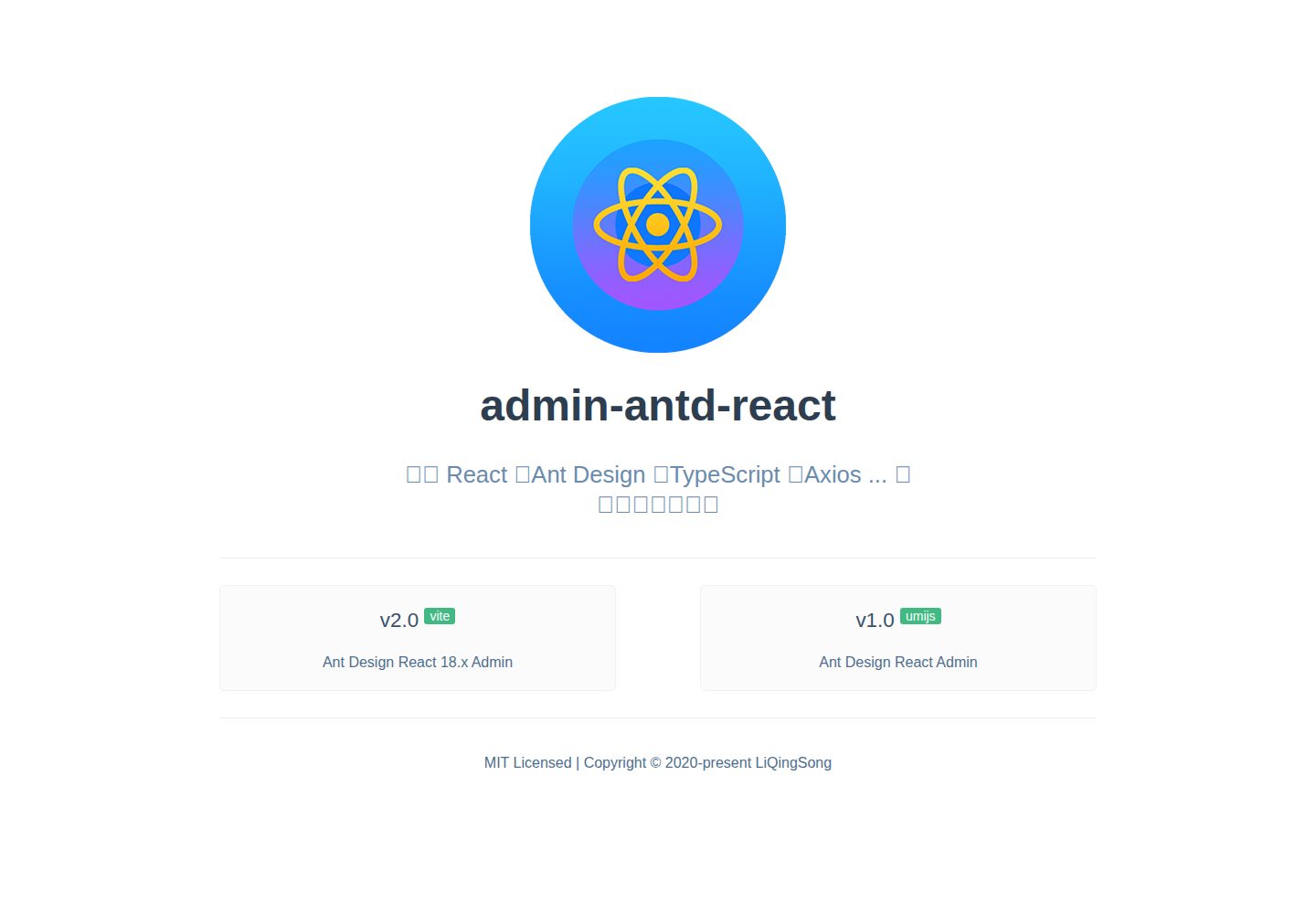
admin-antd-react
A Vite + React 18 admin template using Ant Design and Recoil, with login, logout, and registration flows; page, button, and permission configuration verification; internationalization; dynamic sidebar and breadcrumbs; Svg Sprite icons; Mock data; and list, form, and detail page examples.
Vite · Admin dashboard
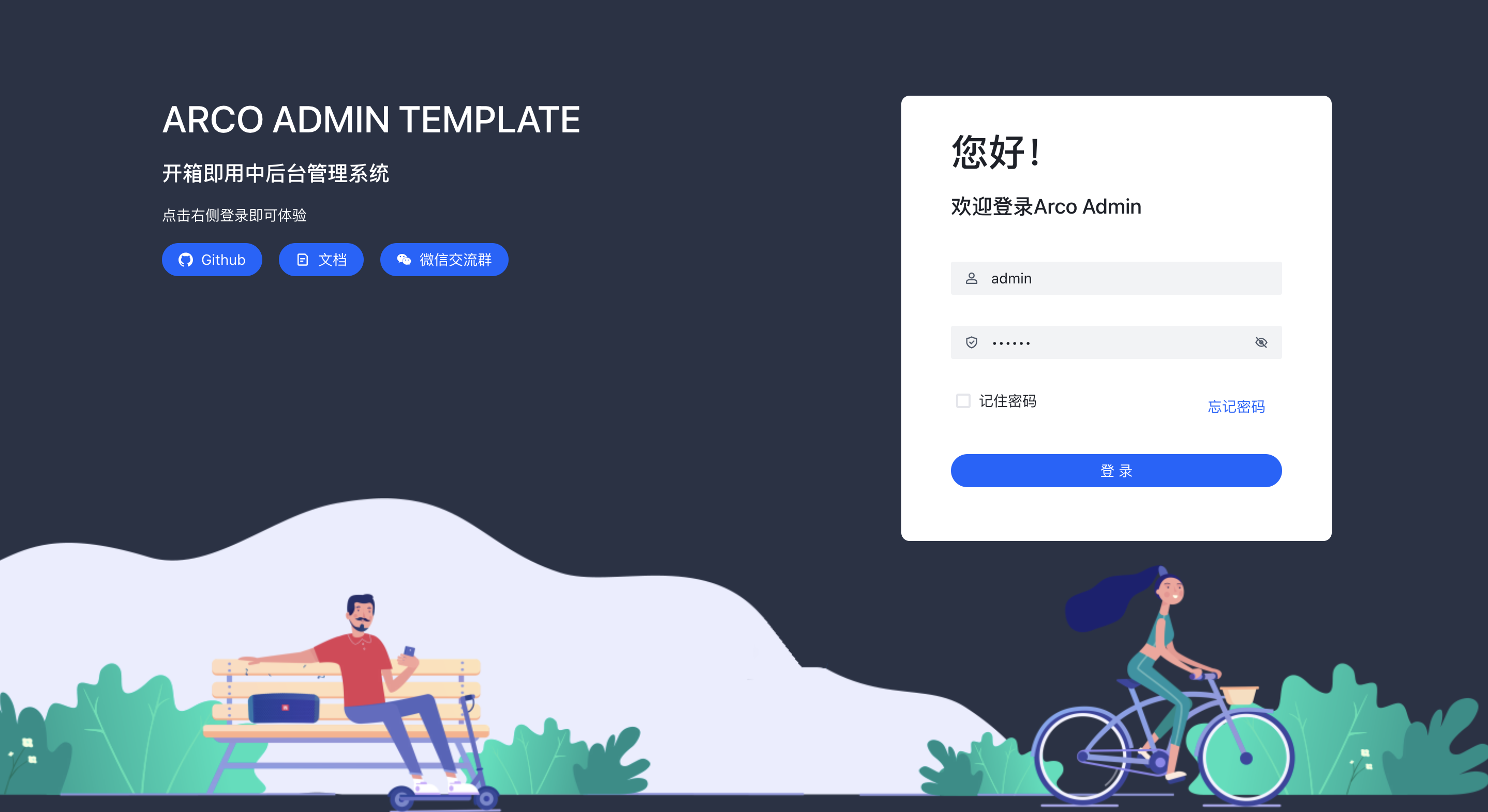
arco-admin-template
A Vite + React mid-to-back-office template using Arco Design, react-router-dom v6, mockjs, and less, with internationalization, theme customization, and light/dark switching. Includes login, dashboard, resource, component examples, settings, and 404 pages.
Vite · Admin dashboard
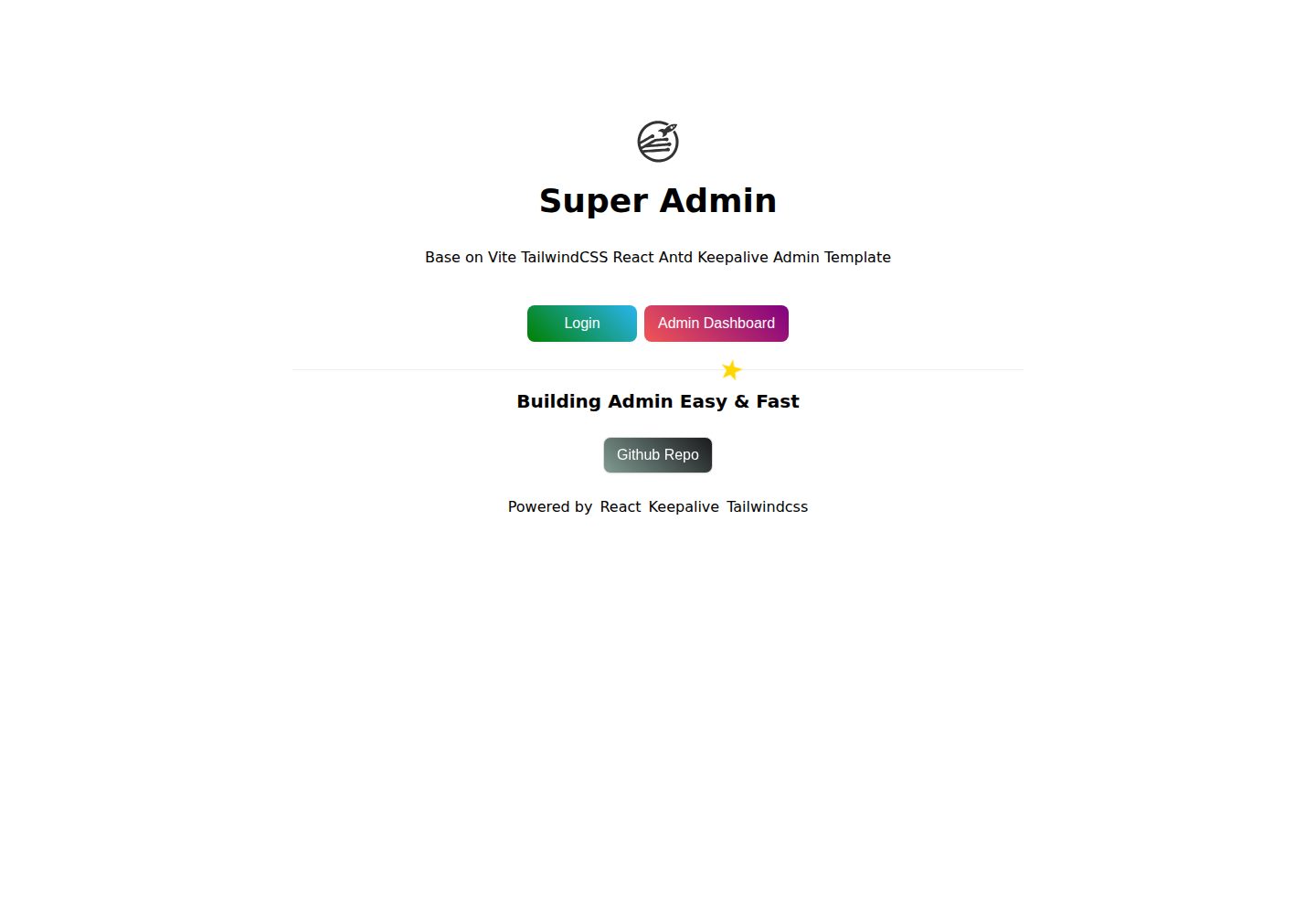
super-admin
A React, Vite, and Antd admin template that implements multi-tab route caching similar to Vue keepalive and route-based permission control.
Vite · Admin dashboard
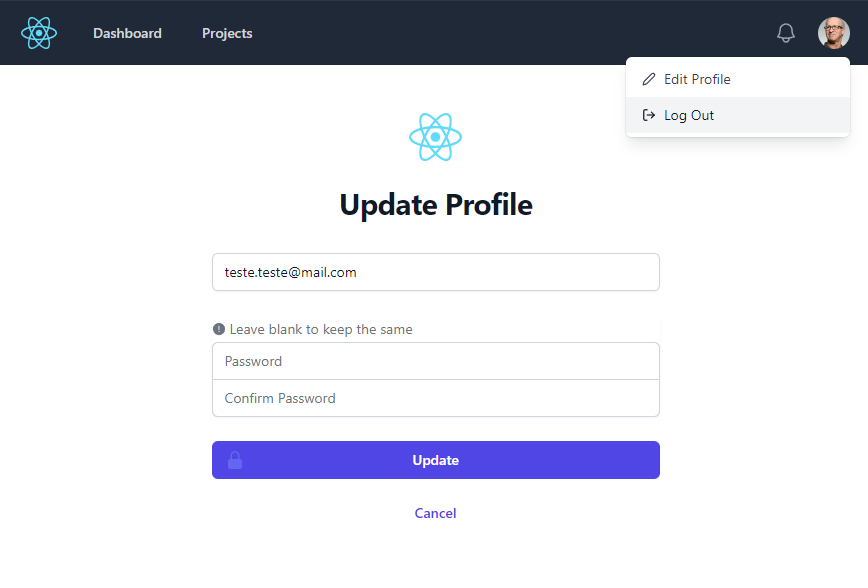
react-vite-tailwind-typescript-firebase-auth-template
A starter template for backend applications using Vite, React, TypeScript, TailwindCSS, and Firebase Auth, featuring login and dashboard interfaces. Requires your own Firebase project and credentials in .env; no backend logic included.
Vite · Admin dashboard