
Documentation site template built on Next.js and React, open-sourced under MIT
Next.jsReactDocumentation
pinexio — Next.js Documentation Template
By sanjayc208
Pinexio is an open-source documentation template built on Next.js and React, with content written in MDX, suited for quickly setting up project documentation sites.
Explore the design
Compare the page layouts and mobile experience. Open any screenshot for a closer look.
Desktop homepage1 / 2
Desktop captureTop of page
Actual screenshot captured by the server browser.
All pages & views 2
Screenshots show visual appearance; interactive behavior may differ.
Recorded 2026-10-03View source
What stands out
A quick read of the recorded project description.
Documentation written in MDX, allowing JSX components to be embedded in content
MDX pages automatically indexed by Contentlayer with search support
Documentation takes effect once placed in the /docs directory, with no extra configuration
Offers light and dark themes with few UI dependencies, making styles easy to adjust
Template Details
Pinexio is an open-source template for documentation use cases. The repository is on GitHub (sanjayc208/pinexio) and is MIT-licensed, allowing free use, modification, commercial use, and distribution, provided the copyright notice and license notice are retained when distributing.
The template is built on Next.js and React. The README states it uses Next.js 15, Tailwind CSS 4, MDX, and Contentlayer. Documentation content is placed as MDX files in the /docs directory, automatically indexed by Contentlayer with search support; MDX allows JSX components to be embedded directly in documents, enabling interactive content. The UI offers light and dark themes and keeps UI library dependencies minimal, making it easy to adjust styles as needed.
Usage is straightforward: clone the repository and write documentation as MDX files in the /docs directory. The demo site is deployed on Vercel, and the README also provides a one-click Vercel deployment entry.
Limitations to note: the template itself is only a front-end and content organization approach for documentation sites; it does not include a backend, database, or user system. The licensing of third-party assets such as demo images, fonts, and icons must be checked separately and cannot be judged solely by the code's MIT license. External services such as domains and hosting may incur costs.
Next.jsReactDocumentation
Is it right for your project?
Use Cases
- Building an online documentation site for an open-source project
- Organizing product usage instructions and development guides
- Technical documentation that needs Markdown and React components mixed together
Suitable For
- Developers familiar with Next.js and React
- Documentation site maintainers who need to modify styles themselves
- Teams that use MDX as their primary writing format
Getting started & customization
Use these recorded setup notes alongside the repository instructions for your chosen version.
- 1
After cloning the repository, place documentation as MDX files in the /docs directory
- 2
The README states the template uses Next.js, Tailwind CSS, MDX, and Contentlayer; install dependencies and start it like a Next.js project
- 3
The demo site is deployed on Vercel, and the README provides a one-click Vercel deployment entry
- 4
Third-party assets such as demo images, fonts, and icons must be checked separately under their respective licenses
- 5
External services such as domains and hosting may incur separate charges
License & source material
Usage conditions & limitations
Free to use · keep license noticeThis entry covers the free version under the MIT license in the public repository; the free scope is the code of that version and does not mean external services or third-party assets are free.
Must comply with when using
- The code of this version may be used, modified, used commercially, and distributed free of charge.
- When distributing copies or substantial portions of the code, retain the original author's copyright notice and the complete MIT license notice.
- The code is provided as is; warranties and limitations of liability are governed by the original license and applicable law.
Additional costs & items to verify
- Pinexio is open-source and free to use under the MIT license, allowing free use, modification, commercial use, and distribution; the copyright notice and license notice must be retained when distributing.
- The README recommends deploying on Vercel; external services such as domains and hosting may incur costs that you bear yourself.
- Demo images, fonts, icons, and other third-party assets must be checked under their respective licenses and cannot be judged solely by the code's MIT license.
- External services such as domains, hosting, databases, payments, or AI may incur separate charges.
View Original Text Basis
Permission is hereby granted, free of charge
Original License Text
Pinexio is open-source and free to use.
Original README
https://github.com/sanjayc208/pinexio/blob/master/LICENSEhttps://github.com/sanjayc208/pinexio/blob/master/README.mdCheck out the [Next.js deployment guide](https://nextjs.org/docs/deployment) for all the details and tips on how to deploy like a pro.
Original README
Compiled by DeepSeek based on repository license and README ·2026-10-03. Results only cover the materials read; dependencies, images, fonts, and subsequent term changes are subject to their respective original texts.
Project checks & description sources
Template Information
- Source platforms
- GitHub
- Documentation and maintenance reference score
- More documented · 92 / 100
- Technologies
- Next.js · React
- Website type
- Documentation
How this score is calculated
Our heuristic uses license records (up to 30), a demo link (12), a preview (10), stars (15), recorded maintenance (15), description completeness (8), feature records (5) and classification data (5). It is not a code, security or performance test, or a Google score. A link does not establish tested functionality.
What to verify for this project
- Repository update recorded
- 2025-12-16
- Screenshot last checked
- 2026-10-03
A demo link is listed. Check it with your own content and viewport sizes; its presence does not confirm that forms, authentication or payments work.
The catalog identifies Next.js as the primary stack. Check the actual dependency manifest and lockfile for versions and hosting requirements. These notes use recorded metadata, not a code audit or a deployment test.
Use a selection guide →How this description was prepared
AI-assisted description based on catalog records and repository material. Repository authors are not automatically the reviewers of this description.
Review declaration: [email protected] · 2026-10-04
Inspect the recorded source material
SHA-256: adf7ed86d80977fa4df28c6caa32f6b415f907d3aad330fa72a02b0a7aca8b05
2026-10-03T13:49:04.319Z
Source file / repository<a href="https://pinexio.vercel.app/"> <p align="center"> <img src="./public/logos/pinedocs.png" align="center" alt="fox logo" width="200px"> <h1 align="center"> PINEXIO </h1> <p align="center"> Pinexio is a modern, customizable documentation template built for Next.js 15, Tailwind CSS 4, and MDX. It makes creating, managing, and presenting your project documentation effortless. </p> </p> </a> ## Why Pinexio? - **Customizable UI** 🌈: Tailor the design to your needs with light/dark themes and minimal UI libraries. - **MDX Support** 📚: Write rich, interactive documentation with JSX components. - **Automatic Content Indexing** 🔍: Thanks to Contentlayer, MDX pages are automatically indexed and searchable. - **Zero Setup Hassle** 🚀: Add an MDX file to `/docs`, and it’s instantly live. ## Key Technologies - **Next.js 15** for SEO-friendly, performant documentation. - **Tailwind CSS 4** for responsive design. - **MDX** to blend documentation with React components. - **Contentlayer** for seamless content management. ## Get Started 1. Clone the repo. 2. Add your documentation as MDX files in the `/docs` folder. 3. Start building! ## Links - [View Demo](https://pinexio.vercel.app) - [GitHub Repo](https://github.com/sanjayc208/pinexio) --- ## 🚀 Deploy to Vercel in Seconds Want to get your Next.js app live with zero hassle? Vercel, built by the creators of Next.js, makes deployment a breeze! Check out the [Next.js deployment guide](https://nextjs.org/docs/deployment) for all the details and tips on how to deploy like a pro. Ready to go live? Click the button below and deploy your app in just a few clicks! 🔥 [](https://vercel.com/new/clone?repository-url=https://github.com/sanjayc208/pinexio) _Pinexio is open-source and free to use. Happy documenting!_ 🚀
Explore similar templates
Compare previews and descriptions within the same stack and category.

nextjs-prisma-boilerplate
A production-grade full stack starter built on Next.js 12, React 18, Prisma 4, and Postgres, with layered frontend and backend architecture, Jest and Cypress testing, next-auth authentication, Docker and Gitpod development environments, GitHub Actions CI/CD, and Traefik-based production deployment.
Next.js · Documentation

rubix-documents
A Next.js and React documentation site starter template for product docs, technical manuals and knowledge bases.
Next.js · Documentation
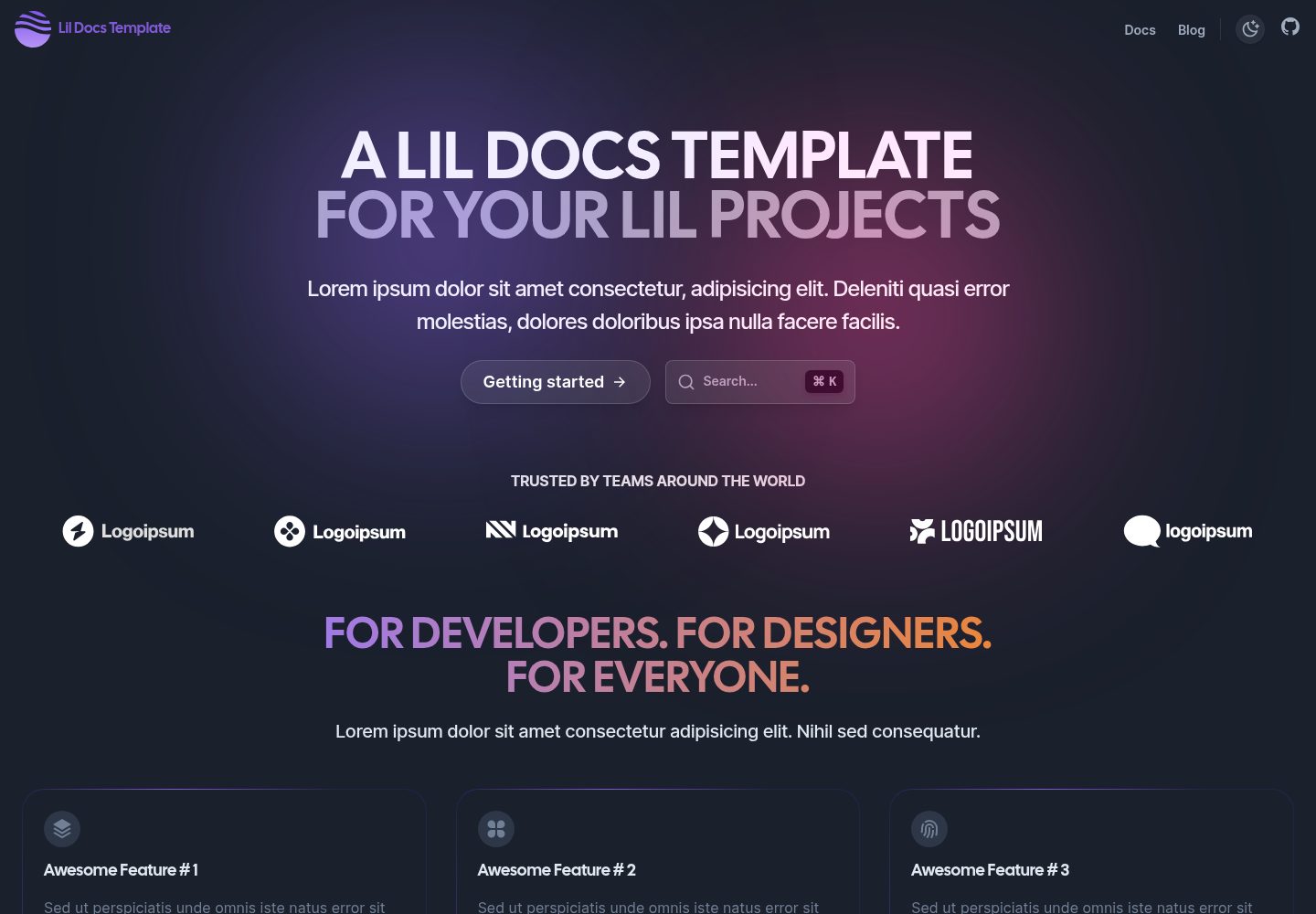
lil-docs-template
A lightweight documentation site template for small projects, built with Next.js, TypeScript, Chakra UI, and ContentLayer. It supports MDX content, light/dark mode, and SEO configuration, and offers a one-click Vercel deploy.
Next.js · Documentation
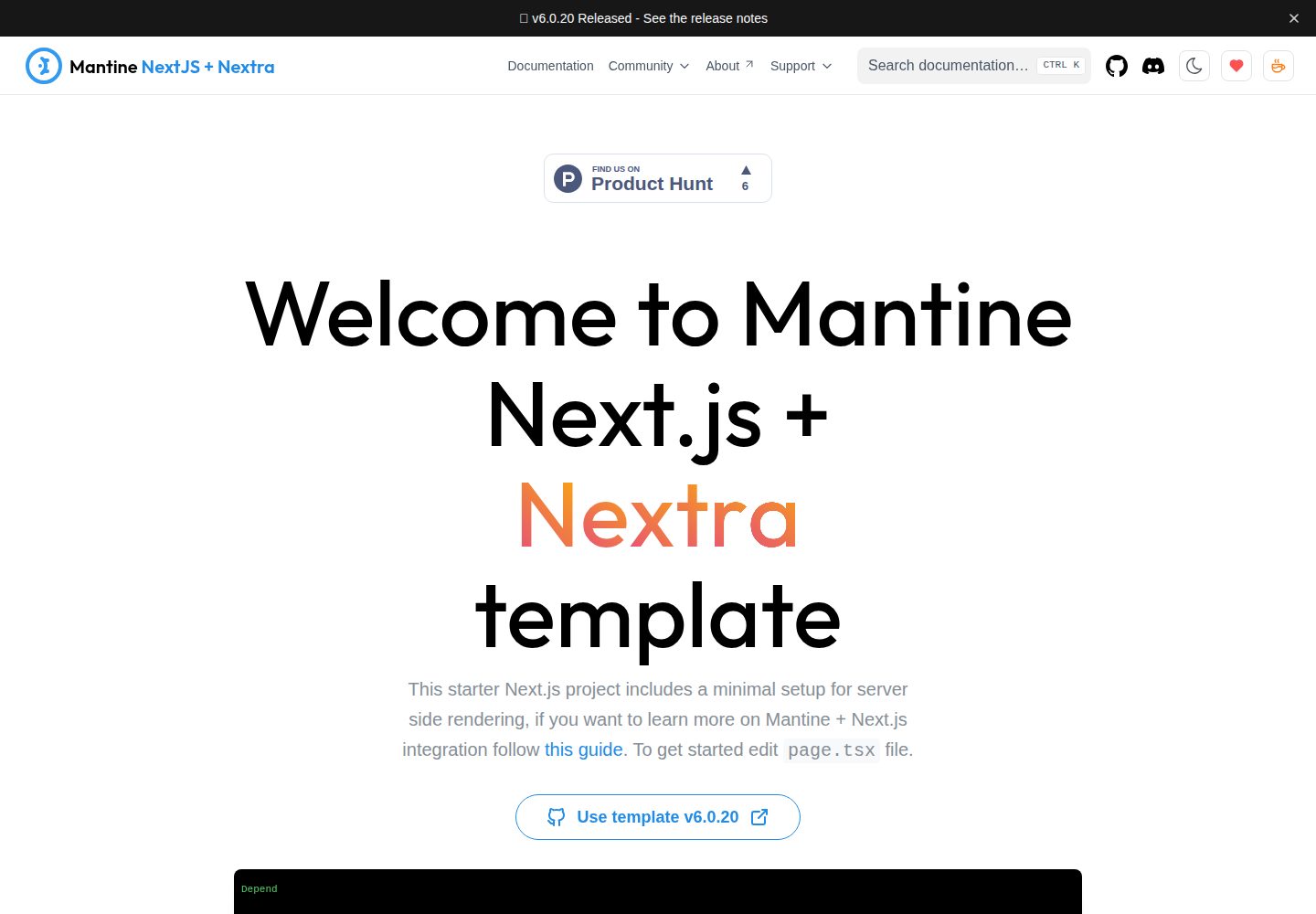
next-app-nextra-template
A documentation site template combining Next.js App Router, Mantine, and Nextra in one project, with synchronized dark mode, Pagefind search, Storybook, Jest, and GitHub Release Notes integration. Suitable for teams maintaining both a product application and its documentation.
Next.js · Documentation
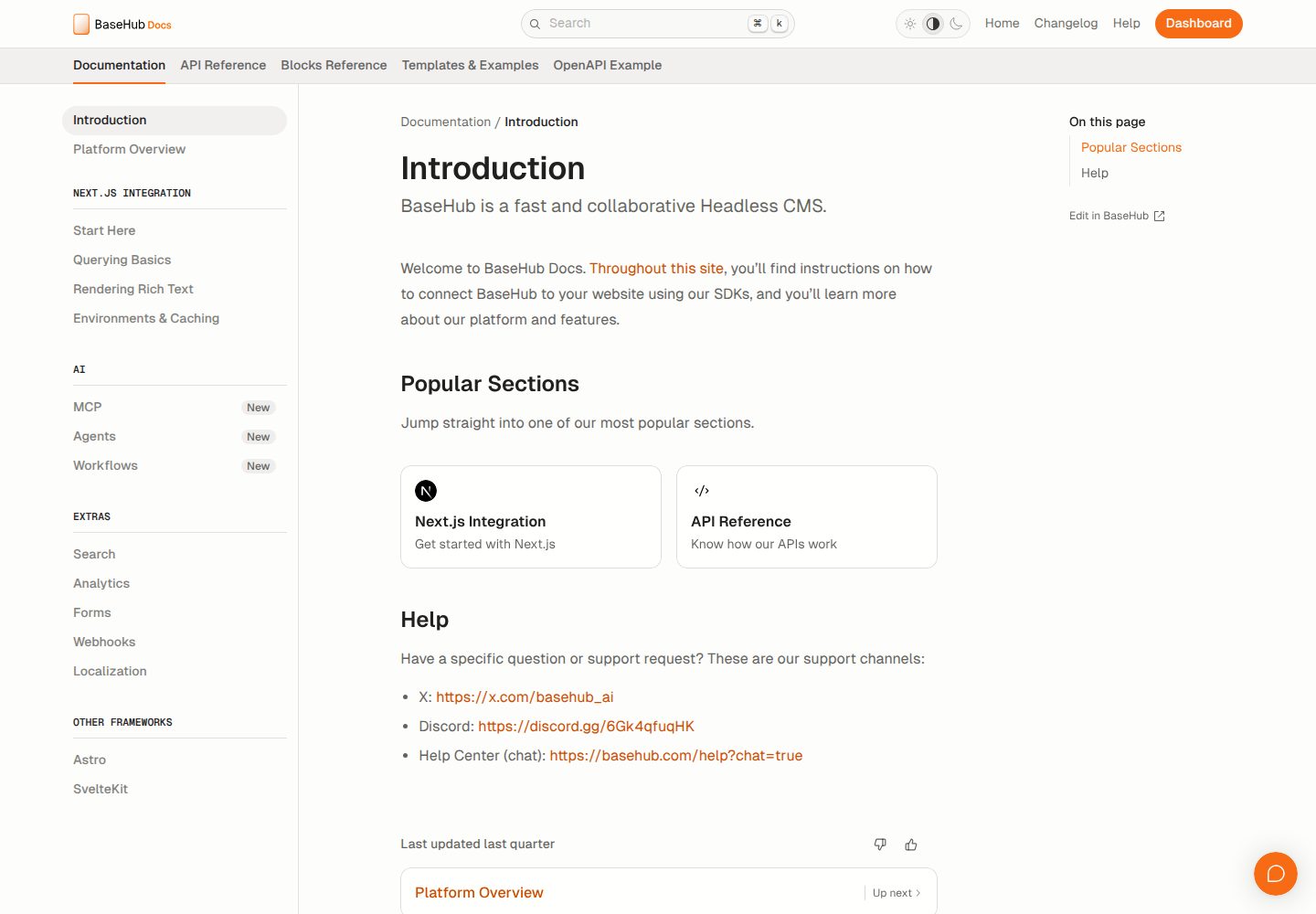
docs-template
A documentation website template built with Next.js, Radix Themes, and BaseHub. Content is edited in BaseHub, so documentation can be maintained without code changes.
Next.js · Documentation
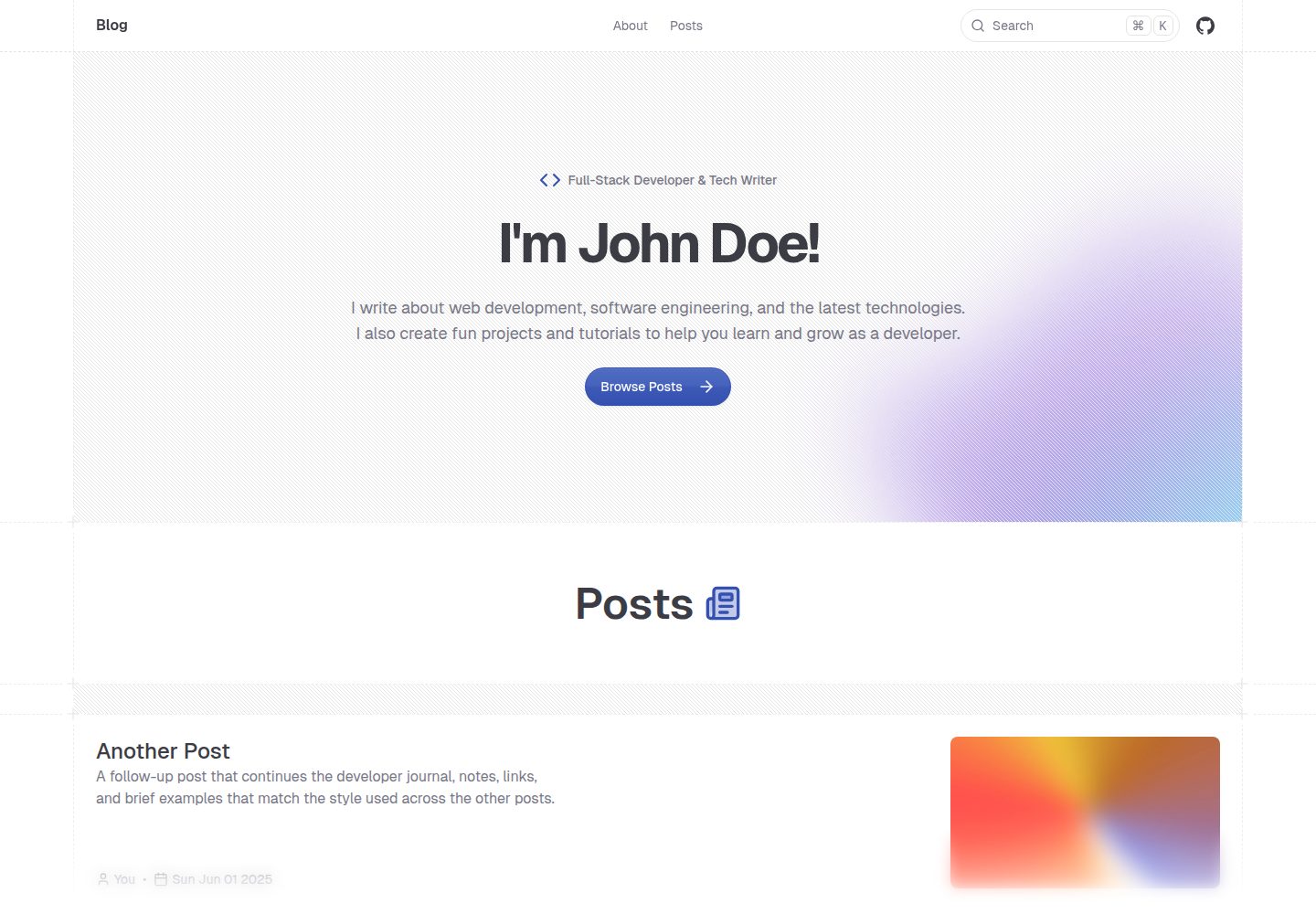
shadcn-blog
A Next.js 15 blog template that renders MDX articles from content/blog/ with Fumadocs, built on shadcn/ui and Tailwind CSS.
Next.js · Blog