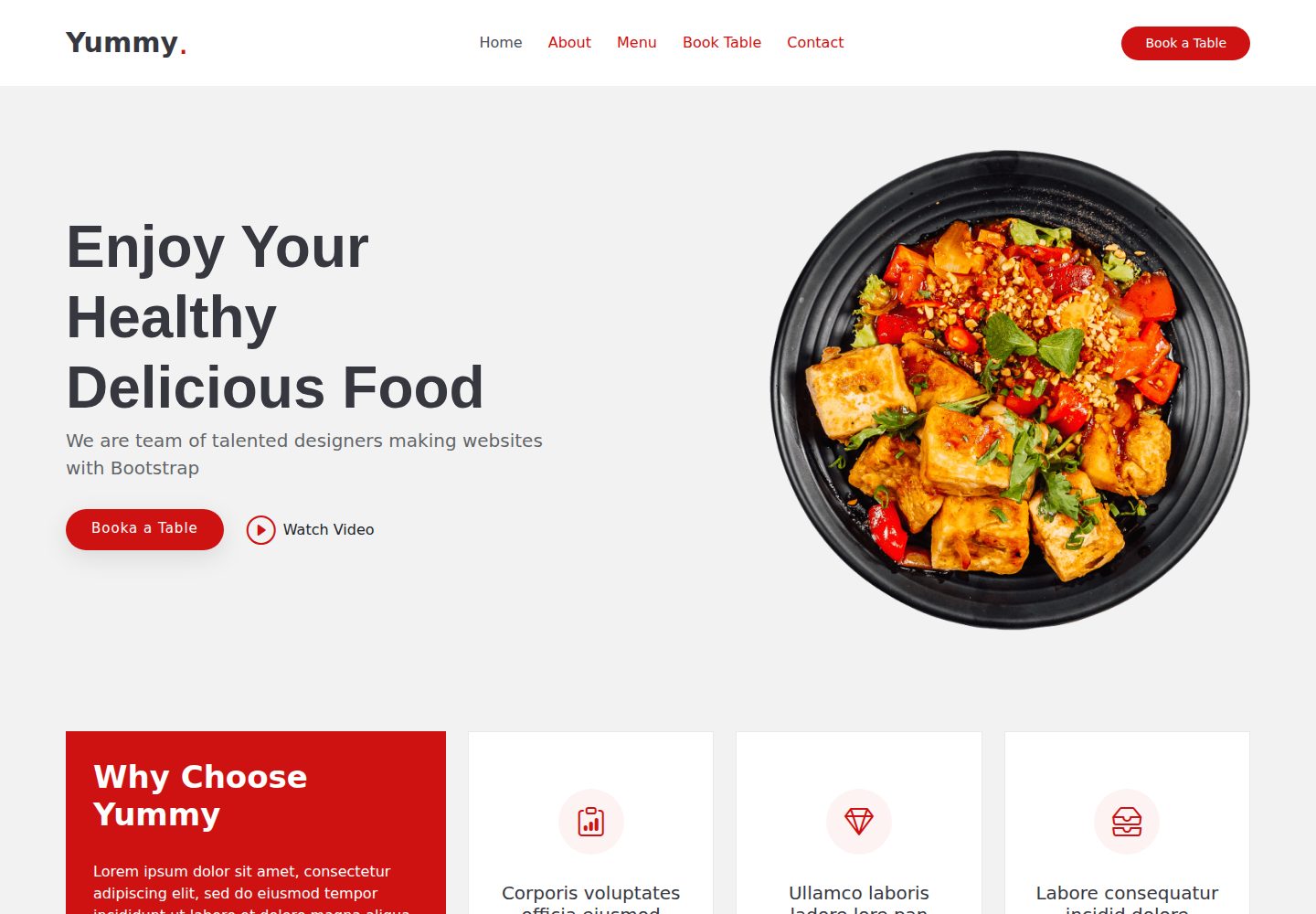
Bootstrapped with Create React App
ReactCorporate Website
yummy-restaurant-website — React Business Template
By sasidhar-bade
A restaurant website template based on Create React App; the README only provides the default CRA script instructions.
Explore the design
Compare the page layouts and mobile experience. Open any screenshot for a closer look.
Desktop homepage1 / 2
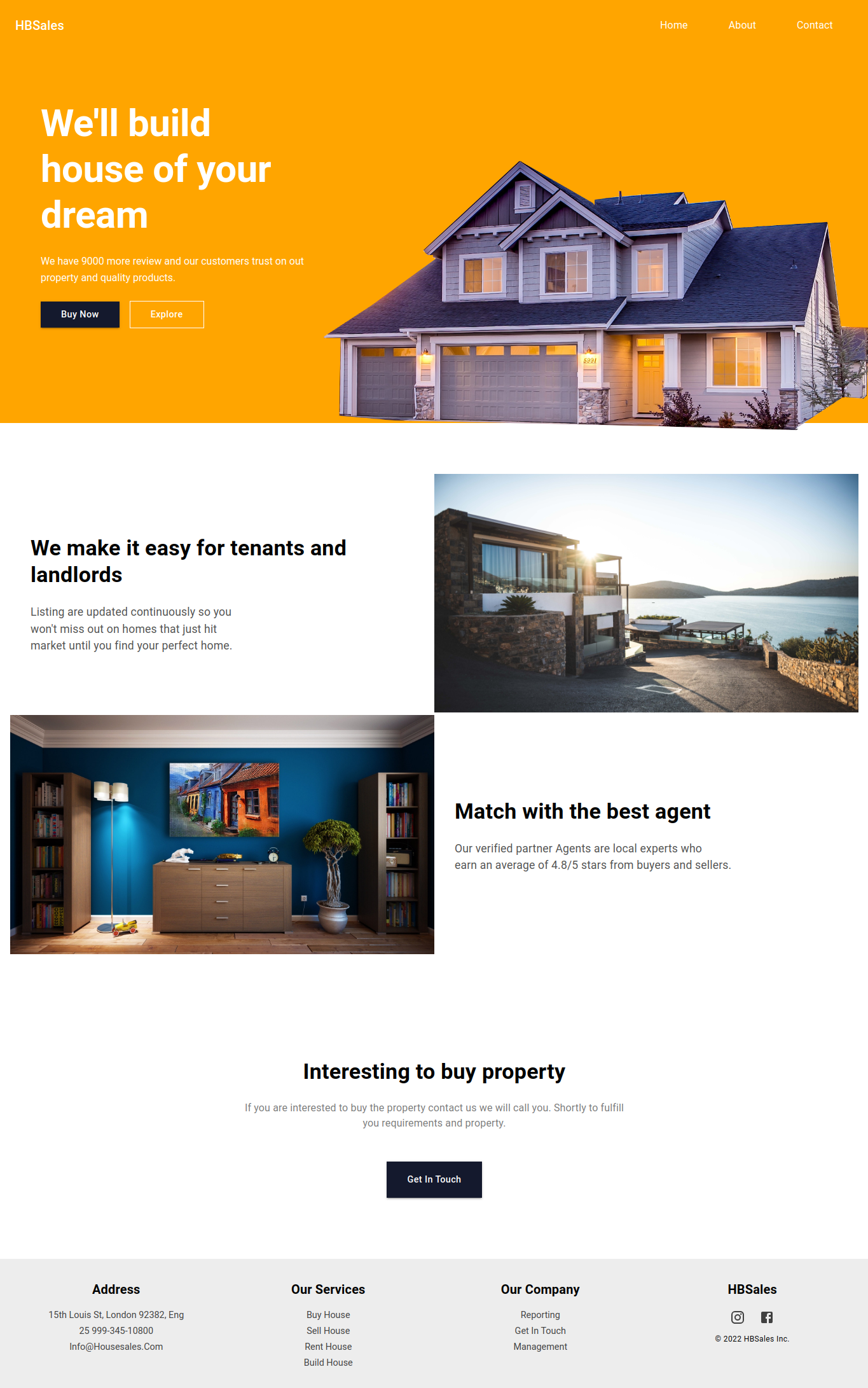
Desktop captureTop of page
Actual screenshot captured by the server browser.
All pages & views 2
Screenshots show visual appearance; interactive behavior may differ.
Recorded 2026-10-13View source
What stands out
A quick read of the recorded project description.
npm start runs in development mode at localhost:3000 with hot reloading
npm test runs tests in interactive watch mode
npm run build outputs to the build folder with hashed filenames
npm run eject is a one-way operation that exports webpack, Babel, ESLint, and other configurations
Template Details
The template repository is named yummy-restaurant-website and was bootstrapped with Create React App. The README contains the default CRA documentation and only describes the available scripts: npm start runs the app in development mode and opens it in the browser at http://localhost:3000, with the page reloading automatically after edits; npm test starts the test runner in interactive watch mode; npm run build builds the app into the build folder; npm run eject is a one-way operation that removes the single build dependency and copies configuration files for webpack, Babel, ESLint, and others into the project. The README does not describe the restaurant website's specific page structure, menu display, booking functionality, styling approach, data sources, or any custom business logic, nor does it list dependencies, so its framework version, component composition, and feature scope cannot be confirmed. The repository provides desktop and mobile preview screenshots, which only demonstrate that page screenshots exist at those sizes and do not represent page functionality or responsive implementation details.
ReactCorporate website
Is it right for your project?
Use Cases
- Local development as a starting template for a React project
- Running and previewing the restaurant website pages locally
- Building a production version for deployment
- Obtaining the full build configuration via eject for customization
Suitable For
- React project developers who need a Create React App foundation
- Users who want to use a restaurant website as a starting point for further development
- Page designers who need desktop and mobile preview references
Getting started & customization
Use these recorded setup notes alongside the repository instructions for your chosen version.
- 1
Run npm start in the project directory to launch development mode
- 2
Run npm test to run tests in watch mode
- 3
Run npm run build to generate a production build in the build folder
- 4
npm run eject is irreversible; confirm whether custom build configuration is needed before running it
- 5
The README does not provide instructions for dependency installation, environment variables, or backend APIs
License & source material
Usage conditions & limitations
Free to use · keep license noticeThis entry covers the free version under the MIT license in the public repository; the free scope is the code of this version and does not mean external services or third-party assets are free.
Must comply with when using
- Free use, modification, commercial use, and distribution of this version's code are permitted.
- When distributing copies or substantial portions of the code, retain the original author's copyright notice and the full MIT license notice.
- The code is provided as is; warranties and limitations of liability are governed by the original license and applicable law.
Additional costs & items to verify
- Demo images, fonts, icons, and other third-party assets must be checked against their respective licenses and cannot be judged solely by the code's MIT license.
- External services such as domains, hosting, databases, payments, or AI may incur additional charges.
View Original Text Basis
https://github.com/sasidhar-bade/yummy-restaurant-website/blob/main/LICENSEhttps://github.com/sasidhar-bade/yummy-restaurant-website/blob/main/README.mdPermission is hereby granted, free of charge
Original License Text
Compiled by DeepSeek based on repository license and README ·2026-10-13. Results only cover the materials read; dependencies, images, fonts, and subsequent term changes are subject to their respective original texts.
Project checks & description sources
Template Information
- Source platforms
- GitHub
- Documentation and maintenance reference score
- More documented · 80 / 100
- Technologies
- React
- Website type
- Corporate Website
How this score is calculated
Our heuristic uses license records (up to 30), a demo link (12), a preview (10), stars (15), recorded maintenance (15), description completeness (8), feature records (5) and classification data (5). It is not a code, security or performance test, or a Google score. A link does not establish tested functionality.
What to verify for this project
- Repository update recorded
- 2026-06-17
- Screenshot last checked
- 2026-10-13
A demo link is listed. Check it with your own content and viewport sizes; its presence does not confirm that forms, authentication or payments work.
The catalog identifies React as the primary stack. Check the actual dependency manifest and lockfile for versions and hosting requirements. These notes use recorded metadata, not a code audit or a deployment test.
Use a selection guide →How this description was prepared
AI-assisted description based on catalog records and repository material. Repository authors are not automatically the reviewers of this description.
Review declaration: codex-user-requested-batch-review-20261015 · 2026-10-15
Inspect the recorded source material
SHA-256: 70eafbc7a5fd466aa3213b5a7e1b2a41383cbe5d4e6fc5f4582efc58bdb509d1
2026-10-13T08:57:49.999Z
Source file / repository# Getting Started with Create React App This project was bootstrapped with [Create React App](https://github.com/facebook/create-react-app). ## Available Scripts In the project directory, you can run: ### `npm start` Runs the app in the development mode.\ Open [http://localhost:3000](http://localhost:3000) to view it in your browser. The page will reload when you make changes.\ You may also see any lint errors in the console. ### `npm test` Launches the test runner in the interactive watch mode.\ See the section about [running tests](https://facebook.github.io/create-react-app/docs/running-tests) for more information. ### `npm run build` Builds the app for production to the `build` folder.\ It correctly bundles React in production mode and optimizes the build for the best performance. The build is minified and the filenames include the hashes.\ Your app is ready to be deployed! See the section about [deployment](https://facebook.github.io/create-react-app/docs/deployment) for more information. ### `npm run eject` **Note: this is a one-way operation. Once you `eject`, you can't go back!** If you aren't satisfied with the build tool and configuration choices, you can `eject` at any time. This command will remove the single build dependency from your project. Instead, it will copy all the configuration files and the transitive dependencies (webpack, Babel, ESLint, etc) right into your project so you have full control over them. All of the commands except `eject` will still work, but they will point to the copied scripts so you can tweak them. At this point you're on your own. You don't have to ever use `eject`. The curated feature set is suitable for small and middle deployments, and you shouldn't feel obligated to use this feature. However we understand that this tool wouldn't be useful if you couldn't customize it when you are ready for it. ## Learn More You can learn more in the [Create React App documentation](https://facebook.github.io/create-react-app/docs/getting-started). To learn React, check out the [React documentation](https://reactjs.org/). ### Code Splitting This section has moved here: [https://facebook.github.io/create-react-app/docs/code-splitting](https://facebook.github.io/create-react-app/docs/code-splitting) ### Analyzing the Bundle Size This section has moved here: [https://facebook.github.io/create-react-app/docs/analyzing-the-bundle-size](https://facebook.github.io/create-react-app/docs/analyzing-the-bundle-size) ### Making a Progressive Web App This section has moved here: [https://facebook.github.io/create-react-app/docs/making-a-progressive-web-app](https://facebook.github.io/create-react-app/docs/making-a-progressive-web-app) ### Advanced Configuration This section has moved here: [https://facebook.github.io/create-react-app/docs/advanced-configuration](https://facebook.github.io/create-react-app/docs/advanced-configuration) ### Deployment This section has moved here: [https://facebook.github.io/create-react-app/docs/deployment](https://facebook.github.io/create-react-app/docs/deployment) ### `npm run build` fails to minify This section has moved here: [https://facebook.github.io/create-react-app/docs/troubleshooting#npm-run-build-fails-to-minify](https://facebook.github.io/create-react-app/docs/troubleshooting#npm-run-build-fails-to-minify)
Explore similar templates
Compare previews and descriptions within the same stack and category.

shadcn-landing-page
A free React landing page template built with TypeScript, Tailwind and Shadcn/UI, offering 16 ready-to-use sections such as Navbar, Hero, Pricing, FAQ and Footer, with responsive layout, dark mode and meta tags.
React · Corporate Website

react-saas-template
A React and Material-UI template for SaaS or admin websites, offering dashboard, chart, blog, payment, and file upload components. It uses Create-React-App, React-Router, Recharts, React-Stripe-js, React-Dropzone, and React-Cropper, with theme colors centralized in src/theme.js.
React · Admin dashboard
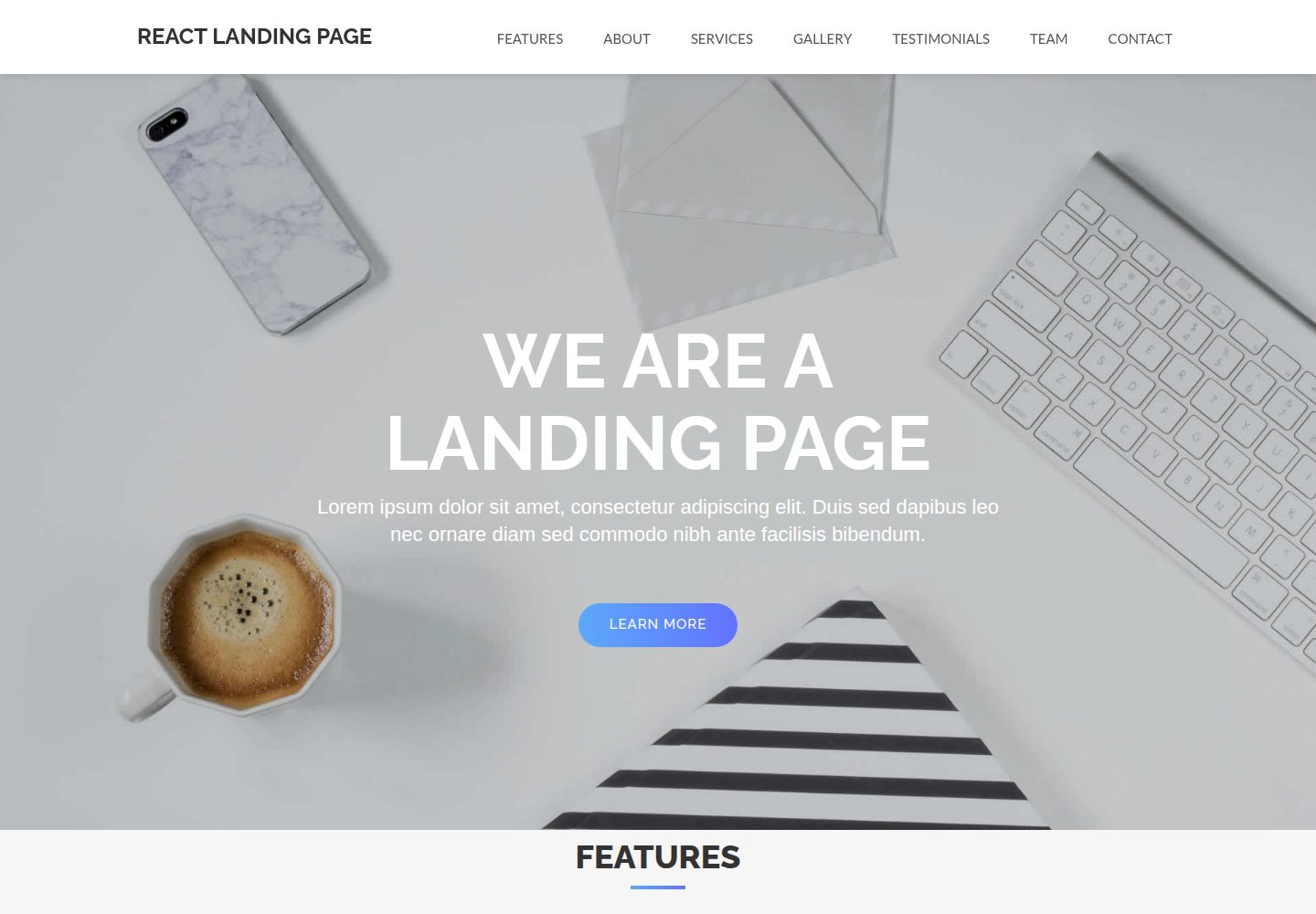
React-Landing-Page-Template
A React single-page landing page template for startups and service businesses, with copy and image references centralized in data.json, assets in public/img/, styles in public/css/, and a contact form that requires your own EmailJS service ID, template ID, and Public Key.
React · Corporate Website
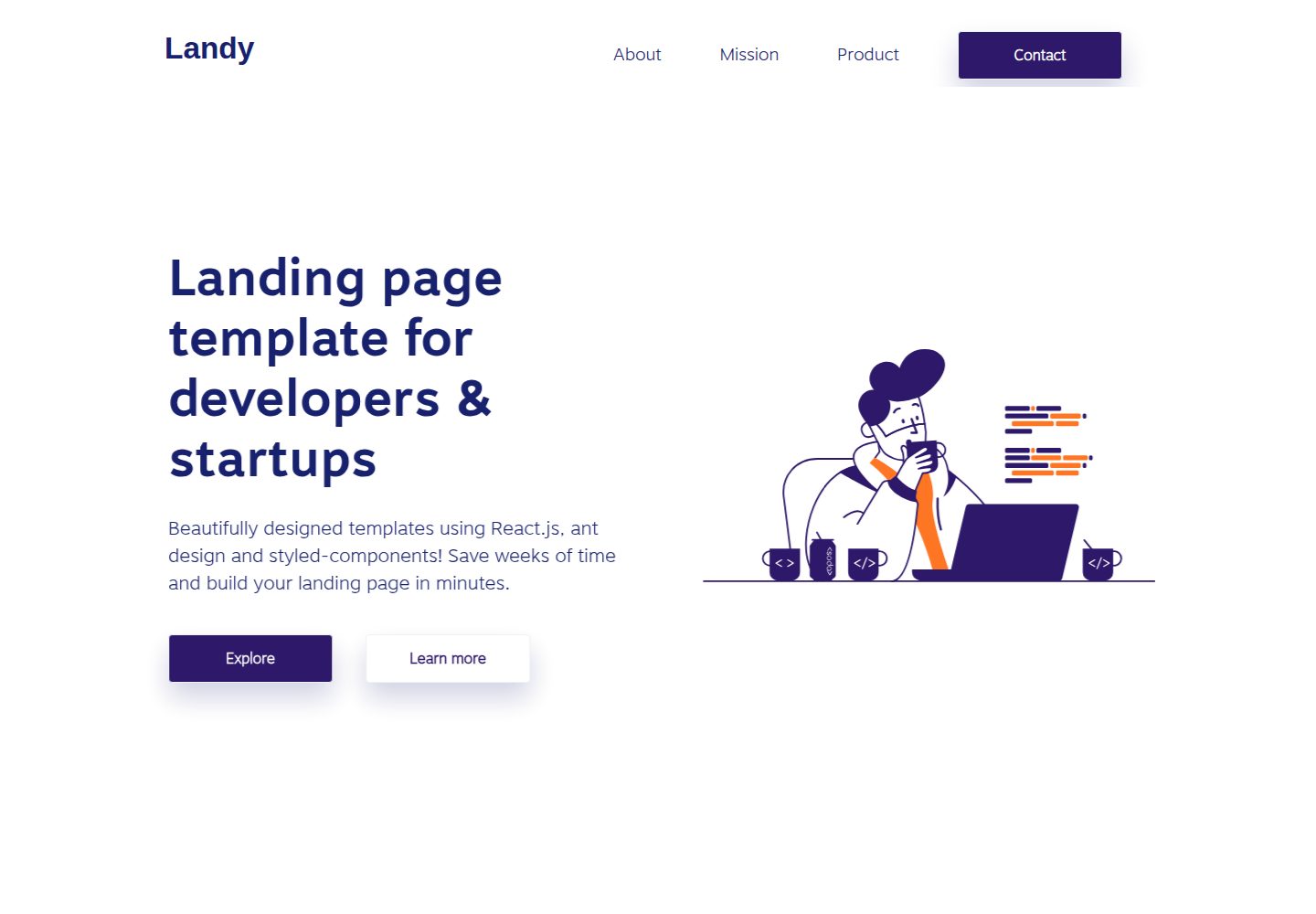
landy-react-template
Landy is an open-source React single-page landing page template written in TypeScript, aimed at developers and startup teams.
React · Corporate Website
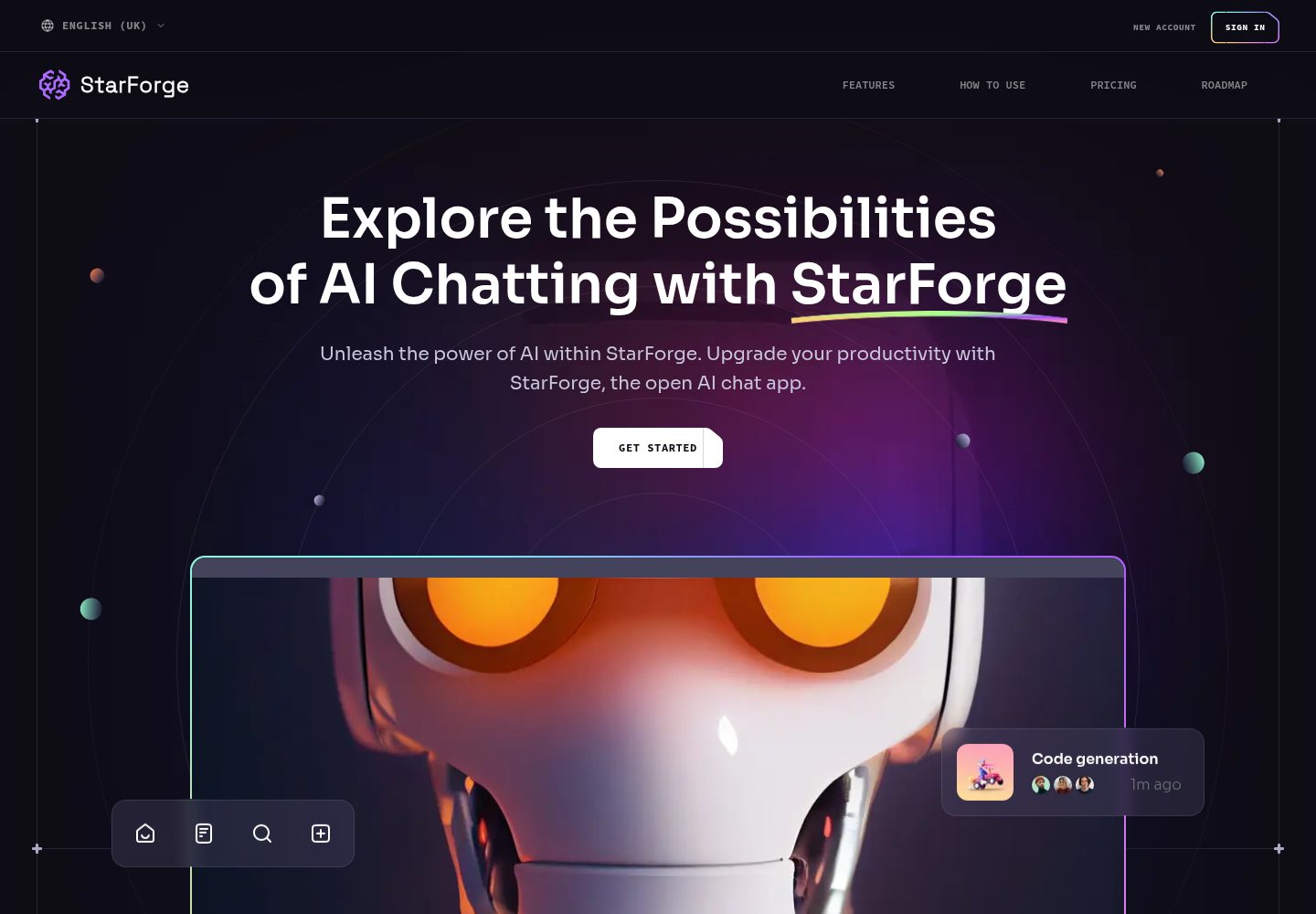
ai-saas-landing-starter
StarForge is an AI SaaS landing page starter template built with Next.js, React, and Tailwind CSS, featuring a Hero section with parallax scrolling and an animated Bento grid layout.
React · SaaS
landing-page-template-reactjs
A responsive corporate website template built with React and Material UI 5, featuring Home, About, and Contact pages with shared navigation.
React · Corporate Website