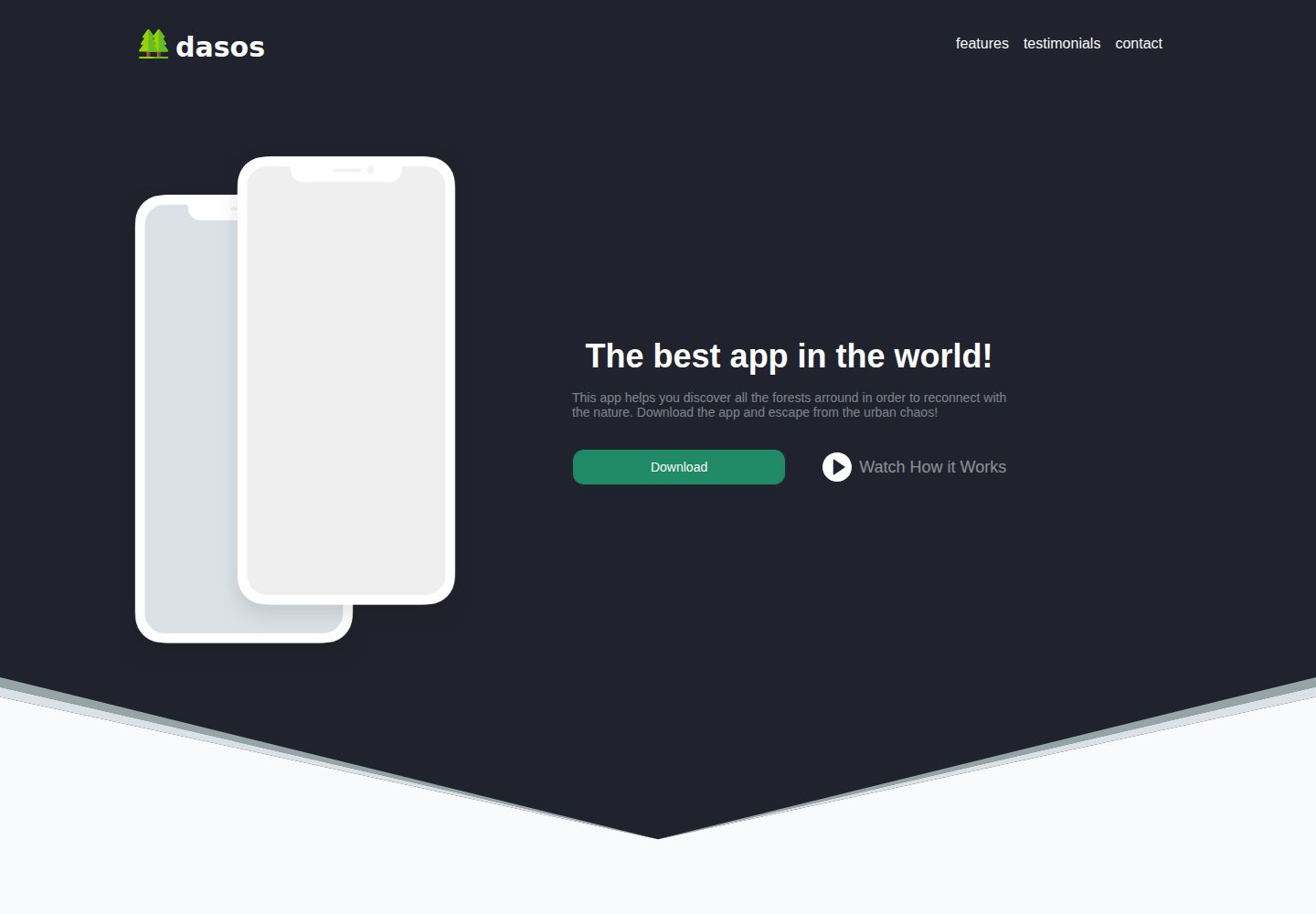
App landing page template based on Vue and Tailwind CSS, scaffolded with vue-cli
VueHTMLCorporate Website
dasos — Vue Business Template
By siokas
dasos is an App landing page template built with Vue and Tailwind CSS. It includes four sections—Features, Testimonials, Download App, and Contact—uses Firebase as its database, and is released under the MIT license.
Explore the design
Compare the page layouts and mobile experience. Open any screenshot for a closer look.
Desktop homepage1 / 2
Desktop captureTop of page
Actual screenshot captured by the server browser.
All pages & views 2
Screenshots show visual appearance; interactive behavior may differ.
Recorded 2026-09-30View source
What stands out
A quick read of the recorded project description.
Includes four page sections: Features, Testimonials, Download App, and Contact
Integrates vuefire and firebase to connect to a Firebase database
Uses vue-carousel for carousels and vue-scrollto for click-to-scroll positioning
Icons come from flaticon and are provided in SVG and PNG formats
Released under the MIT license, permitting free use, modification, commercial use, and distribution
Template Details
dasos is an App Landing Page template, and the repository describes it as "in development." It is scaffolded with vue-cli, styled with Tailwind CSS, and composed of four sections: Features, Testimonials, Download App, and Contact. It is suitable for building a product introduction page for a mobile app.
Technically, the template depends on Vue, vue-router, vuefire (Vue bindings for Firebase), firebase (for the database), axios, vue-carousel, and vue-scrollto. Icons come from flaticon and are provided in both SVG and PNG formats.
Before use, you need npm or yarn, vue-cli, and a Firebase account with a Web project created. Fill in api_key, auth_domain, database_url, project_id, and similar values in a .env file, then run npm install and npm run serve. Because the README notes that the project is still in development and Firebase is an external service, you must configure it yourself and verify quotas and charges before enabling dynamic features.
Regarding licensing, the repository uses the MIT license, which permits free use, modification, commercial use, and distribution of this version of the code, provided that the copyright notice and the full MIT license notice are retained when distributing. Third-party assets such as demo images, fonts, and icons must be checked separately under their own licenses.
VueHTMLCorporate Website
Is it right for your project?
Use Cases
- Building a product introduction and download guidance page for a mobile app
- Practicing how Tailwind CSS and Firebase work together in a Vue project
- Serving as a starting template for an app product landing page within a corporate website
- Marketing pages that need carousel displays and anchor-scroll navigation
Suitable For
- Front-end developers familiar with Vue and vue-cli
- Teams that need to quickly build an app landing page prototype
- Users willing to configure Firebase themselves and verify third-party asset licenses
Getting started & customization
Use these recorded setup notes alongside the repository instructions for your chosen version.
- 1
npm or yarn and vue-cli must be installed in advance
- 2
You need to register a Firebase account and create a Web project to obtain api_key, auth_domain, database_url, and project_id
- 3
Rename .env.example to .env and fill in the Firebase configuration above
- 4
Run npm install to install dependencies, then npm run serve to start
- 5
The README notes that the project is still in development; external services such as Firebase may incur additional costs, which you must verify yourself
License & source material
Usage conditions & limitations
Free to use · keep license noticeThis entry covers the free version under the MIT license in the public repository; the free scope applies to this version of the code and does not mean that external services or third-party assets are free.
Must comply with when using
- You may freely use, modify, commercially use, and distribute this version of the code.
- When distributing copies or substantial portions of the code, retain the original author's copyright notice and the full MIT license notice.
- The code is provided as is; warranties and limitations of liability are governed by the original license and applicable law.
Additional costs & items to verify
- Using the template's dynamic features requires registering a Firebase account and creating a Web project. This is an external service dependency that may incur additional costs, and you must verify quotas and charges yourself.
- You must apply for and configure Firebase keys such as api_key, auth_domain, database_url, and project_id, and fill them into a .env file before it can run.
- The local environment must have vue-cli installed in advance to edit and run the template.
- All icons in the template (SVG and PNG) come from flaticon; their license is independent of the MIT code license, and you must verify asset authorization yourself before commercial use.
- The README mentions Firebase integration; before enabling related dynamic features, you must configure it yourself and verify Firebase quotas and charges.
- Demo images, fonts, icons, and other third-party assets must be checked under their respective licenses and cannot be judged solely by the code's MIT license.
- External services such as domains, hosting, databases, payments, or AI may incur separate charges.
View Original Text Basis
Permission is hereby granted, free of charge
Original License Text
You need a firebase account (for the database).
Original README
keep your api_key, auth_domain, database_url, project_id for the next steps
Original README
You need to have installed <a href="https://github.com/vuejs/vue-cli">vue-cli</a> in your system.
Original README
https://github.com/siokas/dasos/blob/master/LICENSEhttps://github.com/siokas/dasos/blob/master/README.md<a href="https://www.flaticon.com/">flaticon</a> - All icons (svg and png)
Original README
Compiled by DeepSeek based on repository license and README ·2026-10-01. Results only cover the materials read; dependencies, images, fonts, and subsequent term changes are subject to their respective original texts.
Project checks & description sources
Template Information
- Source platforms
- GitHub
- Documentation and maintenance reference score
- Partly documented · 69 / 100
- Technologies
- Vue · HTML
- Website type
- Corporate Website
How this score is calculated
Our heuristic uses license records (up to 30), a demo link (12), a preview (10), stars (15), recorded maintenance (15), description completeness (8), feature records (5) and classification data (5). It is not a code, security or performance test, or a Google score. A link does not establish tested functionality.
What to verify for this project
- Repository update recorded
- 2018-12-13
- Screenshot last checked
- 2026-10-01
A demo link is listed. Check it with your own content and viewport sizes; its presence does not confirm that forms, authentication or payments work.
The catalog identifies Vue as the primary stack. Check the actual dependency manifest and lockfile for versions and hosting requirements. These notes use recorded metadata, not a code audit or a deployment test.
Use a selection guide →How this description was prepared
AI-assisted description based on catalog records and repository material. Repository authors are not automatically the reviewers of this description.
Automatically checked against source and license rules; no manual editorial review.
Inspect the recorded source material
SHA-256: 0e47ee2e7eff0f2ac0806d34153becc99c93caf208d4c8e2525f5ff408c4eb60
2026-10-01T14:09:31.071Z
Source file / repository> in development # <img src="https://github.com/siokas/dasos/blob/master/src/assets/pine.png" height="30px"> dasos - App Landing Page Template App Landing Page Template built with <a href="https://github.com/vuejs/vue-cli">vue-cli</a> and <a href="https://github.com/tailwindcss/tailwindcss">tailwindcss</a>. ## Sections * Features * Testimonials * Download App * Contact ## Used to build * <a href="https://github.com/tailwindcss/tailwindcss">tailwindcss</a> - A utility-first CSS framework for rapid UI development * <a href="https://github.com/vuejs">vuejs</a> - <a href="https://github.com/vuejs/vue">vue</a> - Javascript Framework - <a href="https://github.com/vuejs/vue-cli">vue-cli</a> - Standard Tooling for Vue.js Development - <a href="https://github.com/vuejs/vue-router">vue-router</a> - The official router for Vue.js - <a href="https://github.com/vuejs/vuefire">vuefire</a> - Firebase bindings for Vue.js * <a href="https://www.npmjs.com/package/firebase">firebase</a> - Used for database * <a href="https://github.com/axios/axios">axios</a> - Promise based HTTP client for the browser and node.js * <a href="https://github.com/SSENSE/vue-carousel">vue-carousel</a> - Carousel for Vue.js * <a href="https://github.com/rigor789/vue-scrollto">vue-scrollto</a> - Listens for click events and scrolls to elements * <a href="https://www.flaticon.com/">flaticon</a> - All icons (svg and png) ## Install and run To edit the template you need to configure some prerequisites. If you have installed or configured any of the steps, feel free to proceed to the next one. ### Prerequisites 1. You need to have <a href="https://www.npmjs.com/get-npm">npm</a> or <a href="https://yarnpkg.com/lang/en/docs/install/">yarn</a> installed in your system. 2. You need to have installed <a href="https://github.com/vuejs/vue-cli">vue-cli</a> in your system. Navigate to the installation guide of the official vue-cli page (<a href="https://cli.vuejs.org/guide/installation.html">https://cli.vuejs.org/guide/installation.html</a>) and follow the instractions. 3. You need a firebase account (for the database). Navigate to the google-firbase web page (<a href="https://firebase.google.com/">https://firebase.google.com</a>) and create a firebase account (its just a click if you have a google account). Then create a web project and keep your api_key, auth_domain, database_url, project_id for the next steps. ### Template Installation 1. Clone or download the project 2. Go to the project and if you do not have a <strong>.env</strong> file, rename the <strong>.env.example</strong> file to <strong>.env</strong> 3. Paste your firebase authenitcation keys (from the previous steps) into the <strong>.env</strong> file 4. Install all the dependencies by entering the following command in your terminal: ```sh npm install ``` 5. To run the app enter ```sh npm run serve ```
Explore similar templates
Compare previews and descriptions within the same stack and category.

shadcn-vue-landing-page
A Vue + Shadcn-Vue + TypeScript + Tailwind landing page template with sections like Navbar, Hero, Pricing, FAQ, Team, and Contact, plus dark mode and responsive layout.
Vue · Corporate Website
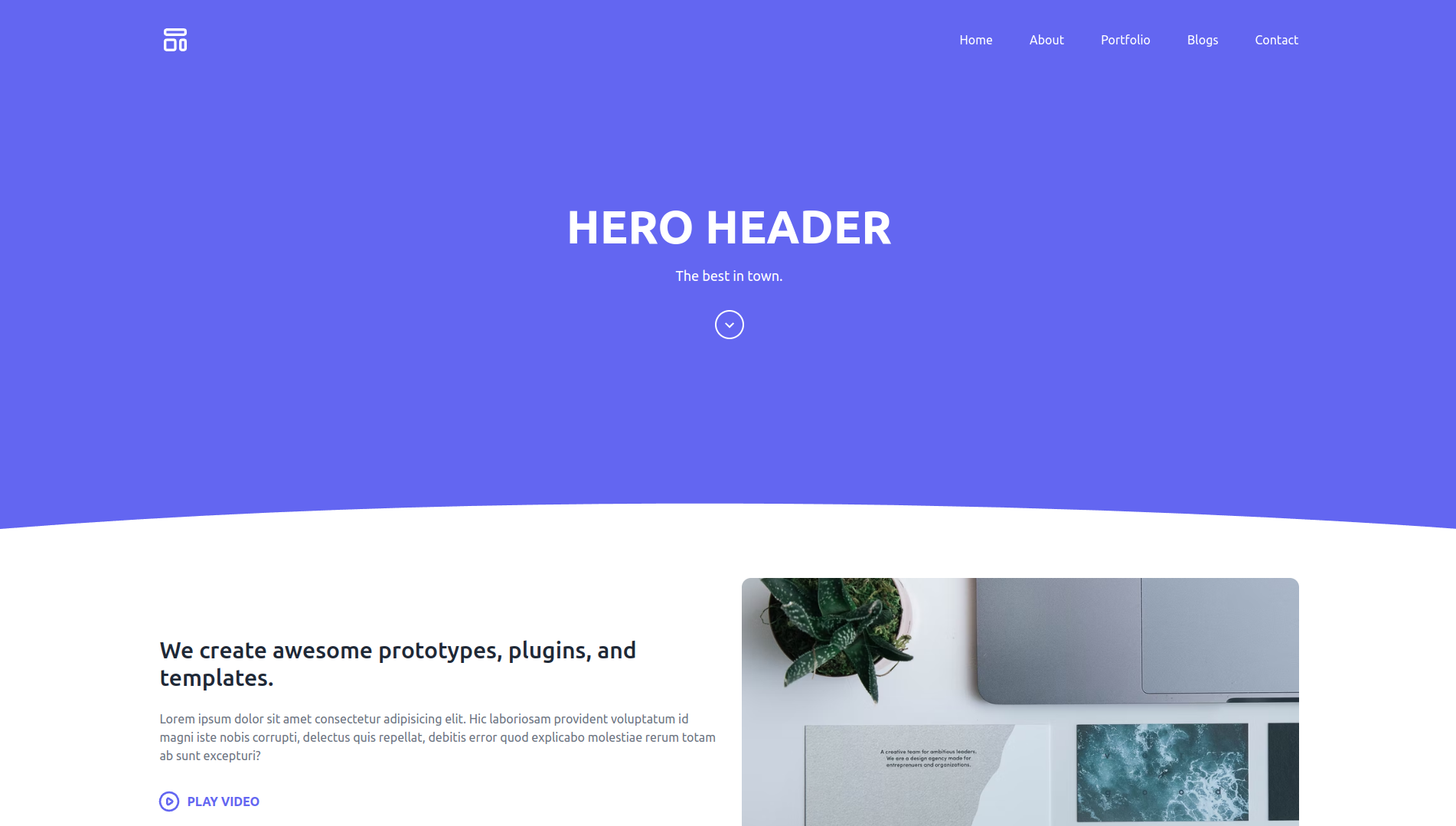
hero-header-template
A Vue 3, Vite, and Tailwind CSS landing page template for agencies, featuring a Hero section and header with RTL language support.
Vue · Corporate Website
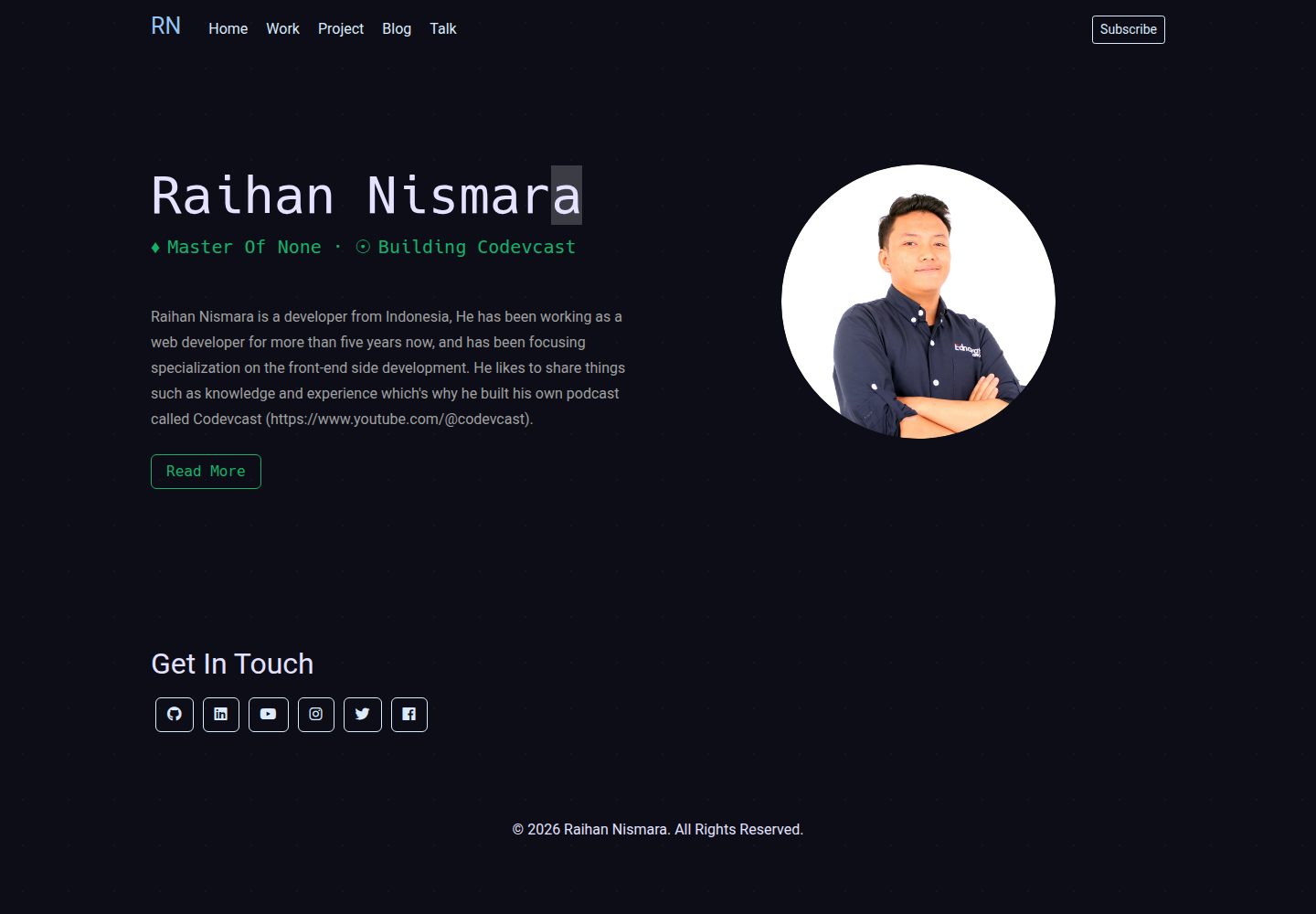
vue-porto
VuePorto is a Vue-based single-page resume and portfolio template adapted from StartBootstrap's Resume theme, adding animations and transitions. It suits personal resume or portfolio sites and is under the MIT license for free use and secondary development.
Vue · Portfolio
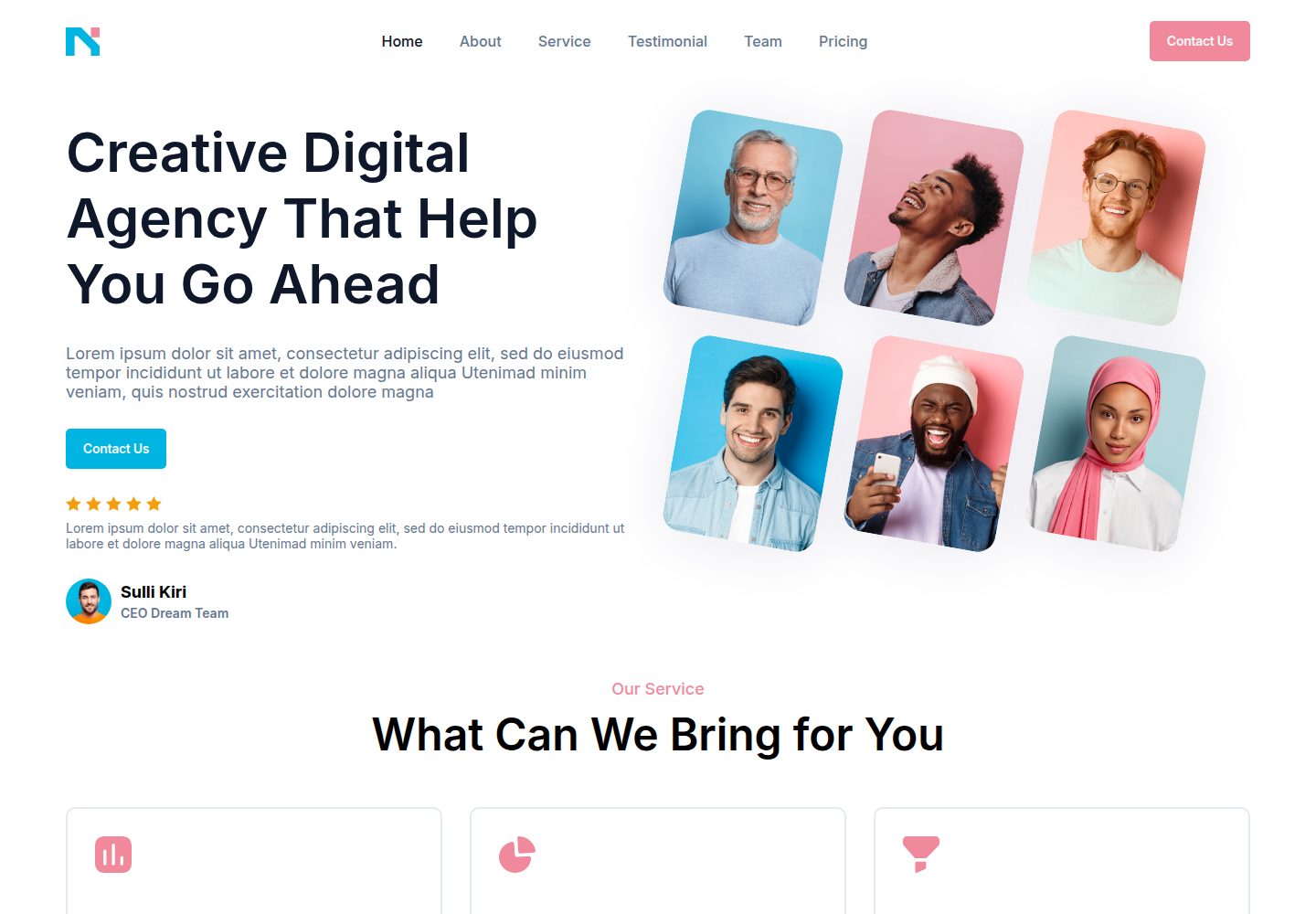
nagency
nagency is a digital agency website template built with Vue 3 and Vite, released under the MIT license. It includes desktop (1440×1000) and mobile (390×844) home page screenshots and provides basic install, development, and build commands.
Vue · Corporate Website
vitepress-marketing
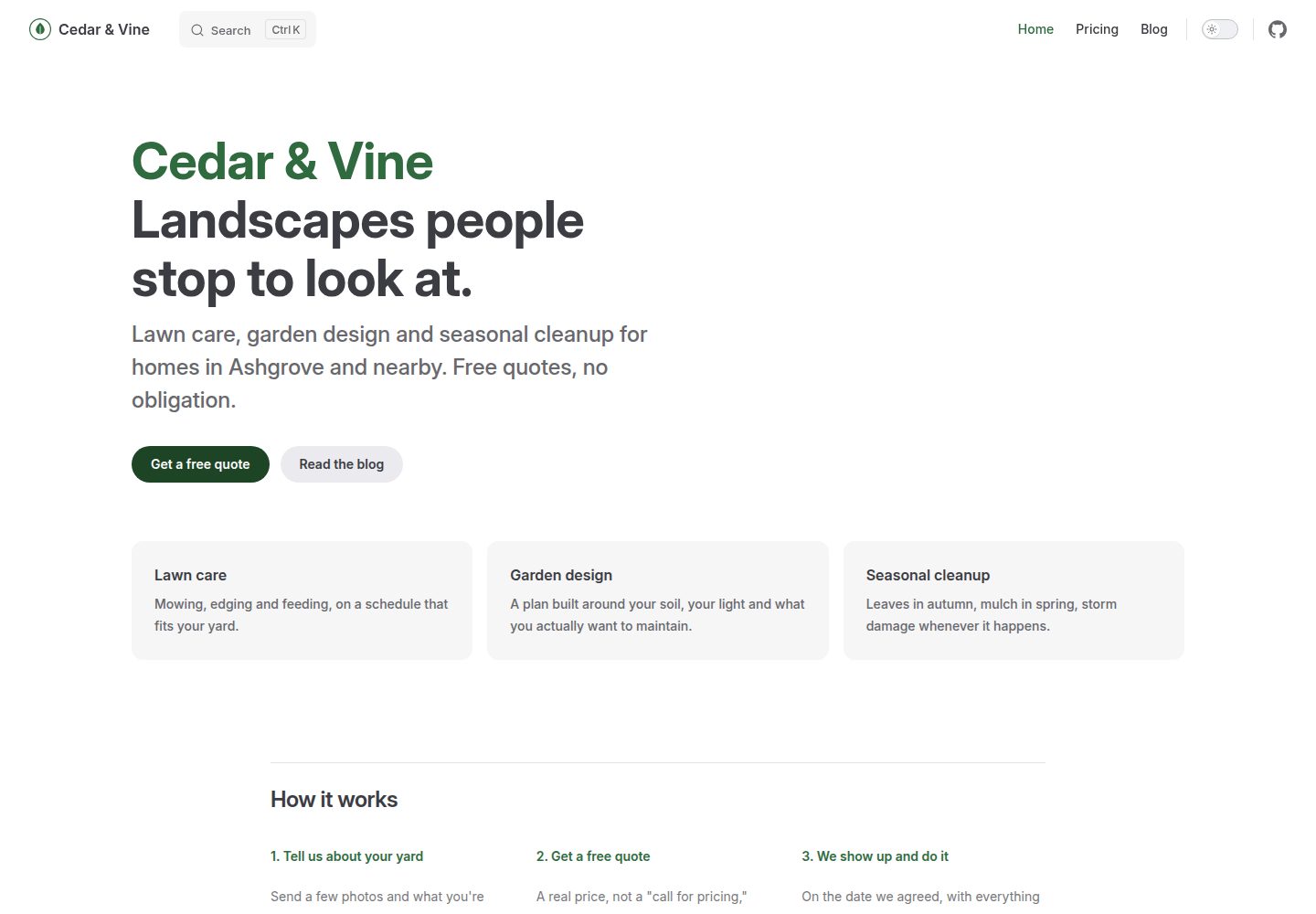
A VitePress-based multi-page marketing site template with a home page, blog, and submittable contact form, deployed automatically to GitHub Pages via GitHub Actions.
Vue · Blog
dessert-page
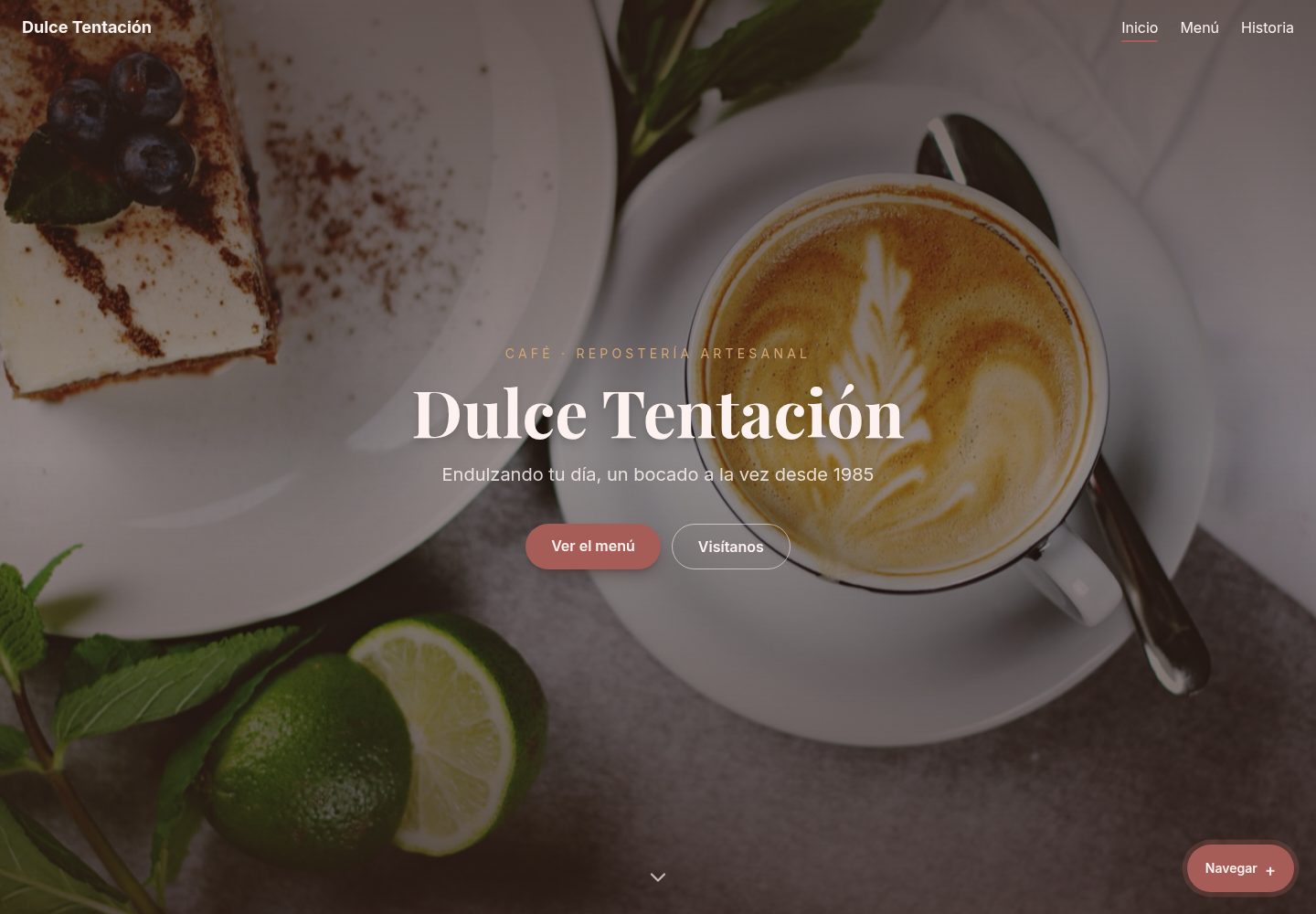
A Vue 3, TypeScript, and Tailwind CSS template for a Mexican coffee bakery's website and online menu. It includes 33 JSON-driven products, accent-insensitive search, localStorage favorites, URL-synced filters, business-hours status, and scroll animations that respect reduced motion.
Vue · Corporate Website