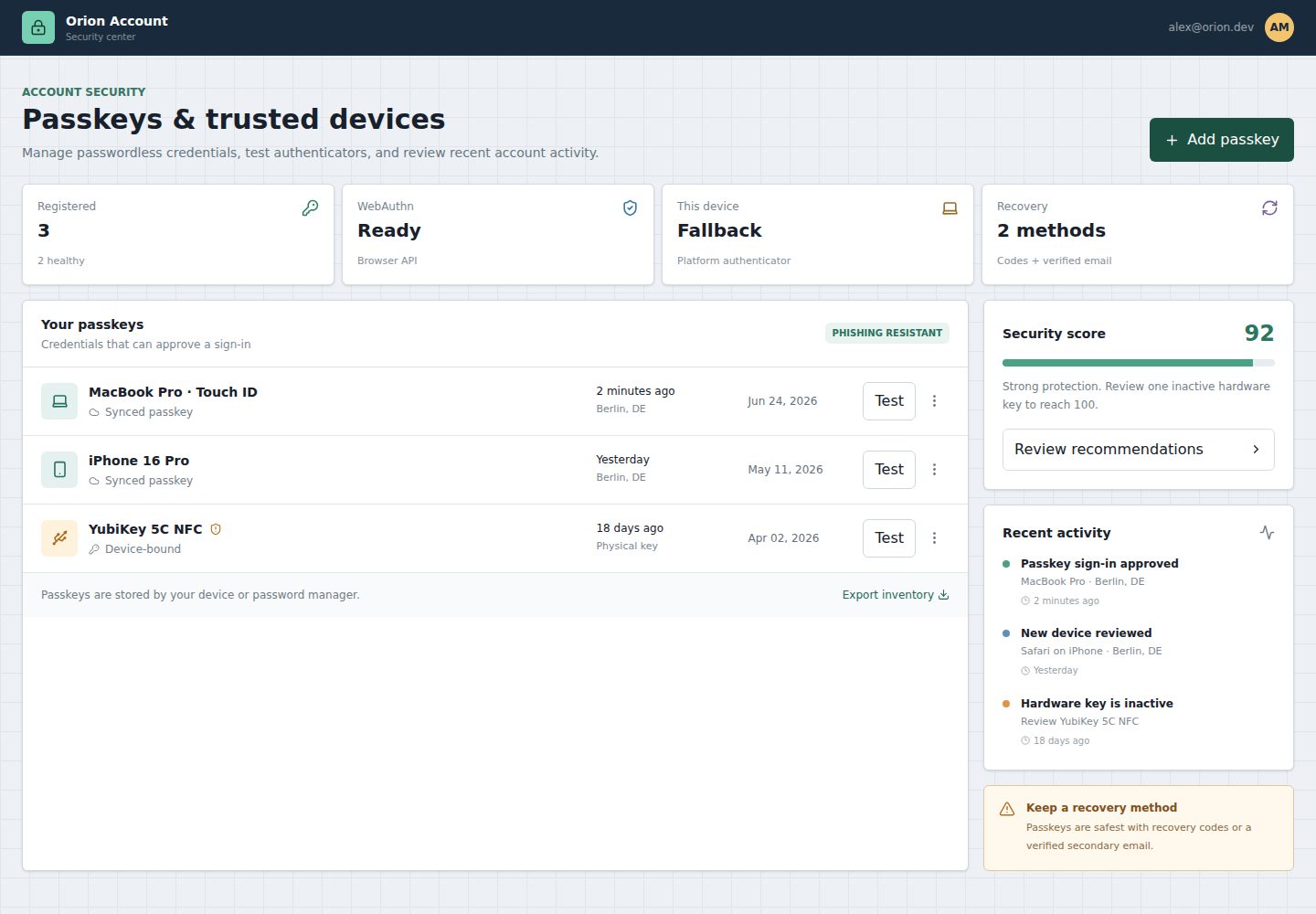
Credential inventory shows usage, location, creation time, and review status for synced and device-bound passkeys
ViteAdmin dashboard
preact-auth-passkey-center — Vite Admin dashboard Template
By smart-developer1791
A Preact-based passkey and trusted-device management panel template that includes WebAuthn capability detection, simulated registration and verification flows, a credential inventory, a security score, and an activity timeline.
Explore the design
Compare the page layouts and mobile experience. Open any screenshot for a closer look.
Desktop homepage1 / 2
Desktop captureTop of page
Actual screenshot captured by the server browser.
All pages & views 2
Screenshots show visual appearance; interactive behavior may differ.
Recorded 2026-10-17View source
What stands out
A quick read of the recorded project description.
Uses @simplewebauthn/browser to detect browser and platform authenticator support
Registration dialog simulates platform authenticator and hardware key registration; test login simulates assertion verification and updates usage metadata
Revoking a passkey requires confirmation and is recorded in the activity timeline
Demo credentials persist to IndexedDB via idb-keyval and reset after clearing browser storage
Provides a security score and responsive inventory layout; on mobile, table rows become stacked records
Template Details
This template is a frontend demo panel for account security settings, designed to present management interfaces for passkeys and trusted devices. The README states that it includes a credential inventory listing usage, location, creation time, and review status for synced and device-bound passkeys; detects browser and platform authenticator support via @simplewebauthn/browser; provides a registration dialog that simulates registration of platform authenticators and hardware keys; provides a test login that simulates assertion verification and refreshes credential usage metadata; and supports revoking selected passkeys after confirmation and logging the event. Demo data is stored in IndexedDB and includes three sample credentials covering a synced platform, a mobile device, and a device-bound hardware key, where the YubiKey starts in a pending-review state and becomes normal after a successful test. The interface also provides a security score and an activity timeline, and on mobile it turns desktop table rows into stacked records.
It must be clear that the README states the project intentionally simulates completion of authentication flows because registration and authentication options must be generated and verified by a backend; all identities, challenges, devices, and responses are synthetic data and remain only in the browser. The template does not include a real backend, and the authentication template is a reference implementation that cannot replace security review, threat modeling, or server-side enforcement. WebAuthn requires a secure context, and localhost is available during development. Credential names and device labels are account metadata and cannot serve as proof of authenticator identity. The dense inventory layout remains primarily oriented toward desktop account settings scenarios. The README does not provide further information about production readiness, performance, or real server-side integration.
ViteBackend
Is it right for your project?
Use Cases
- Demonstrating a passkey inventory and status management interface in account security settings
- Testing interaction states such as loading, disabled, success, and failure with mock services before connecting a real backend
- Showing teams different ways to present WebAuthn capability detection and compatibility status
- Serving as a frontend starting point for replacing the mock API in src/services/ with a real HTTP client
Suitable For
- Frontend developers who need a reference for a passkey management interface
- Teams that want to understand WebAuthn frontend interactions and status presentation
- Projects building account security pages with Preact, TypeScript, and Tailwind CSS
Getting started & customization
Use these recorded setup notes alongside the repository instructions for your chosen version.
- 1
To run locally, execute npm install and npm run dev, then visit http://localhost:5173
- 2
WebAuthn requires a secure context; localhost can be used during development
- 3
Registration and authentication options must be generated and verified by a backend; the template only simulates flow completion
- 4
When integrating a real service, replace the functions in src/services/ and retain the domain contracts used by the UI
- 5
Build and check commands include npm run format:check, npm run build, npm run preview, and npm audit --omit=dev
License & source material
Usage conditions & limitations
Free to use · keep license noticeThis listing covers the free version under the MIT license in the public repository; the free scope is the code of that version and does not mean external services or third-party assets are free.
Must comply with when using
- The code of this version may be used, modified, used commercially, and distributed free of charge.
- When distributing copies or substantial portions of the code, retain the original author's copyright notice and the complete MIT license notice.
- The code is provided as is; warranties and limitations of liability are governed by the original license and applicable law.
Additional costs & items to verify
- Demo images, fonts, icons, and other third-party assets must be checked under their respective licenses and cannot be judged solely by the code's MIT license.
- External services such as domains, hosting, databases, payments, or AI may incur separate charges.
- The project intentionally simulates authentication flow completion because registration and authentication options must be generated and verified by a backend; the template does not include a real backend.
- startRegistration and startAuthentication can only be used with challenges issued by the server, and origin, RP ID, counters, and user binding must be verified on the server.
- WebAuthn requires a secure context; only localhost is accepted during development.
- Credential names and device labels are account metadata and cannot serve as proof of authenticator identity.
- Although the interface is responsive, the dense inventory layout remains primarily oriented toward desktop account settings scenarios.
- Integrating a real service requires replacing the functions in src/services/ and retaining the domain contracts used by the UI.
- The authentication template is a reference implementation and cannot replace security review, threat modeling, or server-side enforcement.
- All identities, challenges, devices, and responses are synthetic data and remain only in the browser.
- Adding credentials and deletion operations persist only locally and reset after clearing browser storage.
View Original Text Basis
Permission is hereby granted, free of charge
Original License Text
- The project intentionally simulates ceremony completion because registration and authentication options must be generated and verified by a backend.
Original README
- Use `startRegistration` and `startAuthentication` only with server-issued challenges and verify origin, RP ID, counter, and user binding on the server.
Original README
- WebAuthn requires a secure context; localhost is accepted for development.
Original README
- Credential names and device labels are account metadata, not proof of authenticator identity.
Original README
- The interface is responsive, while its denser inventory layout remains optimized for account-settings use on desktop.
Original README
- Replace functions in `src/services/` with your HTTP client while preserving the domain contracts used by the UI.
Original README
- Authentication templates are reference implementations, not a substitute for a security review, threat model, and server enforcement.
Original README
All identities, challenges, devices, and responses are synthetic and remain in the browser.
Original README
https://github.com/smart-developer1791/preact-auth-passkey-center/blob/master/LICENSEhttps://github.com/smart-developer1791/preact-auth-passkey-center/blob/master/README.md- New credentials and removals persist locally until browser storage is cleared.
Original README
Compiled by DeepSeek based on repository license and README ·2026-10-17. Results only cover the materials read; dependencies, images, fonts, and subsequent term changes are subject to their respective original texts.
Project checks & description sources
Template Information
- Source platforms
- GitHub
- Documentation and maintenance reference score
- More documented · 80 / 100
- Technologies
- Vite
- Website type
- Admin dashboard
How this score is calculated
Our heuristic uses license records (up to 30), a demo link (12), a preview (10), stars (15), recorded maintenance (15), description completeness (8), feature records (5) and classification data (5). It is not a code, security or performance test, or a Google score. A link does not establish tested functionality.
What to verify for this project
- Repository update recorded
- 2026-07-20
- Screenshot last checked
- 2026-10-17
A demo link is listed. Check it with your own content and viewport sizes; its presence does not confirm that forms, authentication or payments work.
The catalog identifies Vite as the primary stack. Check the actual dependency manifest and lockfile for versions and hosting requirements. These notes use recorded metadata, not a code audit or a deployment test.
Use a selection guide →How this description was prepared
AI-assisted description based on catalog records and repository material. Repository authors are not automatically the reviewers of this description.
Review declaration: codex-user-requested-batch-review-20261018 · 2026-10-18
Inspect the recorded source material
SHA-256: 6d16b4f1d252885f4707c8836d2d2f649ab12d8c5cc0fe4b5a5b69c4ac272153
2026-10-17T22:12:03.936Z
Source file / repository<div align="center">
# ✦ Preact Auth Passkey Center
**A practical passkey and trusted-device dashboard with WebAuthn capability checks, mock ceremonies, inventory, and security activity.**





[](https://vercel.com/new)
</div>
---
## ✨ Highlights
- **Credential Inventory:** Lists synced and device-bound passkeys with usage, location, creation, and review state.
- **WebAuthn Detection:** Uses `@simplewebauthn/browser` to detect browser and platform-authenticator support.
- **Registration Dialog:** Models platform and hardware-key registration with a reusable service boundary.
- **Test Sign-in:** Simulates assertion verification and refreshes credential usage metadata.
- **Credential Revocation:** Removes a selected passkey after confirmation and records the event.
- **Local Persistence:** Keeps the evolving demo credential inventory in IndexedDB.
- **Security Score:** Summarizes passkey health and calls out inactive hardware credentials.
- **Activity Timeline:** Tracks registration, test authentication, and revocation events.
- **Responsive Inventory:** Converts the desktop table-like rows into readable stacked mobile records.
- **Compatibility States:** Clearly distinguishes WebAuthn readiness, platform support, and fallback behavior.
- **Accessible Dialog:** Supports backdrop dismissal, modal semantics, labels, and explicit action controls.
## 🧱 Project Structure
```text
public/
`-- favicon.svg
src/
|-- app.tsx
|-- main.tsx
|-- index.css
|-- components/
| |-- add-passkey-dialog.tsx
| `-- passkey-row.tsx
|-- domain/
| `-- passkeys.ts
`-- services/
`-- mock-passkey-api.ts
```
## 🛠️ Tech Stack
- Preact 10 with Vite 8
- TypeScript 6
- Tailwind CSS 4
- Prettier 3
- `@simplewebauthn/browser`
- Zod
- `idb-keyval`
- `lucide-preact`
## 📦 Included Demo Data
- Three passkeys cover synced platform, mobile, and device-bound hardware credentials.
- The YubiKey begins in a review state and becomes healthy after a successful test.
- New credentials and removals persist locally until browser storage is cleared.
All identities, challenges, devices, and responses are synthetic and remain in the browser.
## 🚀 Local Development
```bash
npm install
npm run dev
```
Open `http://localhost:5173`.
## 🔌 Extension Notes & Nuances
- The project intentionally simulates ceremony completion because registration and authentication options must be generated and verified by a backend.
- Use `startRegistration` and `startAuthentication` only with server-issued challenges and verify origin, RP ID, counter, and user binding on the server.
- WebAuthn requires a secure context; localhost is accepted for development.
- Credential names and device labels are account metadata, not proof of authenticator identity.
- The interface is responsive, while its denser inventory layout remains optimized for account-settings use on desktop.
- Mock calls include visible latency so loading, disabled, success, and failure states can be tested before connecting a real API.
- Replace functions in `src/services/` with your HTTP client while preserving the domain contracts used by the UI.
- Authentication templates are reference implementations, not a substitute for a security review, threat model, and server enforcement.
## 🧪 Build & Checks
```bash
npm run format:check
npm run build
npm run preview
npm audit --omit=dev
```
## 🌐 Vercel Deployment
```json
{
"$schema": "https://openapi.vercel.sh/vercel.json",
"framework": "vite",
"buildCommand": "npm run build",
"outputDirectory": "dist",
"rewrites": [{ "source": "/(.*)", "destination": "/index.html" }]
}
```
## 📄 License
MIT License. See [LICENSE](./LICENSE).
Explore similar templates
Compare previews and descriptions within the same stack and category.

kiaalap
Kiaalap is a free, open-source admin template from Colorlib for education, online courses, and school management.
Vite · Admin dashboard

react-vite-admin
A backend management starter built on Vite and React, integrating Recoil, React Query, TypeScript, and Axios, with Ant Design-style interface screenshots. Suitable as a starting point for management-side projects, licensed under MIT, with Chinese documentation and common scripts.
Vite · Admin dashboard
admin-antd-react
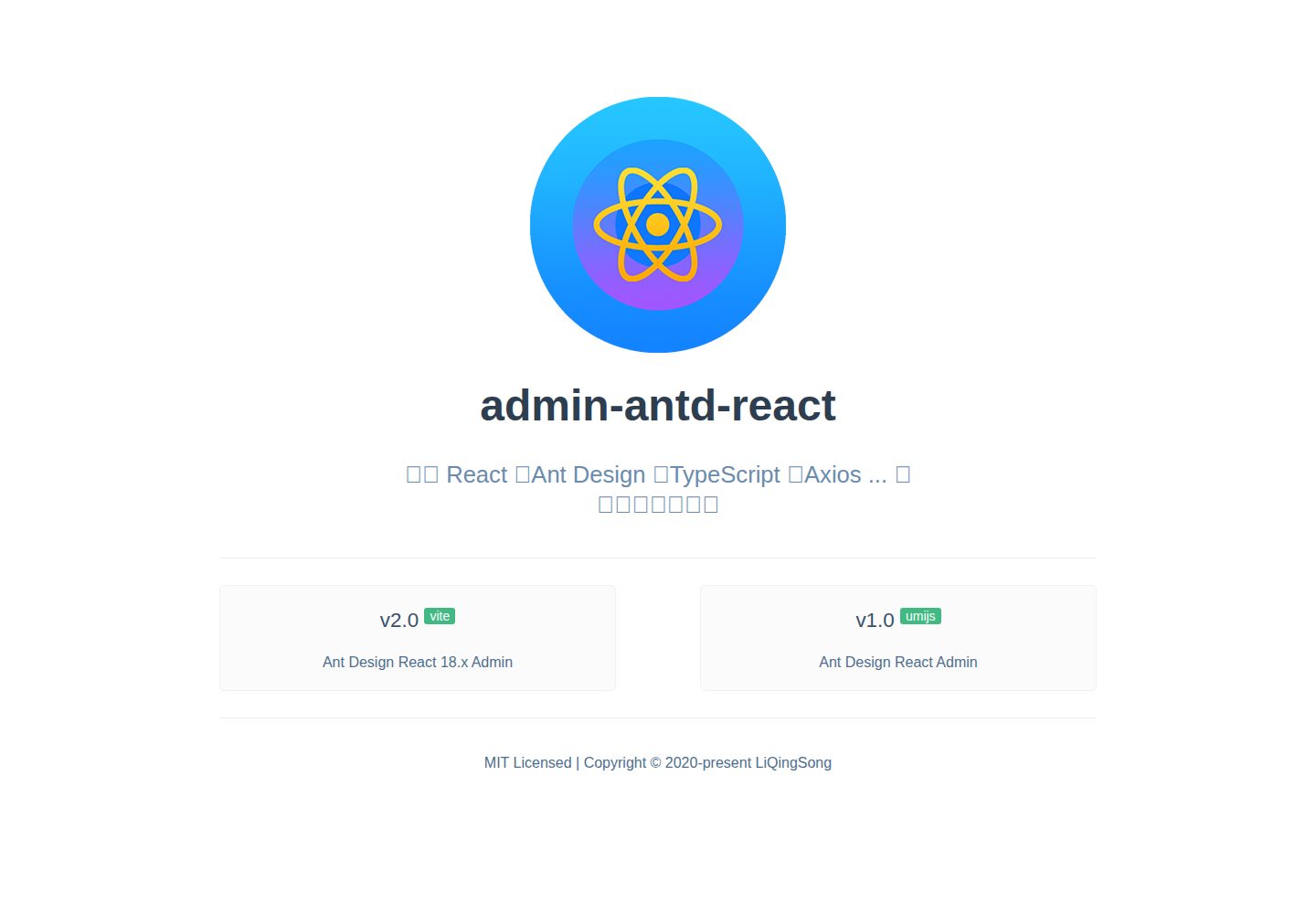
A Vite + React 18 admin template using Ant Design and Recoil, with login, logout, and registration flows; page, button, and permission configuration verification; internationalization; dynamic sidebar and breadcrumbs; Svg Sprite icons; Mock data; and list, form, and detail page examples.
Vite · Admin dashboard
arco-admin-template
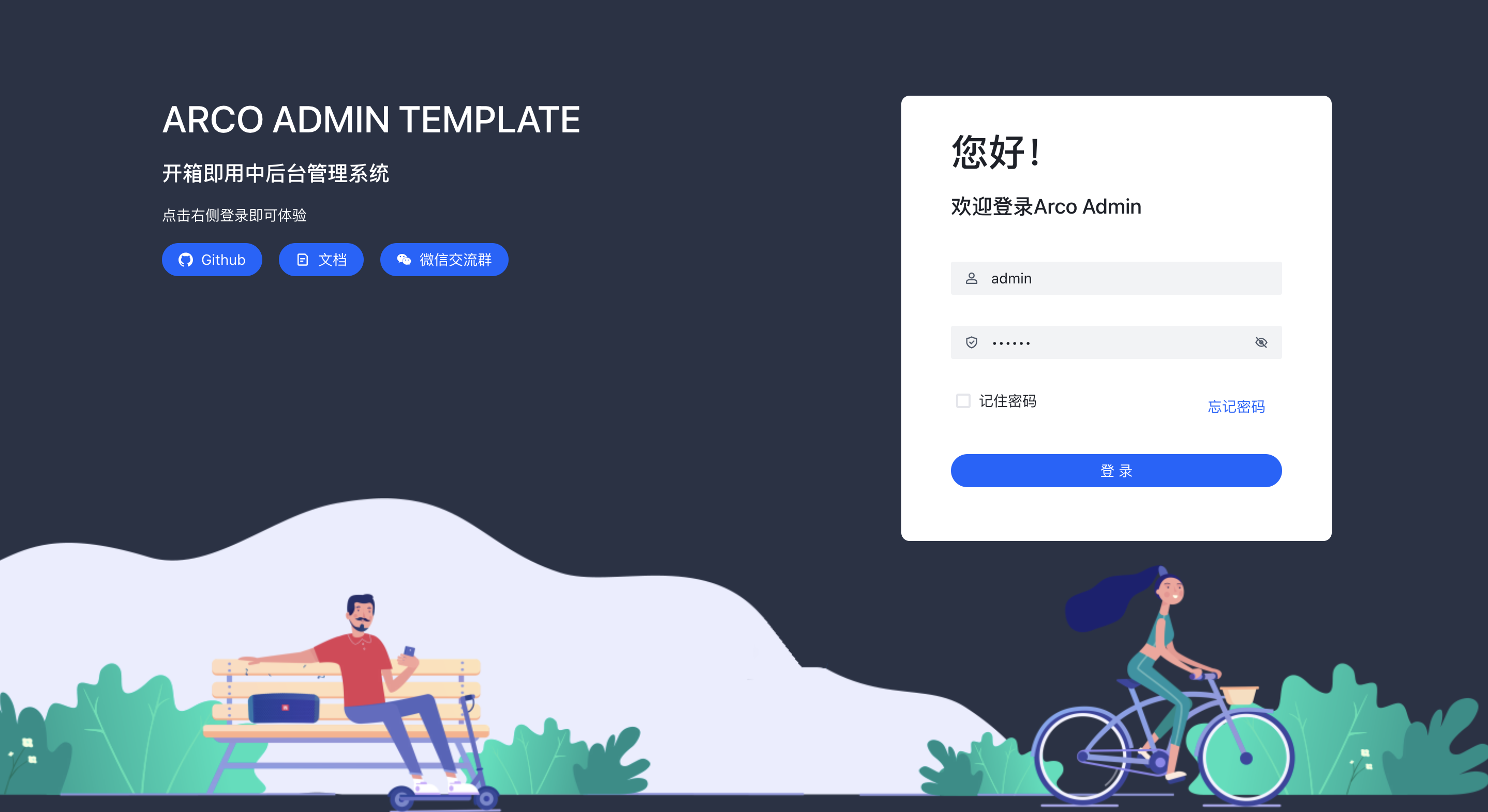
A Vite + React mid-to-back-office template using Arco Design, react-router-dom v6, mockjs, and less, with internationalization, theme customization, and light/dark switching. Includes login, dashboard, resource, component examples, settings, and 404 pages.
Vite · Admin dashboard
super-admin
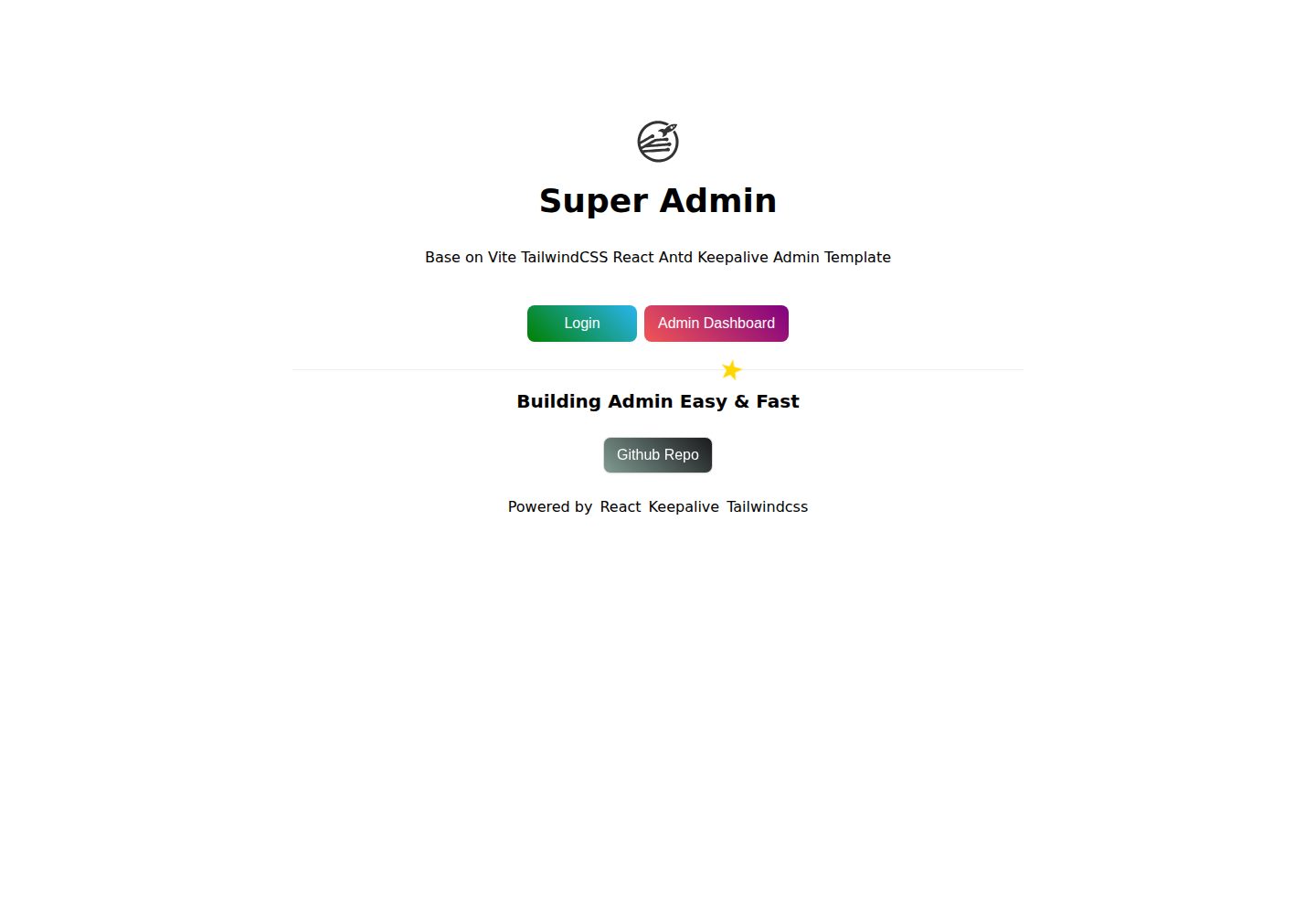
A React, Vite, and Antd admin template that implements multi-tab route caching similar to Vue keepalive and route-based permission control.
Vite · Admin dashboard
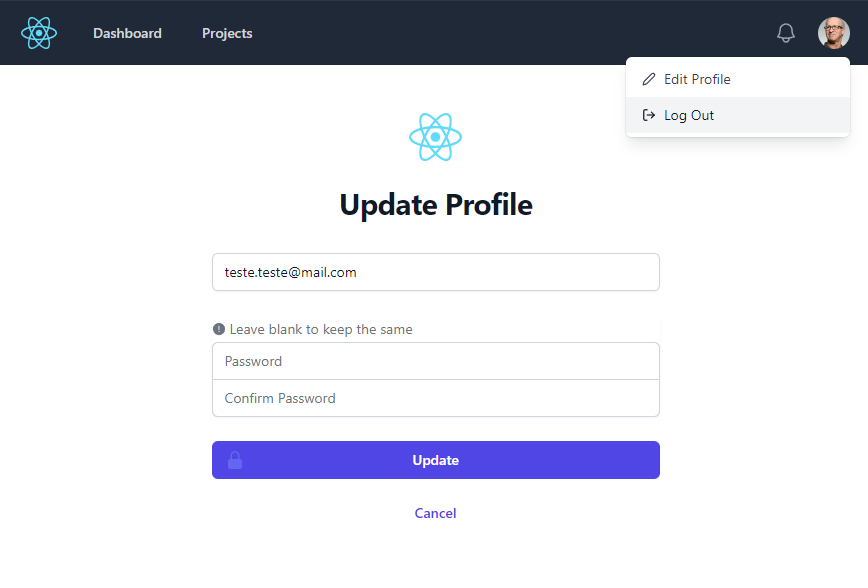
react-vite-tailwind-typescript-firebase-auth-template
A starter template for backend applications using Vite, React, TypeScript, TailwindCSS, and Firebase Auth, featuring login and dashboard interfaces. Requires your own Firebase project and credentials in .env; no backend logic included.
Vite · Admin dashboard