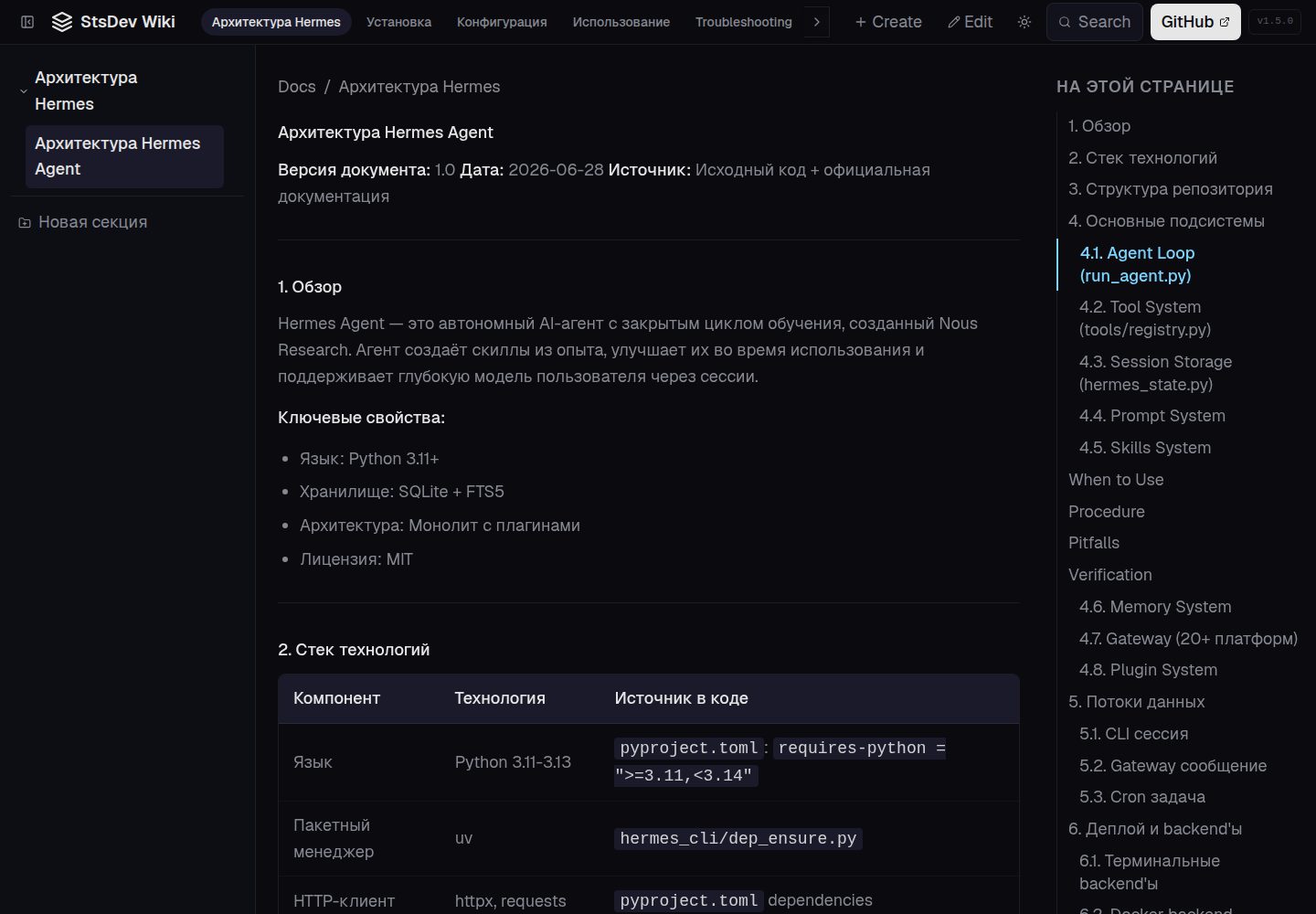
MDX content: one .mdx file per page, with title, section, order, and slug declared via frontmatter
Next.jsReactDocumentation
StsDev-Wiki-Template — Next.js Documentation Template
By stsgs1980
A documentation knowledge base template built on Next.js 16, with content written in MDX, supporting theme switching, full-text search, a built-in editor, and static deployment to GitHub Pages.
Explore the design
Compare the page layouts and mobile experience. Open any screenshot for a closer look.
Desktop homepage1 / 2
Desktop captureTop of page
Actual screenshot captured by the server browser.
All pages & views 2
Screenshots show visual appearance; interactive behavior may differ.
Recorded 2026-10-13View source
What stands out
A quick read of the recorded project description.
Supports Prism code highlighting, Mermaid diagrams, GFM tables, and task lists
One-click light/dark theme switching, with state persisted to localStorage
Cmd+K full-text search, automatic table of contents, and previous/next page navigation
In-app WYSIWYG MDX editor, supporting new page creation, file upload, and automatic commit to Git on save
Static deployment to GitHub Pages by default, with CI automatically removing server-side routes
Template Details
StsDev-Wiki-Template is a standardized template for building a knowledge base. Content is stored as MDX files, and each page declares its title, section, order, and slug via frontmatter. The README explains that after adding a new .mdx file, the page automatically appears in navigation, search, and the table of contents without additional configuration.
The template includes code highlighting (Prism, One Dark / One Light switching with the theme), Mermaid diagrams, light/dark theme switching (state saved in localStorage), Cmd+K full-text search, an automatically generated table of contents with previous/next page navigation, and in-app WYSIWYG editing based on @mdxeditor/editor, page creation, and file upload, with automatic commit to Git on save.
On the technical stack side, the README lists Next.js 16 (App Router), TypeScript, Tailwind CSS, shadcn/ui, next-themes, next-mdx-remote/rsc, remark-gfm, react-syntax-highlighter, Mermaid.js, gray-matter, and Lucide React.
There are two deployment modes: by default, a static site is built via GitHub Actions and deployed to GitHub Pages, and CI automatically removes server-side routes (API, edit, new); when running the build and start commands on Vercel or in server mode, in-app editing and the API are available. The README does not provide information about performance, concurrency capacity, or production suitability.
Next.jsDocumentation
Is it right for your project?
Use Cases
- Building technical documentation or an internal knowledge base with Markdown/MDX as the content source
- Documentation sites that need light/dark themes, code highlighting, and Mermaid diagrams
- Editing documents directly through a browser interface and automatically committing to a Git repository
- Publishing documentation via static hosting on GitHub Pages without setting up your own server
Suitable For
- Development teams using Next.js and MDX to organize documentation content
- Template-based, cloneable, reusable knowledge base starter projects
- Maintainers who accept managing documentation content through a Git repository
Getting started & customization
Use these recorded setup notes alongside the repository instructions for your chosen version.
- 1
Prerequisites: Node.js 20+ or Bun
- 2
After cloning the repository, run bun install to install dependencies, and bun run dev to start the development server (default http://localhost:3000)
- 3
Use bun run lint for code checking and bun run build to build
- 4
For static deployment to GitHub Pages, run GITHUB_PAGES=true npx next build; for server mode, use bun run build and bun run start
- 5
The README does not describe environment variables or additional configuration requirements beyond the content directory
License & source material
Usage conditions & limitations
Free to use · keep license noticeThis entry covers the free version under the MIT license in the public repository; the free scope is the code of that version and does not mean that external services or third-party assets are free.
Must comply with when using
- Free use, modification, commercial use, and distribution of that version's code are permitted.
- When distributing copies or substantial portions of the code, retain the original author's copyright notice and the complete MIT license notice.
- The code is provided as is; warranties and limitations of liability are governed by the original license and applicable law.
Additional costs & items to verify
- Demo images, fonts, icons, and other third-party assets must be checked against their respective licenses and cannot be judged solely by the code's MIT license.
- External services such as domains, hosting, databases, payments, or AI may incur separate charges.
- The default deployment mode is a static site (GitHub Pages), and server-side routes (editor, API) are automatically removed in CI, so in-app editing and the API are available only in server mode.
- Automatic commit to Git on save requires a working Git integration environment; this feature is unavailable in static deployment mode.
- When deploying to GitHub Pages, CI automatically removes server-side routes (API, edit, new), and the related features are unavailable in that mode.
- In-app editing and the API are available only in server mode (such as Vercel) and are unavailable in static deployment.
View Original Text Basis
Permission is hereby granted, free of charge
Original License Text
- **Деплой без сервера** — по умолчанию шаблон деплоится как статический сайт на GitHub Pages. Серверные маршруты (редактор, API) отключаются в CI автоматически.
Original README
- **Git Integration** — auto-commit on save from the application
Original README
The CI workflow automatically removes server routes (API, edit, new) and builds a static site:
Original README
https://github.com/stsgs1980/StsDev-Wiki-Template/blob/main/LICENSEhttps://github.com/stsgs1980/StsDev-Wiki-Template/blob/main/README.mdIn server mode, in-app editing and the API are available.
Original README
Compiled by DeepSeek based on repository license and README ·2026-10-13. Results only cover the materials read; dependencies, images, fonts, and subsequent term changes are subject to their respective original texts.
Project checks & description sources
Template Information
- Source platforms
- GitHub
- Documentation and maintenance reference score
- More documented · 80 / 100
- Technologies
- Next.js · React
- Website type
- Documentation
How this score is calculated
Our heuristic uses license records (up to 30), a demo link (12), a preview (10), stars (15), recorded maintenance (15), description completeness (8), feature records (5) and classification data (5). It is not a code, security or performance test, or a Google score. A link does not establish tested functionality.
What to verify for this project
- Repository update recorded
- 2026-10-13
- Screenshot last checked
- 2026-10-13
A demo link is listed. Check it with your own content and viewport sizes; its presence does not confirm that forms, authentication or payments work.
The catalog identifies Next.js as the primary stack. Check the actual dependency manifest and lockfile for versions and hosting requirements. These notes use recorded metadata, not a code audit or a deployment test.
Use a selection guide →How this description was prepared
AI-assisted description based on catalog records and repository material. Repository authors are not automatically the reviewers of this description.
Review declaration: codex-user-requested-batch-review-20261015 · 2026-10-15
Inspect the recorded source material
SHA-256: bf8d9e7874420b3b73b9f9176196b2495f8a966d3a36a96db42a105d94c8aac4
2026-10-13T14:52:19.966Z
Source file / repository# StsDev Wiki Template
**Стандартизированный шаблон базы знаний** на базе Next.js 16 — MDX-контент, подсветка синтаксиса, тёмная/светлая темы, встроенный редактор, статический деплой на GitHub Pages.
[](https://nextjs.org)
[](https://react.dev)
[](https://www.typescriptlang.org)
[](https://tailwindcss.com)
[](https://ui.shadcn.com)
[](LICENSE)
## Table of Contents
- [Принцип стандартизированного шаблона](#принцип-стандартизированного-шаблона)
- [Features](#features)
- [Tech Stack](#tech-stack)
- [Local Development](#local-development)
- [Install dependencies](#install-dependencies)
- [Start dev server](#start-dev-server)
- [Linting](#linting)
- [Getting Started](#getting-started)
- [Project Structure](#project-structure)
- [Верификация шаблона](#верификация-шаблона)
- [Deployment](#deployment)
- [Manual deployment](#manual-deployment)
- [License](#license)
## Принцип стандартизированного шаблона
Этот репозиторий — не просто проект, а **шаблон (template)**, который клонируется и используется как основа для создания баз знаний. Все решения принимаются из этого принципа:
- **Универсальность** — функциональность должна работать для любого контента, а не для конкретных документов. Пример: click-to-expand реализован на уровне контейнера `.docs-content` через event delegation, а не в каждом компоненте отдельно.
- **Предсказуемость** — новые MDX-файлы работают из коробки без дополнительных настроек. Достаточно создать `.mdx` с frontmatter — страница автоматически появится в навигации, поиске, TOC.
- **Минимальные зависимости от контента** — шаблон не должен требовать предварительной настройки под конкретную структуру документа. Любой стандартный Markdown/GFM рендерится корректно.
- **Регрессионный контроль** — каждый компонент (code block, mermaid, таблица, callout, изображение) покрывается showcase-файлом, который служит эталоном для проверки после изменений.
- **Деплой без сервера** — по умолчанию шаблон деплоится как статический сайт на GitHub Pages. Серверные маршруты (редактор, API) отключаются в CI автоматически.
## Features
- **MDX Content** — each page as a `.mdx` file with frontmatter (title, section, order, slug)
- **Syntax Highlighting** — Prism-based, One Dark / One Light matching the theme
- **Mermaid Diagrams** — adapt to the current theme (dark/light)
- **Dark and Light Themes** — toggle with one button, state persisted in localStorage
- **Full-text Search (Cmd+K)** — instant search across all pages
- **In-app Editing** — WYSIWYG MDX editor, page creation, file upload
- **Git Integration** — auto-commit on save from the application
- **Table of Contents (TOC)** — auto-generated, active section highlighting
- **Cross-navigation** — "Previous / Next" buttons between pages
- **GitHub Pages** — static deployment via GitHub Actions (server routes removed in CI)
- **GFM Support** — GitHub Flavored Markdown via remark-gfm (tables, strikethrough, task lists, autolinks)
- **Responsive Design** — mobile navigation with drawer menu
## Tech Stack
| Component | Technology |
| ----------------- | --------------------------------------------------- |
| Framework | Next.js 16 (App Router) |
| Language | TypeScript 5 |
| Styling | Tailwind CSS 4 + shadcn/ui |
| Theming | next-themes (class-based) |
| Content Rendering | next-mdx-remote/rsc (Server Component) + remark-gfm |
| Editor | @mdxeditor/editor (WYSIWYG + source) |
| Code Highlighting | react-syntax-highlighter (Prism) |
| Diagrams | Mermaid.js (dynamic import) |
| Frontmatter | gray-matter |
| Icons | Lucide React |
## Local Development
```bash
## Install dependencies
bun install
## Start dev server
bun run dev
## Linting
bun run lint
```
Open http://localhost:3000 — the documentation will load with the dark theme by default.
## Getting Started
### Prerequisites
- Node.js 20+ or Bun
### Installation
```bash
git clone https://github.com/stsgs1980/StsDev-Wiki-Template.git
cd StsDev-Wiki-Template
bun install
```
### Run
```bash
bun run dev
```
## Project Structure
```css
src/
app/
layout.tsx # Root layout + ThemeProvider
page.tsx # Redirect to first page
globals.css # CSS variables for light/dark themes
docs/
[slug]/
page.tsx # Server page (SSG/SSR)
docs-shell.tsx # Client shell (sidebar, TOC, search)
edit/page.tsx # In-app editing
new/page.tsx # Create new page
api/docs/ # REST API for document CRUD
components/
docs/ # Documentation components
mdx/ # MDX rendering and editor
ui/ # shadcn/ui components
content/
docs/ # MDX content files
lib/
mdx-utils.ts # Utilities for reading MDX files
api-handlers.ts # API handlers (CRUD + git)
```
## Верификация шаблона
Перед релизом шаблона необходимо убедиться, что все компоненты работают. Для этого используется **showcase-файл** — MDX-страница, содержащая все типы поддерживаемого контента:
1. Клонировать шаблон: `git clone <repo> && cd StsDev-Wiki-Template && bun install && bun run dev`
2. Открыть showcase-страницу и проверить визуально: code blocks (светлая/тёмная тема), mermaid-диаграммы, таблицы, изображения, callout'ы
3. Проверить universal click-to-expand — клик по любому блоку раскрывает его в overlay
4. Проверить поиск (Cmd+K) — showcase-страница находится
5. Проверить переключение тем — нет белой вспышки, контраст WCAG AA
6. Билд без ошибок: `bun run build`
7. Статический билд: `GITHUB_PAGES=true npx next build`
## Deployment
### GitHub Pages (static)
The CI workflow automatically removes server routes (API, edit, new) and builds a static site:
```bash
## Manual deployment
GITHUB_PAGES=true npx next build
```
### Vercel / server mode
```bash
bun run build
bun run start
```
In server mode, in-app editing and the API are available.
## License
[MIT](LICENSE)
Explore similar templates
Compare previews and descriptions within the same stack and category.

nextjs-prisma-boilerplate
A production-grade full stack starter built on Next.js 12, React 18, Prisma 4, and Postgres, with layered frontend and backend architecture, Jest and Cypress testing, next-auth authentication, Docker and Gitpod development environments, GitHub Actions CI/CD, and Traefik-based production deployment.
Next.js · Documentation

rubix-documents
A Next.js and React documentation site starter template for product docs, technical manuals and knowledge bases.
Next.js · Documentation
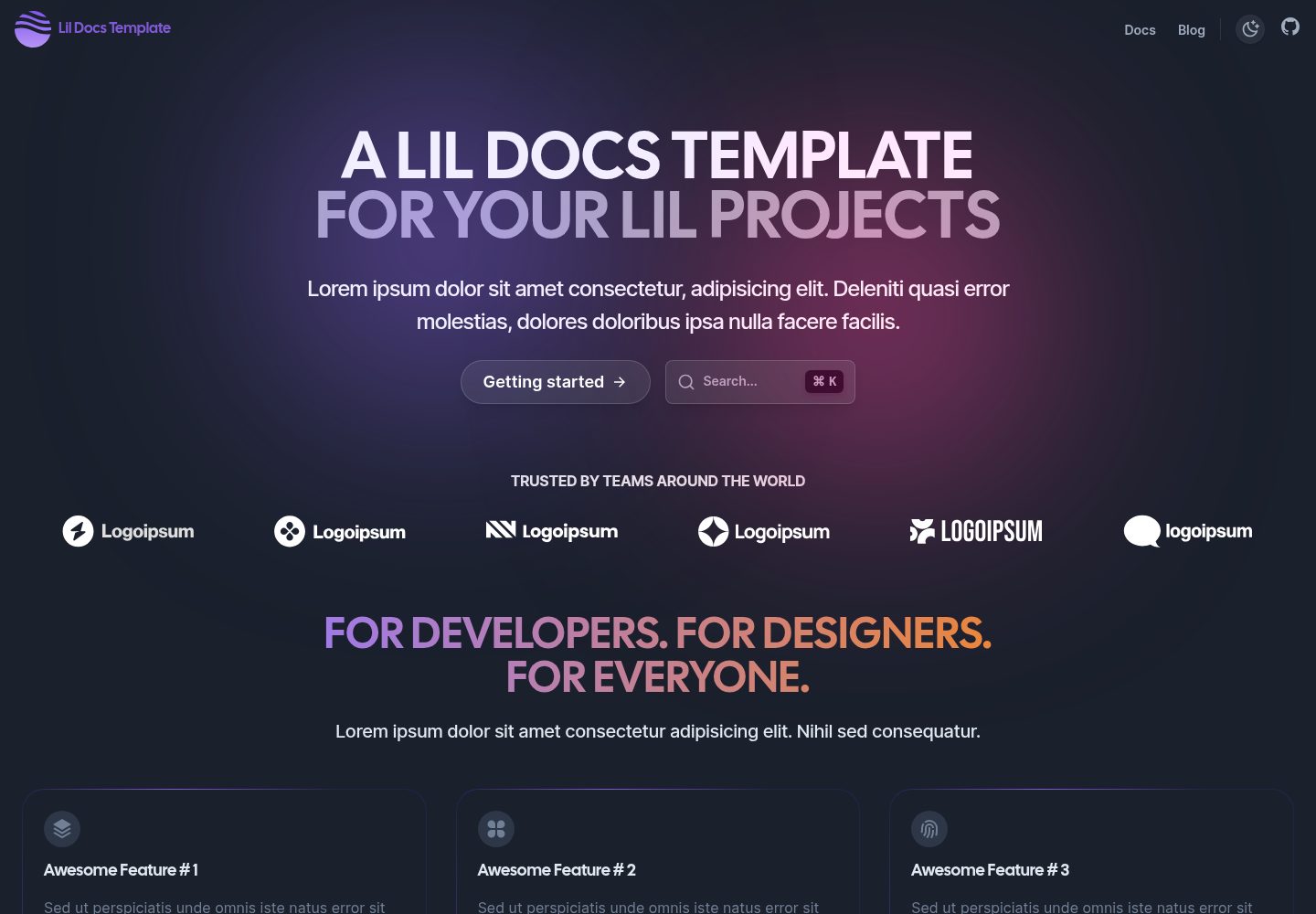
lil-docs-template
A lightweight documentation site template for small projects, built with Next.js, TypeScript, Chakra UI, and ContentLayer. It supports MDX content, light/dark mode, and SEO configuration, and offers a one-click Vercel deploy.
Next.js · Documentation
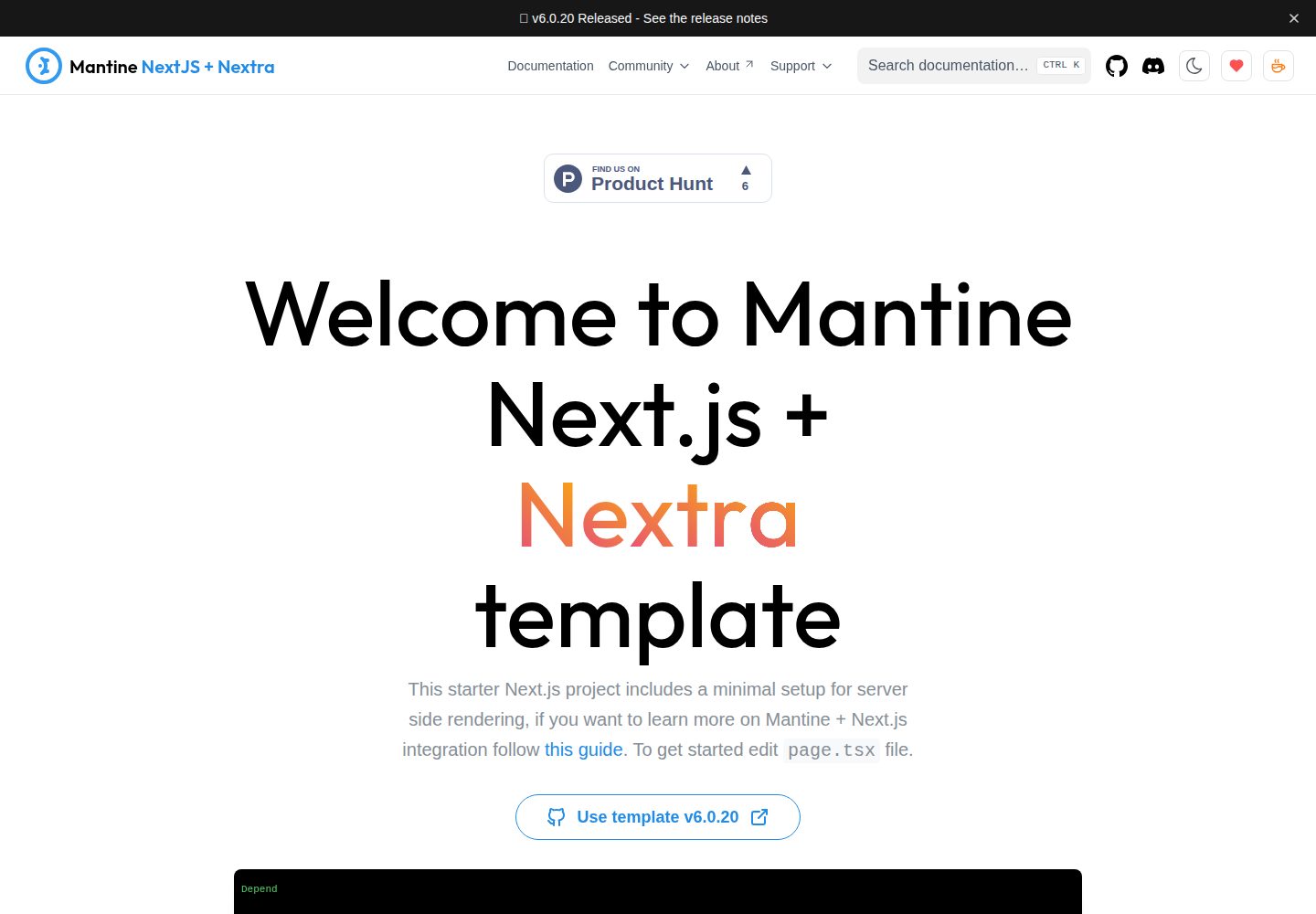
next-app-nextra-template
A documentation site template combining Next.js App Router, Mantine, and Nextra in one project, with synchronized dark mode, Pagefind search, Storybook, Jest, and GitHub Release Notes integration. Suitable for teams maintaining both a product application and its documentation.
Next.js · Documentation
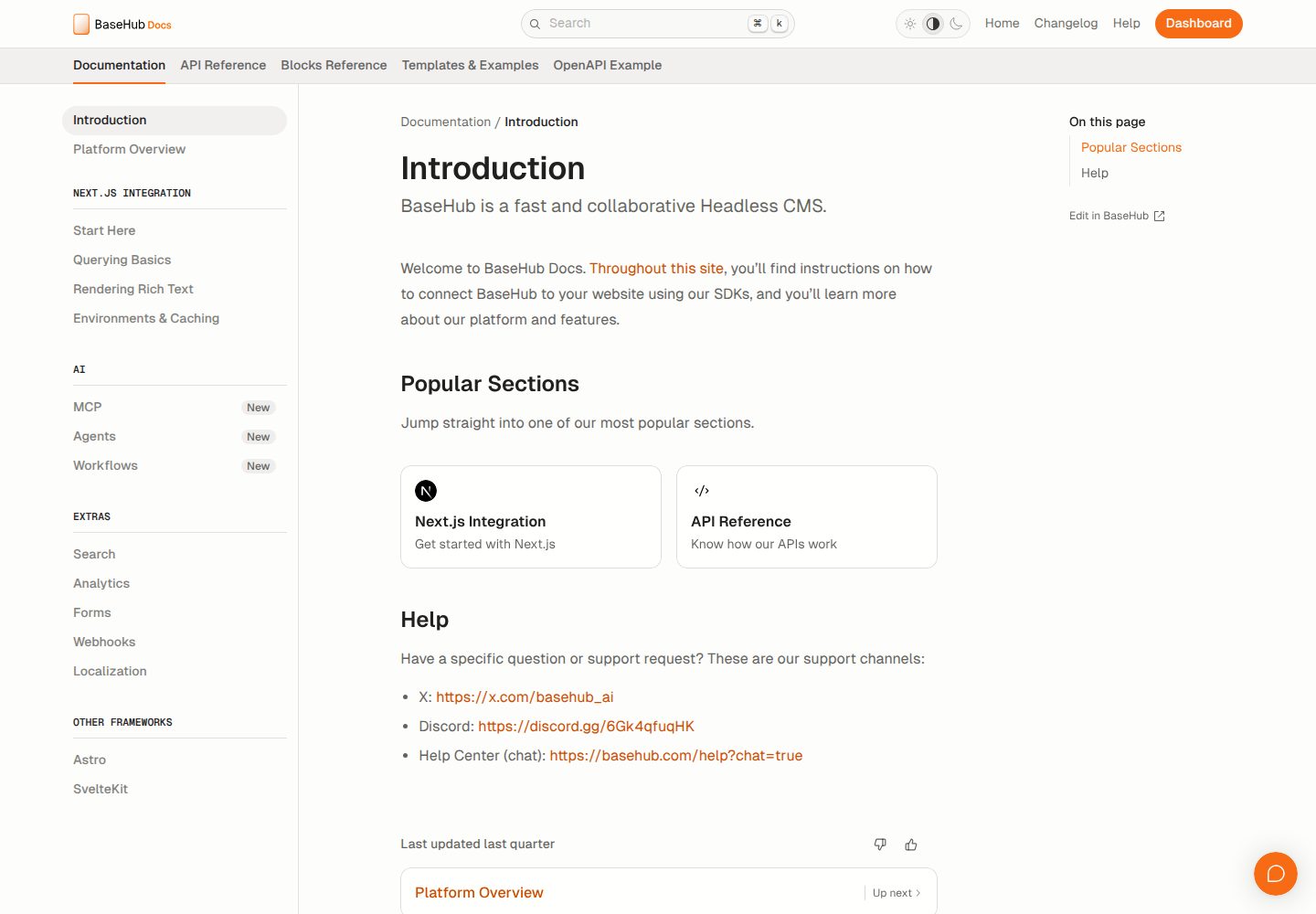
docs-template
A documentation website template built with Next.js, Radix Themes, and BaseHub. Content is edited in BaseHub, so documentation can be maintained without code changes.
Next.js · Documentation
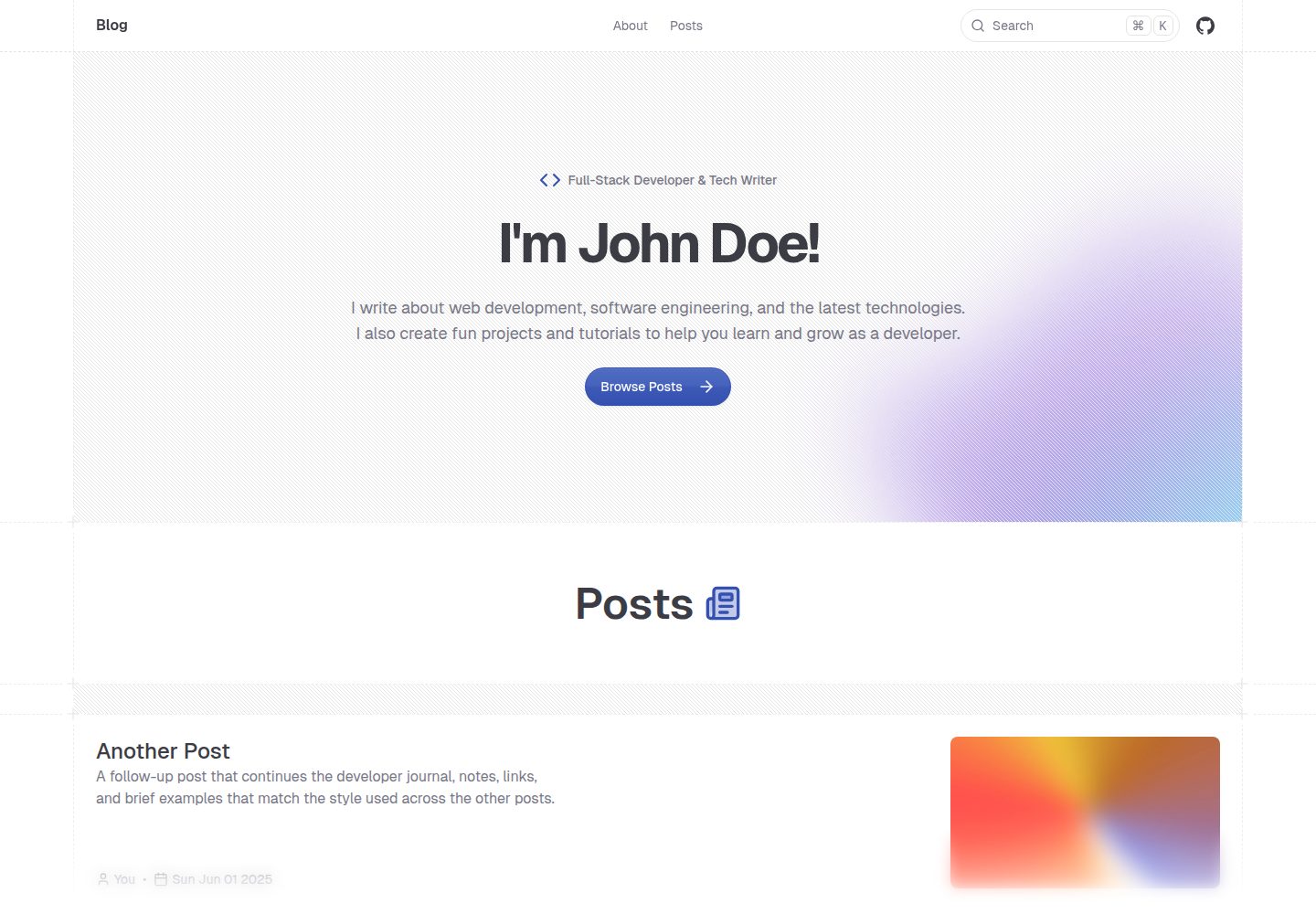
shadcn-blog
A Next.js 15 blog template that renders MDX articles from content/blog/ with Fumadocs, built on shadcn/ui and Tailwind CSS.
Next.js · Blog