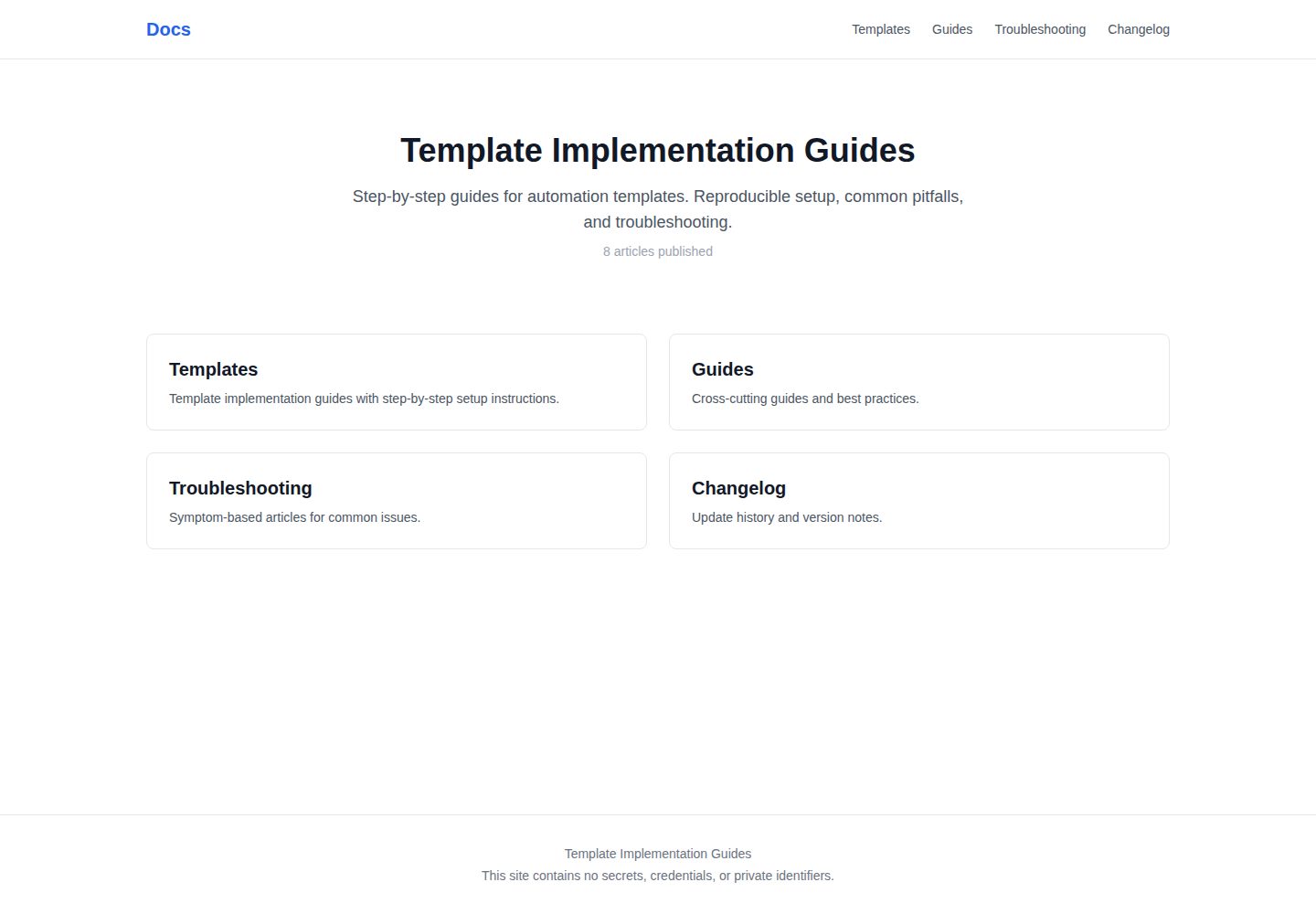
Builds a static site with Next.js App Router and MDX, deployed on Vercel
Next.jsReactDocumentation
public-docs — Next.js Documentation Template
By thinkyou0714
A static public documentation site template built with Next.js App Router and MDX, used to publish template implementation guides, with content managed as MDX files and deployed on Vercel.
Explore the design
Compare the page layouts and mobile experience. Open any screenshot for a closer look.
Desktop homepage1 / 3
Desktop captureTop of page
Actual screenshot captured by the server browser.
All pages & views 3
Screenshots show visual appearance; interactive behavior may differ.
Recorded 2026-10-14View source
What stands out
A quick read of the recorded project description.
Content is organized as MDX files across four sections: templates, guides, troubleshooting, and changelog
Provides article specifications under docs/, a 10-item DoD checklist, and a secrets-check process
Includes the scripts/check-secrets.sh secrets leakage detection script, integrated into a pre-commit hook and GitHub Actions
Provides fill-in-the-blank templates in obsidian-templates/ and template_id numbering rules
The README states support for Claude Code on the web, with dependencies automatically installed by .claude/bootstrap.sh
Template Details
public-docs is a public documentation site template. The README states it uses Next.js (App Router) and MDX to build a static site, deployed on Vercel, for public template implementation guides with reproducible step-by-step instructions. Content is stored in the content/ directory, organized into four sections: templates, guides, troubleshooting, and changelog. Articles are MDX files with frontmatter. The repository includes article specifications under docs/, a DoD checklist and a secrets-check process, as well as the scripts/check-secrets.sh secrets detection script and fill-in-the-blank Obsidian templates in obsidian-templates/. The README emphasizes that the repository does not contain secrets such as URLs, company or personal names, numeric values, or tokens, and provides procedures for adding articles, updating articles, DoD checks, and deployment. Template categories include LINE, Obsidian, X, and Ops. The README lists the P0 article list and the template_id numbering rules. For CI/CD, the README describes a local pre-commit hook that runs secrets checks, GitHub Actions that run secrets checks, build, and DoD on push/PR to main, and Vercel auto-deploying on main push. The README also states that the repository supports Claude Code on the web, with dependencies automatically installed by .claude/bootstrap.sh, and mentions that templates are build-time mirrors from a private canonical, so edits should be made on the source side. The README does not provide information on page functionality, performance, or production readiness.
Next.jsDocumentation
Is it right for your project?
Use Cases
- Publishing template implementation guides so readers can reproduce them step by step
- Adding or updating MDX documentation according to the article specifications and running DoD checks
- Running the secrets-check script at commit and CI stages to prevent secrets from entering the repository
- Organizing content with Obsidian templates and mapping it to the content/ directory
- Automatically deploying the static documentation site on Vercel
Suitable For
- Documentation maintainers who need to publish template implementation guides publicly
- Teams managing static documentation content with Next.js and MDX
- Projects that need to incorporate secrets checks into commit and CI workflows
- Users who use Obsidian for knowledge management and publish public documentation
Getting started & customization
Use these recorded setup notes alongside the repository instructions for your chosen version.
- 1
Local commands provided by the README: npm install, npm run dev, npm run check-secrets, npm run build
- 2
Deployment: Vercel automatically deploys after a push to the main branch
- 3
To add an article, first review docs/article-spec.md, copy obsidian-templates/TEMPLATE-GUIDE.md and fill it in, and assign a template_id according to the rules
- 4
To update an article, increment version, update last_verified_yyyy_mm, and append the diff to the change history
- 5
The README states that the repository supports Claude Code on the web, with dependencies automatically installed by .claude/bootstrap.sh
License & source material
Usage conditions & limitations
Free to use · keep license noticeThis entry covers the free version under the MIT license in the public repository; the free scope is the code of this version and does not mean external services or third-party assets are free.
Must comply with when using
- You may use, modify, commercialize, and distribute the code of this version for free.
- When distributing copies or substantial portions of the code, retain the original author's copyright notice and the complete MIT license notice.
- The code is provided as is; warranties and limitations of liability are governed by the original license and applicable law.
Additional costs & items to verify
- Demo images, fonts, icons, and other third-party assets must be checked against their respective licenses and cannot be judged solely by the code's MIT license.
- External services such as domains, hosting, databases, payments, or AI may incur separate charges.
- The template JSON itself, member-oriented detailed content, and sanitized usage Tips are in another non-public repository, private-members, and are not included in this repository.
- Template content comes from a build-time mirror of the private canonical repository; edits should be made on the source repository side, not in this repository.
- MCP is limited to local use in this repository; remote/cloud MCP support is not provided.
- The /00_raw_private directory allows confidential data but is prohibited for use with NotebookLM.
- The /10_sanitized directory requires zero secrets and prohibits storing confidential information.
- The /20_publish directory is used for public site content, requires zero secrets, and prohibits storing confidential information.
- The repository must not contain secrets such as URLs, company or personal names, numeric values, or tokens.
View Original Text Basis
Permission is hereby granted, free of charge
Original License Text
- **private-members** — テンプレJSON本体、会員向け詳細、sanitized運用Tips(別リポジトリ・非公開)
Original README
- テンプレートは private canonical からの build-time ミラー。編集は source 側で。
Original README
- MCP は本リポジトリではローカル専用。詳細は
Original README
| `/00_raw_private` | 生データ、機密OK | OK | **禁止** |
Original README
| `/10_sanitized` | 顧客送付用、機密ゼロ | **禁止** | OK |
Original README
| `/20_publish` | サイト公開用、機密ゼロ | **禁止** | OK |
Original README
https://github.com/thinkyou0714/public-docs/blob/main/LICENSEhttps://github.com/thinkyou0714/public-docs/blob/main/README.md**機密ポリシー**: このリポジトリには URL、企業名/個人名、数値、トークン等の機密情報を **一切含めない**。
Original README
Compiled by DeepSeek based on repository license and README ·2026-10-14. Results only cover the materials read; dependencies, images, fonts, and subsequent term changes are subject to their respective original texts.
Project checks & description sources
Template Information
- Source platforms
- GitHub
- Documentation and maintenance reference score
- More documented · 80 / 100
- Technologies
- Next.js · React
- Website type
- Documentation
How this score is calculated
Our heuristic uses license records (up to 30), a demo link (12), a preview (10), stars (15), recorded maintenance (15), description completeness (8), feature records (5) and classification data (5). It is not a code, security or performance test, or a Google score. A link does not establish tested functionality.
What to verify for this project
- Repository update recorded
- 2026-10-03
- Screenshot last checked
- 2026-10-14
A demo link is listed. Check it with your own content and viewport sizes; its presence does not confirm that forms, authentication or payments work.
The catalog identifies Next.js as the primary stack. Check the actual dependency manifest and lockfile for versions and hosting requirements. These notes use recorded metadata, not a code audit or a deployment test.
Use a selection guide →How this description was prepared
AI-assisted description based on catalog records and repository material. Repository authors are not automatically the reviewers of this description.
Review declaration: codex-user-requested-batch-review-20261015 · 2026-10-15
Inspect the recorded source material
SHA-256: 60986cb6c14642993613b164895c012bb3f1e3fb8a859dbfa5a40f623e1a37ce
2026-10-14T17:01:57.903Z
Source file / repository# public-docs
Template Implementation Guides — 公開ドキュメントサイト
**本番サイト**: https://public-docs-phi.vercel.app
## 概要
Next.js (App Router) + MDX で構築された静的サイト。Vercel でデプロイ。
テンプレート実装ガイドを公開し、誰でも再現可能な手順を提供する。
**機密ポリシー**: このリポジトリには URL、企業名/個人名、数値、トークン等の機密情報を **一切含めない**。
## Tech Stack
- Next.js 15 (App Router, Static Export)
- MDX (gray-matter + next-mdx-remote)
- Tailwind CSS 3
- Vercel (デプロイ先)
## ディレクトリ構成
```
public-docs/
├── content/ # MDXコンテンツ(記事本体)
│ ├── templates/ # テンプレ実装ガイド
│ ├── guides/ # 共通ガイド
│ ├── troubleshooting/ # 症状記事
│ └── changelog/ # 更新履歴
├── src/
│ ├── app/ # Next.js App Router
│ ├── lib/ # コンテンツローダー等
│ └── components/ # UIコンポーネント
├── docs/ # 運用ドキュメント
│ ├── article-spec.md # 記事規格
│ ├── dod-checklist.md # DoD 10項目
│ └── security-checklist.md # 機密チェック手順
├── scripts/
│ └── check-secrets.sh # 機密混入検出スクリプト
└── obsidian-templates/ # Obsidian穴埋めテンプレート
```
## カテゴリ
| カテゴリ | 説明 |
|---------|------|
| LINE | LINE関連の自動化テンプレート |
| Obsidian | ナレッジ管理テンプレート |
| X | X(Twitter)連携テンプレート |
| Ops | 運用自動化テンプレート |
## 運用手順
### 記事の追加
1. `docs/article-spec.md` で記事規格を確認
2. `obsidian-templates/TEMPLATE-GUIDE.md` をコピーして穴埋め
3. template_id を採番(例: `TMPL-LINE-002`)
4. `content/{section}/{slug}.mdx` として配置
5. frontmatter の全必須フィールドを記入
### 記事の更新
1. 該当 `.mdx` ファイルを編集
2. `version` をインクリメント
3. `last_verified_yyyy_mm` を更新
4. 「変更履歴」セクションに差分を追記
### DoD チェック(公開前必須)
1. `docs/dod-checklist.md` の10項目を自己チェック
2. 機密チェックスクリプトを実行:
```bash
npm run check-secrets
# または
bash scripts/check-secrets.sh
```
3. 全項目OKを確認してからコミット・デプロイ
### デプロイ
```bash
# ローカル確認
npm run dev
# ビルド(静的出力)
npm run build
# Vercel(mainブランチへのpushで自動デプロイ)
git push origin main
```
## template_id 採番規則
| セクション | フォーマット | 例 |
|-----------|------------|-----|
| templates | `TMPL-{CATEGORY}-{NNN}` | TMPL-LINE-001 |
| troubleshooting | `TS-{CATEGORY}-{NNN}` | TS-LINE-001 |
| guides | `GUIDE-{NNN}` | GUIDE-001 |
| changelog | `CL-{YYYY-MM}` | CL-2026-02 |
## P0 記事一覧
| template_id | カテゴリ | セクション | タイトル |
|-------------|---------|----------|---------|
| TMPL-LINE-001 | LINE | templates | LINE公式アカウント自動応答テンプレート |
| TMPL-OBS-001 | Obsidian | templates | Obsidianナレッジベース自動整理テンプレート |
| TMPL-X-001 | X | templates | X(Twitter)投稿自動化テンプレート |
| TMPL-OPS-001 | Ops | templates | 定期レポート自動生成テンプレート |
| TS-LINE-001 | LINE | troubleshooting | LINE Webhook が応答しない |
## Obsidian連携
Obsidian Vault での運用フォルダ:
| フォルダ | 用途 | 機密 | NotebookLM |
|---------|------|------|-----------|
| `/00_raw_private` | 生データ、機密OK | OK | **禁止** |
| `/10_sanitized` | 顧客送付用、機密ゼロ | **禁止** | OK |
| `/20_publish` | サイト公開用、機密ゼロ | **禁止** | OK |
## CI/CD
| ステージ | ツール | トリガー |
|---------|-------|---------|
| ローカル機密チェック | pre-commit hook (`check-secrets.mjs`) | `git commit` |
| CI(機密+ビルド+DoD) | GitHub Actions | push / PR to main |
| デプロイ | Vercel | main push(自動) |
```bash
# セットアップ(hook自動インストール含む)
npm install
# ローカル開発
npm run dev
# 機密チェック
npm run check-secrets
# ビルド(sitemap自動生成 + 静的出力)
npm run build
```
## 関連リポジトリ
- **private-members** — テンプレJSON本体、会員向け詳細、sanitized運用Tips(別リポジトリ・非公開)
## Claude Code で開発する (web / cloud 対応)
このリポジトリは **Claude Code on the web** に対応しています。
- 依存は `.claude/bootstrap.sh`(SessionStart)が `npm ci` で自動インストール。
- クラウドセッションは `AGENTS.md` と `.claude/skills/`(例: `build-site`)を自動ロード。
- テンプレートは private canonical からの build-time ミラー。編集は source 側で。
- MCP は本リポジトリではローカル専用。詳細は
[`.github/docs/claude-code-web-readiness.md`](https://github.com/thinkyou0714/.github/blob/main/docs/claude-code-web-readiness.md)。
Explore similar templates
Compare previews and descriptions within the same stack and category.

nextjs-prisma-boilerplate
A production-grade full stack starter built on Next.js 12, React 18, Prisma 4, and Postgres, with layered frontend and backend architecture, Jest and Cypress testing, next-auth authentication, Docker and Gitpod development environments, GitHub Actions CI/CD, and Traefik-based production deployment.
Next.js · Documentation

rubix-documents
A Next.js and React documentation site starter template for product docs, technical manuals and knowledge bases.
Next.js · Documentation
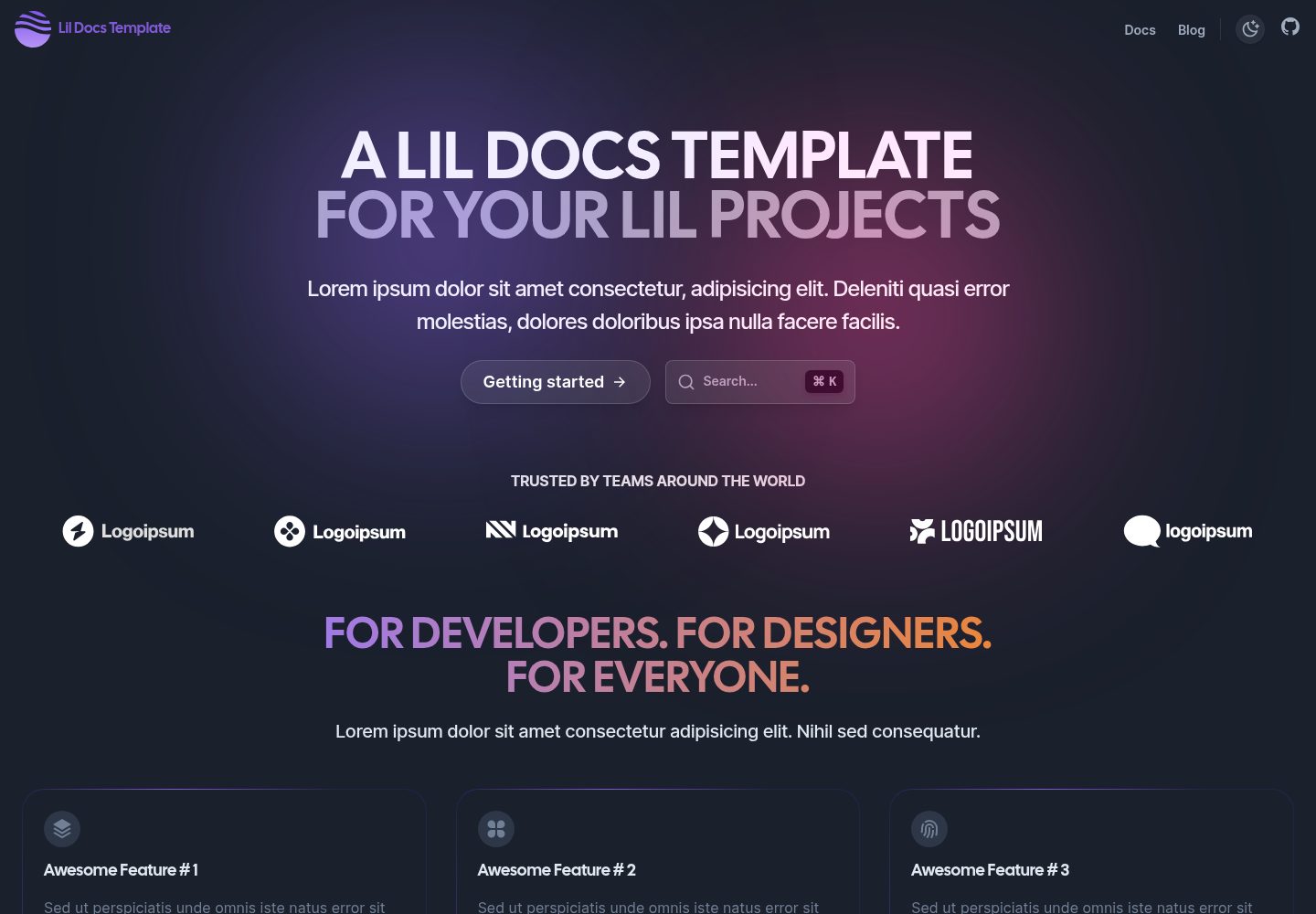
lil-docs-template
A lightweight documentation site template for small projects, built with Next.js, TypeScript, Chakra UI, and ContentLayer. It supports MDX content, light/dark mode, and SEO configuration, and offers a one-click Vercel deploy.
Next.js · Documentation
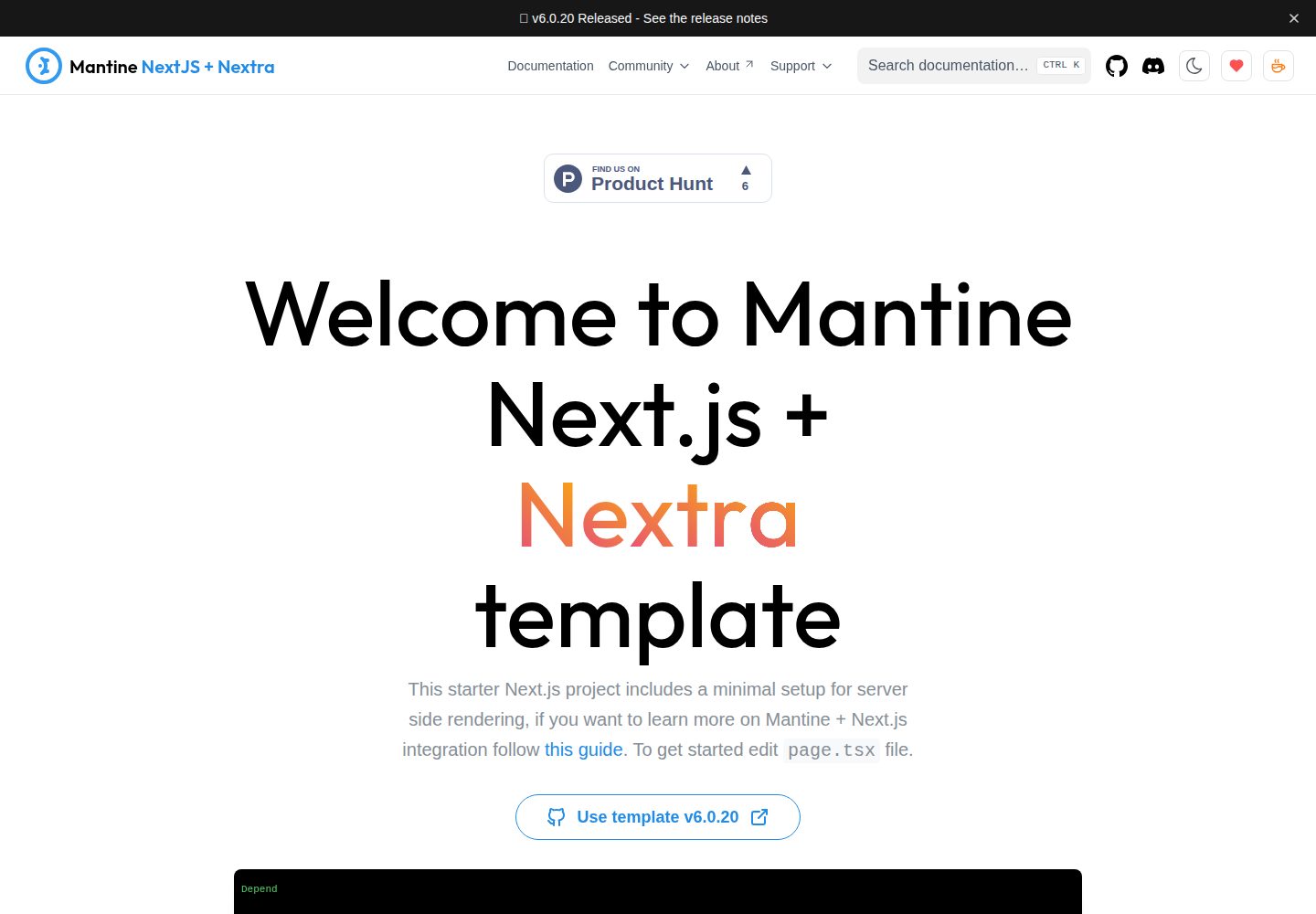
next-app-nextra-template
A documentation site template combining Next.js App Router, Mantine, and Nextra in one project, with synchronized dark mode, Pagefind search, Storybook, Jest, and GitHub Release Notes integration. Suitable for teams maintaining both a product application and its documentation.
Next.js · Documentation
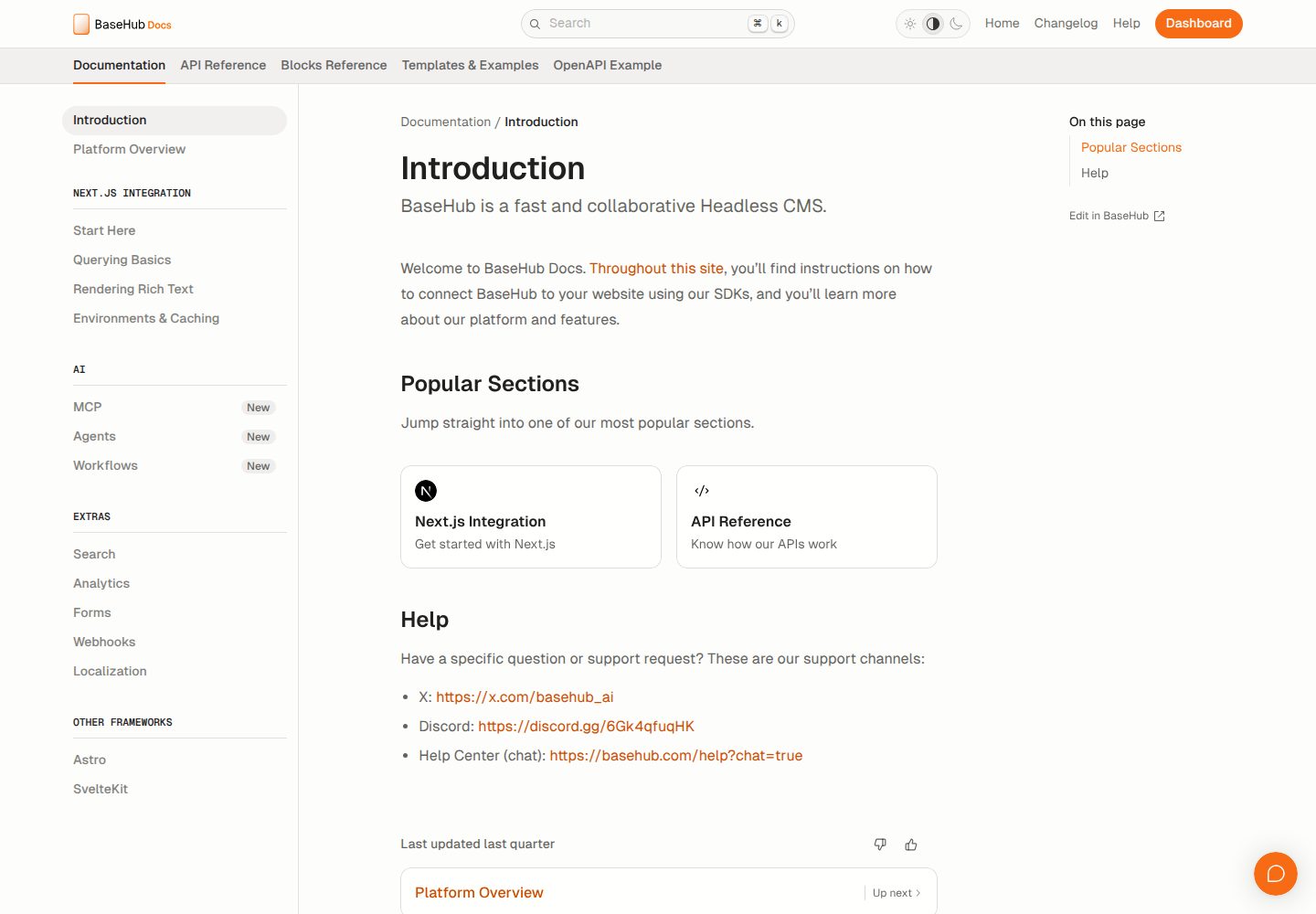
docs-template
A documentation website template built with Next.js, Radix Themes, and BaseHub. Content is edited in BaseHub, so documentation can be maintained without code changes.
Next.js · Documentation
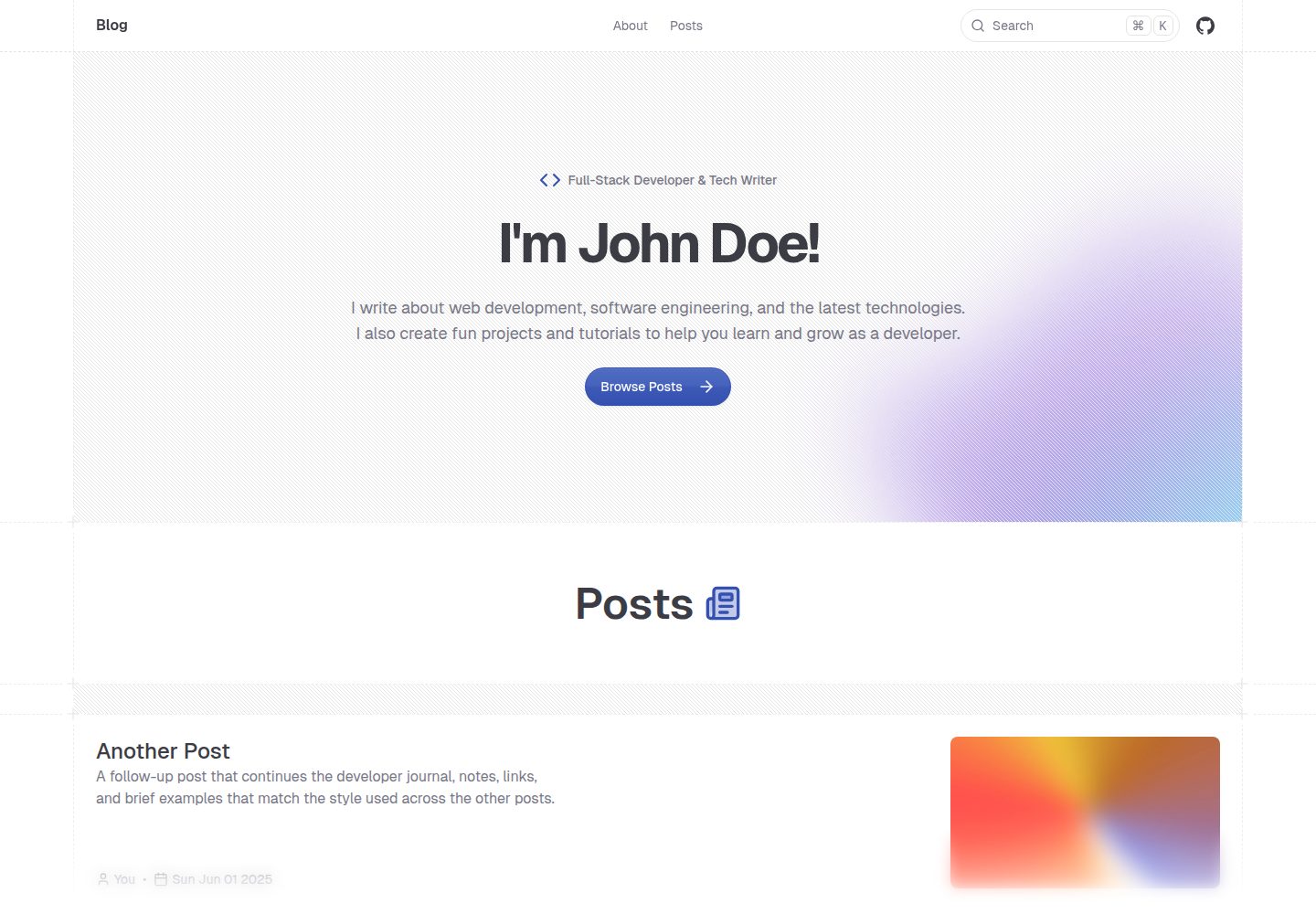
shadcn-blog
A Next.js 15 blog template that renders MDX articles from content/blog/ with Fumadocs, built on shadcn/ui and Tailwind CSS.
Next.js · Blog