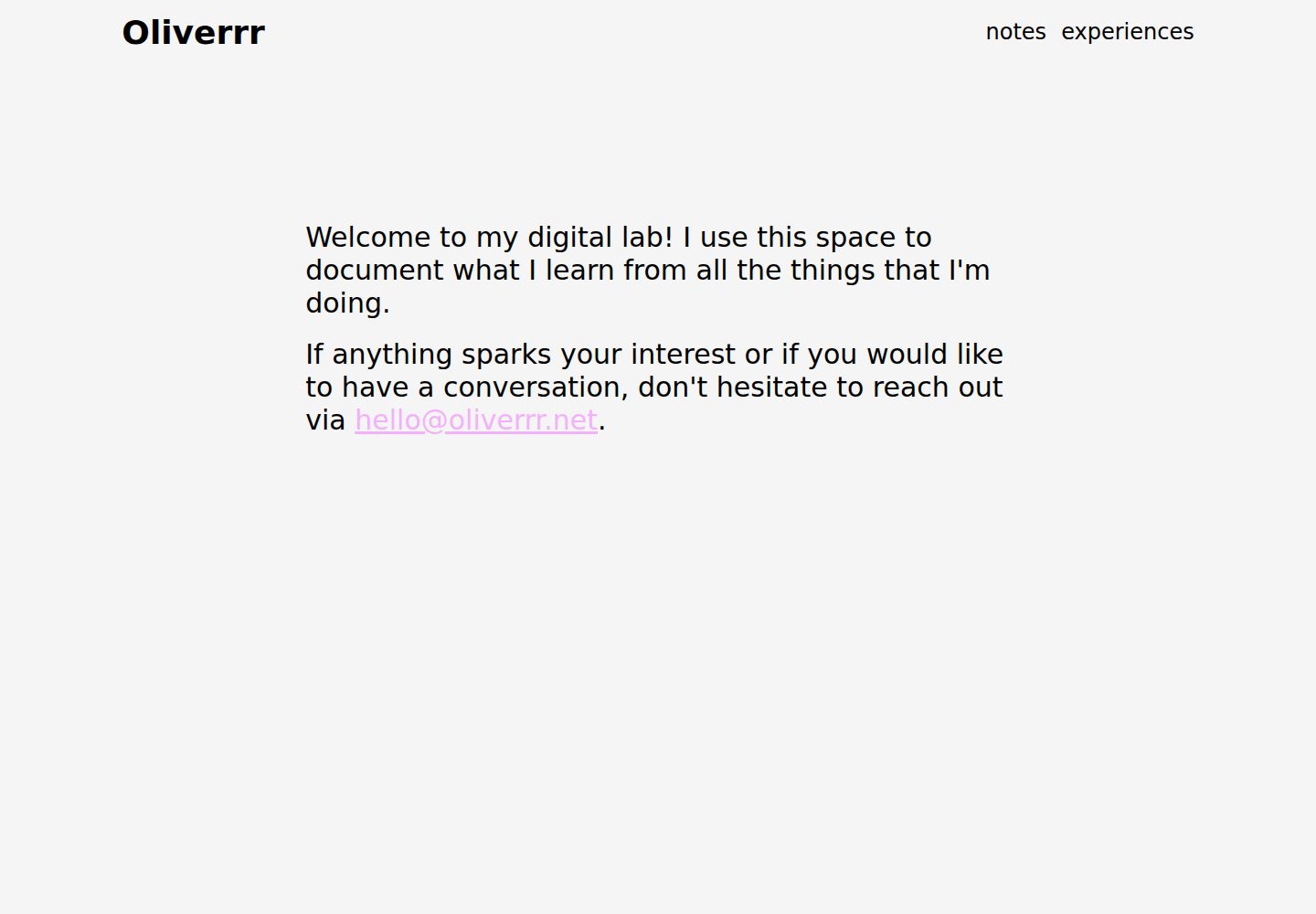
Modify Material Design theme colors in the browser
VueTool Site
build-a-theme — Vue Tool Template
By this-oliver
A Vue-based Material Design theme color tool that lets you modify theme colors, copy the palette, and export it as a Vuetify ThemeDefinition.
Explore the design
Compare the page layouts and mobile experience. Open any screenshot for a closer look.
Desktop homepage1 / 2
Desktop captureTop of page
Actual screenshot captured by the server browser.
All pages & views 2
Screenshots show visual appearance; interactive behavior may differ.
Recorded 2026-10-03View source
What stands out
A quick read of the recorded project description.
Copy the current theme to the clipboard with one click
Export to Vuetify's ThemeDefinition format
Built with Vue; the repository uses the MIT license
Template Details
build-a-theme is an online tool site built with Vue, aimed at letting users quickly try out themes for websites based on Material Design. According to the README, it offers three core capabilities: modifying theme colors, copying the theme to the clipboard, and exporting the theme as a Vuetify ThemeDefinition. The README also notes that support for other frameworks will be added based on demand or requests, indicating that it currently primarily targets the Vuetify ecosystem.
The repository uses the MIT license, permitting free use, modification, commercial use, and distribution of this version of the code, provided the copyright notice and the full MIT license notice are retained when distributing. The code is provided as is, without warranty. Third-party assets such as demo images, fonts, and icons must be checked separately under their respective licenses and cannot be judged solely by the code's MIT license; external services such as domains and hosting may also incur additional charges.
VueTool Site
Is it right for your project?
Use Cases
- Quickly try out theme color schemes for websites using Material Design
- Generate a ThemeDefinition that can be pasted directly into a Vuetify project
- Compare the effects of different theme colors before formal coding
Suitable For
- Vue developers using Vuetify who need to adjust theme color schemes
- Front-end engineers who want to quickly try out Material Design themes
- Developers who need to export a color scheme and share it with their team
Getting started & customization
Use these recorded setup notes alongside the repository instructions for your chosen version.
- 1
The README does not provide installation or run steps; you need to check the repository source to determine dependencies and startup methods yourself.
- 2
Support for other frameworks has not yet been implemented; the README states it will be added based on demand or requests.
- 3
Third-party assets such as demo images, fonts, and icons must be checked separately under their respective licenses.
- 4
When distributing copies or substantial portions of the code, retain the original author's copyright notice and the full MIT license notice.
License & source material
Usage conditions & limitations
Free to use · keep license noticeThis entry covers the free version under the MIT license in the public repository; the free scope is the code of this version and does not mean external services or third-party assets are free.
Must comply with when using
- Free use, modification, commercial use, and distribution of this version of the code are permitted.
- When distributing copies or substantial portions of the code, retain the original author's copyright notice and the full MIT license notice.
- The code is provided as is; warranties and limitations of liability are governed by the original license and applicable law.
Additional costs & items to verify
- Currently only targets the Vuetify/Material Design ecosystem; support for other frameworks has not been implemented and will be added based on demand or requests, so it cannot be regarded as a general multi-framework theme tool.
- The export function only generates Vuetify's ThemeDefinition format; if the project does not use Vuetify, the exported result cannot be used directly.
- Demo images, fonts, icons, and other third-party assets must be checked under their respective licenses and cannot be judged solely by the code's MIT license.
- External services such as domains, hosting, databases, payments, or AI may incur additional charges.
View Original Text Basis
Permission is hereby granted, free of charge
Original License Text
support will be added for other frameworks on a need/request basis
Original README
https://github.com/this-oliver/build-a-theme/blob/main/LICENSEhttps://github.com/this-oliver/build-a-theme/blob/main/README.mdExport theme as Vuetify `ThemeDefinition`
Original README
Compiled by DeepSeek based on repository license and README ·2026-10-03. Results only cover the materials read; dependencies, images, fonts, and subsequent term changes are subject to their respective original texts.
Project checks & description sources
Template Information
- Source platforms
- GitHub
- Documentation and maintenance reference score
- Partly documented · 68 / 100
- Technologies
- Vue
- Website type
- Tool Site
How this score is calculated
Our heuristic uses license records (up to 30), a demo link (12), a preview (10), stars (15), recorded maintenance (15), description completeness (8), feature records (5) and classification data (5). It is not a code, security or performance test, or a Google score. A link does not establish tested functionality.
What to verify for this project
- Repository update recorded
- 2023-05-04
- Screenshot last checked
- 2026-10-03
A demo link is listed. Check it with your own content and viewport sizes; its presence does not confirm that forms, authentication or payments work.
The catalog identifies Vue as the primary stack. Check the actual dependency manifest and lockfile for versions and hosting requirements. These notes use recorded metadata, not a code audit or a deployment test.
Use a selection guide →How this description was prepared
AI-assisted description based on catalog records and repository material. Repository authors are not automatically the reviewers of this description.
Automatically checked against source and license rules; no manual editorial review.
Inspect the recorded source material
SHA-256: adf1076f58c8dc8bd81234d8558b07050665c657a14dada0c41bb4a7e0c8dca3
2026-10-03T04:57:58.591Z
Source file / repository# `Build-a-Theme` A quick and easy way to try out themes for websites built with Material Design as the underlying design language. https://user-images.githubusercontent.com/32515201/235526258-fca17039-a32d-479f-9473-6697c4c96994.mp4 ## Features - [x] Modify the theme colors 🖍️ - [x] Copy theme to clipboard 📋 - [x] Export theme as Vuetify `ThemeDefinition` 📦 Notes: - support will be added for other frameworks on a need/request basis ## License [MIT License](LICENSE) - [@this-oliver](https://www.oliverrr.net)
Explore similar templates
Compare previews and descriptions within the same stack and category.
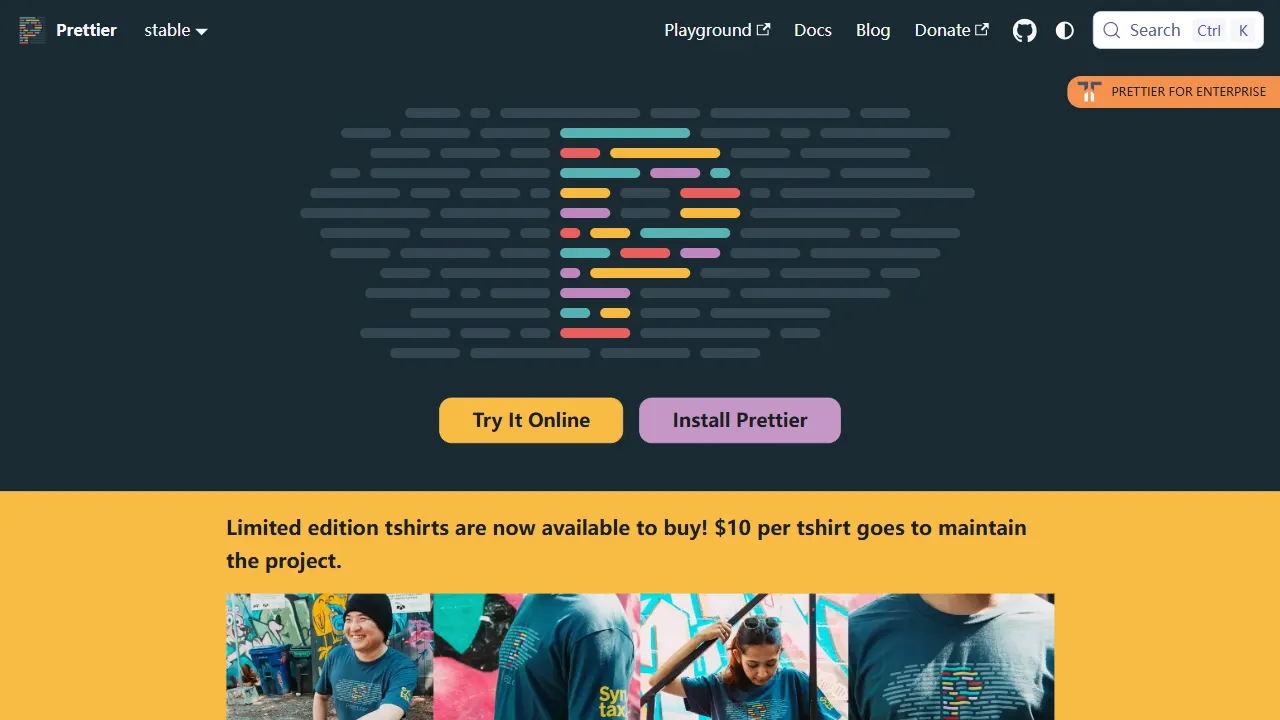
prettier
Prettier is an open-source code formatting tool whose official repository includes a runnable online Playground. It supports JavaScript, TypeScript, CSS, HTML, Vue, Angular, and more, and can be extended via plugins.
Vue · Tool Site
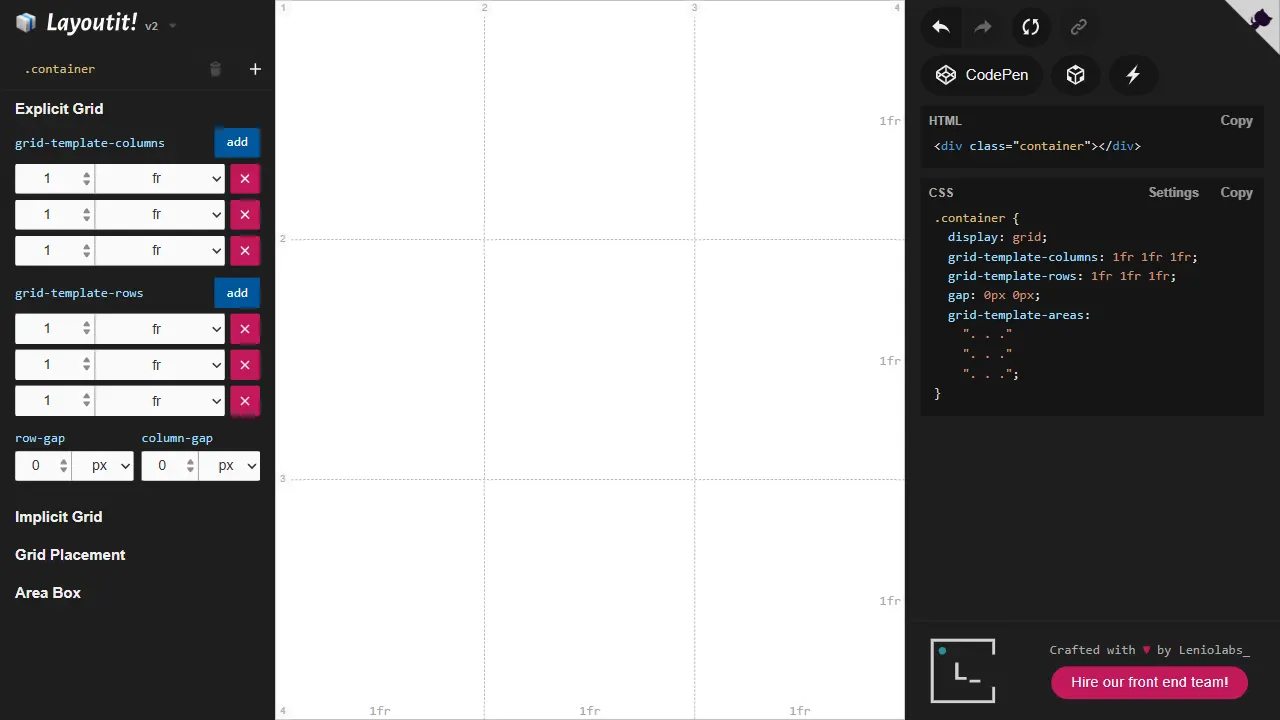
layoutit grid
Layoutit Grid is an open-source CSS Grid layout generator built on Vue 3 and Vite. It lets users drag and adjust grid structures in a visual editor and instantly generate HTML and CSS code.
Vue · Tool Site
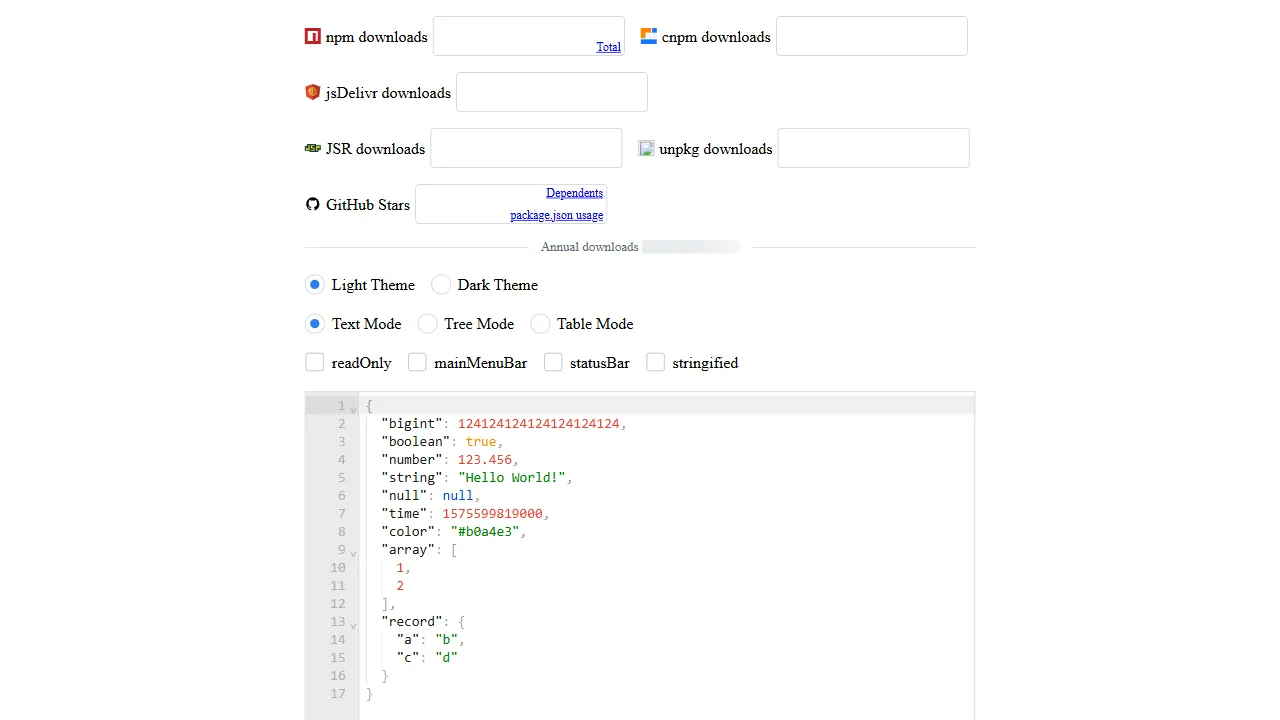
json editor vue
A Vue 2/3 isomorphic JSON editor component with text, tree, and table modes, SSR and Nuxt 2/3/4 support, and handling for large JSON documents.
Vue · Tool Site
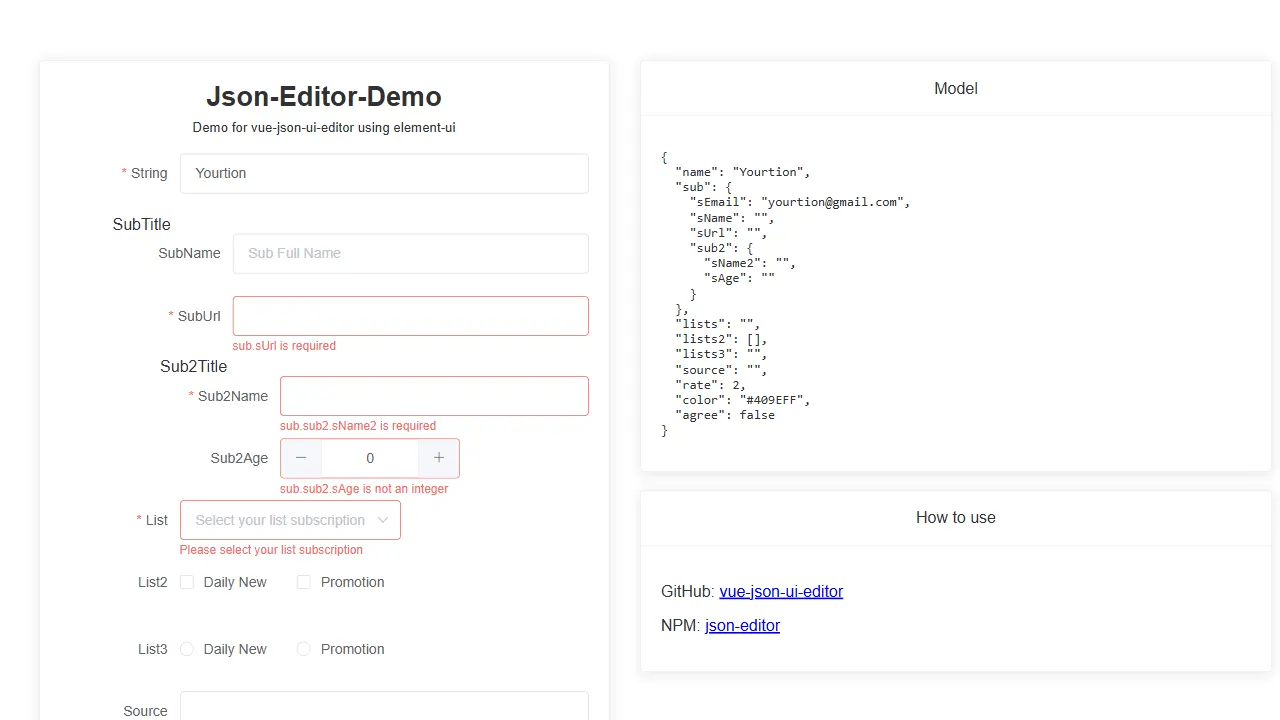
vue json ui editor
A Vue 3 JSON Schema form editor component that renders forms from a Schema, supports nested objects and object arrays, and can register UI libraries such as element-plus through a static API.
Vue · Tool Site
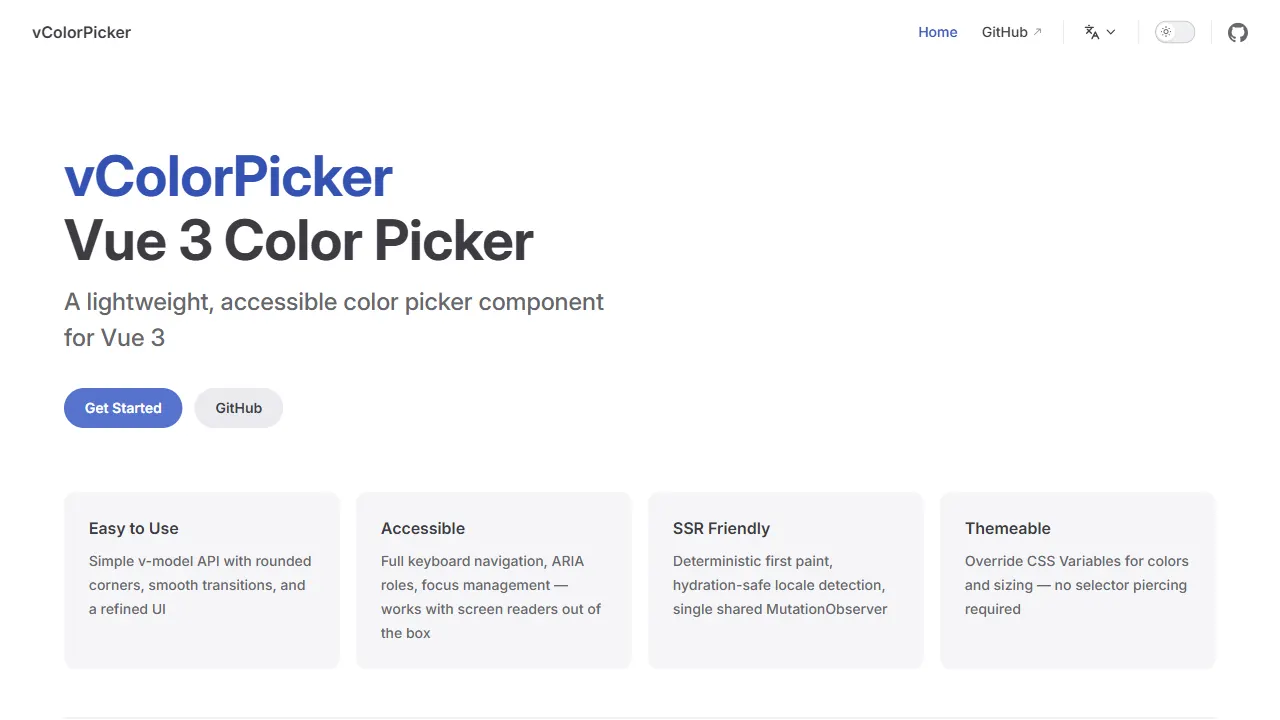
vue color picker
A Vue 3 color picker plugin with a Vue 2 version, supporting v-model, keyboard and screen reader accessibility, SSR-friendly fallback, CSS Variables theming, and built-in Chinese/English/Japanese localization.
Vue · Tool Site
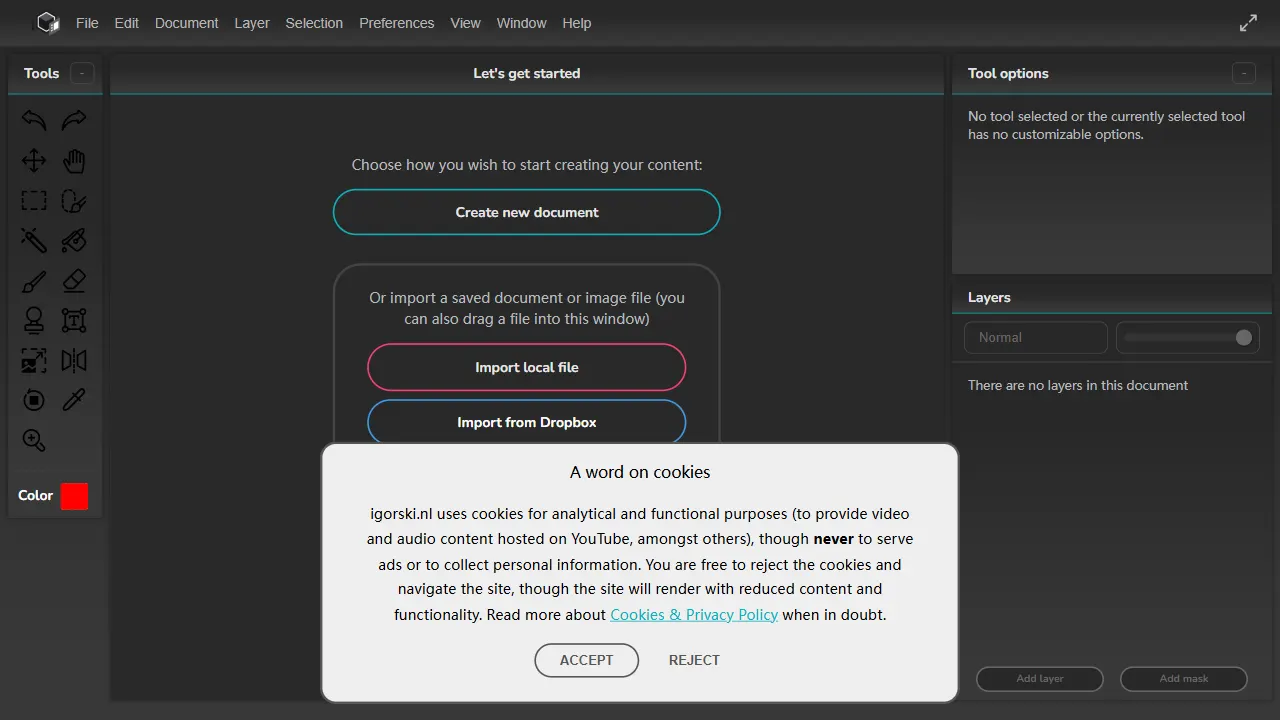
bitmappery
bitmappery is an open-source image editor built with Vue 3 and TypeScript, using Vuex for state management and zCanvas for rendering and interaction.
Vue · Tool Site