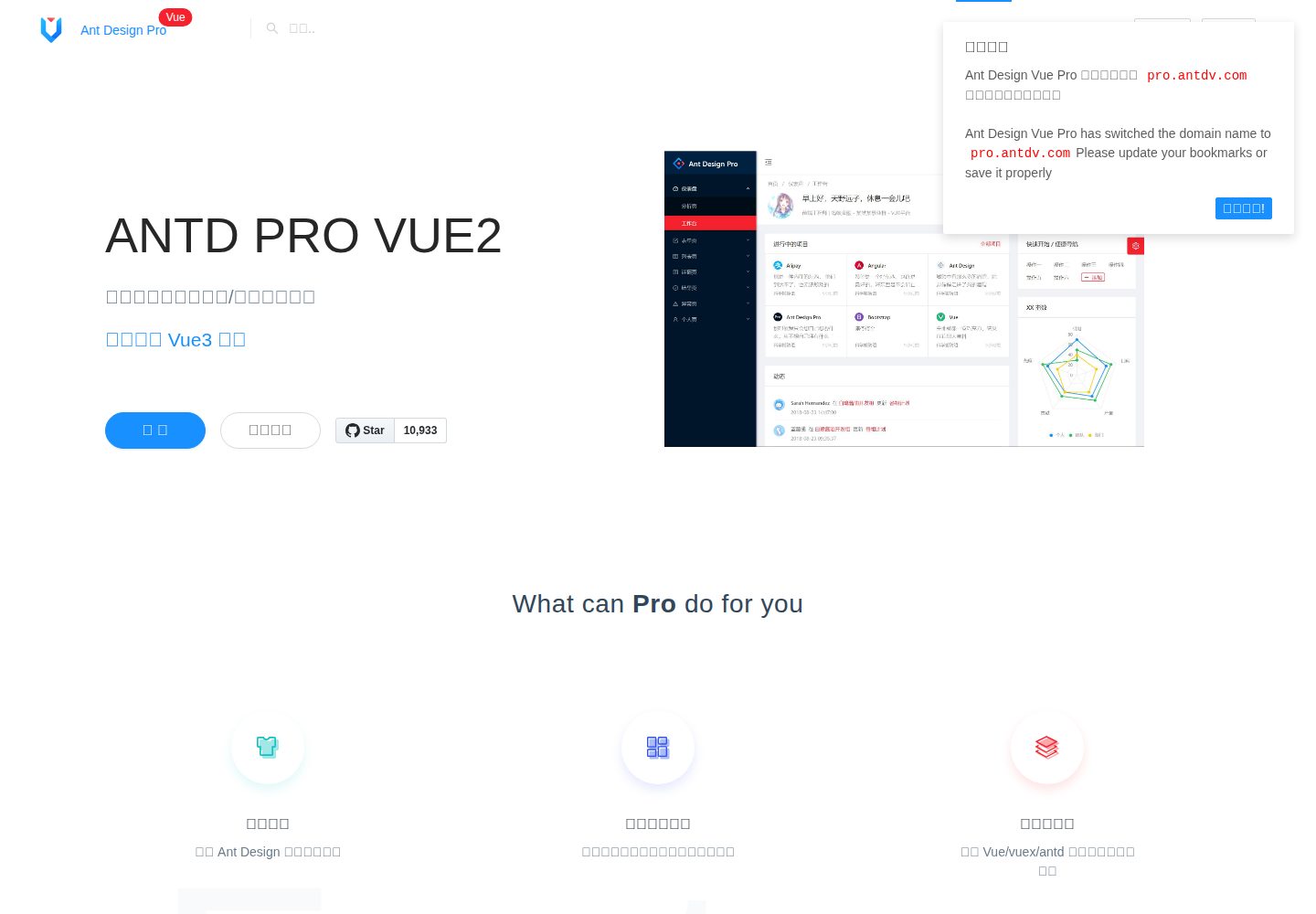
Back-office interface template built on the Ant Design Vue component library
VueAdmin dashboard
ant-design-vue-pro-template — Vue Admin dashboard Template
By vueComponent
An enterprise-grade admin template built on Ant Design Vue, providing a ready-to-use mid- and back-office interface skeleton and example pages.
Explore the design
Compare the page layouts and mobile experience. Open any screenshot for a closer look.
Desktop homepage1 / 2
Desktop captureTop of page
Actual screenshot captured by the server browser.
All pages & views 2
Screenshots show visual appearance; interactive behavior may differ.
Recorded 2026-10-02View source
What stands out
A quick read of the recorded project description.
Provides data interface examples such as a dashboard, with an official demo site available online
Uses @vue/cli scaffolding and includes npm scripts such as serve, build, and lint
README provides links to preview, homepage, documentation, changelog, and FAQ
Uses the MIT license, allowing free use, modification, commercial use, and distribution
Template Details
This is a back-office admin template for enterprise applications, built with Vue and the Ant Design Vue component library. The repository is positioned as a ready-to-use UI solution and boilerplate project.
The template provides data interface examples such as a dashboard. The official demo site is pro.antdv.com. The repository README lists links to the preview, homepage, documentation, changelog, and FAQ. The project uses @vue/cli as its scaffolding, depends on node, eslint, and ant-design-vue, provides npm install to install dependencies, npm run serve to start development with hot reload, npm run build for production build and minification, and npm run lint to run code checks and fixes.
Regarding licensing, the repository uses the MIT license, allowing free use, modification, commercial use, and distribution of this version of the code; when distributing copies or substantial portions of the code, the copyright notice and the full MIT license notice must be retained. Third-party assets such as demo images, fonts, and icons must be checked separately under their respective licenses. External services such as domains, hosting, databases, payments, or AI may incur separate charges.
VueAdmin
Is it right for your project?
Use Cases
- Building the interface skeleton for an enterprise mid- and back-office management system
- Serving as a starting boilerplate for projects combining Vue and Ant Design Vue
- Referencing the layout and component usage of data interfaces such as a dashboard
Suitable For
- Front-end developers who need a Vue back-office admin template
- Teams using the Ant Design Vue component library
- Mid- and back-office projects that want to start from MIT-licensed code
Getting started & customization
Use these recorded setup notes alongside the repository instructions for your chosen version.
- 1
A node environment must be installed first
- 2
Run npm install to install dependencies
- 3
npm run serve starts development with hot reload
- 4
npm run build performs a production build and minification
- 5
npm run lint runs code checks and fixes
License & source material
Usage conditions & limitations
Free to use · keep license noticeThis entry covers the free version under the MIT license in the public repository; the free scope is the code of this version and does not mean that external services or third-party assets are free.
Must comply with when using
- Free use, modification, commercial use, and distribution of this version of the code are permitted.
- When distributing copies or substantial portions of the code, retain the original author's copyright notice and the full MIT license notice.
- The code is provided as is; warranties and limitations of liability are governed by the original license and applicable law.
Additional costs & items to verify
- Demo images, fonts, icons, and other third-party assets must be checked under their respective licenses and cannot be judged solely by the code's MIT license.
- External services such as domains, hosting, databases, payments, or AI may incur separate charges.
View Original Text Basis
Compiled by DeepSeek based on repository license and README ·2026-10-02. Results only cover the materials read; dependencies, images, fonts, and subsequent term changes are subject to their respective original texts.
Project checks & description sources
Template Information
- Source platforms
- GitHub
- Documentation and maintenance reference score
- Partly documented · 72 / 100
- Technologies
- Vue
- Website type
- Admin dashboard
How this score is calculated
Our heuristic uses license records (up to 30), a demo link (12), a preview (10), stars (15), recorded maintenance (15), description completeness (8), feature records (5) and classification data (5). It is not a code, security or performance test, or a Google score. A link does not establish tested functionality.
What to verify for this project
- Repository update recorded
- 2023-12-15
- Screenshot last checked
- 2026-10-02
A demo link is listed. Check it with your own content and viewport sizes; its presence does not confirm that forms, authentication or payments work.
The catalog identifies Vue as the primary stack. Check the actual dependency manifest and lockfile for versions and hosting requirements. These notes use recorded metadata, not a code audit or a deployment test.
Use a selection guide →How this description was prepared
AI-assisted description based on catalog records and repository material. Repository authors are not automatically the reviewers of this description.
Automatically checked against source and license rules; no manual editorial review.
Inspect the recorded source material
SHA-256: ddebcbf8c242ba8779d9a8d6ec3c0b2a2b80525130ff17db3769124cfbeac7e8
2026-10-02T23:33:21.994Z
Source file / repositoryEnglish | [简体中文](./README.zh-CN.md) <h1 align="center">Ant Design Vue Pro</h1> <div align="center"> An out-of-box UI solution for enterprise applications as a Vue boilerplate. based on <a href="https://vuecomponent.github.io/ant-design-vue/docs/vue/introduce-cn/" target="_blank">Ant Design of Vue</a> </div> <div align="center"> [](https://github.com/vueComponent/ant-design-vue-pro/blob/master/LICENSE) [](https://github.com/vueComponent/ant-design-vue-pro/releases/latest) [](https://travis-ci.org/vueComponent/ant-design-vue-pro) </div> - Preview: https://preview.pro.antdv.com - Home Page: https://pro.antdv.com - Documentation: https://pro.antdv.com/docs/getting-started - ChangeLog: https://pro.antdv.com/docs/changelog - FAQ: https://pro.antdv.com/docs/faq Overview ---- 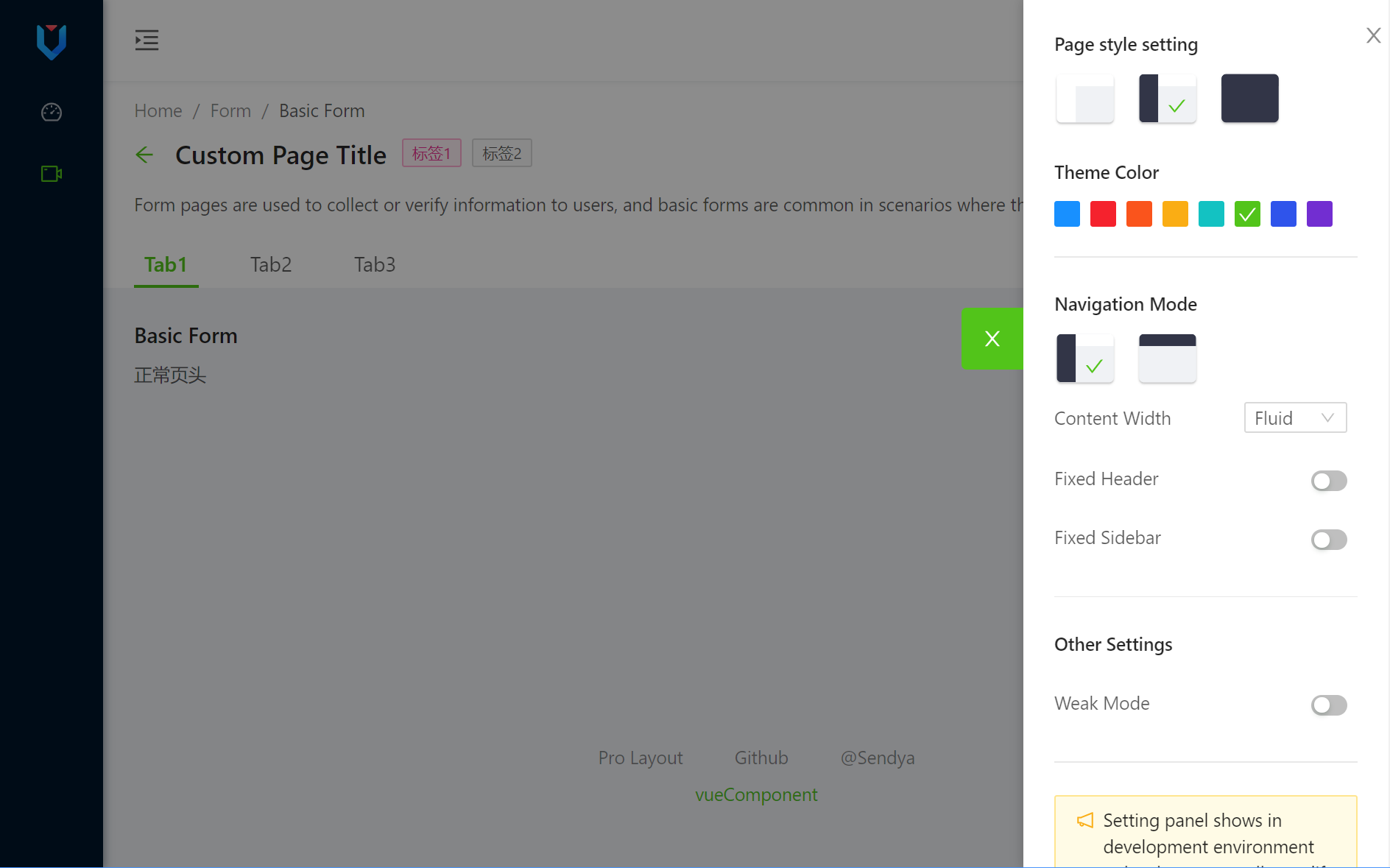 ### Env and dependencies - node - eslint - @vue/cli - [ant-design-vue](https://github.com/vueComponent/ant-design-vue) - Ant Design Of Vue ## Project setup ``` npm install ``` ### Compiles and hot-reloads for development ``` npm run serve ``` ### Compiles and minifies for production ``` npm run build ``` ### Lints and fixes files ``` npm run lint ``` ### Customize configuration See [Configuration Reference](https://cli.vuejs.org/config/).
Explore similar templates
Compare previews and descriptions within the same stack and category.

vuestic-admin
Vuestic Admin is an open-source Vue 3 admin template maintained by Epicmax, built on Vuestic UI with Vite, Pinia, and Tailwind CSS. It provides a ready-to-run dashboard with a dark theme, global configuration, i18n internationalization, and responsive layout.
Vue · Admin dashboard

v3-admin-vite
v3-admin-vite is an AI-friendly Vue3 admin template built on Vue3, Vite, TypeScript, and Element Plus. It keeps a lean structure with detailed comments, supports backend-controlled dynamic route permissions, page-level and button-level permissions, multiple themes and layouts, and mobile compatibility.
Vue · Admin dashboard

vue-typescript-admin-template
A Vue 2.6 + TypeScript + Element UI admin template ported from vue-element-admin, offering type safety and enterprise features like permission authentication, internationalization, dynamic themes, editors, charts, Excel/PDF handling, and PWA support.
Vue · Admin dashboard

vue-antd-admin
Vue Antd Admin is the Vue implementation of Ant Design Pro, providing an out-of-the-box front-end and design solution for admin dashboards.
Vue · Admin dashboard

coreui-free-vue-admin-template
CoreUI's official free Vue admin template, MIT licensed, built on Vue 3 and the CoreUI component library with Vue Router, Pinia, and Vite.
Vue · Admin dashboard
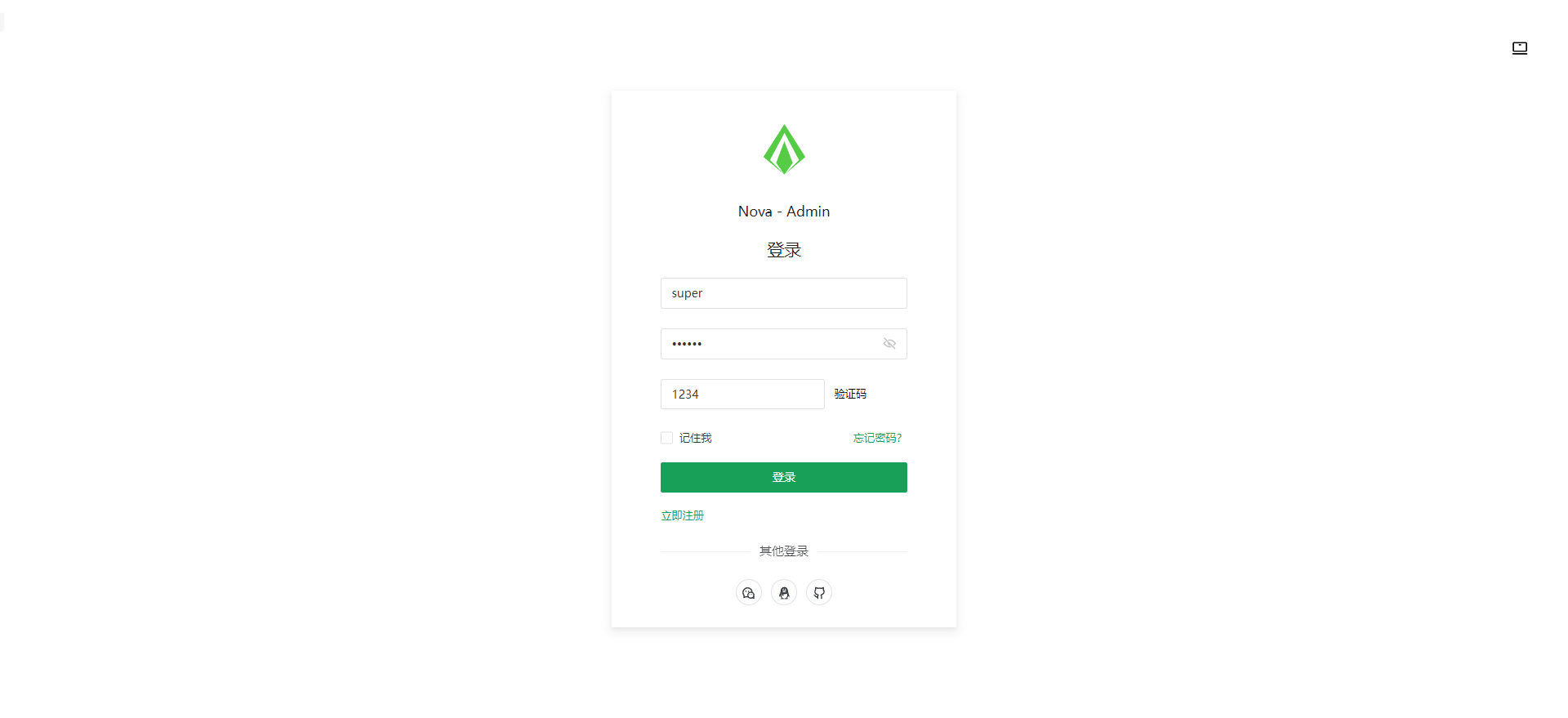
nova-admin
Nova Admin is an admin template built on Vue3, Vite, TypeScript, and Naive UI, with Unocss for styling.
Vue · Admin dashboard