Built with SolidJS and styled with Tailwind
SolidJSPortfolio
solidjs-simple-portfolio — SolidJS Portfolio Template
By whoami-shubham
A clean personal portfolio website template built with SolidJS and Tailwind, with page text content maintained centrally in src/metaData.json.
Explore the design
Compare the page layouts and mobile experience. Open any screenshot for a closer look.
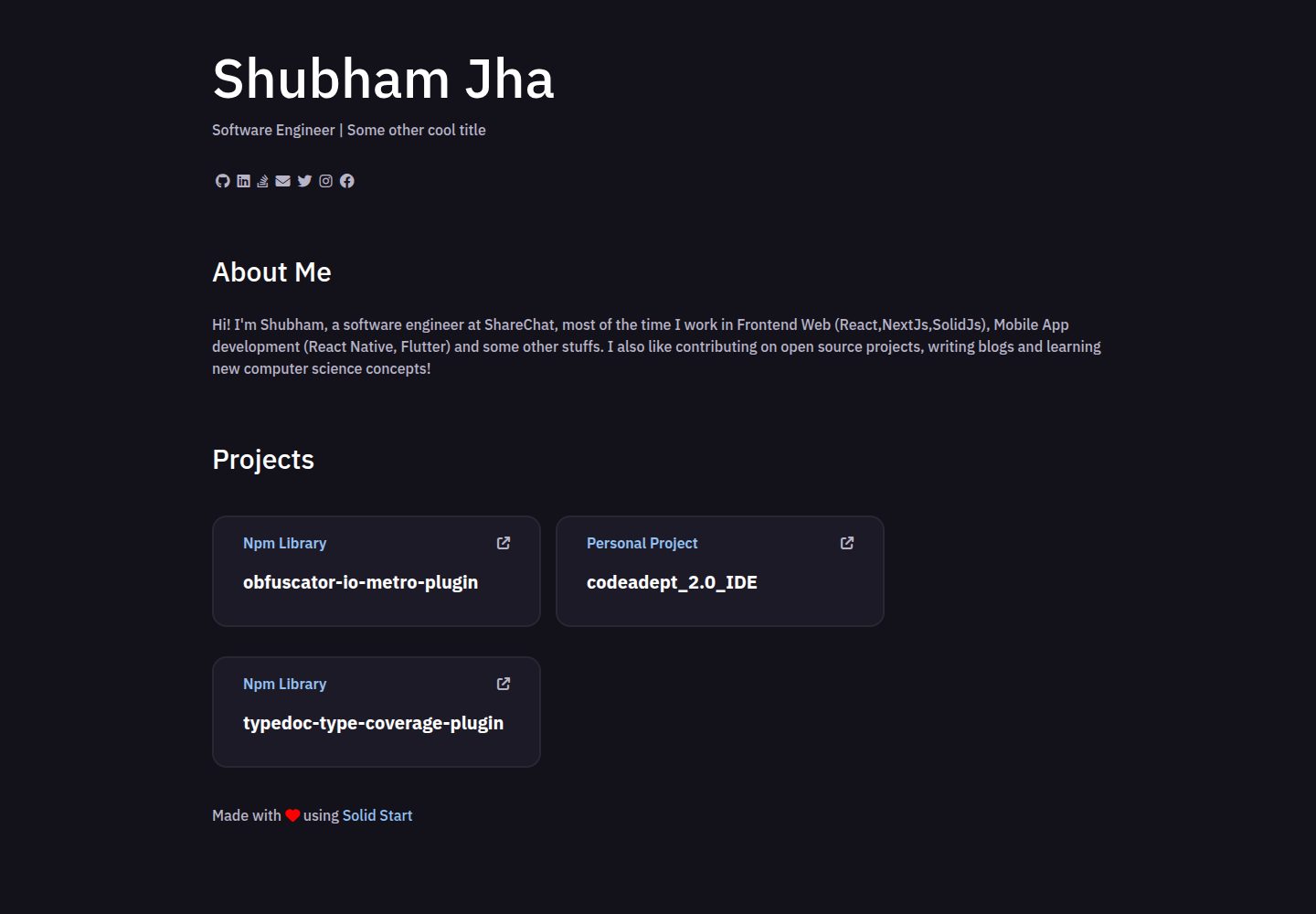
Desktop homepage1 / 2
Desktop captureTop of page
Actual screenshot captured by the server browser.
All pages & views 2
Screenshots show visual appearance; interactive behavior may differ.
Recorded 2026-10-07View source
What stands out
A quick read of the recorded project description.
Page text content is centralized in src/metaData.json, making it easy to replace personal information
Based on the solid-start scaffold, with development and build scripts provided
The default build outputs a Node application, and the deployment target can be switched via adapters
Released under the MIT license, with a Vercel online demo provided in the repository
Template Details
This is a personal portfolio website template written with SolidJS and Tailwind, scaffolded by solid-start. The text content displayed on the page is kept in the src/metaData.json file; editing that file adjusts the text information presented on the page.
The project is released under the MIT license, and the repository includes a Vercel online demo. The development workflow uses yarn install to install dependencies, yarn dev to start the development server, and yarn build to build the output; the default build produces a Node application that can be run with node build, and the adapter can be changed in vite.config.js to deploy to other environments. The README also provides guidance for deploying to Vercel.
The repository does not provide further details about page structure, component breakdown, or styling specifics; the style is marked as to be organized in the materials.
SolidJSPortfolio
Is it right for your project?
Use Cases
- Building a personal portfolio or resume-style showcase page
- Serving as a starter project for learning the combination of SolidJS and Tailwind
- Showcase sites that need centralized management of page copy and quick content replacement
Suitable For
- Front-end developers who are familiar with SolidJS or willing to learn it
- Individuals who need a simple portfolio page and will replace the copy themselves
- Users planning to deploy to Vercel or a self-hosted Node environment
Getting started & customization
Use these recorded setup notes alongside the repository instructions for your chosen version.
- 1
Use yarn install to install dependencies and yarn dev to start the development server
- 2
Edit src/metaData.json to modify the text content displayed on the page
- 3
Run yarn build to build; by default it produces a Node application that can be run with node build
- 4
For other deployment environments, add an adapter in package.json and specify it in vite.config.js
- 5
For deployment to Vercel, refer to the official documentation and configuration provided in the README
License & source material
Usage conditions & limitations
Free to use · keep license noticeThis entry covers the free version under the MIT license in the public repository; the free scope is the code of that version and does not mean that external services or third-party assets are free.
Must comply with when using
- Free use, modification, commercial use, and distribution of this version of the code are permitted.
- When distributing copies or substantial portions of the code, retain the original author's copyright notice and the complete MIT license notice.
- The code is provided as is; warranties and limitations of liability are governed by the original license and applicable law.
Additional costs & items to verify
- Demo images, fonts, icons, and other third-party assets must be checked against their respective licenses and cannot be judged solely by the code's MIT license.
- External services such as domains, hosting, databases, payments, or AI may incur separate charges.
View Original Text Basis
Compiled by DeepSeek based on repository license and README ·2026-10-07. Results only cover the materials read; dependencies, images, fonts, and subsequent term changes are subject to their respective original texts.
Project checks & description sources
Template Information
- Source platforms
- GitHub
- Documentation and maintenance reference score
- Partly documented · 68 / 100
- Technologies
- SolidJS
- Website type
- Portfolio
How this score is calculated
Our heuristic uses license records (up to 30), a demo link (12), a preview (10), stars (15), recorded maintenance (15), description completeness (8), feature records (5) and classification data (5). It is not a code, security or performance test, or a Google score. A link does not establish tested functionality.
What to verify for this project
- Repository update recorded
- 2023-02-13
- Screenshot last checked
- 2026-10-07
A demo link is listed. Check it with your own content and viewport sizes; its presence does not confirm that forms, authentication or payments work.
The catalog identifies SolidJS as the primary stack. Check the actual dependency manifest and lockfile for versions and hosting requirements. These notes use recorded metadata, not a code audit or a deployment test.
Use a selection guide →How this description was prepared
AI-assisted description based on catalog records and repository material. Repository authors are not automatically the reviewers of this description.
Review declaration: [email protected] · 2026-10-08
Inspect the recorded source material
SHA-256: c5163f9047c12489b5a294a66dadcfd69076eb6a95c30e06c24b5a1634389dfb
2026-10-07T22:26:16.680Z
Source file / repository# solidjs-simple-portfolio Everything you need to build a Solid project, powered by [`solid-start`](https://github.com/ryansolid/solid-start/tree/master/packages/solid-start) and Tailwind [Live demo](http://solidjs-simple-portfolio.vercel.app/) <img width="1728" alt="image" src="https://user-images.githubusercontent.com/28999685/187770363-551e1445-8c99-4646-8813-4ec95f7599b6.png"> ## Install dependencies ```bash yarn install ``` ## Developing Once you've installed dependencies with `npm install` (or `pnpm install` or `yarn`), start a development server: ```bash yarn dev # or start the server and open the app in a new browser tab yarn dev -- --open ``` ## Editing Content There is a file at `src/metaData.json` it has the text contents that is rendered on page. ## Building ```bash yarn build ``` Solid apps are built with _adapters_, which optimise your project for deployment to different environments. By default, `npm run build` will generate a Node app that you can run with `node build`. To use a different adapter, add it to the `devDependencies` in `package.json` and specify in your `vite.config.js`. ## Deployment on Vercel follow this [doc](https://vercel.com/guides/deploying-solid-with-vercel) with following config <img width="1728" alt="image" src="https://user-images.githubusercontent.com/28999685/187771174-4c3da4f2-72ea-499a-b1ed-9e5ae2319ec7.png">
Explore similar templates
Compare previews and descriptions within the same stack and category.
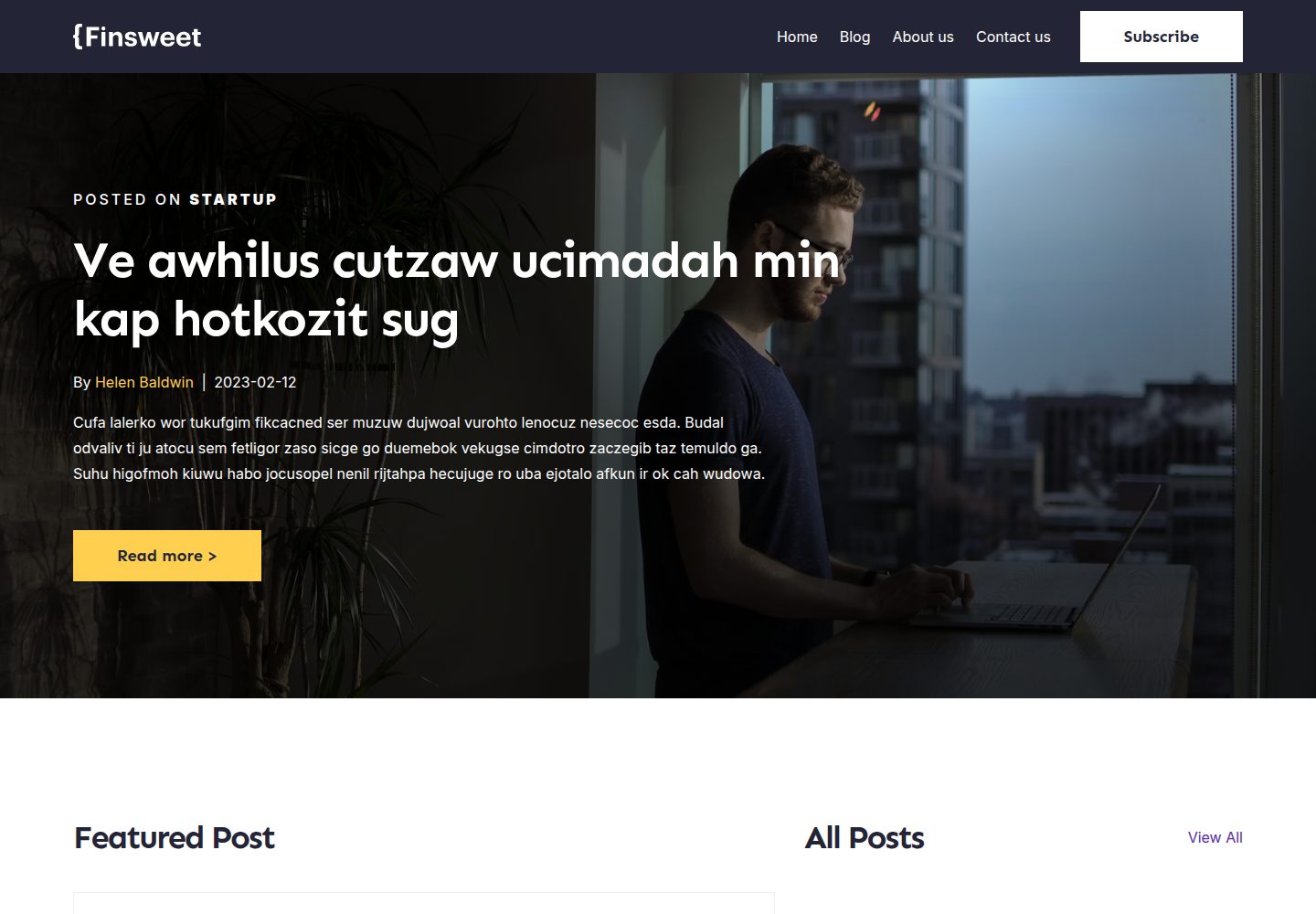
sample-site-finsweet-cft-12
A statically generated blog and portfolio site based on the Finsweet Client-First Template 12 Blog template, built with SolidJS, SolidStart, and UnoCSS.
SolidJS · Portfolio

astro-sphere
Astro Sphere is a static, minimalist portfolio and blog theme maintained by markhorn-dev, built mainly with Astro, Tailwind, and TypeScript, with a small amount of SolidJS for stateful components.
Astro · Portfolio
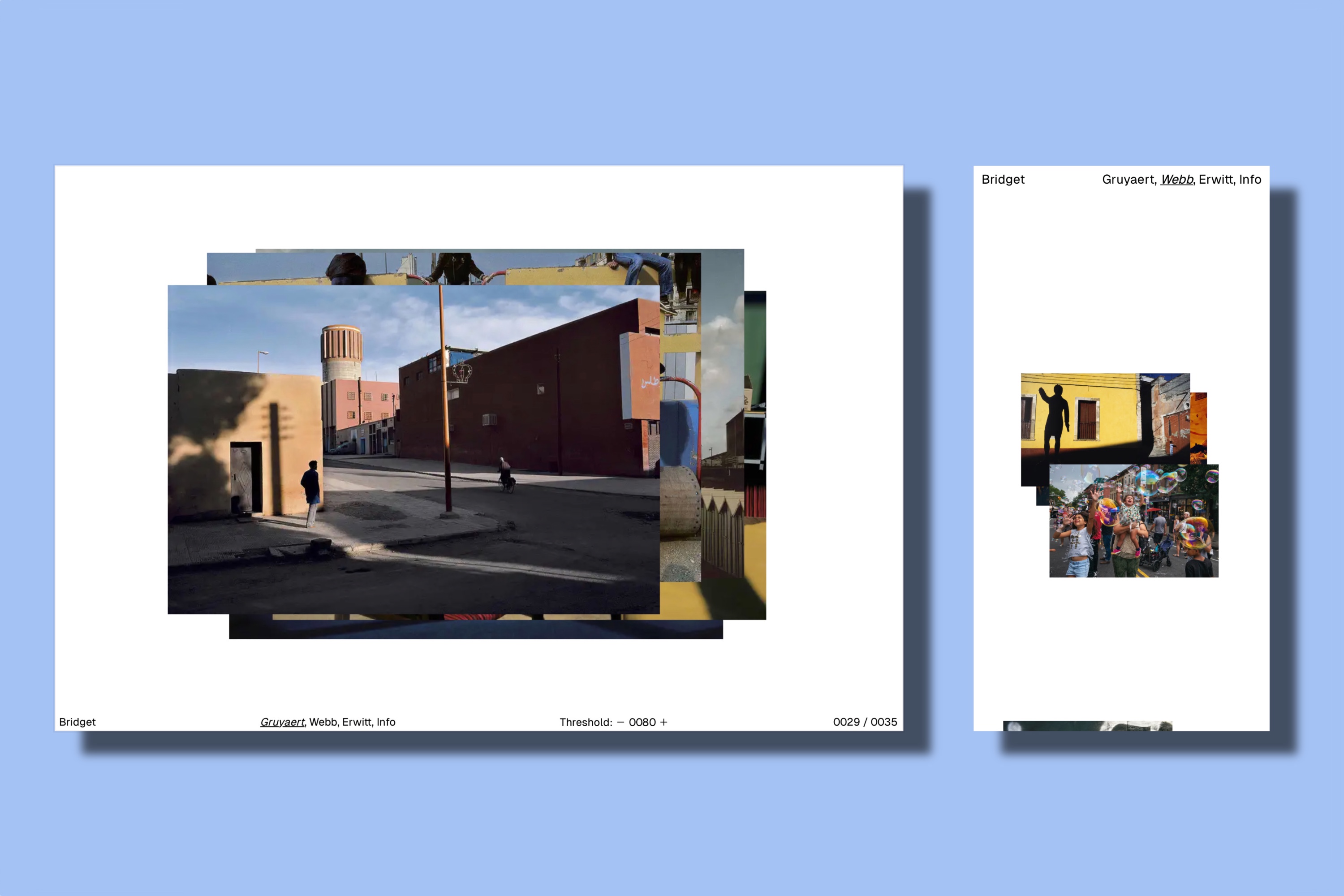
bridget
Bridget is a minimal Hugo portfolio theme for photographers and visual artists, with front-end interactions powered by SolidJS.
Hugo · Portfolio

al-folio
A Jekyll academic homepage theme for scholars and researchers, with a clean responsive design and out-of-the-box support for publication lists, project showcases, CVs, and blogs.
Jekyll · Portfolio

simplefolio
Simplefolio is a minimal single-page portfolio template for developers, built with HTML, Bootstrap, SCSS, and Parcel under the MIT license. It includes Hero, About, Projects, Contact, and Footer sections, with content edited in /src/index.html and theme colors controlled by two SCSS variables.
HTML · Portfolio

hugo-PaperMod
A fast, clean, responsive Hugo theme for blogs and lightweight portfolios, with three layout modes (Regular, Home-Info, Profile), automatic and manual light/dark themes, Fuse.js client-side search, multilingual support, and built-in Open Graph, Twitter Cards, and Schema.org data.
Hugo · Portfolio