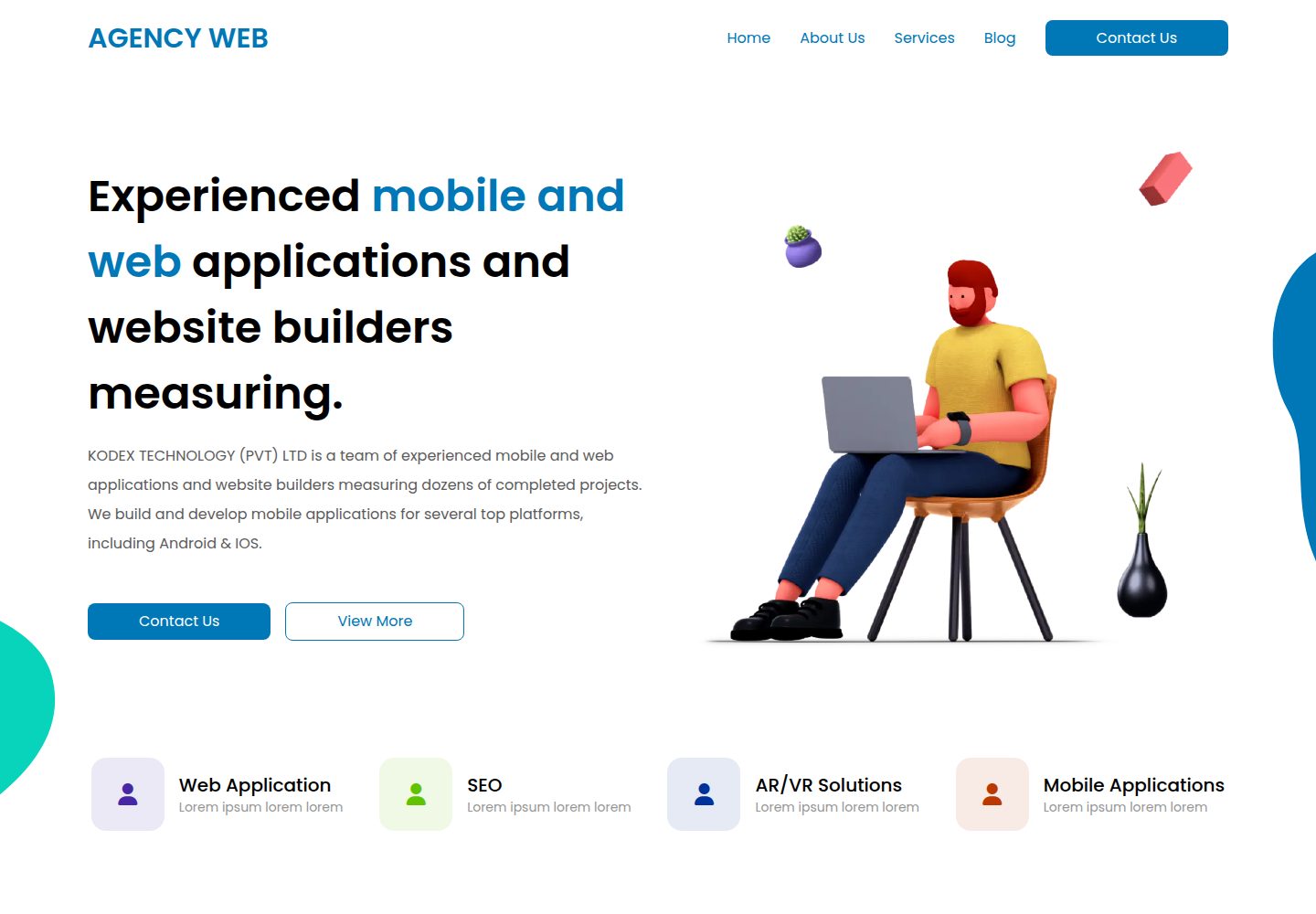
Hugo-based static site theme for digital agencies, startups, and product landing pages
HugoCorporate Website
hugo-agency-web — Hugo Business Template
By writeonlycode
hugo-agency-web is a free Hugo-based theme for digital agencies, startups, and product landing pages. It uses Tailwind CSS, with content and structured data stored in the content/ and data/ directories respectively.
Explore the design
Compare the page layouts and mobile experience. Open any screenshot for a closer look.
Desktop homepage1 / 2
Desktop captureTop of page
Actual screenshot captured by the server browser.
All pages & views 2
Screenshots show visual appearance; interactive behavior may differ.
Recorded 2026-10-03View source
What stands out
A quick read of the recorded project description.
Styling uses Tailwind CSS, and the build process includes installing npm dependencies
Structured blocks such as hero, features, and pricing are driven by YAML files under the data/ directory
Content is concentrated in content/ and data/, while site configuration is kept in the config/ directory
The repository uses the MIT license, allowing free use, modification, commercial use, and distribution of this version of the code
Provides an online demo site and desktop and mobile page screenshots
Template Details
This theme is published by writeonlycode on Hugo Themes, and the repository uses the MIT license. It is positioned as a static site for digital agencies, startups, and modern product landing pages. Page structure is generated by Hugo, styling is based on Tailwind CSS, and the design references the Agency Web Figma file by Sanoj Dilshan.
For usage, the README recommends cloning the demo branch as the site starting point, installing npm dependencies, and previewing locally with hugo server. For builds, run hugo to generate the public/ directory and upload it to a hosting platform. Content is written in content/ and data/, structured blocks such as hero, features, and pricing are driven by YAML files under data/, and site configuration is changed only in the config/ directory.
Regarding limitations, the repository does not provide a feature list or performance notes; licenses for third-party assets such as demo images, fonts, and icons must be checked separately and cannot be determined solely from the code's MIT license.
HugoCorporate website
Is it right for your project?
Use Cases
- Building a static official website for a digital agency to showcase services and case studies
- Creating product landing pages and feature introduction pages for startups
- Building marketing pages with pricing sections for modern products
- Sites that need to generate static files with Hugo and deploy to hosting platforms such as Netlify or Vercel
Suitable For
- Developers familiar with basic Hugo usage who can adjust configuration and content themselves
- Teams that accept maintaining homepage sections via YAML data files
- Projects that need theme code freely modifiable and commercially usable under the MIT license
- Sites published via static hosting without relying on server-side rendering
Getting started & customization
Use these recorded setup notes alongside the repository instructions for your chosen version.
- 1
Hugo, Go, Node.js, and npm must be installed in advance
- 2
When cloning the repository, use the demo branch, for example git clone --depth 1 --branch demo <repository URL> my-new-site
- 3
After entering the directory, run npm install to install dependencies, then start a local preview with hugo server (default http://localhost:1313)
- 4
Modify content in content/ and data/, and change configuration only in files under the config/ directory
- 5
Run hugo to build and generate the public/ directory, then upload its contents to a hosting platform; third-party assets such as demo images, fonts, and icons must be checked separately under their respective licenses
License & source material
Usage conditions & limitations
Free to use · keep license noticeThis entry covers the free version under the MIT license in the public repository; the free scope applies to this version of the code and does not mean external services or third-party assets are free.
Must comply with when using
- Allows free use, modification, commercial use, and distribution of this version of the code.
- When distributing copies or substantial portions of the code, retain the original author's copyright notice and the full MIT license notice.
- The code is provided as is; warranties and limitations of liability are governed by the original license and applicable law.
Additional costs & items to verify
- The README requires cloning the demo branch as the site starting point rather than the default branch; using other branches may lack demo content or configuration.
- Before use, external tools such as Hugo, Go, Node.js, and npm must be installed; these are environment dependencies rather than code limitations.
- npm install must be run to install dependencies, and the build process depends on the npm ecosystem.
- Configuration changes are limited to the config/ directory; changes to configuration elsewhere may not take effect.
- Content for blocks such as hero, features, and pricing is driven by YAML files under data/ and must be maintained according to this structure.
- Deployment requires preparing a hosting platform yourself (such as Netlify or Vercel), which may involve third-party terms of service and fees.
- The design references a third-party Figma file; that asset's license is independent of the code's MIT license and must be checked separately.
- Demo images, fonts, icons, and other third-party assets must be checked under their respective licenses and cannot be determined solely from the code's MIT license.
- External services such as domains, hosting, databases, payments, or AI may incur additional charges.
View Original Text Basis
Permission is hereby granted, free of charge
Original License Text
Clone the repository using the `demo` branch:
Original README
Before you begin, make sure you have the following installed:
Original README
Install the dependencies:
Original README
To update configuration settings, **modify only the files inside the `config/` folder**
Original README
YAML files inside `data/` are used for structured sections like the hero, features, and pricing.
Original README
Upload its contents to your hosting provider or connect with a platform like [Netlify](https://www.netlify.com/) or [Vercel](https://vercel.com/).
Original README
https://github.com/writeonlycode/hugo-agency-web/blob/main/LICENSEhttps://github.com/writeonlycode/hugo-agency-web/blob/main/README.md[Agency Web by Sanoj Dilshan](https://www.figma.com/community/file/1058767686059595687) – The design inspiration behind the theme.
Original README
Compiled by DeepSeek based on repository license and README ·2026-10-03. Results only cover the materials read; dependencies, images, fonts, and subsequent term changes are subject to their respective original texts.
Project checks & description sources
Template Information
- Source platforms
- Hugo Themes
- Documentation and maintenance reference score
- More documented · 81 / 100
- Technologies
- Hugo
- Website type
- Corporate Website
How this score is calculated
Our heuristic uses license records (up to 30), a demo link (12), a preview (10), stars (15), recorded maintenance (15), description completeness (8), feature records (5) and classification data (5). It is not a code, security or performance test, or a Google score. A link does not establish tested functionality.
What to verify for this project
- Repository update recorded
- 2025-07-09
- Screenshot last checked
- 2026-10-03
A demo link is listed. Check it with your own content and viewport sizes; its presence does not confirm that forms, authentication or payments work.
The catalog identifies Hugo as the primary stack. Check the actual dependency manifest and lockfile for versions and hosting requirements. These notes use recorded metadata, not a code audit or a deployment test.
Use a selection guide →How this description was prepared
AI-assisted description based on catalog records and repository material. Repository authors are not automatically the reviewers of this description.
Review declaration: [email protected] · 2026-10-04
Inspect the recorded source material
SHA-256: b5d8d179251effff33a231eea7576fe4b8babaedd178a958446cd53918c33e0e
2026-10-03T23:09:38.045Z
Source file / repository# Hugo Agency Web  **Hugo Agency Web** is a clean and professional [Hugo](https://gohugo.io/) theme for digital agencies, startups, and modern product landing pages. ## Live Demo 👉 [Visit the Live Demo](https://writeonlycode.github.io/hugo-agency-web/) ## Getting Started ### Prerequisites Before you begin, make sure you have the following installed: * [Hugo](https://gohugo.io/getting-started/installing/) * [Go](https://go.dev/doc/install) * [Node.js](https://nodejs.org/) * npm (comes with Node.js) ### Installation 1. Clone the repository using the `demo` branch: ```bash git clone --depth 1 --branch demo https://github.com/writeonlycode/hugo-agency-web.git my-new-site cd my-new-site ``` 2. Install the dependencies: ```bash npm install ``` 3. Start the local development server: ```bash hugo server ``` Your site will be running at `http://localhost:1313`. Any changes you make will be hot-reloaded in the browser. ### Editing Content * All content is stored in the `content/` and `data/` directories. * To update configuration settings, **modify only the files inside the `config/` folder**, which uses Hugo’s [configuration directory](https://gohugo.io/getting-started/configuration/#configuration-directory) structure. * YAML files inside `data/` are used for structured sections like the hero, features, and pricing. ### Deployment To deploy your site, build the static files: ```bash hugo ``` This will generate the `public/` directory, which contains the complete static site. Upload its contents to your hosting provider or connect with a platform like [Netlify](https://www.netlify.com/) or [Vercel](https://vercel.com/). ## Built With * [Hugo](https://gohugo.io/) – A fast and flexible static site generator. * [Tailwind CSS](https://tailwindcss.com/) – A utility-first CSS framework for rapid UI development. * [Agency Web by Sanoj Dilshan](https://www.figma.com/community/file/1058767686059595687) – The design inspiration behind the theme. ## License This project is licensed under the MIT License – see the [LICENSE](https://github.com/writeonlycode/hugo-agency-web/blob/main/LICENSE) file for details.
Explore similar templates
Compare previews and descriptions within the same stack and category.
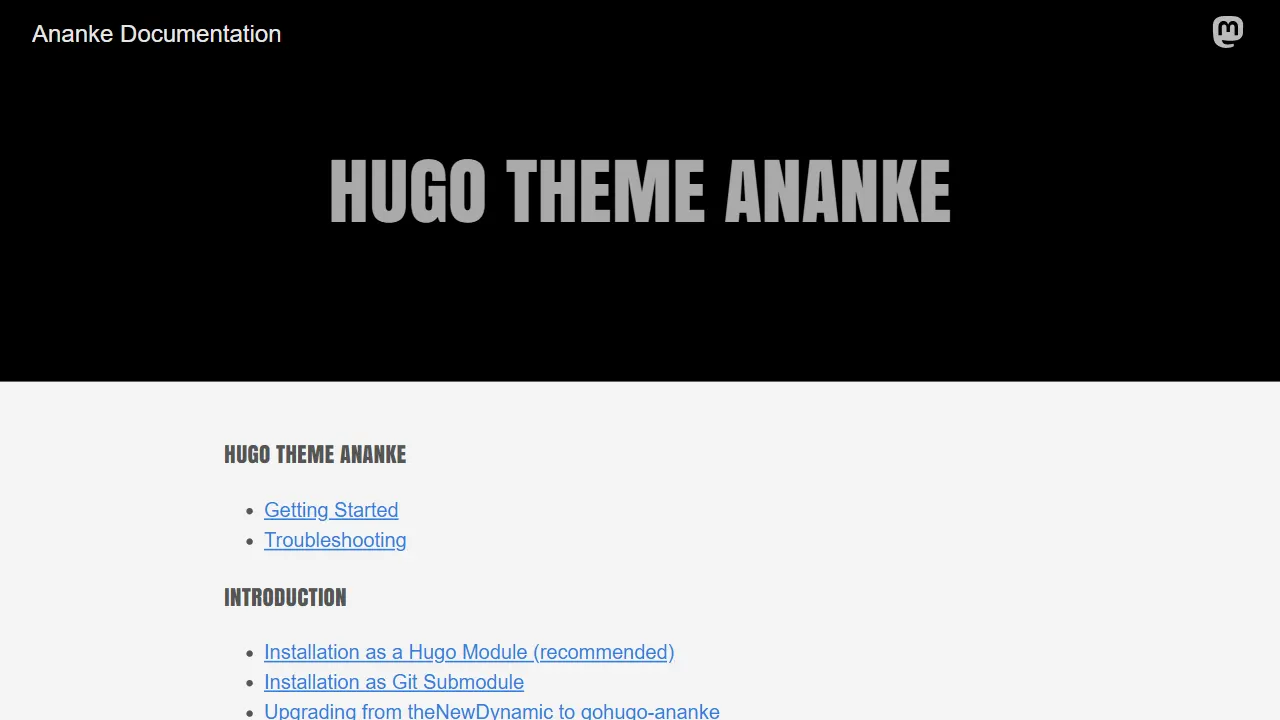
Ananke
Ananke is a classic general-purpose Hugo theme positioned as a flexible, production-ready starter for blogs, organizational homepages, and content-focused websites.
Hugo · Blog

educenter-hugo
Educenter is a Hugo-based educational website template under the MIT license, offering 19+ pre-designed pages for courses, teachers, events, notices, research, and scholarships.
Hugo · Blog
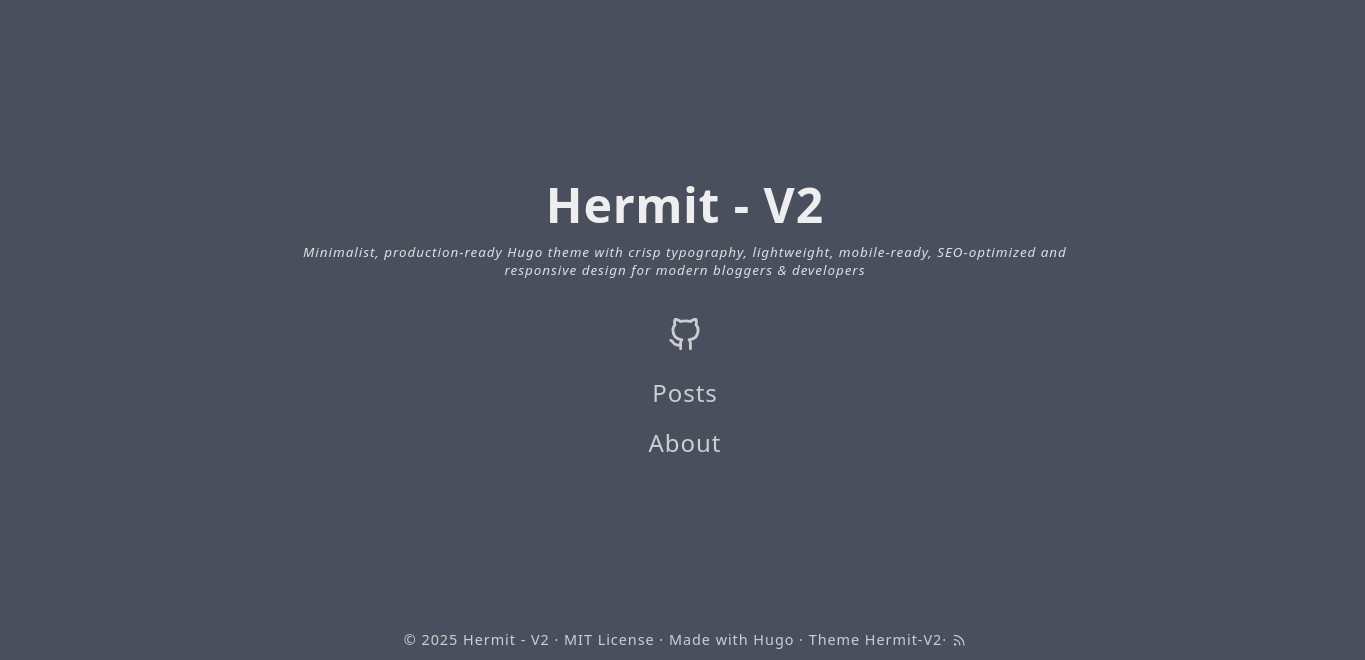
hermit-V2
Hermit-V2 is a minimalist Hugo blog theme, a maintained fork of the classic Hermit, focused on typography and reading experience.
Hugo · Blog
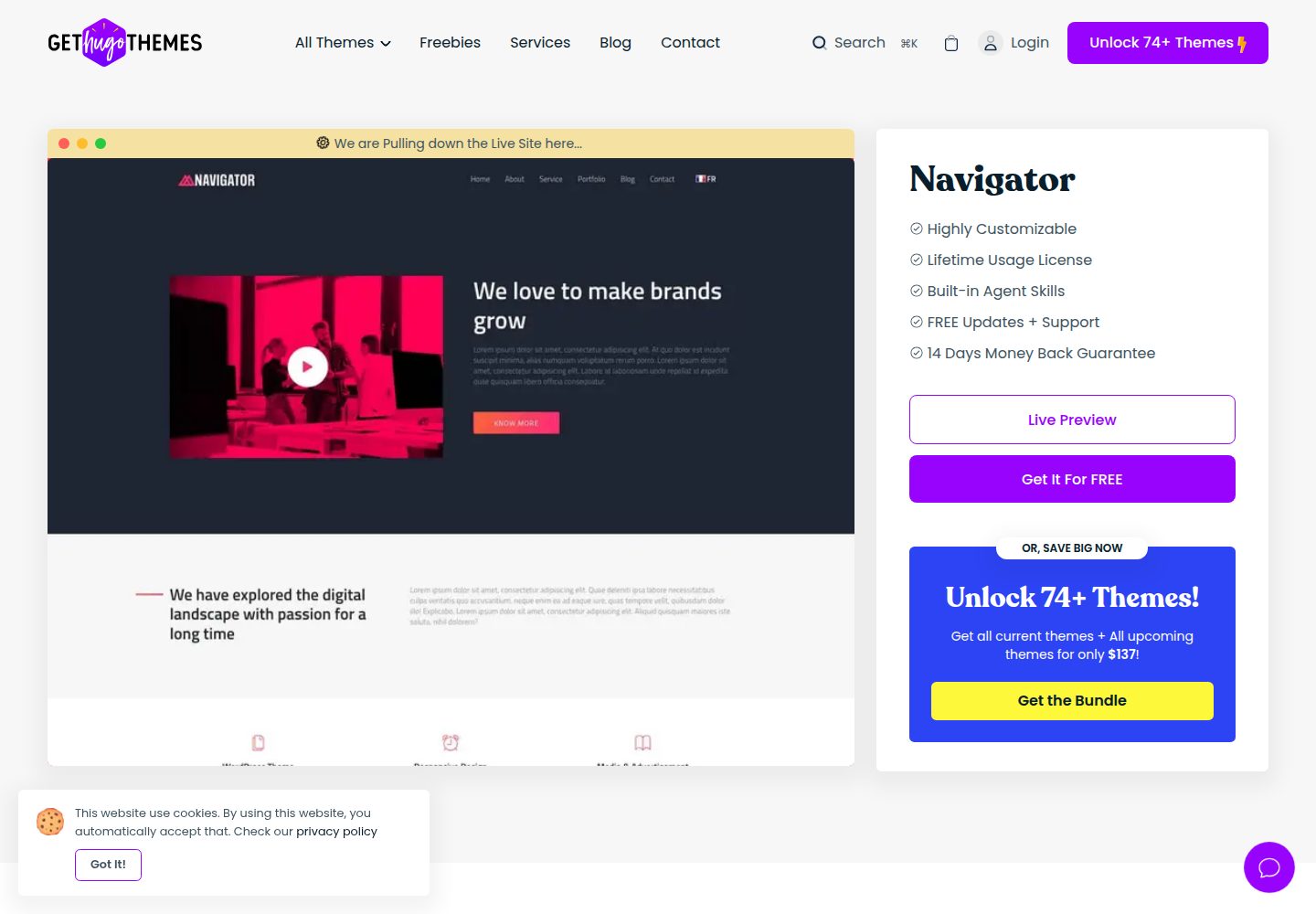
navigator-hugo
Navigator is a Hugo static site theme by Themefisher for corporate or company image presentation, also usable for a personal portfolio.
Hugo · Portfolio
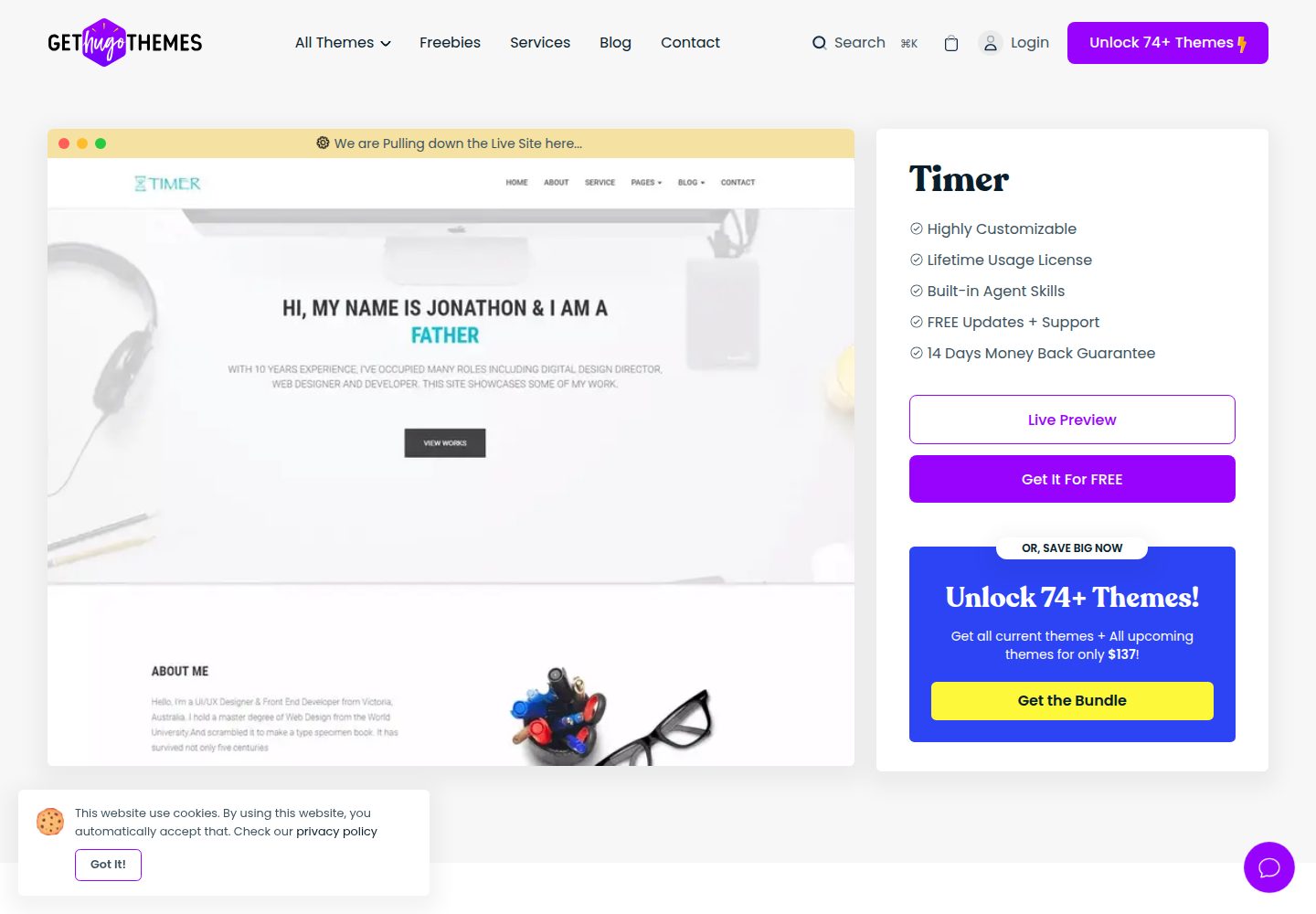
timer-hugo
Timer is a Hugo-based personal portfolio theme that also works as a landing page, aimed at creative companies, agencies, and freelancers.
Hugo · Portfolio
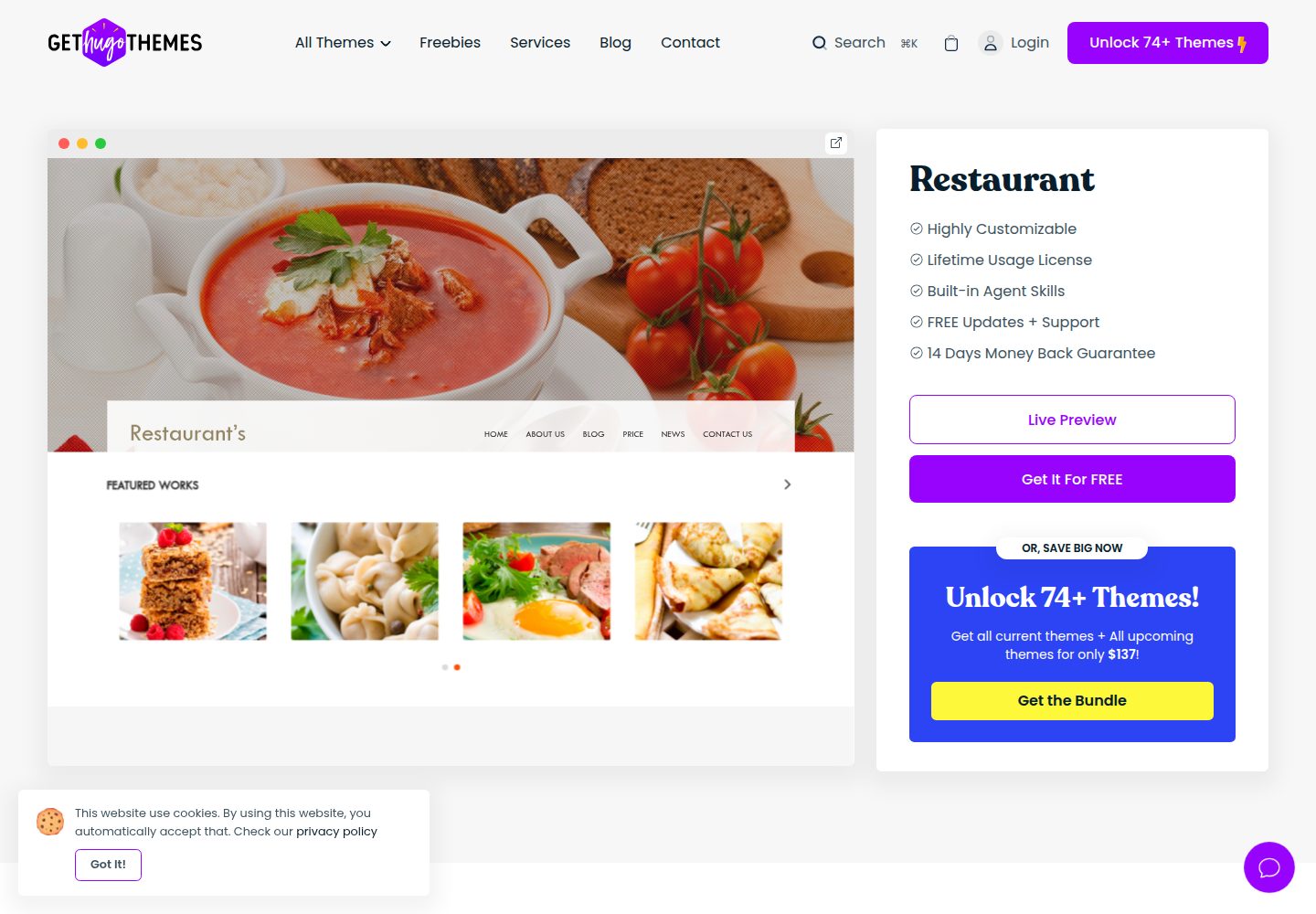
restaurant-hugo
Restaurant Hugo is a Hugo static site theme for restaurants and food-related businesses, built on Bootstrap with Hugo Pipes for CSS and JavaScript bundling.
Hugo · Blog