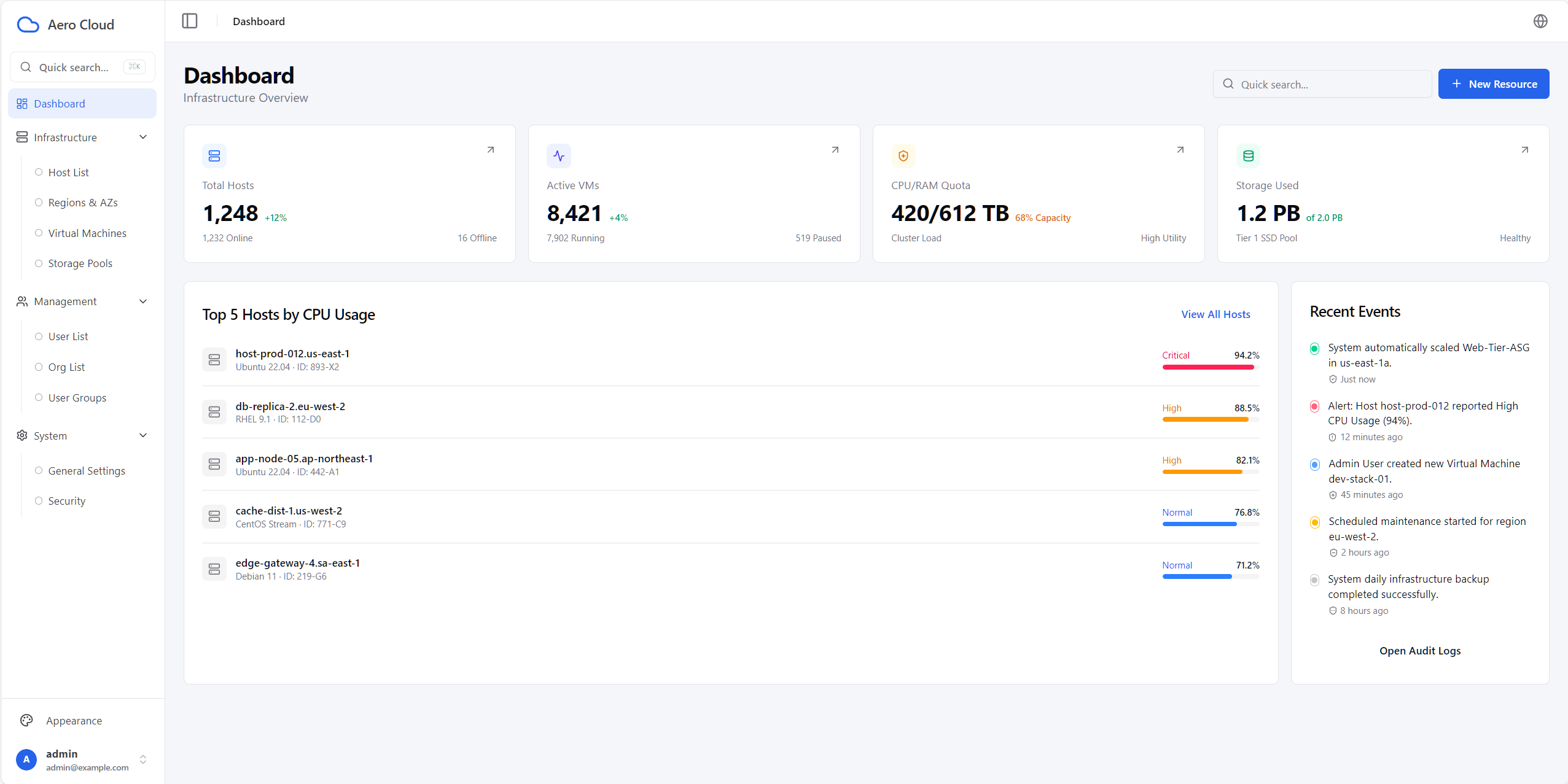
Login authentication and route guards, redirecting to /login when not logged in, with automatic session cleanup and redirection on 401
ViteReactAdmin dashboard
aero-web — Vite Admin dashboard Template
By zerolincku
A cloud infrastructure management admin template built on React, TypeScript, and Vite, with built-in login authentication, theme switching, internationalization, command palette, and paginated tables.
Explore the design
Compare the page layouts and mobile experience. Open any screenshot for a closer look.
Author preview
Author-provided preview
Preview provided in the project README.
One original preview is available. Open the full image to inspect the design.
Screenshots show visual appearance; interactive behavior may differ.
Recorded 2026-09-30View source
What stands out
A quick read of the recorded project description.
light / dark / system theme modes with 5 selectable accent colors
en and zh-CN internationalization, with translation key diff checking and missing key warnings during development
⌘K / Ctrl+K command palette supporting quick search and navigation
Table encapsulating both local and server-side pagination modes, with unified loading, empty data, and error rows
Unified axios-based API layer with typed errors and paginated response models
Template Details
aero-web is an admin frontend template for cloud infrastructure management scenarios, built with React, TypeScript, Vite, and Tailwind CSS. The project is positioned as a directly runnable frontend foundation, providing demo pages for dashboard, hosts, regions and availability zones, users, organizations, and settings, with extension points reserved for connecting to real backend services.
Functionally, the template includes login authentication and route guards (redirecting to /login when not logged in), automatic session cleanup and redirection on 401, a unified axios-based API layer with typed errors, a paginated data model, and en / zh-CN bilingual internationalization, with missing translation keys flagged during development. On the UI side, it offers light / dark / system theme modes with 5 accent colors, and supports ⌘K / Ctrl+K command palette quick search. The data table encapsulates both local and server-side pagination modes, uniformly handling loading, empty data, and error states, with stale response protection and retry.
In terms of engineering configuration, the template uses ESLint, strict-mode TypeScript, and Vitest testing, and controls the API base URL, router mode (hash or browser), deployment subpath, and whether to use frontend mock login via environment variables. The README specifies the agreed formats for backend success responses, error responses, and paginated responses.
Limitations to note: /infrastructure/vms, /infrastructure/storage-pools, /management/groups, and /system/security are currently placeholder routes that actually display NotFound; frontend mock login is enabled by default, and connecting to real services requires replacing it yourself.
ViteReactAdmin
Is it right for your project?
Use Cases
- Building the frontend skeleton for an infrastructure management admin panel for cloud hosts, regions, and availability zones
- Starting an admin project that needs login authentication, theme switching, and multiple languages
- Quickly connecting a management interface with paginated tables and a command palette to an existing backend service
Suitable For
- Admin frontend projects requiring a React + TypeScript + Vite stack
- Teams wanting to build on an existing page structure for secondary development
- Internal management systems needing internationalization and theme switching
Getting started & customization
Use these recorded setup notes alongside the repository instructions for your chosen version.
- 1
Requires Node.js >= 20.19.0 and pnpm >= 8; after installation run pnpm run dev, default address http://localhost:5173
- 2
Copy .env.example to .env and configure VITE_API_BASE_URL, VITE_ROUTER_MODE, VITE_APP_BASENAME, and VITE_USE_MOCK_AUTH as needed
- 3
VITE_USE_MOCK_AUTH defaults to true for frontend mock login; when connecting to a real backend, replace it and follow the response and pagination conventions in the README
- 4
When using useDataTable, keep the loadPage reference stable (module scope or useCallback), and update queryKey when filters or sorting change to return to the first page
License & source material
Usage conditions & limitations
Free to use · keep license noticeThis entry covers the free version in the public repository under the MIT license; the free scope is the code of this version and does not mean external services or third-party assets are free.
Must comply with when using
- Free use, modification, commercial use, and distribution of this version's code are permitted.
- When distributing copies or substantial portions of the code, retain the original author's copyright notice and the full MIT license notice.
- The code is provided as is; warranties and liability limitations are governed by the original license and applicable law.
Additional costs & items to verify
- Some routes are placeholder pages that actually display NotFound and are not fully usable features.
- Frontend mock login is enabled by default; when connecting to a real backend service, you must replace this mock authentication logic yourself.
- The template only provides a frontend foundation and requires you to connect it to a real backend service; it does not include a backend implementation.
- Demo images, fonts, icons, and other third-party assets must be checked against their respective licenses and cannot be judged solely by the code's MIT license.
- External services such as domains, hosting, databases, payments, or AI may incur separate charges.
View Original Text Basis
Permission is hereby granted, free of charge
Original License Text
Placeholder routes (currently NotFound):
Original README
`VITE_USE_MOCK_AUTH`: whether to use frontend mock login (default `true`)
Original README
https://github.com/zerolincku/aero-web/blob/main/LICENSEhttps://github.com/zerolincku/aero-web/blob/main/README.mdClear extension points for integrating real backend services
Original README
Compiled by DeepSeek based on repository license and README ·2026-09-30. Results only cover the materials read; dependencies, images, fonts, and subsequent term changes are subject to their respective original texts.
Project checks & description sources
Template Information
- Source platforms
- GitHub
- Documentation and maintenance reference score
- More documented · 85 / 100
- Technologies
- Vite · React
- Website type
- Admin dashboard
How this score is calculated
Our heuristic uses license records (up to 30), a demo link (12), a preview (10), stars (15), recorded maintenance (15), description completeness (8), feature records (5) and classification data (5). It is not a code, security or performance test, or a Google score. A link does not establish tested functionality.
What to verify for this project
- Repository update recorded
- 2026-09-23
- Screenshot last checked
- 2026-09-30
A demo link is listed. Check it with your own content and viewport sizes; its presence does not confirm that forms, authentication or payments work.
The catalog identifies Vite as the primary stack. Check the actual dependency manifest and lockfile for versions and hosting requirements. These notes use recorded metadata, not a code audit or a deployment test.
Use a selection guide →How this description was prepared
AI-assisted description based on catalog records and repository material. Repository authors are not automatically the reviewers of this description.
Automatically checked against source and license rules; no manual editorial review.
Inspect the recorded source material
SHA-256: c825f923acd04a4110091163c076e6d71887be5e532972add2df69383b29ae1e
2026-09-30T08:58:54.561Z
Source file / repository# Aero Cloud Admin Template
English | [简体中文](./README-zh.md)
A modern admin template built with **React 19 + TypeScript + Vite + Tailwind CSS**, including auth routing, theme system, i18n, command palette, paginated lists, and a typed API layer.
## Project Scope
- Ready-to-use frontend foundation for cloud/admin dashboards
- Built-in demo pages: Dashboard / Hosts / Regions & AZs / Users / Orgs / Settings
- Clear extension points for integrating real backend services
## Screenshots
### 1. Dashboard Home

### 2. Hosts List

### 3. Hosts Detail/List Extended View

### 4. Host Detail Page

### 5. Regions & AZs

### 6. Command Palette (Quick Search)

### 7. Theme & Appearance

## Core Features
- Auth guard: unauthenticated users are redirected to `/login`
- Session handling: auto cleanup + redirect on `401`
- API layer: shared axios instance, typed errors, pagination models
- i18n: `en` / `zh-CN` with dev-time key diff and missing-key warning
- Theme system: `light / dark / system` + 5 accent colors
- Command palette: `⌘K` / `Ctrl+K`
- Async data lifecycle: stale-response protection, retry, and refresh state
- Reusable local/server table pagination with consistent loading, empty, and error rows
- Engineering baseline: ESLint + strict TypeScript + Vitest
## Tech Stack
- React 19.2
- TypeScript 6.0
- Vite 8.2
- Tailwind CSS 4.3
- React Router DOM 7
- Zustand 5
- Axios
- react-i18next / i18next
- Vitest + Testing Library
## Quick Start
### 1. Requirements
- Node.js >= 20.19.0
- pnpm >= 8
### 2. Install & Run
```bash
pnpm install
pnpm run dev
```
Default URL: `http://localhost:5173`
### 3. Common Commands
```bash
pnpm run dev # start dev server
pnpm run build # build production assets (tsc + vite build)
pnpm run preview # preview production build
pnpm run lint # run ESLint
pnpm run test # run Vitest
pnpm run test:watch # run Vitest in watch mode
pnpm exec tsc -b # TypeScript project build check
```
## Environment Variables
Copy template:
```bash
cp .env.example .env
```
Variables:
- `VITE_API_BASE_URL`: API base path, default `/api`
- `VITE_ROUTER_MODE`: router mode, `hash` or `browser` (default `hash`)
- `VITE_APP_BASENAME`: deployment sub-path (for example `/admin`)
- `VITE_USE_MOCK_AUTH`: whether to use frontend mock login (default `true`)
## Backend Response Contract
### Success Response
- Response body directly returns business data
### Error Response
```json
{ "code": 1001, "msg": "error message" }
```
### Pagination Response
```json
{
"total": 100,
"page_num": 1,
"page_size": 10,
"data": []
}
```
Frontend support included:
- `PageResponse<T>`
- `apiClient.getPage<T>()`
- `toPaginatedResult()` mapper
- `useDataTable()` local and server pagination modes
Keep `loadPage` stable (declare it at module scope or wrap it in `useCallback`).
Change `queryKey` whenever filters or sorting change so the table reloads page one.
```tsx
const loadItemsPage = useCallback(
async (page: number, pageSize: number) => toPaginatedResult(
await apiClient.getPage<Item[]>('/items', {
page_num: page,
page_size: pageSize,
status: filters.status,
}),
),
[filters.status],
);
const table = useDataTable<Item>({
loadPage: loadItemsPage,
queryKey: filters.status,
});
```
## Route Overview
- `/login`
- `/`
- `/infrastructure/hosts`
- `/infrastructure/hosts/:hostId`
- `/infrastructure/regions-azs`
- `/management/users`
- `/management/orgs`
- `/system/settings`
Placeholder routes (currently NotFound):
- `/infrastructure/vms`
- `/infrastructure/storage-pools`
- `/management/groups`
- `/system/security`
## Key Directory Structure
```text
src/
├── api/
│ ├── axios.ts
│ ├── client.ts
│ ├── error.ts
│ ├── types.ts
│ └── modules/
│ └── auth.ts
├── auth/
│ └── session.ts
├── components/
│ ├── AppErrorBoundary.tsx
│ ├── Layout.tsx
│ ├── Sidebar.tsx
│ ├── ThemeController.tsx
│ └── ui/
│ └── data-table-state.tsx
├── config/
│ ├── app.ts
│ └── router.ts
├── hooks/
│ ├── use-data-table.ts
│ ├── use-fetch-data.ts
│ └── use-mobile.ts
├── i18n/
│ ├── index.ts
│ ├── dev-check.ts
│ └── locales/
├── lib/
│ ├── routes.tsx
│ ├── pagination.ts
│ └── utils.ts
├── pages/
├── store/
│ └── useStore.ts
├── theme/
│ └── palette.ts
└── test/
```
## React Compiler Notes
React Compiler is enabled in `vite.config.ts` through
`reactCompilerPreset()` and `@rolldown/plugin-babel`. No additional compiler
package is required for the default setup.
## License
MIT License. See [LICENSE](./LICENSE).
Explore similar templates
Compare previews and descriptions within the same stack and category.

kiaalap
Kiaalap is a free, open-source admin template from Colorlib for education, online courses, and school management.
Vite · Admin dashboard

react-vite-admin
A backend management starter built on Vite and React, integrating Recoil, React Query, TypeScript, and Axios, with Ant Design-style interface screenshots. Suitable as a starting point for management-side projects, licensed under MIT, with Chinese documentation and common scripts.
Vite · Admin dashboard
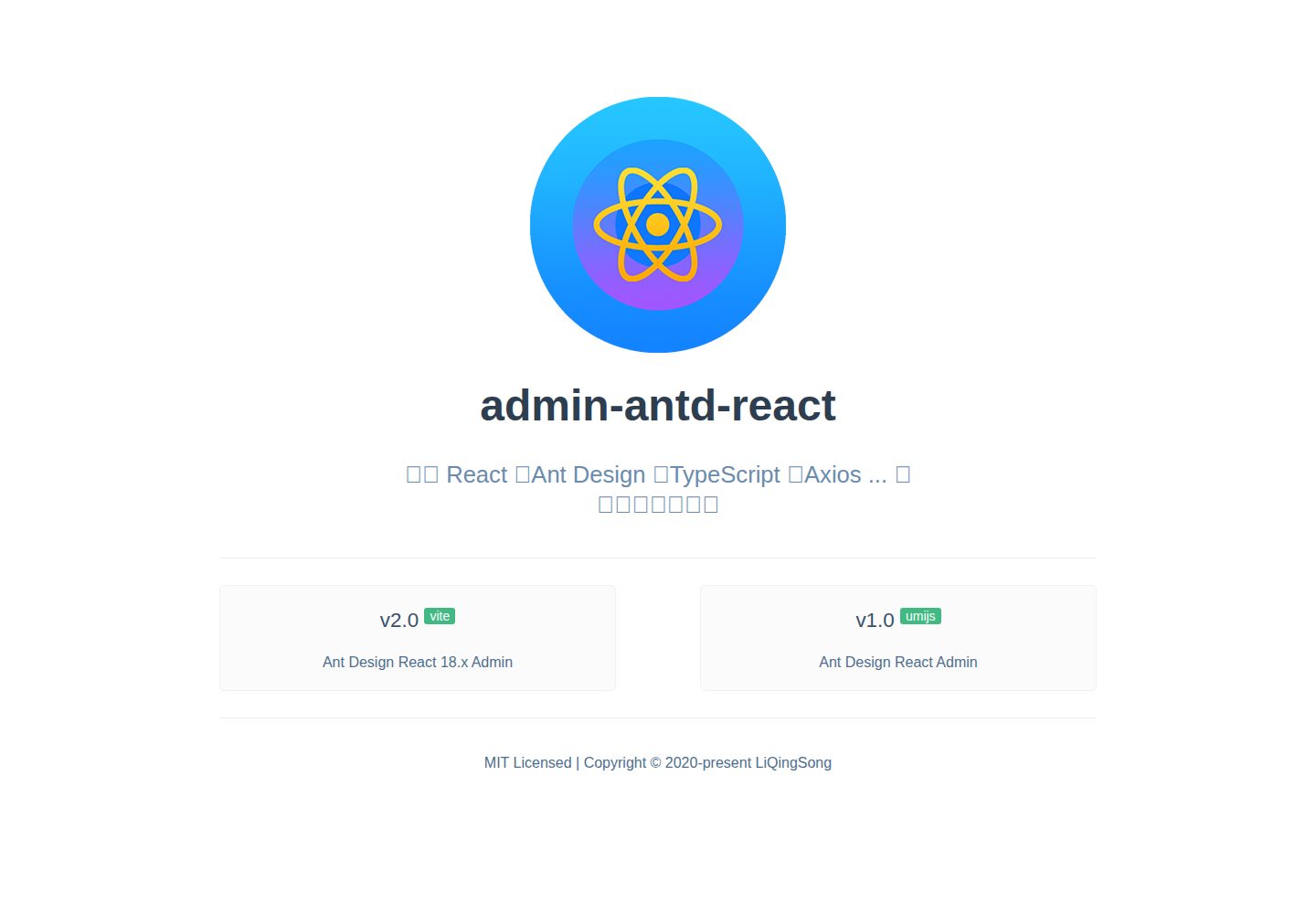
admin-antd-react
A Vite + React 18 admin template using Ant Design and Recoil, with login, logout, and registration flows; page, button, and permission configuration verification; internationalization; dynamic sidebar and breadcrumbs; Svg Sprite icons; Mock data; and list, form, and detail page examples.
Vite · Admin dashboard
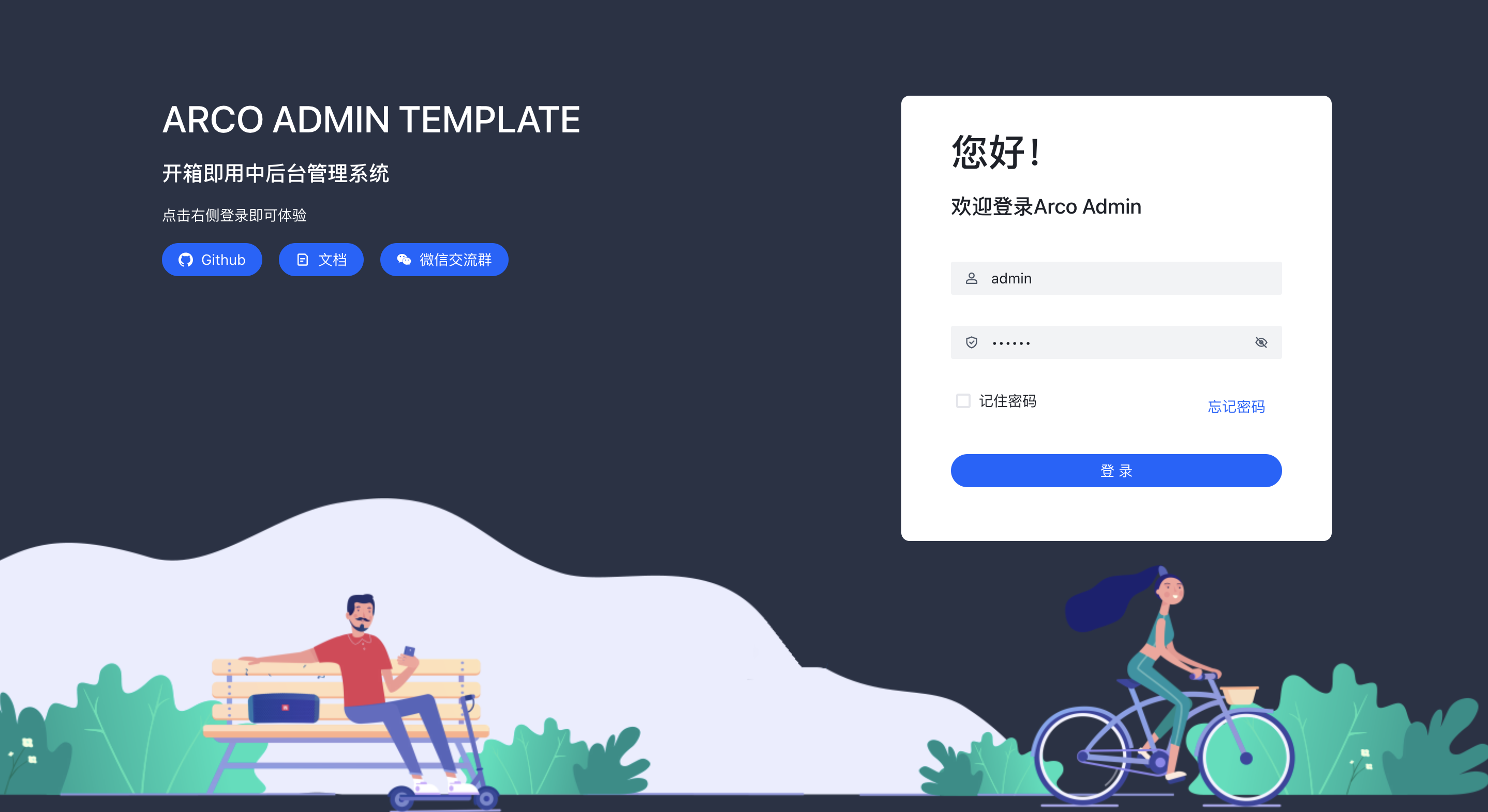
arco-admin-template
A Vite + React mid-to-back-office template using Arco Design, react-router-dom v6, mockjs, and less, with internationalization, theme customization, and light/dark switching. Includes login, dashboard, resource, component examples, settings, and 404 pages.
Vite · Admin dashboard
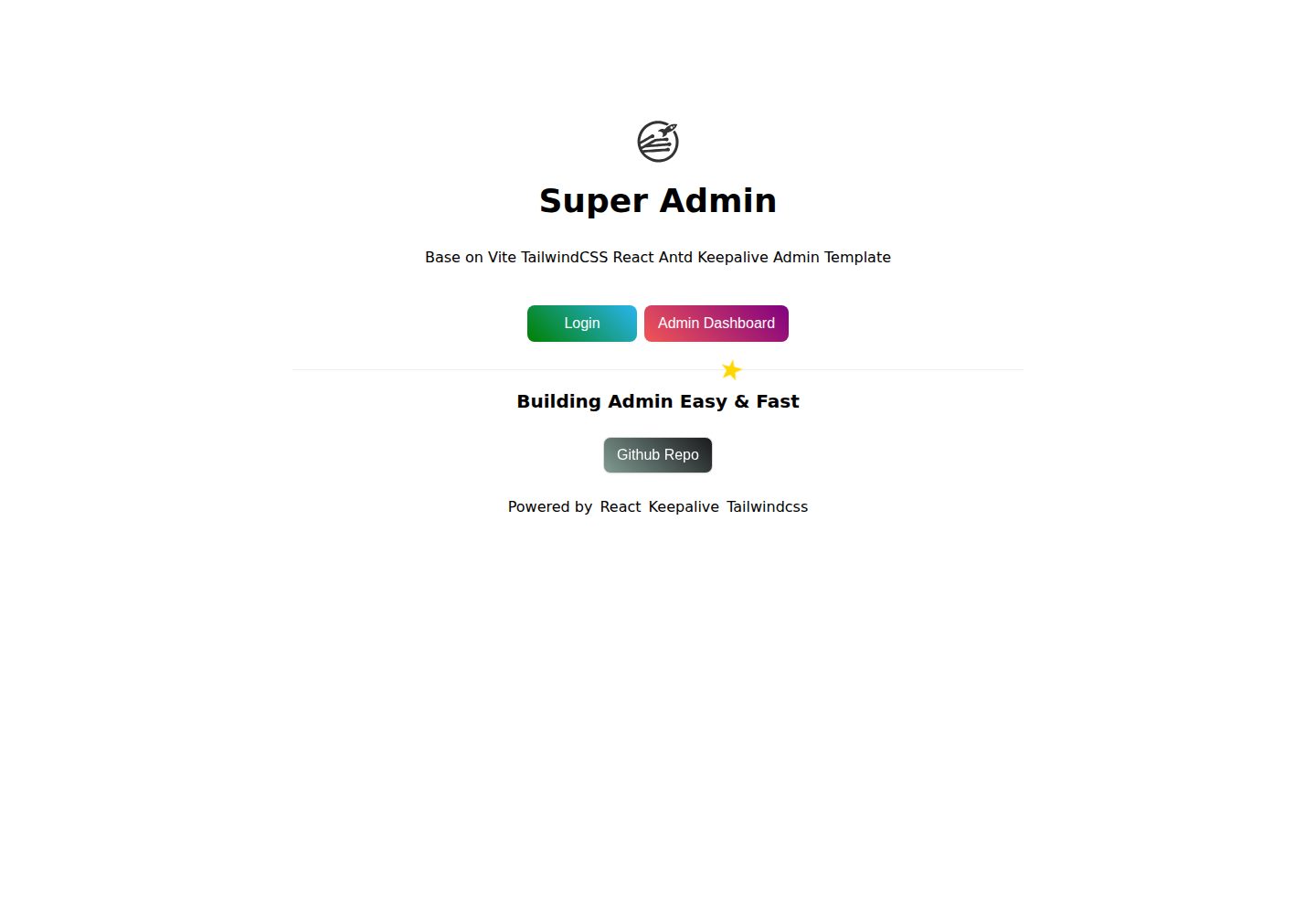
super-admin
A React, Vite, and Antd admin template that implements multi-tab route caching similar to Vue keepalive and route-based permission control.
Vite · Admin dashboard
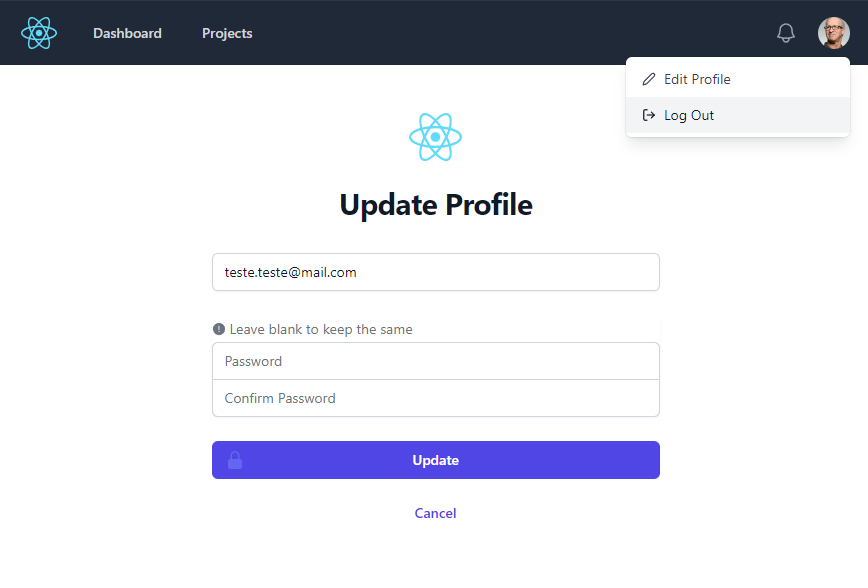
react-vite-tailwind-typescript-firebase-auth-template
A starter template for backend applications using Vite, React, TypeScript, TailwindCSS, and Firebase Auth, featuring login and dashboard interfaces. Requires your own Firebase project and credentials in .env; no backend logic included.
Vite · Admin dashboard