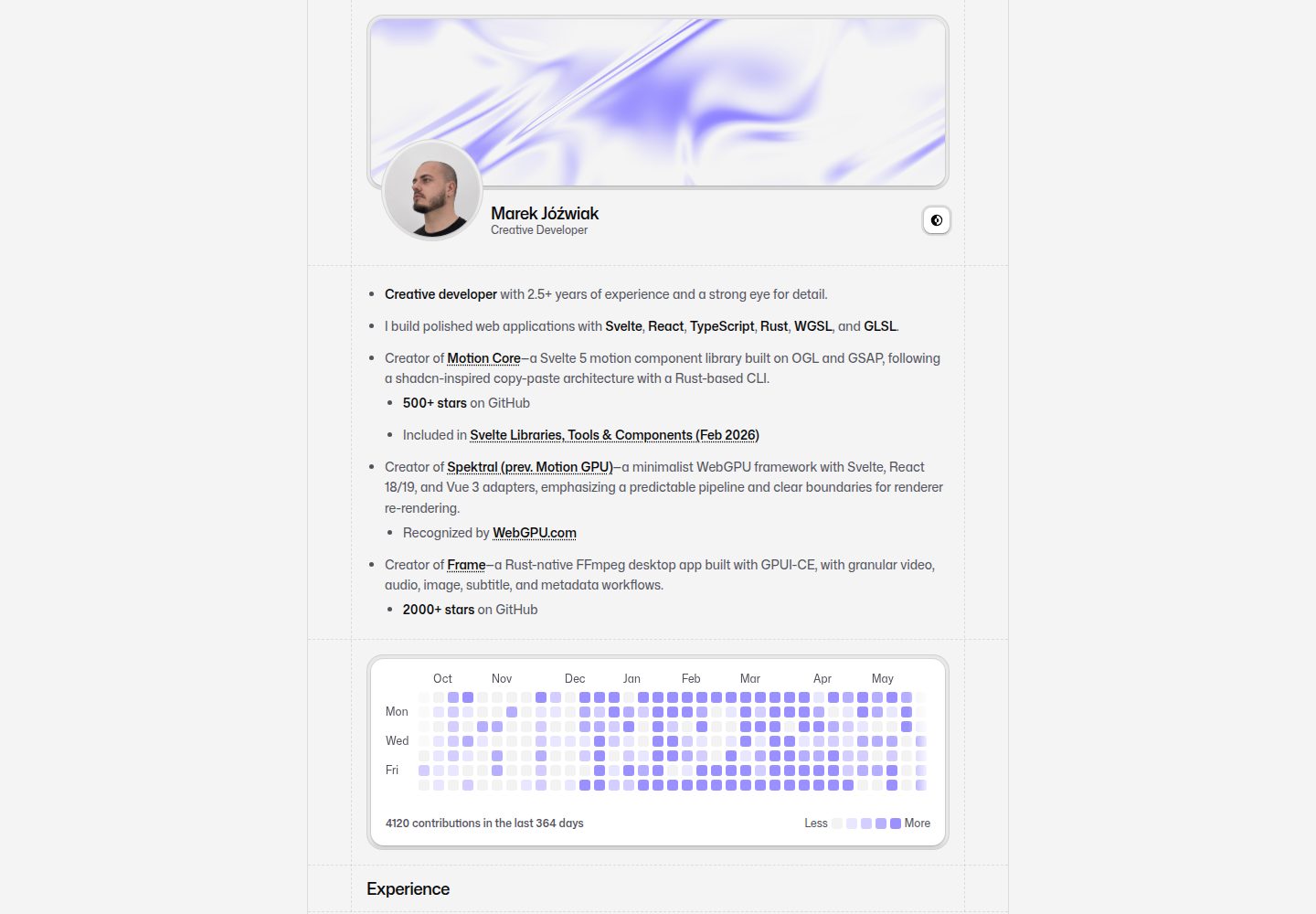
首页区块顺序、可见性与身份信息集中在 src/portfolio/config.ts 配置
Svelte作品集
portfolio (66HEX) — Svelte 作品集模板
作者 66HEX
基于 SvelteKit 的个人作品集模板,包含可配置首页、本地 Markdown 文章、外部出版物、GitHub 贡献图与联系表单。
看看你的网站会是什么样
浏览真实页面截图,比较内容排版与手机效果。点击下方缩略图切换,放大查看整页细节。
全部页面与视图 3
截图用于了解视觉与布局,交互效果请以实际项目为准。
采集于 2026-09-30查看来源
值得关注的模板亮点
从已有项目资料中,快速了解它的特点。
本地文章使用 .svx 文件,pnpm post:new 生成草稿,无需注册路由或站点地图
支持外部出版物列表与 GitHub 贡献图展示
联系表单可接入 Resend 与 Turnstile,GitHub 实时数据需要 token
构建使用已提交的 testimonial 缓存,不依赖构建时请求 X
部署目标为 Cloudflare Workers,通过 Wrangler 发布
模板详细介绍
这是一个用 Svelte 与 SvelteKit 构建的个人作品集网站模板,界面组件基于 shadcn-svelte(Mira)与 Tailwind CSS,部署目标为 Cloudflare Workers。首页区块顺序、身份信息、社交账号、语言、Writing 数量限制与 hero 着色器参数集中在 src/portfolio/config.ts 中配置;各区块文案与条目位于 src/portfolio/sections/。文章使用本地 .svx 文件,通过 pnpm post:new 生成草稿,无需手动注册路由或站点地图。外部出版物与服务名称在 src/portfolio/publications.ts 中维护,颜色、间距与字体令牌在 src/routes/layout.css 中调整。
站点在无服务凭据时也能运行:实时 GitHub 数据需要 token,联系表单发送依赖 Resend 与 Turnstile。构建使用已提交的 testimonial 缓存,不会在构建时请求 X;需要更新时手动运行 pnpm tweets:sync 并提交结果。
部署前需修改 wrangler.jsonc 中的 worker 名称与自定义域名,该文件默认指向原作者的域名,并配置 Cloudflare 环境变量与密钥。模板面向部署在域名根路径的站点,若设置非空的 SvelteKit paths.base,需要单独审查静态与 API URL。项目采用 MIT 许可,但演示图片、字体、图标等第三方素材需按各自许可核对,域名、托管等外部服务可能另行收费。
Svelte作品集
适合你的项目吗?
适用场景
- 搭建个人作品集与简历页面,展示经历、项目与文章
- 在个人站点中发布本地 Markdown 文章并管理草稿与发布状态
- 集中展示发布在外部平台的文章或出版物链接
- 在首页展示 GitHub 贡献图与来自 X 的推荐语缓存
- 通过联系表单接收访客消息,并使用 Turnstile 做验证
适合人群
- 熟悉 Svelte 与 SvelteKit,希望直接修改源码来定制个人站点的开发者
- 需要将作品集部署到 Cloudflare Workers 的个人开发者
- 希望用本地 .svx 文件管理文章、不依赖外部 CMS 的用户
- 接受按 MIT 许可使用代码,并能自行核对第三方素材许可的开发者
上手与定制指南
结合仓库当前版本的说明,按下面的资料检查内容、配置与运行要求。
- 1
需要 Node 22.18+ 与 package.json 中锁定的 pnpm 版本,安装后复制 .env.example 为 .env.local
- 2
运行 pnpm setup:check 可检查缺失的环境变量,但不会显示变量值
- 3
实时 GitHub 数据需要 token;发送联系消息需要配置 Resend 与 Turnstile
- 4
部署前修改 wrangler.jsonc 中的 worker 名称与自定义域名,并设置 portfolio.url
- 5
模板面向域名根路径部署;若设置非空 paths.base,需单独审查静态与 API URL
授权与来源资料
使用条件与限制
免费使用 · 保留许可声明本次收录的是公开仓库中采用 MIT 许可的免费版本;免费范围为该版本代码,不代表外部服务或第三方素材免费。
使用时需要遵守
- 允许免费使用、修改、商用和分发该版本代码。
- 分发代码副本或实质性部分时,保留原作者版权声明和完整 MIT 许可声明。
- 代码按现状提供;担保与责任限制以原许可证及适用法律为准。
额外费用与待核对事项
- 实时 GitHub 数据需配置访问 token;联系表单发送依赖 Resend 与 Turnstile 两项外部服务,需自行注册账号并配置密钥,否则相关功能不可用。
- wrangler.jsonc 默认指向原作者域名,部署自己的副本前必须修改或删除其中的 routes,否则无法正确绑定自有域名。
- 模板仅面向部署在域名根路径的站点;若设置非空的 SvelteKit paths.base,静态资源与 API URL 需另行审查调整,否则可能失效。
- 内置 Mona Sans 字体按 SIL Open Font License 授权,与项目 MIT 代码许可不同,使用或替换字体时需遵守该字体许可。
- 界面图标来自 Nucleo UI Outline 18 与 Nucleo Social Media,属第三方素材,需自行核对并遵守其许可,不能默认按 MIT 使用。
- 项目描述、文章与推荐语均为原作者作品集示例内容,并非根据使用者姓名生成,直接发布前需替换为自有内容。
- 演示图片、字体、图标及其他第三方素材需按各自许可核对,不能仅凭代码的 MIT 许可判断。
- 域名、托管、数据库、支付或 AI 等外部服务可能另外收费。
查看原文依据
Permission is hereby granted, free of charge
许可证原文
Live GitHub data needs a token; sending contact messages needs Resend and Turnstile.
README 原文
`wrangler.jsonc` currently targets the original author's domains. Change or remove its `routes` before deploying your own copy.
README 原文
This template targets a site hosted at the domain root; a nonempty SvelteKit `paths.base` needs a separate audit of static and API URLs.
README 原文
The [Mona Sans](https://github.com/github/mona-sans) font files include their SIL Open Font License in `static/fonts/MonaSans-LICENSE.txt`.
README 原文
UI icons use Nucleo UI Outline 18 and Nucleo Social Media.
README 原文
https://github.com/66HEX/portfolio/blob/main/LICENSEhttps://github.com/66HEX/portfolio/blob/main/README.mdPersonal project descriptions, posts and testimonials are examples from the original portfolio; they are not generated from the owner's name.
README 原文
DeepSeek 根据仓库许可证和 README 整理 ·2026-10-01。结果仅覆盖已读取资料,依赖、图片、字体及后续条款变更以各自原文为准。
项目核对记录与介绍依据
模板资料
- 来源平台
- GitHub
- 资料与维护参考分
- 资料较完整 · 75 / 100
- 技术栈
- Svelte
- 网站类型
- 作品集
这个分数如何计算
本站按许可资料(最高30分)、演示链接(12分)、预览图(10分)、Star数(15分)、记录的维护时间(15分)、描述完整度(8分)、功能记录(5分)和分类资料(5分)计算。它不是代码、安全或性能测试,也不是 Google 评分;有链接不代表已实测可用。
这个项目需要核对什么
- 记录的仓库更新时间
- 2026-09-27
- 截图检查日期
- 2026-10-01
已收录演示链接。请用你的内容与屏幕尺寸检查;有演示不代表表单、认证或支付已经可用。
目录记录的主要技术栈是 Svelte。请通过依赖清单和锁文件核对实际版本与托管要求。这些说明基于收录资料,不代表代码审计或部署实测。
查看具体选型方法 →介绍的制作与核对状态
介绍由 AI 辅助整理目录与仓库资料。仓库作者不等于这篇介绍的审核者。
已完成服务器许可规则与 AI 来源核对;未经过人工编辑审核。
查看当时使用的来源资料
SHA-256: 64fcb1a2d2d64d82ec6b70e6e905d4910e90f8c8e96ae5a27669fbc51eaa62e9
2026-10-01T13:41:14.818Z
来源文件 / 仓库# SvelteKit portfolio A personal portfolio with a configurable homepage, local Markdown articles, external publications, a GitHub contribution graph and a contact form. Built with Svelte 5, SvelteKit, shadcn-svelte (Mira), Tailwind CSS and Cloudflare Workers. ## Start locally Use Node **22.18+** and the pnpm version pinned in `package.json`. ```sh pnpm install cp .env.example .env.local pnpm setup:check pnpm dev ``` The site runs without service credentials. Live GitHub data needs a token; sending contact messages needs Resend and Turnstile. `pnpm setup:check` reports missing variables without displaying their values. Remove an integration's section from the configuration if you do not need it. ## Make it yours Everything you edit to personalize the portfolio lives in [`src/portfolio/`](src/portfolio/). `src/lib/` holds the implementation. Start with [`src/portfolio/config.ts`](src/portfolio/config.ts). It contains the owner's name, role, domain, social accounts, language, homepage section order, Writing limit and hero shader settings. Then edit the section text and items in [`src/portfolio/sections/`](src/portfolio/sections/). Replace the avatar, experience logos, favicon, résumé and OG logo. Personal project descriptions, posts and testimonials are examples from the original portfolio; they are not generated from the owner's name. | Task | Where | | ---------------------------------------------- | ------------------------------- | | Identity, domain, section order and visibility | `src/portfolio/config.ts` | | About, experience, projects and interface copy | `src/portfolio/sections/` | | Local articles | `src/portfolio/posts/**/*.svx` | | External publications and service names | `src/portfolio/publications.ts` | | Colors, spacing and typography tokens | `src/routes/layout.css` | | Font files and HTML preload | `static/fonts/`, `src/app.html` | | Deployment name and domains | `wrangler.jsonc` | ## Write a post ```sh pnpm post:new "My first article" pnpm dev ``` This creates `src/portfolio/posts/my-first-article.svx` as a draft. Preview it at `/blog/my-first-article`; set `published: true` when ready. Existing files are never overwritten. No route, import or sitemap registration is needed. [Writing guide](docs/writing.md): frontmatter, code languages, images, tables, custom Svelte components, external articles and publishing. ## Commands | Command | Purpose | | ----------------------------------- | --------------------------------------------------------- | | `pnpm dev` | Validate content and start the development server | | `pnpm post:new "Title"` | Create a draft; supports `--slug` and `--date` | | `pnpm config:check` | Validate settings, posts and external publications | | `pnpm setup:check` | Validate content and report local integration setup | | `pnpm tweets:sync` | Explicitly refresh the testimonial cache from X | | `pnpm check` | Validate content and check Svelte/TypeScript | | `pnpm lint` | Check source with ESLint | | `pnpm test` | Run content, configuration and authoring regression tests | | `pnpm format` / `pnpm format:check` | Format or check formatting | | `pnpm verify` | Run checks, lint, tests and production build | | `pnpm build` | Build the Cloudflare Worker and static assets | | `pnpm preview` | Run the built Worker locally | | `pnpm deploy` | Deploy the built output with Wrangler | Builds use the committed testimonial cache and do not fetch X. Refresh it deliberately and commit the result with content changes; failed requests keep the previous cached entries. ## Deploy 1. Set `portfolio.url`, then change the worker name and custom domains in `wrangler.jsonc`. 2. Run `pnpm verify`. 3. Configure the required Cloudflare environment variables and secrets described in [configuration](docs/configuration.md#integrations-and-secrets). 4. Run `pnpm deploy`. `wrangler.jsonc` currently targets the original author's domains. Change or remove its `routes` before deploying your own copy. This template targets a site hosted at the domain root; a nonempty SvelteKit `paths.base` needs a separate audit of static and API URLs. ## Maintenance Generated shadcn components live in `src/lib/components/ui/`; add components with `pnpm exec shadcn-svelte add <component>`. Feature-specific code lives in `src/lib/features/`. `.content-collections/` and `.svelte-kit/` are generated and should not be edited or committed. UI icons use Nucleo UI Outline 18 and Nucleo Social Media. Add SVG definitions to [`src/lib/components/icons/data.ts`](src/lib/components/icons/data.ts), include the exact Nucleo source filename or library name in a comment, and render them with `IconRenderer.svelte`. When adding or regenerating a shadcn component, replace its generated icon imports with these shared definitions. The [Mona Sans](https://github.com/github/mona-sans) font files include their SIL Open Font License in `static/fonts/MonaSans-LICENSE.txt`. MIT License. See [LICENSE](LICENSE).
看看同类模板
对比同技术栈与用途的模板,找到更适合的视觉与内容结构。
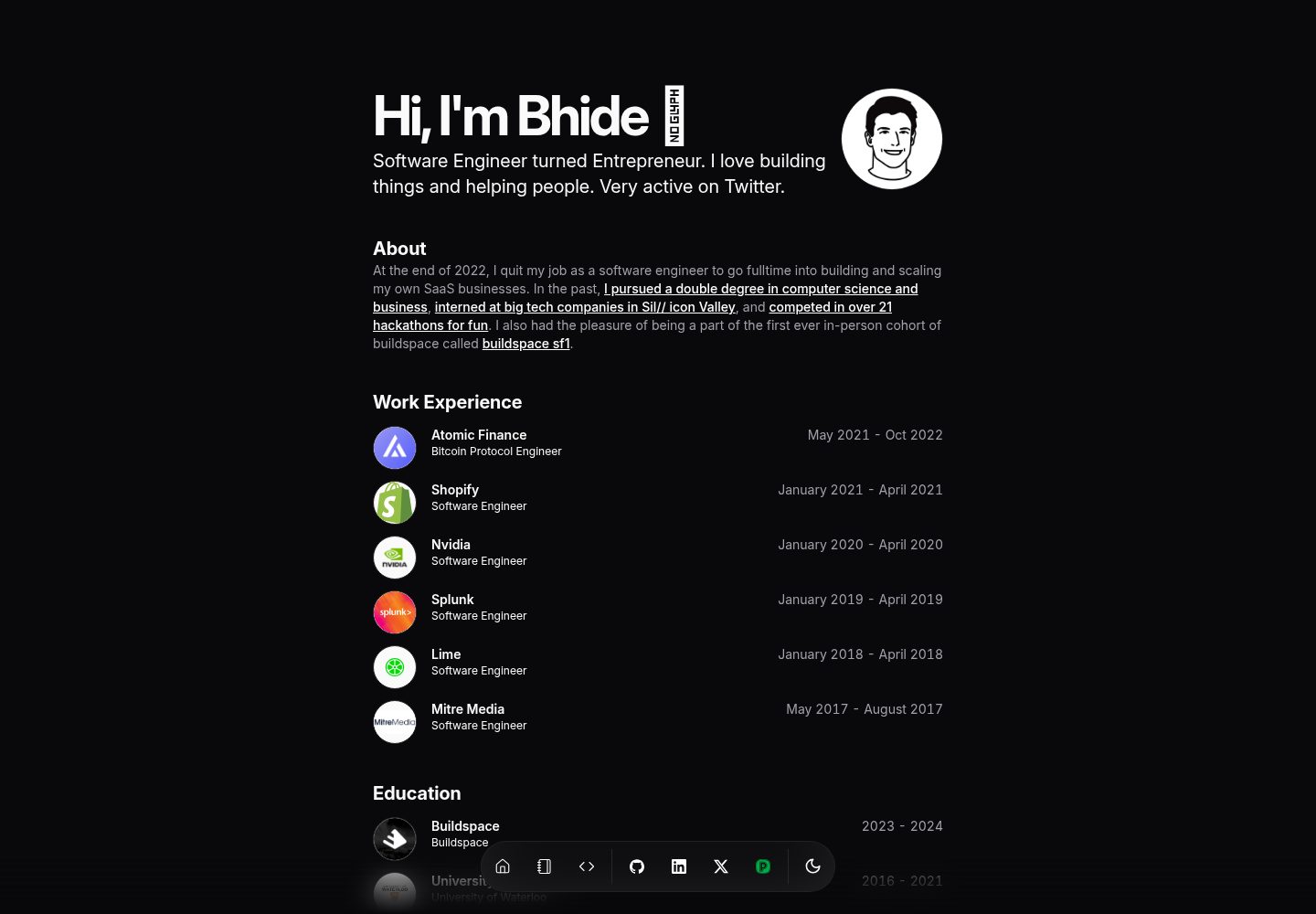
portfolio-template
Minimalist Developer Portfolio Template using Svelte, Inspired from Magic UI
Svelte · 作品集
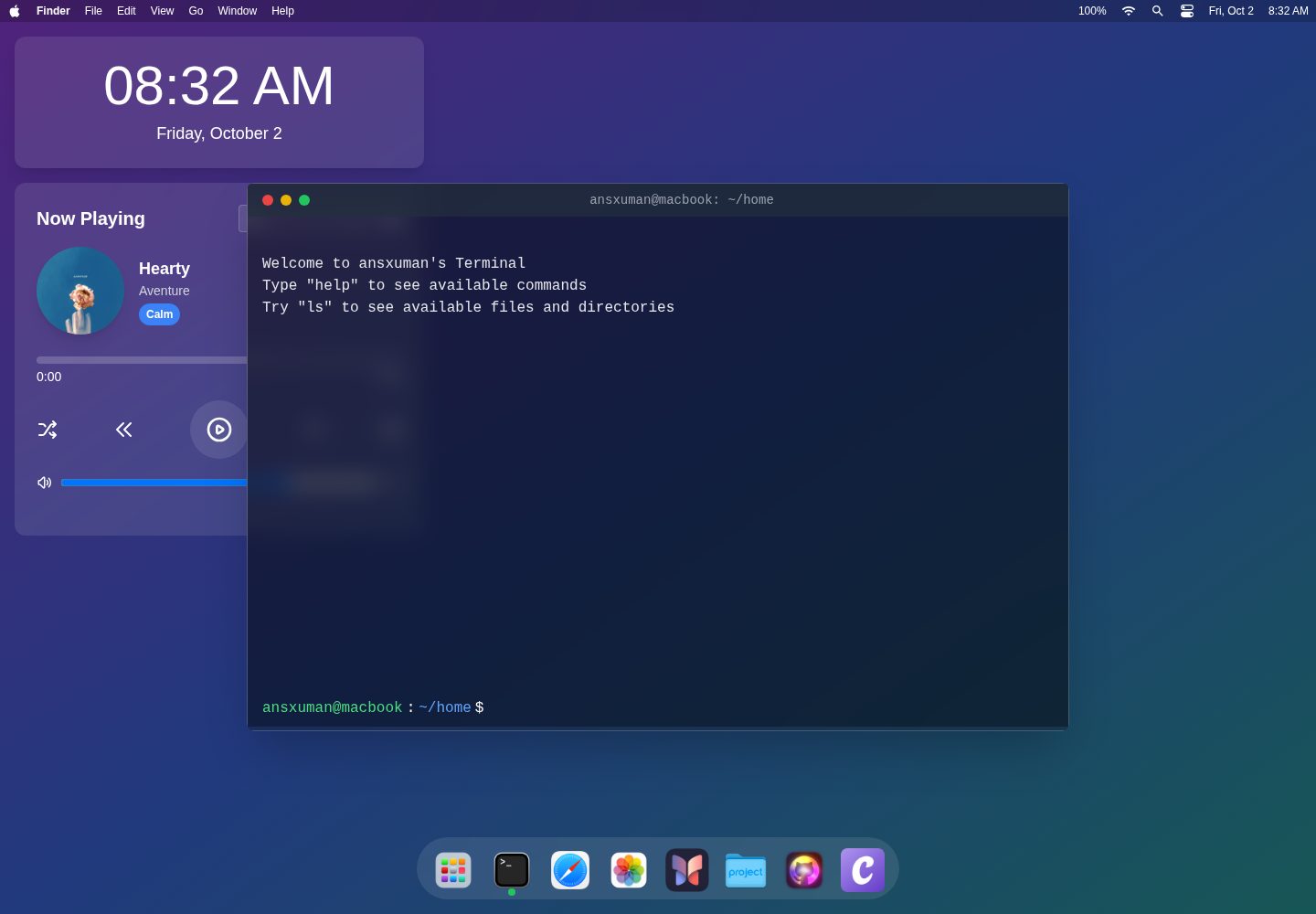
macOS-Themed-Portfolio
An interactive portfolio website inspired by the macOS interface, built with SvelteKit, TailwindCSS, and TypeS…
Svelte · 作品集

sveltekit-mdsvex-blog-template
MDsveX blog starter template built with Sveltekit & Tailwind
Svelte · 作品集
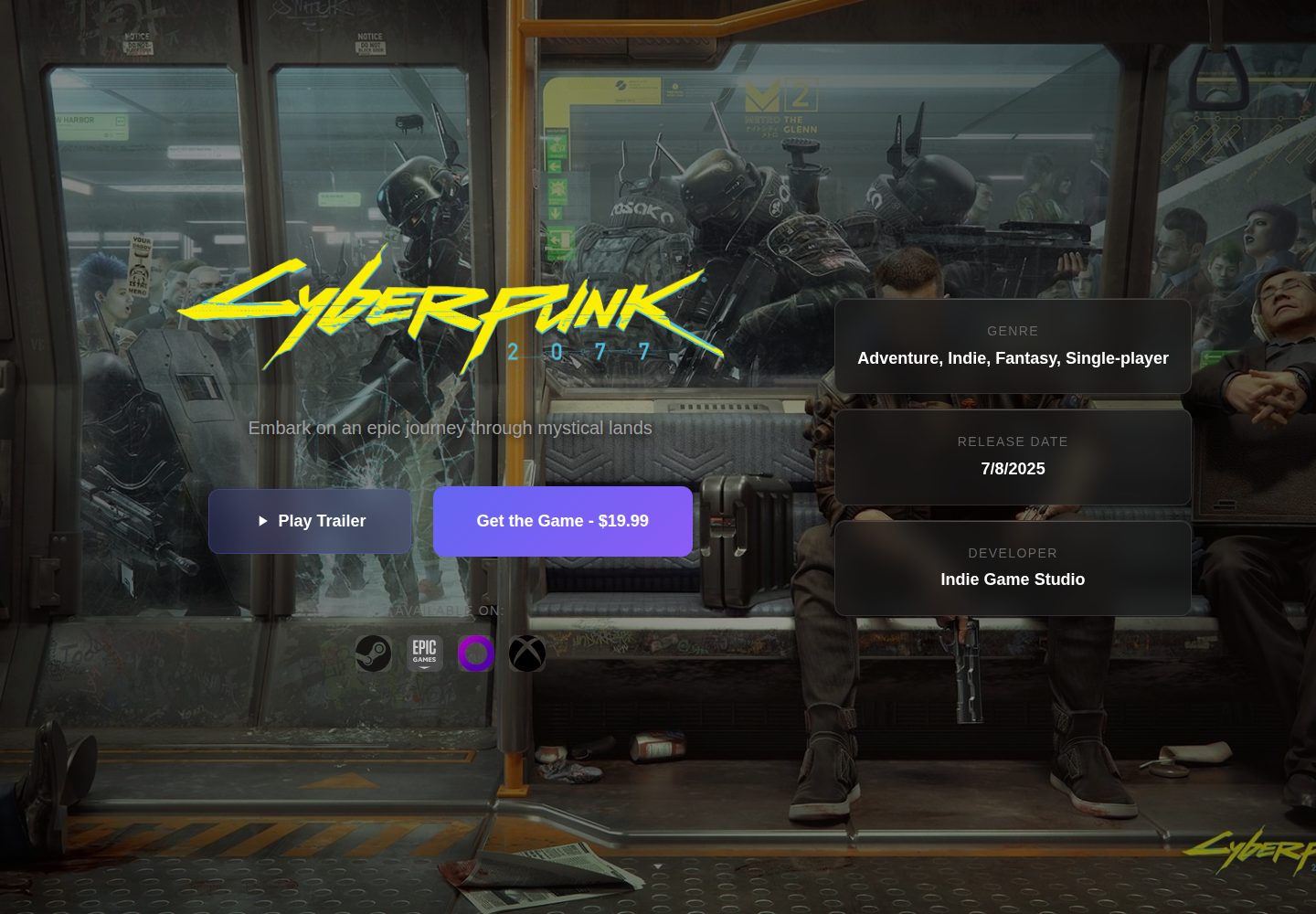
Game-Presskit-Template
A modern, responsive, and highly customizable presskit template for indie game developers. Easily showcase you…
Svelte · 作品集
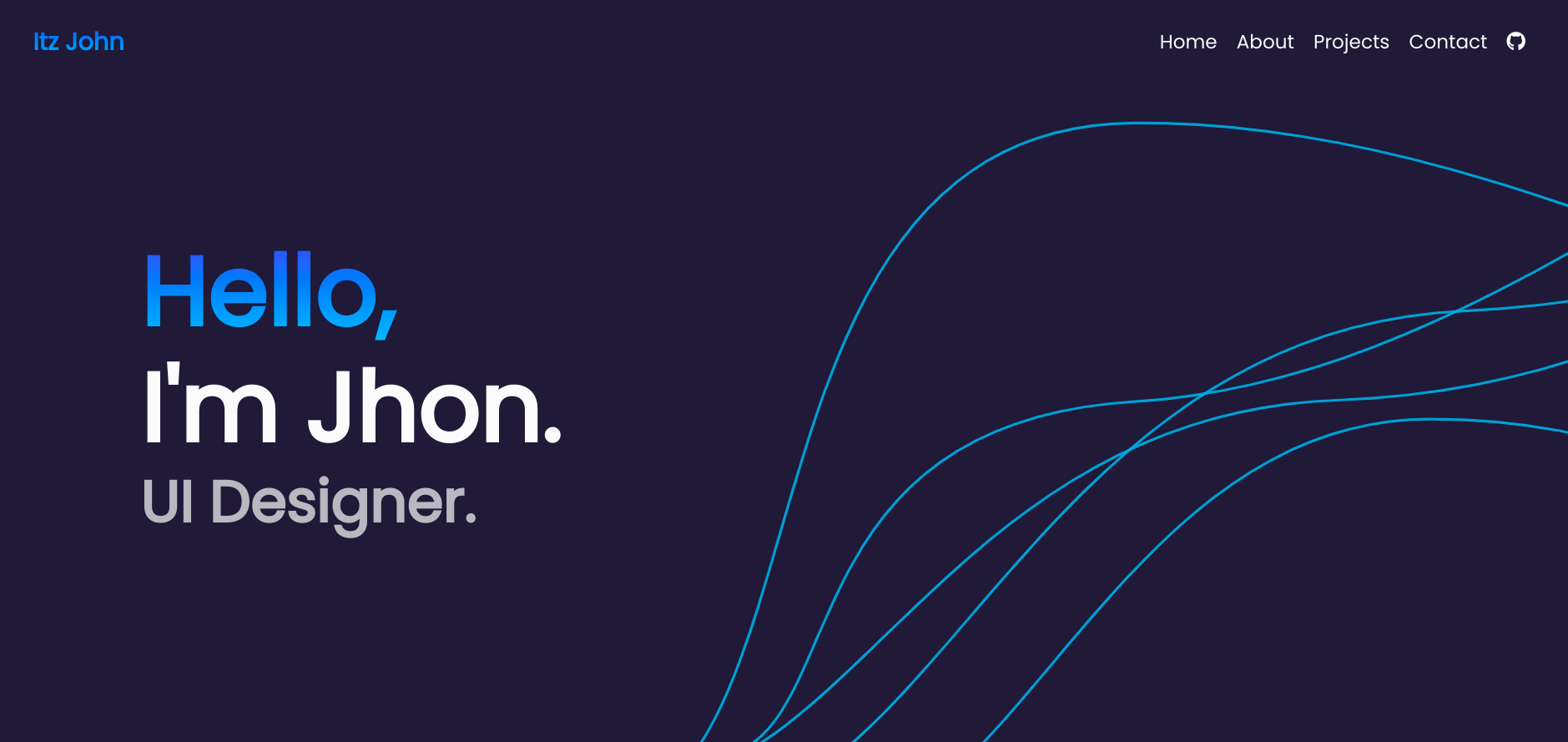
Svelte-Portfolio
Portfolio template using Svelte.
Svelte · 作品集
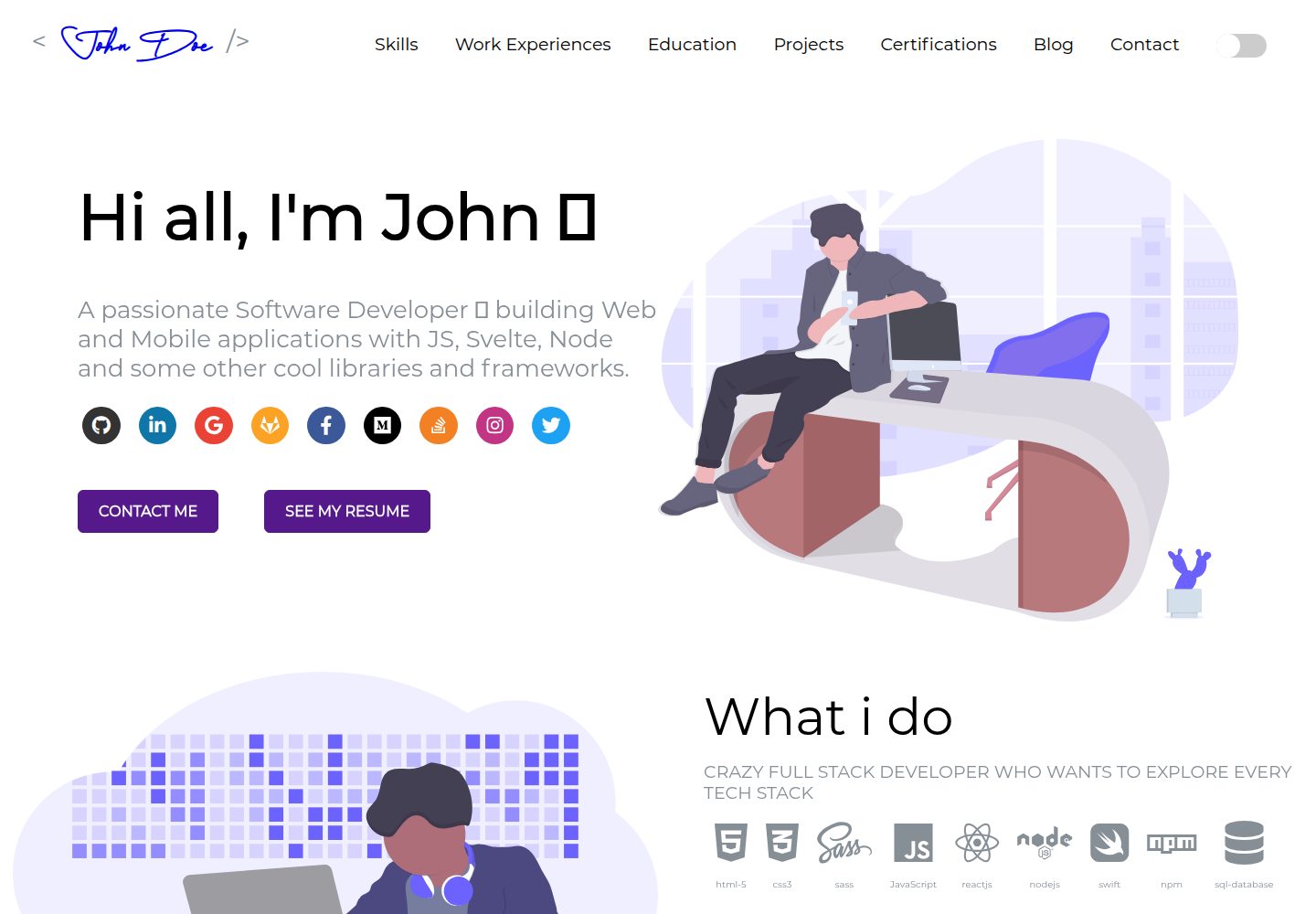
sveltefolio
SvelteFolio a clean, beautiful and responsive portfolio template made with Svelte ! Based on Saad Pasta's port…
Svelte · 作品集