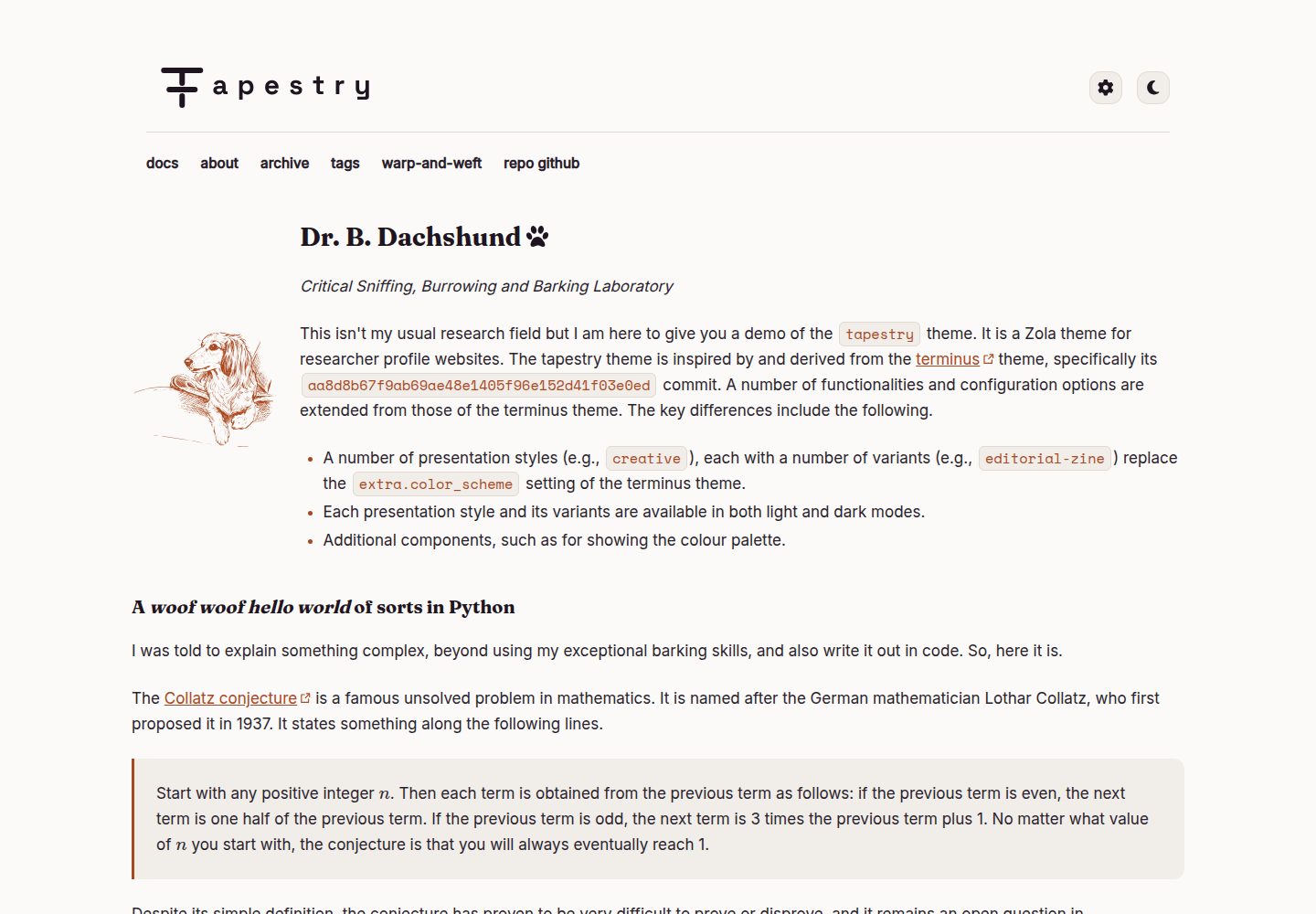
同时承担演示站构建部署与主题源码开发,主题代码位于 themes/tapestry/
HTML工具站
theme-tapestry-dev — HTML 工具站模板
作者 anirbanbasu
Tapestry 是一个 Zola 静态站点生成器主题,本仓库是它的开发 monorepo,同时负责构建演示站并在打标签时把 themes/tapestry/ 同步到独立主题仓库。
看看你的网站会是什么样
浏览真实页面截图,比较内容排版与手机效果。点击下方缩略图切换,放大查看整页细节。
全部页面与视图 2
截图用于了解视觉与布局,交互效果请以实际项目为准。
采集于 2026-10-04查看来源
值得关注的模板亮点
从已有项目资料中,快速了解它的特点。
打标签时通过工作流把 themes/tapestry/ 同步到独立主题仓库,供子模块安装
包含 Playwright + axe-core 的无障碍、视觉回归与键盘导航测试套件
specs/ 中冻结了设计令牌、品牌 logo、展示风格切换器与第三方素材许可等契约
主题面向 Tera v2,不向后兼容上游 terminus,后者仅作只读参考保留
字体自托管,不在运行时从 CDN 加载
模板详细介绍
Tapestry 是面向 Zola 静态站点生成器的主题。本仓库是它的开发 monorepo,承担两件事:一是用仓库内的 content/ 内容夹具和 config.toml 直接构建并部署线上演示站;二是作为主题本身的唯一开发来源,主题代码位于 themes/tapestry/,每次打标签发布时由工作流把该目录同步到独立的 anirbanbasu/tapestry 仓库,供终端用户以 Git 子模块方式安装。日常主题开发都在本仓库的 themes/tapestry/** 中进行,独立主题仓库不应直接编辑。
仓库还包含 themes/terminus/(Tapestry 的上游主题,只读参考,不就地修改)、content/(测试与演示共用的内容夹具)、specs/(已冻结的契约:terminus 特性契约、各风格组设计令牌、品牌 logo 规范、展示风格切换器规范、视觉与无障碍测试套件规范、第三方素材许可)、prototypes/(早期设计探索,不直接接入线上主题)、tests/visual-a11y/(Playwright + axe-core 的无障碍、视觉回归与键盘导航测试套件)以及 .github/workflows/(构建部署演示站、打标签发布主题、在相关 PR 上运行视觉与无障碍套件、按需更新视觉回归基线)。
主题基于 terminus 派生,不向后兼容 terminus:它面向 Tera v2,而 Tera v2 没有宏和短代码。字体为自托管 WOFF2 文件,以 Google Fonts 为上游来源,不在运行时从 CDN 加载。图标等内置素材包括 Font Awesome Free 与一个 Openclipart 爪印图标,完整归属与许可条款记录在 specs/third-party-licenses.md。仓库内 CLAUDE.md 与 CONSTITUTION.md 是操作性与不可协商的设计参考,后者规定了 WCAG 2.1 AA、无 JS 策略及其三项例外、terminus 血统固定、自托管字体、12 列网格与导航折叠等标准。
使用限制:本仓库是开发仓库而非可直接安装的主题包,安装主题应参考 themes/tapestry/README.md 与独立主题仓库。本地开发前需确认 Zola 版本与 CONSTITUTION.md §3 中的固定版本一致。修改 themes/tapestry/**、content/**、tests/** 或 config.toml 的 PR 需先运行自动化测试套件,且合并前仍需人工键盘操作检查。
HTML工具站
适合你的项目吗?
适用场景
- 开发或维护 Tapestry 主题本身,在 themes/tapestry/** 中修改 Tera 模板、Sass 与静态资源
- 通过仓库内的 content/ 与 config.toml 构建并部署 Tapestry 线上演示站
- 在打标签发布时把主题目录同步到独立仓库,供他人以 Git 子模块方式安装
- 在涉及主题、内容或配置的 PR 上运行无障碍、视觉回归与键盘导航测试
- 查阅 specs/ 中冻结的设计令牌与第三方素材许可,核对改动是否符合既定契约
适合人群
- 需要为 Zola 站点选用或定制主题、并愿意以子模块方式安装的开发者
- 参与 Tapestry 主题开发、需要按 CONSTITUTION.md 标准提交改动的贡献者
- 需要参考无障碍测试与视觉回归测试组织方式的静态站点项目维护者
上手与定制指南
结合仓库当前版本的说明,按下面的资料检查内容、配置与运行要求。
- 1
本地开发前确认 Zola 版本与 CONSTITUTION.md §3 中的固定版本一致,再依赖任何 Zola/Tera 特性
- 2
常用命令为 zola build、zola serve、zola check;justfile 封装了 serve、安装 pre-commit 钩子、更新钩子版本、运行视觉与无障碍测试、更新视觉基线等流程
- 3
克隆后先运行 just install-pre-commit-hooks 安装仓库的 pre-commit 钩子
- 4
修改 themes/tapestry/**、content/**、tests/** 或 config.toml 的 PR 需先运行自动化测试套件,合并前还需人工键盘操作检查
- 5
视觉回归基线更新应通过 update-visual-baselines.yaml 工作流进行,本地脚本仅用于测试脚本本身,因为不同机器的字体渲染存在差异
授权与来源资料
使用条件与限制
免费使用 · 保留许可声明本次收录的是公开仓库中采用 MIT 许可的免费版本;免费范围为该版本代码,不代表外部服务或第三方素材免费。
使用时需要遵守
- 允许免费使用、修改、商用和分发该版本代码。
- 分发代码副本或实质性部分时,保留原作者版权声明和完整 MIT 许可声明。
- 代码按现状提供;担保与责任限制以原许可证及适用法律为准。
额外费用与待核对事项
- 演示图片、字体、图标及其他第三方素材需按各自许可核对,不能仅凭代码的 MIT 许可判断。
- 域名、托管、数据库、支付或 AI 等外部服务可能另外收费。
- 本仓库是开发用 monorepo,并非可直接安装的主题包;若要把 Tapestry 作为主题安装到自己的 Zola 站点,应改用 themes/tapestry/README.md 与独立主题仓库。
- 依赖任何 Zola/Tera 特性前,必须先确认本地 Zola 版本与 CONSTITUTION.md §3 中固定的版本一致,否则相关特性不可靠。
- 合并前仍必须进行一次人工纯键盘操作检查,该步骤无法在 CI 中完全自动化。
- 视觉回归基线更新应通过 update-visual-baselines.yaml 的 GitHub Actions 工作流进行,本地脚本仅用于测试脚本本身,因为不同机器的字体渲染存在差异。
- Tapestry 不向后兼容上游 terminus:它面向 Tera v2,而 Tera v2 没有宏和短代码,因此不能沿用 terminus 的宏/短代码写法。
- 字体等资源不在运行时从 CDN 加载,需使用自托管资源,不能改为运行时 CDN 引用。
查看原文依据
Permission is hereby granted, free of charge
许可证原文
This is the **development monorepo**. If you're looking to install Tapestry as a theme for your own Zola site, see [themes/tapestry/README.md](themes/tapestry/README.md) instead
README 原文
Confirm your local Zola version matches the pin in `CONSTITUTION.md` §3 before relying on any Zola/Tera feature
README 原文
A manual keyboard-only pass is still required before merge
README 原文
real baseline updates should go through the `update-visual-baselines.yaml` GitHub Actions workflow instead
README 原文
Tapestry is not backward-compatible with terminus: it targets Tera v2, which has no macros or shortcodes.
README 原文
https://github.com/anirbanbasu/theme-tapestry-dev/blob/master/LICENSEhttps://github.com/anirbanbasu/theme-tapestry-dev/blob/master/README.mdnever loaded at runtime from a CDN
README 原文
DeepSeek 根据仓库许可证和 README 整理 ·2026-10-04。结果仅覆盖已读取资料,依赖、图片、字体及后续条款变更以各自原文为准。
项目核对记录与介绍依据
模板资料
- 来源平台
- GitHub
- 资料与维护参考分
- 资料较完整 · 80 / 100
- 技术栈
- HTML
- 网站类型
- 工具站
这个分数如何计算
本站按许可资料(最高30分)、演示链接(12分)、预览图(10分)、Star数(15分)、记录的维护时间(15分)、描述完整度(8分)、功能记录(5分)和分类资料(5分)计算。它不是代码、安全或性能测试,也不是 Google 评分;有链接不代表已实测可用。
这个项目需要核对什么
- 记录的仓库更新时间
- 2026-10-04
- 截图检查日期
- 2026-10-04
已收录演示链接。请用你的内容与屏幕尺寸检查;有演示不代表表单、认证或支付已经可用。
目录记录的主要技术栈是 HTML。请通过依赖清单和锁文件核对实际版本与托管要求。这些说明基于收录资料,不代表代码审计或部署实测。
查看具体选型方法 →介绍的制作与核对状态
介绍由 AI 辅助整理目录与仓库资料。仓库作者不等于这篇介绍的审核者。
审核声明: [email protected] · 2026-10-04
查看当时使用的来源资料
SHA-256: 20d09441d8e6e65ddea35f18e498c2104406a323253e20b054c23d54497b73da
2026-10-04T16:08:55.772Z
来源文件 / 仓库# Tapestry [](https://github.com/anirbanbasu/theme-tapestry-dev/actions/workflows/visual-a11y-tests.yaml) [](https://github.com/anirbanbasu/theme-tapestry-dev/actions/workflows/publish.yaml) [](https://github.com/anirbanbasu/theme-tapestry-dev/actions/workflows/publish-theme.yaml) Tapestry is a theme for the Zola static site generator. This is the **development monorepo**. If you're looking to install Tapestry as a theme for your own Zola site, see [themes/tapestry/README.md](themes/tapestry/README.md) instead — that directory is what gets published as the standalone, submodule-installable [`anirbanbasu/tapestry`](https://github.com/anirbanbasu/tapestry) repository. ## What this repo is This repository serves two purposes at once: - It builds and deploys the live Tapestry demo site directly (see [`.github/workflows/publish.yaml`](.github/workflows/publish.yaml)), using the `content/` fixtures and `config.toml` committed here. - It is the source of truth for the theme itself, developed under `themes/tapestry/`. On every tagged release, [`.github/workflows/publish-theme.yaml`](.github/workflows/publish-theme.yaml) syncs just that directory out to the separate [`anirbanbasu/tapestry`](https://github.com/anirbanbasu/tapestry) repo, which is what end users add as a Git submodule. Day-to-day theme development happens here, in `themes/tapestry/**`; nothing in the standalone theme repo should be edited directly. Try the live demo (built from this repo's `content/` and `config.toml`): - [https://ghp-tapestry.netlify.app](https://ghp-tapestry.netlify.app) - [https://ghp-tapestry.anirbanbasu.com](https://ghp-tapestry.anirbanbasu.com) ## Repository layout - `themes/tapestry/` — the theme itself (Tera templates, Sass, static assets). This is what gets published to the standalone theme repo. - `themes/terminus/` — the upstream theme Tapestry is derived from, kept as a read-only reference. Never edited in place. - `content/` — content fixtures used both for testing/diffing and as the actual content of the live demo site. - `specs/` — frozen, checked-in contracts: the carried-over terminus features contract, per-style-group design tokens, the brand logo spec, the presentation style switcher spec, the visual/a11y test suite spec, and third-party asset licenses. - `prototypes/` — early-stage design exploration (style tiles, logo concepts). Never wired into the live theme directly; a direction is only adopted once its tokens are frozen into `specs/`. - `tests/visual-a11y/` — the Playwright + axe-core accessibility, visual regression, and keyboard-navigation test suite. - `.github/workflows/` — CI/CD: build & deploy the demo site, publish the theme on tag push, run the visual/a11y suite on relevant PRs, and update visual regression baselines on demand. `CLAUDE.md` and `CONSTITUTION.md` are the operational and non-negotiable design references for anyone working in this repo — read `CONSTITUTION.md` before any change touching accessibility, JavaScript, fonts, or terminus lineage. ## Quick start Confirm your local Zola version matches the pin in `CONSTITUTION.md` §3 before relying on any Zola/Tera feature: ```bash zola --version # expect 0.22.1 zola build # build the site into public/ zola serve # local dev server with live reload, http://127.0.0.1:1111 zola check # validate internal/external links and Markdown, no full build ``` A [`justfile`](justfile) wraps the more involved workflows: | Recipe | What it does | |---|---| | `just serve` | `zola serve` with a friendly banner. | | `just install-pre-commit-hooks` | Installs the repo's pre-commit hooks via `prek`. | | `just pre-commit-update` | Updates pinned pre-commit hook versions via `prek`. | | `just visual-a11y-tests-local [groups]` | Runs `zola check`, builds the site, and runs the accessibility, visual, and keyboard suites for the given presentation style groups (defaults to all five). Mirrors what CI runs. | | `just update-visual-baselines-local` | Regenerates visual regression screenshot baselines locally. Intended for testing the script only — font rendering varies across machines, so real baseline updates should go through the `update-visual-baselines.yaml` GitHub Actions workflow instead. | ## Testing Before opening a PR that touches `themes/tapestry/**`, `content/**`, `tests/**`, or `config.toml`, run the automated suite (`just visual-a11y-tests-local`, or see CLAUDE.md's verification workflow for the manual step-by-step). It runs an axe-core accessibility sweep, screenshot regression diffing, and keyboard-only interaction checks across every presentation style group — full spec in [`specs/visual-a11y-test-suite.md`](specs/visual-a11y-test-suite.md). The same suite runs in CI on every such PR ([`.github/workflows/visual-a11y-tests.yaml`](.github/workflows/visual-a11y-tests.yaml)). A manual keyboard-only pass is still required before merge — tracked as a checklist item in [`.github/pull_request_template.md`](.github/pull_request_template.md), since it can't be fully automated in CI. ## Contributing Contributions to the theme are welcome — see `CONSTITUTION.md` for the non-negotiable standards any change must meet (WCAG 2.1 AA, the no-JS policy and its three sanctioned exceptions, terminus lineage pinning, self-hosted fonts, the 12-column grid, and navigation collapse). 1. Run `just install-pre-commit-hooks` once, after cloning. 2. Make your change under `themes/tapestry/**` (or `content/**`/`specs/**` as appropriate). 3. Run the quick start commands above, then the test suite. 4. Open a PR against `master` using the checklist in [`.github/pull_request_template.md`](.github/pull_request_template.md). ## Credits and third-party assets This theme uses the following components: - **Theme:** Derived from [terminus](https://github.com/ebkalderon/terminus) (commit `aa8d8b6`) for [Zola](https://www.getzola.org/). Tapestry is not backward-compatible with terminus: it targets Tera v2, which has no macros or shortcodes. - **Fonts:** Self-hosted WOFF2 files, vendored from [Google Fonts](https://fonts.google.com/) as an upstream source only — never loaded at runtime from a CDN (see `CONSTITUTION.md` §4). - **Icons and other vendored assets:** Font Awesome Free (theme-switcher sun/moon icons, presentation style switcher gear icon) and an Openclipart paw print icon. Full attribution and license terms for every vendored asset are tracked in [specs/third-party-licenses.md](specs/third-party-licenses.md). ## License This project is licensed under the terms of the [MIT license](LICENSE).
看看同类模板
对比同技术栈与用途的模板,找到更适合的视觉与内容结构。
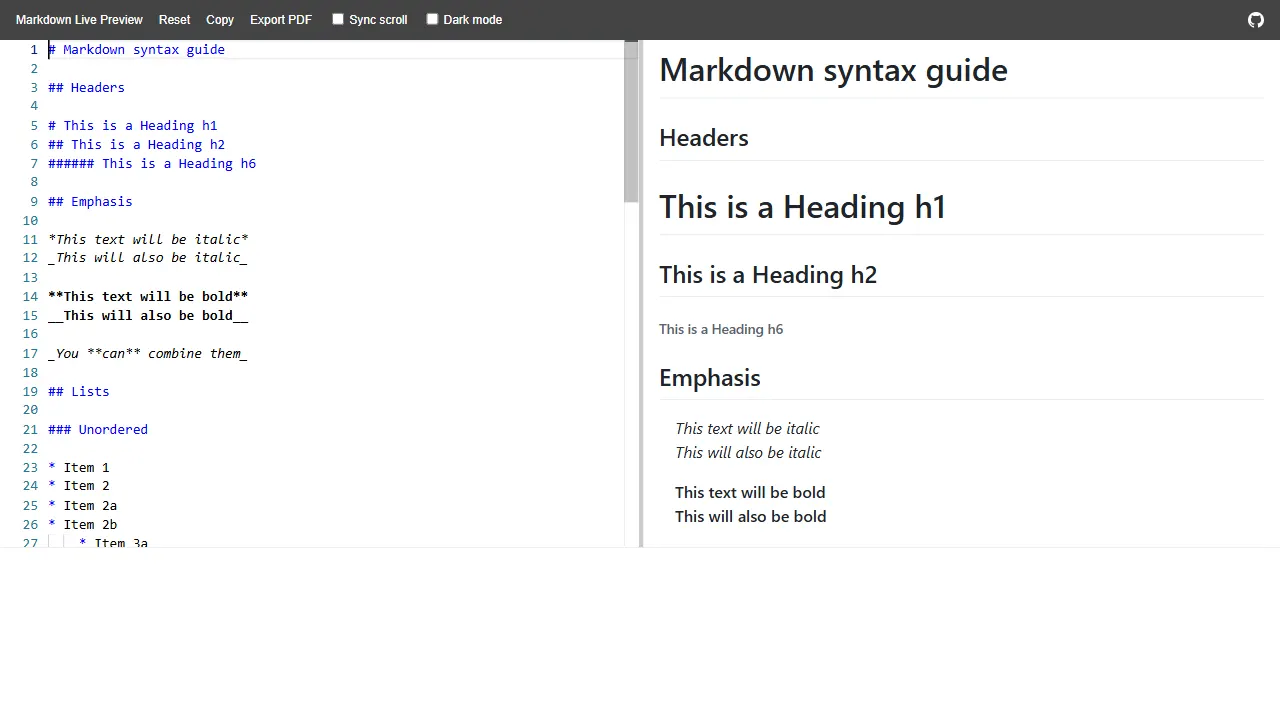
markdown live preview
markdown live preview 是一个开源的 Markdown 实时预览工具,核心功能是在浏览器中即时渲染 Markdown 文本。
HTML · 工具站
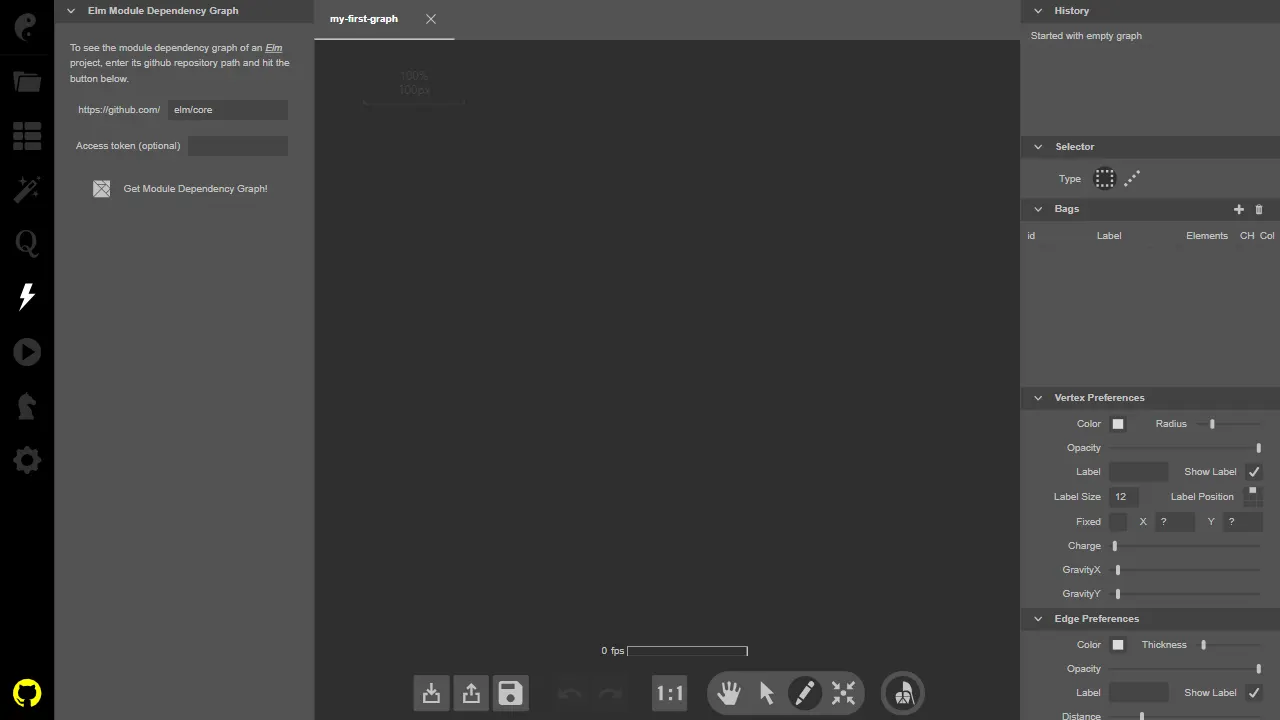
kite
Kite 是一个用 Elm 编写的开源图论可视化工具,项目自带在线演示,可直接在浏览器中体验。 它的核心功能是让用户通过交互方式创建、编辑和探索图结构,适合用于教学演示、算法可视化或作为自定义图分析工具的前端基础。
HTML · 工具站
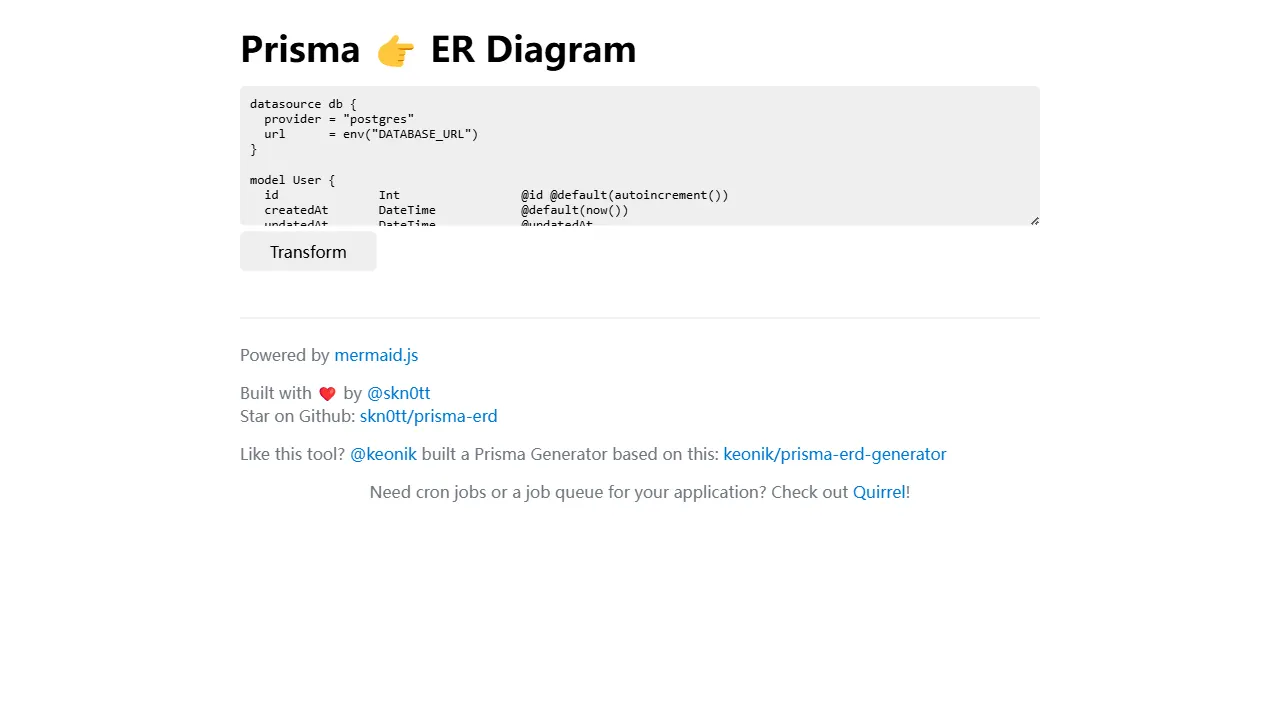
prisma erd
Prisma ERD 是一个专注于将 Prisma schema 文件转换为实体关系图的在线工具。 它的核心功能是解析 Prisma 数据模型,并以图形化方式展示表之间的关系,帮助开发者直观理解数据库结构。
HTML · 工具站
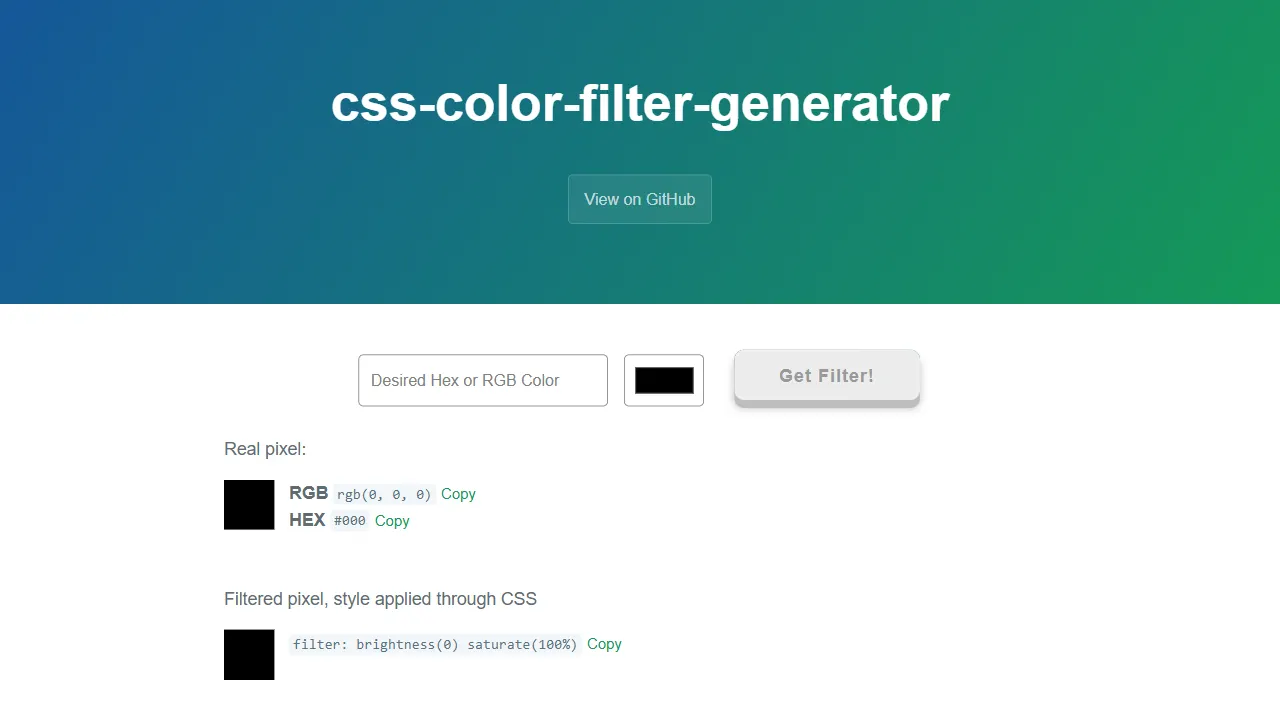
css color filter generator
css color filter generator 是一个专注于颜色转换的实用工具站,核心功能是让用户输入目标颜色,自动生成对应的 CSS filter 组合,以便在图片或图标上实现近似着色。
HTML · 工具站
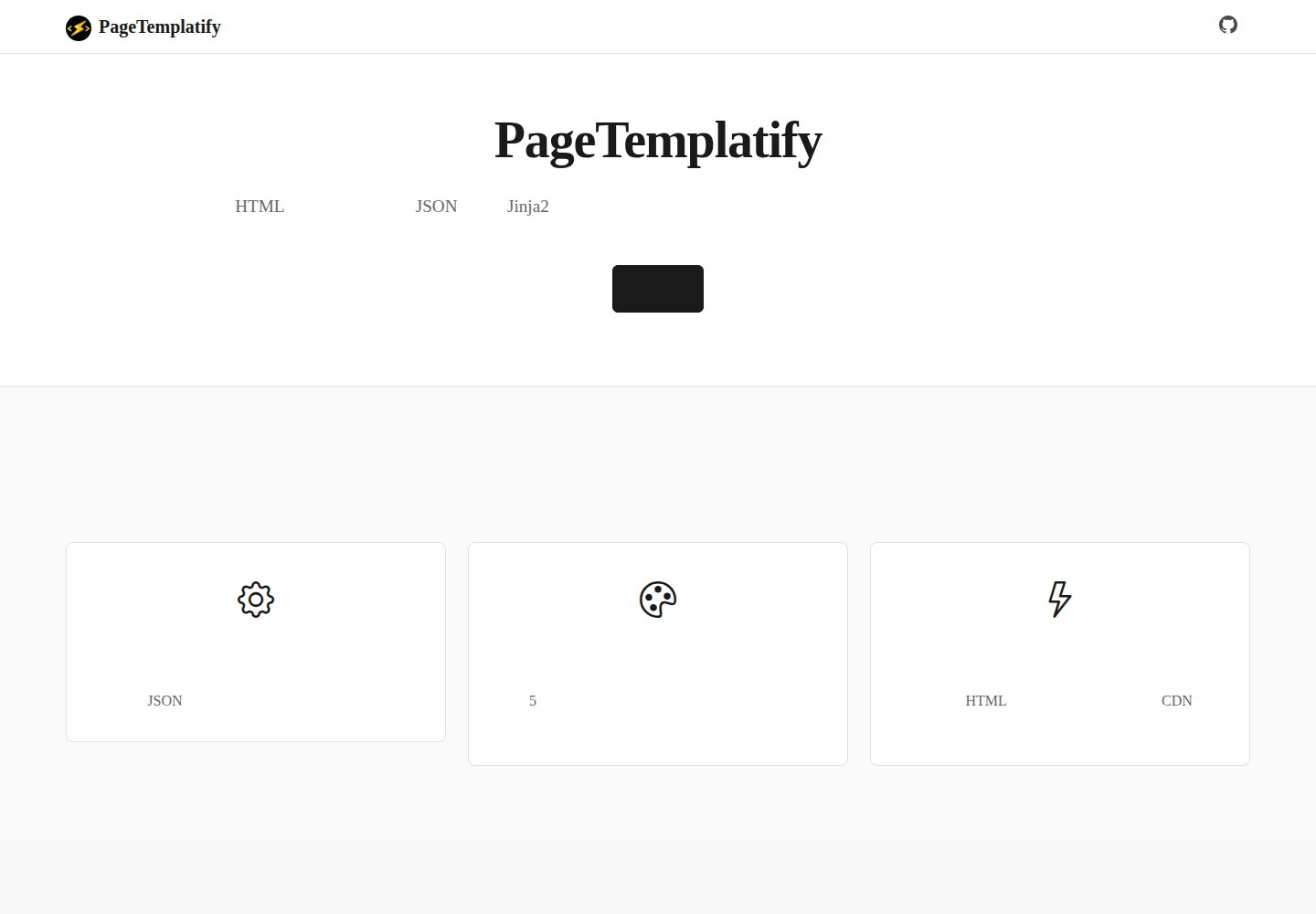
PageTemplatify
面向企业官网与备案用途的多模板静态网页生成器 | A multi-template static site generator for landing pages & ICP-ready sites
HTML · 工具站
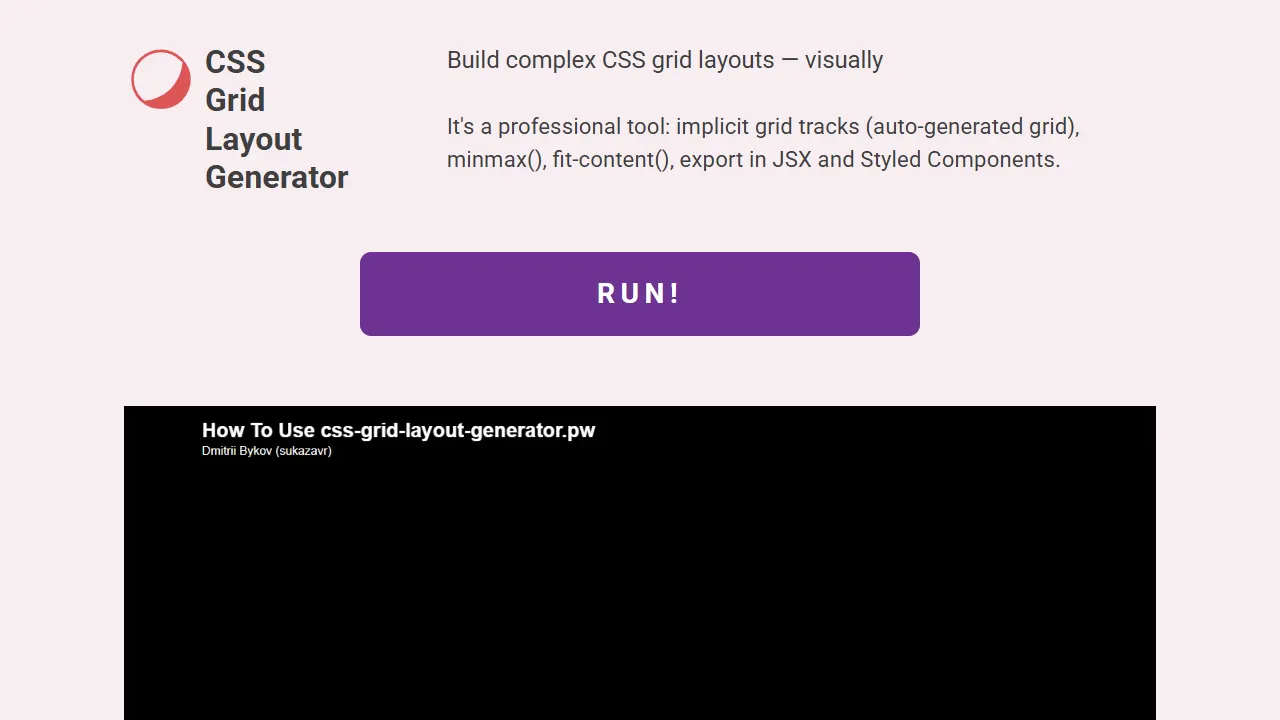
css grid layout generator
CSS Grid Layout Generator 是一个开源的可视化工具站,核心用途是让用户通过图形界面快速构建复杂的 CSS Grid 布局,并导出对应的 HTML 与 CSS 代码。
HTML · 工具站