基于 Hugo 的博客主题,仓库采用 MIT 许可
HugoHTML博客
shika_hugo_theme — Hugo 博客模板
作者 blackaly
Shika 是一个基于 Hugo 的博客主题,提供博客文章与教程两类内容模板,支持英语与阿拉伯语双语内容及 RTL 布局,并内置用于左右对照排版的 split-article 短代码。
看看你的网站会是什么样
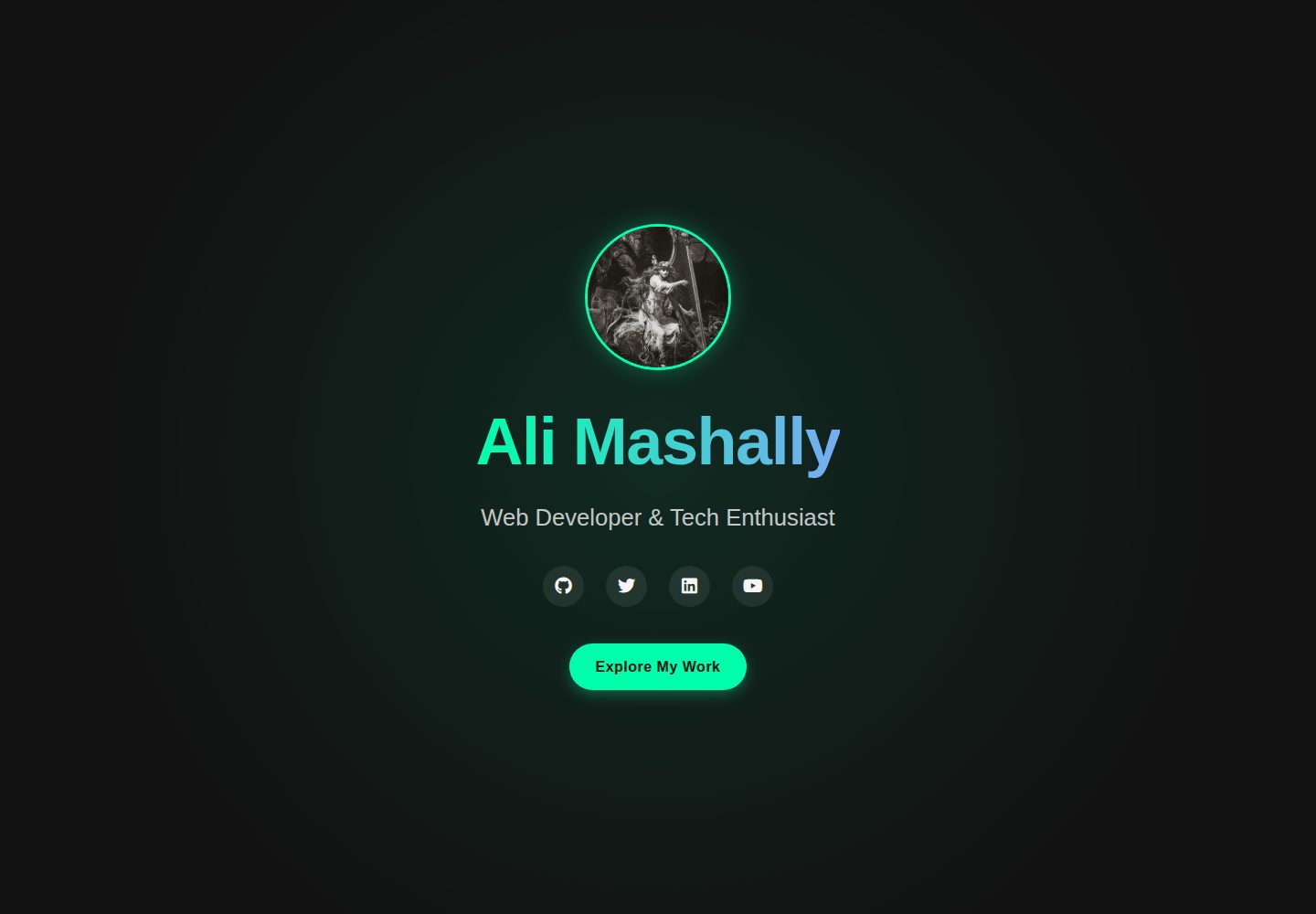
浏览真实页面截图,比较内容排版与手机效果。点击下方缩略图切换,放大查看整页细节。
全部页面与视图 2
截图用于了解视觉与布局,交互效果请以实际项目为准。
采集于 2026-10-02查看来源
值得关注的模板亮点
从已有项目资料中,快速了解它的特点。
提供博客文章与教程两类内容模板,教程用 weight 控制排序
内置 split-article 短代码,可生成左右并排的对照内容区块
支持多语言内容,示例包含英语与阿拉伯语,阿拉伯语可启用 RTL 布局
样式按用途拆分在 static/css/ 下的核心、首页、文章页与列表页文件中
模板详细介绍
Shika 是面向个人博客、技术写作者与内容创作者的 Hugo 主题,仓库采用 MIT 许可。它提供博客文章(posts)与教程(tutorials)两类内容模板,教程可通过 weight 参数控制列表中的排列顺序。主题内置 split-article 短代码,用于生成左右并排的内容对照区块,并支持通过 leftPoint、rightPoint、note 与 direction 参数调整两侧标签、中间说明文字和排列方向。
主题支持多语言配置,README 中给出的示例为英语与阿拉伯语,阿拉伯语可设置 rtl = true 以启用从右到左布局。多语言内容按 content/en/、content/ar/ 目录组织,建议同一篇文章在两种语言下使用相同文件名与相同 weight,以保持对应关系与排序一致。
外观定制通过 static/css/ 下的样式文件进行,包括 style.css(核心样式)、home.css(首页)、article.css(文章页)与 list_article.css(列表页)。README 未说明主题的框架版本要求、浏览器兼容范围或性能指标,这些信息需以仓库实际文件为准。
HugoHTML博客
适合你的项目吗?
适用场景
- 搭建以文章为主的个人博客
- 发布带顺序编号的系列教程内容
- 制作中英或英阿双语站点,并需要阿拉伯语从右到左显示
- 在文章中插入左右对照的对比说明或双栏内容
适合人群
- 使用 Hugo 构建站点的个人博主
- 需要发布教程类内容的写作者
- 需要英语与阿拉伯语双语站点的内容创作者
- 希望在文章中做左右对照排版的作者
上手与定制指南
结合仓库当前版本的说明,按下面的资料检查内容、配置与运行要求。
- 1
推荐方式:hugo new site 创建站点后,用 git submodule 将主题加入 themes/Shika,并在 config.toml 中设置 theme = "Shika"(区分大小写)。
- 2
也可克隆仓库后用 Docker 构建镜像并映射端口运行,README 示例为 docker run -p 1313:80。
- 3
多语言内容分别放在 content/en/ 与 content/ar/ 目录下,同一篇文章建议使用相同文件名与相同 weight。
- 4
外观调整需修改 static/css/ 下的 style.css、home.css、article.css、list_article.css。
- 5
演示图片、字体、图标等第三方素材的许可需单独核对,不能仅依据代码的 MIT 许可判断。
授权与来源资料
使用条件与限制
免费使用 · 保留许可声明本次收录的是公开仓库中采用 MIT 许可的免费版本;免费范围为该版本代码,不代表外部服务或第三方素材免费。
使用时需要遵守
- 允许免费使用、修改、商用和分发该版本代码。
- 分发代码副本或实质性部分时,保留原作者版权声明和完整 MIT 许可声明。
- 代码按现状提供;担保与责任限制以原许可证及适用法律为准。
额外费用与待核对事项
- 演示图片、字体、图标及其他第三方素材需按各自许可核对,不能仅凭代码的 MIT 许可判断。
- 域名、托管、数据库、支付或 AI 等外部服务可能另外收费。
查看原文依据
https://github.com/blackaly/shika_hugo_theme/blob/master/LICENSEhttps://github.com/blackaly/shika_hugo_theme/blob/master/README.mdPermission is hereby granted, free of charge
许可证原文
DeepSeek 根据仓库许可证和 README 整理 ·2026-10-02。结果仅覆盖已读取资料,依赖、图片、字体及后续条款变更以各自原文为准。
项目核对记录与介绍依据
模板资料
- 来源平台
- GitHub
- 资料与维护参考分
- 资料较完整 · 82 / 100
- 技术栈
- Hugo · HTML
- 网站类型
- 博客
这个分数如何计算
本站按许可资料(最高30分)、演示链接(12分)、预览图(10分)、Star数(15分)、记录的维护时间(15分)、描述完整度(8分)、功能记录(5分)和分类资料(5分)计算。它不是代码、安全或性能测试,也不是 Google 评分;有链接不代表已实测可用。
这个项目需要核对什么
- 记录的仓库更新时间
- 2025-06-28
- 截图检查日期
- 2026-10-02
已收录演示链接。请用你的内容与屏幕尺寸检查;有演示不代表表单、认证或支付已经可用。
目录记录的主要技术栈是 Hugo。请通过依赖清单和锁文件核对实际版本与托管要求。这些说明基于收录资料,不代表代码审计或部署实测。
查看具体选型方法 →介绍的制作与核对状态
介绍由 AI 辅助整理目录与仓库资料。仓库作者不等于这篇介绍的审核者。
已完成服务器许可规则与 AI 来源核对;未经过人工编辑审核。
查看当时使用的来源资料
SHA-256: 8aa88a017615db49434db92c5c4cdf74c3cf79827f0b76b1e7b285464055272d
2026-10-02T17:14:41.564Z
来源文件 / 仓库# 🌟 Shika Hugo Theme
**Shika** is a modern, elegant Hugo theme designed for bloggers, writers, and content creators. With its clean design and feature-rich layout, Shika makes your content shine while providing an excellent user experience.
## ✨ Features
- **Beautiful Design** - Clean, modern aesthetics with attention to typography and spacing
- **Fully Responsive** - Looks perfect on all devices from mobile to desktop
- **Customizable Home Page** - Showcase your content with various layouts
- **Content Types** - Optimized templates for blog posts and tutorials
- **Split-article Shortcode** - Create beautiful side-by-side content comparisons
- **Fast Performance** - Optimized for speed and SEO
## 📋 Quick Start
### Option 1: With Git (Recommended)
```bash
# Create a new Hugo site
hugo new site my-blog
cd my-blog
# Initialize git and add the Shika theme
git init
git submodule add https://github.com/blackaly/shika_hugo_theme.git themes/Shika
# Create a config file
cat > config.toml <<EOF
baseURL = "/"
languageCode = "en-us"
title = "My Blog"
theme = "Shika"
EOF
# Start the Hugo server
hugo server -D
```
### Option 2: With Docker
```bash
# Clone the repository
git clone https://github.com/blackaly/shika_hugo_theme.git
cd shika_hugo_theme
# Build and run with Docker
docker build -t shika_theme .
docker run -p 1313:80 shika_theme
# Access your site at http://localhost:1313
```
## 🛠️ Configuration
### Basic Site Configuration
```toml
baseURL = "/"
languageCode = "en-us"
title = "My Amazing Blog"
theme = "Shika"
# Optional: Enable multilingual support
[languages]
[languages.en]
languageName = "English"
weight = 1
[languages.ar]
languageName = "العربية"
weight = 2
rtl = true
# Navigation Menu
[menu]
[[menu.main]]
name = "Home"
url = "/"
weight = 1
[[menu.main]]
name = "Posts"
url = "/posts/"
weight = 2
[[menu.main]]
name = "Tutorials"
url = "/tutorials/"
weight = 3
[[menu.main]]
name = "About"
url = "/about/"
weight = 4
```
## 📝 Content Creation
### Multilingual Content
Shika theme supports both English and Arabic content. Here's how to create content for both languages:
#### Creating Posts
For **English** posts:
```bash
# Create a new post in English
hugo new content/en/posts/my-post.md
```
```yaml
---
title: "My English Post Title"
date: 2023-04-07T10:00:00-05:00
tags: ["blog", "example"]
image: "/img/my-featured-image.jpg"
draft: false
---
Your English content here.
```
For **Arabic** posts:
```bash
# Create a new post in Arabic
hugo new content/ar/posts/my-post.md
```
```yaml
---
title: "عنوان المقالة بالعربية"
date: 2023-04-07T10:00:00-05:00
tags: ["مدونة", "مثال"]
image: "/img/my-featured-image.jpg"
draft: false
---
المحتوى العربي هنا.
```
#### Creating Tutorials
For **English** tutorials:
```bash
# Create a new tutorial in English
hugo new content/en/tutorials/getting-started.md
```
```yaml
---
title: "Getting Started Guide"
date: 2023-04-07T10:00:00-05:00
tags: ["tutorial", "beginners"]
image: "/img/tutorial-image.jpg"
weight: 1
draft: false
---
Your English tutorial content here.
```
For **Arabic** tutorials:
```bash
# Create a new tutorial in Arabic
hugo new content/ar/tutorials/getting-started.md
```
```yaml
---
title: "دليل البدء"
date: 2023-04-07T10:00:00-05:00
tags: ["درس", "مبتدئين"]
image: "/img/tutorial-image.jpg"
weight: 1
draft: false
---
محتوى الدرس بالعربية هنا.
```
> **Note**: The `weight` parameter determines the order in which tutorials appear on the page. Lower values appear first.
### Translation Management
For the best user experience, create matching content in both languages:
1. When creating a new post or tutorial, create both English and Arabic versions.
2. Keep the same filename in both language directories for easier management.
3. Use the same `weight` parameter in both language versions to maintain consistent ordering.
Example of corresponding files:
- `content/en/posts/welcome.md`
- `content/ar/posts/welcome.md`
## 🧩 Shortcodes
### Split Article Shortcode
This theme includes a powerful split-article shortcode that allows you to create side-by-side comparisons:
```
{{< split-article
left="### Left Side Content"
right="### Right Side Content"
leftPoint="Left Label"
rightPoint="Right Label"
note="A connecting note between the two sides"
direction="horizontal"
>}}
```
For detailed documentation and examples, see the [Split Article Documentation](/tutorials/theme-documentation/).
## 🎨 Customization
### CSS Customization
The theme's appearance can be customized by modifying the CSS files in `static/css/`:
- `style.css`: Core styles
- `home.css`: Home page styles
- `article.css`: Article page styles
- `list_article.css`: Listing page styles
## 🔍 Troubleshooting
### Common Issues
- **Theme Not Working**: Make sure the theme name is set to "Shika" (case-sensitive) in your config.toml
- **Missing Styles**: Check that all CSS files are properly loaded in the head partial
- **Images Not Displaying**: Ensure image paths are correct and files exist in the static directory
- **Language Switching**: Verify that your multilingual configuration is correct in config.toml
If you encounter any issues, please [open an issue](https://github.com/blackaly/shika_hugo_theme/issues) on GitHub.
## 🤝 Contributing
Contributions are welcome! Here's how you can contribute:
1. Fork the repository
2. Create your feature branch: `git checkout -b feature/amazing-feature`
3. Commit your changes: `git commit -m 'Add some amazing feature'`
4. Push to the branch: `git push origin feature/amazing-feature`
5. Open a Pull Request
## 📜 License
This project is licensed under the MIT License - see the [LICENSE](LICENSE) file for details.
## 💖 Acknowledgements
- [Hugo](https://gohugo.io/) for the amazing static site generator.看看同类模板
对比同技术栈与用途的模板,找到更适合的视觉与内容结构。

hugo-PaperMod
PaperMod 是 Hugo 生态里知名度较高的主题之一,定位很明确:给博客和轻量作品集站点提供一套干净、响应式的阅读界面。
Hugo · 作品集

LoveIt
❤️A clean, elegant but advanced blog theme for Hugo 一个简洁、优雅且高效的 Hugo 主题
Hugo · 博客

hugo-coder
A minimalist blog theme for hugo.
Hugo · 博客

blowfish
Personal Website & Blog Theme for Hugo
Hugo · 博客

hugo-paper
🪺 A simple, clean, customizable Hugo theme
Hugo · 博客

hextra
Hextra 是一个 Hugo 主题,定位在文档站与博客之间:既提供侧边栏导航、目录、面包屑、分页这类文档站结构,也能承载博客内容。
Hugo · 文档