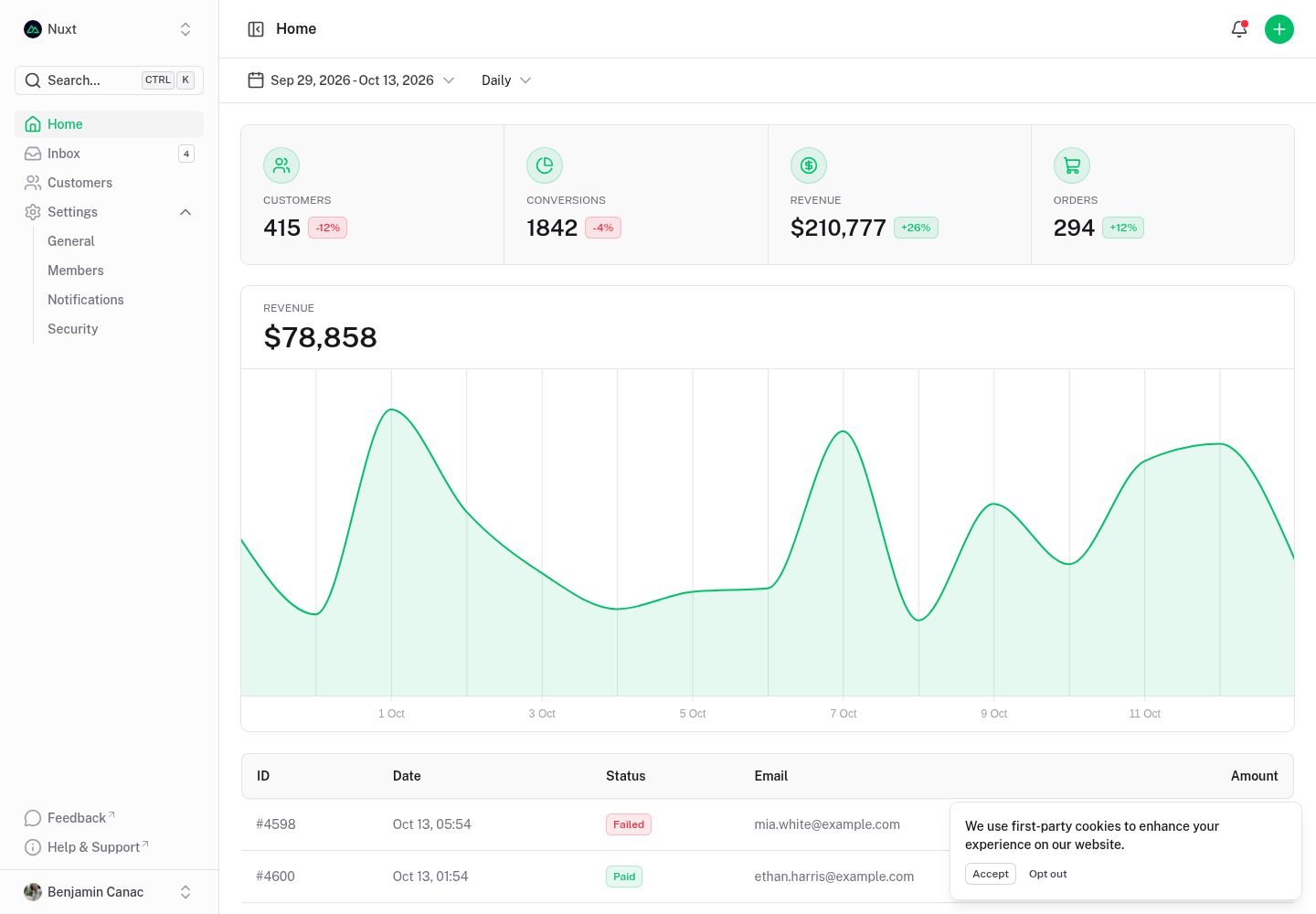
基于 Nuxt UI 构建的后台仪表盘模板
NuxtVue后台
nuxt-dashboard-template — Nuxt 后台模板
作者 brickgale
基于 Nuxt UI 的后台仪表盘模板,包含多页面布局、可折叠侧边栏、命令面板、键盘快捷键与明暗模式。
看看你的网站会是什么样
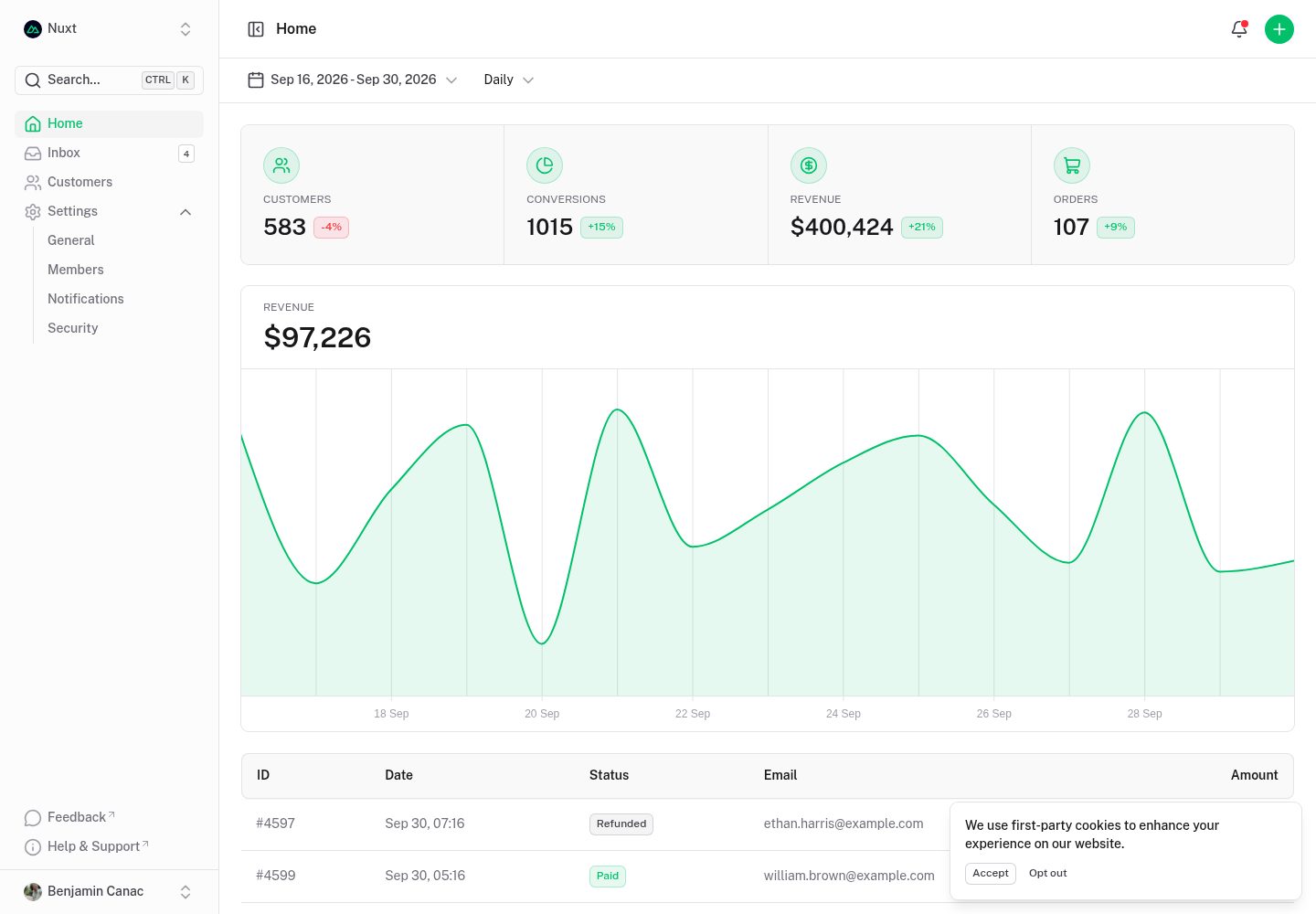
浏览真实页面截图,比较内容排版与手机效果。点击下方缩略图切换,放大查看整页细节。
全部页面与视图 2
截图用于了解视觉与布局,交互效果请以实际项目为准。
采集于 2026-10-13查看来源
值得关注的模板亮点
从已有项目资料中,快速了解它的特点。
包含多页面布局与可折叠侧边栏
内置命令面板与键盘快捷键
支持明暗模式切换
采用 MIT 许可,可免费使用、修改、商用和分发
模板详细介绍
这是一个使用 Nuxt UI 构建的后台仪表盘模板,面向需要搭建管理界面的项目。模板提供多页面结构、可折叠侧边栏、命令面板、键盘快捷键以及明暗模式切换,页面布局以多列数据界面为主。
仓库采用 MIT 许可,可免费使用、修改、商用和分发该版本代码,分发时需保留版权声明与完整 MIT 许可声明。模板代码按现状提供,不附带额外担保。演示中出现的图片、字体、图标等第三方素材需按各自许可单独核对;域名、托管、数据库等外部服务可能另行收费。
README 给出的起步方式是通过 npm create nuxt 命令以该模板初始化项目,本地开发使用 pnpm install 与 pnpm dev,生产构建与预览分别使用 pnpm build 和 pnpm preview。仓库还提到可安装 Renovate GitHub 应用来管理依赖更新,并提供了 Vercel 部署入口。
Nuxt后台
适合你的项目吗?
适用场景
- 搭建后台管理界面的初始骨架
- 需要多页面数据展示布局的项目
- 希望直接使用 Nuxt UI 组件体系的管理端开发
适合人群
- 使用 Nuxt 技术栈的开发者
- 需要快速起步后台界面的团队
- 接受 MIT 许可条款并保留版权声明的项目
上手与定制指南
结合仓库当前版本的说明,按下面的资料检查内容、配置与运行要求。
- 1
可通过 npm create nuxt@latest -- -t github:nuxt-ui-templates/dashboard 初始化项目
- 2
安装依赖使用 pnpm install
- 3
本地开发运行 pnpm dev,默认地址为 http://localhost:3000
- 4
生产构建使用 pnpm build,本地预览使用 pnpm preview
- 5
演示图片、字体、图标等第三方素材需按各自许可单独核对
授权与来源资料
使用条件与限制
免费使用 · 保留许可声明本次收录的是公开仓库中采用 MIT 许可的免费版本;免费范围为该版本代码,不代表外部服务或第三方素材免费。
使用时需要遵守
- 允许免费使用、修改、商用和分发该版本代码。
- 分发代码副本或实质性部分时,保留原作者版权声明和完整 MIT 许可声明。
- 代码按现状提供;担保与责任限制以原许可证及适用法律为准。
额外费用与待核对事项
- 演示图片、字体、图标及其他第三方素材需按各自许可核对,不能仅凭代码的 MIT 许可判断。
- 域名、托管、数据库、支付或 AI 等外部服务可能另外收费。
- 依赖更新功能需在自有仓库安装 Renovate GitHub 应用(第三方外部服务),并非模板内置能力。
- 一键部署依赖 Vercel 外部托管服务,可能产生额外费用或需要账号。
查看原文依据
Permission is hereby granted, free of charge
许可证原文
Install [Renovate GitHub app](https://github.com/apps/renovate/installations/select_target) on your repository and you are good to go.
README 原文
https://github.com/brickgale/nuxt-dashboard-template/blob/main/LICENSEhttps://github.com/brickgale/nuxt-dashboard-template/blob/main/README.md[](https://vercel.com/new/clone?repository-name=dashboard&repository-url=https%3A%2F%2Fgithub.com%2Fnuxt-ui-templates%2Fdashboard
README 原文
DeepSeek 根据仓库许可证和 README 整理 ·2026-10-13。结果仅覆盖已读取资料,依赖、图片、字体及后续条款变更以各自原文为准。
项目核对记录与介绍依据
模板资料
- 来源平台
- GitHub
- 资料与维护参考分
- 资料一般 · 72 / 100
- 技术栈
- Nuxt · Vue
- 网站类型
- 后台
这个分数如何计算
本站按许可资料(最高30分)、演示链接(12分)、预览图(10分)、Star数(15分)、记录的维护时间(15分)、描述完整度(8分)、功能记录(5分)和分类资料(5分)计算。它不是代码、安全或性能测试,也不是 Google 评分;有链接不代表已实测可用。
这个项目需要核对什么
- 记录的仓库更新时间
- 2026-02-14
- 截图检查日期
- 2026-10-13
已收录演示链接。请用你的内容与屏幕尺寸检查;有演示不代表表单、认证或支付已经可用。
目录记录的主要技术栈是 Nuxt。请通过依赖清单和锁文件核对实际版本与托管要求。这些说明基于收录资料,不代表代码审计或部署实测。
查看具体选型方法 →介绍的制作与核对状态
介绍由 AI 辅助整理目录与仓库资料。仓库作者不等于这篇介绍的审核者。
审核声明: [email protected] · 2026-10-13
查看当时使用的来源资料
SHA-256: 265dd8c728da60fec69f1dadbc585c7689f59a6e053fab5a11c81239ae96940e
2026-10-13T08:54:49.684Z
来源文件 / 仓库# Nuxt Dashboard Template
[](https://ui.nuxt.com)
Get started with the Nuxt dashboard template with multiple pages, collapsible sidebar, keyboard shortcuts, light & dark mode, command palette and more, powered by [Nuxt UI](https://ui.nuxt.com).
- [Live demo](https://dashboard-template.nuxt.dev/)
- [Documentation](https://ui.nuxt.com/docs/getting-started/installation/nuxt)
<a href="https://dashboard-template.nuxt.dev/" target="_blank">
<picture>
<source media="(prefers-color-scheme: dark)" srcset="https://ui.nuxt.com/assets/templates/nuxt/dashboard-dark.png">
<source media="(prefers-color-scheme: light)" srcset="https://ui.nuxt.com/assets/templates/nuxt/dashboard-light.png">
<img alt="Nuxt Dashboard Template" src="https://ui.nuxt.com/assets/templates/nuxt/dashboard-light.png">
</picture>
</a>
> The dashboard template for Vue is on https://github.com/nuxt-ui-templates/dashboard-vue.
## Quick Start
```bash [Terminal]
npm create nuxt@latest -- -t github:nuxt-ui-templates/dashboard
```
## Deploy your own
[](https://vercel.com/new/clone?repository-name=dashboard&repository-url=https%3A%2F%2Fgithub.com%2Fnuxt-ui-templates%2Fdashboard&demo-image=https%3A%2F%2Fui.nuxt.com%2Fassets%2Ftemplates%2Fnuxt%2Fdashboard-dark.png&demo-url=https%3A%2F%2Fdashboard-template.nuxt.dev%2F&demo-title=Nuxt%20Dashboard%20Template&demo-description=A%20dashboard%20template%20with%20multi-column%20layout%20for%20building%20sophisticated%20admin%20interfaces.)
## Setup
Make sure to install the dependencies:
```bash
pnpm install
```
## Development Server
Start the development server on `http://localhost:3000`:
```bash
pnpm dev
```
## Production
Build the application for production:
```bash
pnpm build
```
Locally preview production build:
```bash
pnpm preview
```
Check out the [deployment documentation](https://nuxt.com/docs/getting-started/deployment) for more information.
## Renovate integration
Install [Renovate GitHub app](https://github.com/apps/renovate/installations/select_target) on your repository and you are good to go.
看看同类模板
对比同技术栈与用途的模板,找到更适合的视觉与内容结构。
dashboard
Nuxt Dashboard Template made with Nuxt UI.
Nuxt · 后台
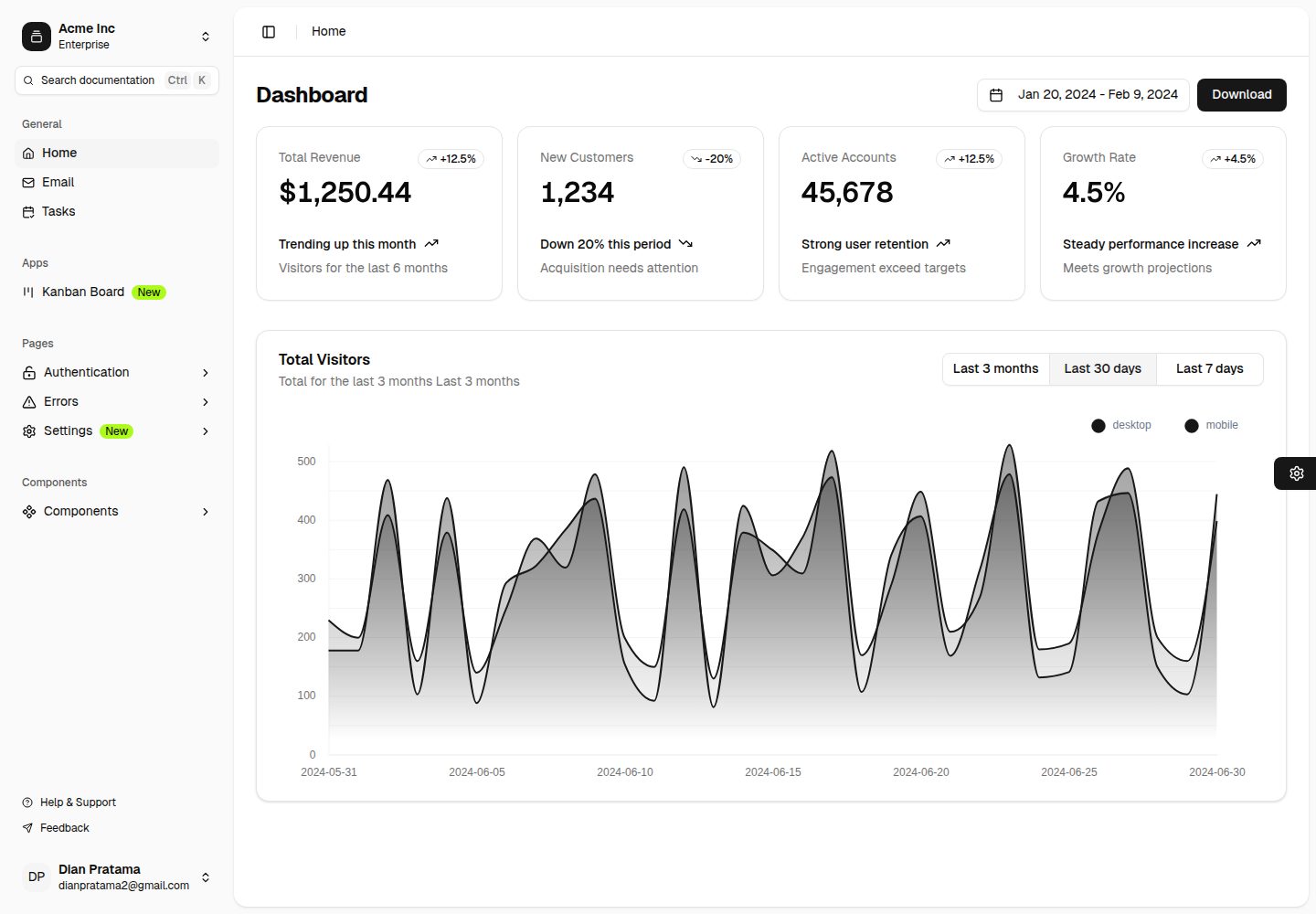
nuxt-shadcn-dashboard
Template Dashboard with Nuxt 4 + Shadcn + TailwindCSS 4
Nuxt · 后台
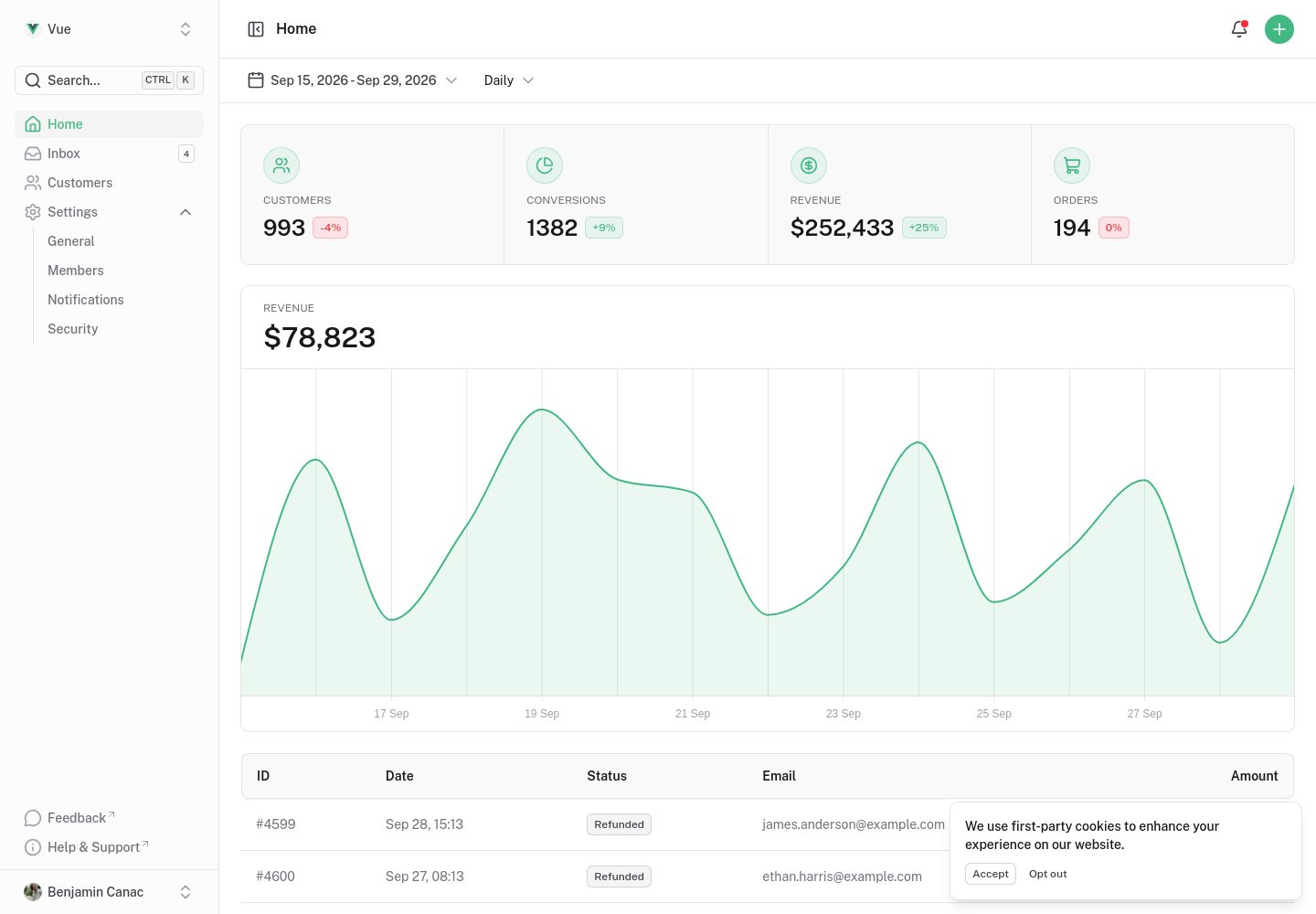
dashboard-vue
Vue Dashboard Template made with Nuxt UI.
Nuxt · 后台
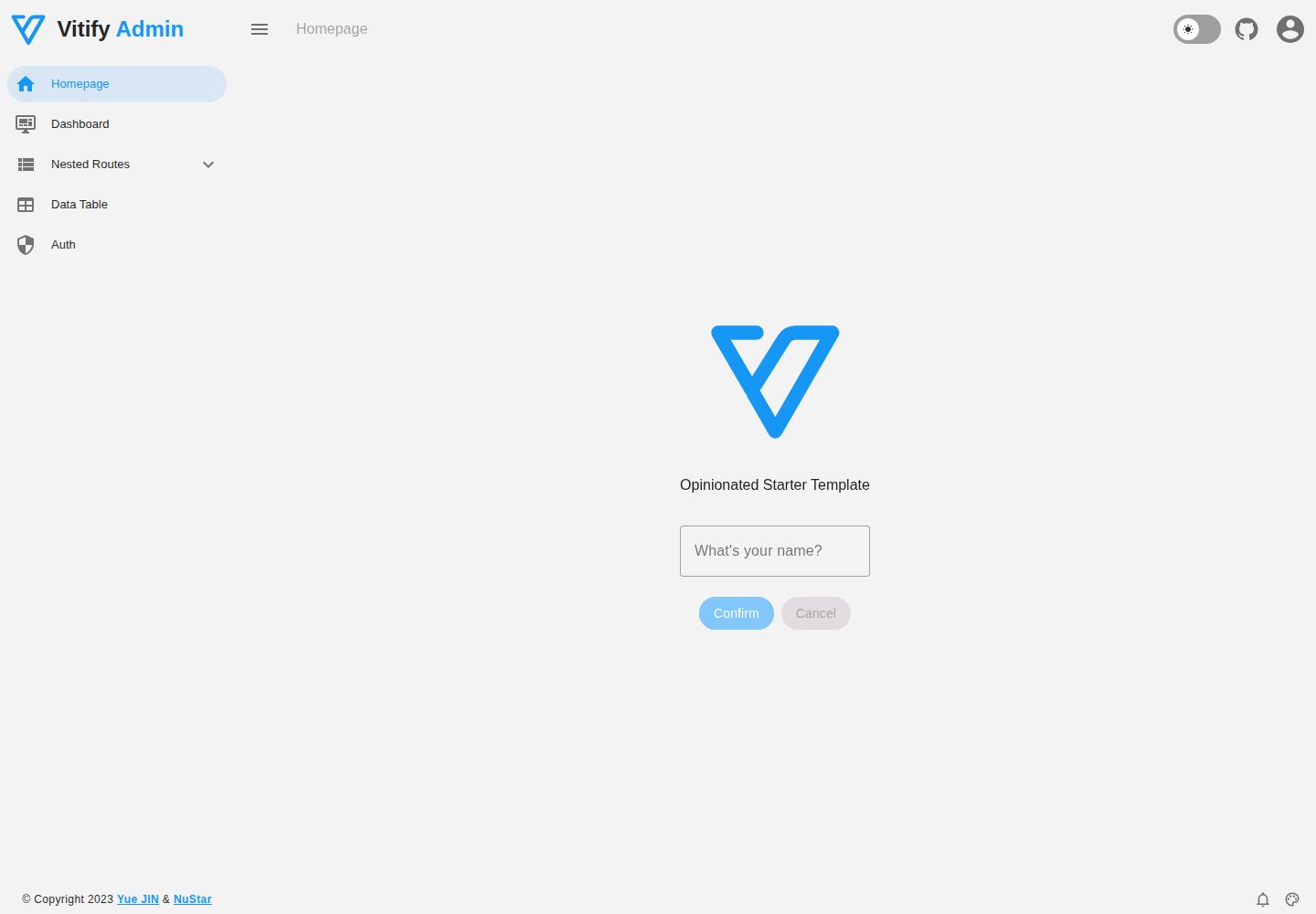
vitify-nuxt
🔽🏔 Vuetify + Nuxt Starter Template
Nuxt · 后台
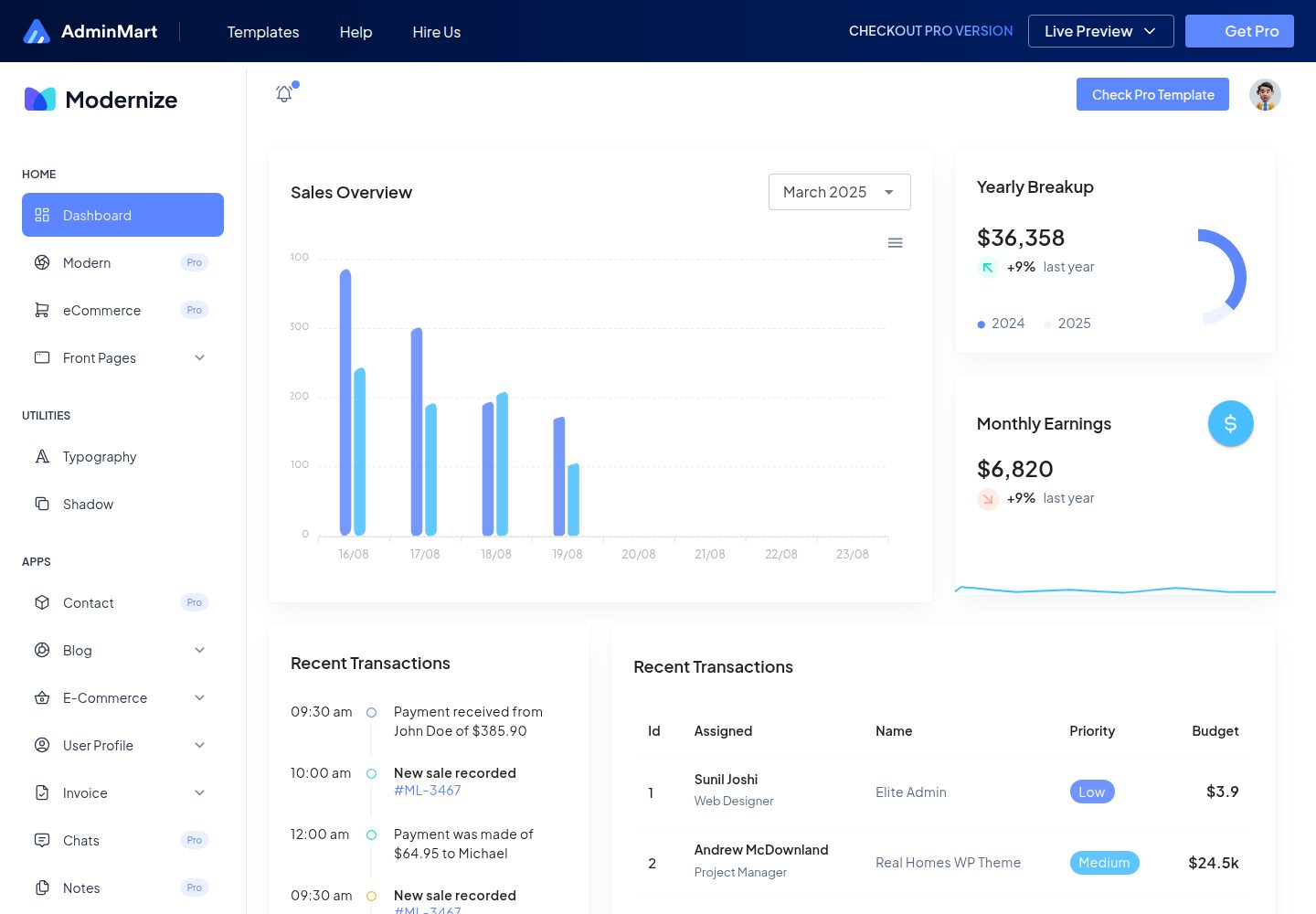
Modernize-nuxtjs-free
Modernize NuxtJS Free is a developer-ready, responsive admin dashboard template built with NuxtJS, VueJS & Typ…
Nuxt · 后台
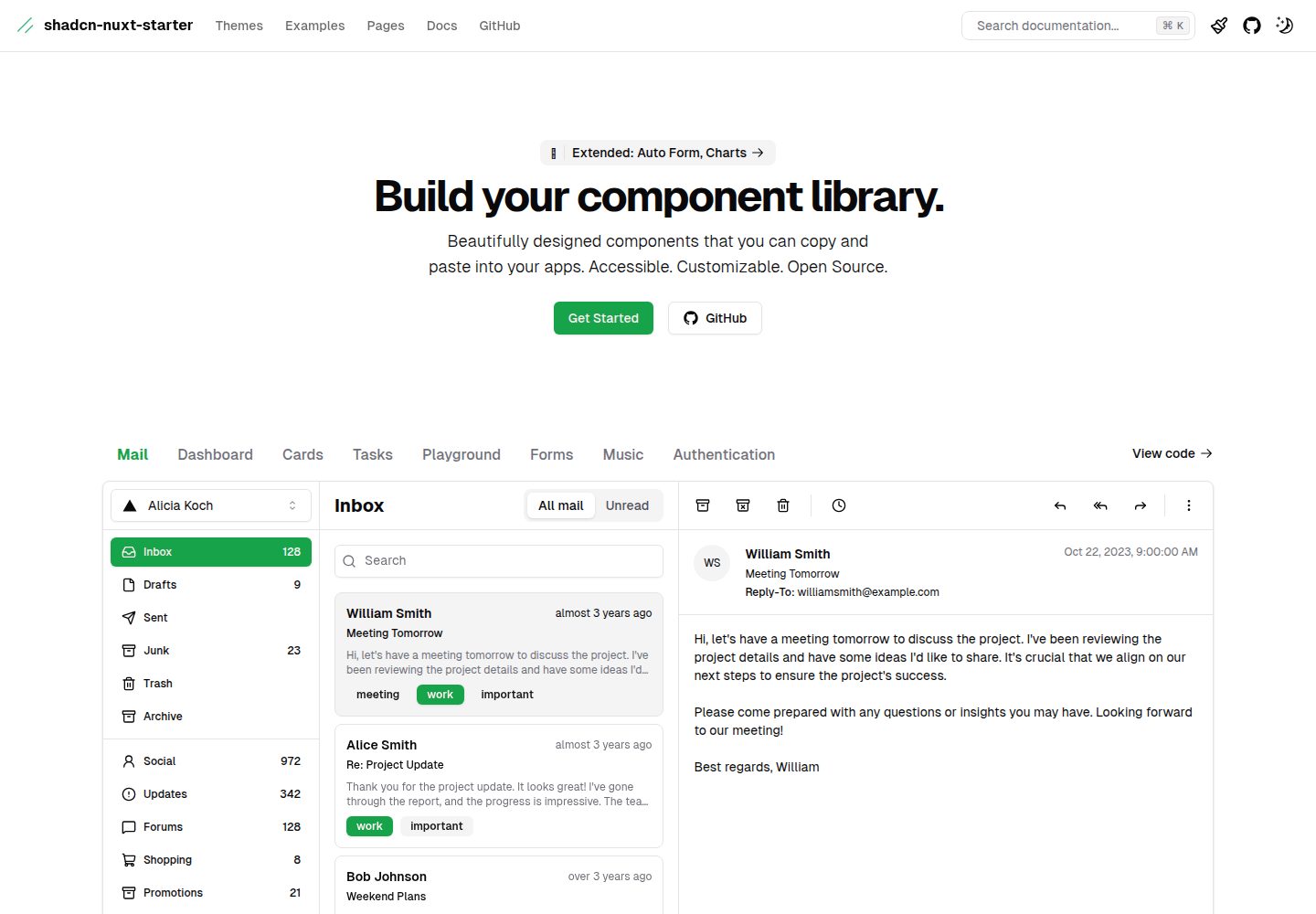
shadcn-nuxt-starter
⚡️ Starter built with Nuxt 3 + Shadcn-ui + UnoCSS + TypeScript.
Nuxt · 后台