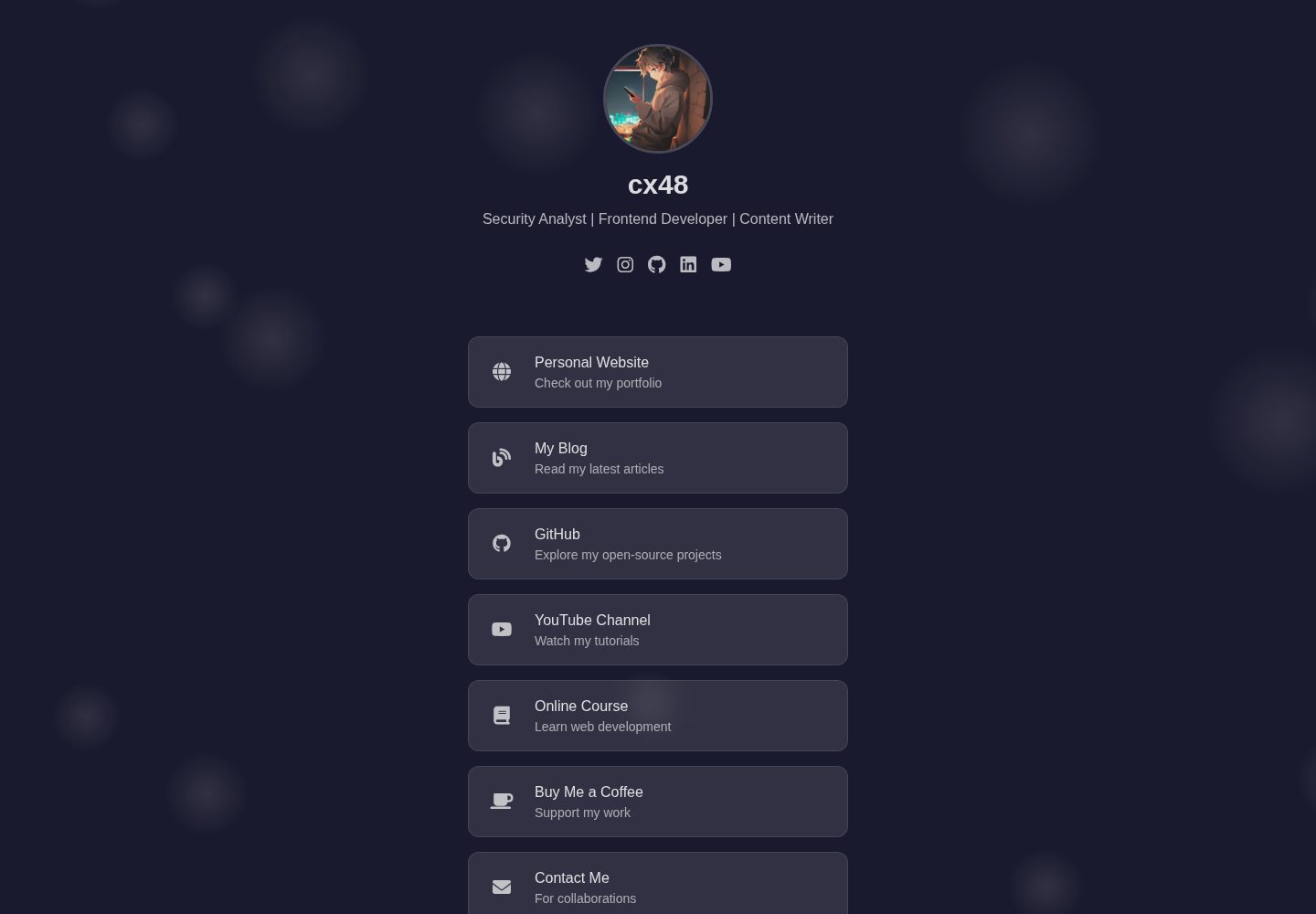
Linktree 风格单页布局,包含个人资料、社交图标、链接卡片等固定区块
HugoHTML企业官网
LucentLink-Hugo — Hugo 企业官网模板
作者 cx48
LucentLink-Hugo 是一个基于 Hugo 的 Linktree 风格单页模板,用 HTML、Tailwind CSS 和 Font Awesome 构建,内容通过 Markdown front matter 管理。
看看你的网站会是什么样
浏览真实页面截图,比较内容排版与手机效果。点击下方缩略图切换,放大查看整页细节。
全部页面与视图 2
截图用于了解视觉与布局,交互效果请以实际项目为准。
采集于 2026-10-03查看来源
值得关注的模板亮点
从已有项目资料中,快速了解它的特点。
内容由 content/_index.md 的 front matter 驱动,无需改动模板即可维护
使用 Tailwind CSS 工具类控制样式,Font Awesome 提供链接与社交图标
HTML 标记拆分为 profile、messaging、about、link-card 等 Hugo partials,可按项目覆盖
messaging 与 about 为可选区块,删除对应 front matter 即可隐藏
README 提供 Vercel 与 GitHub Pages 的部署步骤
模板详细介绍
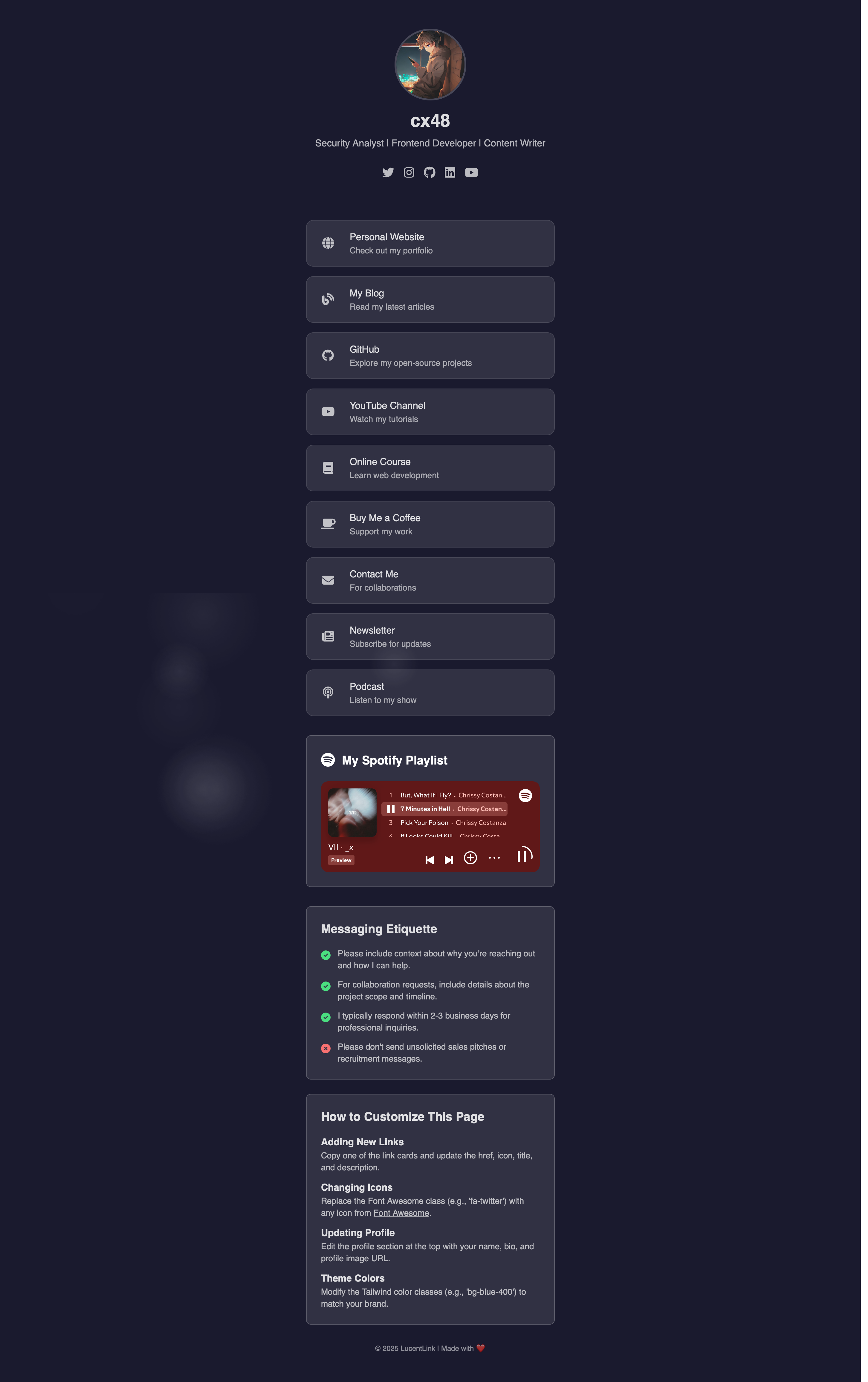
LucentLink-Hugo 是一个 Hugo 主题,用于搭建 Linktree 风格的个人链接聚合落地页。页面由几个固定区块组成:个人资料区展示头像、姓名、描述和社交图标;可选的 Messaging Etiquette 区块用于说明联系规则;可选的 About 区块用于介绍职业背景、当前关注点和个人兴趣;Link Cards 区块以带图标、标题和描述的卡片形式列出外部链接。样式使用 Tailwind CSS 工具类,图标使用 Font Awesome,所有 HTML 标记都放在 Hugo partials 中,便于覆盖和修改。
内容全部由 content/_index.md 的 front matter 驱动,包括 profileImage、name、description、socials、messaging、about 和 links 等字段。删除或注释 messaging 与 about 块即可隐藏对应区块,向 socials 和 links 数组追加条目即可新增社交图标和链接卡片。README 说明需要 Hugo Extended 版本,并给出 Vercel 与 GitHub Pages 两种部署方式。模板仓库采用 MIT 许可,但演示图片、字体、图标等第三方素材需要单独核对许可。
HugoHTML企业官网
适合你的项目吗?
适用场景
- 个人在单页中集中展示社交账号和常用外部链接
- 自由职业者或创作者用链接卡片指向作品、店铺或联系方式
- 需要在页面上补充联系规则或简短个人介绍的使用者
- 使用 Hugo 并希望用 Markdown front matter 管理落地页内容的站点
适合人群
- 熟悉 Hugo 基础操作、能编辑 Markdown front matter 的用户
- 需要 Linktree 式链接聚合页而非多页企业官网的个人或小团队
- 接受使用 Tailwind CSS 与 Font Awesome 进行样式和图标调整的开发者
- 计划部署到 Vercel 或 GitHub Pages 的静态站点项目
上手与定制指南
结合仓库当前版本的说明,按下面的资料检查内容、配置与运行要求。
- 1
需要安装 Hugo Extended 版本,并可用 Git 跟踪主题改动
- 2
将仓库克隆到 Hugo 站点的 themes/LucentLink-Hugo 目录,并在 config.toml 或 hugo.toml 中设置 theme
- 3
主要编辑 content/_index.md 的 front matter 来配置资料、社交、messaging、about 和 links
- 4
如需移除页面上的说明区块,删除或注释 layouts/index.html 中的 {{ partial "instructions.html" . }}
- 5
部署到 Vercel 时框架预设选 Hugo,构建命令为 hugo --gc --minify,输出目录为 public
授权与来源资料
使用条件与限制
免费使用 · 保留许可声明本次收录的是公开仓库中采用 MIT 许可的免费版本;免费范围为该版本代码,不代表外部服务或第三方素材免费。
使用时需要遵守
- 允许免费使用、修改、商用和分发该版本代码。
- 分发代码副本或实质性部分时,保留原作者版权声明和完整 MIT 许可声明。
- 代码按现状提供;担保与责任限制以原许可证及适用法律为准。
额外费用与待核对事项
- 部署到 Vercel 需要注册并登录 Vercel 账号,属于外部服务账号要求;GitHub Pages 部署同样需要 GitHub 账号。
- 如需启用 Google Analytics,需要自行提供 GA 跟踪 ID,属于可选的外部服务配置。
- 演示图片、字体、图标及其他第三方素材需按各自许可核对,不能仅凭代码的 MIT 许可判断。
- 域名、托管、数据库、支付或 AI 等外部服务可能另外收费。
查看原文依据
Permission is hereby granted, free of charge
许可证原文
[Vercel](https://vercel.com/) and import the project
README 原文
https://github.com/cx48/LucentLink-Hugo/blob/main/LICENSEhttps://github.com/cx48/LucentLink-Hugo/blob/main/README.mdgoogleAnalytics = "" # your GA ID, if any
README 原文
DeepSeek 根据仓库许可证和 README 整理 ·2026-10-03。结果仅覆盖已读取资料,依赖、图片、字体及后续条款变更以各自原文为准。
项目核对记录与介绍依据
模板资料
- 来源平台
- Hugo Themes
- 资料与维护参考分
- 资料较完整 · 92 / 100
- 技术栈
- Hugo · HTML
- 网站类型
- 企业官网
这个分数如何计算
本站按许可资料(最高30分)、演示链接(12分)、预览图(10分)、Star数(15分)、记录的维护时间(15分)、描述完整度(8分)、功能记录(5分)和分类资料(5分)计算。它不是代码、安全或性能测试,也不是 Google 评分;有链接不代表已实测可用。
这个项目需要核对什么
- 记录的仓库更新时间
- 2026-05-29
- 截图检查日期
- 2026-10-03
已收录演示链接。请用你的内容与屏幕尺寸检查;有演示不代表表单、认证或支付已经可用。
目录记录的主要技术栈是 Hugo。请通过依赖清单和锁文件核对实际版本与托管要求。这些说明基于收录资料,不代表代码审计或部署实测。
查看具体选型方法 →介绍的制作与核对状态
介绍由 AI 辅助整理目录与仓库资料。仓库作者不等于这篇介绍的审核者。
已完成服务器许可规则与 AI 来源核对;未经过人工编辑审核。
查看当时使用的来源资料
SHA-256: a70e20403ab43f3336933d661146d786450bd0641a718b383d866c2e1318526b
2026-10-03T07:53:50.735Z
来源文件 / 仓库# LucentLink
A clean, customizable, and responsive Linktree-style landing page built using HTML, Tailwind CSS, and Font Awesome. Easily manage your profile, social links, messaging guidelines, About section, and link cards directly from Markdown front matter.
## Live Preview
[LucentLink](https://cx48.github.io/LucentLink-Hugo") can be deployed for free using Vercel or GitHub Pages
## Features
- **Profile Section**: Display a profile image, name, description, and social icons.
- **Messaging Etiquette**: Optional section to share guidelines on how to contact you.
- **About Section**: Optional section to highlight professional background, current focus, and personal interests.
- **Link Cards**: Styled link cards with icons, titles, and descriptions.
- **Tailwind CSS**: Uses Tailwind utility classes for styling.
- **Font Awesome**: Include any Font Awesome icon for links and social icons.
- **Modular Partials**: All HTML markup is in Hugo partials for easy customization.
## Getting Started
### Prerequisites
- [Hugo (Extended)](https://gohugo.io/getting-started/installation/)
- Git (To track changes)
### Quick Setup
1. Create a new Hugo site (if you haven’t already)
```
hugo new site my-site
cd my-site
```
2. Clone this repo into your Hugo site’s themes folder
```
git clone https://github.com/cx48/LucentLink-Hugo.git themes/LucentLink-Hugo
```
3. Enable the theme in your new site’s `config.toml`. If `config.toml` doesn't exists, then edit `hugo.toml` by adding the following code.
```
baseURL = "https://yourdomain.com/"
languageCode = "en-us"
title = "LucentLink"
theme = "LucentLink-Hugo"
minVersion = "0.115.0"
[params]
description = "A clean, customizable, and responsive Linktree-style landing page built using HTML, Tailwind CSS, and Font Awesome."
googleAnalytics = "" # your GA ID, if any
[outputs]
home = ["HTML"]
```
4. Copy or edit `content/_index.md`—that’s the only file you need to touch.
5. Run the dev server
```
hugo server -D
```
> To remove the instructions block, delete or comment out the line `{{ partial "instructions.html" . }}` in `layouts/index.html`.
## Configuration
All content is driven by front matter in `content/_index.md`:
```yaml
title: "LucentLink"
profileImage: "images/img.jpg"
name: "Your Name"
description: "Your tagline or role"
socials:
- url: "https://twitter.com/you"
icon: "fab fa-twitter"
# ...
messaging:
title: "Messaging Etiquette"
items:
- icon: "fas fa-check-circle"
color: "text-green-400"
text: "Your guideline here."
# ...
about:
title: "About Me"
sections:
- heading: "Professional Background"
content: "Your background text."
# ...
links:
- href: "https://github.com/you"
icon: "fab fa-github"
title: "GitHub"
description: "Explore my projects"
# ...
```
- **Add/Remove Sections**: Simply remove or comment out `messaging:` or `about:` blocks to toggle those sections.
- **Add Links**: Append to the `links:` array.
- **Add Socials**: Append to the `socials:` array.
## Partials
- `layouts/partials/profile.html`
- `layouts/partials/messaging.html`
- `layouts/partials/about.html`
- `layouts/partials/link-card.html`
You can override any partial by copying it into your project’s `layouts/partials/` folder and editing.
## Development
Run Hugo’s development server:
```bash
hugo server -D
```
Navigate to [http://localhost:1313](http://localhost:1313) to preview changes live.
## Deployment
### Vercel
1. Push your repo to GitHub.
2. Sign in to [Vercel](https://vercel.com/) and import the project.
3. Set the **Framework Preset** to **Hugo**.
4. Use the build command:
```bash
hugo --gc --minify
```
5. Output directory: `public`
6. Deploy and visit your Vercel URL.
### GitHub Pages
1. In `config.toml`, set:
```toml
baseURL = "https://<username>.github.io/<repo>/"
publishDir = "public"
```
2. Build the site:
```bash
hugo --gc --minify
```
3. Push the `public/` folder to the `gh-pages` branch:
```bash
git subtree push --prefix public origin gh-pages
```
## Customization
- **CSS**: Update Tailwind config or your custom CSS in `assets/css` or `static/css`.
- **Icons**: Change any Font Awesome icon class in front matter.
- **Templates**: Edit partials or create new ones in `layouts/partials/`.
## Contributing
1. Fork this repo.
2. Create a feature branch: `git checkout -b feature/my-change`
3. Commit your changes: `git commit -m "feat: add new ..."
4. Push to branch: `git push origin feature/my-change`
5. Open a Pull Request.
## License
This project is licensed under the MIT License - see the LICENSE file for details.
看看同类模板
对比同技术栈与用途的模板,找到更适合的视觉与内容结构。
Ananke
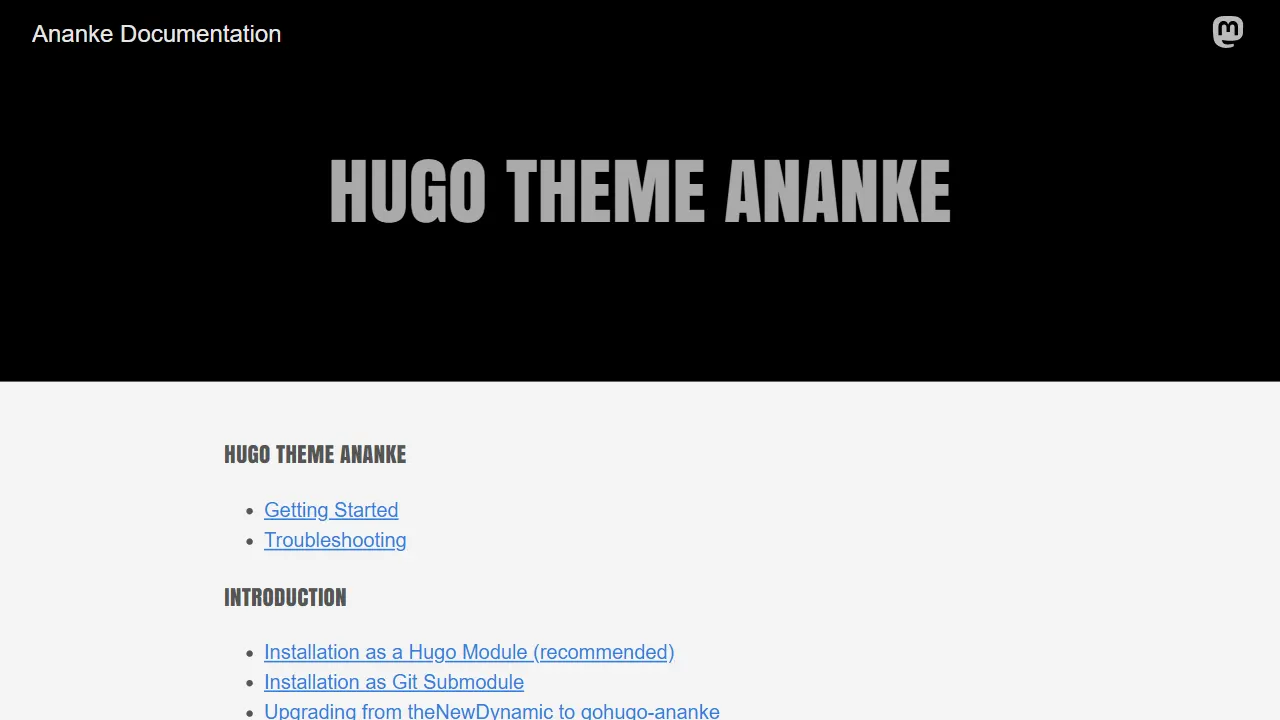
Ananke 是 Hugo 社区中流传较广的通用主题,定位是灵活、生产可用的起始模板,强调可访问性、性能与可维护的默认配置。
Hugo · 博客

educenter-hugo
Educenter is an educational website template powered by Hugo. It can be used as an online teaching platform, s…
Hugo · 博客
adritian-free-hugo-theme
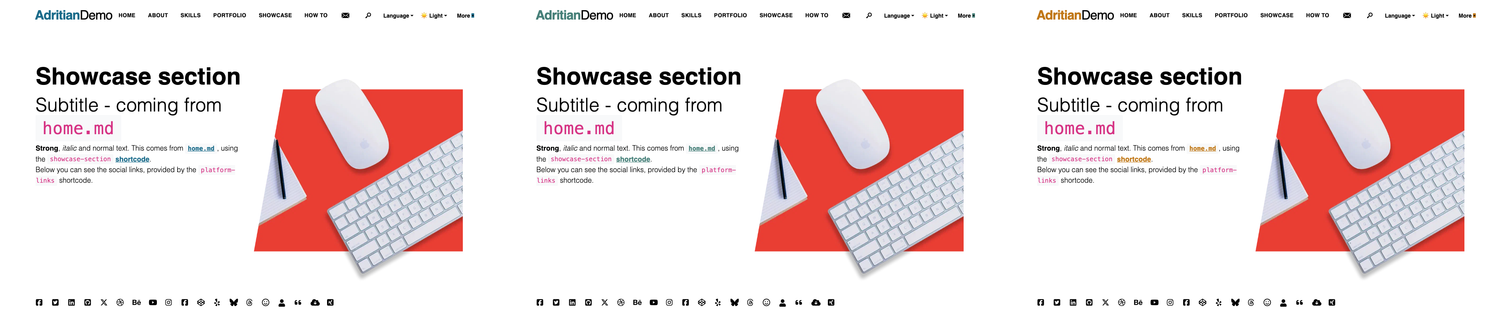
Adritian - High performance Hugo Theme for Personal Websites. With job experience, portfolio, dark/light theme…
Hugo · 作品集
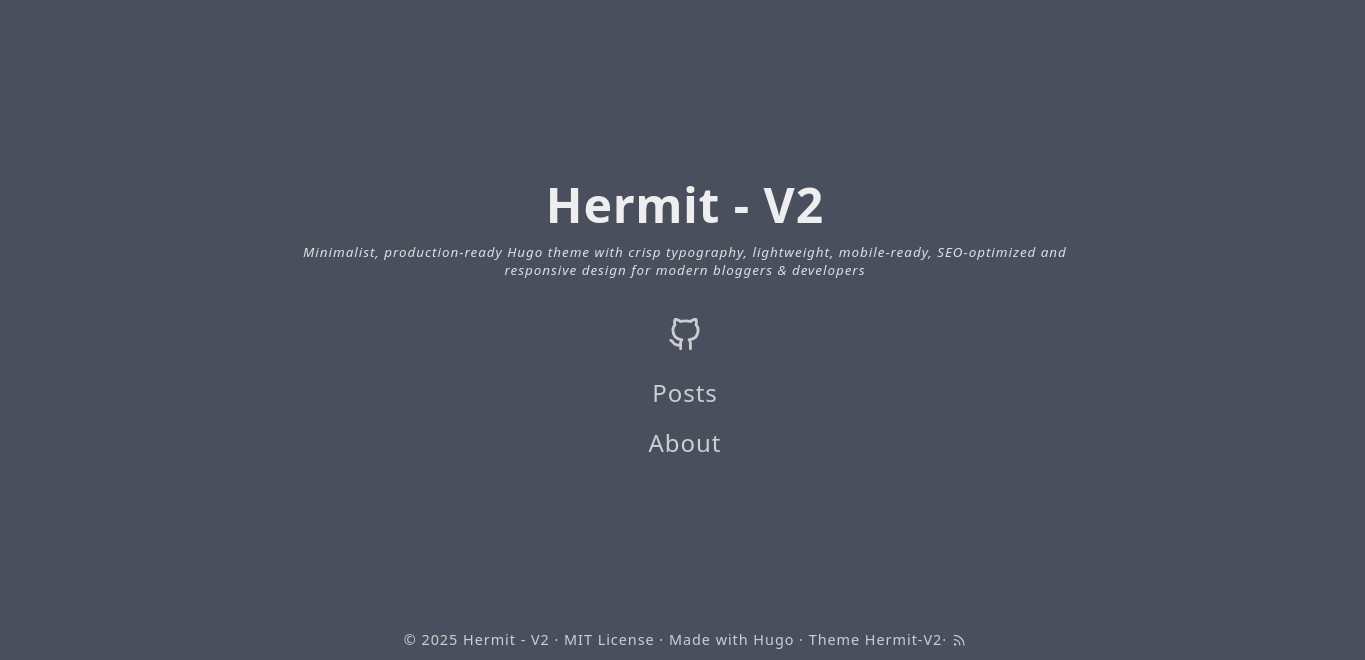
hermit-V2
Hermit-V2 是一款为 Hugo 打造的极简博客主题,源自经典 Hermit 的维护分支,在保持轻量与专注阅读的基础上,持续修复问题并适配新版 Hugo。
Hugo · 博客
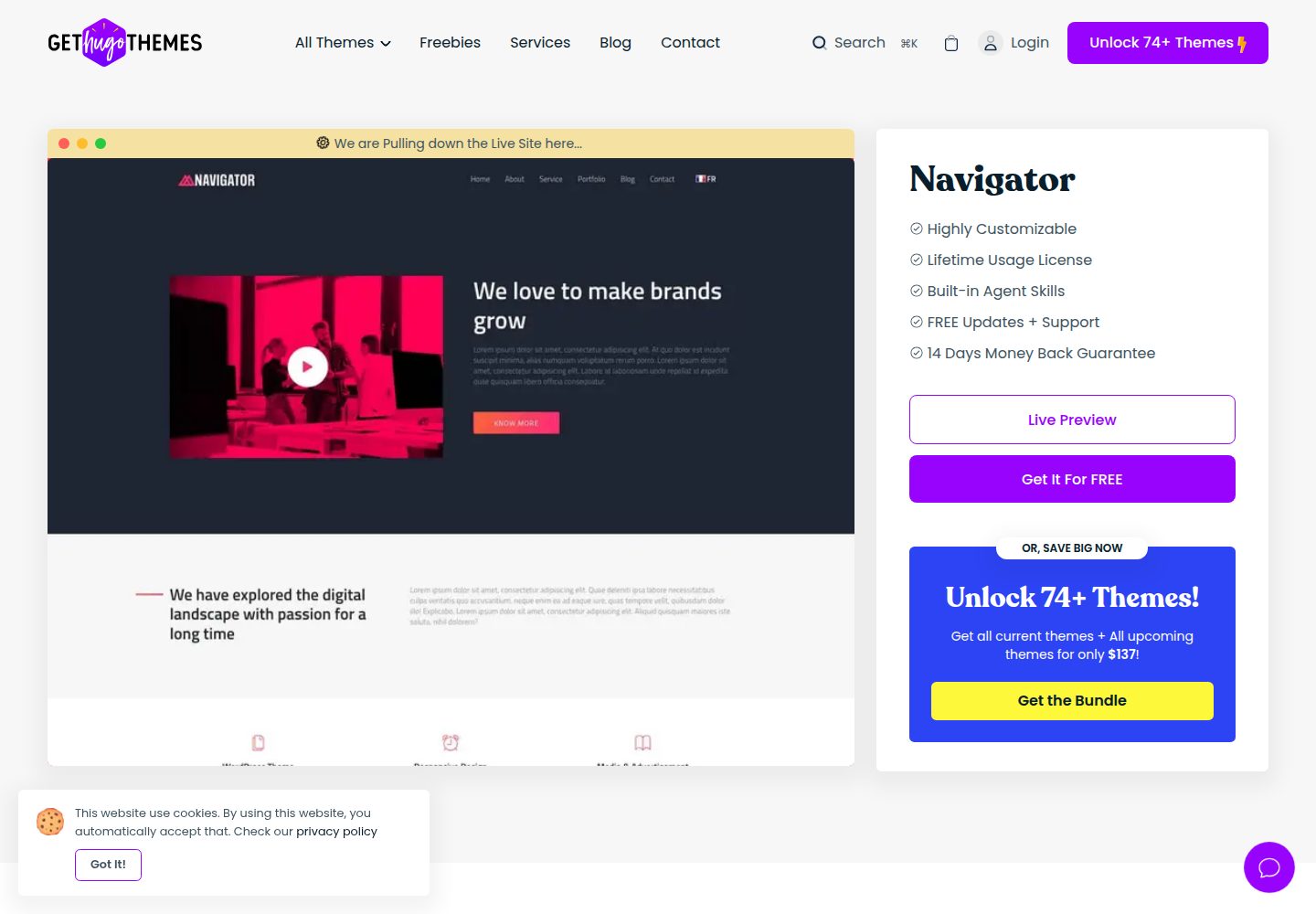
navigator-hugo
Navigator Business theme powered by Hugo. It also could be used for a personal portfolio.
Hugo · 作品集
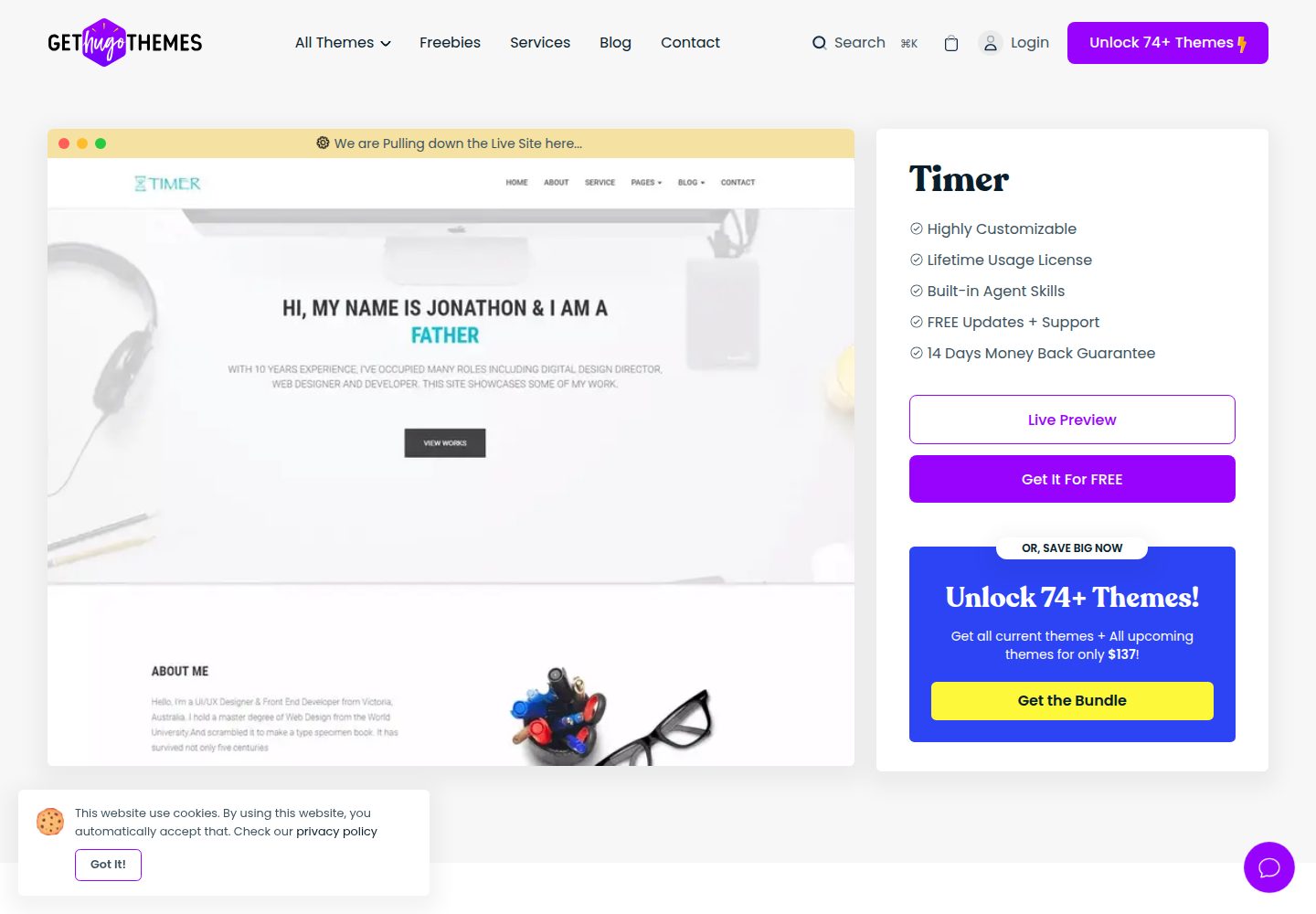
timer-hugo
Timer is a personal portfolio theme powered by Hugo. It also can be use as a landing page theme.
Hugo · 作品集