
基于 Astro 的新粗野主义启动器主题
Astro启动器
brutal — Astro 启动器模板
作者 ElianCodes
Brutal 是一个基于 Astro 的新粗野主义风格启动器主题,提供博客、RSS、站点地图与图片优化等基础配置。
看看你的网站会是什么样
浏览真实页面截图,比较内容排版与手机效果。点击下方缩略图切换,放大查看整页细节。
全部页面与视图 3
截图用于了解视觉与布局,交互效果请以实际项目为准。
采集于 2026-09-30查看来源
值得关注的模板亮点
从已有项目资料中,快速了解它的特点。
内置博客内容集合,从 Markdown 生成页面
构建时自动生成站点地图与 RSS 订阅
集成图片优化,并默认不包含 JavaScript
使用 Tailwind CSS 生成工具类,辅以少量自定义 CSS
使用 Biome 进行格式化、lint 与导入整理,配合 astro check
模板详细介绍
Brutal 是 ElianCodes 发布的 Astro 启动器主题,定位为新粗野主义(neobrutalism)风格,强调极简与功能性设计。主题源自作者个人网站,并补充了更通用的内容。
功能方面,它内置博客内容集合(src/content/blog 下的 Markdown 文件)、自动生成的 RSS 订阅(默认输出 feed.xml)、构建时自动生成的站点地图,以及图片优化集成。默认不包含 JavaScript 集成,可按需自行添加。样式使用 Tailwind CSS 配合 Astro 的 Vite 插件,另有少量普通 CSS 处理滚动条与阴影。代码检查与格式化使用 Biome,Astro 相关诊断仍通过 astro check 运行,两者由 pnpm check 统一调用。
使用方式是通过 npm、pnpm 或 yarn 的 create astro 命令以 eliancodes/brutal 为模板初始化新项目。项目结构按用途划分组件目录:blog、errors(含 404)、generic、home、layout(页头、页脚与 head)。
限制与注意事项:主题默认无 JavaScript 交互;站点地图需将 astro.config 中的 site 替换为自己的域名;RSS 默认从 src/content/blog 的 Markdown 生成,可通过重命名 src/pages/feed.xml.js 调整路径。仓库采用 MIT 许可,但演示图片、字体、图标等第三方素材需单独核对许可,域名、托管等外部服务可能另行收费。
Astro启动器
适合你的项目吗?
适用场景
- 快速搭建新粗野主义风格的博客或个人网站
- 需要一个开箱即用的 Astro 启动器来开始项目
- 希望站点自带 RSS 与站点地图等基础 SEO 配置
- 偏好无 JavaScript 默认输出、按需添加交互的站点
适合人群
- 熟悉 Astro 并希望快速启动项目的开发者
- 喜欢新粗野主义视觉风格的个人站点作者
- 需要博客内容集合与 RSS 输出的内容型网站
- 希望以 Tailwind CSS 定制样式的项目
上手与定制指南
结合仓库当前版本的说明,按下面的资料检查内容、配置与运行要求。
- 1
使用 npm create astro@latest -- --template eliancodes/brutal 或 pnpm/yarn 对应命令初始化项目
- 2
安装依赖后运行 pnpm dev 启动本地开发服务器(localhost:4321)
- 3
将 astro.config 中的 site 替换为自己的域名以生成正确的站点地图
- 4
RSS 默认从 src/content/blog 的 Markdown 生成,输出到 feed.xml,可通过重命名 src/pages/feed.xml.js 调整
- 5
使用 pnpm check 同时运行 Astro 检查与 Biome 检查
授权与来源资料
使用条件与限制
免费使用 · 保留许可声明本次收录的是公开仓库中采用 MIT 许可的免费版本;免费范围为该版本代码,不代表外部服务或第三方素材免费。
使用时需要遵守
- 允许免费使用、修改、商用和分发该版本代码。
- 分发代码副本或实质性部分时,保留原作者版权声明和完整 MIT 许可声明。
- 代码按现状提供;担保与责任限制以原许可证及适用法律为准。
额外费用与待核对事项
- 该模板源自作者个人网站并做了通用化处理,使用时建议替换其中的个人化内容(如站点信息、示例内容)以适配自己的项目。
- 使用站点地图功能前,必须将 astro.config 中的 site 字段替换为你自己的域名,否则生成的站点地图 URL 会指向示例域名。
- RSS 订阅默认从 src/content/blog 目录下的 Markdown 文件自动生成,需将博客内容放入该目录才能正常输出订阅源。
- 主题默认不包含任何 JavaScript 集成,如需交互功能须自行添加。
- 演示图片、字体、图标及其他第三方素材需按各自许可核对,不能仅凭代码的 MIT 许可判断。
- 域名、托管、数据库、支付或 AI 等外部服务可能另外收费。
查看原文依据
Permission is hereby granted, free of charge
许可证原文
This template is based on [my own personal website](<https://www.elian.codes/>), with some more generic things added.
README 原文
You'll just need to switch out the `site` on `astro.config.ts` to your own.
README 原文
The RSS feed is automatically generated from the Markdown files in the `src/content/blog` folder.
README 原文
https://github.com/ElianCodes/brutal/blob/main/LICENSEhttps://github.com/ElianCodes/brutal/blob/main/README.mdThe theme has no JavaScript integration out of the box, but can always be added of course.
README 原文
DeepSeek 根据仓库许可证和 README 整理 ·2026-10-01。结果仅覆盖已读取资料,依赖、图片、字体及后续条款变更以各自原文为准。
项目核对记录与介绍依据
模板资料
- 来源平台
- GitHub
- 资料与维护参考分
- 资料较完整 · 91 / 100
- 技术栈
- Astro
- 网站类型
- 启动器
这个分数如何计算
本站按许可资料(最高30分)、演示链接(12分)、预览图(10分)、Star数(15分)、记录的维护时间(15分)、描述完整度(8分)、功能记录(5分)和分类资料(5分)计算。它不是代码、安全或性能测试,也不是 Google 评分;有链接不代表已实测可用。
这个项目需要核对什么
- 记录的仓库更新时间
- 2026-09-29
- 截图检查日期
- 2026-10-01
已收录演示链接。请用你的内容与屏幕尺寸检查;有演示不代表表单、认证或支付已经可用。
目录记录的主要技术栈是 Astro。请通过依赖清单和锁文件核对实际版本与托管要求。这些说明基于收录资料,不代表代码审计或部署实测。
查看具体选型方法 →介绍的制作与核对状态
介绍由 AI 辅助整理目录与仓库资料。仓库作者不等于这篇介绍的审核者。
已完成服务器许可规则与 AI 来源核对;未经过人工编辑审核。
查看当时使用的来源资料
SHA-256: 62de4bafb99412cb02a7e4d19429bbfe2d850b6d6046fedde2126736b1f2419c
2026-10-01T14:38:21.588Z
来源文件 / 仓库# Brutal - The neobrutalist Astro theme
Brutal is a minimal neobrutalist theme for [Astro](https://astro.build/). It's based on Neobrutalist Web Design, a movement that aims to create websites with a minimalistic and functional design. It has some integrations like Image Optimization, RSS, Sitemap, ready to get your SEO done right.
The theme has no JavaScript integration out of the box, but can always be added of course.
This template is based on [my own personal website](<https://www.elian.codes/>), with some more generic things added.
## Usage
You can bootstrap a new Astro project using Brutal with the following command:
```bash
# npm
npm create astro@latest -- --template eliancodes/brutal
# pnpm
pnpm create astro@latest --template eliancodes/brutal
# yarn
yarn create astro --template eliancodes/brutal
```
### Commands
All commands are run from the root of the project, from a terminal:
(Here I use PNPM, no problem if you use NPM or Yarn)
| Command | Action |
| :------------------ | :------------------------------------------------- |
| `pnpm install` | Installs dependencies |
| `pnpm dev` | Starts local dev server at `localhost:4321` |
| `pnpm lint` | Runs Biome lint checks |
| `pnpm format` | Formats the project with Biome |
| `pnpm check` | Runs Astro checks plus `biome check` |
| `pnpm build` | Build your production site to `./dist/` |
| `pnpm preview` | Preview your build locally, before deploying |
| `pnpm astro ...` | Run CLI commands like `astro add`, `astro preview` |
| `pnpm astro --help` | Get help using the Astro CLI |
## Tooling
This project uses [Biome](https://biomejs.dev/) for formatting, linting, and import organization.
Astro-specific diagnostics still run through `astro check`, so CI and local validation use both:
```bash
pnpm run check
```
## Integrations
### Tailwind CSS
In this theme, I'm using [Tailwind CSS](https://tailwindcss.com/) to generate the utility classes. The project uses Astro's Tailwind setup with the Vite plugin, plus a small amount of regular CSS for the theme-specific scrollbar and shadow styling.
### Sitemap
To generate the sitemap, you don't need to do anything. It's automatically generated when you build your site. You'll just need to switch out the `site` on `astro.config.ts` to your own.
```js title="astro.config.mjs"
import { defineConfig } from 'astro/config';
export default defineConfig({
site: 'https://example.com',
});
```
### RSS
The RSS feed is automatically generated from the Markdown files in the `src/content/blog` folder. You can ofcourse completely change this to your own needs.
The RSS will output to `https://example.com/feed.xml` by default. You can change this, by renaming `src/pages/feed.xml.js`.
### Image
## Components
### `components/blog/`
This directory contains all components for the blog.
### `components/errors/`
This directory contains all error components.
#### `components/errors/404.astro`
This component is used when a page is not found.
### `components/generic/`
This directory contains all generic components, reused over multiple pages.
### `components/home/`
This directory contains all components for the home page.
### `components/layout/`
This directory contains all layout components. For instance, the header and footer and `<head>` section.
If you need more from this theme, don't hesitate to open an issue or reach out to me!
看看同类模板
对比同技术栈与用途的模板,找到更适合的视觉与内容结构。

astrowind
⭕️ AstroWind: A free template using Astro v7 and Tailwind CSS v4. Astro starter theme.
Astro · 博客
accessible-astro-starter
Accessible Astro Starter 是一个以无障碍为核心理念的 Astro 6 启动模板,由 incluud 团队维护。
Astro · 博客

astro-erudite
An opinionated, unstyled static blogging template built with Astro and native CSS.
Astro · 作品集

astro-shopify
astro-shopify 是一个面向开发者的轻量级电商启动模板,用于构建基于 Shopify 的无头店面。
Astro · 电商

qwind
⭕️ Qwind: A template to make your website using Qwik + Tailwind CSS.
Astro · 工具站
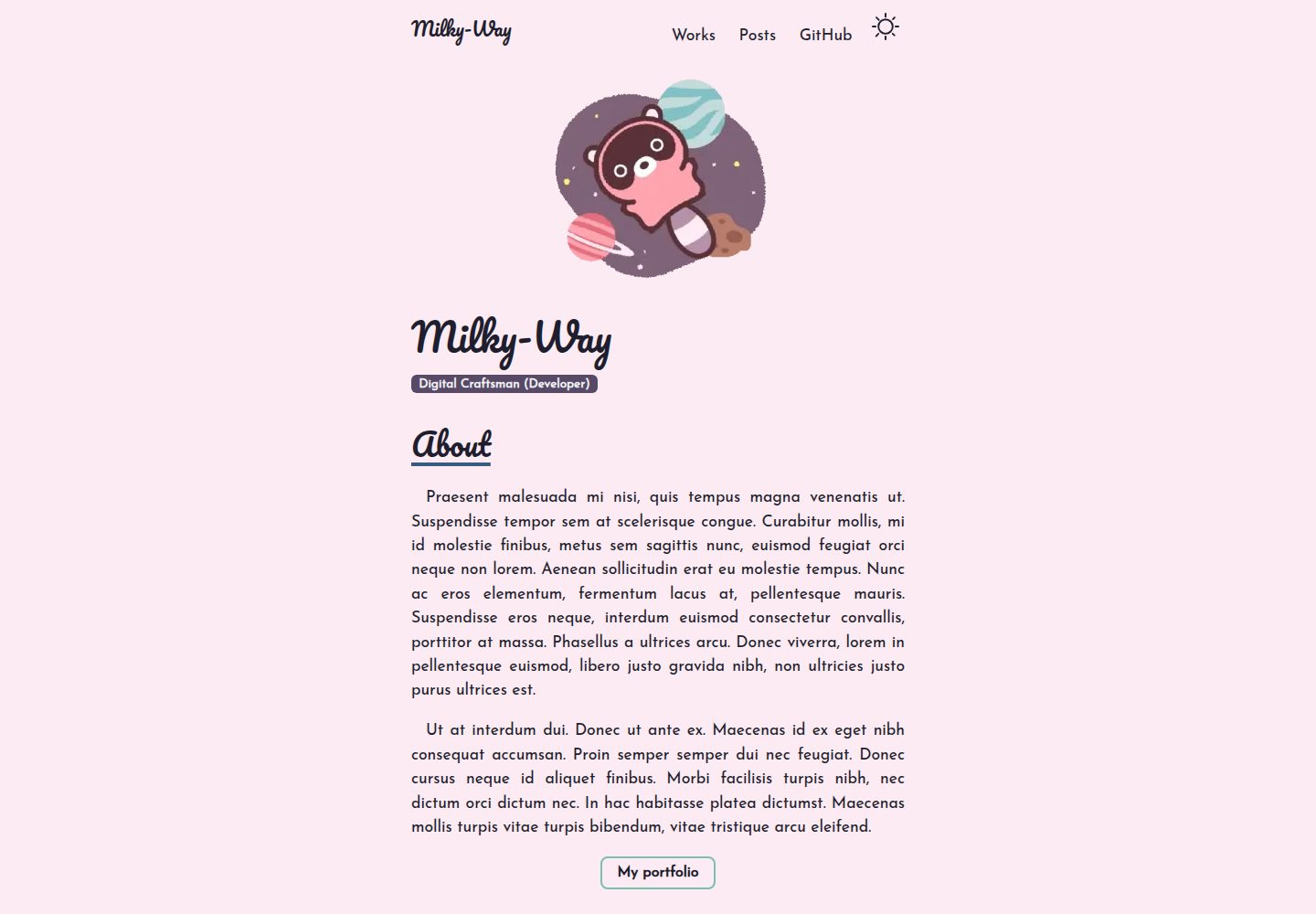
Milky-Way
A minimalist portfolio template with a whimsical charm, designed to showcase your creativity in an elegant dig…
Astro · 作品集