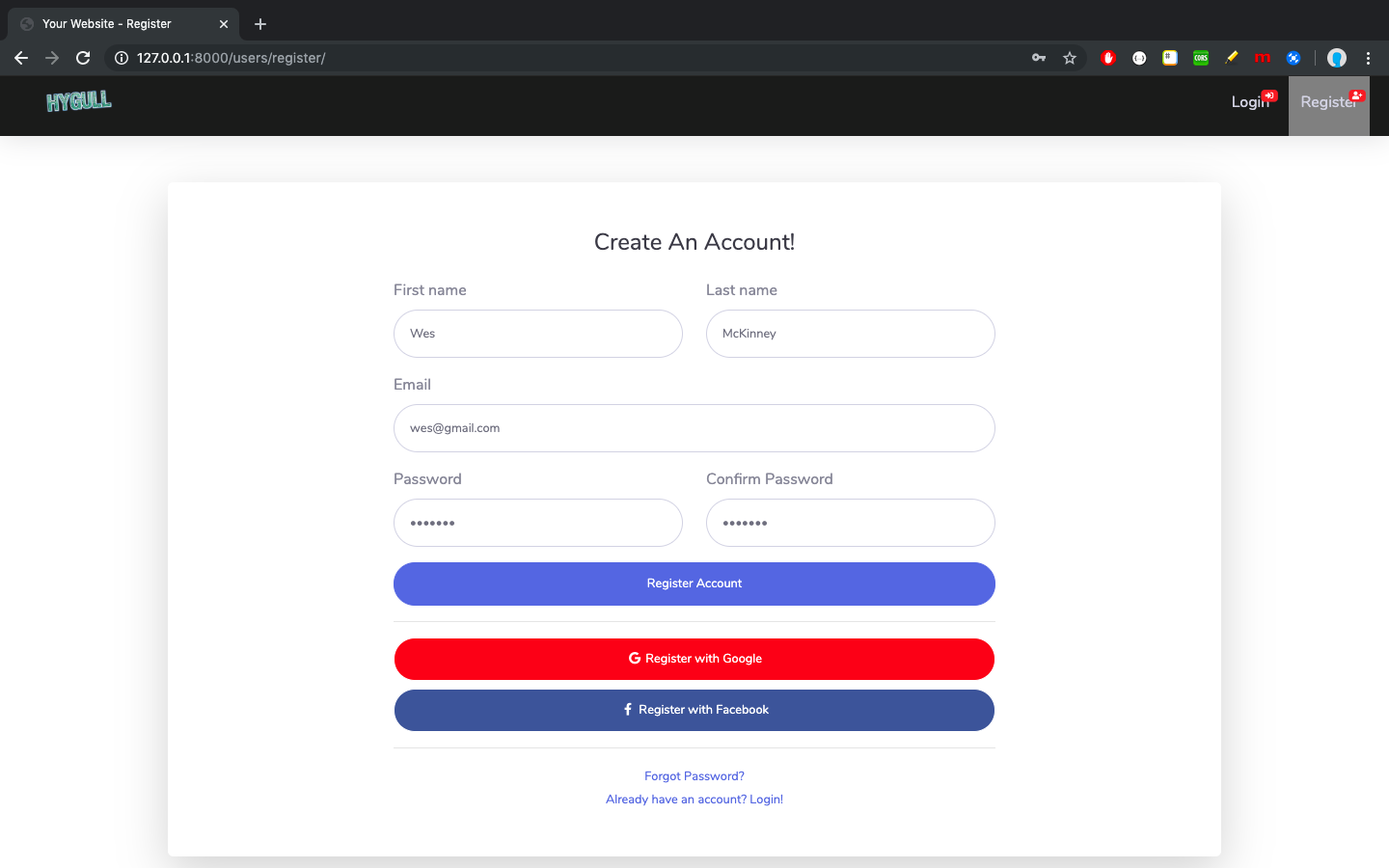
将 SB Admin 2 免费后台主题的全部页面整合进 Django 模板体系
DjangoHTML后台
sbadmin — Django 后台模板
作者 hygull
把 Bootstrap 免费后台主题 SB Admin 2 完整接入 Django 的示例项目,包含登录、注册、找回密码、仪表盘、表格、图表等页面。
看看你的网站会是什么样
浏览真实页面截图,比较内容排版与手机效果。点击下方缩略图切换,放大查看整页细节。
目前有 1 张原始预览,可打开完整图片查看设计细节。
截图用于了解视觉与布局,交互效果请以实际项目为准。
采集于 2026-10-02查看来源
值得关注的模板亮点
从已有项目资料中,快速了解它的特点。
使用 Django 模板语言重构页面,并移除主题中的冗余代码
UI 代码集中在 src/ui,模板与静态文件按 theme 和 app/resource 分目录管理
大部分路由以 /users/ 前缀定义在 src/users/urls.py,模板中的 URL 动态生成
登录、注册、找回密码共用同一个 base_x.html 并去掉导航栏
模板详细介绍
这是一个 Django 项目,将 startbootstrap 的免费后台主题 SB Admin 2 的全部页面整合进 Django 模板体系。README 说明其目标是把主题的静态页面改造成可复用的 Django 模板,并去掉主题页面中的冗余代码。
项目使用 Django 模板语言(DTL)对模板代码重新组织,UI 代码集中在 src/ui 目录,与后端代码分离。模板放在 src/ui/templates,静态文件放在 src/ui/static/files,并进一步分为 theme(SB Admin 2 主题自带资源)和 app/resource(开发者自建资源,含 css、js、img、logos 子目录),以避免 Django 按 STATICFILES_DIRS 顺序查找同名静态文件时产生冲突。
路由方面,大部分 URL 定义在 src/users/urls.py,以 /users/ 开头;只有 Django admin 站点(/admin/)和首页(/)定义在 src/sbadmin/urls.py。视图位于 src/users/views.py 与 src/sbadmin/views.py。README 称模板中的 URL 是动态生成的,修改 urls.py 后无需同步改模板。登录、注册、找回密码三个页面共用同一个 base_x.html,并去掉了导航栏。
项目提供注册、登录、找回密码、仪表盘、表格、颜色与通知、图表等页面的截图。技术栈标注为 Python 3.6.7、Django 2.2.6 与 Bootstrap 4,属于较早的版本组合,实际使用前需自行核对依赖与运行环境。仓库采用 MIT 许可,免费范围限于该版本代码,主题中的演示图片、字体、图标等第三方素材需按各自许可单独核对。
DjangoHTML后台
适合你的项目吗?
适用场景
- 需要一个可直接运行的 Django 后台界面起点,用于继续开发自己的视图与功能
- 参考如何把 Bootstrap 静态后台主题改造成 Django 模板与静态文件结构
- 学习 Django 模板继承、URL 动态生成与静态文件目录分离的示例
- 在本地搭建带仪表盘、表格、图表页面的后台演示环境
适合人群
- 正在使用 Django 并需要现成后台界面骨架的开发者
- 想研究 Bootstrap 主题与 Django 模板整合方式的开发者
- 需要登录、注册、找回密码等基础页面示例的学习者
上手与定制指南
结合仓库当前版本的说明,按下面的资料检查内容、配置与运行要求。
- 1
需先安装 Python 3 与 virtualenv,再克隆仓库并创建、激活虚拟环境
- 2
依次执行 pip install -r requirements.txt、cd src、python manage.py migrate、python manage.py runserver
- 3
启动后访问 http://127.0.0.1:8000 查看页面
- 4
README 标注的 Python 3.6.7、Django 2.2.6 与 Bootstrap 4 版本较旧,运行前应核对依赖兼容性
- 5
主题中的演示图片、字体、图标等第三方素材需按各自许可单独核对
授权与来源资料
使用条件与限制
免费使用 · 保留许可声明本次收录的是公开仓库中采用 MIT 许可的免费版本;免费范围为该版本代码,不代表外部服务或第三方素材免费。
使用时需要遵守
- 允许免费使用、修改、商用和分发该版本代码。
- 分发代码副本或实质性部分时,保留原作者版权声明和完整 MIT 许可声明。
- 代码按现状提供;担保与责任限制以原许可证及适用法律为准。
额外费用与待核对事项
- 项目本身是 Django 对免费后台主题 SB Admin 2 的整合示例,免费范围限于该仓库代码;主题自带的演示图片、字体、图标等第三方素材需按各自许可单独核对,不能默认随 MIT 代码一并授权。
- 运行需本地安装 Python 3 与 virtualenv,并执行 pip install -r requirements.txt、migrate、runserver 等步骤,属于自托管部署,不提供在线托管服务。
- README 标注 Python 3.6.7、Django 2.2.6、Bootstrap 4 等较旧版本组合,实际使用前需自行核对依赖与运行环境兼容性。
- 演示图片、字体、图标及其他第三方素材需按各自许可核对,不能仅凭代码的 MIT 许可判断。
- 域名、托管、数据库、支付或 AI 等外部服务可能另外收费。
查看原文依据
Permission is hereby granted, free of charge
许可证原文
A Django project with full integration of free Admin template named [Sb Admin 2](https://startbootstrap.com/themes/sb-admin-2/).
README 原文
Python3+ installed in your system
README 原文
https://github.com/hygull/sbadmin/blob/master/LICENSEhttps://github.com/hygull/sbadmin/blob/master/README.md| Python | 3.6.7 | Backend |
README 原文
DeepSeek 根据仓库许可证和 README 整理 ·2026-10-02。结果仅覆盖已读取资料,依赖、图片、字体及后续条款变更以各自原文为准。
项目核对记录与介绍依据
模板资料
- 来源平台
- GitHub
- 资料与维护参考分
- 资料一般 · 61 / 100
- 技术栈
- Django · HTML
- 网站类型
- 后台
这个分数如何计算
本站按许可资料(最高30分)、演示链接(12分)、预览图(10分)、Star数(15分)、记录的维护时间(15分)、描述完整度(8分)、功能记录(5分)和分类资料(5分)计算。它不是代码、安全或性能测试,也不是 Google 评分;有链接不代表已实测可用。
这个项目需要核对什么
- 记录的仓库更新时间
- 2023-04-21
- 截图检查日期
- 2026-10-02
目前没有记录演示链接。请依据仓库说明在本地评估;仅凭截图无法确认交互行为。
目录记录的主要技术栈是 Django。请通过依赖清单和锁文件核对实际版本与托管要求。这些说明基于收录资料,不代表代码审计或部署实测。
查看具体选型方法 →介绍的制作与核对状态
介绍由 AI 辅助整理目录与仓库资料。仓库作者不等于这篇介绍的审核者。
已完成服务器许可规则与 AI 来源核对;未经过人工编辑审核。
查看当时使用的来源资料
SHA-256: 2da05bead595e999a624cf941dd5886e1b7279c8957633abf48f5e798056f8a2
2026-10-02T22:47:55.646Z
来源文件 / 仓库# sbadmin (SB Admin 2, Django project with all pages integrated) Any of the following best fits to describe this project. + A Django project with full integration of free Admin template named [Sb Admin 2](https://startbootstrap.com/themes/sb-admin-2/). + A Django powered fully functional responsive bootstrapped template integration for Admin. + A full integration of free Admin template available at [https://startbootstrap.com/themes/sb-admin-2/](https://startbootstrap.com/themes/sb-admin-2/) and named as [Sb Amdin 2](https://startbootstrap.com/themes/sb-admin-2/). ## Table of contents + [Tech stack](#tech-stack) + [Features](#features) + [Templates & static files directories](#template-and-static-files-directories) + [How to run?](#how-to-run) <h2 id="tech-stack">Tech stack</h2> | Language/Framework | Version | End | | --- | --- | --- | | Python | 3.6.7 | Backend | | Django | 2.2.6 | Backend, Python's high level web framework | | Bootstrap | 4 | Frontend, CSS framework | <h2 id="features">Features</h2> + Django templating langauge (DTL) is used for template code re-structuring. + Redundant code has been removed from [Sb Admin 2](https://startbootstrap.com/themes/sb-admin-2/) template pages. + UI code is completely separate from backend code i.e. in [src/ui](src/ui). + Urls defined in all pages are fully dynamic so changing url in **urls.py** will not force you to make change in templates. Just one change is enough. + Almost all urls can be found at [src/users/urls.py](src/users/urls.py) which starts with `/users/`. + Only the urls related to **Django admin site** (starts with `/admin/`) and **Index page** (`/`) is defined at [src/sbadmin/urls.py](src/sbadmin/urls.py). + Views are defined at [src/users/views.py](src/users/views.py) , [src/sbadmin/views.py](src/sbadmin/views.py). + Theme related code is separate from user implemented code. Also user can add his own template & static files separately. + Navbar has been for login/register/forgot_passord pages (These 3 extends the same base_x.html). <h2 id="template-and-static-files-directories">Templates & static files directories</h2> + Templates (HTML files) are under [src/ui/templates](src/ui/templates). + All static files (JS, css, scss, images etc.) are under [src/ui/static/files](src/ui/static/files), which is further sub divided in 2 directories. + **theme** which is [src/ui/static/files/theme](src/ui/static/files/theme) holds all static files related to [Sb Admin 2](https://startbootstrap.com/themes/sb-admin-2/) theme. + **app/resource** which is [src/ui/static/files/app/resource](src/ui/static/files/app/resource) holds all static files created by developer. Under this, you can manage your files under **css**, **js**, **img**, **logos** directories. > **Note:** Here the main intention of creating **resource** inside **app** directory is to get rid of conflicts when Django searchs for static files after looking into **STATICFILES_DIRS** setting variable's values (i.e. paths which points to directories where Django looks for static files) in order & there are 2 files with same name in 2 different **js**/**css**/**img** etc. directories. <h2 id="how-to-run">How to run?</h2> Make sure you have + Python3+ installed in your system + **virtualenv** Python package is installed (It will allow you to run **virtualenv** command to create virtual environment) Now, just follow the below steps to run this project. + **`git clone https://github.com/hygull/sbadmin.git`** + **`virtualenv venv`** OR `python3 -m virtualenv venv` OR `python3.6 -m virtualenv venv` etc. + **`source venv/bin/activate`** on Linux/MAC OS X, **`.\venv\Scripts\activate`** on Windows + **`cd sbadmin`** + **`pip install -r requirements.txt`** + **`cd src`** + **`python manage.py migrate`** + **`python manage.py runserver`** Now, visit [http://127.0.0.1:8000](http://127.0.0.1:8000) and play. Later, you can write your own views and implement the functionality. <h2 id="screenshots">Screenshots</h2> Here are few scrennshots related to the integrated theme. > ### Register  > ### Login  > ### Forgot Password  > ### Dashboard  > ### Tables  > ### Colors & Notifications  > ### Charts  Thanks for going through the documentation.
看看同类模板
对比同技术栈与用途的模板,找到更适合的视觉与内容结构。
typescript-backend-toolkit
Production-ready Express.js/TypeScript framework with auto-generated OpenAPI, Artisan-style CLI, plugin system…
Django · 后台
Django_Management_System_template
✨ 基于 Django 和 Mysql 的信息管理系统模板 ✨。 后台管理系统,OA ,表单系统,管理员系统,数据库管理系统模板,数据库访问模板。
Django · 后台
sneat-bootstrap-html-django-admin-template-free
Most Powerful & Comprehensive Free Django HTML Admin Dashboard Template built for developers! :rocket:
Django · 后台
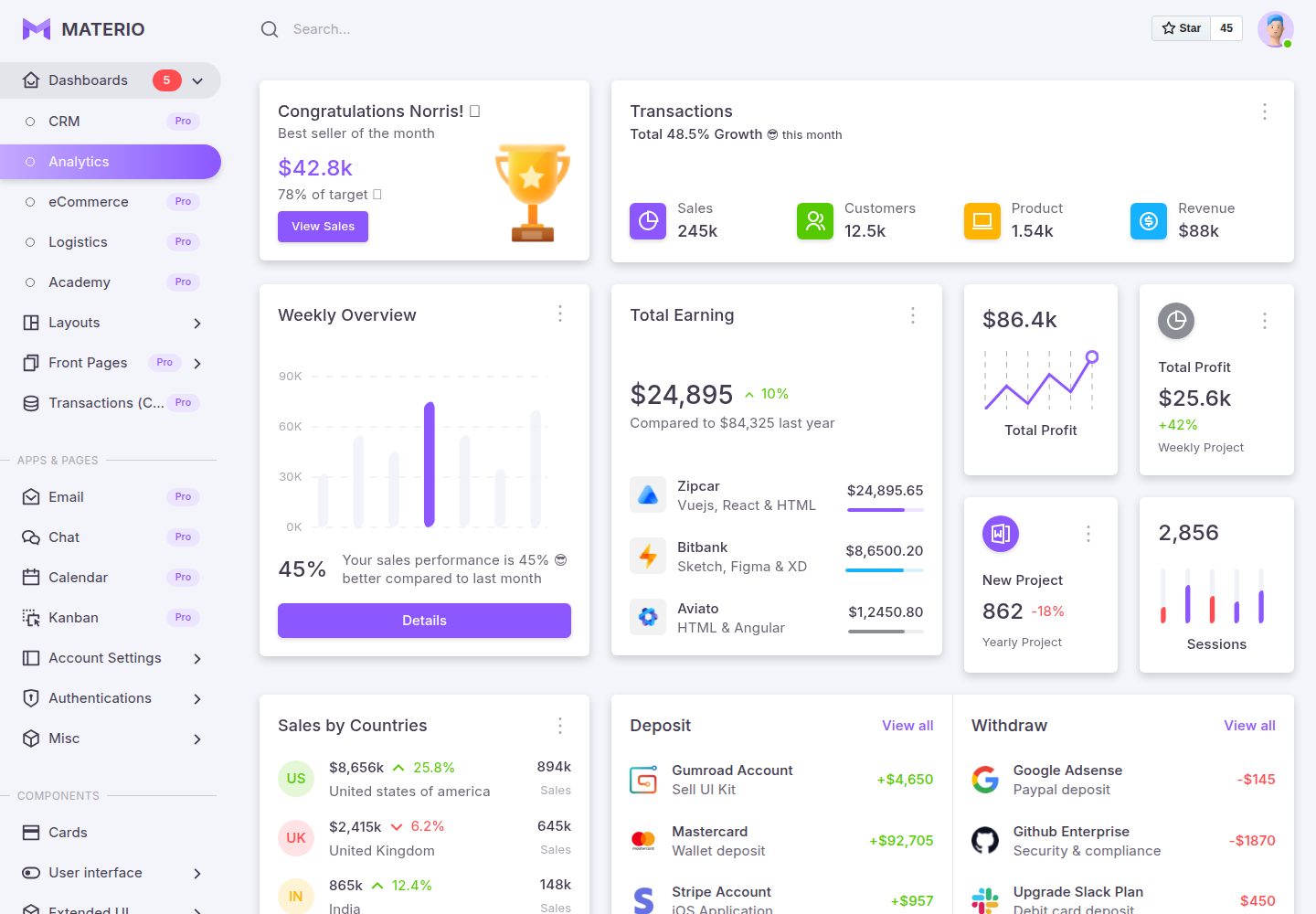
materio-bootstrap-html-django-admin-template-free
Most Powerful & Comprehensive Free Django HTML Admin Dashboard Template built for developers! :rocket:
Django · 后台
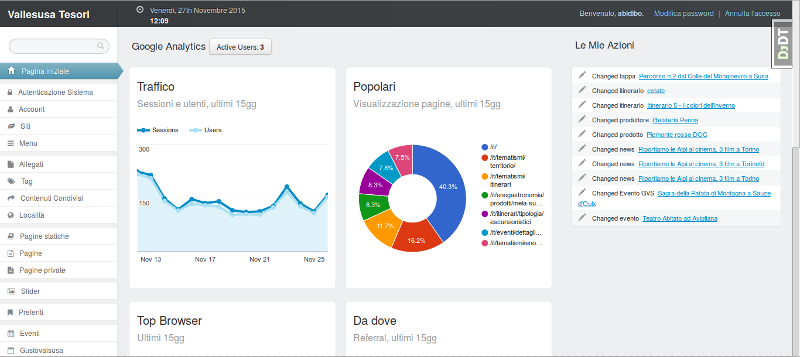
django-otto-admin
Django admin customization app for django-suit, providing google analytics widgets in the admin index template
Django · 后台
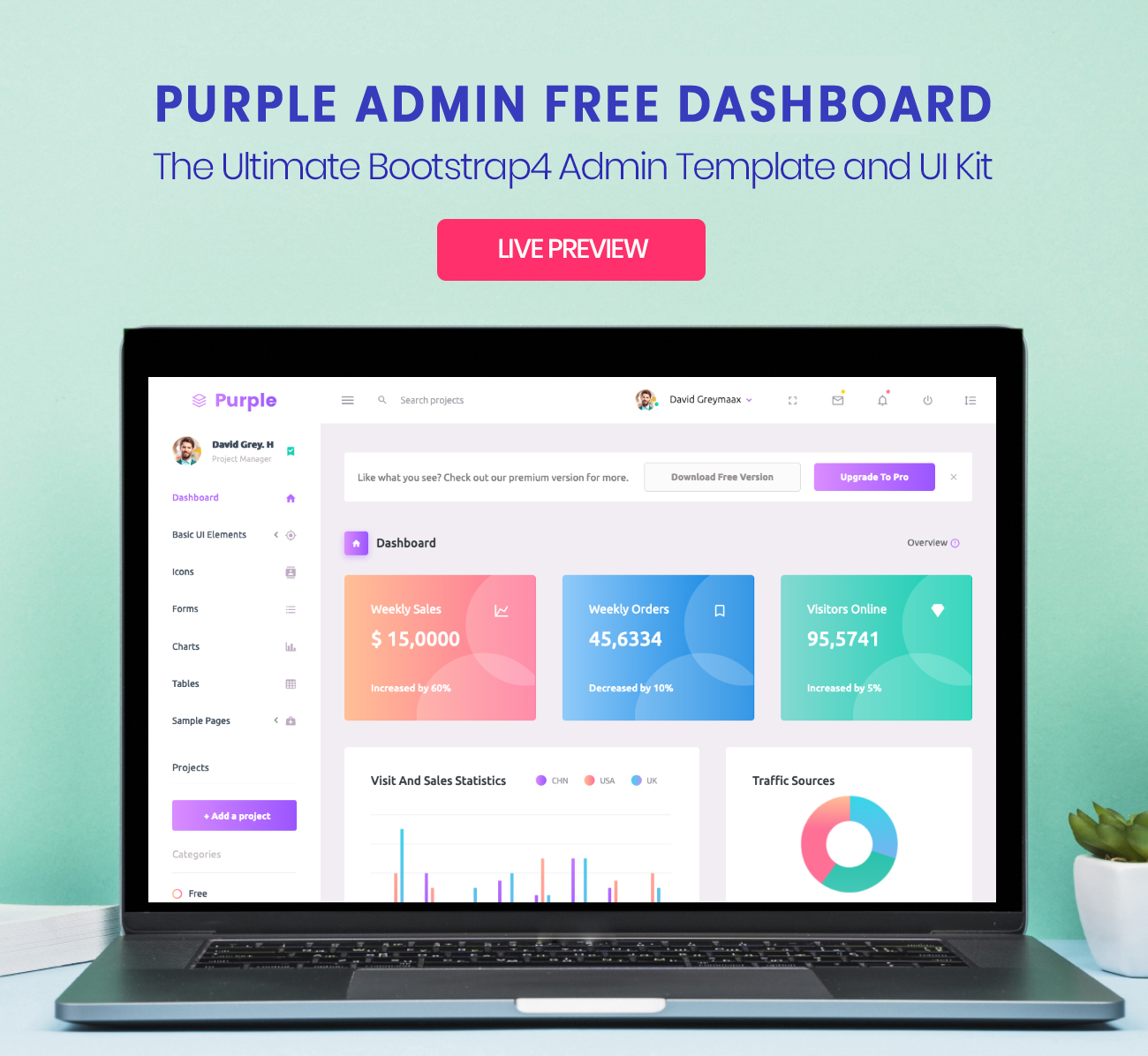
django_project
Purple Admin is a free responsive admin template built with Bootstrap 4. The template has colorful, attractive…
Django · 后台