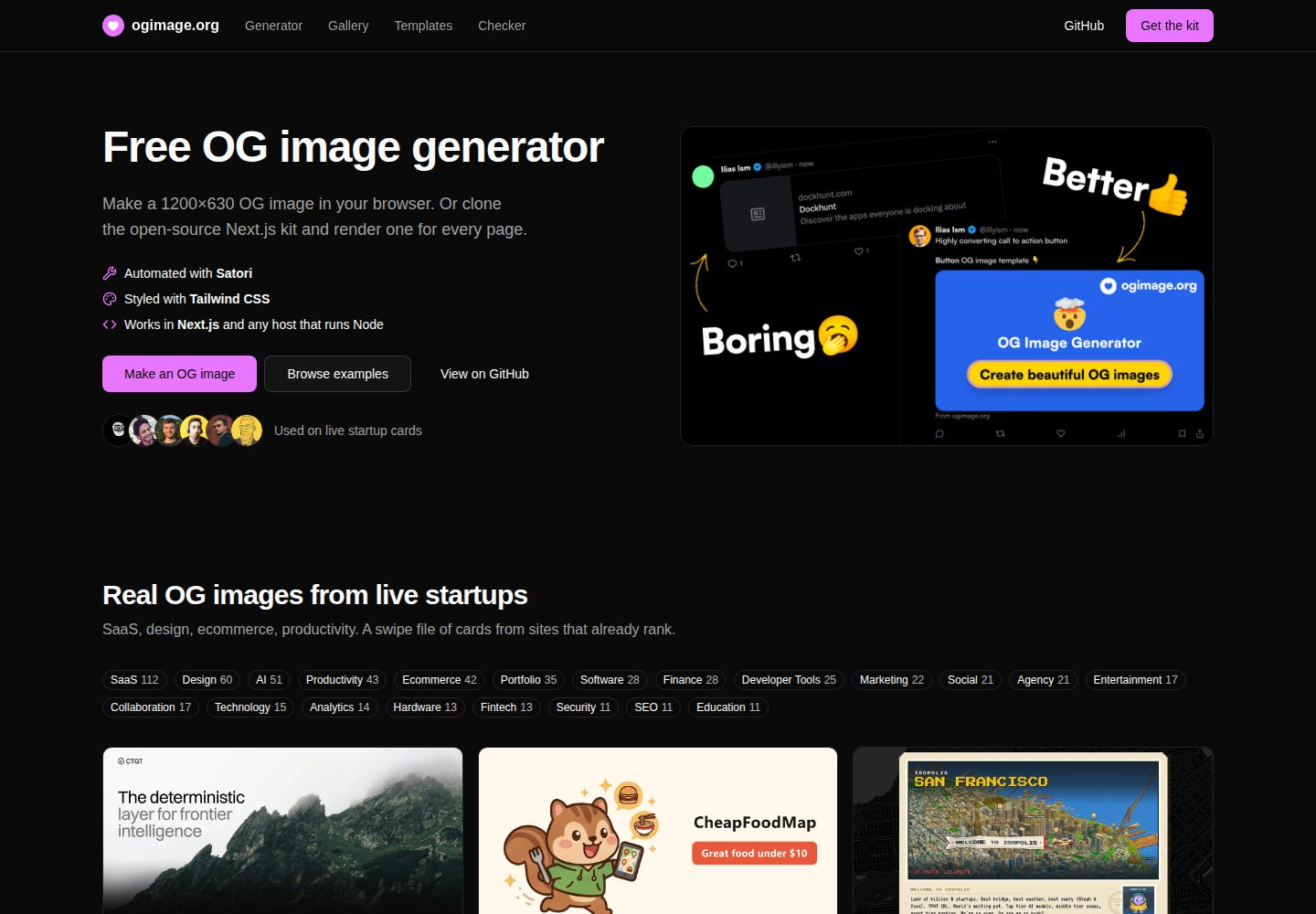
提供浏览器端 OG 图片生成器,可输入标题、选择颜色并下载 1200×630 PNG
Next.jsReact工具站
ogimage — Next.js 工具站模板
作者 Illyism
ogimage 是 ogimage.org 的完整开源源码,基于 Next.js 与 Satori,提供 OG 图片生成器、九个模板、Open Graph 检查器和 380+ 真实案例画廊。
看看你的网站会是什么样
浏览真实页面截图,比较内容排版与手机效果。点击下方缩略图切换,放大查看整页细节。
全部页面与视图 2
截图用于了解视觉与布局,交互效果请以实际项目为准。
采集于 2026-10-08查看来源
值得关注的模板亮点
从已有项目资料中,快速了解它的特点。
内置九个基于 next/og ImageResponse 与 Satori 的模板路由,可直接复制进 Next.js 应用
包含 Open Graph 检查器,用于检测 URL 的 og 标签、图片尺寸与链接预览
画廊收录 380+ 真实 OG 图片案例,按分类展示,数据以 git CMS 方式管理
不依赖托管 API 或数据库,本地运行无需任何密钥即可使用主要功能
代码采用 MIT 许可,可自托管、修改与商用
模板详细介绍
ogimage 是 ogimage.org 的完整源码仓库,围绕 Open Graph 图片(og:image)这一分享链接时展示的预览图,提供四类工具:浏览器端 OG 图片生成器(输入标题、选择颜色,下载 1200×630 PNG)、九个可复制到 Next.js 应用的 ImageResponse 模板路由、检测 URL 的 Open Graph 标签与图片尺寸的检查器,以及按分类整理的 380+ 真实 OG 图片案例画廊。
技术实现上,项目使用 Next.js 的 next/og 模块输出 ImageResponse,由 Satori 渲染 JSX,Tailwind 类通过 tw 属性传入。模板位于 app/og/templates/,涵盖 headline、blog-post、screenshot、phone、button、emoji、icon、image、city 九种卡片;生成器额外使用 app/og/generator/route.tsx,支持 title、subtitle、site、layout、bg、accent 参数。
画廊采用 git CMS 模式,每个站点由 content/gallery/{domain}.json 与 public/og/{domain}.{ext} 两个文件组成,通过脚本 gallery:add 添加、gallery:find 自动抓取并筛选候选站点。
项目不依赖托管 API 或数据库,本地开发需要 Bun,安装后运行 bun dev 即可在无密钥情况下使用生成器、模板、检查器和画廊。截图类模板与 city 模板分别依赖 SCREENSHOT_API_URL/SCREENSHOT_API_KEY 与 UNSPLASH_KEY,未配置时截图模板显示占位图;gallery:find 的设计评分依赖 ANTHROPIC_API_KEY。邮件订阅、PostHog 与 Plausible 统计均为可选配置,其中 Plausible 仅在站点运行于 ogimage.org 时发送数据。生产部署可使用仓库根目录的 Dockerfile,镜像基于 Next.js 的 output: 'standalone'。代码采用 MIT 许可,可自托管、修改与商用;画廊中的图片归各自站点所有,仅作示例展示,第三方素材需按各自许可核对。
Next.jsReact工具站
适合你的项目吗?
适用场景
- 为网站各页面批量生成统一的 1200×630 Open Graph 分享图
- 在 Next.js 项目中接入 ImageResponse 路由,通过 og:image 指向动态生成的图片
- 检查现有页面的 Open Graph 标签与图片尺寸是否符合分享预览要求
- 浏览真实产品的 OG 图片案例,为设计自己的分享卡片寻找参考
- 自托管一套包含生成器、模板、检查器与画廊的完整站点
适合人群
- 需要为站点配置或批量生成 og:image 的开发者
- 使用 Next.js 并希望以代码方式生成分享图的前端团队
- 希望自托管 OG 图片工具站、不依赖外部托管 API 的团队
- 需要参考真实 OG 图片设计案例的设计与内容人员
上手与定制指南
结合仓库当前版本的说明,按下面的资料检查内容、配置与运行要求。
- 1
本地开发需要 Bun,克隆仓库后执行 bun install、复制 .env.example 为 .env,再运行 bun dev
- 2
生成器、模板、检查器与画廊在无任何密钥时即可运行
- 3
截图类模板需要配置 SCREENSHOT_API_URL 与 SCREENSHOT_API_KEY,city 模板需要 UNSPLASH_KEY,未配置时截图模板显示占位图
- 4
gallery:find 的设计评分依赖 ANTHROPIC_API_KEY,邮件订阅与 PostHog 统计为可选配置
- 5
生产部署可使用仓库根目录的 Dockerfile,镜像基于 Next.js 的 output: 'standalone'
授权与来源资料
使用条件与限制
免费使用 · 保留许可声明本次收录的是公开仓库中采用 MIT 许可的免费版本;免费范围为该版本代码,不代表外部服务或第三方素材免费。
使用时需要遵守
- 允许免费使用、修改、商用和分发该版本代码。
- 分发代码副本或实质性部分时,保留原作者版权声明和完整 MIT 许可声明。
- 代码按现状提供;担保与责任限制以原许可证及适用法律为准。
额外费用与待核对事项
- 演示图片、字体、图标及其他第三方素材需按各自许可核对,不能仅凭代码的 MIT 许可判断。
- 域名、托管、数据库、支付或 AI 等外部服务可能另外收费。
- gallery:find 自动筛选功能依赖 Anthropic 的 Claude 服务进行设计评分,需要配置 ANTHROPIC_API_KEY 才能使用;未配置密钥时该脚本无法完成评分与自动添加。
- screenshot 模板需要配置截图服务的环境变量(SCREENSHOT_API_URL 与 SCREENSHOT_API_KEY)才能抓取实时页面;未配置时该模板仅显示占位图。
- city 模板依赖 Unsplash 服务获取城市照片,必须配置 UNSPLASH_KEY 访问密钥;未配置时无法生成该模板的城市图片。
- 未设置截图相关环境变量时,screenshot 与 phone 模板不会生成真实页面截图,而是输出占位图,功能受限。
- Plausible 统计仅在站点运行于 ogimage.org 域名时发送数据;自托管或 fork 部署默认不发送任何统计数据,如需统计须自行修改 app/layout.tsx 中的主机与域名。
- 画廊中的 OG 图片版权归各自站点所有,仅作为示例展示,不随 MIT 代码许可一并授权,复用这些图片需另行确认各站点授权。
查看原文依据
Permission is hereby granted, free of charge
许可证原文
`gallery:find` fetches each site, rejects images with the wrong size or ratio, and asks Claude to score the design from 1 to 10.
README 原文
| `screenshot` | Live page capture in a frame (needs the screenshot API env) |
README 原文
| `city` | Geo-located city photo (needs `UNSPLASH_KEY`) |
README 原文
Without the screenshot variables, the screenshot templates show a placeholder image.
README 原文
Plausible page views are sent only when the site runs on `ogimage.org`. A fork sends nothing.
README 原文
https://github.com/Illyism/ogimage/blob/main/LICENSE.mdhttps://github.com/Illyism/ogimage/blob/main/README.mdThe gallery images belong to their sites and are shown as examples.
README 原文
DeepSeek 根据仓库许可证和 README 整理 ·2026-10-08。结果仅覆盖已读取资料,依赖、图片、字体及后续条款变更以各自原文为准。
项目核对记录与介绍依据
模板资料
- 来源平台
- GitHub
- 资料与维护参考分
- 资料较完整 · 85 / 100
- 技术栈
- Next.js · React
- 网站类型
- 工具站
这个分数如何计算
本站按许可资料(最高30分)、演示链接(12分)、预览图(10分)、Star数(15分)、记录的维护时间(15分)、描述完整度(8分)、功能记录(5分)和分类资料(5分)计算。它不是代码、安全或性能测试,也不是 Google 评分;有链接不代表已实测可用。
这个项目需要核对什么
- 记录的仓库更新时间
- 2026-10-08
- 截图检查日期
- 2026-10-08
已收录演示链接。请用你的内容与屏幕尺寸检查;有演示不代表表单、认证或支付已经可用。
目录记录的主要技术栈是 Next.js。请通过依赖清单和锁文件核对实际版本与托管要求。这些说明基于收录资料,不代表代码审计或部署实测。
查看具体选型方法 →介绍的制作与核对状态
介绍由 AI 辅助整理目录与仓库资料。仓库作者不等于这篇介绍的审核者。
审核声明: [email protected] · 2026-10-08
查看当时使用的来源资料
SHA-256: 763e584a0de7ff597b755f0ec168d68297ce91afdded056d71f4b41bafdaa033
2026-10-08T08:01:38.593Z
来源文件 / 仓库# OG Image: open-source generator, templates, checker, and gallery
Make an **OG image** (Open Graph image) for every page of your site. This repo is the full source of [ogimage.org](https://ogimage.org): a free OG image generator, nine Next.js + Satori templates, an Open Graph checker, and a gallery of 380+ real OG image examples.
<p align="center">
<a href="https://ogimage.org">
<img src=".github/social-preview.png" alt="OG image generator and gallery by ogimage.org" width="800" />
</a>
</p>
No hosted API. No database. MIT license. Clone it, self-host it, and ship your own images.
| Tool | What it does | Live |
| --- | --- | --- |
| **OG image generator** | Type a title, pick colors, download a 1200×630 PNG | [ogimage.org/generator](https://ogimage.org/generator) |
| **OG image templates** | Nine `ImageResponse` routes you can copy into a Next.js app | [ogimage.org/templates](https://ogimage.org/templates) |
| **OG image checker** | Tests the Open Graph tags, image size, and link preview of a URL | [ogimage.org/checker](https://ogimage.org/checker) |
| **OG image gallery** | 380+ real OG image examples from live startups, by category | [ogimage.org/inspiration](https://ogimage.org/inspiration) |
## What is an OG image?
An OG image is the picture that X, Facebook, LinkedIn, Slack, Discord, WhatsApp, and iMessage show when someone shares a link. One meta tag sets it:
```html
<meta property="og:image" content="https://your-domain.com/og/home.png" />
<meta property="og:image:width" content="1200" />
<meta property="og:image:height" content="630" />
<meta name="twitter:card" content="summary_large_image" />
```
The standard **OG image size is 1200×630 pixels** (ratio 1.91:1), as PNG or JPEG, below 1 MB.
Guides: [What is an OG image?](https://ogimage.org/what-is-an-og-image) · [OG image size](https://ogimage.org/og-image-size) · [og:image meta tag](https://ogimage.org/og-image-meta-tag) · [Next.js OG image](https://ogimage.org/nextjs-og-image) · [Open Graph tags](https://ogimage.org/open-graph-tags)
## Quick start
Requires [Bun](https://bun.sh).
```bash
git clone https://github.com/Illyism/ogimage.git
cd ogimage
bun install
cp .env.example .env
bun dev
```
Open [http://localhost:3000](http://localhost:3000). The generator, the templates, the checker, and the gallery run without any keys.
## Generate an OG image in Next.js
Each template is a route handler that returns a 1200×630 PNG through `next/og` `ImageResponse`. Satori renders the JSX. Tailwind classes go in the `tw` prop.
```tsx
// app/og/route.tsx
import { ImageResponse } from 'next/og'
import type { NextRequest } from 'next/server'
export async function GET(request: NextRequest) {
const title = request.nextUrl.searchParams.get('title') ?? 'Hello'
return new ImageResponse(
<div tw="flex h-full w-full items-center justify-center bg-black p-20 text-7xl font-bold text-white">
{title}
</div>,
{ width: 1200, height: 630 },
)
}
```
Point `og:image` at the route:
```tsx
export const metadata = {
metadataBase: new URL('https://your-domain.com'),
openGraph: { images: ['/og?title=Launch%20week'] },
twitter: { card: 'summary_large_image' },
}
```
This repo uses [`core/seo.tsx`](./core/seo.tsx) as the metadata helper.
### Included OG image templates
All templates are in [`app/og/templates/`](./app/og/templates/).
| Template | Card |
| --- | --- |
| `headline` | Bold headline block with a call to action |
| `blog-post` | Title, excerpt, and author (`?title=`, `?excerpt=`, `?author=`) |
| `screenshot` | Live page capture in a frame (needs the screenshot API env) |
| `phone` | Mobile screenshot mock |
| `button` | Emoji, headline, and a button |
| `emoji` | One emoji on a dark card |
| `icon` | Lucide-style icon |
| `image` | Avatar and name |
| `city` | Geo-located city photo (needs `UNSPLASH_KEY`) |
The generator at `/generator` uses one more route, [`app/og/generator/route.tsx`](./app/og/generator/route.tsx), with `?title=`, `?subtitle=`, `?site=`, `?layout=`, `?bg=`, and `?accent=`.
## OG image gallery
The gallery is a git CMS. One site is two files: `content/gallery/{domain}.json` and `public/og/{domain}.{ext}`.
Add one site:
```bash
bun run gallery:add https://example.com saas productivity
```
Find good cards automatically:
```bash
bun run gallery:find # YC companies, newest first
bun run gallery:find --source hn # popular Show HN launches
bun run gallery:find --file sites.txt # your list, one URL per line
bun run gallery:find --limit 80 --add 15 --min-score 8 --dry-run
```
`gallery:find` fetches each site, rejects images with the wrong size or ratio, and asks Claude to score the design from 1 to 10. Cards that pass get a name, a description, categories, and colors. It needs `ANTHROPIC_API_KEY`.
Open a pull request with the new files. Details are in [CONTRIBUTING.md](./CONTRIBUTING.md).
## Project layout
| Path | Role |
| --- | --- |
| [`app/og/templates/`](./app/og/templates/) | OG image templates (Satori + Tailwind) |
| [`app/generator/`](./app/generator/) | Browser OG image generator |
| [`app/checker/`](./app/checker/) | Open Graph tag and image checker |
| [`app/inspiration/`](./app/inspiration/) | Gallery, category pages, and post pages |
| [`content/gallery/`](./content/gallery/) + [`public/og/`](./public/og/) | Gallery data and images |
| [`content/pages.json`](./content/pages.json) | Guides and static pages |
| [`scripts/`](./scripts/) | `add-og.ts` and `find-og.ts` |
## Production
### Docker
```bash
docker build -t ogimage .
docker run -p 3000:3000 --env-file .env ogimage
```
Coolify and other hosts can build from the root [`Dockerfile`](./Dockerfile). The image uses Next.js `output: 'standalone'`.
### Checks before you ship
```bash
bun run check # lint + typecheck
bun run build # production build
```
## Environment variables
Copy [`.env.example`](./.env.example) to `.env`. All variables are optional for local work.
| Variable | Purpose |
| --- | --- |
| `RESEND_API_KEY` | Resend API key for email signup and gallery suggestions |
| `RESEND_AUDIENCE_ID` | Audience for kit signups |
| `CONTACT_EMAIL` | Reply-to and inbox for gallery suggestions (default: `[email protected]`) |
| `NEXT_PUBLIC_POSTHOG_KEY` | PostHog project key |
| `NEXT_PUBLIC_POSTHOG_HOST` | PostHog ingest host |
| `SCREENSHOT_API_URL` | Base URL for screenshot capture (`screenshot`, `phone` templates) |
| `SCREENSHOT_API_KEY` | API key for that service |
| `UNSPLASH_KEY` | Unsplash access key for the `city` template |
| `ANTHROPIC_API_KEY` | Design review in `bun run gallery:find` |
Without the screenshot variables, the screenshot templates show a placeholder image.
Plausible page views are sent only when the site runs on `ogimage.org`. A fork sends nothing. To use your own Plausible site, change the host and the domain in [`app/layout.tsx`](./app/layout.tsx).
## FAQ
**What size must an OG image be?**
1200×630 pixels. See the [OG image size guide](https://ogimage.org/og-image-size).
**Can I use this without Next.js?**
Yes. Deploy this repo and point the `og:image` tag of any site at a template URL. Or use the [generator](https://ogimage.org/generator) and upload the PNG.
**How do I test my OG image?**
Paste the URL of your page into the [OG image checker](https://ogimage.org/checker).
**Is it free for commercial use?**
Yes. The code is MIT. The gallery images belong to their sites and are shown as examples.
## License
[MIT](./LICENSE.md). Fork the kit, the gallery, and the site.
## Links
- [Next.js `ImageResponse`](https://nextjs.org/docs/app/api-reference/functions/image-response)
- [Satori](https://github.com/vercel/satori), the renderer
- [Open Graph protocol](https://ogp.me/)
看看同类模板
对比同技术栈与用途的模板,找到更适合的视觉与内容结构。
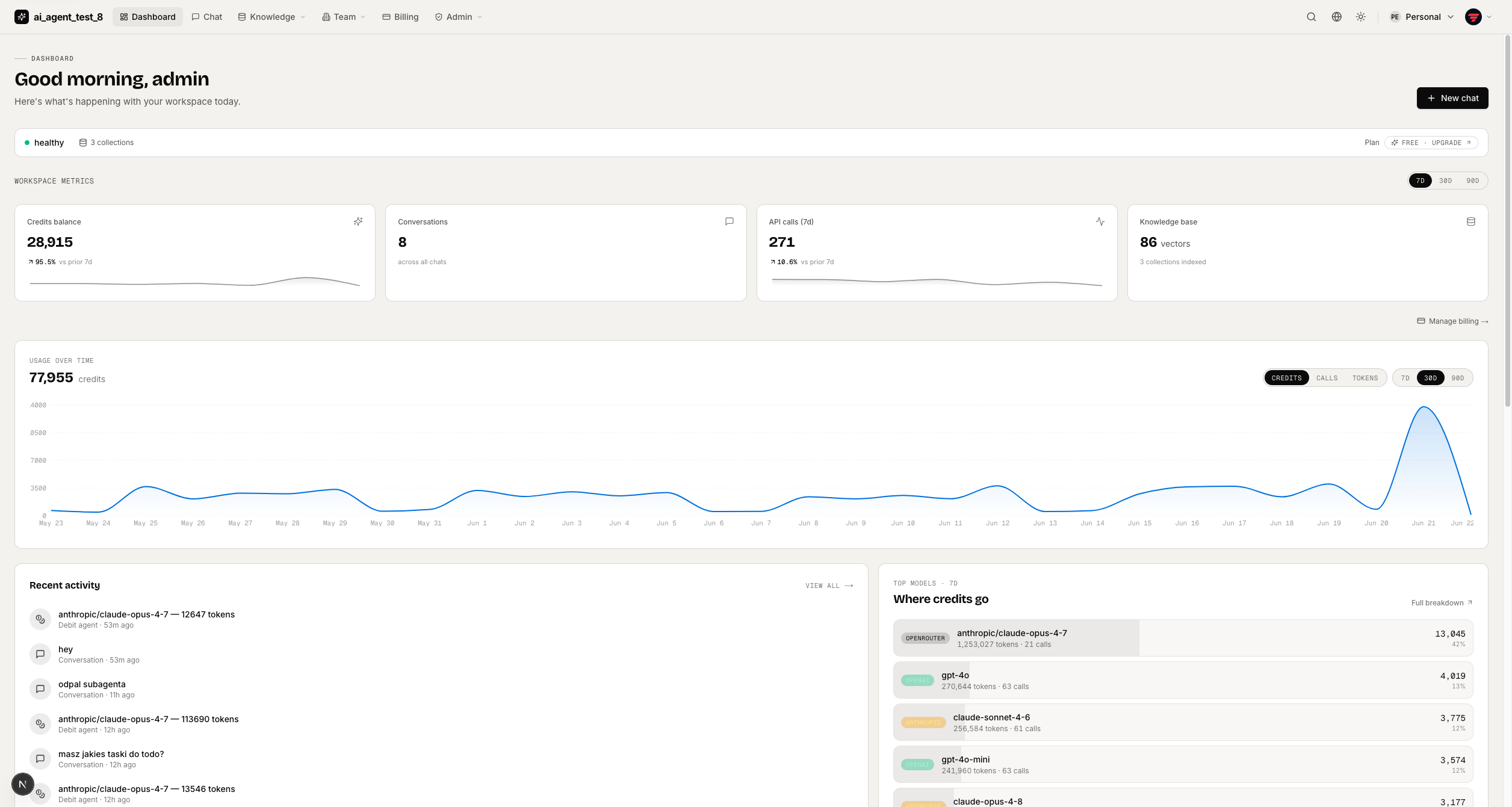
full-stack-ai-agent-template
Full-stack AI app generator — FastAPI + Next.js with AI Agents, RAG, streaming, auth, and 20+ integrations out…
Next.js · 工具站
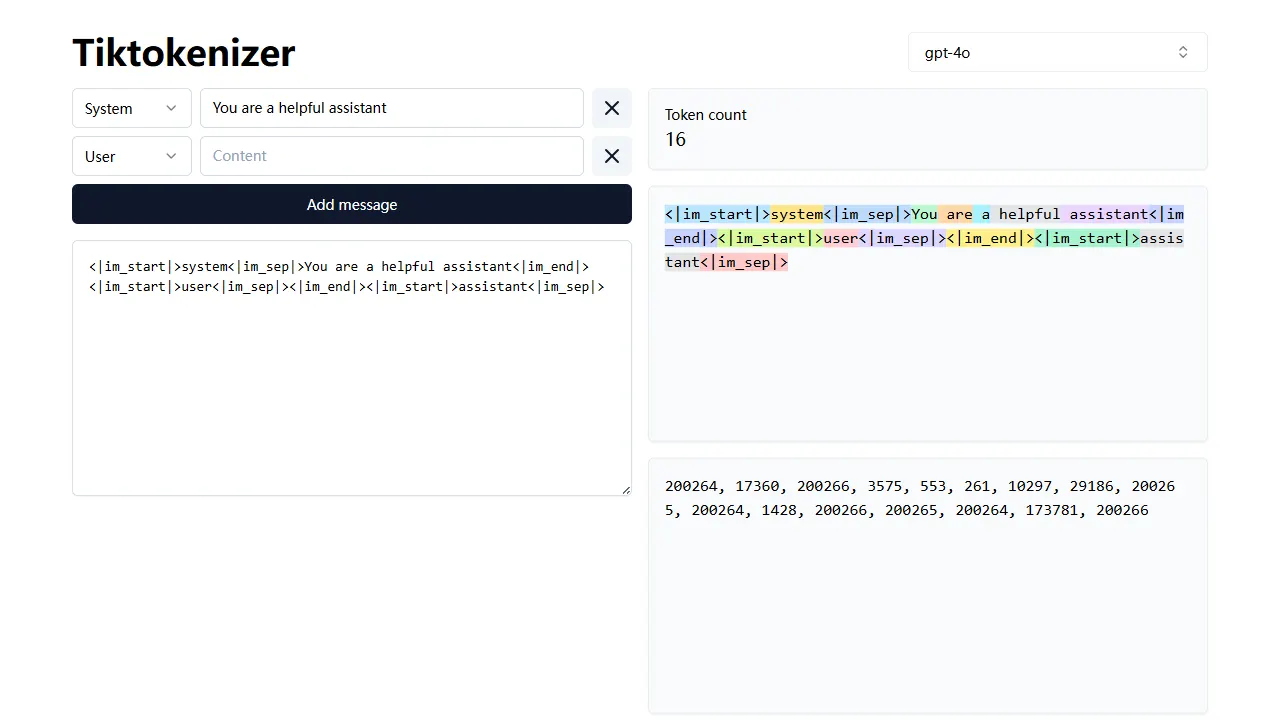
tiktokenizer
tiktokenizer 是一个开源的在线工具站项目,核心功能是计算文本对应的 token 数量,服务于 openai/tiktoken 库。
Next.js · 工具站

resume builder
resume builder 是一个开源的在线简历生成工具,演示站点可直接体验。 它基于 Next.js、TypeScript 和 Material UI 构建,前端状态管理采用 Zustand,整体界面简洁,交互流畅。
Next.js · 工具站
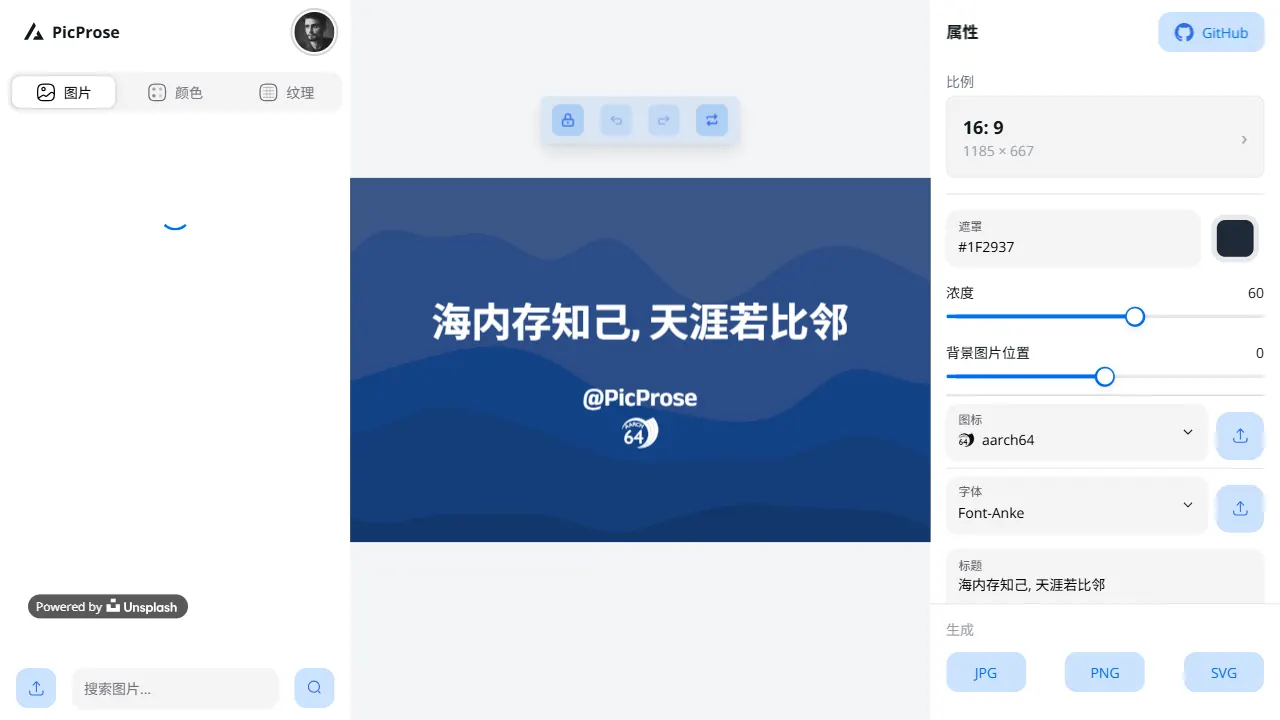
picprose
PicProse 是一个开源的封面图生成工具,专为博客作者、内容创作者和开发者设计。 它通过直观的界面,让用户快速为 Medium、YouTube、B站等平台生成专业封面。
Next.js · 工具站
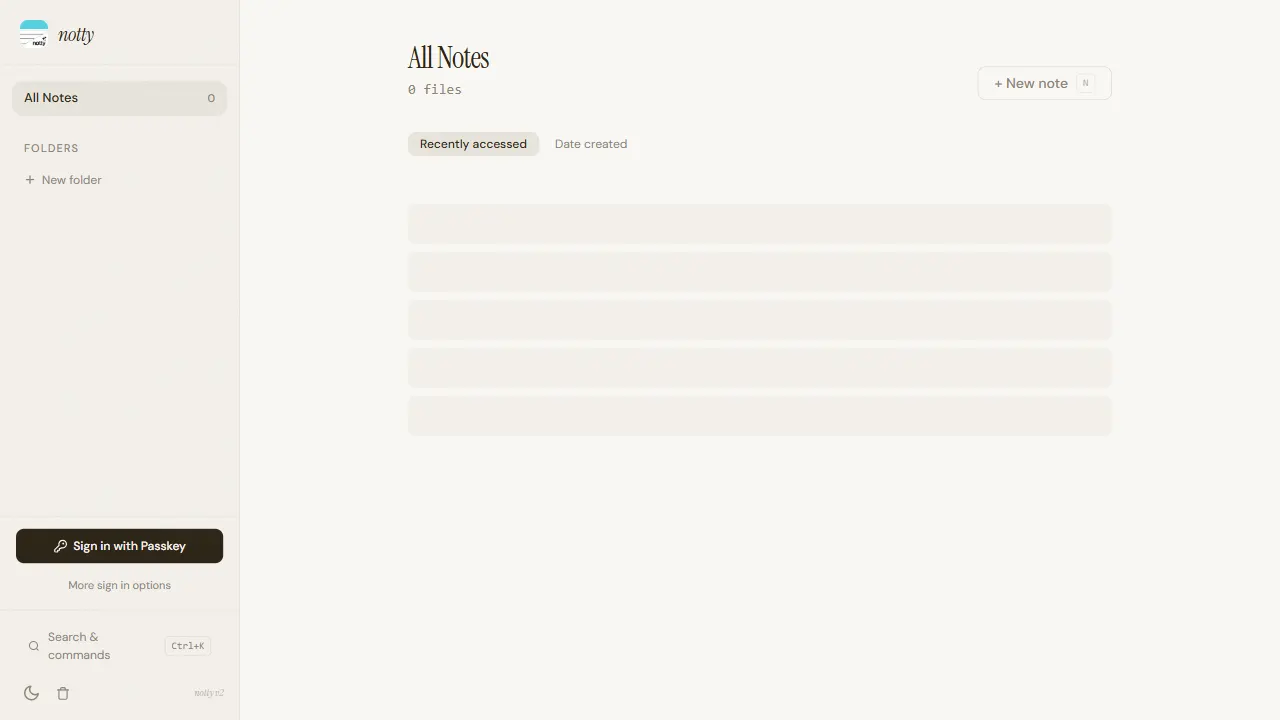
notty
Notty 是一个定位明确的笔记应用模板,核心卖点是“离线优先 + 实时协作 + 数据自主”。
Next.js · 工具站
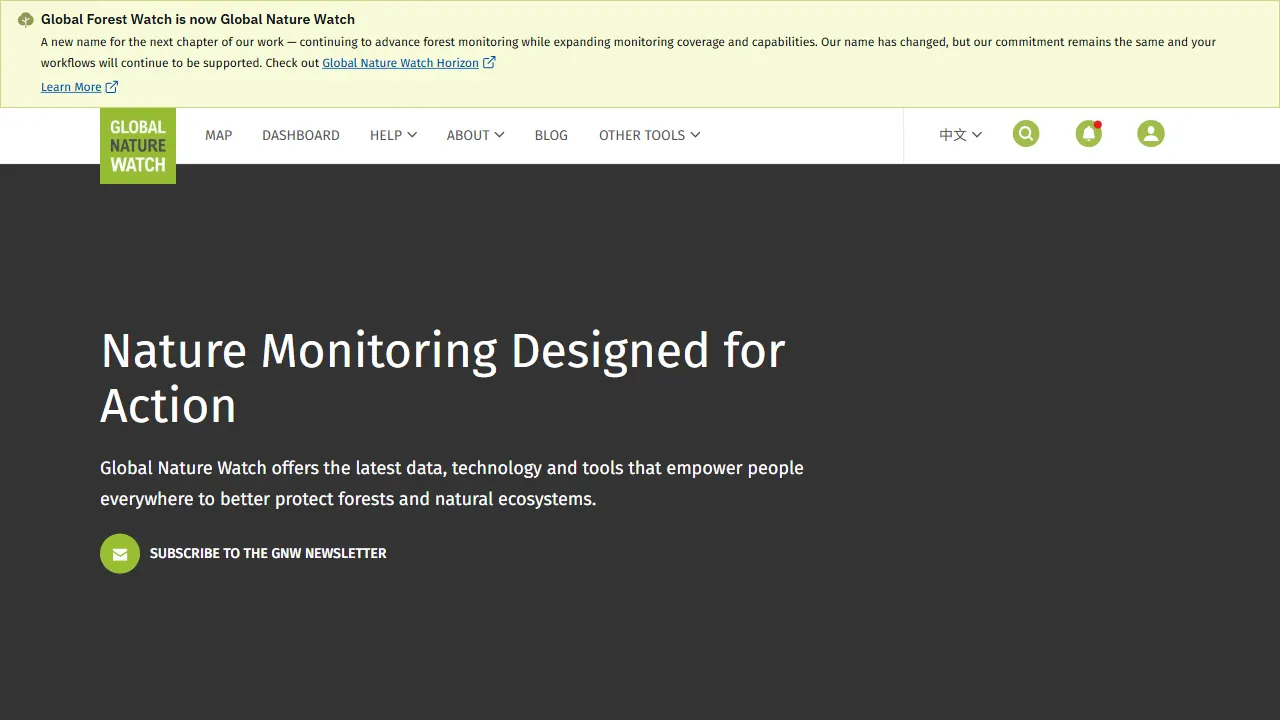
gfw
gfw 是 Global Forest Watch 的官方 Web 应用,一个面向森林监测与告警的在线工具站。
Next.js · 工具站