同时提供桌面端可开合侧边栏与移动端两种布局(滑动侧边栏或底部菜单)
Next.jsReact启动器
nextjs-material-pwa — Next.js 启动器模板
作者 ivandotv
基于 Next.js、Material UI 与 Workbox 的渐进式 Web 应用启动模板,包含响应式布局、主题切换、引导页和 Service Worker 离线支持。
看看你的网站会是什么样
浏览真实页面截图,比较内容排版与手机效果。点击下方缩略图切换,放大查看整页细节。
全部页面与视图 2
截图用于了解视觉与布局,交互效果请以实际项目为准。
采集于 2026-10-02查看来源
值得关注的模板亮点
从已有项目资料中,快速了解它的特点。
内置深色与浅色两套主题,可自行定制
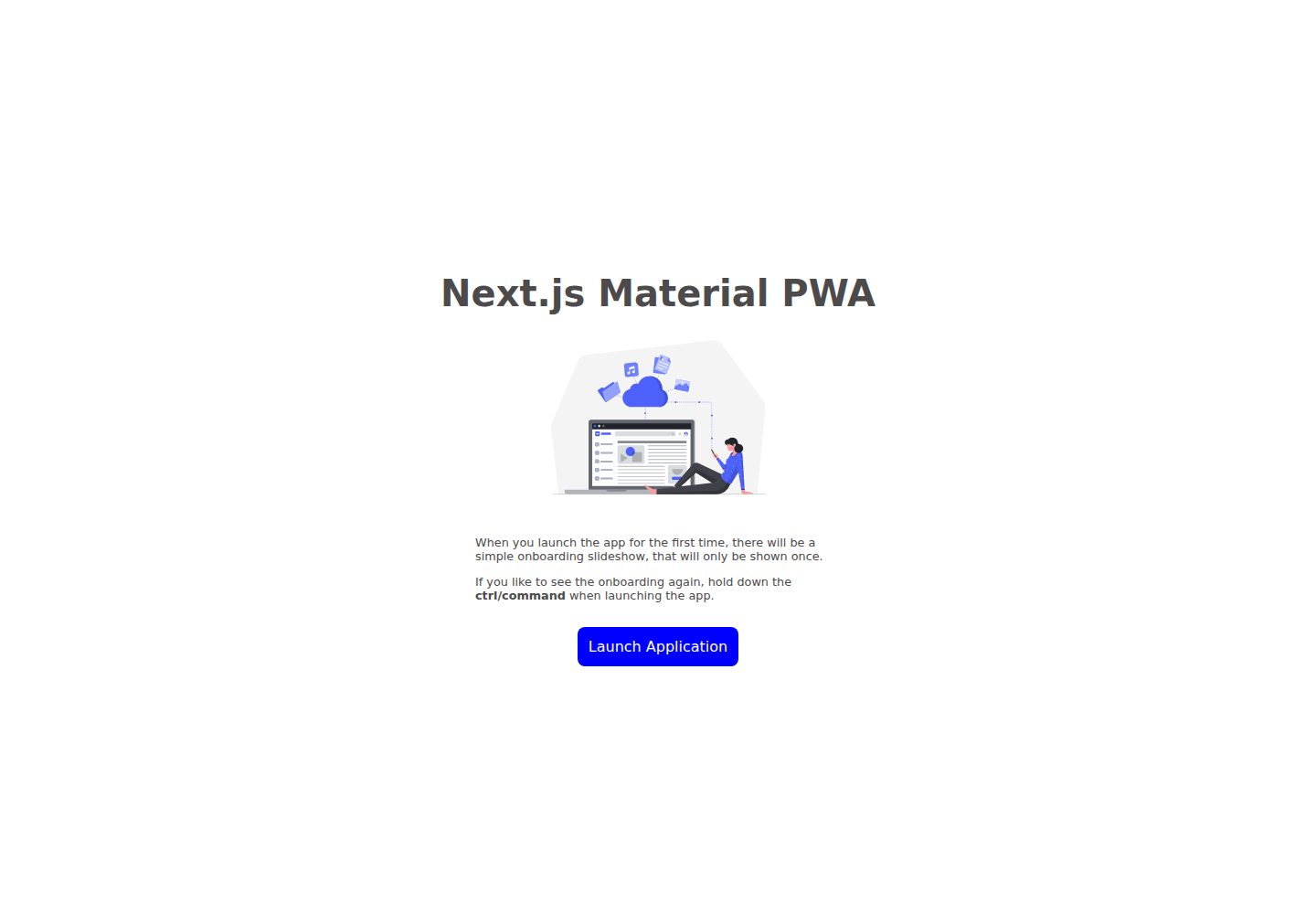
包含可选的引导幻灯片,可移除
Service Worker 基于 Workbox,预缓存路由、图片、CSS 与 Google Fonts,并在更新后提示重新加载
提供离线回退页与网络离线检测通知
自定义 Babel 配置可注入版本、构建日期、提交 SHA 等编译期环境变量
模板详细介绍
该模板用于搭建渐进式 Web 应用(PWA),技术组合为 Next.js、Material UI 和 Workbox。仓库定位是启动器,作者希望用它快速开始 PWA 项目并保持更新。
界面方面,应用同时支持桌面与移动布局。桌面端左侧有可开合的侧边栏;移动端提供两种方案:可滑动开合的侧边栏,或把菜单项放在底部的现代布局。主题包含深色与浅色两套,可自行定制。模板还内置了原生应用中常见的引导幻灯片(onboarding slideshow),该部分为可选,可移除。
PWA 能力集中在 Service Worker:sw.js 使用 TypeScript 编写,与其余代码一起编译,会预缓存路由、图片、CSS 和 Google Fonts,每次构建生成新的缓存清单。Service Worker 安装后应用会提示重新加载以让新版本接管。无网络时导航会显示离线回退页,回退文件需为纯 HTML、CSS、JS,并放在 public 目录;同时提供网络离线检测,断网时应用内会显示通知。模板还包含自定义安装提示,但仅在桌面系统和 Android 上有效,不支持 iOS;并设置了若干演示用的应用快捷方式,安装后可见。
构建配置上,模板带有自定义 Babel 配置,可在编译时注入 __VERSION__、__DEV__、__BUILD_DATE__、__COMMIT_SHA__、__BRANCH__、__COMMIT_MESSAGE__ 等环境变量;若不需要这些变量,可移除该配置改用 Next.js 编译器以提升编译速度。
限制与注意:安装提示不支持 iOS;离线回退页不能使用 React 或 CSS-in-JS 库;演示图片与幻灯片素材来自第三方站点,需按各自许可核对。
Next.js启动器
适合你的项目吗?
适用场景
- 需要为 Next.js 项目添加 PWA 能力(离线访问、安装提示、应用快捷方式)
- 希望以 Material UI 快速搭建同时适配桌面与移动端的应用界面
- 需要深色/浅色主题切换与原生风格的引导页
- 在构建阶段注入版本号、提交信息等编译期常量
适合人群
- 使用 Next.js 与 Material UI 的前端项目
- 需要 Service Worker 与离线支持的 Web 应用
- 希望复用响应式布局与主题方案的原型或产品
- 接受 MIT 许可并需保留版权声明的开发者
上手与定制指南
结合仓库当前版本的说明,按下面的资料检查内容、配置与运行要求。
- 1
安装提示仅在桌面系统与 Android 上生效,不支持 iOS
- 2
离线回退文件必须是纯 HTML、CSS、JS,并放在 public 目录
- 3
若不需要自定义 Babel 注入的环境变量,可移除该配置改用 Next.js 编译器以提升编译速度
- 4
演示图片与幻灯片素材来自第三方站点,使用前需按各自许可核对
授权与来源资料
使用条件与限制
免费使用 · 保留许可声明本次收录的是公开仓库中采用 MIT 许可的免费版本;免费范围为该版本代码,不代表外部服务或第三方素材免费。
使用时需要遵守
- 允许免费使用、修改、商用和分发该版本代码。
- 分发代码副本或实质性部分时,保留原作者版权声明和完整 MIT 许可声明。
- 代码按现状提供;担保与责任限制以原许可证及适用法律为准。
额外费用与待核对事项
- 应用安装提示仅在桌面操作系统和 Android 上生效,iOS 不支持该功能。
- 离线回退页文件必须为纯 HTML、CSS、JS,不能使用 React 或 CSS-in-JS 库。
- 演示图片素材来自第三方站点 flexiple.com,需按其自身许可使用。
- 引导幻灯片图片来自第三方站点 pixeltrue.com,需按其自身许可使用。
- 演示图片、字体、图标及其他第三方素材需按各自许可核对,不能仅凭代码的 MIT 许可判断。
- 域名、托管、数据库、支付或 AI 等外部服务可能另外收费。
查看原文依据
Permission is hereby granted, free of charge
许可证原文
the installation prompt only works on the desktop OS'es and Android, no IOS
README 原文
the fallback files must be pure html,css, and js (no react, or css-in-js libraries)
README 原文
Image credits [flexiple.com](https://2.flexiple.com/scale/all-illustrations?search=app)
README 原文
https://github.com/ivandotv/nextjs-material-pwa/blob/master/LICENSEhttps://github.com/ivandotv/nextjs-material-pwa/blob/master/README.mdSlideshow images: [pixeltrue.com](https://www.pixeltrue.com/free-packs/lined-illustrations)
README 原文
DeepSeek 根据仓库许可证和 README 整理 ·2026-10-02。结果仅覆盖已读取资料,依赖、图片、字体及后续条款变更以各自原文为准。
项目核对记录与介绍依据
模板资料
- 来源平台
- GitHub
- 资料与维护参考分
- 资料较完整 · 87 / 100
- 技术栈
- Next.js · React
- 网站类型
- 启动器
这个分数如何计算
本站按许可资料(最高30分)、演示链接(12分)、预览图(10分)、Star数(15分)、记录的维护时间(15分)、描述完整度(8分)、功能记录(5分)和分类资料(5分)计算。它不是代码、安全或性能测试,也不是 Google 评分;有链接不代表已实测可用。
这个项目需要核对什么
- 记录的仓库更新时间
- 2026-07-21
- 截图检查日期
- 2026-10-02
已收录演示链接。请用你的内容与屏幕尺寸检查;有演示不代表表单、认证或支付已经可用。
目录记录的主要技术栈是 Next.js。请通过依赖清单和锁文件核对实际版本与托管要求。这些说明基于收录资料,不代表代码审计或部署实测。
查看具体选型方法 →介绍的制作与核对状态
介绍由 AI 辅助整理目录与仓库资料。仓库作者不等于这篇介绍的审核者。
已完成服务器许可规则与 AI 来源核对;未经过人工编辑审核。
查看当时使用的来源资料
SHA-256: e8633c1d3f27971d60eb578407f41fb2b9542e6ea1ba6f7789d58f5df683fa75
2026-10-02T20:46:26.718Z
来源文件 / 仓库# Nextjs Material UI Progressive Web App (PWA) Template Template for creating progressive web apps with [MaterialUI](https://mui.com/), [Next.js](https://nextjs.org/) and [Workbox](https://developer.chrome.com/docs/workbox/) Working demo: https://material-pwa.vercel.app/ <!-- toc --> - [Motivation](#motivation) - [Layout](#layout) - [Theming](#theming) - [Onboarding slideshow](#onboarding-slideshow) - [Service worker](#service-worker) * [service worker setup](#service-worker-setup) * [offline fallback](#offline-fallback) * [installation prompt](#installation-prompt) * [app shortcuts](#app-shortcuts) - [Custom Babel.js config](#custom-babeljs-config) - [Future](#future) - [Blog post](#blog-post) - [Useful links](#useful-links) - [License](#license) <!-- tocstop --> ## Motivation Setting up PWA's involves a lot of moving parts, so I've decided to create a template repository, that I would always keep up to date, and it will enable me to get started quickly. ## Layout The application supports both desktop and mobile layouts. The desktop layout has a sidebar on the left side that can open and close.  The mobile layout has two options. - Traditional layout with a sidebar that can be swiped to open/close  - Modern layout where menu items are at the bottom  ## Theming - There are two themes dark and light, and they can easily be customized. ## Onboarding slideshow I've also included an onboarding slideshow which is usually present in native apps. This is optional and it can easily be removed. https://user-images.githubusercontent.com/390700/174054384-3eeb975b-c39a-414a-a93c-48f6fbfefd7b.mp4 ## Service worker The real hard part of creating pwa's is service worker integration, both in the build process and in production. Service worker functionality is implemented with the excellent [Workbox library](https://developer.chrome.com/docs/workbox/) ### service worker setup - Service worker [`sw.js`](./src/lib/client/service-worker/sw.ts) is written in Typescript and it will be compiled together with the rest of the code. The service worker will precache all the routes, images, CSS, and google fonts. Every time the app is built new cache manifest is created. When the service worker is installed, the application will show a prompt to reload the application so the new service worker can take over. ### offline fallback Offline fallback is provided, if `navigation` happens when there is no network access, the fallback page will be shown. Please note that the fallback files must be pure html,css, and js (no react, or css-in-js libraries). Fallback files need to be placed in the `public` directory. Also, there is `network offline` detection, if the browser loses network connection, there will be a notification inside the app that the application is offline. You can test this via the Chrome dev tools network tab. ### installation prompt The application also has a custom prompt for the installation of the app. Please note that the installation prompt only works on the desktop OS'es and Android, no IOS. ### app shortcuts The application also has set some demo shortcuts which show up if the application is installed. You can read more about PWA Shortcuts at [Get things done quickly with app shortcuts](https://web.dev/app-shortcuts/)  ## Custom Babel.js config There is a custom babel configuration, that enables you to have a couple of custom `env` var that can be used when compiling the application: - `__VERSION__`: app version, taken from `package.json` version, - `__DEV__`: `true` if the application is running in dev mode - `__BUILD_DATE__`: app build date taken from the git commit - `__COMMIT_SHA__`: git commit sha - `__BRANCH__`: branch name, - `__COMMIT_MESSAGE__`: git commit message If you don't need these `env` variables, you can remove the babel config and use [Next.js compiler](https://nextjs.org/docs/advanced-features/compiler) which will increase compilation speed. ## Future This template will be kept up to date. In the future, I might create similar templates for [Mantine library](https://mantine.dev/) and [Chakra-UI](https://chakra-ui.com/) If you have suggestions on how this process could be improved, feel free to open an issue or pull a request. ## Blog post I will eventually write a blog post detailing the whole setup process. You can follow me on [Twitter](https://twitter.com/iki_xx) or on [Dev.to](https://dev.to/ivandotv) to be notified of new blog posts. ## Useful links If you want to learn more about how to create progressive web apps with a great user experience, check out these links: - [learn pwa](https://web.dev/learn/pwa/) - [30 days of PWA](https://blogs.windows.com/msedgedev/2022/04/14/30-days-of-pwa-fall-in-love-with-progressive-web-apps/) - [service worker lifecycle](https://web.dev/service-worker-lifecycle/) - [pwa icon generator](https://maskable.app/) - [responsively application](https://responsively.app/) - [samsung remote test lab](https://developer.samsung.com/remote-test-lab) ## License This project is licensed under the MIT License - see the [LICENSE](LICENSE) file for details Image credits [flexiple.com](https://2.flexiple.com/scale/all-illustrations?search=app) Slideshow images: [pixeltrue.com](https://www.pixeltrue.com/free-packs/lined-illustrations)
看看同类模板
对比同技术栈与用途的模板,找到更适合的视觉与内容结构。

ai-website-cloner-template
Clone any website with one command using AI coding agents
Next.js · 启动器

Next.js SaaS Starter
Next.js SaaS Starter 是 Next.js 官方维护的 SaaS 起点模板,定位介于学习资源和可直接部署的脚手架之间。
Next.js · SaaS

Next.js Commerce
Next.js Commerce 是 Vercel 团队维护的电商启动模板,基于 Next.js App Router 构建,采用服务端渲染、React Server Components、Server Actions …
Next.js · 电商

Next-js-Boilerplate
Next-js-Boilerplate 是一个面向 Next.js 16、Tailwind CSS 4 和 TypeScript 的启动器,核心定位是开发者体验优先。
Next.js · 启动器

tailwind-nextjs-starter-blog
tailwind-nextjs-starter-blog 是一个面向个人技术博客的 Next.js 与 Tailwind CSS 启动模板,其 v2 版本基于 App Router 与 React Server Comp…
Next.js · 博客

next-forge
Production-grade Turborepo template for Next.js apps.
Next.js · 启动器