
基于 Jekyll 的简历式个人网站结构
Jekyll作品集
jekyll-theme-personal-website — Jekyll 作品集模板
作者 jayveebustarde
基于 Jekyll 与 Particle 主题的简历式个人网站模板,使用 Gulp、SASS 和 Particle.js 构建,适合搭建个人介绍与作品展示页面。
看看你的网站会是什么样
浏览真实页面截图,比较内容排版与手机效果。点击下方缩略图切换,放大查看整页细节。
目前有 1 张原始预览,可打开完整图片查看设计细节。
截图用于了解视觉与布局,交互效果请以实际项目为准。
采集于 2026-10-03查看来源
值得关注的模板亮点
从已有项目资料中,快速了解它的特点。
集成 Particle.js 粒子背景效果
使用 Gulp 与 SASS 处理样式与构建
内置 Font Awesome 与 Devicon 图标
支持 Google Analytics 统计
通过 _config.yml 集中配置站点与个人信息
模板详细介绍
这是一个基于 Jekyll 的简历式个人网站模板,README 中说明其为使用 Jekyll particle 主题的简单简历网站。模板包含 Gulp、SASS、Sweet Scroll、Particle.js、BrowserSync、Font Awesome 与 Devicon 图标、Google Analytics 以及信息自定义等特性。
使用前需要先安装 Jekyll,并克隆 particle 主题仓库,然后编辑 _config.yml 完成站点与用户信息配置,包括站点描述、baseurl、url,以及用户名、用户描述、用户标题、邮箱、Twitter、GitHub、Google+ 等字段。README 特别提醒部署前务必修改 url。
颜色与粒子效果可分别通过编辑 SASS 变量和 app.js 中 particle 函数的 JSON 数据来调整,粒子部分可参考 Particle.js 项目。本地运行需要安装 NodeJS、Jekyll、Yarn,安装依赖后执行 gulp。
该模板采用 MIT 许可证,允许免费使用、修改、商用和分发代码,但演示图片、字体、图标等第三方素材需按各自许可核对;域名、托管等外部服务可能另行收费。
Jekyll作品集
适合你的项目吗?
适用场景
- 搭建个人简历或自我介绍页面
- 展示个人作品集与技能图标
- 作为 Jekyll 静态站点学习与改造的起点
适合人群
- 需要快速上线个人简历页面的开发者
- 熟悉或愿意使用 Jekyll 静态站点工具的用户
- 希望自定义粒子背景与配色的个人站点作者
上手与定制指南
结合仓库当前版本的说明,按下面的资料检查内容、配置与运行要求。
- 1
需先安装 Jekyll,并克隆 particle 主题仓库
- 2
编辑 _config.yml 填写站点描述、baseurl、url 及用户名、邮箱、社交账号等信息
- 3
部署前务必修改 url 为实际站点地址
- 4
本地运行需安装 NodeJS、Jekyll 与 Yarn,安装依赖后执行 gulp
- 5
颜色通过 SASS 变量调整,粒子效果通过 app.js 中 particle 函数的 JSON 数据调整
授权与来源资料
使用条件与限制
免费使用 · 保留许可声明本次收录的是公开仓库中采用 MIT 许可的免费版本;免费范围为该版本代码,不代表外部服务或第三方素材免费。
使用时需要遵守
- 允许免费使用、修改、商用和分发该版本代码。
- 分发代码副本或实质性部分时,保留原作者版权声明和完整 MIT 许可声明。
- 代码按现状提供;担保与责任限制以原许可证及适用法律为准。
额外费用与待核对事项
- 部署前必须将 _config.yml 中的 url 修改为实际站点地址,否则站点链接与资源路径可能不正确。
- 本地构建需自行安装 Jekyll、NodeJS 与 Yarn 等外部工具,属于使用该模板的前置环境要求。
- 粒子效果依赖第三方 Particle.js 项目,其代码与许可需单独核对,不属于本模板 MIT 授权范围。
- 演示图片、字体、图标及其他第三方素材需按各自许可核对,不能仅凭代码的 MIT 许可判断。
- 域名、托管、数据库、支付或 AI 等外部服务可能另外收费。
查看原文依据
Permission is hereby granted, free of charge
许可证原文
Don't forget to change your url before you deploy your site!
README 原文
Install [Jekyll](https://jekyllrb.com): `sudo gem install bundler jekyll`
README 原文
https://github.com/jayveebustarde/jekyll-theme-personal-website/blob/master/LICENSE.txthttps://github.com/jayveebustarde/jekyll-theme-personal-website/blob/master/README.mdRefer to [Particle.js](https://github.com/VincentGarreau/particles.js/) for help
README 原文
DeepSeek 根据仓库许可证和 README 整理 ·2026-10-03。结果仅覆盖已读取资料,依赖、图片、字体及后续条款变更以各自原文为准。
项目核对记录与介绍依据
模板资料
- 来源平台
- GitHub
- 资料与维护参考分
- 资料较少 · 53 / 100
- 技术栈
- Jekyll
- 网站类型
- 作品集
这个分数如何计算
本站按许可资料(最高30分)、演示链接(12分)、预览图(10分)、Star数(15分)、记录的维护时间(15分)、描述完整度(8分)、功能记录(5分)和分类资料(5分)计算。它不是代码、安全或性能测试,也不是 Google 评分;有链接不代表已实测可用。
这个项目需要核对什么
- 记录的仓库更新时间
- 2023-04-17
- 截图检查日期
- 2026-10-03
目前没有记录演示链接。请依据仓库说明在本地评估;仅凭截图无法确认交互行为。
目录记录的主要技术栈是 Jekyll。请通过依赖清单和锁文件核对实际版本与托管要求。这些说明基于收录资料,不代表代码审计或部署实测。
查看具体选型方法 →介绍的制作与核对状态
介绍由 AI 辅助整理目录与仓库资料。仓库作者不等于这篇介绍的审核者。
审核声明: [email protected] · 2026-10-04
查看当时使用的来源资料
SHA-256: bd7c2f550d2c5441fe798c618c20b580ff947040249bc6714ca4553ece5b8a17
2026-10-03T20:27:18.418Z
来源文件 / 仓库# Particle Jekyll Theme  This is a simple resume website that is using Jekyll particle theme. The project features: - Gulp - SASS - Sweet Scroll - Particle.js - BrowserSync - Font Awesome and Devicon icons - Google Analytics - Info Customization ## Basic Setup 1. [Install Jekyll](http://jekyllrb.com) 2. Clone the particle theme: `git clone https://github.com/nrandecker/particle.git` 3. Edit `_config.yml` to personalize your site. ## Site and User Settings You have to fill some informations on `_config.yml` to customize your site. ``` # Site settings description: A blog about lorem ipsum dolor sit amet baseurl: "" # the subpath of your site, e.g. /blog/ url: "http://localhost:3000" # the base hostname & protocol for your site # User settings username: Lorem Ipsum user_description: Anon Developer at Lorem Ipsum Dolor user_title: Anon Developer email: [email protected] twitter_username: lorem_ipsum github_username: lorem_ipsum gplus_username: lorem_ipsum ``` **Don't forget to change your url before you deploy your site!** ## Color and Particle Customization - Color Customization - Edit the sass variables - Particle Customization - Edit the json data in particle function in app.js - Refer to [Particle.js](https://github.com/VincentGarreau/particles.js/) for help ## Running the blog in local In order to compile the assets and run Jekyll on local you need to follow those steps: - Install [NodeJS](https://nodejs.org/) - Install [Jekyll](https://jekyllrb.com): `sudo gem install bundler jekyll` - Install [Yarn](https://yarnpkg.com/): `npm install -g yarn` - Install dependencies: `yarn` - Run: `gulp` ## License This theme is free and open source software, distributed under the The MIT License. So feel free to use this Jekyll theme anyway you want. ## Credits This theme was partially designed with the inspiration from these fine folks - [Willian Justen](https://github.com/willianjusten/will-jekyll-template) - [Vincent Garreau](https://github.com/VincentGarreau/particles.js/)
看看同类模板
对比同技术栈与用途的模板,找到更适合的视觉与内容结构。

al-folio
al-folio 是一个面向学者与研究人员的 Jekyll 作品集主题,设计简洁、响应式,适合搭建个人学术主页。
Jekyll · 作品集

minimal-mistakes
:triangular_ruler: Jekyll theme for building a personal site, blog, project documentation, or portfolio.
Jekyll · 作品集

Beautiful Jekyll
Beautiful Jekyll 是一个在 Jekyll 生态中经过长期打磨的博客主题,由 Dean Attali 维护,自 2015 年起积累了超过 5 万用户。
Jekyll · 博客

So Simple
So Simple 是 Michael Rose 开发的 Jekyll 主题,定位清晰:为文字和图片提供一个干净、可读性强的展示框架。
Jekyll · 博客
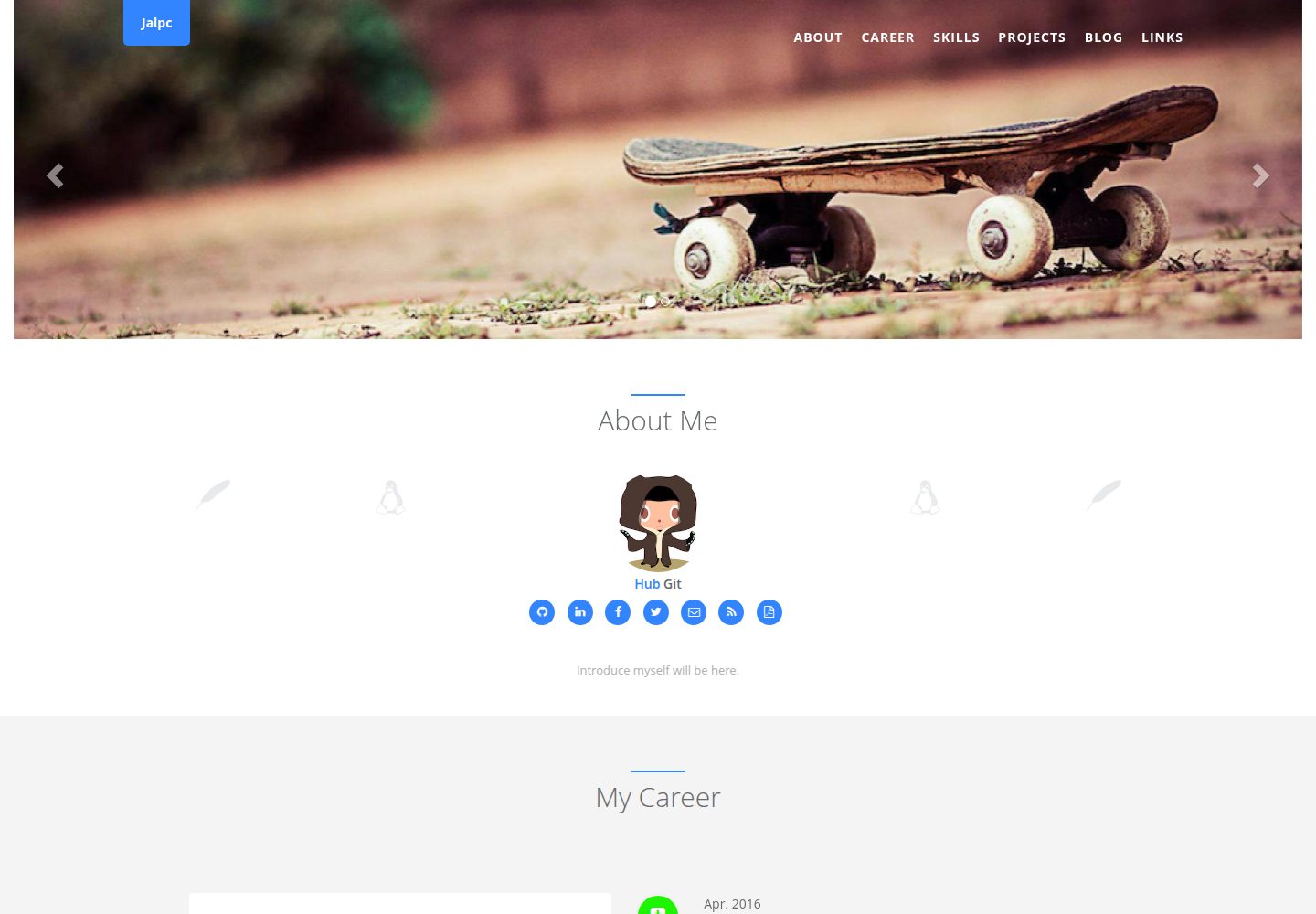
Jalpc
🍎Jalpc -- A flexible Jekyll theme, 3 steps to build your website.
Jekyll · 作品集
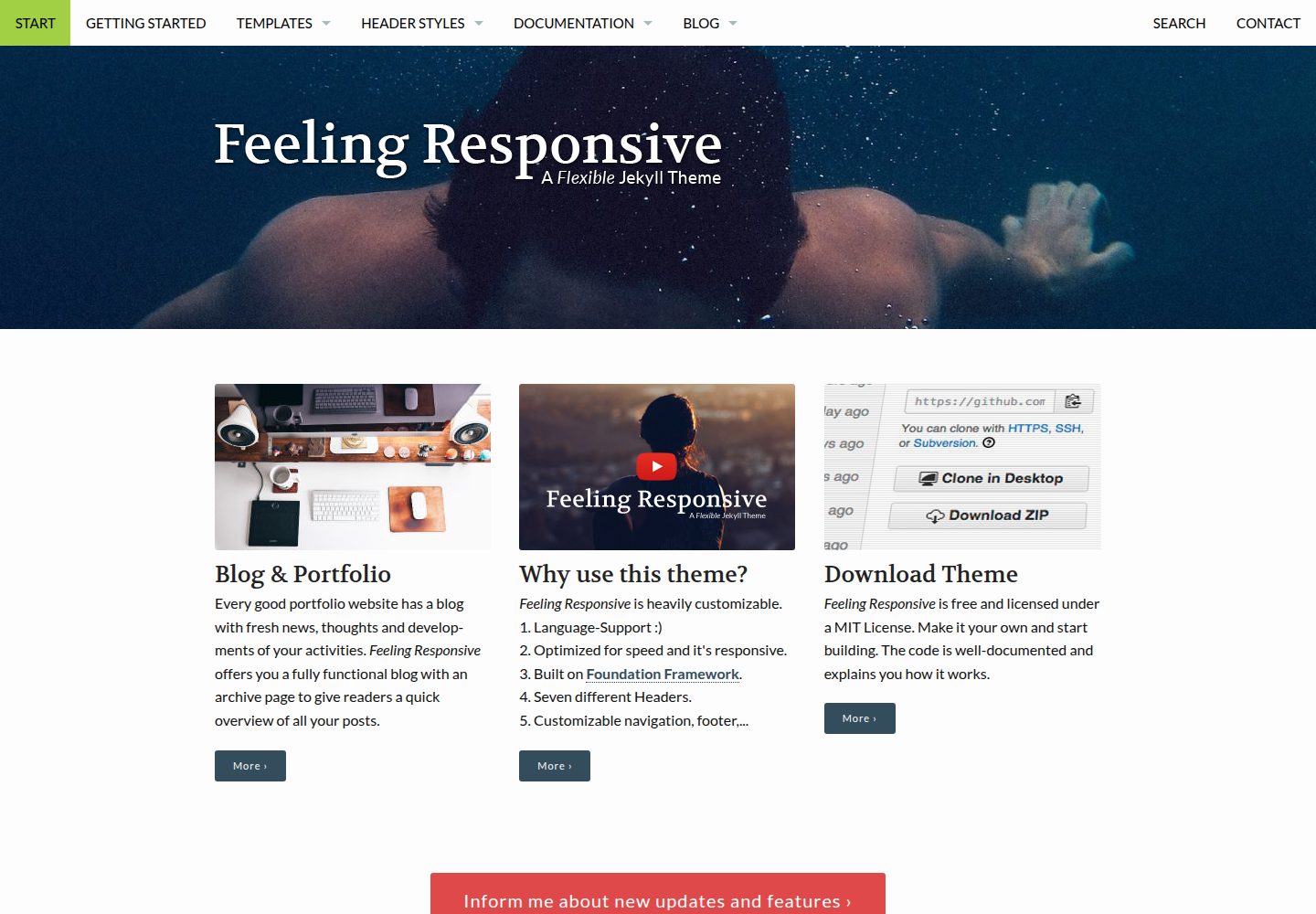
feeling-responsive
»Feeling Responsive« is a free flexible theme for Jekyll built on Foundation framework. You can use it for you…
Jekyll · 作品集