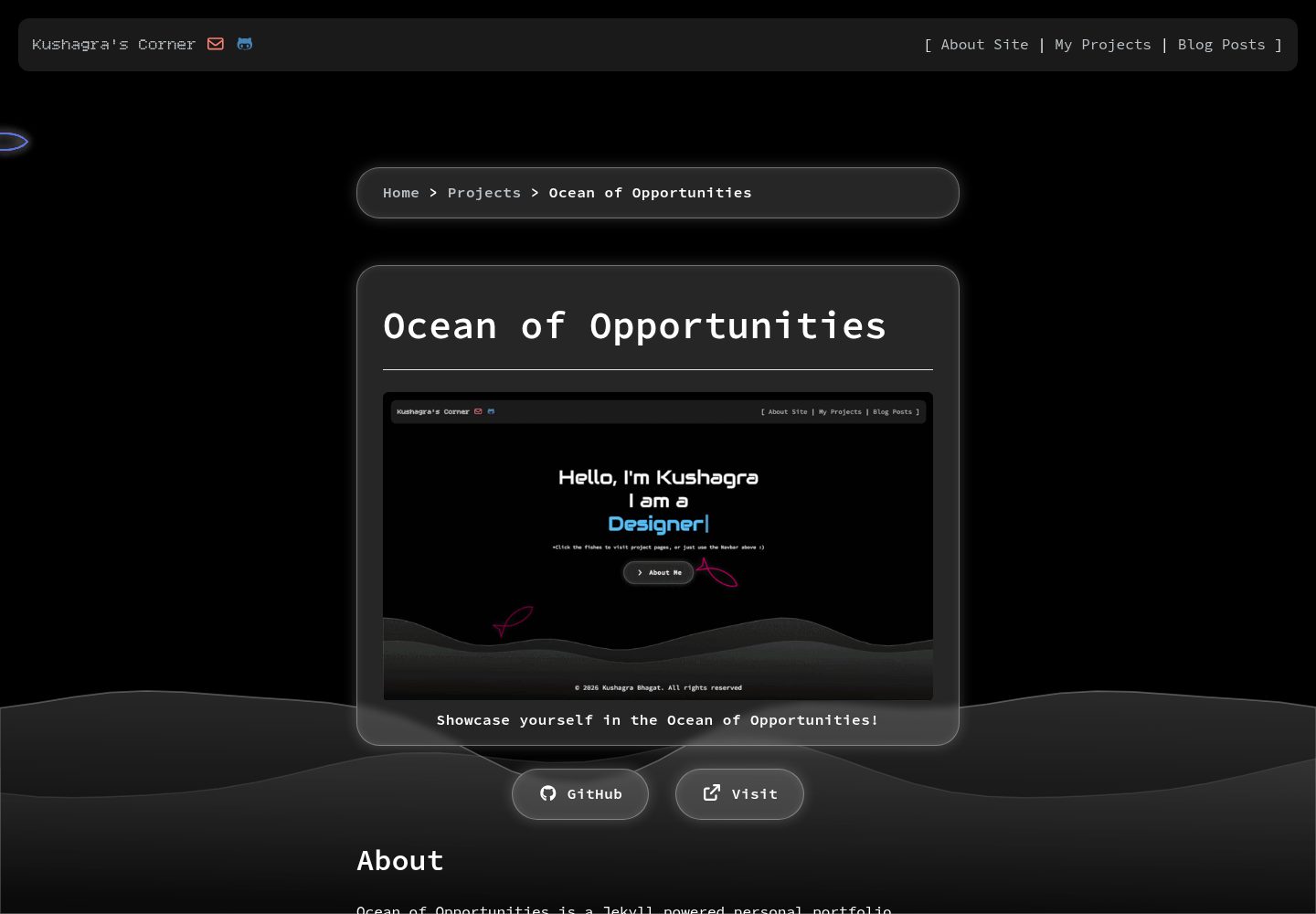
基于 Jekyll 构建的个人作品集网站主题
Jekyll作品集
Ocean-of-Opportunities — Jekyll 作品集模板
作者 kuwushagra
Ocean of Opportunities 是一个基于 Jekyll 的个人作品集网站主题,可通过 GitHub Pages 部署,并在 _config.yml 中配置站点信息与社交链接。
看看你的网站会是什么样
浏览真实页面截图,比较内容排版与手机效果。点击下方缩略图切换,放大查看整页细节。
全部页面与视图 3
截图用于了解视觉与布局,交互效果请以实际项目为准。
采集于 2026-10-02查看来源
值得关注的模板亮点
从已有项目资料中,快速了解它的特点。
支持通过 GitHub Pages 从分支直接部署
站点标题、描述、作者与社交链接集中在 _config.yml 配置
博客文章以 Markdown 写入 _posts 目录,使用 front matter 定义元数据
提供本地开发流程:安装 Ruby 与 Bundler 后运行 bundle exec jekyll serve
采用 Apache-2.0 许可,允许修改、商用与分发
模板详细介绍
这是一个 Jekyll 驱动的个人作品集网站主题,仓库名为 Ocean-of-Opportunities,作者为 kuwushagra。主题定位是展示个人作品与信息,README 提供了两种使用路径:直接 Fork 到 GitHub 并启用 GitHub Pages,或在本地用 Ruby 与 Bundler 运行 Jekyll 服务预览。
配置集中在 _config.yml,需要填写站点标题、描述、作者名、站点 url,以及 GitHub 用户名和邮箱等社交链接字段;使用用户站点时 baseurl 需留空。内容方面,博客文章放在 _posts 目录,文件名遵循 YYYY-MM-DD-标题.md 格式,每篇文章开头需写 layout、title、date、image、categories、tags 等 front matter。
仓库采用 Apache-2.0 许可,允许免费使用、修改、商用与分发,分发时需随附许可证并标注修改过的文件。README 未说明主题包含哪些具体页面模块、组件或样式细节,也未给出依赖版本与浏览器兼容信息,这些需要查看仓库源码确认。演示图片、字体、图标等第三方素材的授权需单独核对。
Jekyll作品集
适合你的项目吗?
适用场景
- 搭建个人作品集网站并托管在 GitHub Pages
- 在 GitHub 上 Fork 主题后替换为自己的站点信息
- 用 Markdown 撰写并发布带分类与标签的博客文章
- 在本地启动 Jekyll 服务预览修改效果后再推送
适合人群
- 希望用 Jekyll 快速搭建个人作品集页面的开发者
- 习惯用 Markdown 管理文章与内容的用户
- 已有 GitHub 账号并希望用 GitHub Pages 免费托管站点的人
- 需要可自由修改和商用的开源主题的开发者
上手与定制指南
结合仓库当前版本的说明,按下面的资料检查内容、配置与运行要求。
- 1
Fork 仓库后将仓库名改为 YOUR_USERNAME.github.io,并在 Settings > Pages 中选择分支与 /(root) 目录部署
- 2
在 _config.yml 中更新 title、description、author、url,用户站点需将 baseurl 设为空字符串
- 3
填写 GitHub 用户名与邮箱以启用导航栏社交链接
- 4
本地预览需先安装 Ruby 与 Bundler,再执行 bundle install 与 bundle exec jekyll serve,访问 http://localhost:4000
- 5
新增文章放入 _posts 目录,文件名用 YYYY-MM-DD-标题.md,并补全 layout、title、date、image、categories、tags 等 front matter
授权与来源资料
使用条件与限制
免费使用 · 保留许可声明本次收录的是公开仓库中采用 Apache-2.0 许可的免费版本;免费范围为该版本代码,不代表外部服务或第三方素材免费。
使用时需要遵守
- 允许免费使用、修改、商用和分发;分发时需随附 Apache-2.0 许可证。
- 修改过的文件需显著标明改动,并保留相关版权、专利、商标及归属声明。
- 若原项目附有 NOTICE 文件,分发衍生作品时需保留其中适用的归属声明。
- 许可包含适用的贡献者专利授权;发起许可所述专利诉讼会终止该专利授权,且不授予商标使用权。
- 代码按现状提供;担保与责任限制以原许可证及适用法律为准。
额外费用与待核对事项
- 使用 GitHub Pages 部署时需将仓库重命名为 YOUR_USERNAME.github.io,即依赖 GitHub 账号与 GitHub Pages 服务。
- 本地预览需自行安装 Ruby 与 Bundler 环境,属于外部工具依赖。
- 导航栏社交链接需填写 GitHub 用户名与邮箱才能启用。
- 演示图片、字体、图标及其他第三方素材需按各自许可核对,不能仅凭代码的 Apache-2.0 许可判断。
- 域名、托管、数据库、支付或 AI 等外部服务可能另外收费。
查看原文依据
no-charge, royalty-free, irrevocable copyright license
许可证原文
Rename the repository to `YOUR_USERNAME.github.io`
README 原文
Make sure you have [Ruby](https://ruby-lang.org) and [Bundler](https://bundler.io) installed.
README 原文
https://github.com/kuwushagra/Ocean-of-Opportunities/blob/main/LICENSEhttps://github.com/kuwushagra/Ocean-of-Opportunities/blob/main/README.mdFill in your username handle for GitHub, and E-mail to activate navbar social links.
README 原文
DeepSeek 根据仓库许可证和 README 整理 ·2026-10-02。结果仅覆盖已读取资料,依赖、图片、字体及后续条款变更以各自原文为准。
项目核对记录与介绍依据
模板资料
- 来源平台
- GitHub
- 资料与维护参考分
- 资料较完整 · 80 / 100
- 技术栈
- Jekyll
- 网站类型
- 作品集
这个分数如何计算
本站按许可资料(最高30分)、演示链接(12分)、预览图(10分)、Star数(15分)、记录的维护时间(15分)、描述完整度(8分)、功能记录(5分)和分类资料(5分)计算。它不是代码、安全或性能测试,也不是 Google 评分;有链接不代表已实测可用。
这个项目需要核对什么
- 记录的仓库更新时间
- 2026-09-24
- 截图检查日期
- 2026-10-02
已收录演示链接。请用你的内容与屏幕尺寸检查;有演示不代表表单、认证或支付已经可用。
目录记录的主要技术栈是 Jekyll。请通过依赖清单和锁文件核对实际版本与托管要求。这些说明基于收录资料,不代表代码审计或部署实测。
查看具体选型方法 →介绍的制作与核对状态
介绍由 AI 辅助整理目录与仓库资料。仓库作者不等于这篇介绍的审核者。
已完成服务器许可规则与 AI 来源核对;未经过人工编辑审核。
查看当时使用的来源资料
SHA-256: 3e185ffa285d591fdeb7e9fdc2c79c462de61b367775749185911daa1e710dbf
2026-10-02T08:29:12.899Z
来源文件 / 仓库# Ocean of Opportunities ### Demo: https://kuwushagra.github.io/Ocean-of-Opportunities/ 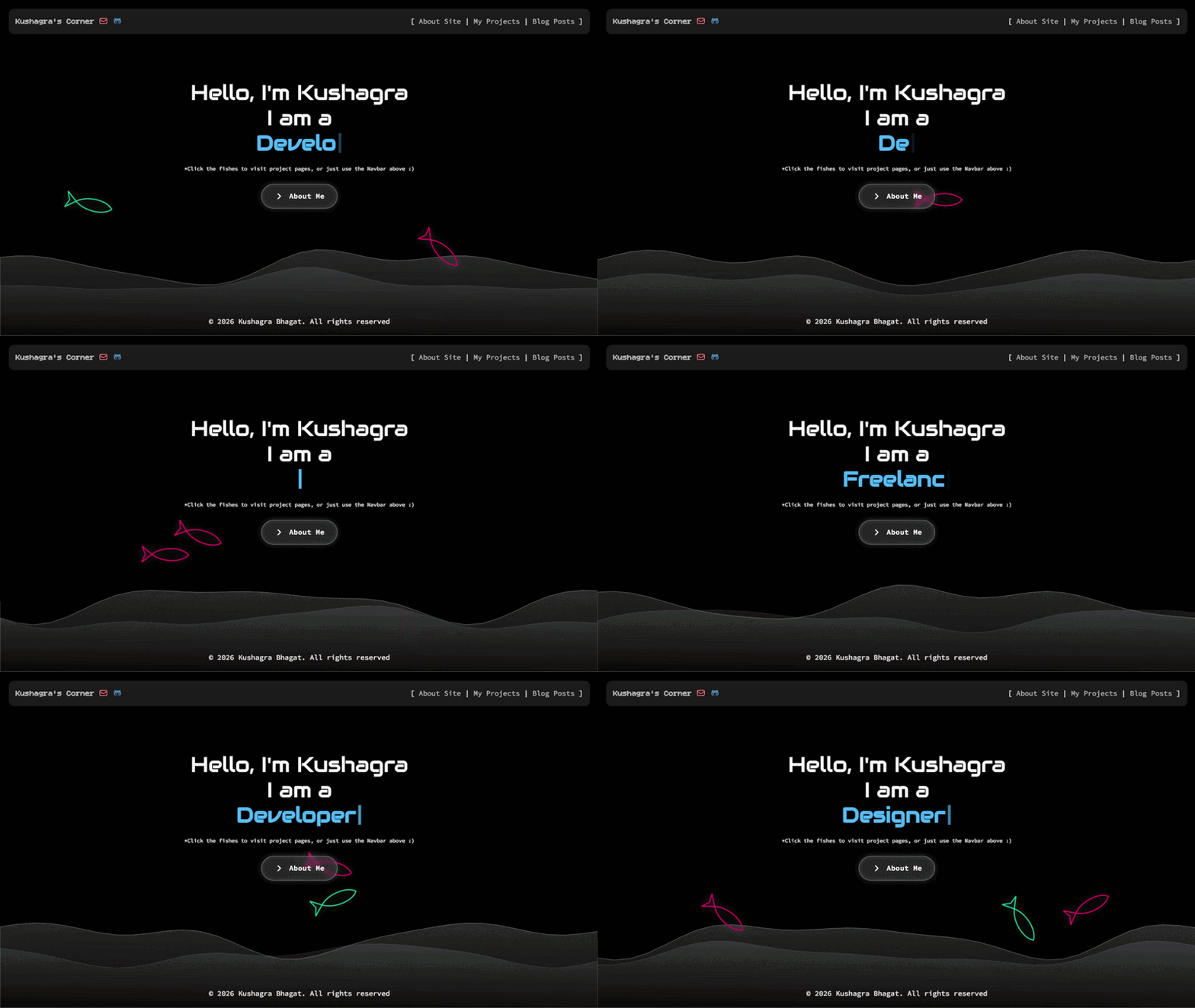 <br>Showcase yourself in the Ocean of Opportunities! A Jekyll powered personal portfolio website theme <br> <hr> ## Quick Start (GitHub Pages) ### Step 1: Fork and Rename 1. Click the **Fork** button at the top-right corner of this repository. 2. Go to your new fork's **Settings** tab. 3. Rename the repository to `YOUR_USERNAME.github.io` (replace `YOUR_USERNAME` with your actual GitHub username). ### Step 2: Enable GitHub Pages 1. Inside your repository, go to **Settings** > **Pages** (under the "Code and automation" section). 2. Under **Build and deployment**, set the source to **Deploy from a branch**. 3. Choose the branch (e.g., `main` or `master`) and folder (`/(root)`). 4. Click **Save**. Your site will be live at `https://YOUR_USERNAME.github.io` within a few minutes! --- ## Configuration & Customization All major settings are managed in the `_config.yml` file. Open this file and update the following fields: * **Site Settings:** Update the `title`, `description`, and `author` name. * **URLs:** Set `url` to `https://YOUR_USERNAME.github.io`. Ensure `baseurl` is set to `""` (blank) if you are using a user site. * **Social Links:** Fill in your username handle for GitHub, and E-mail to activate navbar social links. ### Adding New Posts To write a new blog post, create a markdown file inside the `_posts` directory. Use the following naming convention: `YYYY-MM-DD-title-of-your-post.md` Every post must start with front matter metadata: ```yaml --- layout: post title: "My First Blog Post" date: YYYY-MM-DD HH:MM:SS +0000 image: https://linktoimage categories: [category1] tags: [tag1] --- Your content goes here... ``` --- ## Local Development If you want to test changes on your computer before pushing them to GitHub: ### Prerequisites Make sure you have [Ruby](https://ruby-lang.org) and [Bundler](https://bundler.io) installed. ### Setup Instructions 1. Clone your repository to your machine: ```bash git clone https://github.com cd YOUR_USERNAME.github.io ``` 2. Install the required dependencies: ```bash bundle install ``` 3. Run the local Jekyll server: ```bash bundle exec jekyll serve ``` 4. Open your browser and navigate to `http://localhost:4000`. --- ## License This theme is open-source and available under the [Apache 2.0 License](LICENSE).
看看同类模板
对比同技术栈与用途的模板,找到更适合的视觉与内容结构。

al-folio
al-folio 是一个面向学者与研究人员的 Jekyll 作品集主题,设计简洁、响应式,适合搭建个人学术主页。
Jekyll · 作品集

minimal-mistakes
:triangular_ruler: Jekyll theme for building a personal site, blog, project documentation, or portfolio.
Jekyll · 作品集

Beautiful Jekyll
Beautiful Jekyll 是一个在 Jekyll 生态中经过长期打磨的博客主题,由 Dean Attali 维护,自 2015 年起积累了超过 5 万用户。
Jekyll · 博客

So Simple
So Simple 是 Michael Rose 开发的 Jekyll 主题,定位清晰:为文字和图片提供一个干净、可读性强的展示框架。
Jekyll · 博客
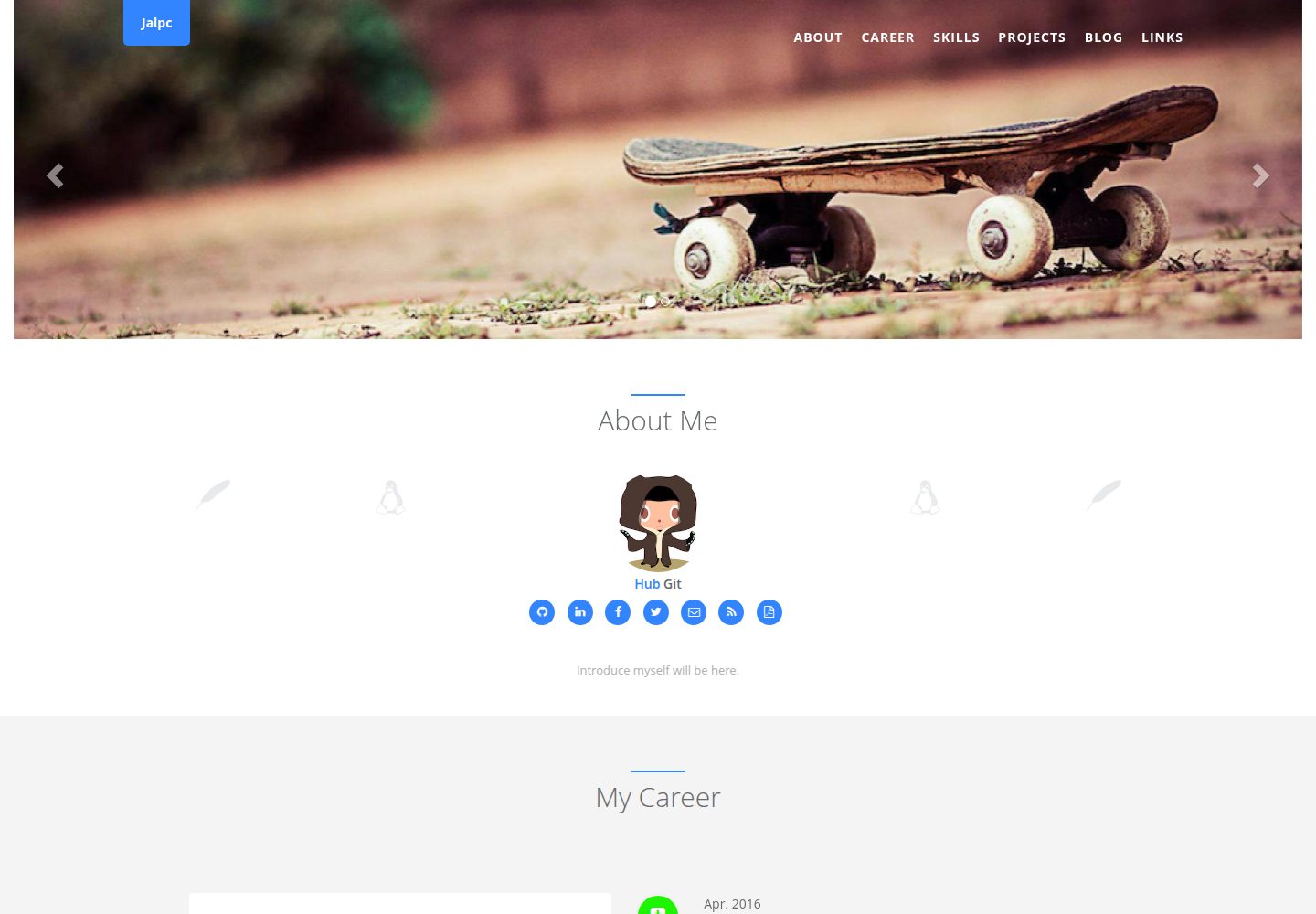
Jalpc
🍎Jalpc -- A flexible Jekyll theme, 3 steps to build your website.
Jekyll · 作品集
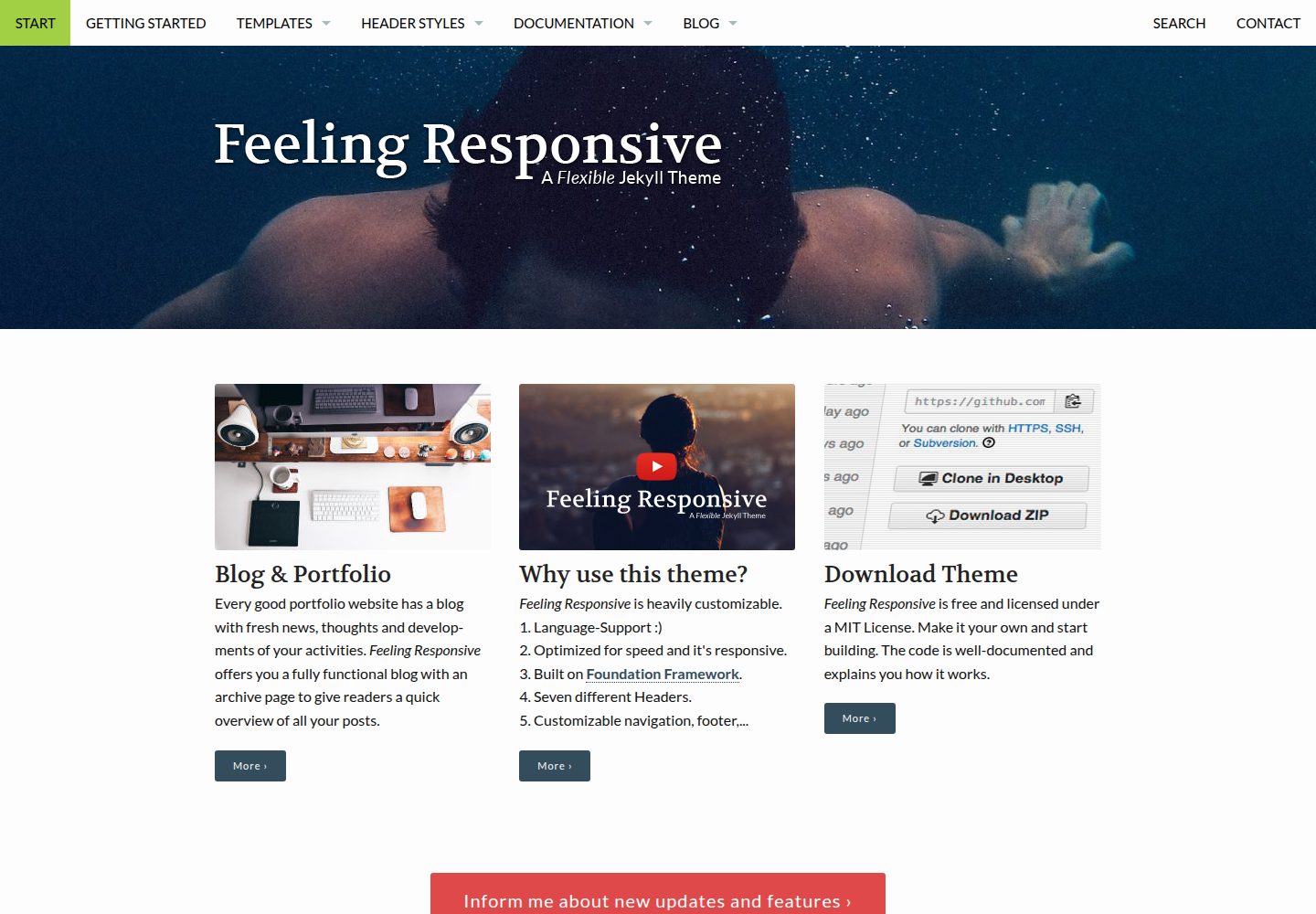
feeling-responsive
»Feeling Responsive« is a free flexible theme for Jekyll built on Foundation framework. You can use it for you…
Jekyll · 作品集