
基于 Next.js App Router 和 Shopify Storefront API 的无头商店前台模板
Next.jsReact电商
nextjs-commerce — Next.js 电商模板
作者 mdresch
基于 Next.js App Router 与 Shopify Storefront API 的无头商店前台模板,通过 GitHub Template Repository 快速创建新店面,内置商品、集合、购物车、结账跳转、Shopify 页面、博客、联系表单与图书预览等功能。
看看你的网站会是什么样
浏览真实页面截图,比较内容排版与手机效果。点击下方缩略图切换,放大查看整页细节。
全部页面与视图 3
截图用于了解视觉与布局,交互效果请以实际项目为准。
采集于 2026-10-14查看来源
值得关注的模板亮点
从已有项目资料中,快速了解它的特点。
支持商品、集合、购物车与结账跳转等核心商店功能
Shopify 页面通过 /<handle> 路径提供,博客支持索引与文章页
图书类商品可显示“Preview sample pages”预览模态框
首页提供 3 种可通过 LANDING_VARIANT 切换的变体
页脚在 Shopify 菜单缺少链接时自动追加 About、Contact、Privacy、Blog 等默认项
模板详细介绍
该仓库是一个 Shopify 无头商店前台模板,使用 Next.js App Router 和 Shopify Storefront API 构建。README 说明其可作为 GitHub Template Repository 使用,以便在不手动复制代码的情况下快速创建新的店面(如数字图书、模板、应用等)。
模板包含的核心前台功能有:商品、集合、购物车和结账跳转;Shopify 页面通过 /<handle> 路径提供(例如 /about、/contact);/contact 显示一个使用 CONTACT_EMAIL 的简单 mailto 表单;博客通过 /blogs/<blogHandle> 和 /blogs/<blogHandle>/<articleHandle> 访问;对于图书类商品,可显示“Preview sample pages”模态框;当 Shopify 页脚菜单缺少常见链接时,页脚会追加 About、Contact、Privacy、Blog 等默认链接;首页提供 3 种可通过 LANDING_VARIANT 切换的变体。
使用要求包括:较新的 Node.js LTS 版本、pnpm,以及启用了内容范围(博客/文章)的 Shopify Storefront API 访问令牌。环境变量至少需要 SHOPIFY_STORE_DOMAIN 和 SHOPIFY_STOREFRONT_ACCESS_TOKEN,可选变量包括 SITE_NAME、COMPANY_NAME、SHOPIFY_REVALIDATION_SECRET、CONTACT_EMAIL、LANDING_VARIANT 和 NEXT_PUBLIC_BLOG_PATH。README 还提供了本地运行命令(pnpm install、pnpm dev)、一个仅开发者使用的 /health 健康检查页面,以及新商店在 Shopify 后台的配置清单,涵盖首页集合、菜单、页面、博客和可选的图书预览设置。生产部署需将相同环境变量设置到托管平台(如 Vercel)。
Next.js电商
适合你的项目吗?
适用场景
- 通过 GitHub Template Repository 快速创建新的 Shopify 无头店面
- 搭建销售数字图书、模板或应用的商店前台
- 为 Shopify 商店提供包含商品、集合、购物车和结账跳转的前台界面
- 在商店中集成博客、联系表单和自定义页面
- 为图书类商品提供样页预览功能
适合人群
- 希望使用 Next.js App Router 构建 Shopify 无头店面的开发者
- 需要快速从模板创建新商店前台的项目
- 销售数字图书、模板或应用并需要商品预览功能的商家
- 需要将 Shopify 页面、博客和联系表单整合到前台的场景
上手与定制指南
结合仓库当前版本的说明,按下面的资料检查内容、配置与运行要求。
- 1
需要较新的 Node.js LTS 版本和 pnpm
- 2
需要启用内容范围(博客/文章)的 Shopify Storefront API 访问令牌
- 3
复制 .env.example 到 .env,至少填写 SHOPIFY_STORE_DOMAIN 和 SHOPIFY_STOREFRONT_ACCESS_TOKEN
- 4
在 Shopify 后台创建首页所需的集合:hidden-homepage-featured-items(至少 3 个商品)和 hidden-homepage-carousel(若干商品)
- 5
在 Shopify 后台创建菜单句柄 next-js-frontend-header-menu 和 next-js-frontend-footer-menu,以及 about、contact 等页面和博客(如句柄 adpa)
授权与来源资料
使用条件与限制
免费使用 · 保留许可声明本次收录的是公开仓库中采用 MIT 许可的免费版本;免费范围为该版本代码,不代表外部服务或第三方素材免费。
使用时需要遵守
- 允许免费使用、修改、商用和分发该版本代码。
- 分发代码副本或实质性部分时,保留原作者版权声明和完整 MIT 许可声明。
- 代码按现状提供;担保与责任限制以原许可证及适用法律为准。
额外费用与待核对事项
- 演示图片、字体、图标及其他第三方素材需按各自许可核对,不能仅凭代码的 MIT 许可判断。
- 域名、托管、数据库、支付或 AI 等外部服务可能另外收费。
- 需要 Shopify Storefront API 访问令牌,并启用内容范围(博客/文章)才能使用博客等功能。
- 必须配置 SHOPIFY_STORE_DOMAIN 环境变量,指向你的 Shopify 商店域名。
- 必须配置 SHOPIFY_STOREFRONT_ACCESS_TOKEN 环境变量,即 Shopify Storefront API 访问令牌。
- 模板依赖 Shopify 后台中预先创建的特定集合,需手动创建 hidden-homepage-featured-items 等集合。
- 模板从 Shopify 读取特定菜单句柄,需在后台创建对应菜单才能正常显示导航。
- 需在 Shopify 后台创建 about、contact 等页面,模板才能提供对应路径内容。
- 博客功能依赖在 Shopify 后台创建博客(如句柄 adpa)并发布文章。
- 生产部署需在托管平台(如 Vercel)配置相同的环境变量。
查看原文依据
Permission is hereby granted, free of charge
许可证原文
- **Shopify Storefront API access token** with content scope (blogs/articles) enabled
README 原文
- **`SHOPIFY_STORE_DOMAIN`**
README 原文
- **`SHOPIFY_STOREFRONT_ACCESS_TOKEN`**
README 原文
Create these Shopify collections (the template expects them):
README 原文
The template reads these menu handles from Shopify:
README 原文
Create Shopify Pages with handles like:
README 原文
Create a Shopify blog (e.g. handle `adpa`) and publish posts:
README 原文
https://github.com/mdresch/nextjs-commerce/blob/main/license.mdhttps://github.com/mdresch/nextjs-commerce/blob/main/README.mdDeploy to your hosting (e.g. Vercel) and set the same environment variables there.
README 原文
DeepSeek 根据仓库许可证和 README 整理 ·2026-10-14。结果仅覆盖已读取资料,依赖、图片、字体及后续条款变更以各自原文为准。
项目核对记录与介绍依据
模板资料
- 来源平台
- GitHub
- 资料与维护参考分
- 资料较完整 · 80 / 100
- 技术栈
- Next.js · React
- 网站类型
- 电商
这个分数如何计算
本站按许可资料(最高30分)、演示链接(12分)、预览图(10分)、Star数(15分)、记录的维护时间(15分)、描述完整度(8分)、功能记录(5分)和分类资料(5分)计算。它不是代码、安全或性能测试,也不是 Google 评分;有链接不代表已实测可用。
这个项目需要核对什么
- 记录的仓库更新时间
- 2026-08-07
- 截图检查日期
- 2026-10-14
已收录演示链接。请用你的内容与屏幕尺寸检查;有演示不代表表单、认证或支付已经可用。
目录记录的主要技术栈是 Next.js。请通过依赖清单和锁文件核对实际版本与托管要求。这些说明基于收录资料,不代表代码审计或部署实测。
查看具体选型方法 →介绍的制作与核对状态
介绍由 AI 辅助整理目录与仓库资料。仓库作者不等于这篇介绍的审核者。
审核声明: codex-user-requested-batch-review-20261015 · 2026-10-15
查看当时使用的来源资料
SHA-256: 292f2246a7a634662539d7052d722e33740be9d8e053a6bfa0d2347e847d98b4
2026-10-14T19:44:41.848Z
来源文件 / 仓库## Shopify headless storefront template (Next.js App Router) This repo is a **Shopify headless storefront template** built with Next.js App Router and the Shopify Storefront API. Use it as a **GitHub Template Repository** to quickly spin up new storefronts (digital books, templates, apps, etc.) without copying code manually. ### What’s included - **Core storefront**: products, collections, cart, checkout redirect - **Shopify Pages**: pages are served at `/<handle>` (e.g. `/about`, `/contact`) - **Contact page form**: `/contact` shows a simple “mailto” form (see `CONTACT_EMAIL`) - **Blog**: `/blogs/<blogHandle>` and `/blogs/<blogHandle>/<articleHandle>` - **Book preview**: for book products, show a “Preview sample pages” modal - **Footer defaults**: appends common links (About, Contact, Privacy, Blog) when missing from the Shopify footer menu - **Landing variants**: 3 home page variants switchable via `LANDING_VARIANT` ### Use this repo as a template (recommended) 1. On GitHub, go to **Settings → General → Template repository** and enable it. 2. Click **Use this template → Create a new repository**. 3. In the new repo, set environment variables and point it to the new Shopify store. ### Requirements - **Node.js**: recent LTS - **pnpm** - **Shopify Storefront API access token** with content scope (blogs/articles) enabled ### Environment variables Copy `.env.example` to `.env` and fill in at least: - **`SHOPIFY_STORE_DOMAIN`** - **`SHOPIFY_STOREFRONT_ACCESS_TOKEN`** Optional: - **`SITE_NAME`**, **`COMPANY_NAME`** - **`SHOPIFY_REVALIDATION_SECRET`**: used by `POST /api/revalidate` (Shopify webhooks) - **`CONTACT_EMAIL`**: recipient for the `/contact` mailto form - **`LANDING_VARIANT`**: `professional` | `traditional` | `surprise` (default: `professional`) - **`NEXT_PUBLIC_BLOG_PATH`**: blog link target used in the footer + landing CTAs (default: `/blogs/adpa`) > Do not commit `.env`. ### Run locally ```bash pnpm install pnpm dev ``` Open `http://localhost:3000`. ### Setup / Health check page (developer-only) This template includes a simple health check page at: - `GET /health` It is **not** linked in the storefront UI. Use it to verify env vars, menus, homepage collections, and blog access. ### New store checklist (Shopify admin) #### 1) Collections used by the homepage Create these Shopify collections (the template expects them): - `hidden-homepage-featured-items` (at least 3 products) - `hidden-homepage-carousel` (several products) #### 2) Menus used by the theme The template reads these menu handles from Shopify: - Header: `next-js-frontend-header-menu` - Footer: `next-js-frontend-footer-menu` The footer will also append these paths if they’re missing: - `/about` - `/contact` - `/data-sharing-opt-out` - `NEXT_PUBLIC_BLOG_PATH` (defaults to `/blogs/adpa`) #### 3) Pages Create Shopify Pages with handles like: - `about` → `/about` - `contact` → `/contact` #### 4) Blog Create a Shopify blog (e.g. handle `adpa`) and publish posts: - Blog index: `/blogs/<blogHandle>` - Blog post: `/blogs/<blogHandle>/<postHandle>` #### 5) Book preview pages (optional) To show the preview button: - Mark a product as a book with **Product type** `Book`/`Books` or tag `book`. - Add sample-page images to product media and put **`[preview]`** in the image **alt text** to make them preview-only (excluded from the main gallery). ### Production Deploy to your hosting (e.g. Vercel) and set the same environment variables there.
看看同类模板
对比同技术栈与用途的模板,找到更适合的视觉与内容结构。

Next.js Commerce
Next.js Commerce 是 Vercel 团队维护的电商启动模板,基于 Next.js App Router 构建,采用服务端渲染、React Server Components、Server Actions …
Next.js · 电商
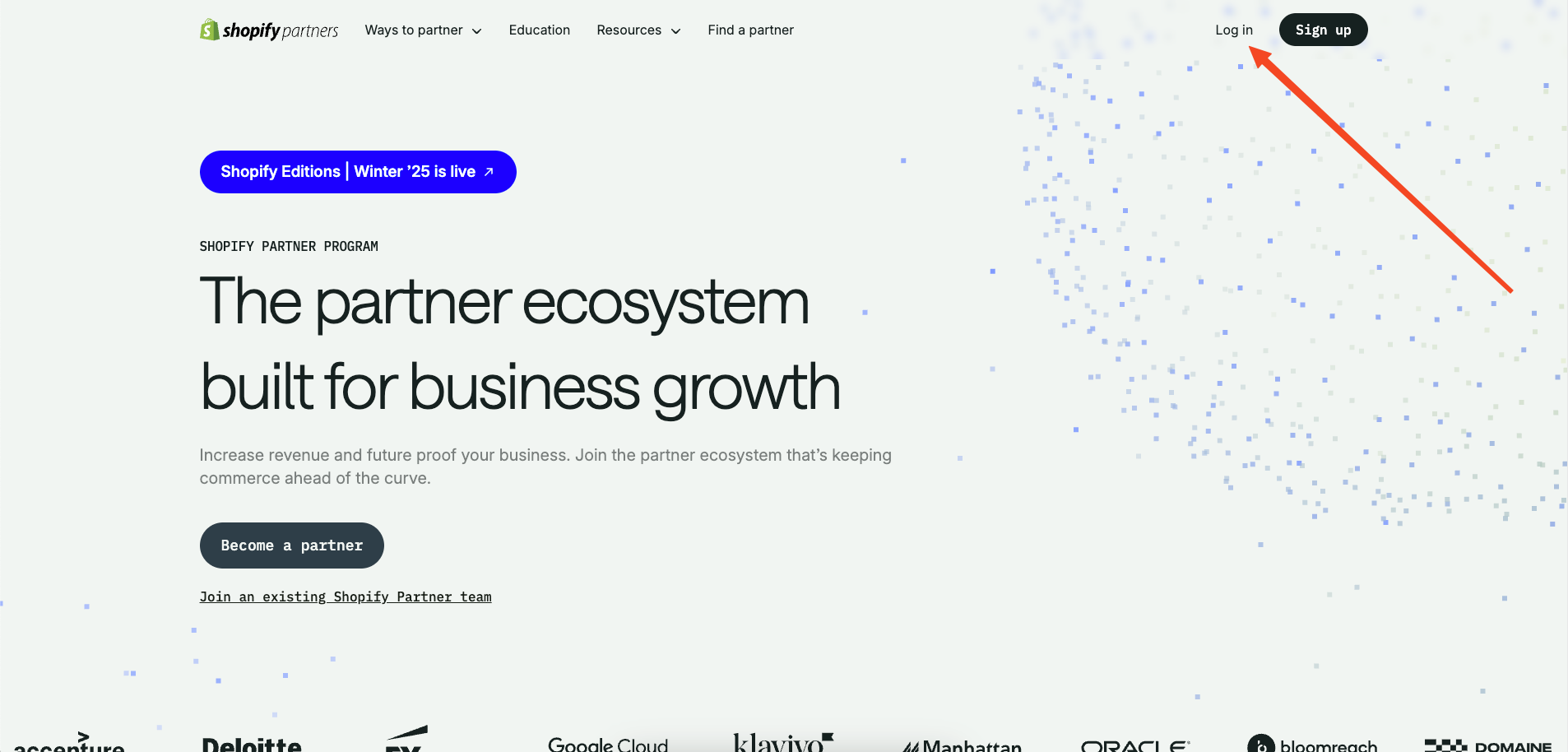
commerceplate
Commerceplate 是一个基于 Next.js 16、Tailwind CSS 4 和 TypeScript 的 Shopify 电商启动模板,由 Zeon Studio 开发并免费开源。
Next.js · 电商
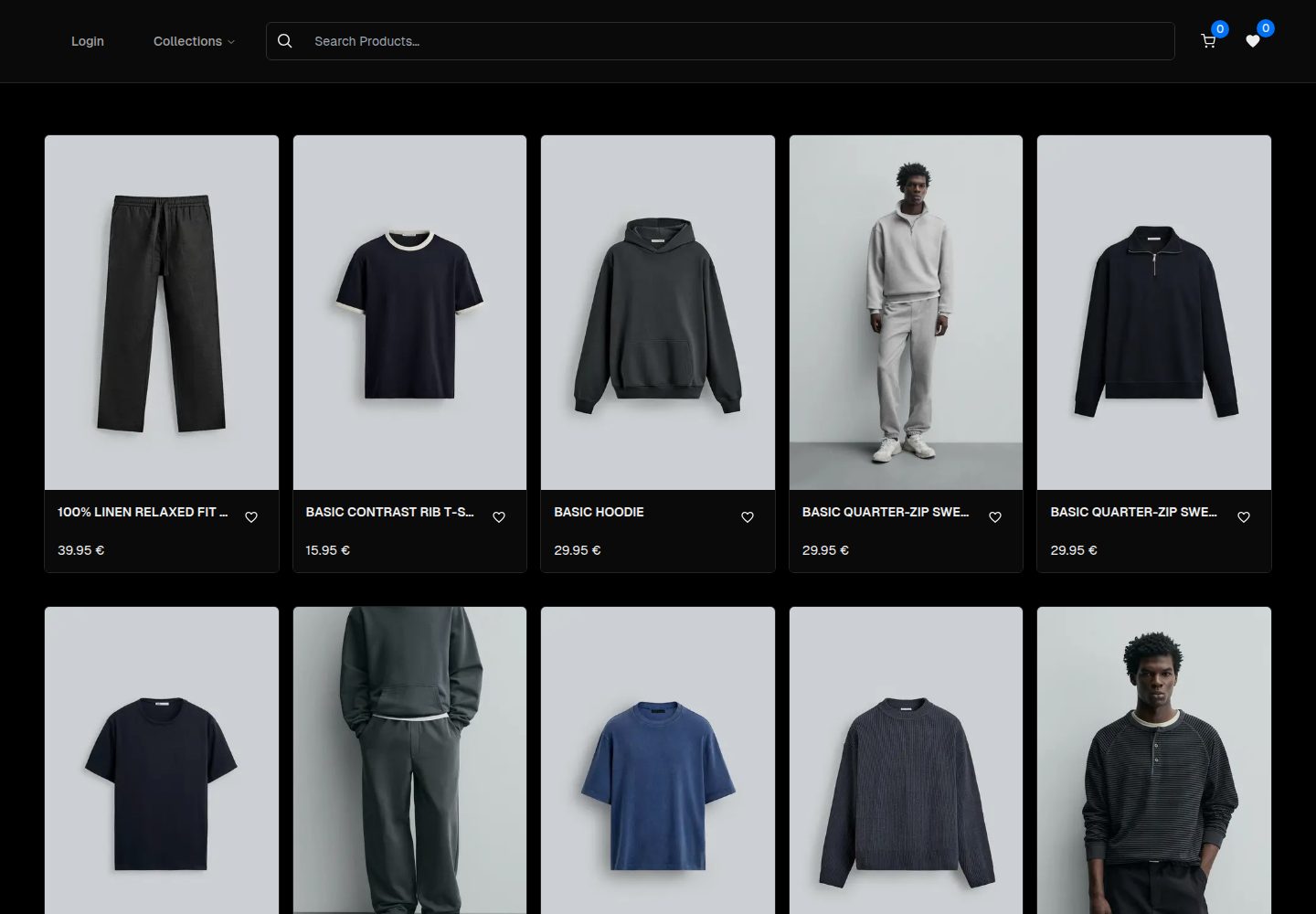
ecommerce-template
An ecommerce template built with NextJS 16, TypeScript and TailwindCSS
Next.js · 电商
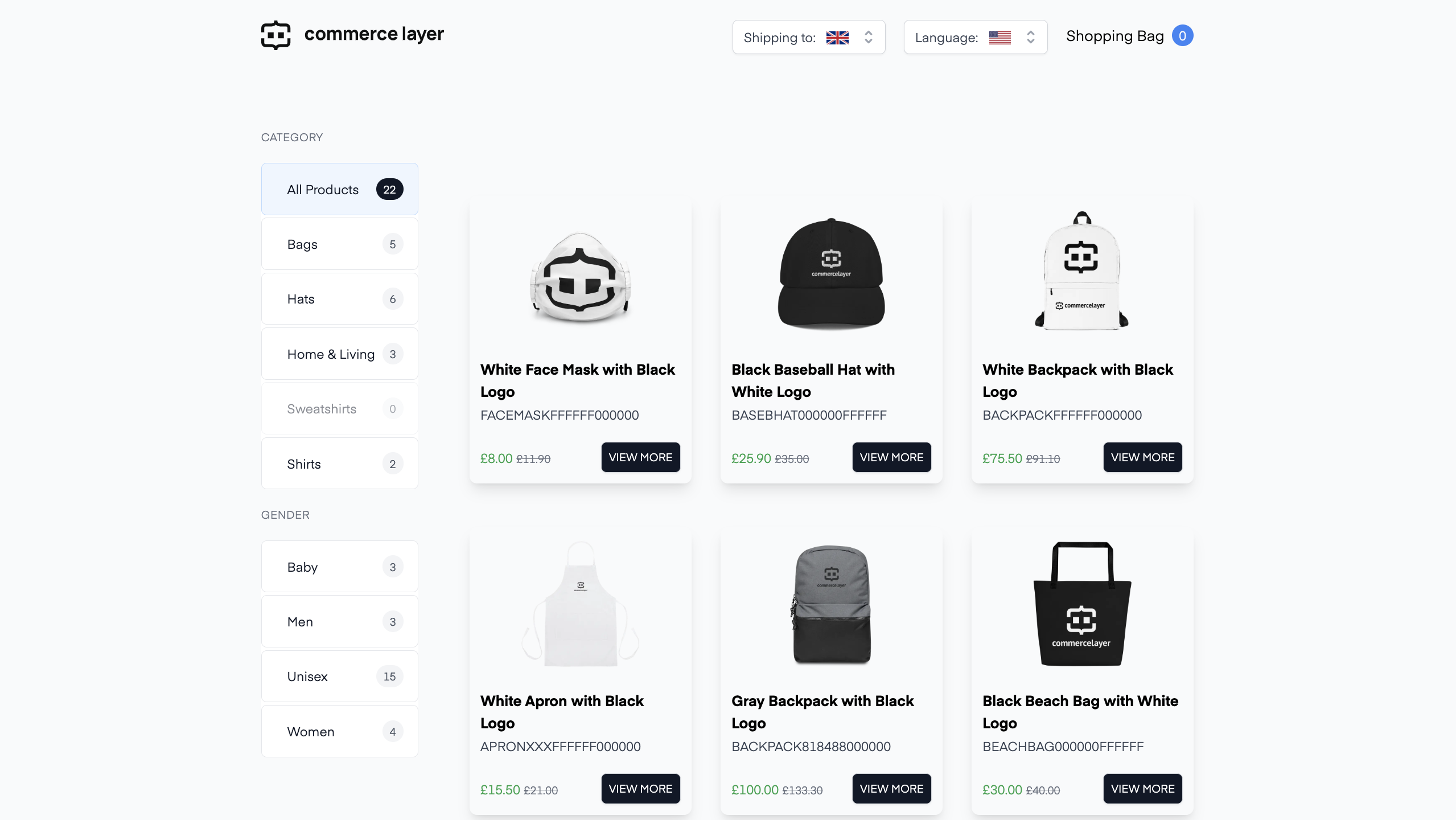
commercelayer-sanity-template
A multi-country ecommerce template built with Commerce Layer, Next.js, Sanity studio, and deployed to Netlify.
Next.js · 电商
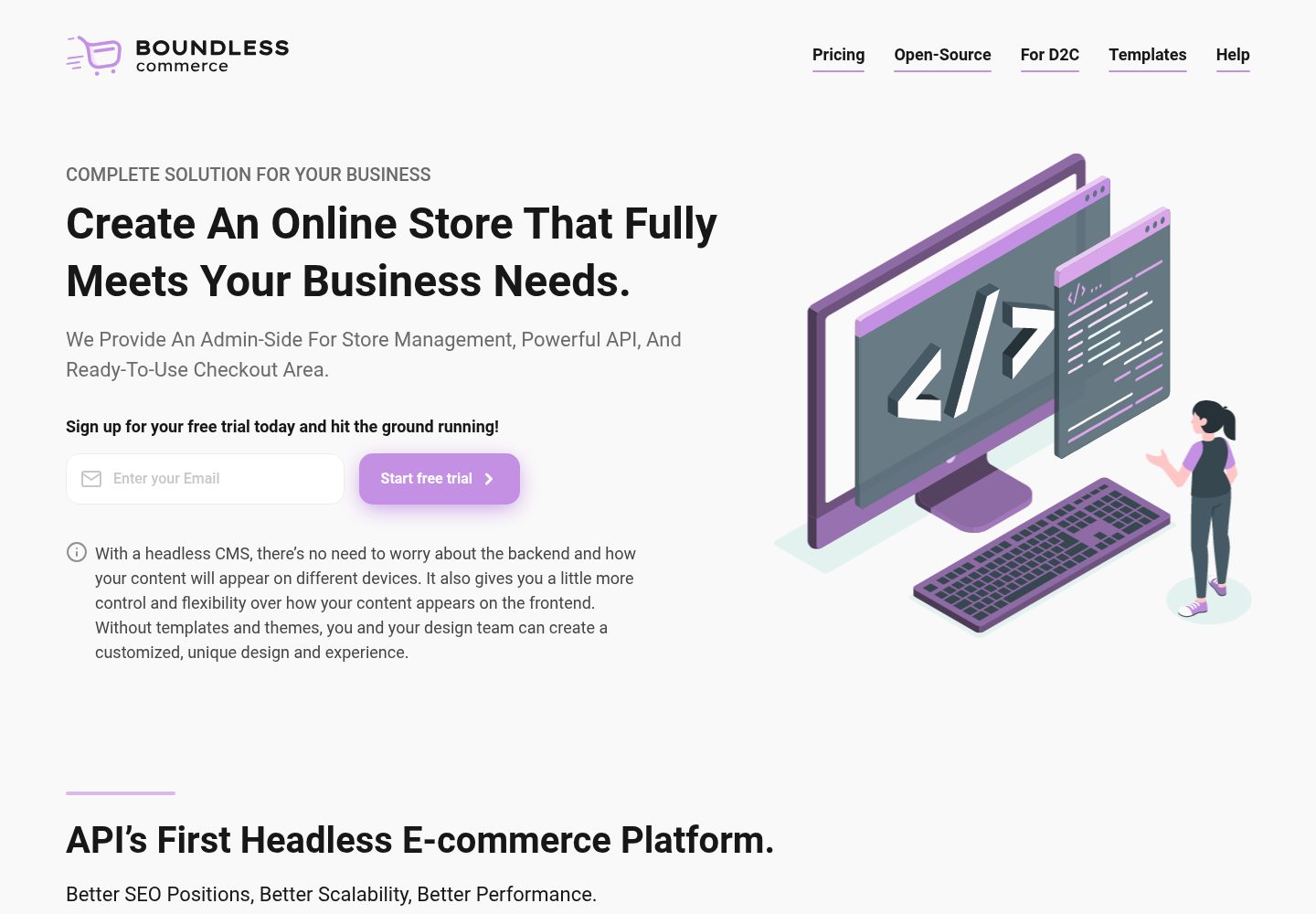
boundless-nextjs-ecommerce-template
Next.js E-Commerce template. Strong TypeScript, Ready to use, For high-performance e-commerce websites.
Next.js · 电商
mobile-medusa
📱 Combine your Medusa.js e-commerce backend and/or web storefront with a Expo mobile app that matches Medusa …
Next.js · 电商