
React 技术栈,包含首页、关于、博客、项目、教育、简历等完整板块
React作品集博客企业官网
personal_website_template — React 作品集模板
作者 MohammadrezaAmani
基于 React 的个人作品集与简历模板,包含首页、关于、博客、项目、教育、简历等板块,所有内容集中在单个 TypeScript 配置文件中维护。
看看你的网站会是什么样
浏览真实页面截图,比较内容排版与手机效果。点击下方缩略图切换,放大查看整页细节。
全部页面与视图 2
截图用于了解视觉与布局,交互效果请以实际项目为准。
采集于 2026-10-01查看来源
值得关注的模板亮点
从已有项目资料中,快速了解它的特点。
所有个人数据集中在一个 TypeScript 配置文件中,便于替换内容
博客文章以 Markdown 内容写入配置,无需额外 CMS
支持通过 CSS 或 Tailwind 类名调整主题与布局
提供 GitHub Pages、Vercel、Netlify 的部署说明
MIT 许可,允许免费使用、修改、商用和分发代码
模板详细介绍
这是一个用 React 编写的个人网站模板,定位为作品集与在线简历,同时也可用于博客或企业官网类页面。模板内置首页、关于我、博客、项目、教育、简历等板块,页面结构由一份 TypeScript 配置文件驱动,个人资料、社交链接、技能、工作经历、教育背景、项目与博客文章都在同一处定义,修改内容不需要改动组件代码。博客内容以 Markdown 形式写入配置。模板提供主题与布局的自定义空间,可调整 CSS 或使用 Tailwind 类名。仓库采用 MIT 许可,允许免费使用、修改、商用和分发代码;演示图片、字体、图标等第三方素材需单独核对许可,域名、托管等外部服务可能另行收费。
React作品集博客企业官网
适合你的项目吗?
适用场景
- 开发者或设计师搭建个人作品集与在线简历
- 将项目经历、教育背景和技能整理成可分享的网页
- 用 Markdown 撰写并展示个人技术博客
- 作为个人主页或小型企业官网的起点进行二次开发
适合人群
- 需要快速上线个人作品集页面的开发者
- 希望用一份配置文件管理全部个人展示内容的用户
- 接受 React 与 TypeScript 工作流的前端使用者
- 需要 MIT 许可下自由修改和商用代码的团队
上手与定制指南
结合仓库当前版本的说明,按下面的资料检查内容、配置与运行要求。
- 1
需要 Node.js v16 或更高版本,并安装 bun、npm 或 yarn 之一
- 2
克隆仓库后安装依赖,运行 npm run dev 在本地启动开发服务器
- 3
在 src/data.ts 中替换个人信息、经历、项目与博客内容
- 4
构建生产版本使用 npm run build
- 5
部署到 GitHub Pages 需先在 package.json 中设置 homepage,再运行 npm run deploy
授权与来源资料
使用条件与限制
免费使用 · 保留许可声明本次收录的是公开仓库中采用 MIT 许可的免费版本;免费范围为该版本代码,不代表外部服务或第三方素材免费。
使用时需要遵守
- 允许免费使用、修改、商用和分发该版本代码。
- 分发代码副本或实质性部分时,保留原作者版权声明和完整 MIT 许可声明。
- 代码按现状提供;担保与责任限制以原许可证及适用法律为准。
额外费用与待核对事项
- 使用 GitHub 账号为可选项,仅在需要托管或获取数据时使用,非强制要求。
- 图片需自行托管在 GitHub 仓库或 CDN 上,模板不提供图片托管服务。
- 部署到 GitHub Pages 前需先在 package.json 中配置 homepage 字段。
- 演示图片、字体、图标及其他第三方素材需按各自许可核对,不能仅凭代码的 MIT 许可判断。
- 域名、托管、数据库、支付或 AI 等外部服务可能另外收费。
查看原文依据
Permission is hereby granted, free of charge
许可证原文
A GitHub account (optional, for hosting or fetching data)
README 原文
Host Images**: Use a GitHub repo or CDN for images (like in the example data).
README 原文
https://github.com/MohammadrezaAmani/personal_website_template/blob/main/LICENSEhttps://github.com/MohammadrezaAmani/personal_website_template/blob/main/README.mdRun `npm run deploy` after setting up `homepage` in `package.json`.
README 原文
DeepSeek 根据仓库许可证和 README 整理 ·2026-10-01。结果仅覆盖已读取资料,依赖、图片、字体及后续条款变更以各自原文为准。
项目核对记录与介绍依据
模板资料
- 来源平台
- GitHub
- 资料与维护参考分
- 资料较完整 · 82 / 100
- 技术栈
- React
- 网站类型
- 作品集 · 博客 · 企业官网
这个分数如何计算
本站按许可资料(最高30分)、演示链接(12分)、预览图(10分)、Star数(15分)、记录的维护时间(15分)、描述完整度(8分)、功能记录(5分)和分类资料(5分)计算。它不是代码、安全或性能测试,也不是 Google 评分;有链接不代表已实测可用。
这个项目需要核对什么
- 记录的仓库更新时间
- 2025-03-08
- 截图检查日期
- 2026-10-01
已收录演示链接。请用你的内容与屏幕尺寸检查;有演示不代表表单、认证或支付已经可用。
目录记录的主要技术栈是 React。请通过依赖清单和锁文件核对实际版本与托管要求。这些说明基于收录资料,不代表代码审计或部署实测。
查看具体选型方法 →介绍的制作与核对状态
介绍由 AI 辅助整理目录与仓库资料。仓库作者不等于这篇介绍的审核者。
已完成服务器许可规则与 AI 来源核对;未经过人工编辑审核。
查看当时使用的来源资料
SHA-256: c93597625bad2bd83a721289d1eeeda28919b6df6d0deaf190bf7497e51f3cdc
2026-10-01T04:22:28.238Z
来源文件 / 仓库# Personal Portfolio Template
> [!TIP]
> **[Live Demo](https://mohammadrezaamani.github.io/)**
A lightweight, beautiful, and fully customizable portfolio website built with React and seamlessly integrated with GitHub. Whether you're a developer, designer, or professional looking to showcase your skills, projects, and experience, this template has got you covered! With its sleek design, theme support, and modular structure, you can tweak everything to match your personal style in minutes.
## Features
- **Lightweight & Fast**: Built with performance in mind using React.
- **Customizable**: Easily modify themes, layouts, and content to reflect your personality.
- **Sections Included**: Home, About Me, Blog, Projects, Education, and Resume.
- **Responsive Design**: Looks stunning on all devices – desktops, tablets, and phones.
- **Pretty by Default**: Clean typography and modern aesthetics out of the box.
---
## Getting Started
### Prerequisites
- Node.js (v16 or higher)
- bun, npm or yarn
- A GitHub account (optional, for hosting or fetching data)
### Installation
1. **Clone the Repository**
```bash
git clone https://github.com/MohammadrezaAmani/personal_website_template.git
cd personal_website_template
```
2. **Install Dependencies**
```bash
npm install
# OR
bun install
# OR
yarn install
```
3. **Run Locally**
```bash
npm run dev
# OR
bun run dev
# OR
yarn run dev
```
Open `http://localhost:5173` in your browser to see the magic happen!
4. **Build for Production**
```bash
npm run build
# OR
bun run build
# OR
yarn run build
```
---
## Customizing Your Resume
The template is powered by a single configuration file where you define all your data. It’s written in typescript and uses a modular structure for easy updates.
### Configuration File
Create a file (e.g., `src/data.ts`) and export your data like this:
```typescript
import {
Database,
Flame,
Github,
Linkedin,
Twitter,
Wrench,
} from "lucide-react";
export default {
site_name: "Your Name",
footer_note: `© ${new Date().getFullYear()} Portfolio. All rights reserved.`,
default_project_image: "path/to/default/project-image.jpg",
default_blog_image: "path/to/default/blog-image.jpg",
default_user_image: "path/to/default/user-image.jpg",
tags_limit: 5,
about: {
name: "Your Name",
title: "Your Job Title",
bio: "A short bio about yourself.",
image: "path/to/your-profile-pic.jpg",
social: [
{
name: "github",
url: "https://github.com/[YourUsername]",
icon: Github,
},
{
name: "linkedin",
url: "https://linkedin.com/in/[YourUsername]",
icon: Linkedin,
},
{
name: "twitter",
url: "https://twitter.com/[YourUsername]",
icon: Twitter,
},
],
skills: [
{
icon: Wrench,
category: "Languages",
technologies: ["JavaScript", "Python"],
},
{
icon: Flame,
category: "Frameworks",
technologies: ["React", "Node.js"],
},
{
icon: Database,
category: "Databases",
technologies: ["MongoDB", "PostgreSQL"],
},
],
interests: ["Hiking", "Coding", "Coffee"],
},
experience: [
{
id: 1,
company: "Company Name",
position: "Job Title",
period: "2020 – Present",
description: "What you did there.",
achievements: ["Achievement 1", "Achievement 2"],
},
],
education: [
{
id: 1,
institution: "University Name",
degree: "Degree Name",
period: "2016 – 2020",
description: "What you studied.",
},
],
projects: [
{
id: 1,
title: "Project Name",
description: "What it does.",
tags: ["React", "AI"],
image: "path/to/project-image.jpg",
link: "https://github.com/[YourUsername]/[ProjectRepo]",
},
],
blog: [
{
id: 1,
title: "Blog Post Title",
date: "2024-01-01",
content: "# Your markdown content here...",
tags: ["Tech", "AI"],
image: "path/to/blog-image.jpg",
},
],
};
```
### How to Customize
1. **Update Personal Info**: Edit `about` with your name, title, bio, and social links.
2. **Add Experience**: List your jobs in `experience` with achievements.
3. **Showcase Projects**: Add your best work to `projects` with links and images.
4. **Write Blogs**: Share your thoughts in `blog` using markdown.
5. **Change Themes**: Modify CSS or use Tailwind classes in the source code.
6. **Host Images**: Use a GitHub repo or CDN for images (like in the example data).
---
## Deploying Your Site
1. **GitHub Pages**
- Run `npm run deploy` after setting up `homepage` in `package.json`.
2. **Vercel/Netlify**
- Connect your GitHub repo and deploy with one click.
3. **Custom Domain**
- Follow your hosting provider’s instructions to add a domain.
---
## License
This project is licensed under the MIT License – feel free to use it however you like!
---
## Screenshots
Here’s a sneak peek of what you can create with this template!
_(Add these images after generating them or taking screenshots of your site.)_
1. **Home Page**: A welcoming intro with your name and title.

2. **Projects**: Highlight your best work with images and tags.

3. **Blog**: Share your thoughts with a clean, readable layout.

---
看看同类模板
对比同技术栈与用途的模板,找到更适合的视觉与内容结构。

shadcn-landing-page
Free Landing page template using Shadcn, React, Typescript and Tailwind
React · 企业官网

react-saas-template
🌊 Template for building an SaaS / admin website using React + Material-UI
React · 后台
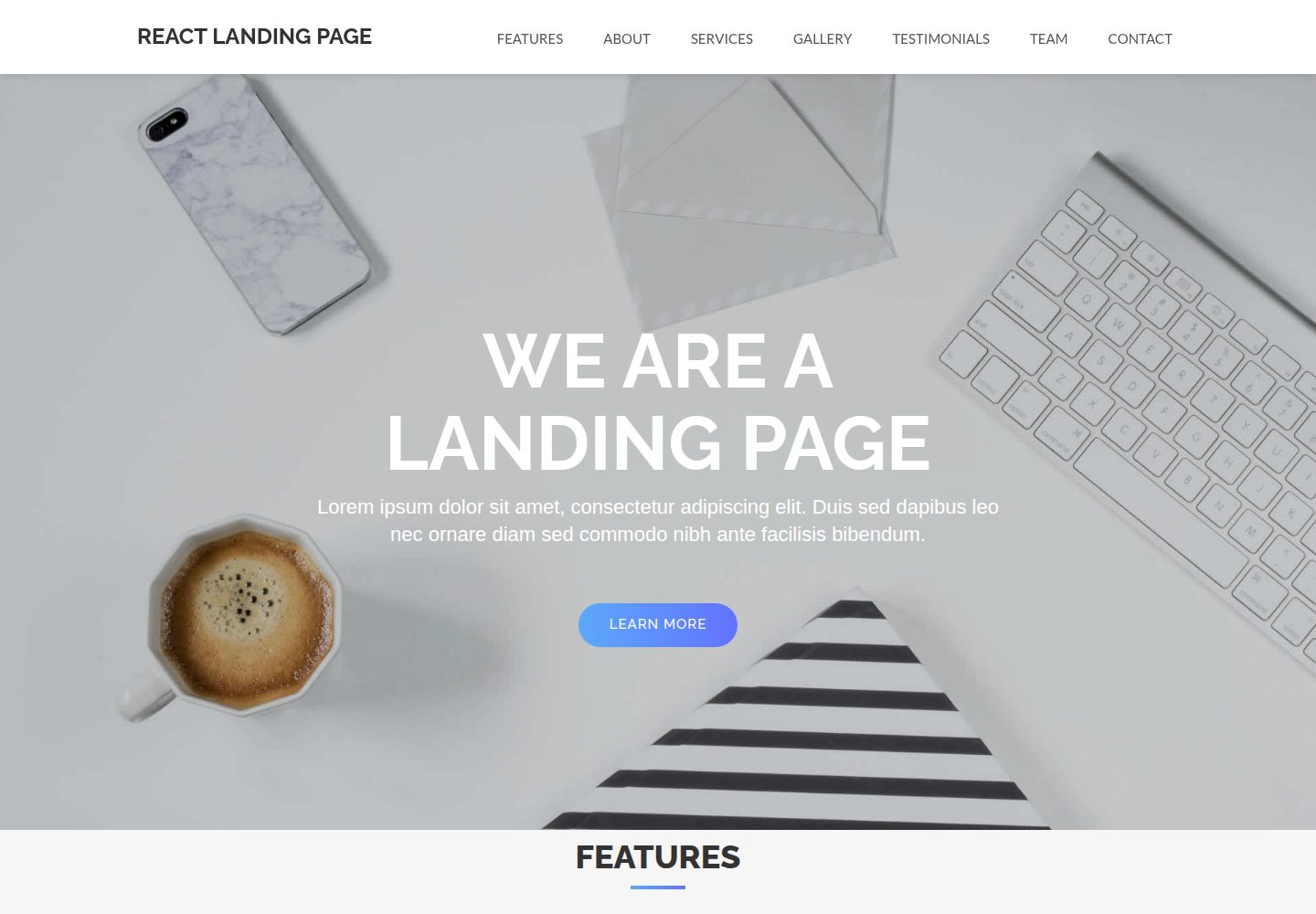
React-Landing-Page-Template
A simple react one page landing page templates for startups/companies
React · 企业官网
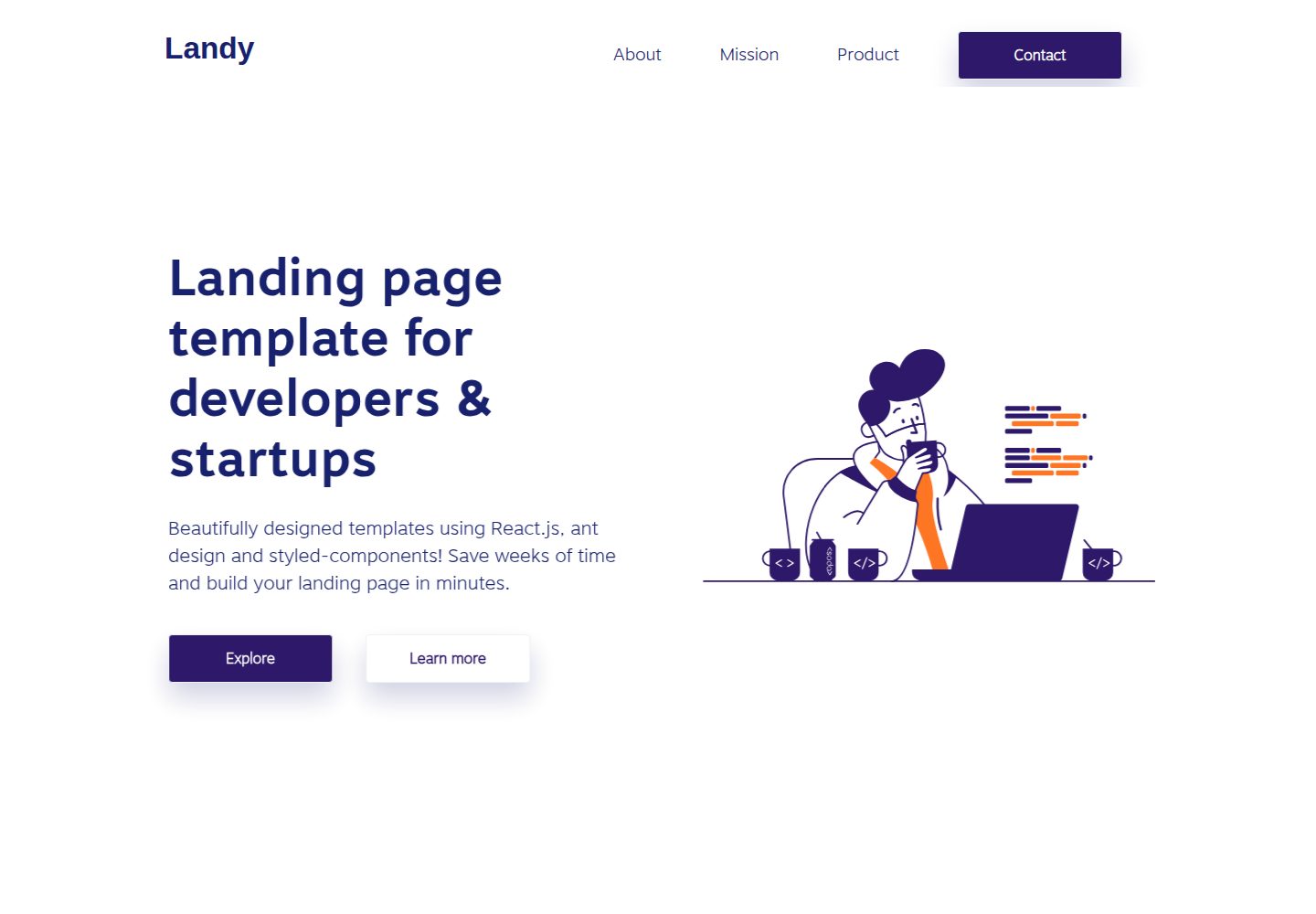
landy-react-template
Landy is an open-source React landing page template designed for developers and startups, who want to create a…
React · 企业官网

react-portfolio-template
React powered portfolio website template for developers
React · 作品集

personal-website-react
personal-website-react 是一个面向开发者的个人作品集单页模板,由 React 和 Material-UI 构建,并通过 Create React App 初始化。
React · 作品集