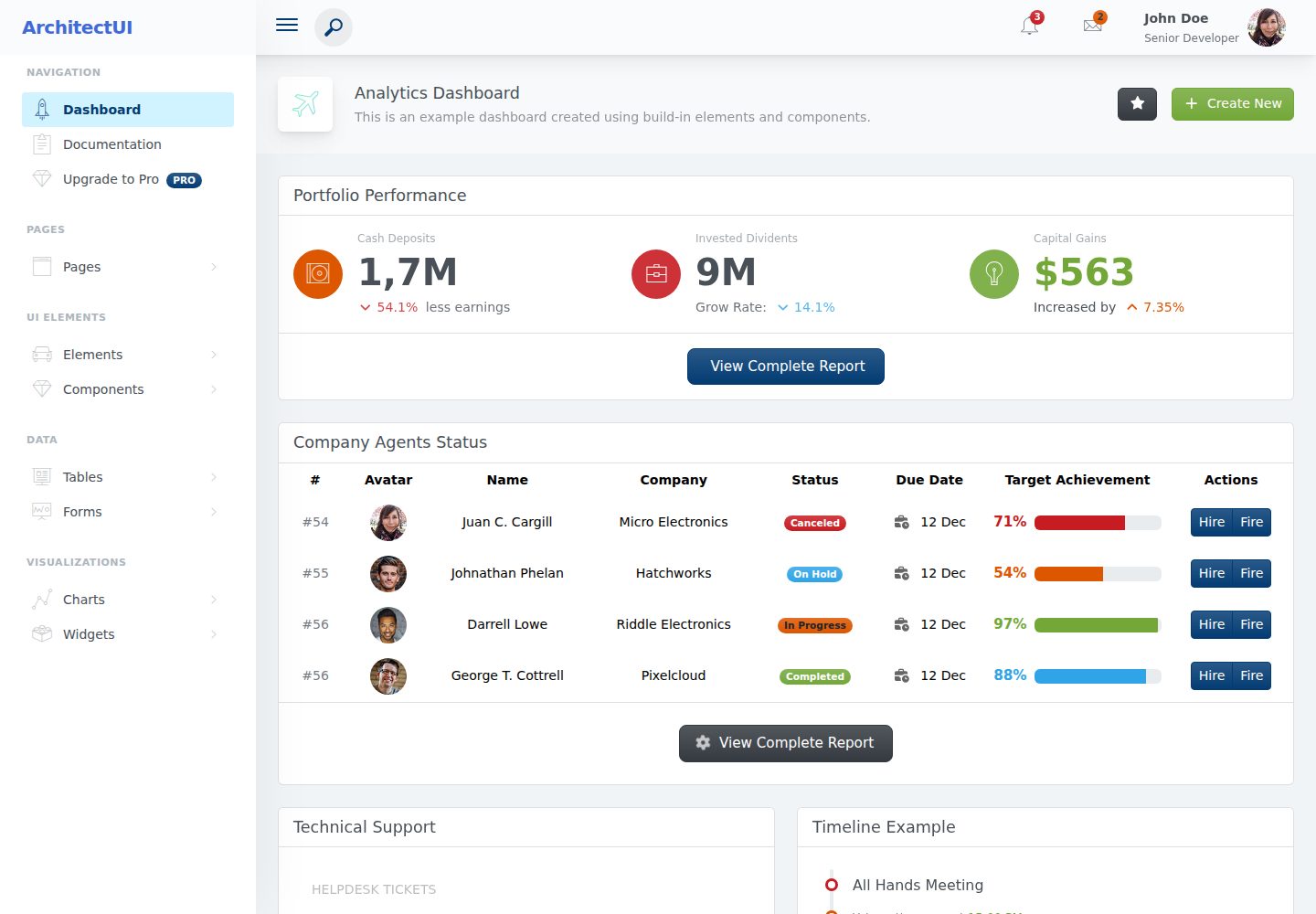
基于 Angular 与 Bootstrap 构建的后台仪表盘模板
AngularHTML后台
Angular-theme — Angular 后台模板
作者 OutlineXpert
基于 Angular 与 Bootstrap 的后台管理仪表盘模板,包含分析仪表盘、UI 组件、表单、表格、图表和登录注册等页面,采用 MIT 许可的免费版本。
看看你的网站会是什么样
浏览真实页面截图,比较内容排版与手机效果。点击下方缩略图切换,放大查看整页细节。
全部页面与视图 2
截图用于了解视觉与布局,交互效果请以实际项目为准。
采集于 2026-10-03查看来源
值得关注的模板亮点
从已有项目资料中,快速了解它的特点。
提供分析仪表盘页面,包含图表与小组件
覆盖 UI 元素、交互组件、表单、表格和图表页面
包含登录、注册、密码找回等用户页面
使用 NgRx 状态管理与 ESLint 代码检查
MIT 许可的免费版本,可修改、商用和分发
模板详细介绍
ArchitectUI Angular 是一个后台管理仪表盘模板,仓库为 OutlineXpert/Angular-theme,采用 Angular 与 HTML 技术栈,界面风格偏向数据展示。模板提供分析仪表盘页面,内含图表与小组件,并配套按钮、卡片、下拉菜单、图标、时间线等 UI 元素,标签页、手风琴、模态框、分页、进度条、提示等交互组件,以及表单控件、响应式数据表格和多类型图表页面。用户页面包含登录、注册和密码找回。整体布局由页头、侧边栏和页脚组成,适配不同屏幕尺寸。
项目使用 NgRx 做状态管理,集成 ESLint,并提供开发服务器、生产构建、单元测试和代码检查等命令。部署方面,README 说明可构建到子目录或根域名,并附带 .htaccess 与 Nginx 的 try_files 配置示例,用于让 Angular 路由处理直接 URL 访问。
许可方面,仓库采用 MIT 许可,本次收录的是公开免费版本,允许使用、修改、商用和分发该版本代码,分发时需保留版权声明与许可声明。README 提到存在付费专业版以及 React、Vue、HTML 等其他版本,本次不包含这些付费内容。演示图片、字体、图标等第三方素材需按各自许可单独核对,域名、托管、数据库等外部服务可能另行收费。
AngularHTML后台
适合你的项目吗?
适用场景
- 搭建需要仪表盘与数据展示的后台管理界面
- 为 SaaS 或内部管理系统准备前端页面骨架
- 在 Angular 项目中参考布局、组件与路由组织方式
- 快速获得登录注册等基础用户页面的实现参考
适合人群
- 使用 Angular 开发后台管理系统的团队
- 需要现成仪表盘与组件页面参考的前端开发者
- 希望基于 MIT 许可代码进行二次开发的项目
上手与定制指南
结合仓库当前版本的说明,按下面的资料检查内容、配置与运行要求。
- 1
需要 Node.js 18 或更高版本,以及 npm 或 yarn 和 Angular CLI
- 2
克隆仓库后执行 npm install 安装依赖,再用 ng serve 启动开发服务器(默认 http://localhost:4200)
- 3
生产构建可使用 ng build 或 npm run build:prod,后者适用于子目录部署并设置 base href
- 4
部署到子目录时需上传 dist 目录内容,并配置 .htaccess 或 Nginx 的 try_files 以支持直接 URL 访问
- 5
README 提及付费专业版与其他框架版本,本次仅包含公开免费代码
授权与来源资料
使用条件与限制
免费使用 · 保留许可声明本次收录的是公开仓库中采用 MIT 许可的免费版本;免费范围为该版本代码,不代表外部服务或第三方素材免费。
使用时需要遵守
- 允许免费使用、修改、商用和分发该版本代码。
- 分发代码副本或实质性部分时,保留原作者版权声明和完整 MIT 许可声明。
- 代码按现状提供;担保与责任限制以原许可证及适用法律为准。
额外费用与待核对事项
- README 明确存在付费专业版(Pro),包含更多组件、页面与高级支持;本次收录的免费版不包含这些付费内容,如需高级组件与支持须另行购买。
- 免费版不提供官方高级支持,README 将高级支持指向付费渠道;使用免费版时需自行解决技术问题。
- README 列出 React、Vue、HTML 等其他框架版本,均为独立付费产品,不属于本免费 Angular 模板的授权范围。
- 项目资料提及可选付费版本或功能;本次仅收录公开免费代码,不包含付费升级。
- 演示图片、字体、图标及其他第三方素材需按各自许可核对,不能仅凭代码的 MIT 许可判断。
- 域名、托管、数据库、支付或 AI 等外部服务可能另外收费。
查看原文依据
Permission is hereby granted, free of charge
许可证原文
**ArchitectUI Angular Pro** - [Get the Pro Version](https://dashboardpack.com/theme-details/architectui-angular-7-bootstrap-material-design-pro) - Premium version with advanced components, more pages, and premium support
README 原文
Visit [DashboardPack](https://dashboardpack.com) for premium support options
README 原文
https://github.com/OutlineXpert/Angular-theme/blob/master/LICENSEhttps://github.com/OutlineXpert/Angular-theme/blob/master/README.md- **React Version** - [ArchitectUI React](https://dashboardpack.com/theme-details/architectui-dashboard-react-pro)
README 原文
DeepSeek 根据仓库许可证和 README 整理 ·2026-10-03。结果仅覆盖已读取资料,依赖、图片、字体及后续条款变更以各自原文为准。
项目核对记录与介绍依据
模板资料
- 来源平台
- GitHub
- 资料与维护参考分
- 资料较完整 · 79 / 100
- 技术栈
- Angular · HTML
- 网站类型
- 后台
这个分数如何计算
本站按许可资料(最高30分)、演示链接(12分)、预览图(10分)、Star数(15分)、记录的维护时间(15分)、描述完整度(8分)、功能记录(5分)和分类资料(5分)计算。它不是代码、安全或性能测试,也不是 Google 评分;有链接不代表已实测可用。
这个项目需要核对什么
- 记录的仓库更新时间
- 2025-08-30
- 截图检查日期
- 2026-10-03
已收录演示链接。请用你的内容与屏幕尺寸检查;有演示不代表表单、认证或支付已经可用。
目录记录的主要技术栈是 Angular。请通过依赖清单和锁文件核对实际版本与托管要求。这些说明基于收录资料,不代表代码审计或部署实测。
查看具体选型方法 →介绍的制作与核对状态
介绍由 AI 辅助整理目录与仓库资料。仓库作者不等于这篇介绍的审核者。
审核声明: [email protected] · 2026-10-04
查看当时使用的来源资料
SHA-256: 56e18dbb314e672d39b30b1fe5890f14b89eb5e6fe594f7f56e0cb3e82d9ca68
2026-10-03T21:39:56.752Z
来源文件 / 仓库# ArchitectUI Angular - Free Admin Dashboard Template
**A modern, responsive admin dashboard template built with Angular 20, Bootstrap 5, and Chart.js**
ArchitectUI Angular is a professional admin dashboard template perfect for building modern web applications, SaaS platforms, and administrative interfaces. This free version provides a solid foundation with essential components and features to get your project started quickly.
## Features
- **Modern Angular 20.1.4** - Built with the latest Angular framework
- **Bootstrap 5.3.7** - Responsive design with modern Bootstrap components
- **Interactive Charts** - Powered by Chart.js v4 with ng2-charts integration
- **NgRx State Management** - Centralized state management for scalable applications
- **TypeScript 5.8.3** - Type-safe development experience
- **ESLint Integration** - Modern code linting and quality assurance
- **Mobile Responsive** - Optimized for all device sizes
- **Clean Code Architecture** - Well-structured, maintainable codebase
## What's Included
- **Dashboard Analytics** - Interactive dashboard with charts and widgets
- **UI Elements** - Buttons, cards, dropdowns, icons, timeline, and more
- **Components** - Tabs, accordions, modals, pagination, progress bars, tooltips
- **Form Elements** - Complete form controls and layouts
- **Data Tables** - Responsive table components
- **Charts** - Line, bar, pie, doughnut, radar, polar area, and more chart types
- **User Pages** - Login, register, and password recovery pages
- **Responsive Layout** - Header, sidebar, footer layout system
## Live Demo
Check out the live demo: **[ArchitectUI Angular Free Demo](https://demo.dashboardpack.com/architectui-angular-free/)**
## Preview

## Quick Start
### Prerequisites
- Node.js (version 18 or higher)
- npm or yarn
- Angular CLI
### Installation
1. Clone the repository:
```bash
git clone https://github.com/your-username/architectui-angular-free.git
cd architectui-angular-free
```
2. Install dependencies:
```bash
npm install
```
3. Start the development server:
```bash
ng serve
```
4. Open your browser and navigate to `http://localhost:4200`
### Build for Production
```bash
ng build --prod
```
The build artifacts will be stored in the `dist/` directory.
## Development Commands
| Command | Description |
|---------|-------------|
| `ng serve` | Start development server at http://localhost:4200 |
| `ng build` | Build the project for production |
| `npm run build:prod` | Build for subdirectory deployment with correct base href |
| `ng test` | Run unit tests via Karma |
| `ng lint` | Run ESLint code analysis |
| `ng generate component <name>` | Generate a new component |
## Production Deployment
### For Subdirectory Deployment
When deploying to a subdirectory like `https://demo.dashboardpack.com/architectui-angular-free/`:
```bash
npm run build:prod
```
This command:
- Builds with production optimizations
- Sets base href to `/architectui-angular-free/`
- Outputs to `dist/architectui-angular-free/`
Then upload the contents of `dist/architectui-angular-free/` to your server's subdirectory.
### For Root Domain Deployment
When deploying to a root domain like `https://yourdomain.com/`:
```bash
ng build --configuration production
```
### Server Configuration
#### Apache (.htaccess)
An `.htaccess` file is included in the project root. Copy it to your deployment folder along with the built files.
#### Nginx
Add this to your server configuration:
```nginx
location /architectui-angular-free/ {
try_files $uri $uri/ /architectui-angular-free/index.html;
}
```
### Important Deployment Notes
1. **After building with `npm run build:prod`:**
- Upload all contents from `dist/architectui-angular-free/browser/`
- The `.htaccess` file is automatically included in the build
- Verify the base href in index.html is `/architectui-angular-free/`
2. **File Structure on Server:**
```
/architectui-angular-free/
├── index.html (with correct base href)
├── favicon.ico
├── .htaccess (handles direct URL access)
├── main-*.js
├── polyfills-*.js
├── scripts-*.js
├── styles-*.css
├── assets/
└── media/
```
3. **Direct URL Access Fix:**
The `.htaccess` file ensures that direct links like `/architectui-angular-free/dashboards/analytics` work correctly by redirecting all routes to `index.html`, allowing Angular to handle the routing.
## Project Structure
```
src/
├── app/
│ ├── DemoPages/ # Main application pages
│ │ ├── Dashboards/ # Dashboard components
│ │ ├── Elements/ # UI elements
│ │ ├── Components/ # Interactive components
│ │ ├── Forms/ # Form components
│ │ ├── Tables/ # Table components
│ │ ├── Charts/ # Chart components
│ │ └── UserPages/ # Authentication pages
│ ├── Layout/ # Layout components (header, sidebar, footer)
│ ├── ThemeOptions/ # Theme configuration and state management
│ └── shared/ # Shared modules and components
├── assets/ # Static assets (images, styles, etc.)
└── environments/ # Environment configurations
```
## Browser Support
- **Chrome** (latest)
- **Firefox** (latest)
- **Safari** (latest)
- **Edge** (latest)
## Resources & Related Templates
### More Admin Dashboards
Explore more premium admin dashboard templates at [Colorlib](https://colorlib.com):
- [Angular Admin Templates](https://colorlib.com/wp/angular-admin-templates/) - Collection of the best Angular admin dashboards
- [Bootstrap Admin Templates](https://colorlib.com/wp/bootstrap-admin-templates/) - Premium Bootstrap-based admin templates
- [Free Admin Templates](https://colorlib.com/wp/free-admin-templates/) - High-quality free admin dashboard templates
### Professional Versions
- **ArchitectUI Angular Pro** - [Get the Pro Version](https://dashboardpack.com/theme-details/architectui-angular-7-bootstrap-material-design-pro) - Premium version with advanced components, more pages, and premium support
- **React Version** - [ArchitectUI React](https://dashboardpack.com/theme-details/architectui-dashboard-react-pro)
- **Vue Version** - [ArchitectUI Vue](https://dashboardpack.com/theme-details/architectui-dashboard-vue-pro)
- **HTML/jQuery Version** - [ArchitectUI HTML](https://dashboardpack.com/theme-details/architectui-dashboard-html-pro/)
### DashboardPack
Visit [DashboardPack.com](https://dashboardpack.com) for more premium admin dashboard templates and themes for various frameworks and technologies.
## Changelog
See [CHANGELOG.md](CHANGELOG.md) for a detailed history of changes and updates.
## License
This project is licensed under the MIT License - see the [LICENSE](LICENSE) file for details.
## Support
For questions and support:
- Check the [issues page](../../issues) for common problems and solutions
- Visit [DashboardPack](https://dashboardpack.com) for premium support options
- Browse [Colorlib's admin templates](https://colorlib.com/wp/angular-admin-templates/) for more resources
---
Made with care by the DashboardPack team. Built on the foundation of Angular, Bootstrap, and modern web technologies.看看同类模板
对比同技术栈与用途的模板,找到更适合的视觉与内容结构。
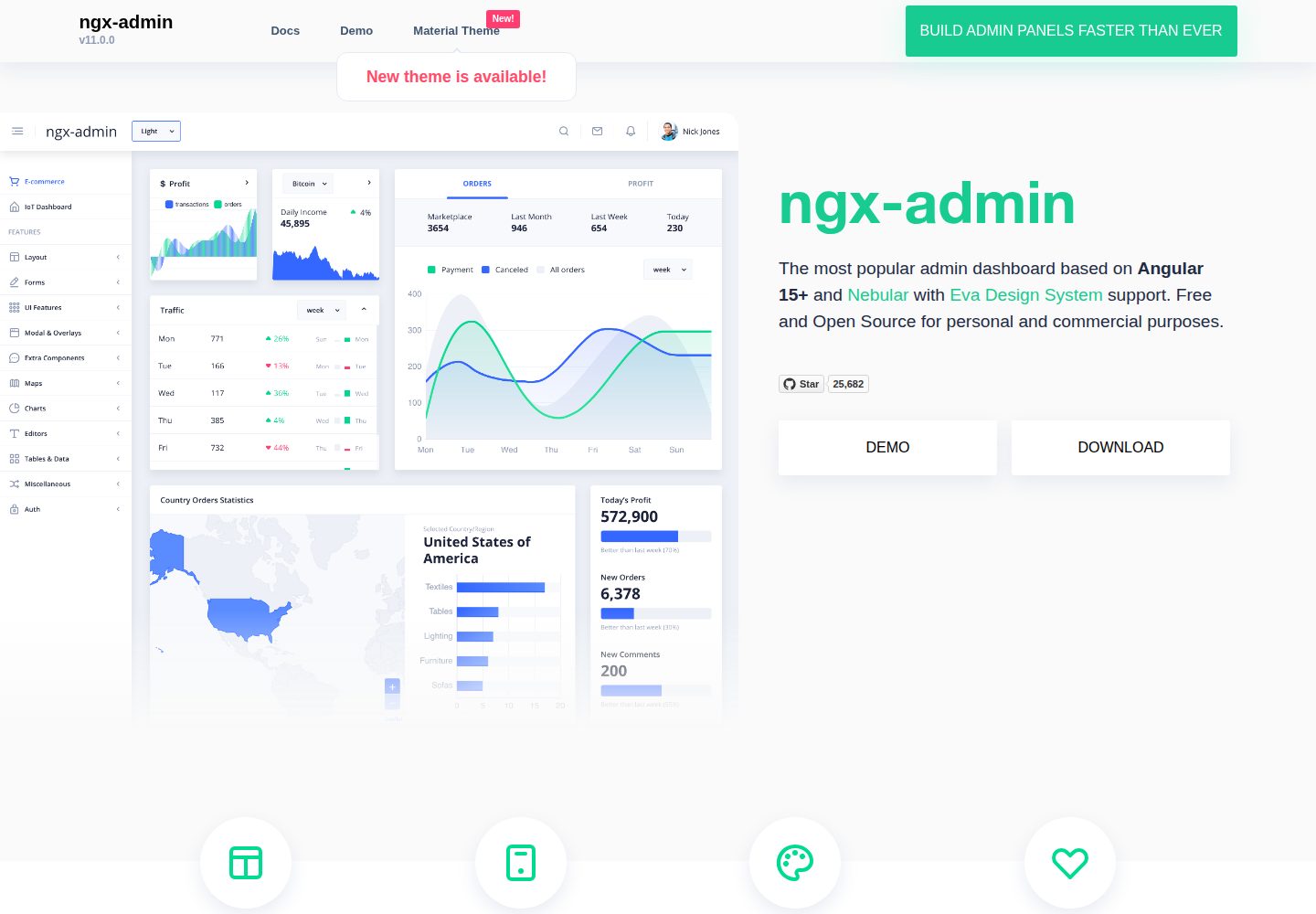
ngx-admin
Customizable admin dashboard template based on Angular 10+
Angular · 后台
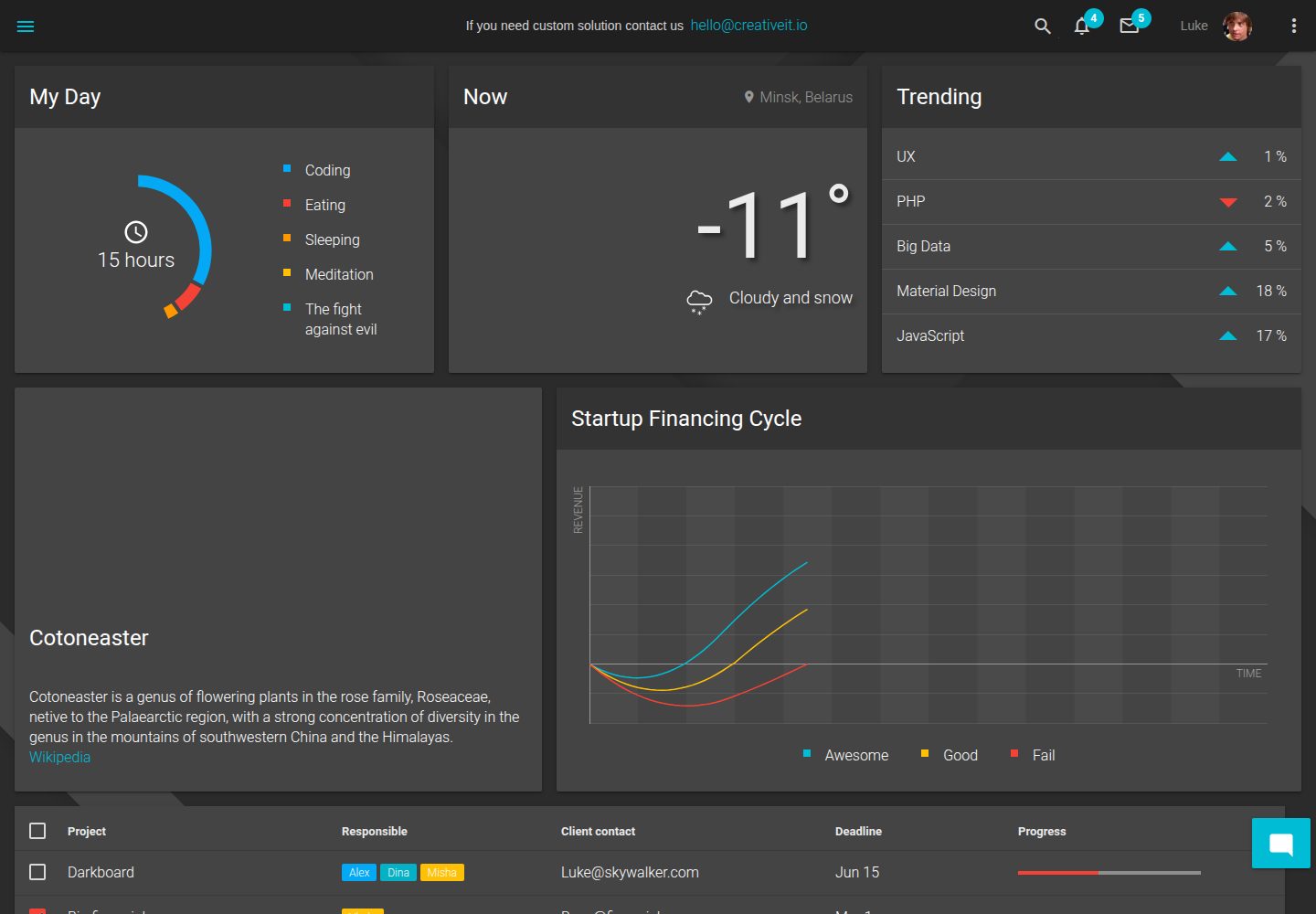
material-angular-dashboard
Material Angular Admin Template
Angular · 后台
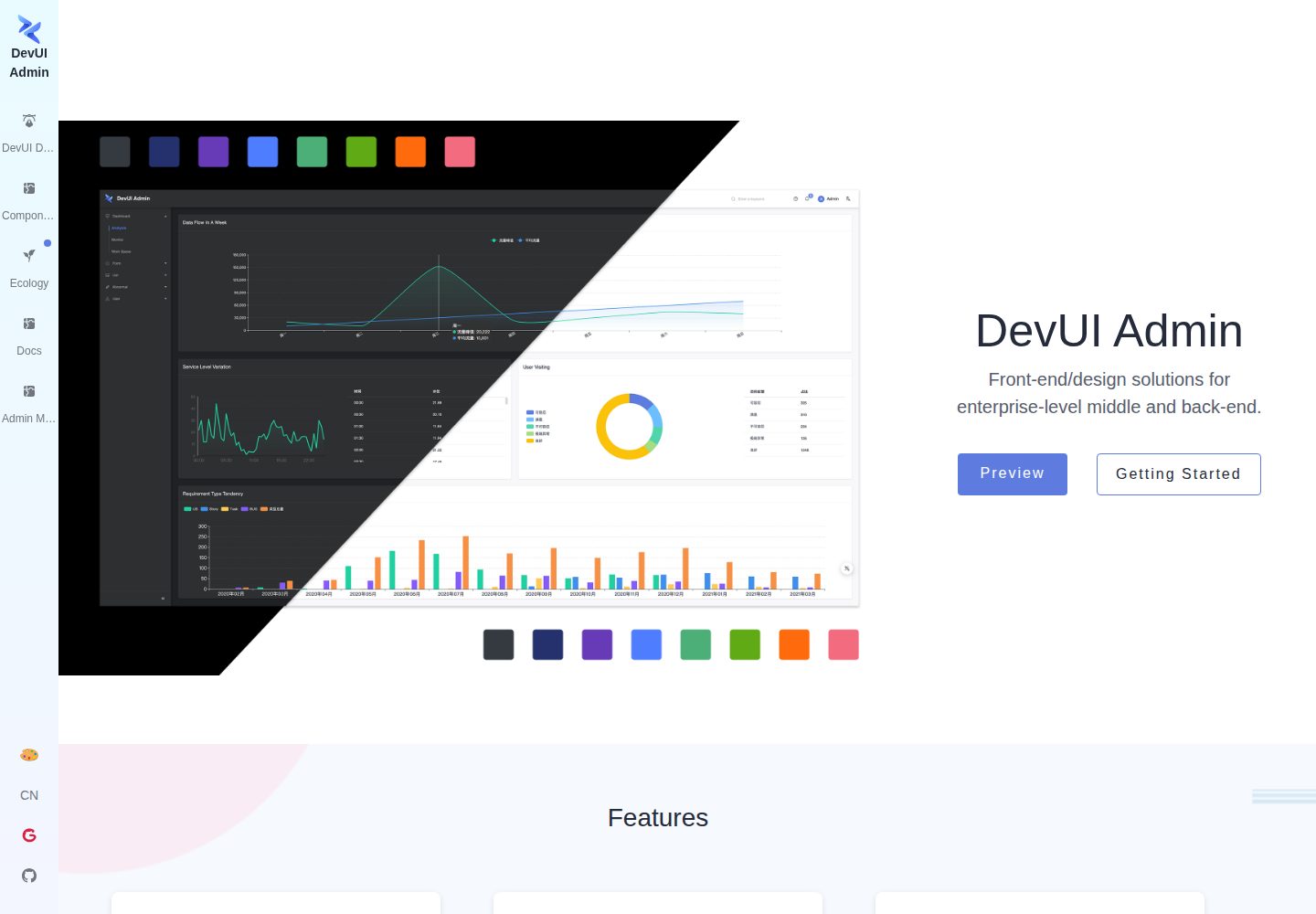
ng-devui-admin
Customizable admin dashboard template based on Angular and DevUI
Angular · 后台
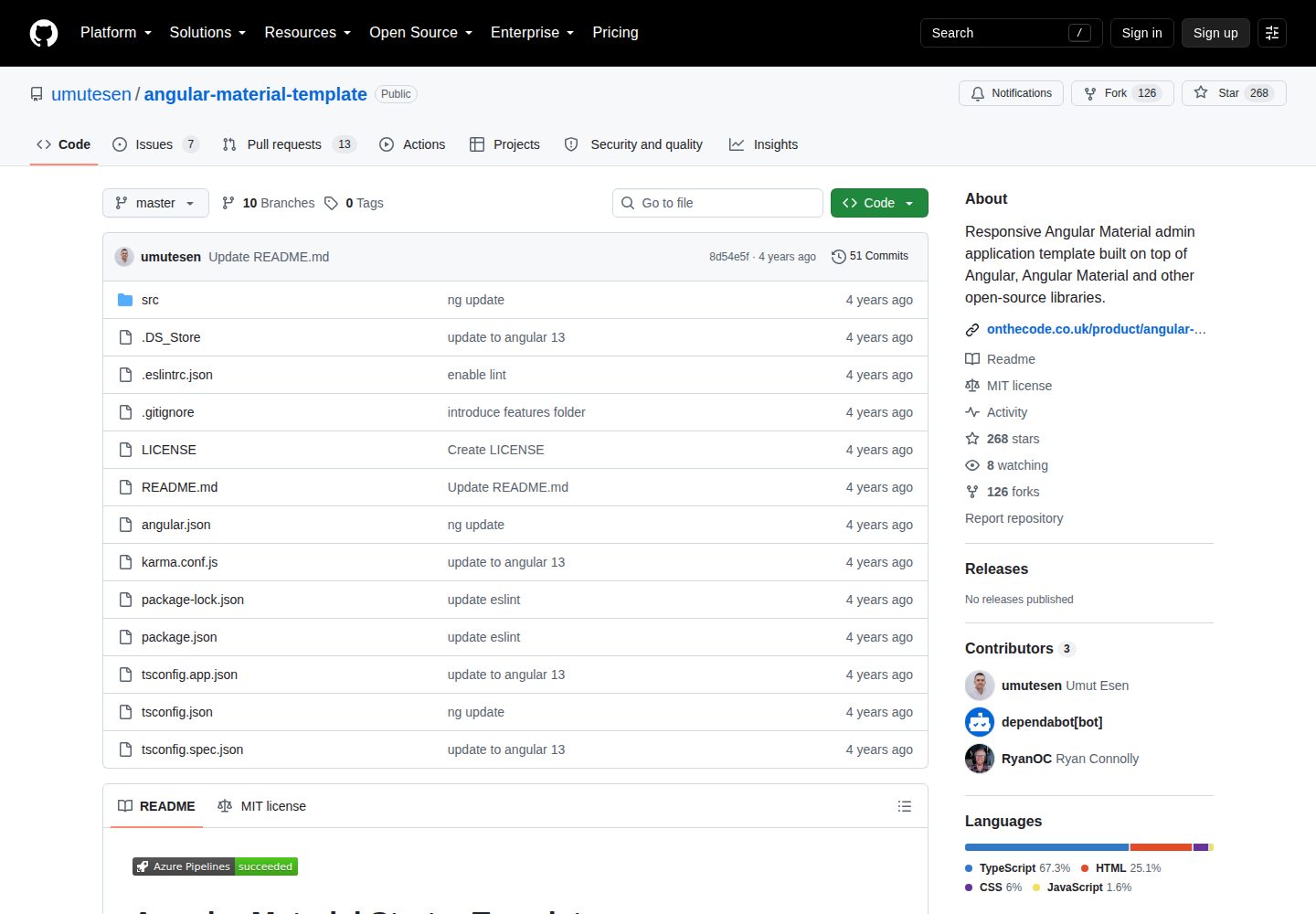
angular-material-template
Responsive Angular Material admin application template built on top of Angular, Angular Material and other ope…
Angular · 后台
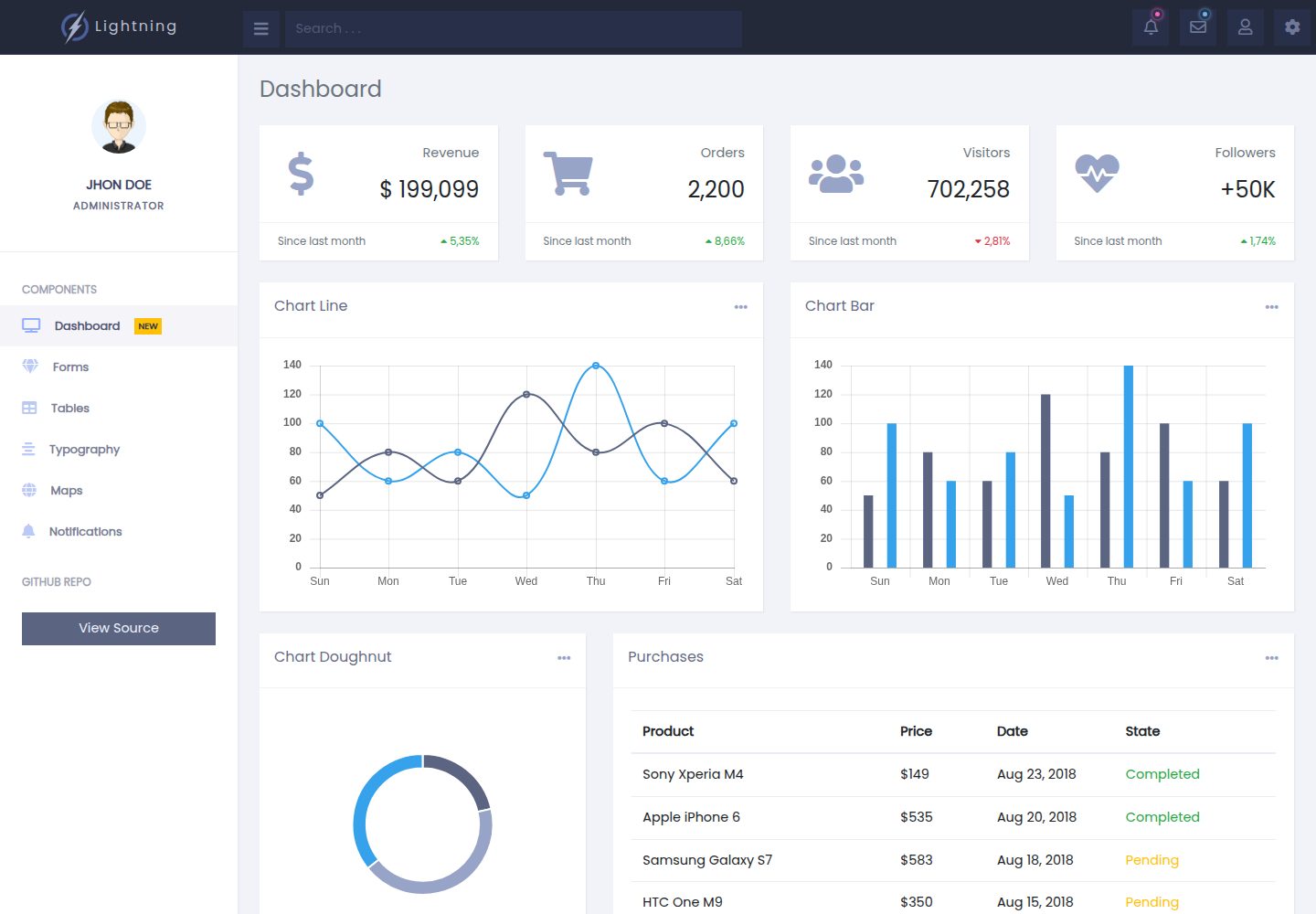
lightning-admin-angular
A mobile first design of a responsive admin template built with angular and bootstrap
Angular · 后台
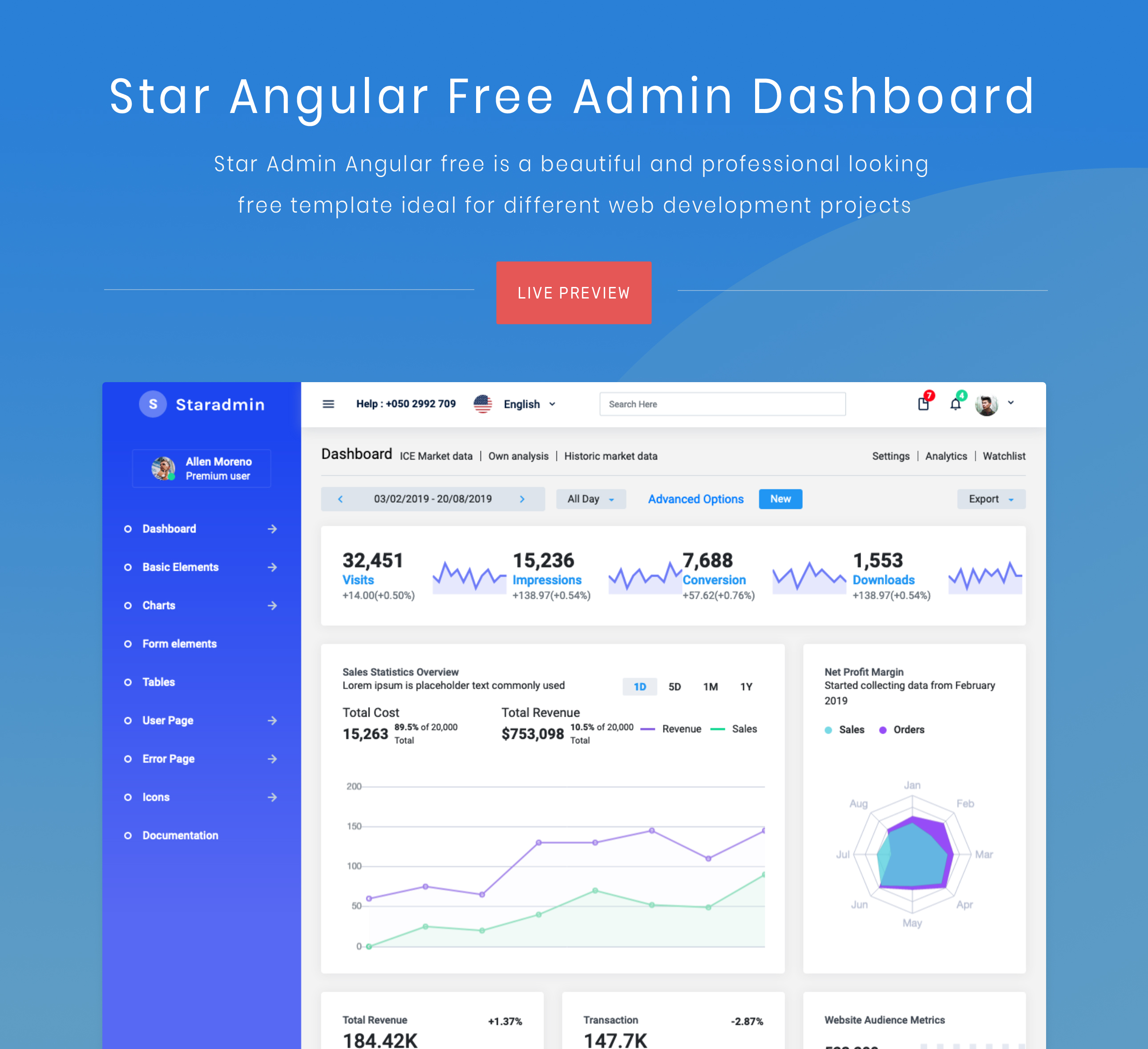
StarAdmin-Free-Angular-Admin-Template
StarAdmin Free Angular Admin Template 是一个基于 Angular 7 和 Bootstrap 4 的免费后台管理模板,由 BootstrapDash 团队维护。
Angular · 后台