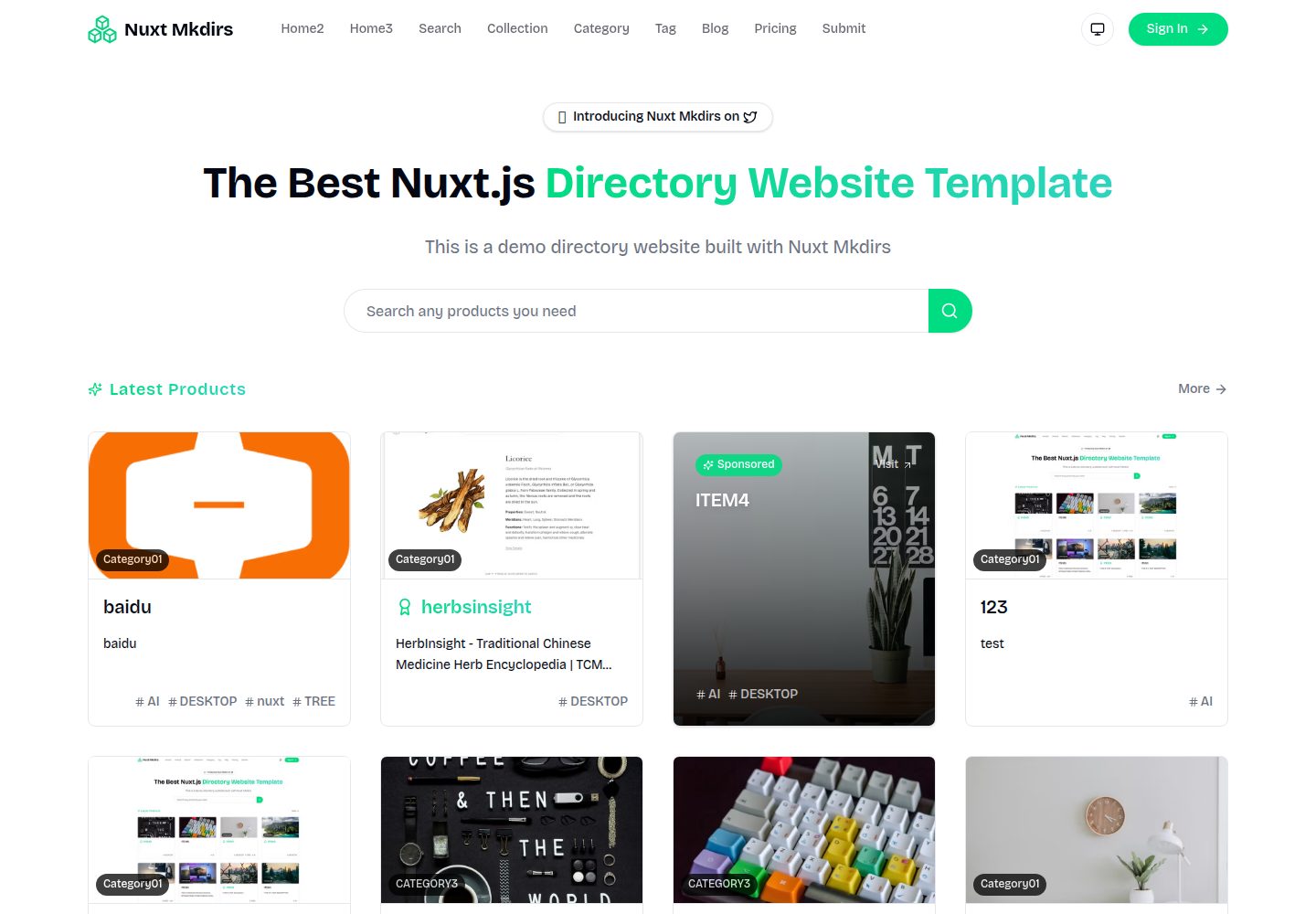
内容由 Sanity 无头 CMS 管理,无需自建数据库
NuxtVue博客目录站
Nuxt_Mkdirs — Nuxt 博客模板
作者 PBHAHAHA
基于 Nuxt 与 Sanity CMS 的开源目录站模板,提供三套首页布局、OAuth 登录、Stripe/Creem 支付、Resend 邮件与 AI 自动填充,采用 MIT 许可。
看看你的网站会是什么样
浏览真实页面截图,比较内容排版与手机效果。点击下方缩略图切换,放大查看整页细节。
全部页面与视图 3
截图用于了解视觉与布局,交互效果请以实际项目为准。
采集于 2026-09-30查看来源
值得关注的模板亮点
从已有项目资料中,快速了解它的特点。
提供三套首页布局,内置深色模式与响应式适配
支持 Google 与 GitHub OAuth 登录
集成 Stripe 与 Creem 两种支付通道
可选 AI 自动填充,提交时提取网站信息并建议分类标签
使用 Resend 发送事务邮件并支持 Newsletter 订阅
模板详细介绍
Nuxt_Mkdirs 是一个用 Nuxt 构建的开源目录网站(directory website)模板,内容数据由 Sanity 无头 CMS 管理,无需自建数据库。模板提供三套首页布局,并内置 Google / GitHub OAuth 登录、Stripe 与 Creem 两种支付通道、Resend 事务邮件与 Newsletter 订阅,以及可选的 AI 自动填充功能(提交网站时自动提取名称、描述、生成介绍、下载并上传 logo 图片、建议分类与标签)。样式基于 TailwindCSS 与 Radix Vue,支持深色模式与响应式布局。部署方向为 NuxtHub 与 Cloudflare Workers,README 说明 NuxtHub Admin 部署方式已弃用,改用 Wrangler。
使用前需要自行准备多项外部服务:Sanity 项目 ID、数据集与 API Token,Resend API Key、发信域名与 Audience ID,Stripe 或 Creem 的密钥与 Webhook 密钥,Google / GitHub OAuth 凭据以及 Auth Secret;AI 自动填充为可选项,需配置 google、deepseek 或 openai 之一的 API Key。仓库以 MIT 许可发布,允许免费使用、修改、商用和分发代码,但演示图片、字体、图标等第三方素材需按各自许可核对,域名、托管、数据库、支付或 AI 等外部服务可能另行收费。
NuxtVue博客目录站
适合你的项目吗?
适用场景
- 搭建收录网站、工具或服务的目录站
- 为目录站增加付费提交或会员升级流程
- 用 Sanity 作为内容后台运营目录条目与博客
- 部署到 Cloudflare Workers 承载前端与接口
适合人群
- 熟悉 Nuxt 与 Vue 的前端开发者
- 愿意使用 Sanity 作为 CMS 的内容型项目
- 需要 OAuth 登录与支付能力的目录类站点
- 计划部署到 Cloudflare Workers 的团队
上手与定制指南
结合仓库当前版本的说明,按下面的资料检查内容、配置与运行要求。
- 1
需要 Node.js 18+ 与 pnpm 8+,克隆仓库后执行 pnpm install 并复制 .env.example 为 .env
- 2
在 Sanity 创建项目并获取 Project ID、数据集与 Editor 权限的 API Token,同时配置 CORS 来源
- 3
按需配置 Resend、Stripe 或 Creem、Google / GitHub OAuth 及 Auth Secret 等环境变量
- 4
AI 自动填充为可选功能,需在 google、deepseek、openai 中选择并填入对应 API Key
- 5
部署使用 Wrangler:复制 wrangler.example.jsonc 为 wrangler.jsonc 并填写变量后执行 pnpm build 与 npx wrangler deploy
授权与来源资料
使用条件与限制
免费使用 · 保留许可声明本次收录的是公开仓库中采用 MIT 许可的免费版本;免费范围为该版本代码,不代表外部服务或第三方素材免费。
使用时需要遵守
- 允许免费使用、修改、商用和分发该版本代码。
- 分发代码副本或实质性部分时,保留原作者版权声明和完整 MIT 许可声明。
- 代码按现状提供;担保与责任限制以原许可证及适用法律为准。
额外费用与待核对事项
- 使用前必须注册 Sanity 账号并创建项目,获取 Project ID、数据集与 Editor 权限 API Token,否则内容管理功能无法运行。
- 邮件与 Newsletter 功能依赖 Resend 账号,需验证发信域名并配置 API Key 与 Audience ID,属外部付费可能服务。
- 支付功能需自行申请 Stripe 账号并配置密钥与 Webhook 密钥,Stripe 按交易收费。
- Creem 支付通道需注册 Creem 账号并配置 API Key、Webhook 密钥与产品 ID,属外部服务。
- OAuth 登录需在 Google Cloud Console 与 GitHub 分别创建应用并配置客户端 ID 与密钥。
- AI 自动填充为可选功能,启用需自备 google、deepseek 或 openai 的 API Key,可能产生调用费用。
- 部署需改用 Wrangler 并配置 Cloudflare Workers 环境变量,托管与域名可能产生费用。
- 演示图片、字体、图标及其他第三方素材需按各自许可核对,不能仅凭代码的 MIT 许可判断。
- 域名、托管、数据库、支付或 AI 等外部服务可能另外收费。
查看原文依据
Permission is hereby granted, free of charge
许可证原文
Create a [Sanity account](https://www.sanity.io/signup)
README 原文
Create a [Resend account](https://resend.com/)
README 原文
NUXT_STRIPE_SECRET_KEY=sk_xxxxx
README 原文
[Creem](https://creem.io/) supports registration with Chinese ID
README 原文
NUXT_AUTH_GOOGLE_CLIENT_ID=xxxxx
README 原文
# Choose AI provider: google, deepseek, openai
README 原文
https://github.com/PBHAHAHA/Nuxt_Mkdirs/blob/main/LICENSEhttps://github.com/PBHAHAHA/Nuxt_Mkdirs/blob/main/README.mdNuxtHub Admin deployment will be deprecated on December 31, 2024. Please use Wrangler for deployment.
README 原文
DeepSeek 根据仓库许可证和 README 整理 ·2026-10-01。结果仅覆盖已读取资料,依赖、图片、字体及后续条款变更以各自原文为准。
项目核对记录与介绍依据
模板资料
- 来源平台
- GitHub
- 资料与维护参考分
- 资料较完整 · 92 / 100
- 技术栈
- Nuxt · Vue
- 网站类型
- 博客 · 目录站
这个分数如何计算
本站按许可资料(最高30分)、演示链接(12分)、预览图(10分)、Star数(15分)、记录的维护时间(15分)、描述完整度(8分)、功能记录(5分)和分类资料(5分)计算。它不是代码、安全或性能测试,也不是 Google 评分;有链接不代表已实测可用。
这个项目需要核对什么
- 记录的仓库更新时间
- 2025-12-20
- 截图检查日期
- 2026-10-01
已收录演示链接。请用你的内容与屏幕尺寸检查;有演示不代表表单、认证或支付已经可用。
目录记录的主要技术栈是 Nuxt。请通过依赖清单和锁文件核对实际版本与托管要求。这些说明基于收录资料,不代表代码审计或部署实测。
查看具体选型方法 →介绍的制作与核对状态
介绍由 AI 辅助整理目录与仓库资料。仓库作者不等于这篇介绍的审核者。
已完成服务器许可规则与 AI 来源核对;未经过人工编辑审核。
查看当时使用的来源资料
SHA-256: 4b29509b67be469b6179975000c82eaa5373bdc330b910612b2a28c33bf1b414
2026-10-01T14:37:20.562Z
来源文件 / 仓库<div align="center"> <img src="./public/logo.png" alt="Nuxt Mkdirs" width="120" /> # Nuxt Mkdirs **Open-source directory website template built with Nuxt 4** [](https://nuxt.com) [](https://vuejs.org) [](https://tailwindcss.com) [](LICENSE) [English](./README.md) | [简体中文](./README.zh-CN.md) [Live Demo](https://demo.nuxt-mkdirs.com) · [Documentation](#-configuration-guide) · [Report Bug](https://github.com/PBHAHAHA/Nuxt_Mkdirs/issues) </div> --- ## ✨ Features - 🎨 **3 Homepage Layouts** - Multiple styles, ready to use out of the box - 📦 **Sanity CMS** - Headless CMS, no database configuration needed - 🔐 **Multiple Auth Methods** - Google / GitHub OAuth login - 💳 **Payment Integration** - Supports Stripe and Creem - 📧 **Email Service** - Resend for transactional emails + Newsletter - 🤖 **AI Auto-fill** - Automatically extract website info with AI - 🌙 **Dark Mode** - Auto-follows system theme - 📱 **Responsive Design** - Perfect mobile adaptation - ⚡ **NuxtHub Deploy** - One-click deploy to Cloudflare ## 📸 Screenshot  ## 🛠️ Tech Stack | Category | Technology | |----------|------------| | Framework | Nuxt 4, Vue 3 | | Styling | TailwindCSS 4, Radix Vue | | CMS | Sanity | | Auth | Auth.js | | Payment | Stripe, Creem | | Email | Resend | | Deploy | NuxtHub (Cloudflare) | ## 🚀 Quick Start ### Prerequisites - Node.js 18+ - pnpm 8+ ### Installation ```bash # Clone the repository git clone https://github.com/PBHAHAHA/Nuxt_Mkdirs.git cd Nuxt_Mkdirs # Install dependencies pnpm install # Copy environment variables cp .env.example .env # Start development server pnpm dev ``` Visit http://localhost:3000 to see the result. ### Build & Deploy ```bash # Build for production pnpm build # Preview locally pnpm preview ``` ## 🚀 Deployment This project uses NuxtHub v0.10+ with Cloudflare Workers. > ⚠️ **Note**: NuxtHub Admin deployment will be deprecated on December 31, 2024. Please use Wrangler for deployment. ### Deploy with Wrangler 1. Copy the wrangler configuration: ```bash cp wrangler.example.jsonc wrangler.jsonc ``` 2. Edit `wrangler.jsonc` and fill in your environment variables. 3. Build and deploy: ```bash pnpm build npx wrangler deploy ``` Your site will be deployed to `https://nuxt-mkdirs.<your-account>.workers.dev`. To use a custom domain, configure it in [Cloudflare Dashboard](https://dash.cloudflare.com/) > Workers & Pages > your project > Settings > Domains & Routes. ## ⚙️ Configuration Guide ### 1. Sanity CMS Setup Nuxt Mkdirs uses [Sanity](https://www.sanity.io/) as a headless CMS to manage all content data. 1. Create a [Sanity account](https://www.sanity.io/signup) 2. Create a new project and get the Project ID 3. Create an API Token (select Editor permission) 4. Configure CORS origins  ```bash # .env configuration NUXT_PUBLIC_SANITY_PROJECT_ID=your_project_id NUXT_PUBLIC_SANITY_DATASET=production NUXT_SANITY_API_TOKEN=your_api_token ``` 5. Deploy Sanity Studio ```bash pnpm dlx sanity deploy ```  ### 2. Email Setup (Resend) 1. Create a [Resend account](https://resend.com/) 2. Add and verify your domain 3. Create an API Key  4. Configure Audience ID (for Newsletter)   ```bash # .env configuration NUXT_RESEND_API_KEY=re_xxxxx [email protected] NUXT_RESEND_AUDIENCE_ID=xxxxx ``` ### 3. Payment Setup #### Stripe (International) ```bash NUXT_STRIPE_SECRET_KEY=sk_xxxxx NUXT_STRIPE_WEBHOOK_SECRET=whsec_xxxxx NUXT_PUBLIC_STRIPE_PUBLISHABLE_KEY=pk_xxxxx ``` #### Creem (China-friendly) [Creem](https://creem.io/) supports registration with Chinese ID, more friendly for Chinese developers. ```bash NUXT_CREEM_API_KEY=xxxxx NUXT_CREEM_WEBHOOK_SECRET=xxxxx NUXT_CREEM_TEST_MODE=true NUXT_PUBLIC_CREEM_PRO_PRODUCT_ID=xxxxx ``` ### 4. OAuth Authentication Setup #### Google OAuth 1. Visit [Google Cloud Console](https://console.cloud.google.com/apis/credentials) 2. Create an OAuth Client ID    ```bash # .env configuration NUXT_AUTH_GOOGLE_CLIENT_ID=xxxxx NUXT_AUTH_GOOGLE_CLIENT_SECRET=xxxxx ``` #### GitHub OAuth 1. Visit [GitHub Developer Settings](https://github.com/settings/developers) 2. Create an OAuth App ```bash NUXT_AUTH_GITHUB_CLIENT_ID=xxxxx NUXT_AUTH_GITHUB_CLIENT_SECRET=xxxxx ``` #### Auth Secret ```bash # Generate secret openssl rand -base64 32 # .env configuration NUXT_AUTH_SECRET=your_generated_secret ``` ### 5. AI Configuration (Optional) Enable AI-powered auto-fill feature for website submissions. ```bash # Choose AI provider: google, deepseek, openai NUXT_AI_PROVIDER=google # Google Generative AI (https://aistudio.google.com/apikey) NUXT_GOOGLE_AI_API_KEY=xxxxx # DeepSeek (https://platform.deepseek.com/api_keys) NUXT_DEEPSEEK_API_KEY=xxxxx # OpenAI (https://platform.openai.com/settings/organization/api-keys) NUXT_OPENAI_API_KEY=xxxxx ``` When configured, users can click the "AI Auto-fill" button to automatically: - Extract website name and description - Generate detailed introduction - Download and upload logo/images - Suggest categories and tags ## 📁 Project Structure ``` nuxt-mkdirs/ ├── app/ │ ├── components/ # Vue components │ ├── composables/ # Composables │ ├── layouts/ # Layout components │ ├── pages/ # Page routes │ └── utils/ # Utility functions ├── server/ │ ├── api/ # API routes │ └── utils/ # Server utilities ├── sanity/ │ └── schemas/ # Sanity schemas └── public/ # Static assets ``` ## 🤝 Contributing Contributions are welcome! Please read the [Contributing Guide](CONTRIBUTING.md). 1. Fork the repository 2. Create your feature branch (`git checkout -b feature/AmazingFeature`) 3. Commit your changes (`git commit -m 'Add some AmazingFeature'`) 4. Push to the branch (`git push origin feature/AmazingFeature`) 5. Open a Pull Request ## 📄 License This project is licensed under the [MIT](LICENSE) License. ## 💖 Support If this project helps you, please consider: - ⭐ Give it a Star - 🐛 Submit Issues - 📢 Share with others - <a href="https://www.buymeacoffee.com/pubing967" target="_blank"><img src="https://cdn.buymeacoffee.com/buttons/v2/default-yellow.png" alt="Buy Me A Coffee" style="height: 41px !important;width: 174px !important;" ></a> ## 📮 Contact <!-- - WeChat: w314709923x --> - GitHub: [@PBHAHAHA](https://github.com/PBHAHAHA) --- <div align="center"> Made with ❤️ by <a href="https://github.com/PBHAHAHA">PBHAHAHA</a> </div>
看看同类模板
对比同技术栈与用途的模板,找到更适合的视觉与内容结构。
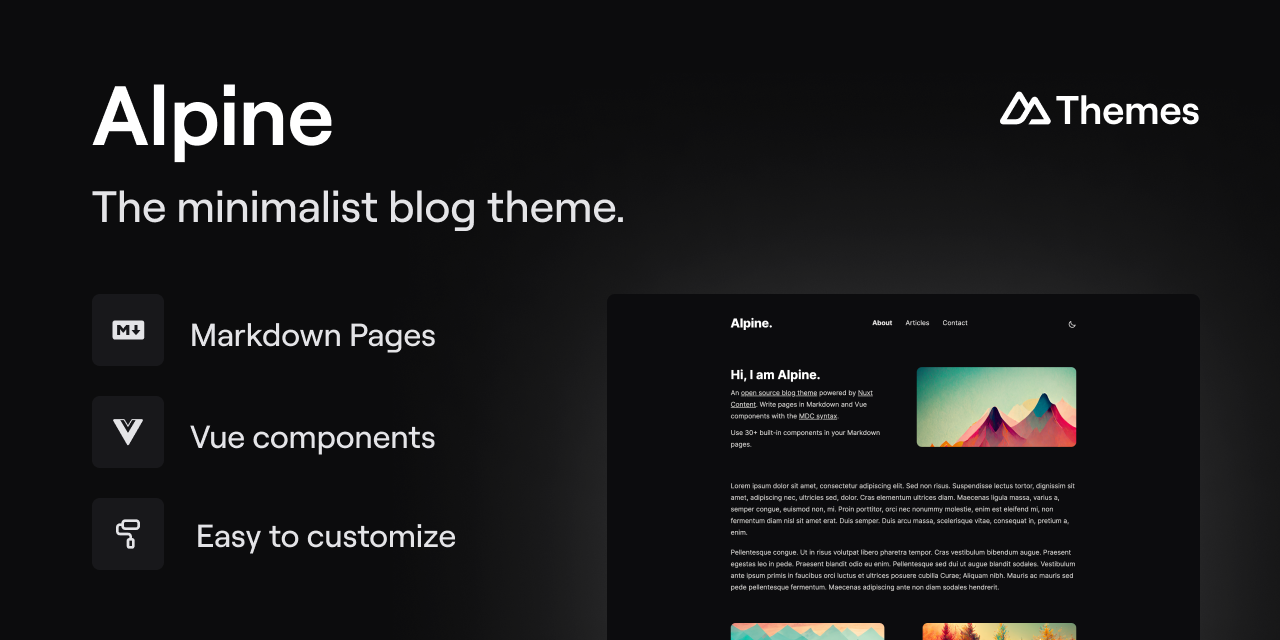
alpine-theme
Alpine 是一个以极简为设计核心的博客主题,基于 Nuxt 与 Nuxt Content 构建。 它的特别之处在于,你可以从一个简单的个人资料页开始,逐步扩展成一个完整的博客。
Nuxt · 博客
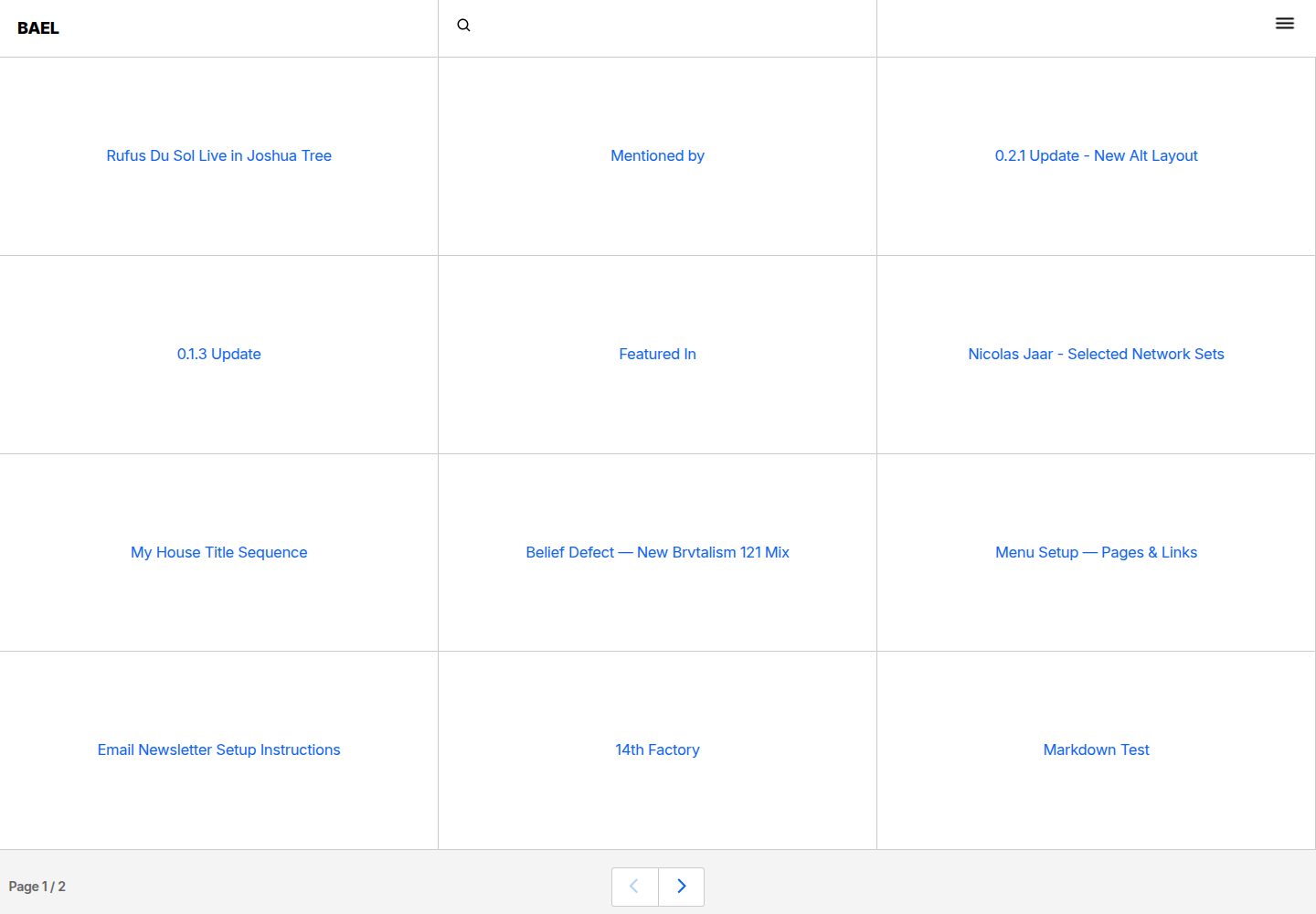
bael-template
Brutalist Blog theme for Netlify CMS
Nuxt · 博客

bloggrify
Run a blog from Markdown files. Themes, SEO, analytics, newsletter and comments preconfigured. Like Docus, but…
Nuxt · 博客
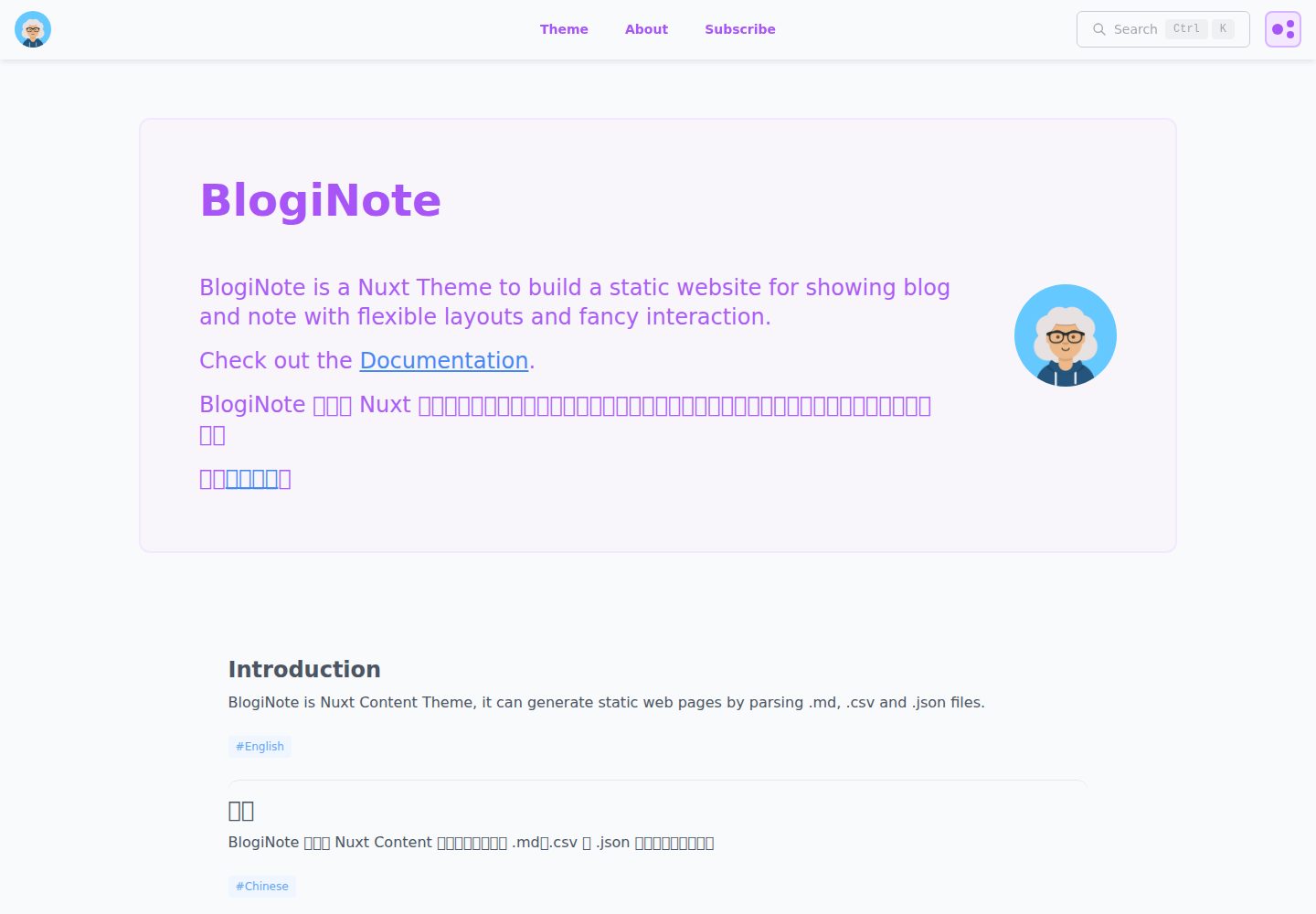
BlogiNote
BlogiNote is a Nuxt Content Theme, it can generate static website to show your blog posts and notes with flexi…
Nuxt · 博客
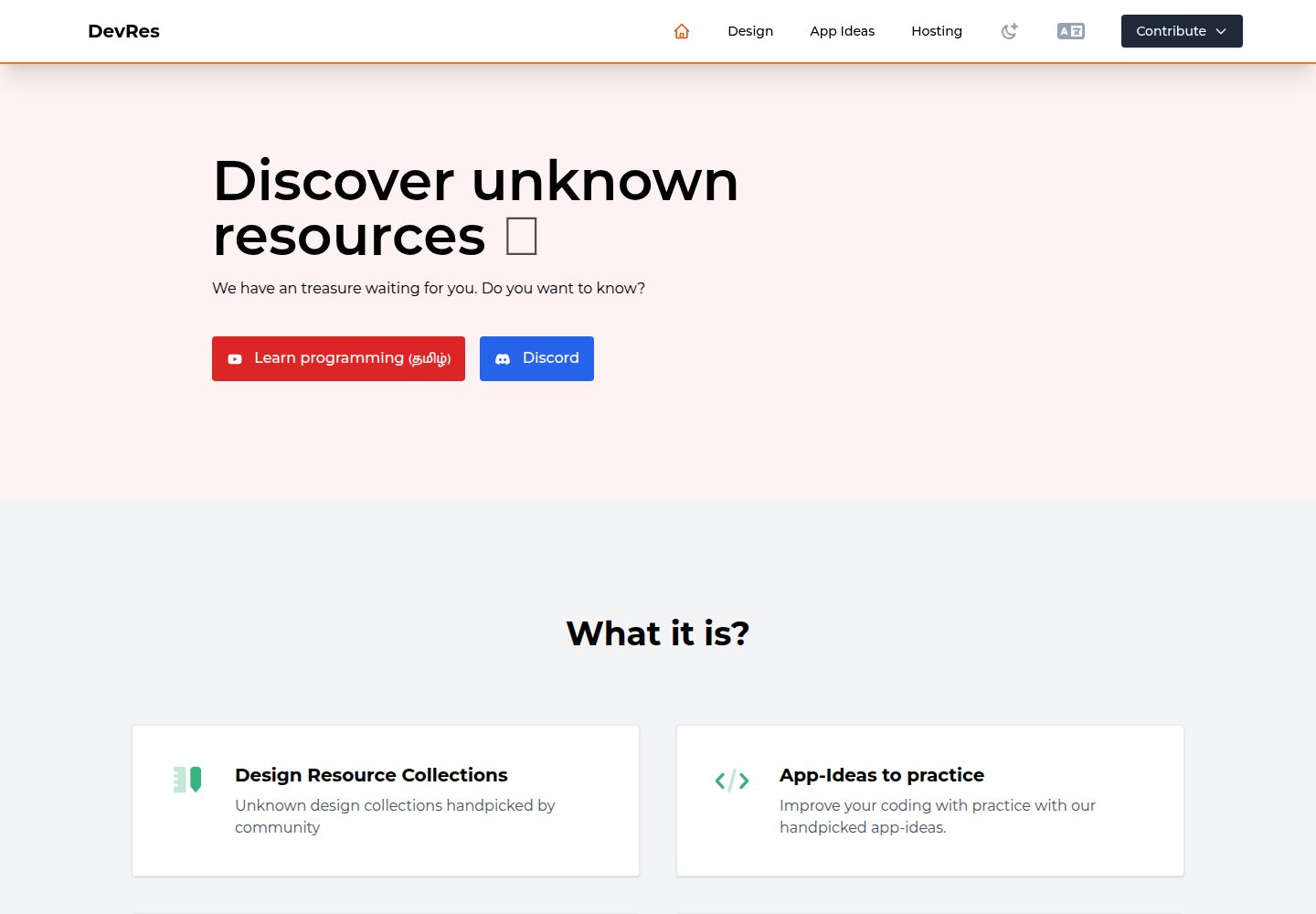
developer-resources
Developer's directory where you will find lots of freemium resources like icons, template ui, illustration, Ap…
Nuxt · 目录站
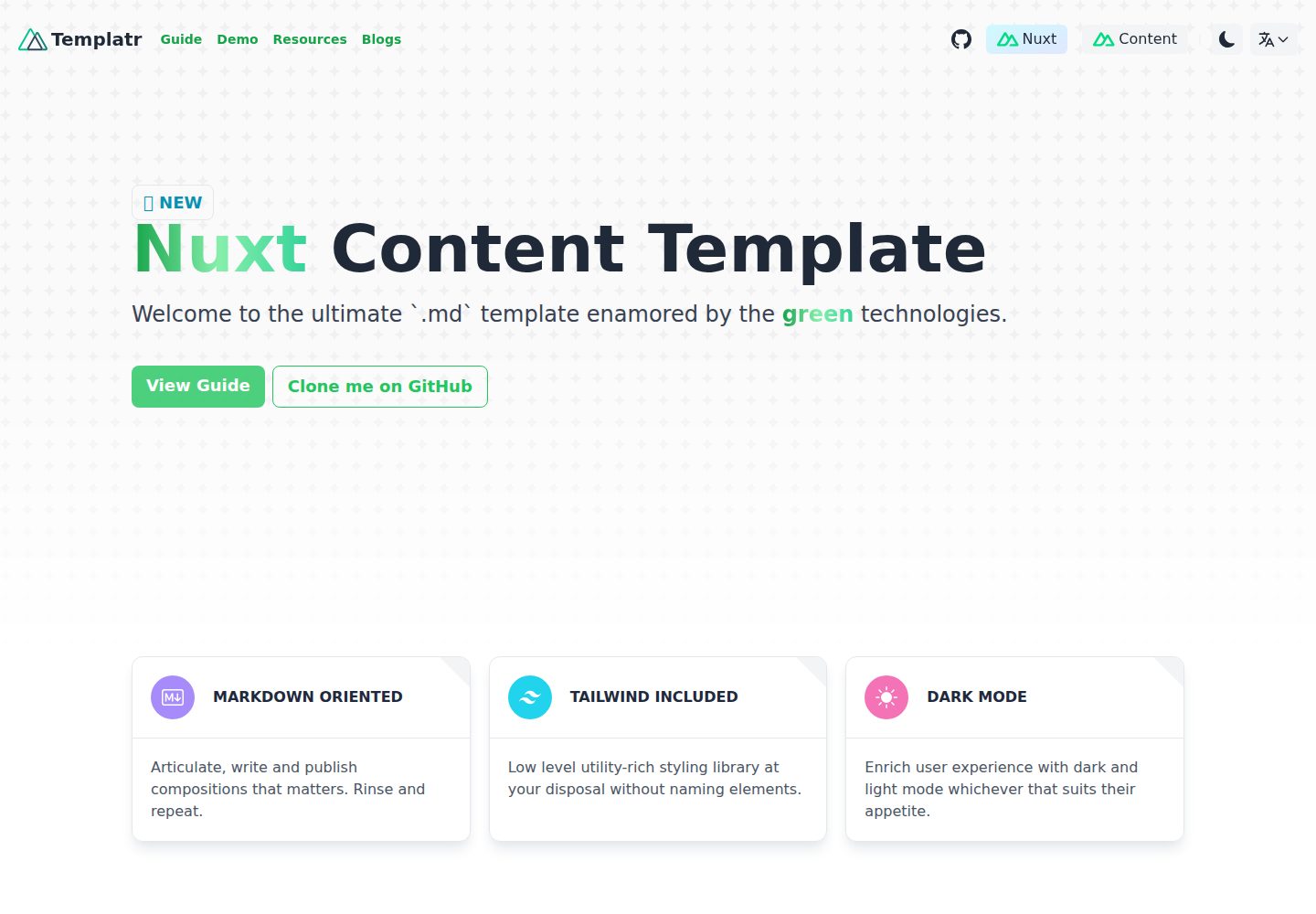
nuxt-content-template
An opinionated Nuxt Content template built for markdown blogs
Nuxt · 博客